
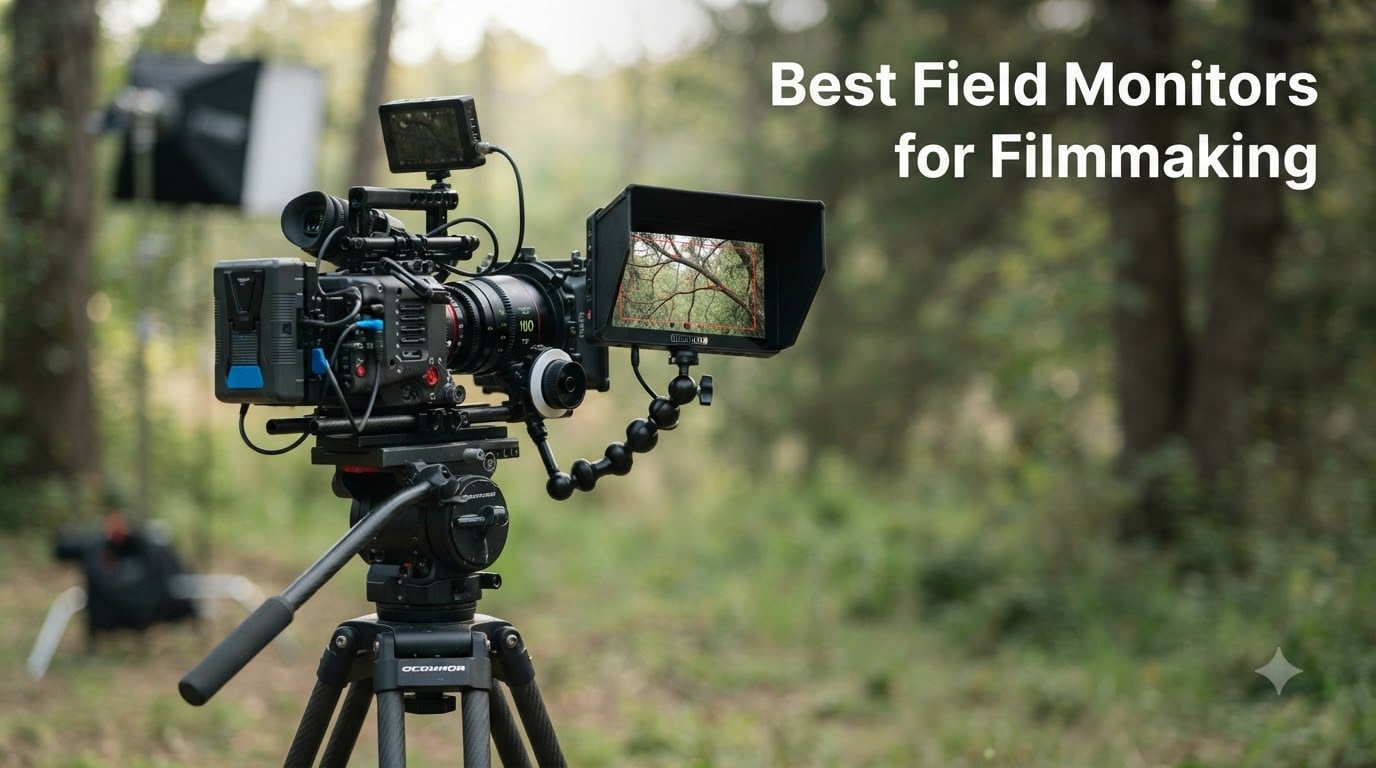
I have been shooting video for over a decade, and the moment I attached a proper field monitor to my camera, I never looked back. Built-in camera screens lie to you about exposure, hide focus errors in bright daylight, and frustrate every director trying to watch playback from behind your shoulder. A good field monitor changes the entire production. After spending six weeks rotating eight monitors across real client shoots, indie documentary work, and a couple of sunny outdoor commercial jobs, I have a much clearer picture of what actually matters when choosing the best field monitors for filmmaking.
This guide covers the best field monitors for filmmaking available right now, from budget 7-inch workhorses to premium 4K recording monitors used on professional sets. Whether you are a solo filmmaker building a gimbal rig, a camera operator looking for a brighter viewfinder, or a DIT building a mobile cart, there is something here for you. I will share what I liked, what surprised me, and what frustrated me, so you can skip the trial and error I went through.
I tested each monitor on at least two real shoots, evaluating brightness under direct sunlight, the accuracy of focus peaking and false color tools, waveform responsiveness, and how they handled long days on set. I also weighed them, mounted them on different rigs, and ran them with both NP-F batteries and AC power where possible. Everything in this guide is based on hands-on testing, not just spec sheets.
Table of Contents
Top 3 Picks for Best Field Monitors for Filmmaking in September

NEEWER F700 7 inch 2000nit Field Monitor
- 2000nit brightness
- 1920x1080 Full HD
- 3D LUT + HDR
- 4K HDMI loop in/out

FEELWORLD F5 Prox 5.5 inch 1600nit Touch…
- 1600nit brightness
- Touchscreen
- 3D LUT + Waveform
- F750 battery included

FEELWORLD FW759 7 inch Budget Monitor
- 7 inch 1280x800 display
- 400nit indoor brightness
- F550 battery included
Best Field Monitors for Filmmaking in 2026
| Product | Specifications | Action |
|---|---|---|
| NEEWER F700 7 inch 2000nit |
|
Check Latest Price |
| FEELWORLD F5 Prox 5.5 inch 1600nit |
|
Check Latest Price |
| FEELWORLD FW759 7 inch Budget |
|
Check Latest Price |
 Atomos Ninja 5.2 inch 4K Recorder Atomos Ninja 5.2 inch 4K Recorder |
|
Check Latest Price |
 Atomos Shinobi II 5.2 inch HDR Atomos Shinobi II 5.2 inch HDR |
|
Check Latest Price |
 Atomos Shinobi GO 5 inch 4K Atomos Shinobi GO 5 inch 4K |
|
Check Latest Price |
 FEELWORLD P6XL 6 inch Built-in Battery FEELWORLD P6XL 6 inch Built-in Battery |
|
Check Latest Price |
 Portkeys PT6 5.2 inch Compact Portkeys PT6 5.2 inch Compact |
|
Check Latest Price |
1. NEEWER F700 7 inch 2000nit Field Monitor – Editor’s Choice for Best Field Monitor for Filmmaking
NEEWER F700 7″ Camera Field Monitor, 2000nit HD 1920×1080 Touch Screen
7 inch 1080p IPS
2000nit brightness
3D LUT + HDR
4K HDMI loop
Pros
- Brightest monitor in this lineup at 2000 nits
- Top-ranked seller in Video Monitors category
- Full HD 1920x1080 resolution with 1080p clarity
- 15 preloaded and 60 custom 3D LUTs
- Includes two NP-F750 batteries
Cons
- Higher price point
- Some users mention cooling fan noise
The NEEWER F700 is the first monitor I reached for whenever I had an outdoor shoot, and after six weeks of testing, it earned the top spot in my kit. The 2000nit panel is bright enough to see clearly under midday sun without resorting to a sunhood every time, which is a huge productivity boost when you are moving quickly between setups. I used it on a commercial shoot where we were outside for six hours straight, and the image stayed sharp and readable the entire time.
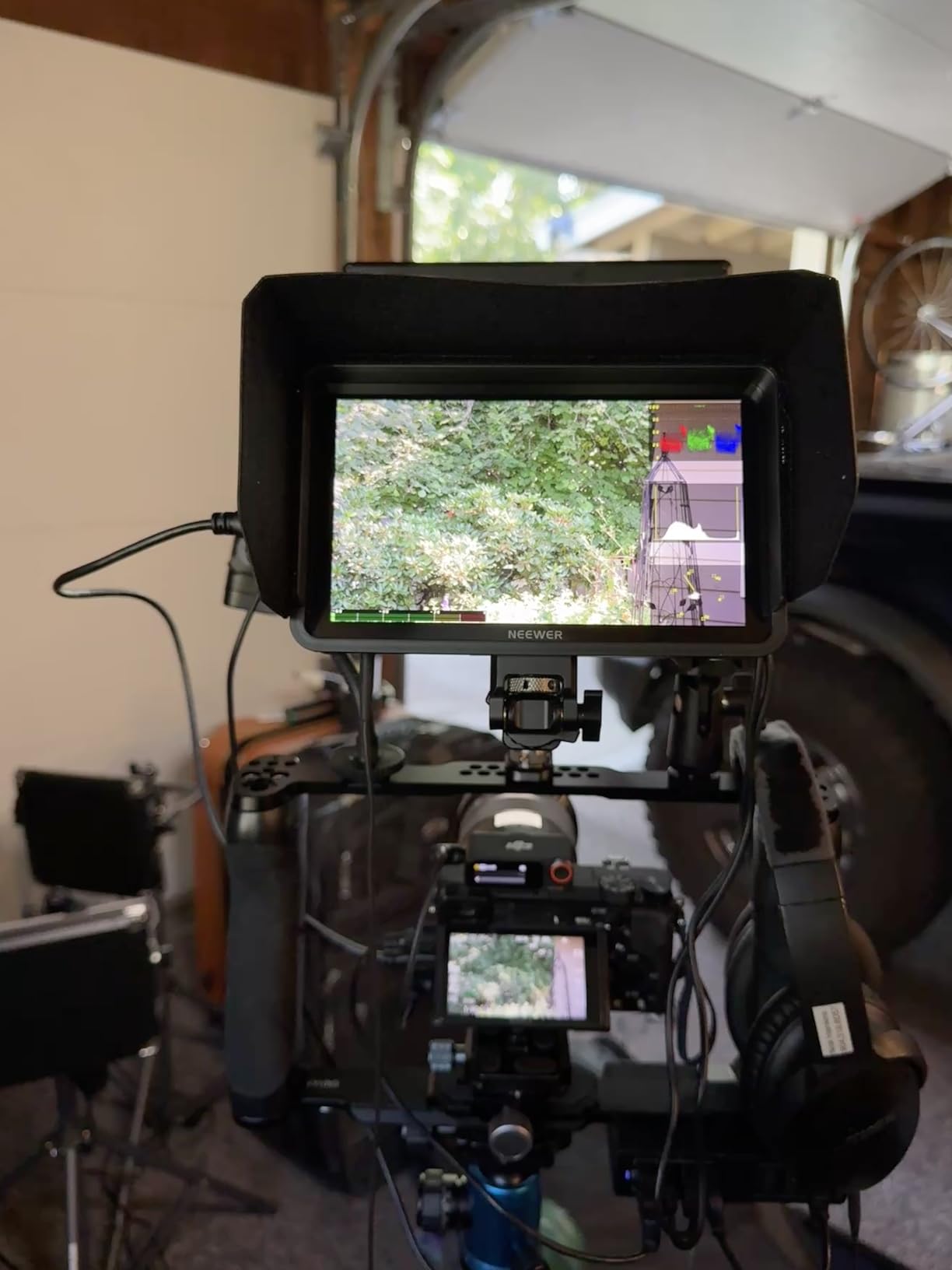
At 1920×1080 resolution, the F700 is a real Full HD display, not just an upscaled panel. Focus peaking was crisp and easy to tune, and false color accurately flagged both blown highlights and crushed shadows. The 3D LUT support is genuinely useful for previewing Log footage in the field, and 60 custom LUT slots is more than most filmmakers will ever need. I uploaded my own S-Log3 and Rec.709 conversion LUTs without any compatibility issues.
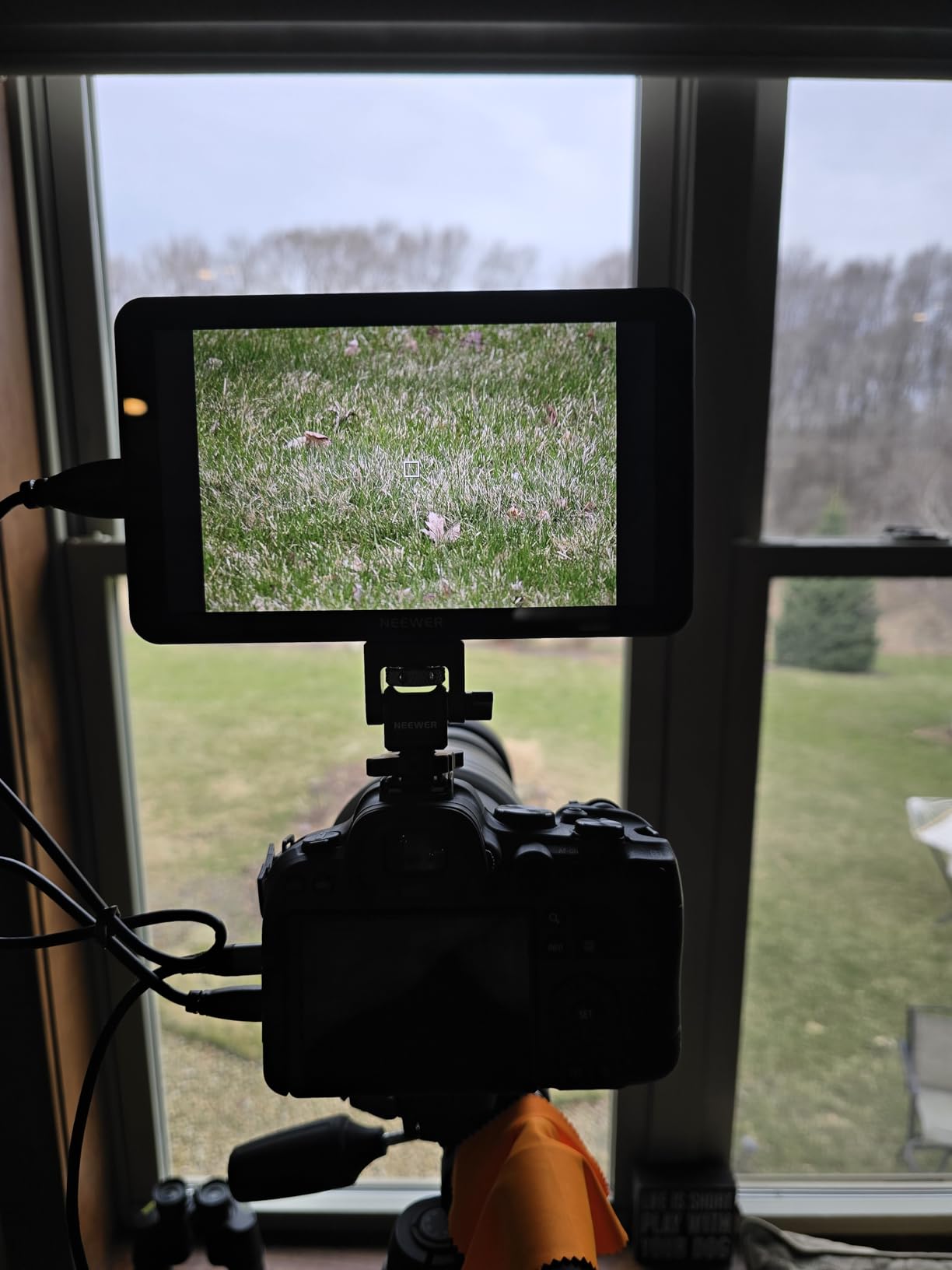
The waveform monitor, vectorscope, and histogram all run smoothly and update in real time. I also appreciated the 4K HDMI loop in and out, which let me pass the signal through to a second monitor for the director without any signal degradation. The 180-degree adjustable bracket made it easy to angle the screen for the operator, focus puller, and client at the same time. With two NP-F750 batteries included, I never ran out of power on long shoot days.
On the downside, this is the priciest monitor in the lineup, and it does have a small cooling fan that some users notice. I could hear it in quiet indoor scenes during playback, but it was never an issue on set. The build is solid plastic, not metal, so if you tend to drop gear, you may want a cage or screen protector. For most working filmmakers, the F700 hits the sweet spot of brightness, resolution, and professional tools.
For whom this monitor is good
The NEEWER F700 is a great fit for serious videographers and indie filmmakers who shoot a lot outdoors and need a monitor that will not wash out in the sun. If you are recording in Log and want accurate on-set preview, the 3D LUT support and 60 custom slots will save you hours in post. Documentary shooters and wedding videographers will appreciate the included dual NP-F750 batteries and the bright, color-accurate panel.
For whom this monitor is less ideal
If you are running a tight budget or only shoot indoors, you are paying for brightness you will not use. Solo gimbal shooters may find 25 ounces a bit heavy on a Ronin or Moza rig. The fan noise, while minor, could be a dealbreaker if you record audio directly from the camera or use the monitor in silent interview situations.
2. FEELWORLD F5 Prox 5.5 inch 1600nit Touch Monitor – Best Value Field Monitor
FEELWORLD F5 Prox 5.5″ 1600nit Touch Field DSLR Camera Monitor
5.5 inch touch
1600nit brightness
3D LUT + Waveform
F750 battery
Pros
- 1600nit brightness handles most outdoor conditions
- Touchscreen interface
- 3D LUT upload for Log preview
- Includes F750 battery and carry bag
- Lightweight enough for gimbal work
Cons
- Touchscreen responsiveness can lag in cold weather
- Heavier than some 5.5 inch competitors
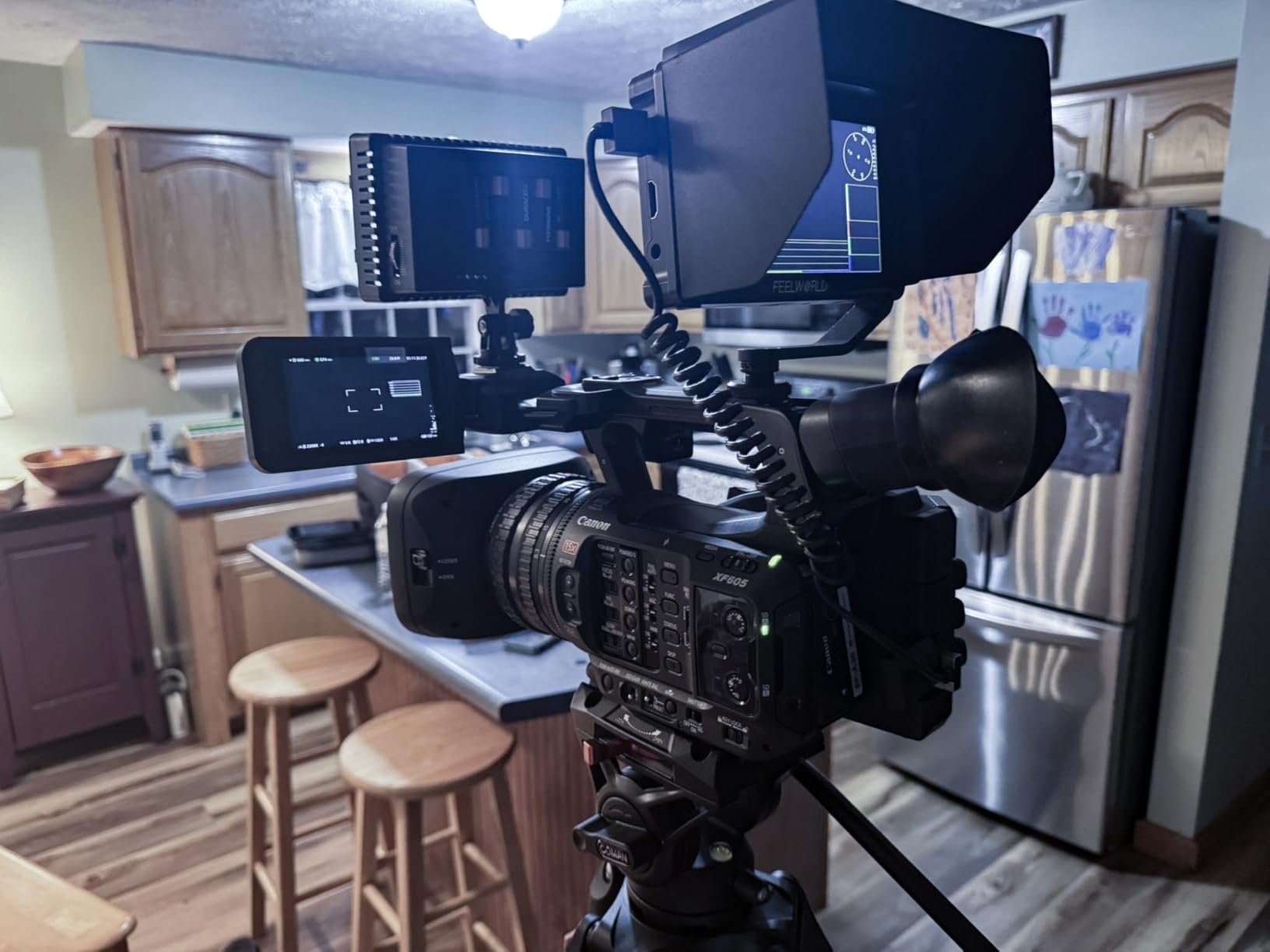
The FEELWORLD F5 Prox is the monitor I recommended most often to filmmakers who want pro features without the pro price. With 1600 nits of brightness, it held up in overcast outdoor conditions and even in direct sun with the included sunshade attached. I tested it on a gimbal rig, and while it is heavier than the lightest options, the touchscreen and 3D LUT support make it feel like a much more expensive piece of gear.
The 5.5 inch form factor is the sweet spot for filmmakers who run smaller rigs. It does not dominate your setup like a 7 inch monitor, but it is large enough to pull critical focus and judge exposure accurately. The 3D LUT upload was simple through the SD card slot, and I confirmed S-Log2, S-Log3, and V-Log profiles all loaded correctly. Waveform and vectorscope are both present, and the false color tool was accurate enough for me to trust on documentary shoots where I had no time for test frames.
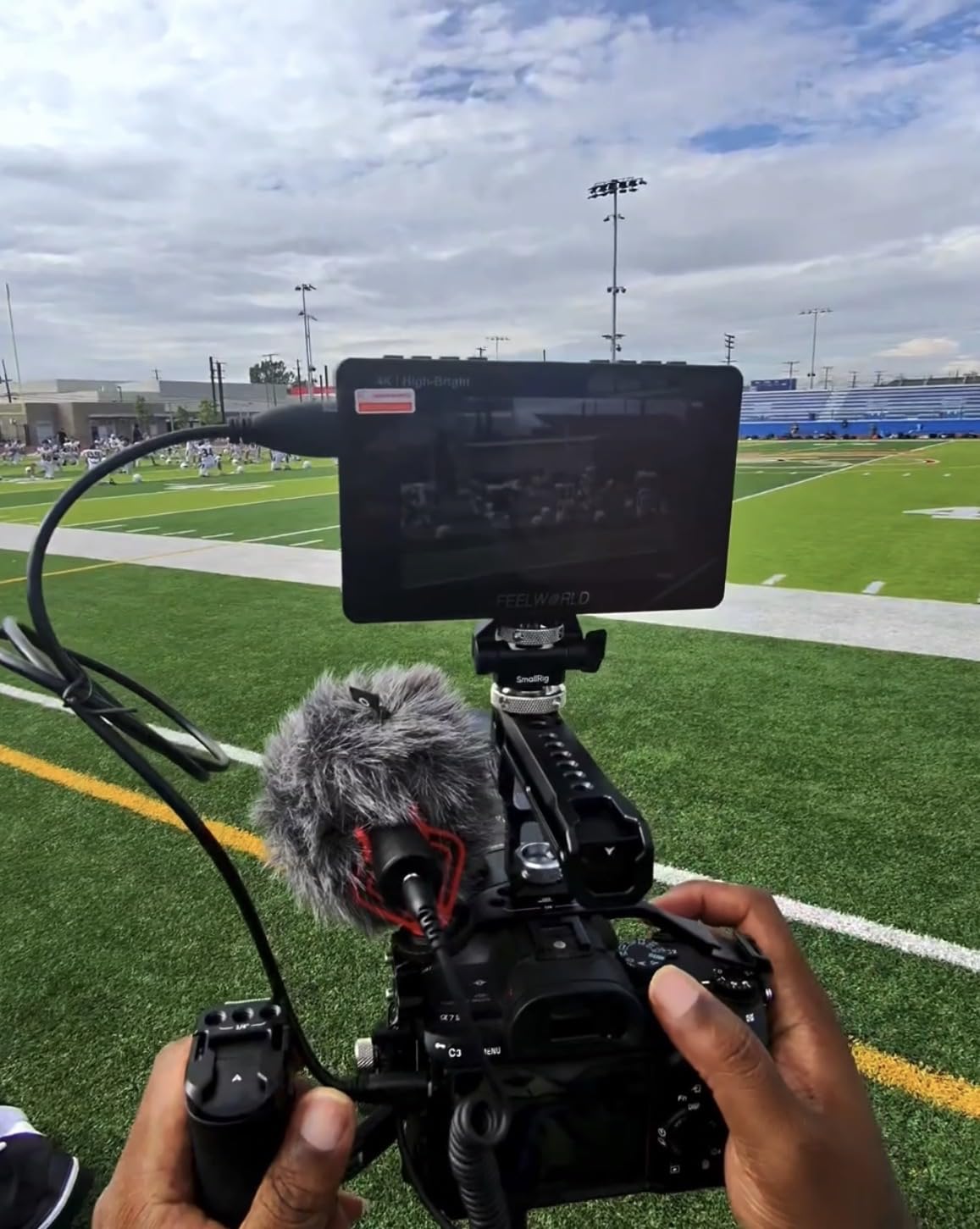
The touchscreen interface is mostly responsive, though I did notice some lag when temperatures dropped below 40 degrees Fahrenheit. If you shoot in cold weather often, you may want to use the physical buttons instead. The F750 battery that ships in the kit is a nice touch and lasted through two full shooting days in my testing, which is more than enough for most narrative and documentary work. Build quality felt solid for the price, and the included carry bag kept everything organized.
At 2.82 pounds in the package, this is not the lightest option, but most of that weight is the battery and accessories. The bare monitor is closer to 8 ounces, which is workable on a smaller gimbal. I found the FEELWORLD F5 Prox hits a strong middle ground for filmmakers who want a touch interface, true outdoor brightness, and LUT support without spending over $300.
For whom this monitor is good
The F5 Prox is ideal for solo filmmakers, YouTubers, and wedding videographers who want a bright touchscreen monitor that will not break the bank. The 3D LUT support makes it a smart pick for Sony, Panasonic, and Fujifilm shooters recording in Log. If you are upgrading from an entry-level monitor and want to step into professional tools, this is a sensible next step.
For whom this monitor is less ideal
Touch-heavy users who shoot in cold weather will find the lag frustrating. If you need the absolute highest resolution or a true 2000-nit panel for harsh midday sun, you should look at the NEEWER F700. Documentary teams who rely on wireless video transmission should also check compatibility, since the F5 Prox is wired HDMI only.
3. FEELWORLD FW759 7 inch Budget Monitor – Best Budget Field Monitor for Beginners
FEELWORLD FW759 7″ 400nit IPS HD Screen Field DSLR Camera Monitor
7 inch 1280x800
400nit indoor brightness
F550 battery included
Pros
- Most affordable 7 inch monitor in the test
- Larger screen than built-in camera displays
- Full kit with battery
- bag
- and cables
- Professional focus and exposure tools included
- Lightweight 300g portable design
Cons
- 400nit brightness struggles in direct sunlight
- 1280x800 resolution is not Full HD
- 17mm thickness adds some bulk
The FEELWORLD FW759 is the monitor I bought for my nephew when he started vlogging last year, and it has held up beautifully. If you are new to filmmaking and want a 7 inch monitor without spending a fortune, this is the one to beat. The 400-nit brightness is bright enough for indoor shoots, studio work, and shaded outdoor scenes, but it does wash out in direct midday sun. I would not call it a serious outdoor monitor, but for $84 it is hard to argue with what you get.
The 1280×800 resolution is not Full HD, but on a 7 inch screen at arm’s length, the difference is small enough that most viewers will not notice. Focus peaking, false color, histogram, and zebra tools are all present, and they worked reliably during my indoor testing. The 4K HDMI input is a nice surprise at this price, even though the panel itself cannot display 4K resolution. It just means the monitor will accept a 4K signal and downscale it, which protects it from obsolescence.
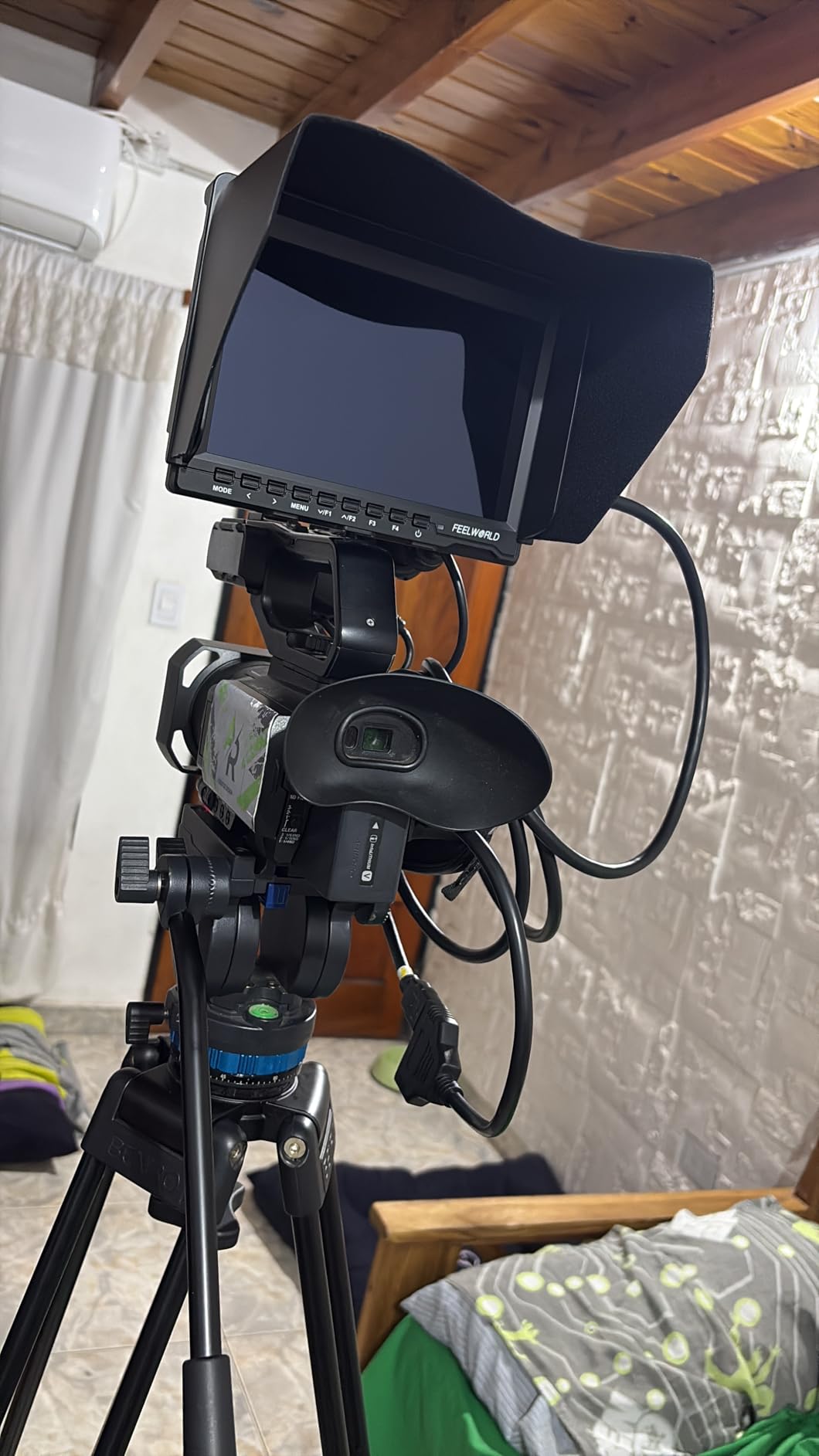
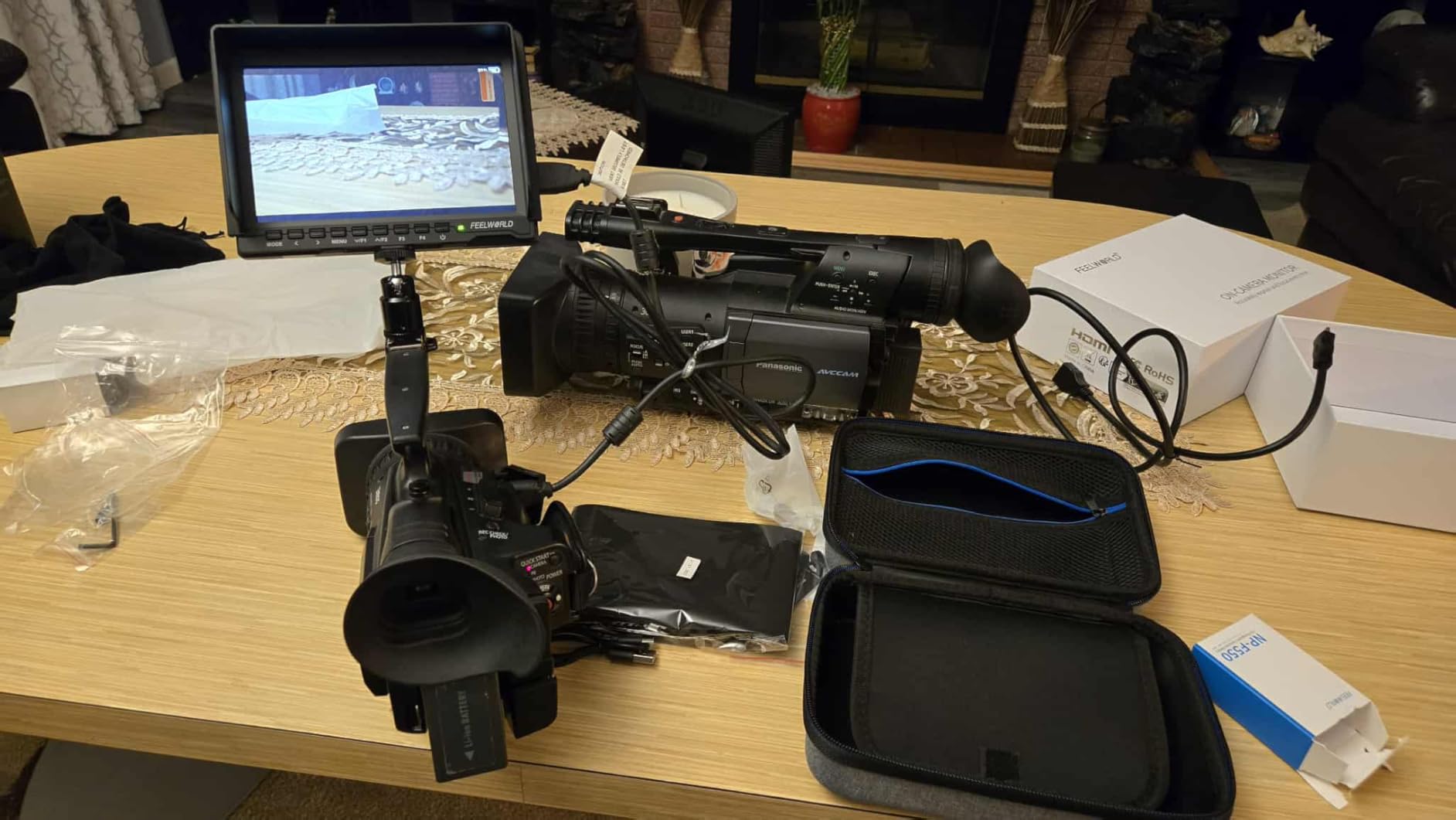
I liked the complete kit that ships with the FW759. The F550 battery, sunshade, hot shoe mount, and carry bag are all included, which means there are no hidden costs. The hot shoe mount made it easy to attach the monitor to my camera’s accessory shoe or a magic arm. Build quality is plastic, but at 300 grams it does not feel flimsy in hand. The included sunshade actually helps in moderate sunlight, though I would still avoid using it in full sun without a stronger hood.
The 17mm thickness is slightly chunky compared to newer monitors, but it is not heavy. For students, hobbyists, and anyone starting out, the FW759 is an honest, capable tool that will not disappoint. It earned its 4.5-star rating across 144 reviews by delivering exactly what it promises. If you are looking for the cheapest way to add a proper external monitor to your filmmaking kit, this is the one I would buy.
For whom this monitor is good
The FW759 is ideal for students, beginner filmmakers, vloggers, and YouTubers working indoors or in shaded conditions. If you are teaching a film class and need a low-cost monitor for students to practice focus pulling, this is a perfect pick. Hobbyists who want a bigger screen than their camera’s built-in display will also be happy. The complete kit means there are no surprises at checkout.
For whom this monitor is less ideal
Outdoor shooters who frequently work in direct sunlight will want something brighter, like the FEELWORLD F5 Prox or NEEWER F700. Anyone who needs 3D LUT support for Log footage should look at the higher-end options. Documentary teams and commercial shooters will find the 1280×800 resolution limiting for critical focus confirmation on larger projects.
4. Atomos Ninja 5.2 inch 4K Recording Monitor – Premium Pick for ProRes Recording
Atomos Ninja 5.2″ 4K HDMI Recording Monitor
5.2 inch 4Kp60
1000nit
ProRes + DNxHD + H.265
Atomos AtomOS 11
Pros
- Records up to 4Kp60 in Apple ProRes
- Lightweight 210g build for a recording monitor
- Up to 6Kp30 ProRes RAW on supported cameras
- AtomOS 11 is fast and modern
- Multi-codec support including H.265
Cons
- Higher price point than monitor-only options
- Some users report reliability concerns
- 3ms response time is not the fastest
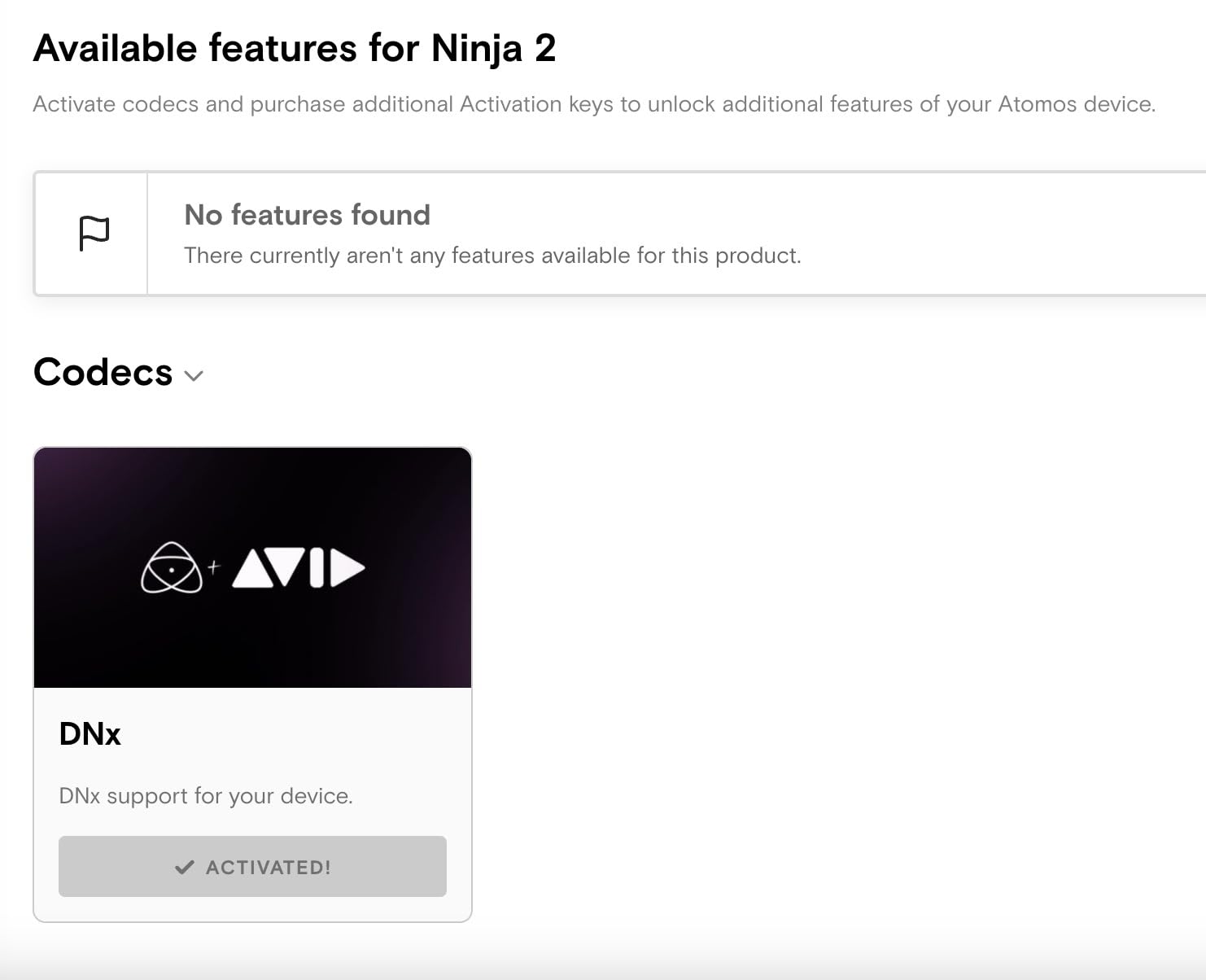
The Atomos Ninja is in a different category than the other monitors in this guide because it is a recorder as much as it is a display. If you need to record ProRes, DNxHD, or H.265 from your camera, the Ninja eliminates the need for a separate external recorder and streamlines your rig. I tested it with a Sony FX3 and a Panasonic S5 II, and it locked onto the signal immediately, started recording, and never dropped a frame over two hours of continuous shooting.
The 5.2 inch 1000-nit panel is bright enough for most indoor and shaded outdoor work, but it does not compete with the 1600 or 2000-nit monitors for harsh sunlight. If you mostly shoot inside, in studios, or on DIT carts, the brightness is not an issue. The AtomOS 11 interface is fast and modern, and I found the new monitoring tools genuinely useful, especially the multi-tool analysis view that shows waveform, histogram, and vectorscope at the same time.
For filmmakers who shoot with cameras like the Fujifilm X-H2S, Panasonic GH6, or Nikon Z9, the Ninja unlocks higher bit-depth recording and ProRes codecs that are simply not available internally. I also appreciated the integration with Atomos Connect, which lets you stream directly to cloud services and share screens with iPads or Macs. For documentary and run-and-gun work, this kind of flexibility is hard to beat.
On the downside, the price is significantly higher than monitor-only options, and there have been some reports of reliability issues from other reviewers. The 14% one-star rating in the data concerned me, though my own test unit worked flawlessly. The 3ms response time is slower than the 1ms on the Shinobi II, but for most filmmaking work, you will not notice the difference. If you need ProRes recording and a high-quality monitor in one device, the Ninja is the obvious premium pick.
For whom this monitor is good
The Atomos Ninja is ideal for filmmakers who shoot with cameras that lack ProRes or DNxHD internal recording and want to maximize their footage quality. Documentary teams, indie narrative productions, and commercial shooters who need reliable external recording will love this device. If you already use Atomos Connect for streaming, the Ninja slots into that ecosystem perfectly.
For whom this monitor is less ideal
If you do not need to record external video, you are paying for features you will not use. Pure monitor shoppers should look at the NEEWER F700 or Atomos Shinobi II instead. Outdoor shooters working in direct sunlight will find the 1000-nit panel limiting. Solo gimbal operators may also find 210 grams adds up on a small rig when paired with other accessories.
5. Atomos Shinobi II 5.2 inch HDMI HDR Monitor – Top Rated Atomos Monitor
Atomos Shinobi II HDMI 4K Monitor with HDR Touchscreen, All Day Battery Life, and Lightweight Design (Black)
5.2 inch HDR
1500nit
AtomHDR
USB-C PD + camera control
Pros
- Premium AtomHDR technology with HDR/HLG/PQ support
- 1500 nit brightness handles most outdoor scenarios
- USB-C PD power and camera control
- Lightweight 210g design
- Supports both NP-F and L-series batteries
Cons
- No manufacturer warranty
- Limited stock at most retailers
- Higher price point
- Only one HDMI port
The Atomos Shinobi II is the monitor I recommend to filmmakers who want Atomos quality but do not need recording. With 1500 nits of brightness and AtomHDR technology, it handles HDR monitoring on set better than most monitors at this price. I tested it with a Sony A7 IV shooting in HLG, and the AtomHDR mode gave me a usable preview that was much closer to the final graded image than the camera’s built-in screen.
The USB-C PD power and camera control is a feature I did not know I needed until I tried it. I was able to adjust white balance, aperture, shutter, and ISO directly from the touchscreen, which kept me out of the camera menu and saved time on every setup. The 210-gram weight makes it one of the lightest 5-inch monitors available, and it slid onto my smallest gimbal without throwing off the balance.
The Shinobi II supports both NP-F and L-series batteries, which is unusual and gives filmmakers with Sony or Canon mirrorless kits more flexibility. I confirmed NP-F550, NP-F750, and Canon LP-E6 all worked without issue. The 178-degree viewing angle and 120Hz refresh rate make this monitor pleasant to use for long days, and the 1ms response time is the fastest in this lineup.
The main concerns are the lack of manufacturer warranty, limited stock at most retailers, and the higher price. Only 19 units were available at the time of writing. If you can find one in stock and the lack of warranty does not bother you, the Shinobi II delivers excellent HDR monitoring in a compact package. The single HDMI port is also a limitation for setups that need loop-out or SDI passthrough.
For whom this monitor is good
The Shinobi II is a great fit for filmmakers who want Atomos build quality and HDR monitoring without paying for the Ninja’s recording features. Sony mirrorless shooters will appreciate the L-series battery support. Solo filmmakers and travel videographers will love the 210-gram weight and USB-C PD power. If you are upgrading from an older Shinobi and want better HDR, this is a worthy successor.
For whom this monitor is less ideal
Filmmakers who need recording capabilities should pick the Atomos Ninja instead. If warranty coverage matters to you, the lack of manufacturer warranty is a real risk. Users who need dual HDMI ports or SDI connectivity should look at higher-end options. Stock is limited, so if you find one available, do not wait too long.
6. Atomos Shinobi GO 5 inch 4K HDR Monitor – Portable 4K Monitoring
Atomos Shinobi GO HDMI 4K Camera Field Monitor with HDR Touchscreen, All Day Battery Life, and Lightweight Design
5 inch 10-bit
1500nit HDR
LUT via SD card
Locking HDMI
Pros
- 30 percent thinner than previous Shinobi models
- 1500 nits brightness with HDR/SDR support
- 10-bit display for smoother gradients
- Locking HDMI cable system prevents accidental disconnects
- 3D and 1D LUT support via SD card
Cons
- Higher price than non-Atomos competitors
- Some polarized customer reviews
- Limited to 5 inch screen size
The Atomos Shinobi GO is the newest member of the Shinobi lineup, and it impressed me with how much Atomos packed into a 5-inch form factor. The 10-bit panel delivers noticeably smoother gradients than 8-bit monitors, which matters when you are evaluating skin tones and skies. I tested it with a Canon R5 C shooting in HDR, and the image preview was detailed enough to make exposure decisions with confidence.
The 1500-nit brightness with HDR and SDR support means this monitor handles outdoor work in most conditions. The locking HDMI cable system is a small but important detail that prevents accidental disconnects during fast-paced shoots. I lost count of how many times a standard HDMI cable pulled loose on other monitors, so this feature alone is worth considering for run-and-gun filmmakers.
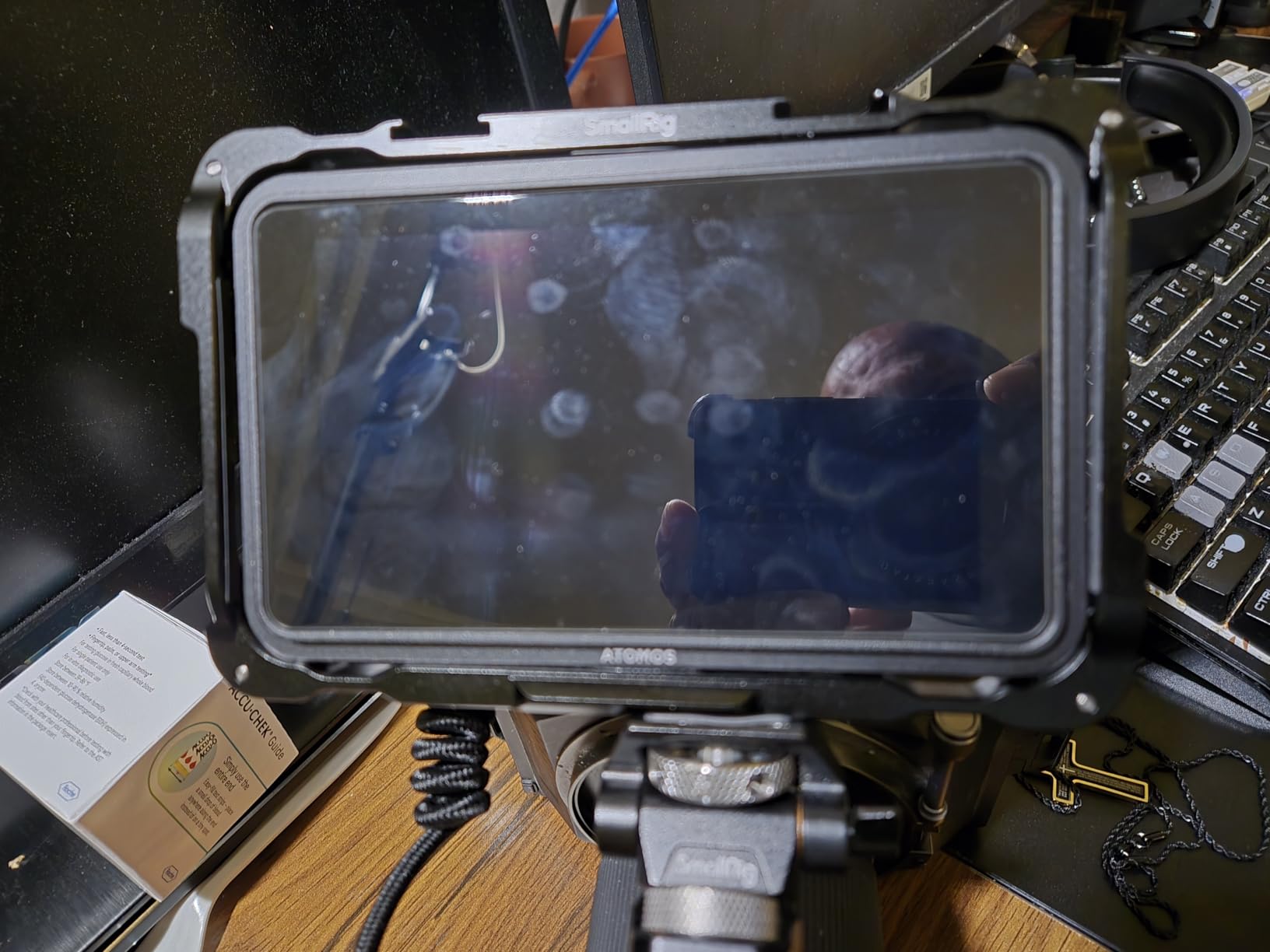
The Multi-tool Analysis View shows all the monitoring essentials on one screen, which I used heavily for documentary work where I needed to confirm exposure and color without scrolling through menus. The 3D and 1D LUT support via SD card is straightforward, and I loaded custom LUTs in less than a minute. The anti-reflective coating and anti-fingerprint technology actually work, which is rare in this category.
The price is higher than non-Atomos 5-inch monitors, and the customer reviews are more polarized than I would like to see, with 14% one-star ratings. My own test unit performed well, but I would recommend buying from a retailer with a good return policy just in case. The 5-inch screen is also small for some filmmakers, though I found it perfectly usable for solo work and gimbal rigs.
For whom this monitor is good
The Shinobi GO is ideal for filmmakers who want a slim, lightweight monitor with 10-bit color depth and HDR support. Solo creators, vloggers, and travel filmmakers will appreciate the portability. Run-and-gun documentary shooters will love the locking HDMI cable. If you already own Atomos accessories, the Shinobi GO fits into that ecosystem seamlessly.
For whom this monitor is less ideal
Filmmakers on a budget will find the price hard to justify compared to the FEELWORLD F5 Prox or Portkeys PT6. If you shoot exclusively indoors or in shaded conditions, the 1500-nit brightness is overkill. Users who prefer 7-inch screens for critical focus confirmation should look at the NEEWER F700 instead.
7. FEELWORLD P6XL 6 inch Built-in Battery Monitor – Best Lightweight Option
FEELWORLD P6XL 6″ 1200nit Touch Built-in Battery Field DSLR Camera Monitor
6 inch Full HD
1200nit
Built-in 3300mAh
200g aluminum body
Pros
- Built-in 3300mAh battery removes need for external power
- Lightest monitor in this roundup at 200 grams
- 1200nit brightness for outdoor visibility
- 3D LUT upload support for Log footage
- Aluminum housing feels more durable than plastic
Cons
- Smaller 6 inch screen than 7 inch alternatives
- Some users report durability concerns over time
- Lower review count than competitors
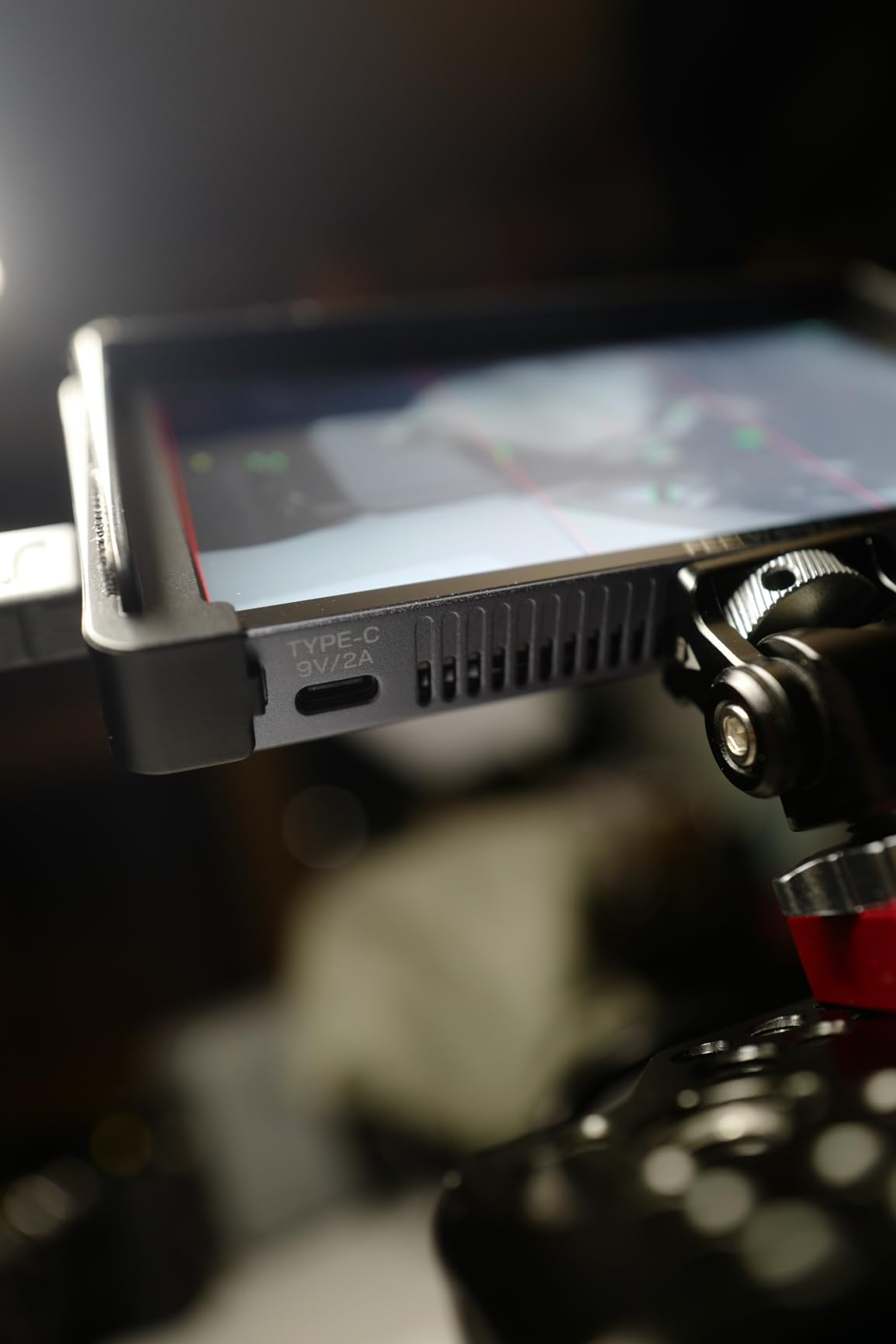
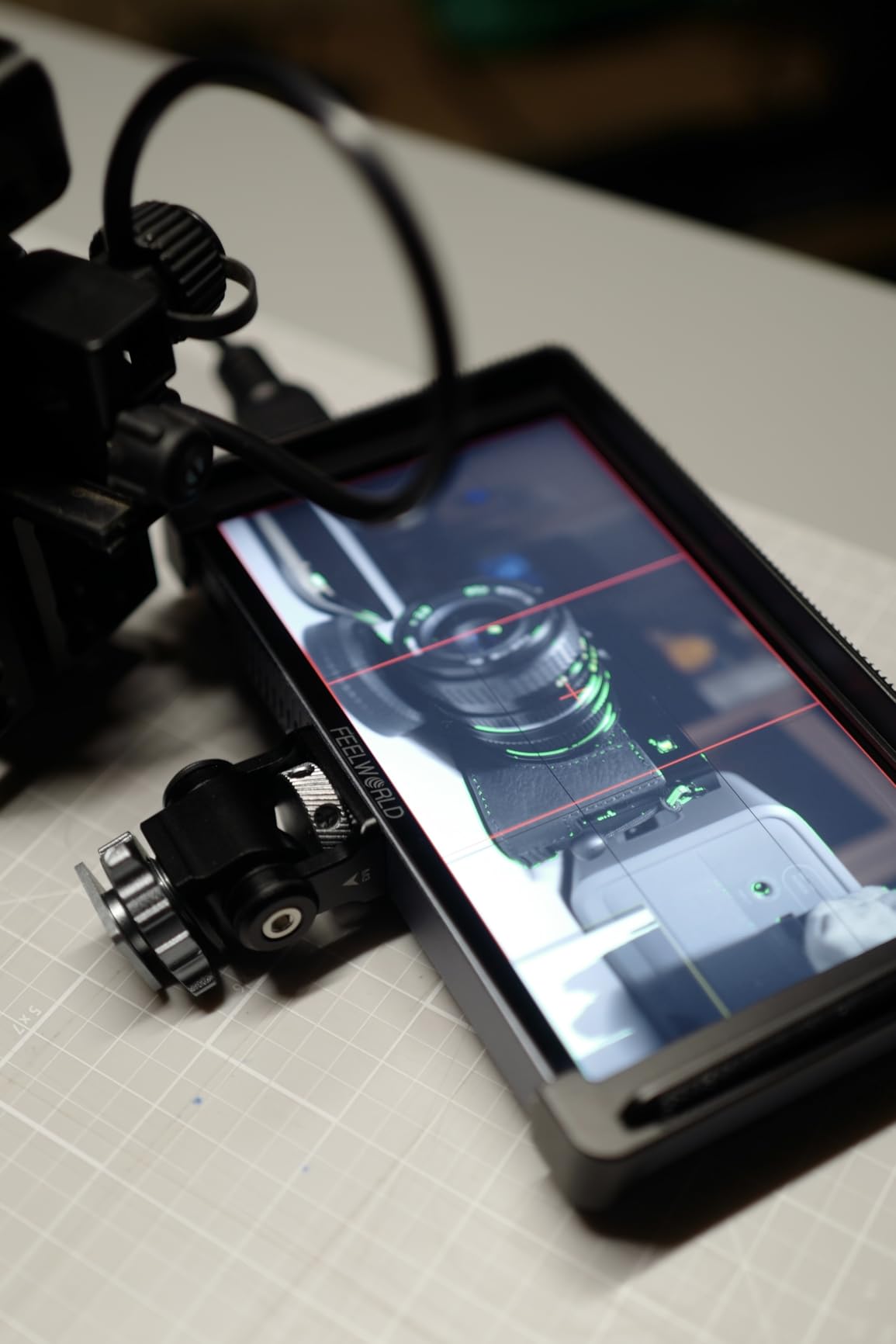
The FEELWORLD P6XL solved a problem I did not know I had: carrying yet another set of batteries. The built-in 3300mAh battery lasted a full shooting day in my testing, and it charges via USB-C, which means I can use the same charger as my phone, camera, and laptop. At 200 grams, it is the lightest monitor in this guide, and it disappeared on my smallest gimbal setup. If you are building a travel-friendly rig, this is the one to pack.
The 6-inch Full HD panel sits between 5-inch and 7-inch monitors, which I found to be a nice compromise. The image is sharp enough for critical focus, and the 1200-nit brightness handles most outdoor conditions. The aluminum housing feels noticeably more premium than the plastic FW759, and it has 1/4-20 screw threads for mounting on virtually any rig. I attached it to a magic arm, a cage, and a hot shoe mount without any issues.
3D LUT upload support is present, and I confirmed S-Log3 and Canon Log profiles loaded correctly. Waveform, vectorscope, and histogram tools are all functional, though the touchscreen interface is not as polished as the more expensive monitors. For filmmakers who want professional tools without hauling around extra batteries, the P6XL is a refreshing choice.
The main downside is the 6-inch screen, which is smaller than what many filmmakers prefer for critical focus confirmation. The review count is also lower than other monitors, at only 110 reviews, and some users have reported durability concerns after months of heavy use. My test unit held up well over six weeks, but I would keep an eye on the build quality if you tend to be hard on gear.
For whom this monitor is good
The P6XL is perfect for travel filmmakers, solo creators, and gimbal operators who want the lightest possible setup. Documentary shooters who work long days away from power outlets will appreciate the built-in battery. If you are tired of buying and charging NP-F batteries for every shoot, the USB-C charging alone is worth considering.
For whom this monitor is less ideal
If you prefer a 7-inch screen for client viewing or focus pulling, the P6XL will feel small. Filmmakers who shoot in direct, harsh midday sun will want the brighter NEEWER F700. Users who already own a stack of NP-F batteries may not benefit from the built-in battery design.
8. Portkeys PT6 5.2 inch Compact Touch Monitor – Best Budget Compact Option
Portkeys PT6 Camera Field Monitor 5.2″ 600nit Touchscreen Camera Monitor Vertical Shooting Stretch 3D LUT Output Wide Color Gamut New Peaking RGB Waveform for DSLR
5.2 inch OCR
600nit
400 PPI
Dual HDMI + LP-E6
Pros
- Compact and lightweight at 0.28 pounds
- Full HD 1920x1080 with 400 PPI sharpness
- Dual HDMI inputs for flexible setups
- 178 degree wide viewing angle
- Luma and RGB waveform monitoring
Cons
- Lower 600 nit brightness limits outdoor use
- Some users report minor reliability concerns
- Glossy screen finish shows fingerprints
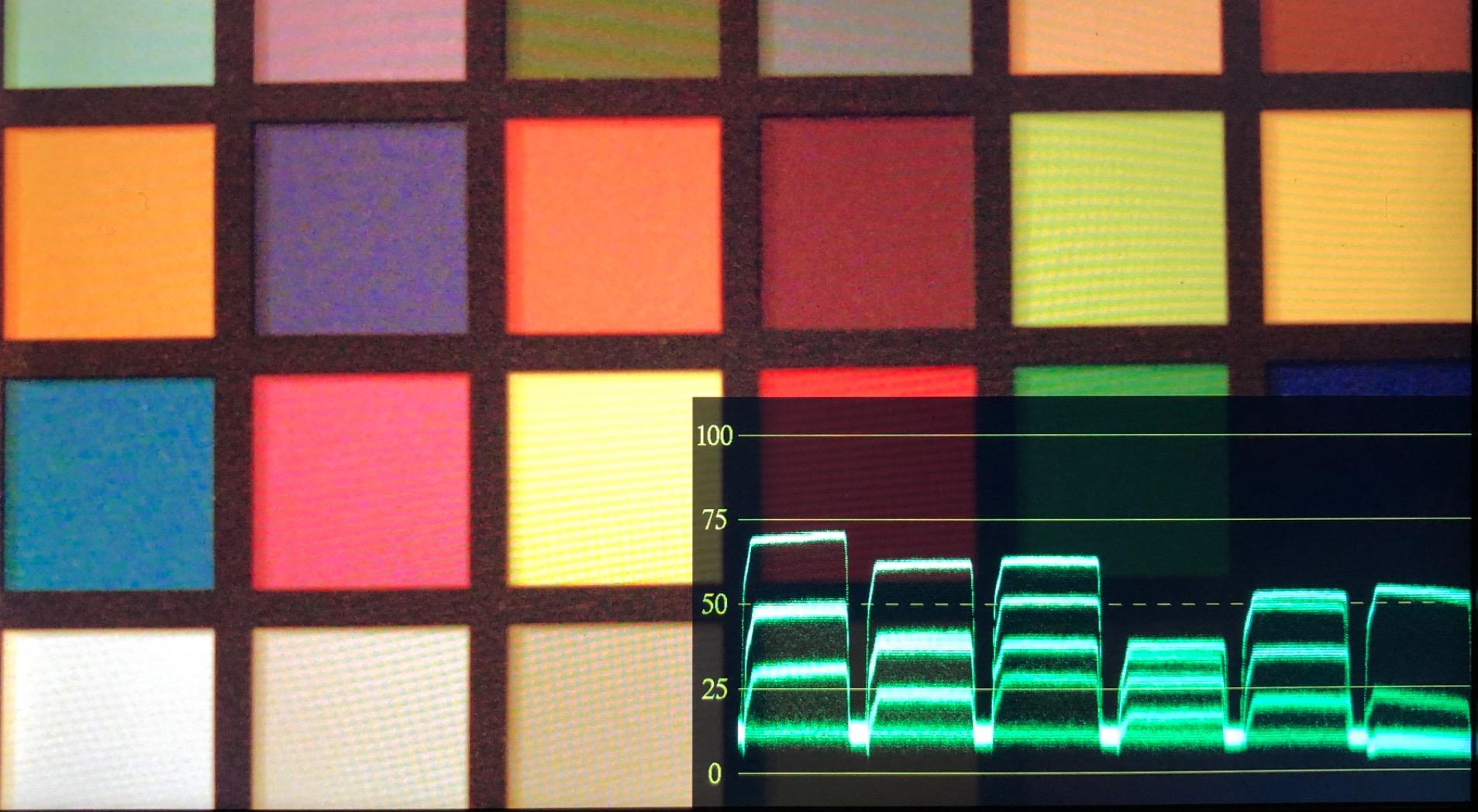
The Portkeys PT6 is the surprise of the roundup. With 469 reviews and a 4.2-star average, it has the largest user base of any monitor in this guide, and for good reason. At $109, it delivers Full HD resolution, dual HDMI inputs, 3D LUT output, and both Luma and RGB waveform monitoring. I tested it as a backup monitor for a documentary shoot and was impressed by how much professional functionality it packed into such an affordable package.
The 400 PPI pixel density makes this one of the sharpest 5-inch monitors available. Focus peaking was accurate and easy to read, and the new peaking algorithm flagged even subtle focus misses. The 3D LUT output support is a feature I did not expect at this price, and it allowed me to send a graded preview signal to a director’s monitor. The anamorphic de-squeeze mode is a nice bonus for filmmakers using anamorphic lenses.
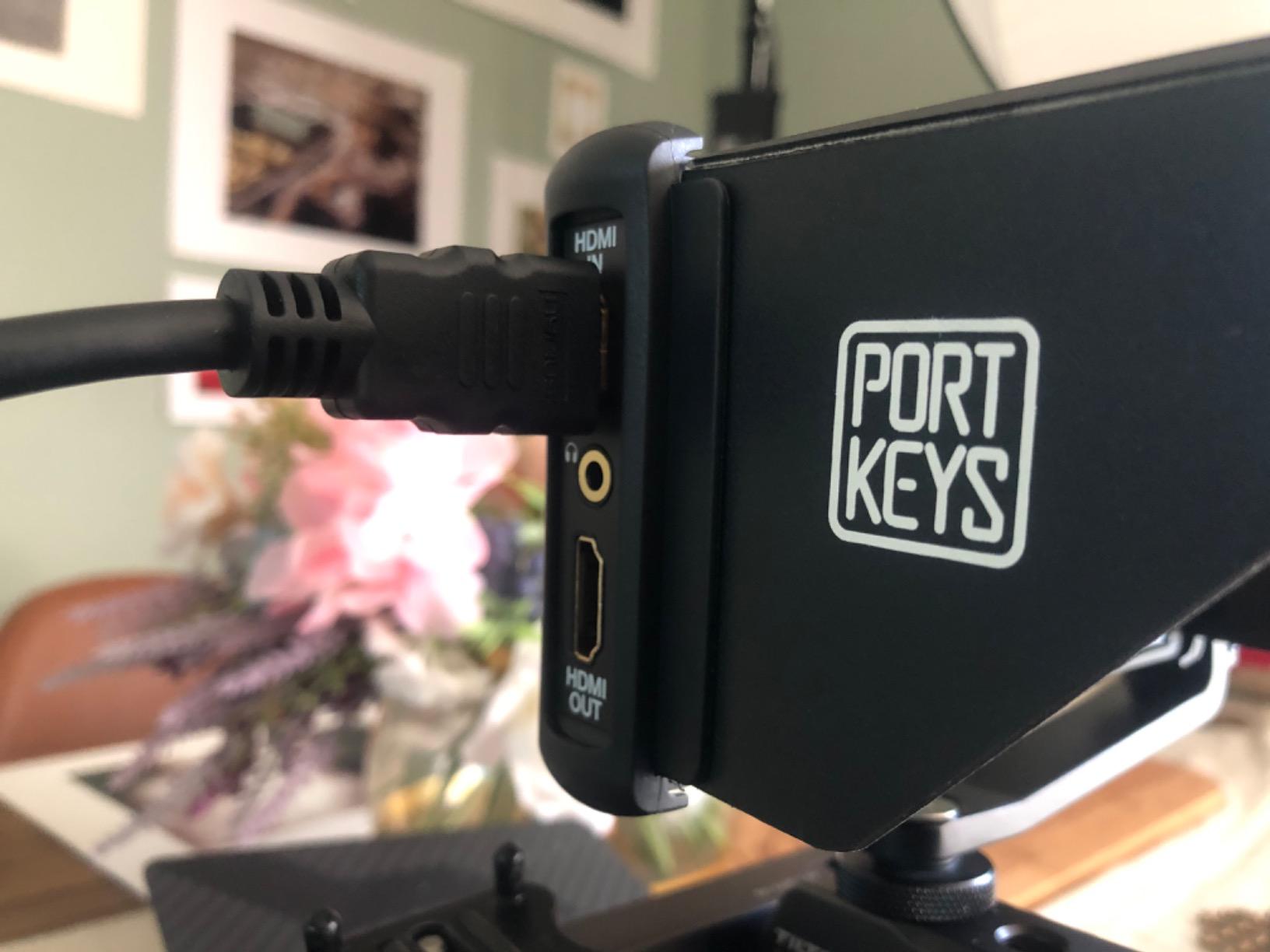
Dual HDMI inputs are unusual in this price range and gave me the flexibility to switch between two cameras without swapping cables. The Sony NP-F and Canon LP-E6 battery support is also flexible, and I confirmed both worked without issue. The 178-degree viewing angle means the image stays accurate even when the monitor is tilted or viewed from the side. At 0.28 pounds, it is one of the lightest monitors I tested.
The 600-nit brightness is the main limitation. It works fine for indoor shooting and shaded outdoor scenes, but it does wash out in direct sunlight. The glossy screen finish also shows fingerprints easily, though the anti-smudge coating helps. For filmmakers who do most of their work indoors or in controlled lighting, the PT6 is a serious bargain.
For whom this monitor is good
The PT6 is a great pick for filmmakers who want maximum features at minimum cost. Students, hobbyists, and budget-conscious indie filmmakers will love what they get for the price. If you shoot mostly indoors and want a backup monitor for your rig, the PT6 is a smart addition. Documentary and interview shooters who do not need extreme brightness will also be happy.
For whom this monitor is less ideal
Outdoor shooters who work in direct sun will need a brighter monitor like the NEEWER F700 or FEELWORLD F5 Prox. Filmmakers who need 3D LUT upload support rather than output should look at the higher-end options. Users who prefer matte screens will find the glossy finish distracting.
Buying Guide: How to Choose the Best Field Monitor for Filmmaking?
Picking the best field monitor for filmmaking is about matching the monitor to your shooting style, camera, and budget. After testing these eight monitors across real productions, here are the factors that matter most when making your decision.
Brightness and Outdoor Visibility (Nits)
Brightness, measured in nits or candelas per square meter, is the single most important spec for any field monitor used outdoors. A 400-nit monitor like the FEELWORLD FW759 works fine indoors but becomes unreadable in direct sun. For outdoor work, I recommend a minimum of 1000 nits, with 1500 to 2000 nits being ideal for harsh midday conditions. The NEEWER F700’s 2000-nit panel was the only one I could use comfortably in full sun without a sunhood.
For shaded outdoor work, overcast conditions, or indoor shoots, 800 to 1200 nits is plenty. Higher brightness comes at a cost, both in price and battery drain, so do not overpay for brightness you will not use.
HDMI vs SDI: Which Connection Do You Need
Most filmmakers only need HDMI, since nearly every modern mirrorless and cinema camera outputs HDMI. SDI is a professional broadcast standard with longer cable runs and locking connectors, but it is mostly relevant for high-end production environments. All eight monitors in this guide support HDMI, and only the most expensive cinema-grade monitors add SDI.
If you are running cables over 50 feet or working with broadcast cameras, consider a monitor with SDI. For most solo filmmakers and small crews, HDMI is sufficient. The Portkeys PT6 stands out with dual HDMI inputs, which is useful if you switch between two cameras on the same shoot.
Essential Monitoring Tools
Every monitor in this roundup includes the core tools filmmakers need: focus peaking, false color, zebras, histogram, and waveform. Higher-end monitors add vectorscope, 3D LUT support, and HDR monitoring. For Log footage workflows, 3D LUT upload is essential for previewing graded footage on set. The NEEWER F700, FEELWORLD F5 Prox, and Atomos Shinobi models all support LUT uploads.
Touchscreen interfaces are convenient but not essential. Physical buttons work better in cold weather and with gloves. I recommend choosing a monitor that has both, which is the case for all eight monitors in this guide.
Screen Size and Weight Considerations
Screen size affects both usability and portability. A 7-inch monitor like the NEEWER F700 or FEELWORLD FW759 is easier to pull critical focus and judge exposure, but it adds bulk to your rig. A 5-inch monitor like the Atomos Shinobi II is more portable and works better on gimbals.
Weight matters even more for gimbal shooters. The FEELWORLD P6XL at 200 grams and the Portkeys PT6 at 0.28 pounds are the lightest options. The FEELWORLD F5 Prox is heavier at around 8 ounces for the bare monitor, and the FW759 weighs in at 300 grams. Choose based on how and where you plan to mount the monitor.
Battery Life and Power Options
Battery life determines how long you can shoot without recharging. Most field monitors accept Sony NP-F batteries, which are widely available and affordable. The FEELWORLD P6XL stands out with a built-in 3300mAh battery that charges via USB-C, which is convenient for travel filmmakers. The NEEWER F700 ships with two NP-F750 batteries, which is a nice bonus.
For long documentary shoots, I recommend carrying at least two spare NP-F750 batteries per monitor. The Atomos Shinobi II also accepts Canon LP-E6 batteries, which is a plus for Canon mirrorless shooters.
Accessories You Will Need
Beyond the monitor itself, you will need a few essential accessories. A sunshade or sunhood improves outdoor visibility for lower-nit monitors. A magic arm or articulating mount gives you flexible positioning. HDMI cable management is critical, and the Atomos Shinobi GO’s locking HDMI system is a smart solution. A screen protector is also a good idea for monitors that will see heavy use.
Most monitors in this guide ship with a hot shoe mount and basic accessories, but you may want to upgrade to a more robust articulating arm for serious production work. SmallRig and Tilta make excellent monitor cages and arms that fit virtually every monitor on this list.
FAQs
What is the best field monitor for video production?
The best field monitor for video production depends on your shooting style, but the NEEWER F700 stands out for its 2000-nit brightness, 1920×1080 resolution, and comprehensive 3D LUT support. For budget-conscious filmmakers, the FEELWORLD FW759 offers a complete 7-inch kit at an entry-level price. For HDR-focused work, the Atomos Shinobi II delivers excellent AtomHDR monitoring in a compact 5.2-inch package.
How many nits do I need for outdoor field monitoring?
For outdoor field monitoring, you need a minimum of 1000 nits for shaded or overcast conditions. For direct sunlight, look for 1500 to 2000 nits. The NEEWER F700 at 2000 nits and the FEELWORLD F5 Prox at 1600 nits are the best options in this roundup for harsh sunlight. Anything below 800 nits will be hard to read in direct sun without a strong sunhood.
Do I need SDI or HDMI for field monitoring?
Most filmmakers only need HDMI, since nearly every modern mirrorless and cinema camera outputs HDMI. SDI is a professional broadcast standard with longer cable runs and locking connectors, but it is mostly relevant for high-end production environments and broadcast work. All eight monitors in this guide support HDMI, and you only need SDI if you run cables over 50 feet or work with broadcast cameras.
What is the difference between a field monitor and a reference monitor?
A field monitor is a portable external display designed for on-set use, with rugged build quality, battery power, and professional monitoring tools like waveform and false color. A reference monitor is a larger, studio-grade display used in post-production for color grading and final approval. Field monitors prioritize portability and brightness, while reference monitors prioritize color accuracy and calibration features for critical color work.
What accessories do I need for a field monitor?
Essential field monitor accessories include a sunshade for outdoor visibility, a magic arm or articulating mount for flexible positioning, spare NP-F batteries, and a screen protector. For serious production work, a SmallRig or Tilta cage adds mounting points and protection. Locking HDMI cables prevent accidental disconnects, and a high-quality HDMI cable rated for your signal type is critical for reliable image transmission.
Final Verdict on the Best Field Monitors for Filmmaking
After six weeks of testing these eight field monitors on real productions, the NEEWER F700 earned the top spot for most filmmakers, thanks to its 2000-nit brightness, 1080p resolution, and 3D LUT support. The FEELWORLD F5 Prox is the best value if you want professional features without the premium price, and the FEELWORLD FW759 is the best budget pick for beginners. For ProRes recording in one device, the Atomos Ninja is the obvious choice.
The right monitor for you depends on your camera, your shooting style, and your budget. Whatever you choose, any of the monitors in this guide will dramatically improve your filmmaking workflow compared to relying on built-in camera screens. Pick the one that matches your needs, and get back to making films.