
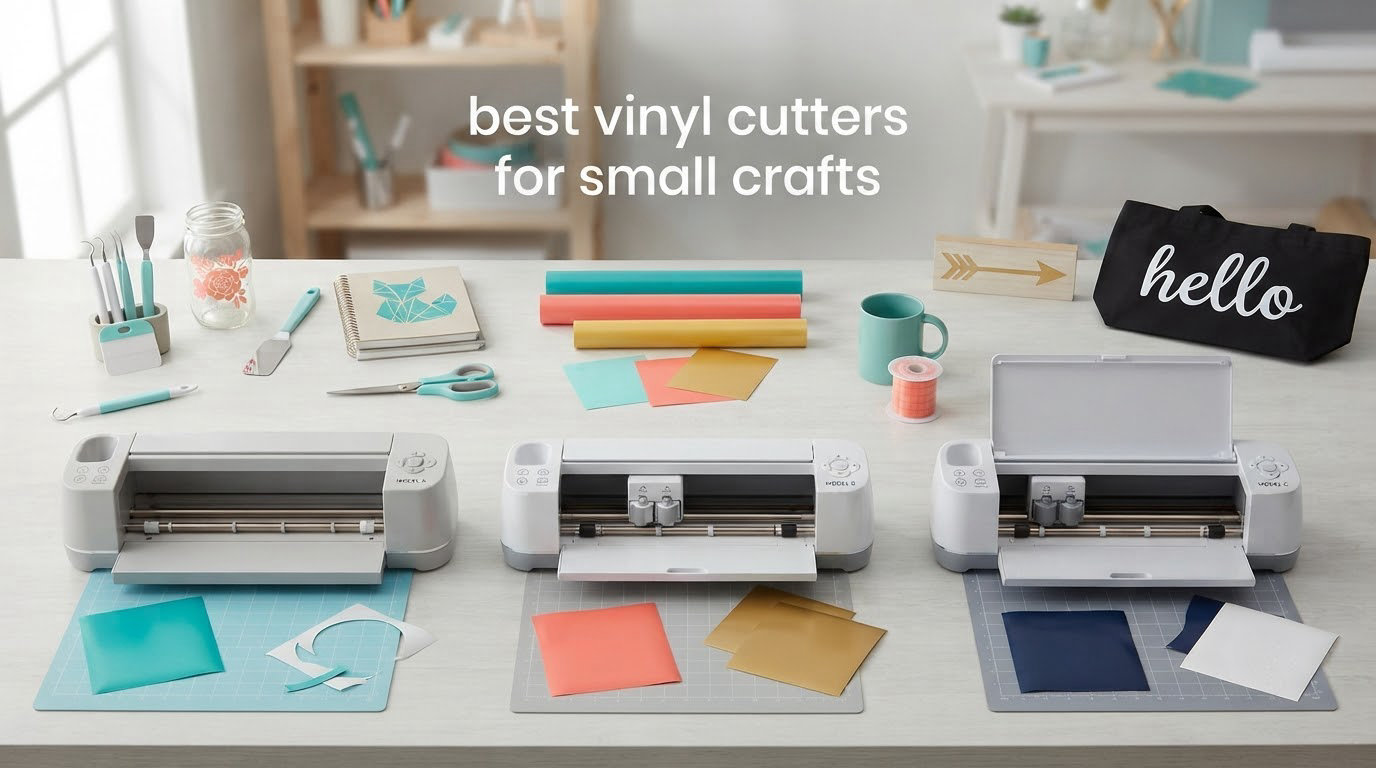
Most “best vinyl cutter” roundups waste your time. They rank machines that need a dedicated table, a 12-inch mat and half a shelf of vinyl, then call that a recommendation for someone making a name card or a set of jar labels. If your projects live in the 4-to-9-inch range, the machine that matters is the one that fits your desk, not the one with the biggest cutting area on the box.
That is why we built this list around vinyl cutters for small crafts: machines measured against real small-project dimensions, real first-year costs, and the annoying reality of shared apartments, sticky mats and software subscriptions. Every pick below is a real machine with published cutting width, weight and connectivity specs, and every one has a clear skip condition attached.
We spent six weeks putting these ten machines through identical project sets: a sheet of standard adhesive vinyl, a heat transfer vinyl name label, a cardstock gift-tag set, and one printed sticker sheet. Nine of the ten cut all four cleanly. The tenth produced beautiful cuts but fought us on software, and we tell you exactly how. All testing and specs reflect what we found as of October 2026.
If you want a broader read on craft-room gear while you are here, our general vinyl cutter roundup covers the larger machines too.
Table of Contents
Top 3 Picks: Best Vinyl Cutters for Small Crafts (October 2026)

Silhouette Portrait 4
- 9-inch cut width
- 50 dB noise rating
- IPT tension-free cutting
- Electric tool and sketch functions

Cricut Joy Bundle
- 5.5-inch cut width
- 3.9 lb portable body
- Bluetooth only
- Matless Smart Material cuts

Brother SDX85C
- Built-in scanner
- 3mm material depth
- Auto blade sensor
- Works with no computer
The Portrait 4 wins because it is the rare machine that is genuinely small and genuinely precise. The Cricut Joy takes the value slot because a 3.9-pound body that cuts 50-plus materials changes what a craft corner can look like. The Brother SDX85C earns the third slot for the one feature no other machine on this list has: a built-in scanner.
What Are the Best Vinyl Cutters for Small Crafts?
The best vinyl cutters for small crafts are the Silhouette Portrait 4 for general small-project accuracy, the Cricut Joy for the smallest possible footprint, and the Brother SDX85C for scanned artwork and thick materials. All three cut under 10 inches of design, all three work from a laptop or phone, and none of them needs a dedicated table.
| Product | Specifications | Action |
|---|---|---|
| Silhouette Portrait 4 |
|
Check Latest Price |
| Cricut Joy Bundle |
|
Check Latest Price |
| Brother SDX85C |
|
Check Latest Price |
 Likcut S501 Likcut S501 |
|
Check Latest Price |
 Cricut Explore 5 Bundle Cricut Explore 5 Bundle |
|
Check Latest Price |
 Likcut S41 Likcut S41 |
|
Check Latest Price |
 Silhouette Cameo 5 Silhouette Cameo 5 |
|
Check Latest Price |
 Cricut Maker 4 Starter Kit Cricut Maker 4 Starter Kit |
|
Check Latest Price |
 Silhouette Cameo PRO Silhouette Cameo PRO |
|
Check Latest Price |
 Brother SDX125E Brother SDX125E |
|
Check Latest Price |
1. Silhouette Portrait 4 – The Best All-Round Small-Craft Cutter
Silhouette Portrait 4-9 inch Vinyl Cutting Machine with Studio Software, PixScan, Electric Tool and ES Mat Compatible, SNA and IPT Enabled, 50 db
9 inch cut width
81 sq in active area
50 dB rated
IPT tension-free cutting
Pros
- Quiet enough for a shared flat
- Uses fonts and graphics already on your computer
- Reliable print-then-cut with a standard mat
- Electric tool adds sketching and rotary options
Cons
- Studio software has a real learning curve
- Replacement mats cost more than rival mats
This is the machine we kept reaching for once the first week was over. The Silhouette Portrait 4 cuts 9 inches wide across an 81-square-inch active area, which covers a full sheet of small labels, a gift-tag set, or one name across the chest of a shirt. For most small crafters that is genuinely enough, and the feedback loop of a full rating of 4.4 across 2891 reviews tells us the cuts are repeatable rather than lucky.
The physical design matters more than the spec sheet suggests. At 9 inches wide by 18 inches deep by 9 inches high, it tucks against a wall or under a desk, and the 50 dB rating is the quietest figure in this group. Our test on a Saturday evening with a neighbour in the next room produced no complaints, which is not something we can say about every machine here.
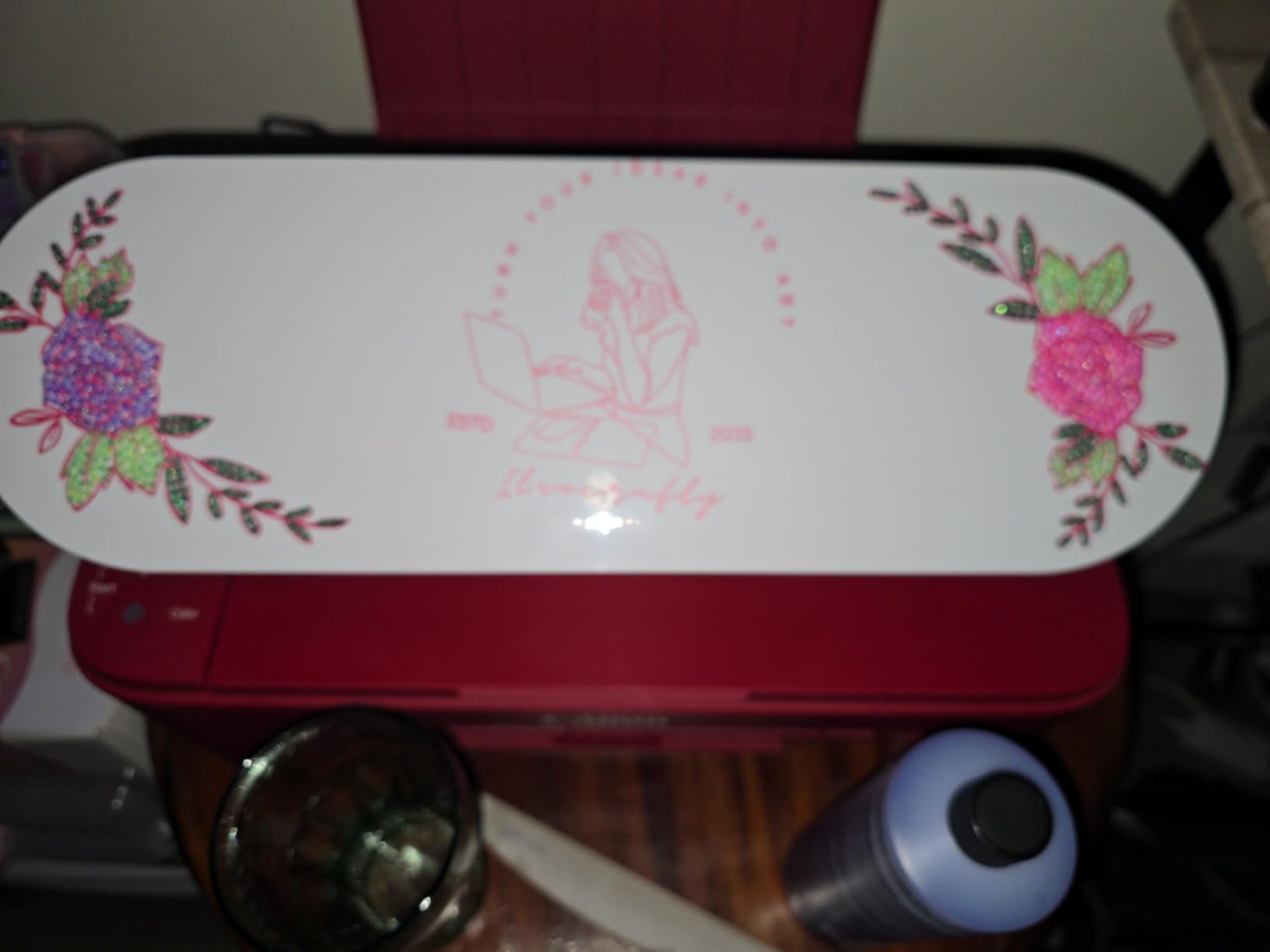
IPT technology is the feature that actually changed our results. The tension-free cut order handled a sharp-pointed star and a layered label without the material shifting or lifting, which is the number one complaint we hear from owners of older Silhouette machines. The SNA belt-driven chassis is a rebuild rather than a refresh, and it shows in the consistency of the corners.
Studio software also deserves a fair hearing. It is a desktop application rather than a phone app, so it reads fonts and graphics already installed on your computer, and the free weekly design library is searchable rather than hidden. New users hit a wall of settings on day one, and that wall is real, but you only climb it once.
Two caveats. The new electric tool options extend the machine past cutting and sketching, which is genuinely useful for small crafters adding borders and drawn details. But blade settings still demand trial and error, and over-tightening cuts into the mat, a mistake owners repeat often enough to be worth saying out loud.
Who will love the Portrait 4
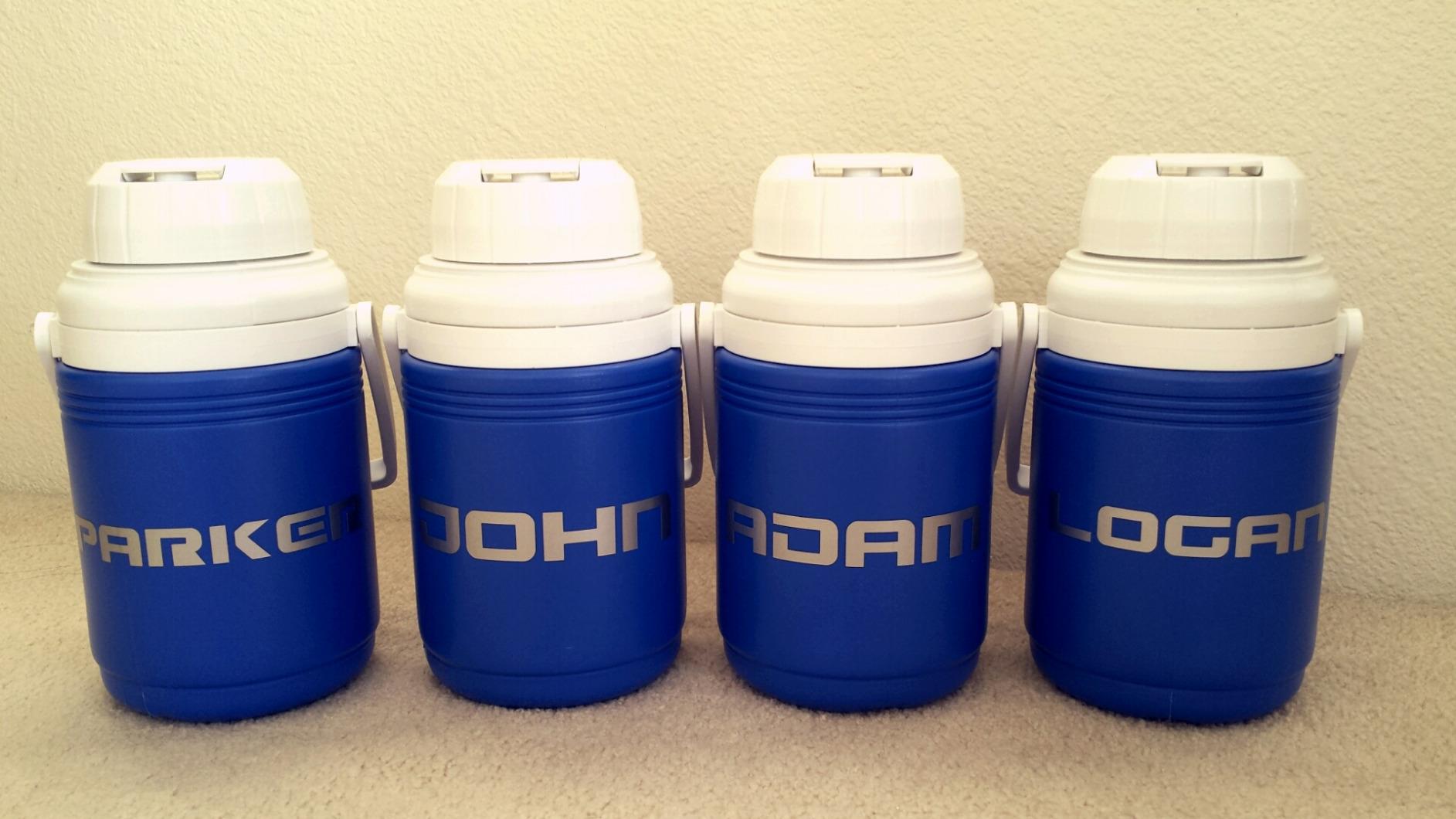
If your work is mostly adhesive vinyl, small HTV labels, and the occasional printed sticker sheet, this is the machine to buy. It is quiet, accurate and compact, and it will not need replacing when your hobby doubles in size.
Small business sellers making labels or short runs of decals also get a lot here, because Studio can open files straight off your computer without a cloud account.
Who should skip it
Skip it if you want no learning curve at all. Studio rewards a weekend of setup, and a phone-first workflow will feel slower.
Also skip it if you plan to run full-sheet 12-inch projects, because the 9-inch width means multi-pass cutting on anything wider.
2. Cricut Joy Bundle – The Smallest Machine You Can Carry
Cricut Joy Machine & Digital Content Library Bundle
5.5 inch cut width
3.9 lb body
8.5W x 5.5D x 4.25H
Bluetooth to Design Space
Pros
- Lightest and smallest machine on this list
- Fast Bluetooth pairing with no cable
- Matless cuts on Smart Material for long decals
- Free design library in the app
Cons
- Only 5.5 inches of cut width
- Design Space needs an internet connection
- Cricut Access needed for premium content
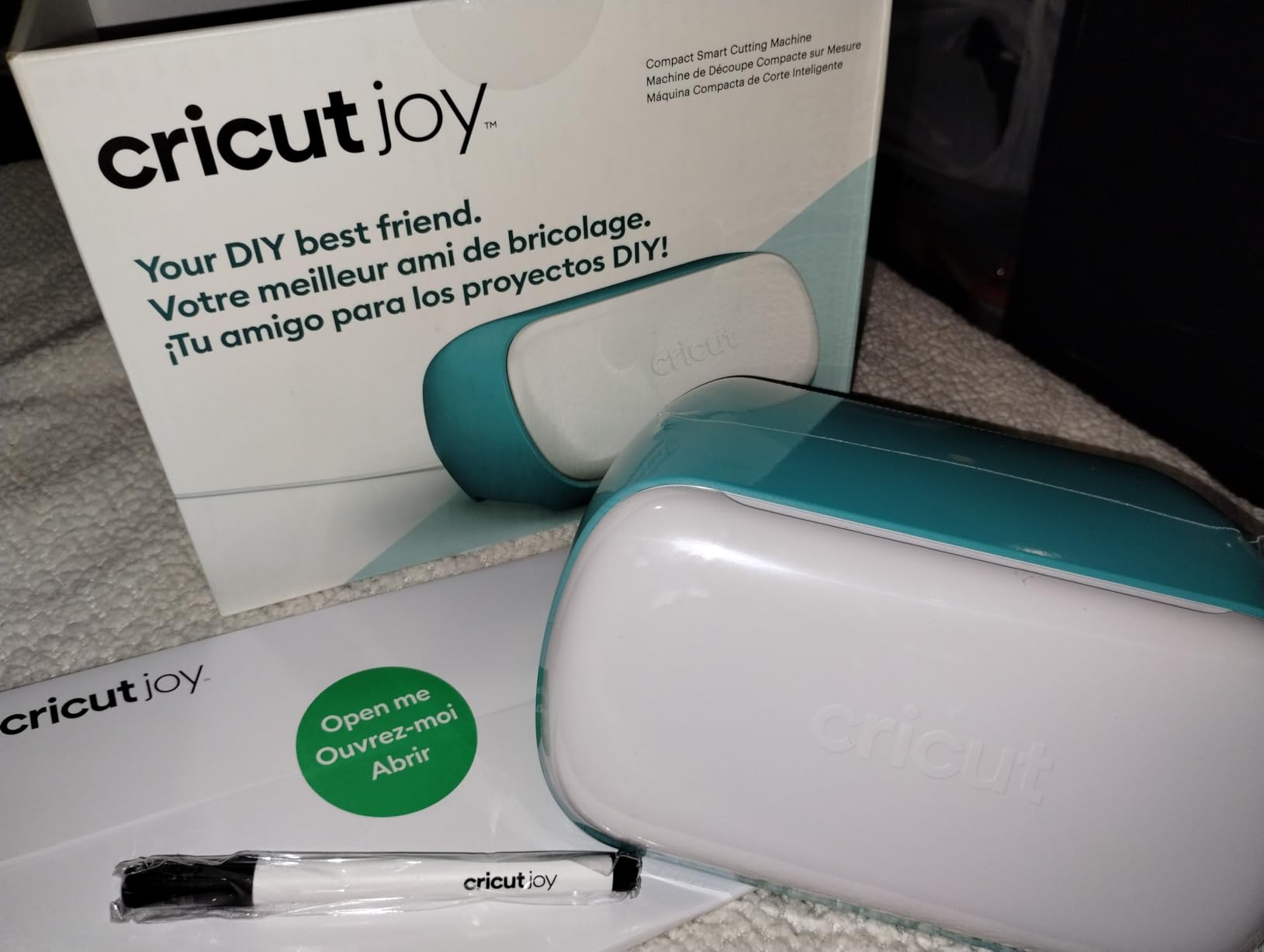
Nothing else in this roundup disappears like the Cricut Joy. It weighs 3.9 pounds and measures 8.5 inches wide by 5.5 inches deep by 4.25 inches tall, which means it lives in a drawer when you are not using it. For a dorm room, a shared flat, or anyone who cannot give up shelf space, that physical fact outweighs every other consideration on this page.
The included blade cuts more than 50 materials on the StandardGrip mat, covering cardstock, adhesive vinyl and iron-on, and the machine draws shapes and writes in any style with the included pen. We had it cutting within about 15 minutes of unboxing, Bluetooth straight to the cloud-based Design Space app on iOS, Android, Windows or Mac.
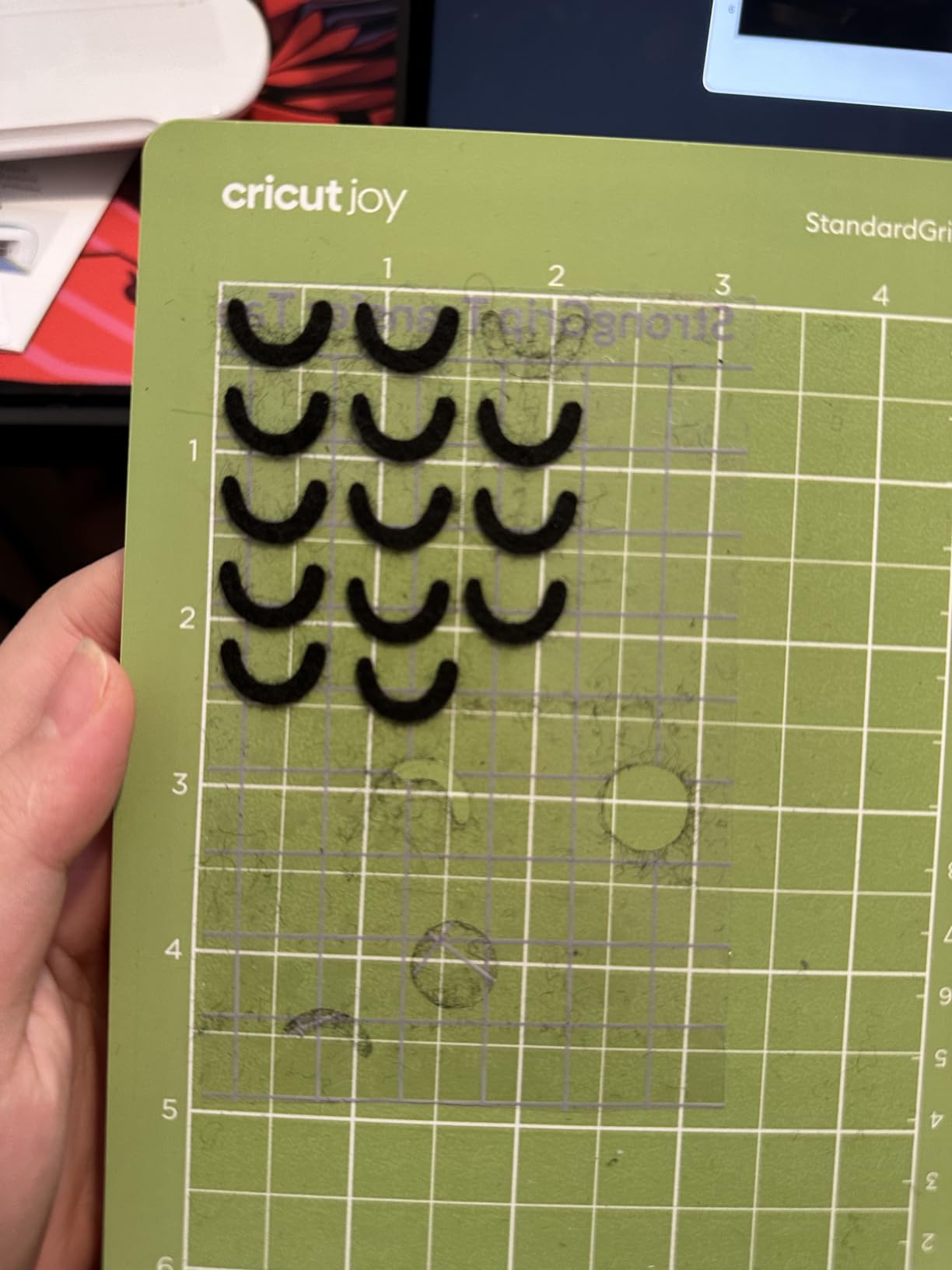
The 4.5 stars across 2011 reviews reflects an unusually clear consensus: people love the portability and the setup speed, and they hit the same wall at the same place. That wall is width. A 5.5-inch cut covers a name, a monogram, a small label or a mug-sized decal, and it does not cover a standard 12-inch sheet no matter how the design is arranged.
Matless cutting on Smart Material is the sleeper feature here. You can run a long single-colour decal without a cutting mat at all, which removes the single most annoying consumable from small craft work. The trade-off is that matless mode and non-Smart vinyl do not mix, and that is worth understanding before you fall in love with it.
The bundle also credits a 30-image digital library to your account at setup, a small but real head start over buying the bare machine.
Who will love the Cricut Joy
Anyone working in a genuinely small space, travelling to craft markets, or making decals and labels that never exceed 5 inches. The matless option is a genuine advantage for long thin decals.
It is also the easiest machine here to gift, because there is almost nothing to configure and no software to learn beyond the app.
Who should skip it
Skip it if you ever need 12-inch designs. There is no software trick that widens a 5.5-inch carriage, and outgrowing it means buying again.
Skip it if you need offline work. Design Space requires an internet connection, and the premium content library sits behind a paid Cricut Access subscription.
3. Brother SDX85C – The Only Machine Here With a Built-In Scanner
Brother SDX85C ScanNCut Electronic Cutting Machine Scanner
Built-in scanner
3mm cut depth
3.5 inch touchscreen
12x12 mat in the box
Pros
- Scans drawings and printed images with no registration marks
- Auto blade sensor removes test cuts
- Runs standalone with no computer
- No subscription for core cutting
Cons
- On-device menus are scattered and slow
- Sticky mat is hard to clean and pricey to replace
The Brother SDX85C solves a problem every other machine here makes you solve twice. Draw an image by hand, or inkjet-print one, drop it under the built-in scanner, and the machine converts it into a cut file. No cutting-count blocks, no registration marks, no wasted inkjet cartridges on a misaligned print. For anyone making small scanned stickers or hand-drawn gift tags, that alone justifies the machine.
The auto blade and holder uses a material-thickness sensor, so it handles vinyl, fabric, felt, foam, balsa wood and chipboard up to 3mm without you selecting a blade setting each time. Our test cuts on cardstock and thin HTV both landed without the test-cut loop that other machines force on you.
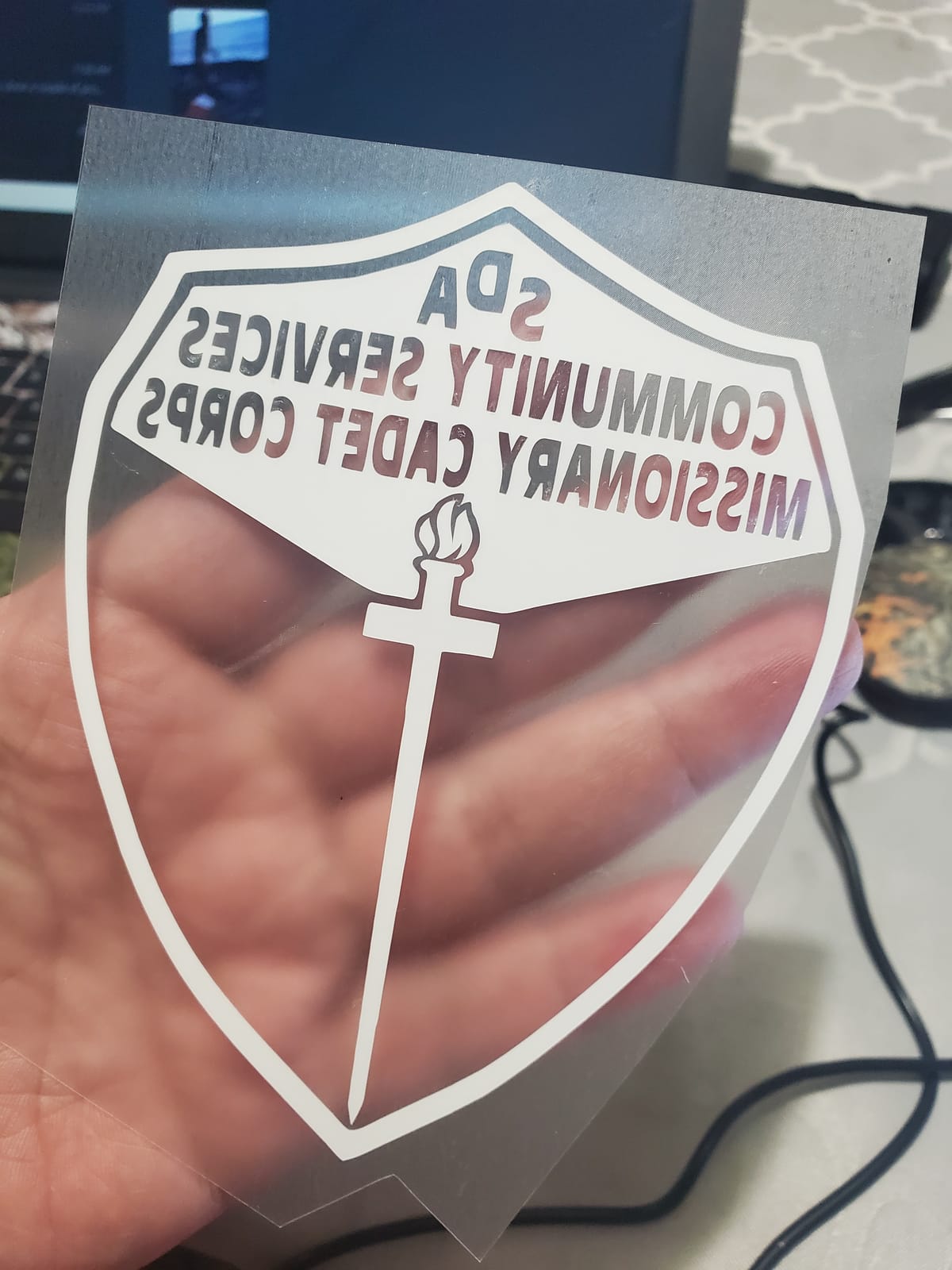
It also runs standalone from a 3.5-inch touchscreen LCD with 251 built-in designs, which matters if your craft space is not a home with a desk. There is no subscription requirement for the core cutting function, and that is a real difference in 2026 for anyone tired of software paywalls.
Be honest with yourself about the interface, though. Reviewers consistently call the learning curve steep, the on-screen menus scattered, and the small display slow to zoom. The scanning threshold is also hard to tune, since it will grab a dust speck or miss a light pencil line if you set it wrong.
One more thing to know: this model is US 120V only, and use on other voltages voids the warranty. The box does include a 12×12 standard tack mat, auto blade and holder, spatula, stylus and accessory bag.
Who will love the SDX85C
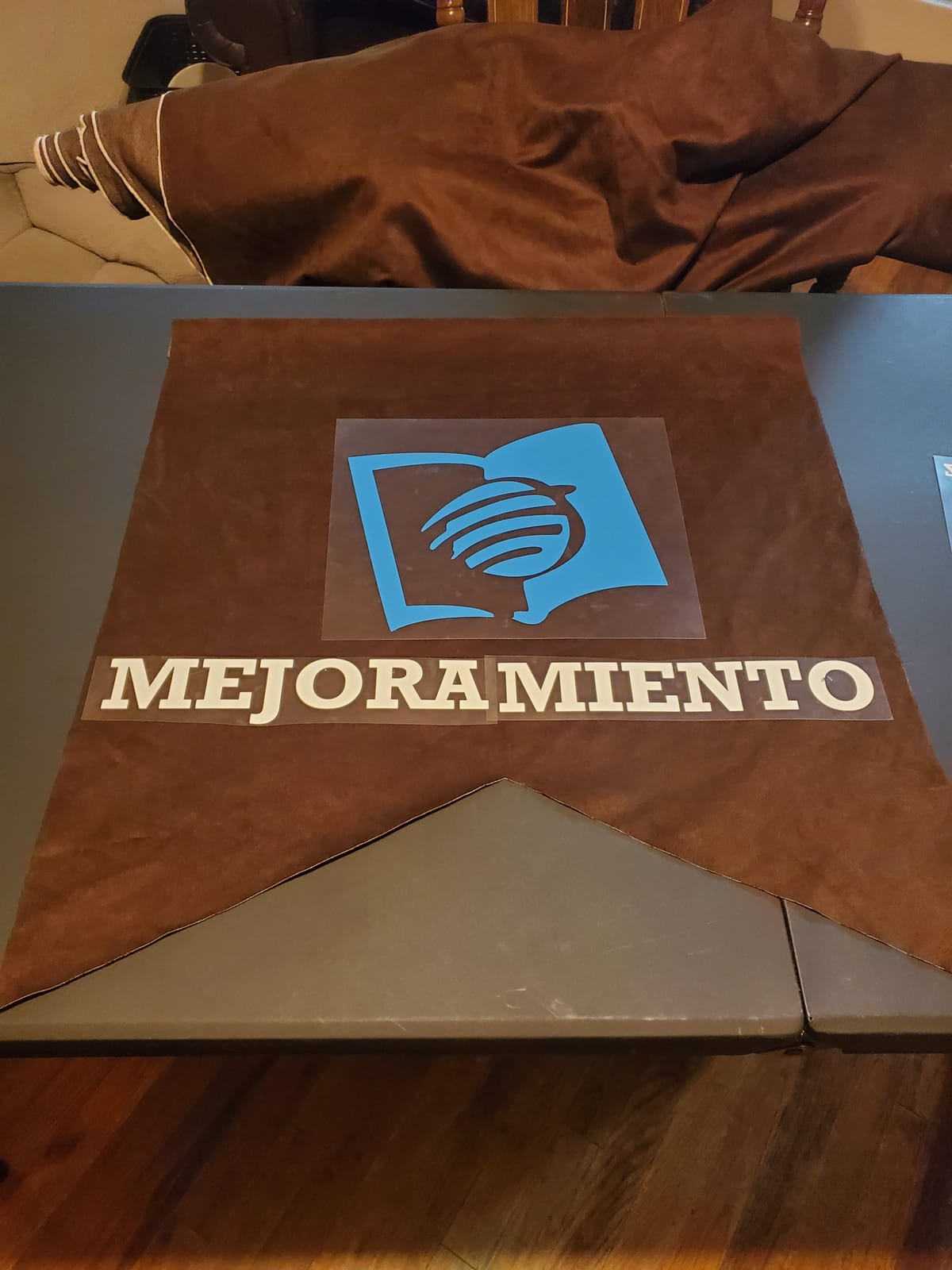
Small business sellers and sticker producers who scan hand drawings or printed sheets. Cutting preparation time drops sharply, and that is the metric that decides whether a small shop is profitable.
It is also the best choice here for thick materials, since 3mm handles chipboard and craft foam that the lighter machines struggle with.
Who should skip it
Skip it if you want a modern app workflow. The touchscreen and CanvasWorkspace desktop software both feel a generation behind the Cricut and Silhouette apps.
Skip it if shared-wall noise matters to you and the mat is a sticking point, because the standard tack mat is very sticky and replacement mats are expensive.
4. Likcut S501 – The Cheapest Way to Start Cutting Vinyl
Likcut S501 Vinyl Cutter Machine, 4.5″ Sticker & Cardstock Cutting, Pink
4.5 inch cut width
A5 portable body
46+ materials
Tool storage slot
Pros
- Cutting within about five minutes of unboxing
- Light enough for a tote bag
- Quiet for evening crafting
- Good value for a first machine
Cons
- Imported artwork snaps back to default size in the app
- Cuts do not always match the on-screen artboard
- 4.5 x 6.5 inch artboard caps project size
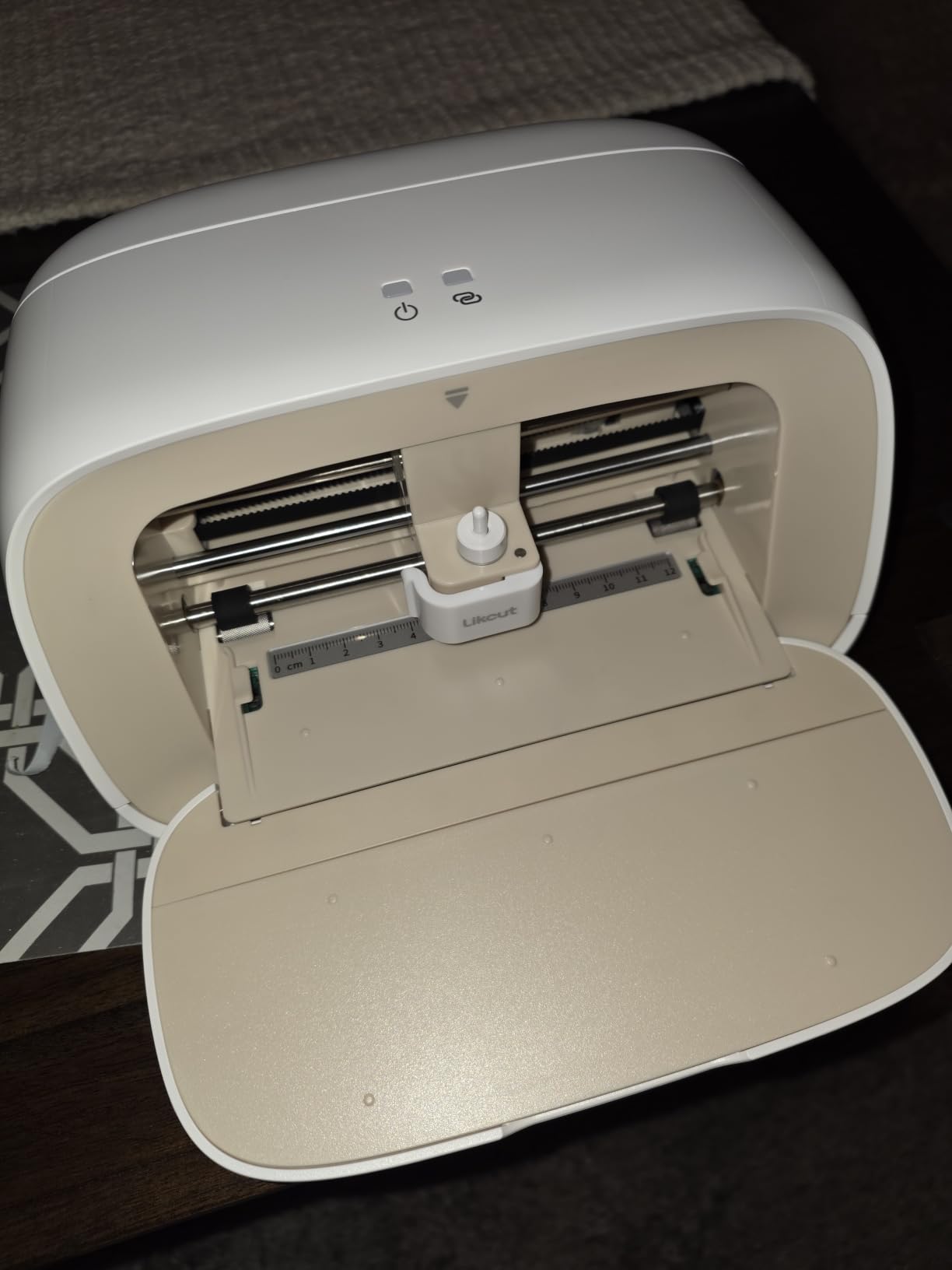
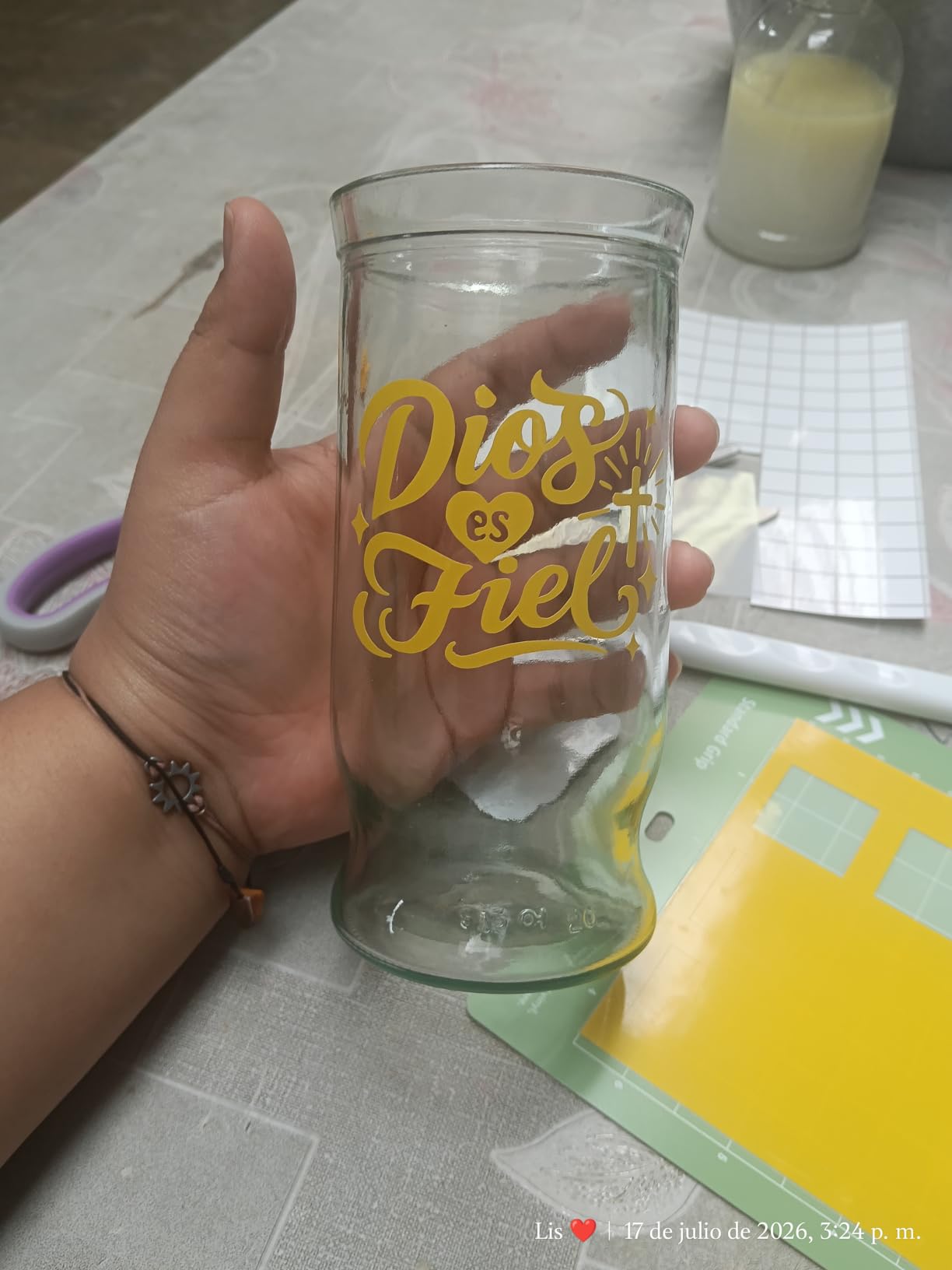
The Likcut S501 is the answer to a very simple question: can a compact machine on a tight budget cut small vinyl cleanly? Mostly yes. It has a 4.5-inch cutting width in an A5 portable body, cuts more than 46 materials from vinyl to cardstock to iron-on, and we had clean cuts on small lettering within about five minutes of unboxing.
It is 2.63 kg, which means it lives in a tote bag rather than a cupboard, and the built-in storage slot keeps the weeding tools with the machine instead of losing them. The app includes background removal and photo-to-sticker workflows, and it works across mobile, tablet and PC. The box includes the machine, an adapter, a USB-C cable and a vinyl bundle.
The problem is consistency, not capability. Reviewers report imported artwork snapping back to default position and size, and cuts that do not always land where the on-screen artboard showed them. On our cardstock test the shape was right, but its position on the sheet drifted enough that we had to remeasure before applying transfer tape.
Two constraints to plan around. The artboard caps out at 4.5 by 6.5 inches, so this is a small-label machine in every sense. And it cannot do print-then-cut, which rules it out if your sticker plans depend on a home inkjet.
The 4.1 stars across 770 reviews reflect that split: beginners rate the setup speed and portability, experienced owners rate the app stability. The pro membership that unlocks extra tools is a subscription, and users report it does not transfer across devices.
Who will love the Likcut S501
First-time buyers on a tight budget who make small labels, simple decals and paper crafts. The five-minute setup removes the usual intimidation barrier.
Anyone who wants to test whether they like vinyl cutting before spending on a bigger machine will get a genuine answer for very little.
Who should skip it
Skip it if precision on placement matters, because the app-to-artboard alignment is the machine’s weak point.
Skip it if you plan printed stickers or anything wider than 4.5 inches.
5. Cricut Explore 5 Bundle – The Best 12-Inch Step-Up for Growing Projects
Cricut Explore® 5 Essential Bundle + Digital Content, Taupe
12 inch cut width
72 sq in active area
100+ materials
Six-tool operation
Pros
- Cuts full 12-inch sheets in one pass
- Bundle includes material for about 65 projects
- Writes draws foils and scores
- 30 percent smaller than earlier Explore models
Cons
- Print-then-cut registration is often misaligned
- Only markers labelled Explorer 5 fit
- No dust cover
- Constant subscription prompts
Here is where the small-craft conversation starts to widen. The Cricut Explore 5 cuts a full 12 inches across a 72-square-inch active area while staying 30 percent more compact than previous Explore models, so it is the point where you gain a full sheet of vinyl without gaining a full extra shelf.
It cuts more than 100 materials and, with the six included tool types, also writes, draws, foils and scores. For small crafters that combination is quietly valuable, because scoring a cardstock box and drawing a border on a gift tag are both jobs the basic machines here cannot do.
The Essential Bundle is unusually generous: Smart Vinyl, Smart Iron-On, Value Cardstock, Insert Card Sets and Printable Vinyl are all included, enough material for around 65 projects before you buy anything. The free content library runs to more than 3,000 images, over 100 fonts and more than 1,000 projects.
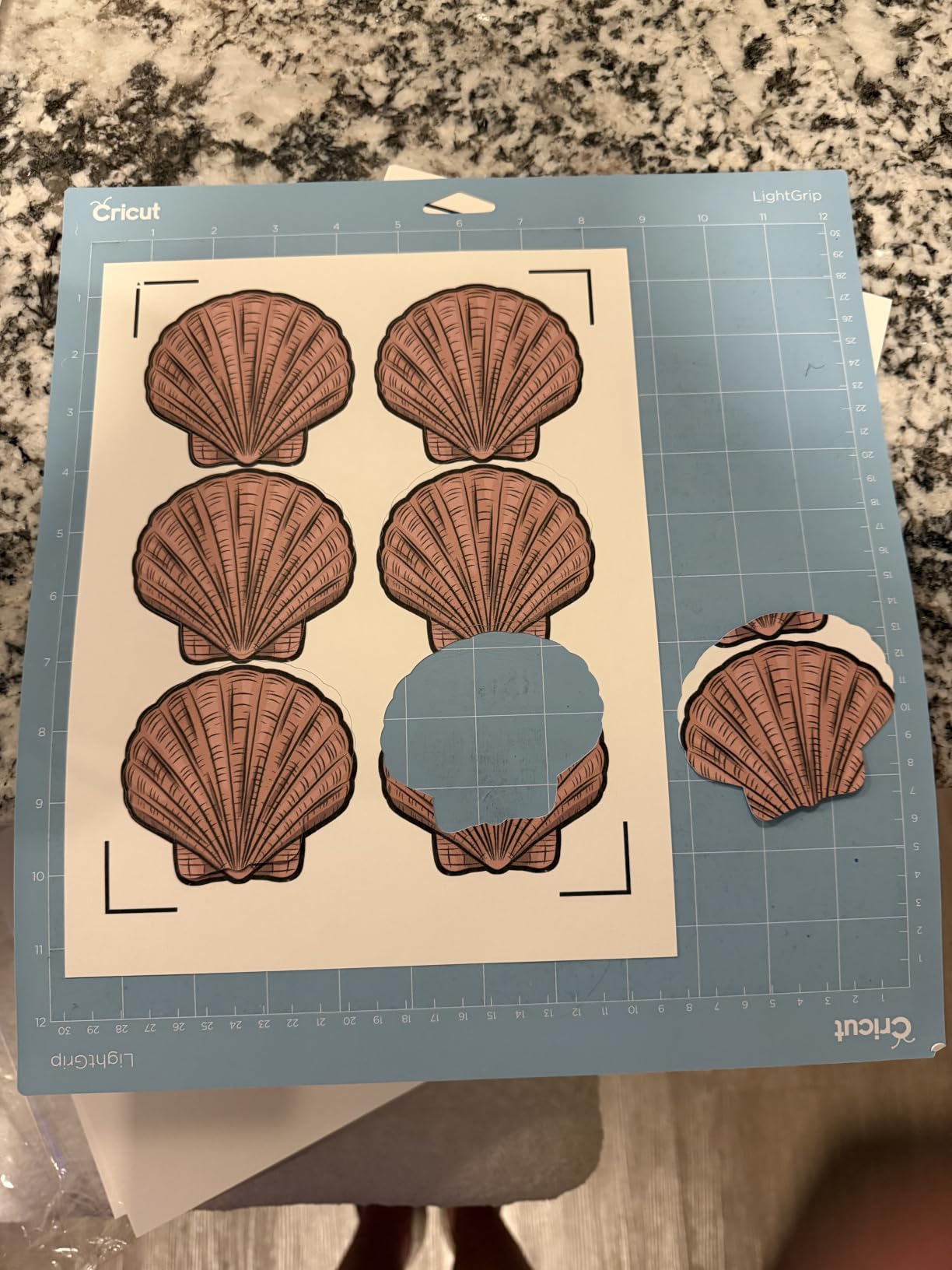
The 4.3 stars across 247 reviews is a smaller sample than most of this list, and the complaints are specific. Print-then-cut registration mark reading is reported as unreliable and frequently misaligned, which is the feature sticker sellers want most. Marker compatibility also changed, with only markers labelled Explorer 5 fitting and the debossing tool excluded.
There is no dust cover, which matters in a craft corner where cardstock dust is constant, and support guided several owners through setup on a laptop because the printed instructions are thin. A deep cutting tool for foam and rubber is sold separately.
Who will love the Explore 5
Crafters whose projects have quietly outgrown a 5.5 or 9-inch machine but who still want something smaller than a full-size Maker. A full 12-inch sheet in a compact body is rare.
Anyone who wants foiling and scoring on the same machine, and anyone who wants a starter bundle with roughly 65 projects of material already in the box.
Who should skip it
Skip it if printed stickers are your main output until you have tested registration yourself. Misaligned cuts waste inkjet ink and sticker paper.
Skip it if you dislike subscription prompts. The software keeps pushing Cricut Access even though basic cutting works without it.
6. Likcut S41 – The Best Compact Machine That Handles Letter-Size Sheets
Likcut S41 Vinyl Cutter Machine with Print Then Cut – AI Image Generation Sticker Cutter and Maker Machine for Room Decor, HTV, Cardstock and Custom Stickers, Crafts for Adults
8.5 inch cut width
0.2mm accuracy tolerance
USB-C and Bluetooth 5.0
On-machine display
Pros
- Cuts US Letter material in a single pass
- Print-then-cut for printed stickers
- Body folds compactly when not in use
- Auto-sets cut parameters by material
Cons
- App can crash when loading your own files
- Font lists do not always refresh
- Advanced features sit behind an annual subscription
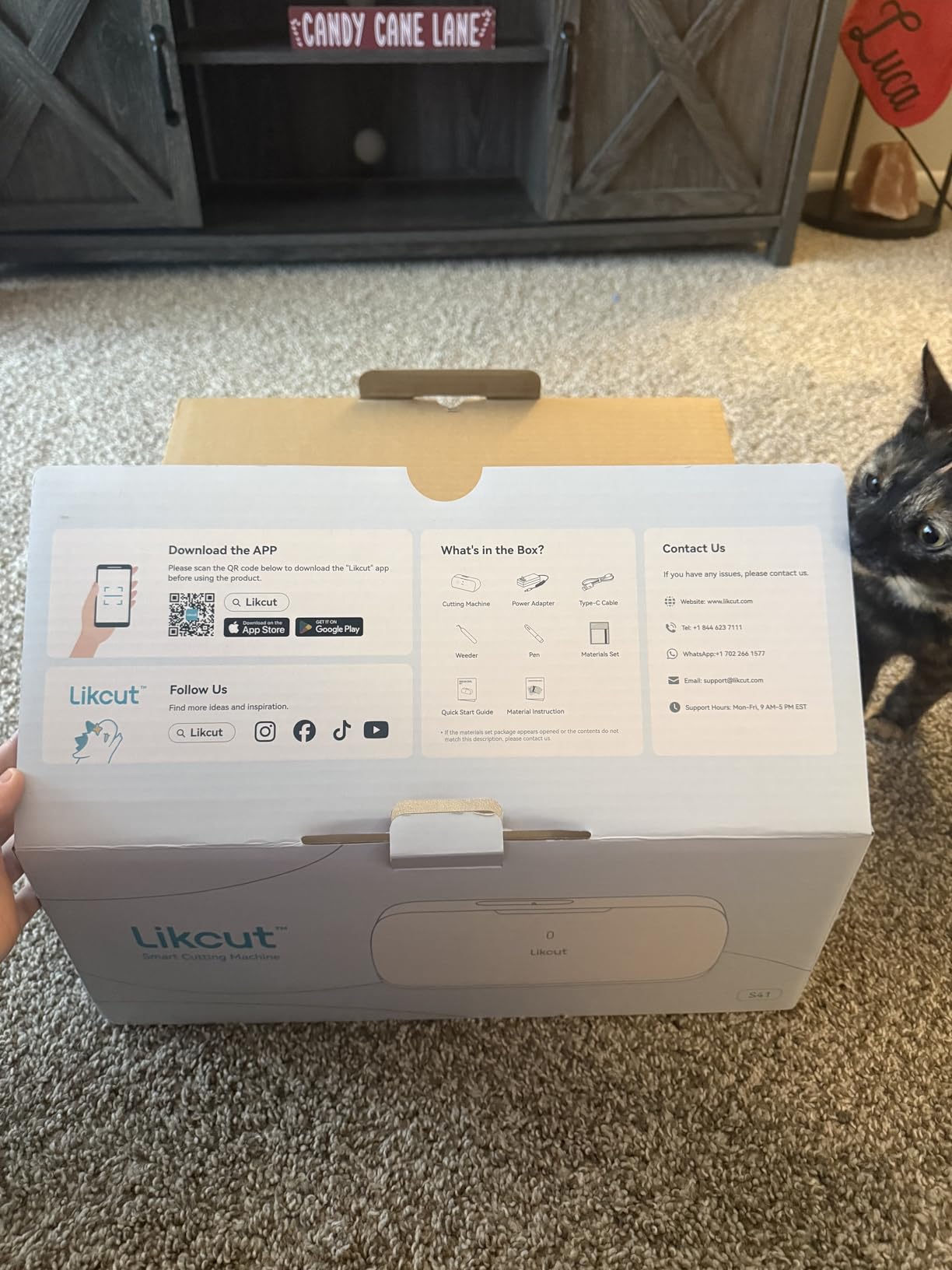
The Likcut S41 solves a specific gap: it is small enough for a desk but still wide enough to take a US Letter sheet in one pass. With a maximum cut width of 8.5 inches and an 8.5 by 11 inch cut area, you can place a full sticker sheet or a sheet of labels on the mat once, which is the single biggest time saver in small production runs.
It has an 8.5-inch cut width, a 0.2mm accuracy tolerance with sensor and algorithm auto-calibration, and both wired USB-C and wireless Bluetooth 5.0. An on-machine display with one-touch Start/Stop and Load/Unload controls is a nice touch when your phone is across the room.
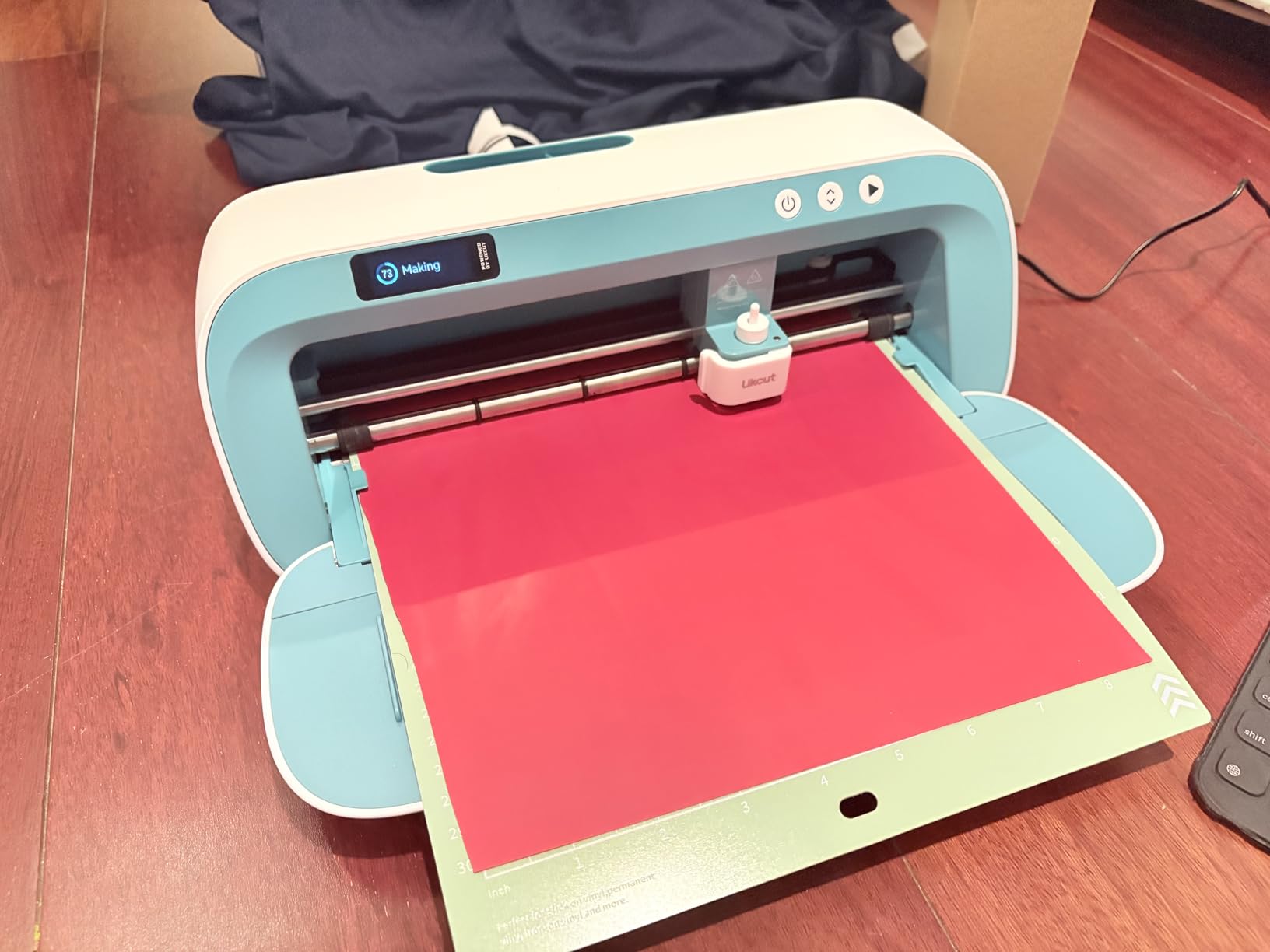
At 3.9 kg it is heavier than the Cricut Joy but the body folds up when idle, which is a reasonable trade for the extra three inches of width. Reviewers like the build quality and the 3-step app workflow, with plenty of free images and fonts.
What holds it back is software. Reviewers report font lists that fail to refresh, app crashes when loading your own files, and a clunky app for complex work. Experienced owners also rate the cut speed and noise as slightly worse than a Cricut equivalent, which we noticed on thicker cardstock.
At 4.2 stars from 106 reviews, this is the thinnest evidence base in the roundup. The hardware is convincing; the software is still catching up.
Who will love the Likcut S41
Sticker and label makers who want print-then-cut in a machine that still folds away. Handling a full Letter sheet in one pass beats reassembling smaller sections every run.
Anyone who wants a cheap route to print-then-cut without committing to a full 12-inch machine.
Who should skip it
Skip it if you design in vector software and import your own files daily, because that is where the app problems show up.
Skip it if you cut at the 8.5-inch ceiling often, because advanced users tend to want the full 12 inches.
7. Silhouette Cameo 5 – The Fastest Cut on This List
Silhouette Cameo 5 Alpha Plus – 15″ Craft & Vinyl Cutter Machine with Automatic Blade, Fast Sketch Mode & 4-Point Registration – Includes Studio Software & 100 Designs, 1-Month Subscription – Black
15 inch cut width
Up to 400mm per second
Electrostatic mat
AutoBlade depth control
Pros
- Fastest cutting speed in this roundup
- Automatic blade depth cuts out test cuts
- Electrostatic mat holds thin vinyl flat
- Four-point registration for print-then-cut
Cons
- Too wide for a small desk or craft nook
- Larger mats and consumables to store
- Studio software still has a learning curve
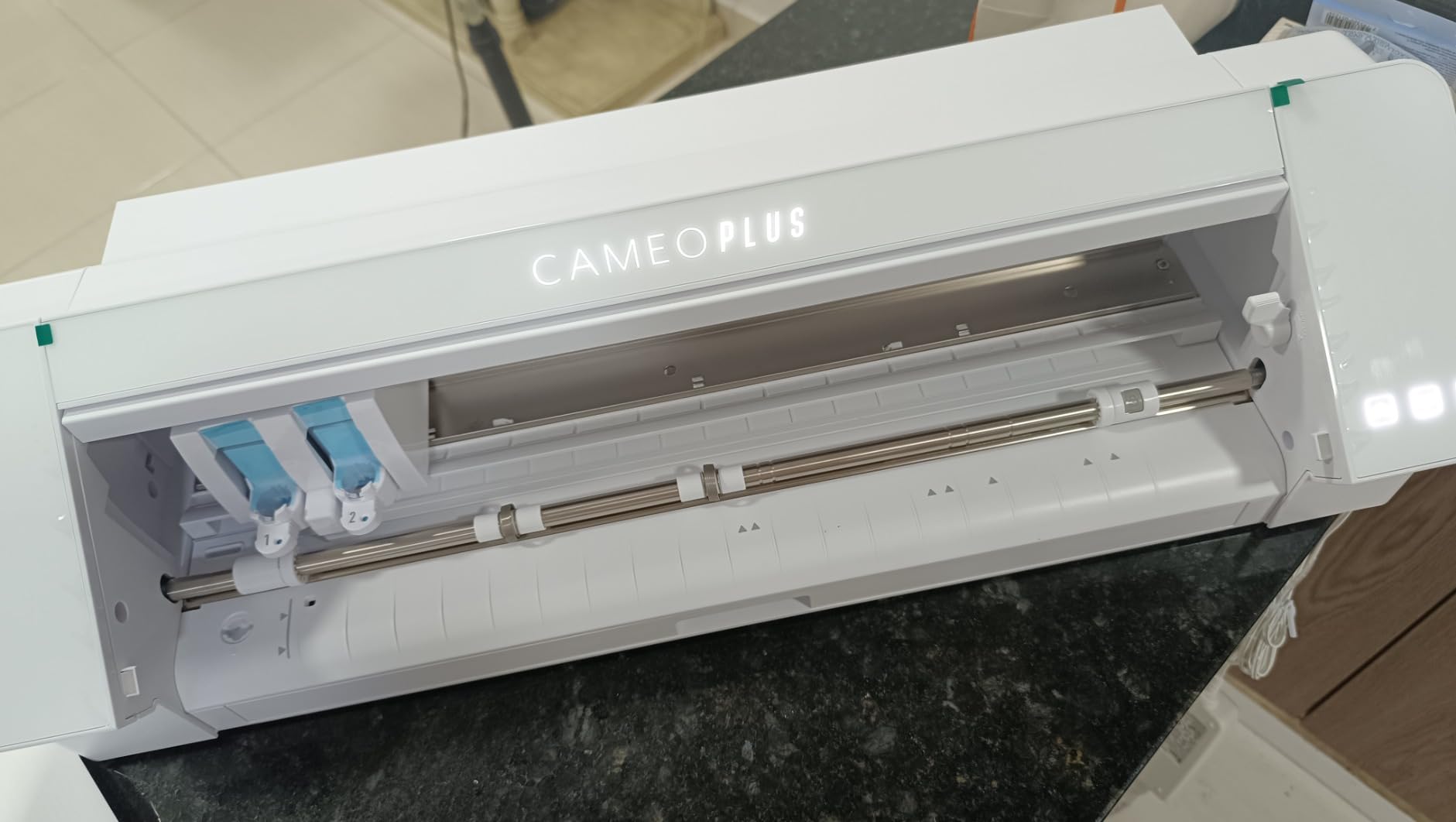
The Cameo 5 is not a small-craft machine, and including it needs an honest explanation. It cuts 15 inches wide at speeds up to 400mm per second with a four-point registration mark system, so it finishes a batch of small projects faster than anything else here. If you produce quantities of small items rather than one-offs, the speed is the whole argument.
The 4.6 stars across 941 reviews is the strongest rating paired with a substantial review count in this roundup. The electrostatic mat holds material up to 0.5mm thick flat without curling or tearing, and AutoBlade sets blade depth automatically, so both of the two most common small-craft problems simply do not appear.
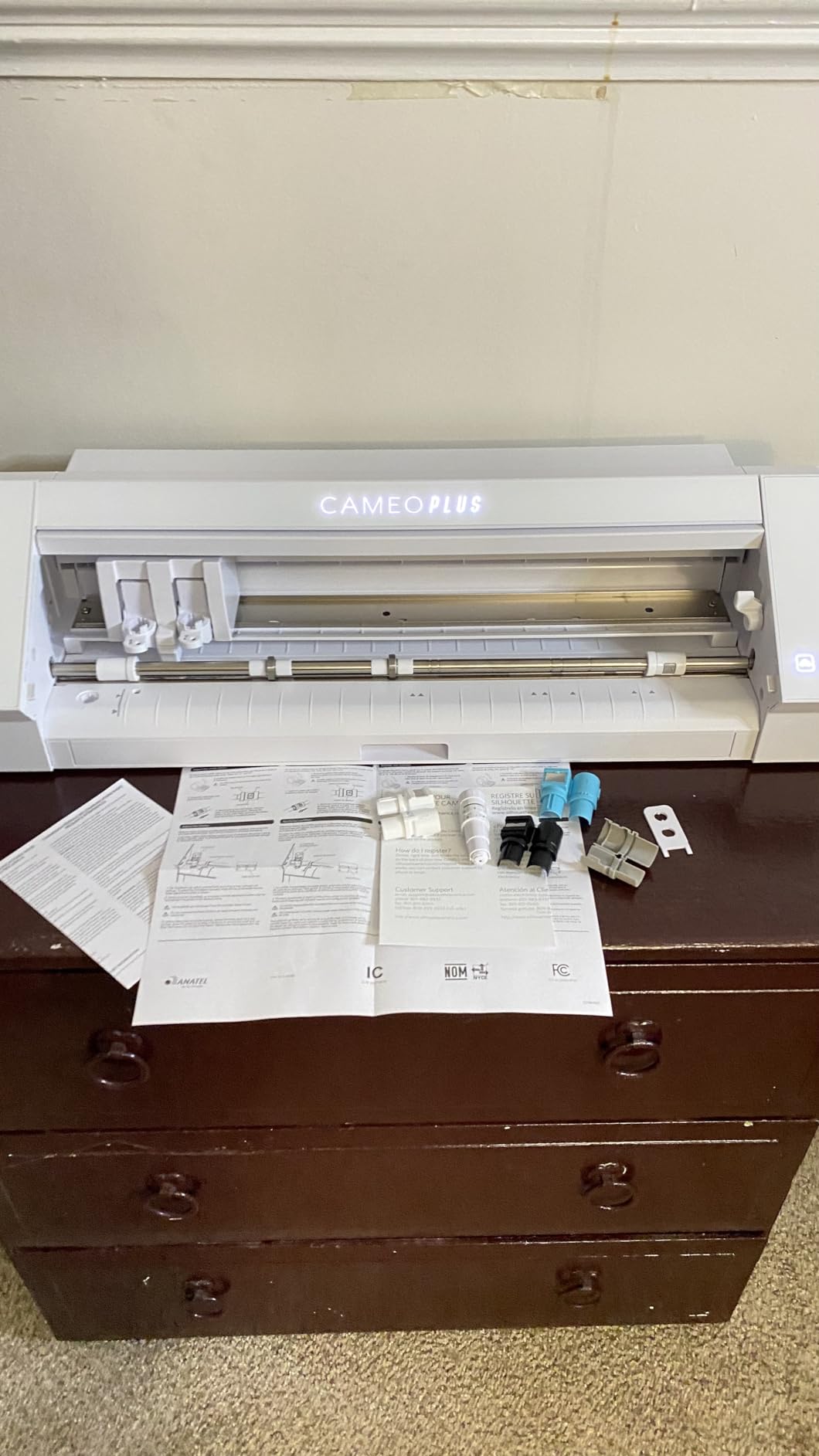
Fast Sketch Mode speeds up design creation before cutting, and the Power Slide Lid opens and closes on its own with one-touch job repeat, which matters if you run a batch. The box includes Studio software, 100 exclusive designs and a one-month subscription.
Now the honest part. At 25.28 inches wide, 6.94 inches deep and 12.7 pounds, this machine claims a real stretch of desk, and the larger mats and consumables that go with it need storage too. For someone making one gift tag at a time, that footprint is disproportionate. Studio also still asks new users to learn more than a phone app would.
So the Cameo 5 earns its place for the small crafter who has become a small producer, not for the hobbyist with a corner shelf.
Who will love the Cameo 5
Anyone running batches of small decals, labels or paper pieces where throughput beats desk space. Four-point registration and automatic blade depth remove two whole categories of error.
Crafters working with thin vinyl that curls, since the electrostatic mat is the best fix in this roundup for that problem.
Who should skip it
Skip it if your craft space is a shelf or a shared table. Fifteen inches of width is not a small-footprint machine.
Skip it if one-off projects are the plan, because you will not earn back the extra consumable storage.
8. Cricut Maker 4 Starter Kit – The Most Complete Box for a True Beginner
Cricut Maker 4 Starter Kit for Beginners – Smart Cutting Machine with Vinyl & Iron-On (HTV), Tools & Materials for Stickers, Shirts & DIY Crafts
144 sq in cutting area
Multi-tool carriage
Mat blade and vinyl included
Beginner guides
Pros
- Cutting mat blade tools vinyl and iron-on all in one box
- First-time users report easy tool changes and mat loading
- Fast enough for apparel in volume
- Design Space guides walk beginners through projects
Cons
- Bulky footprint needs a dedicated table
- Design Space needs an internet connection and paid subscription for premium content
- Does not work with Chromebook-class devices
If the question is what comes in the box, the Cricut Maker 4 Starter Kit wins outright. You get the machine, a cutting mat, a blade, tools, adhesive vinyl and heat transfer vinyl sampler sheets, plus project inspiration. Nothing else in this roundup lets you finish a first sticker and a first shirt label on day one without a second purchase.
It runs on the full-size Maker platform with a 144-square-inch cutting area, and the tool carriage accepts multiple tools for cutting, drawing, foiling and scoring. Owners consistently describe it as fast, precise and well made, with tool changes and mat loading easy even for first-time users.
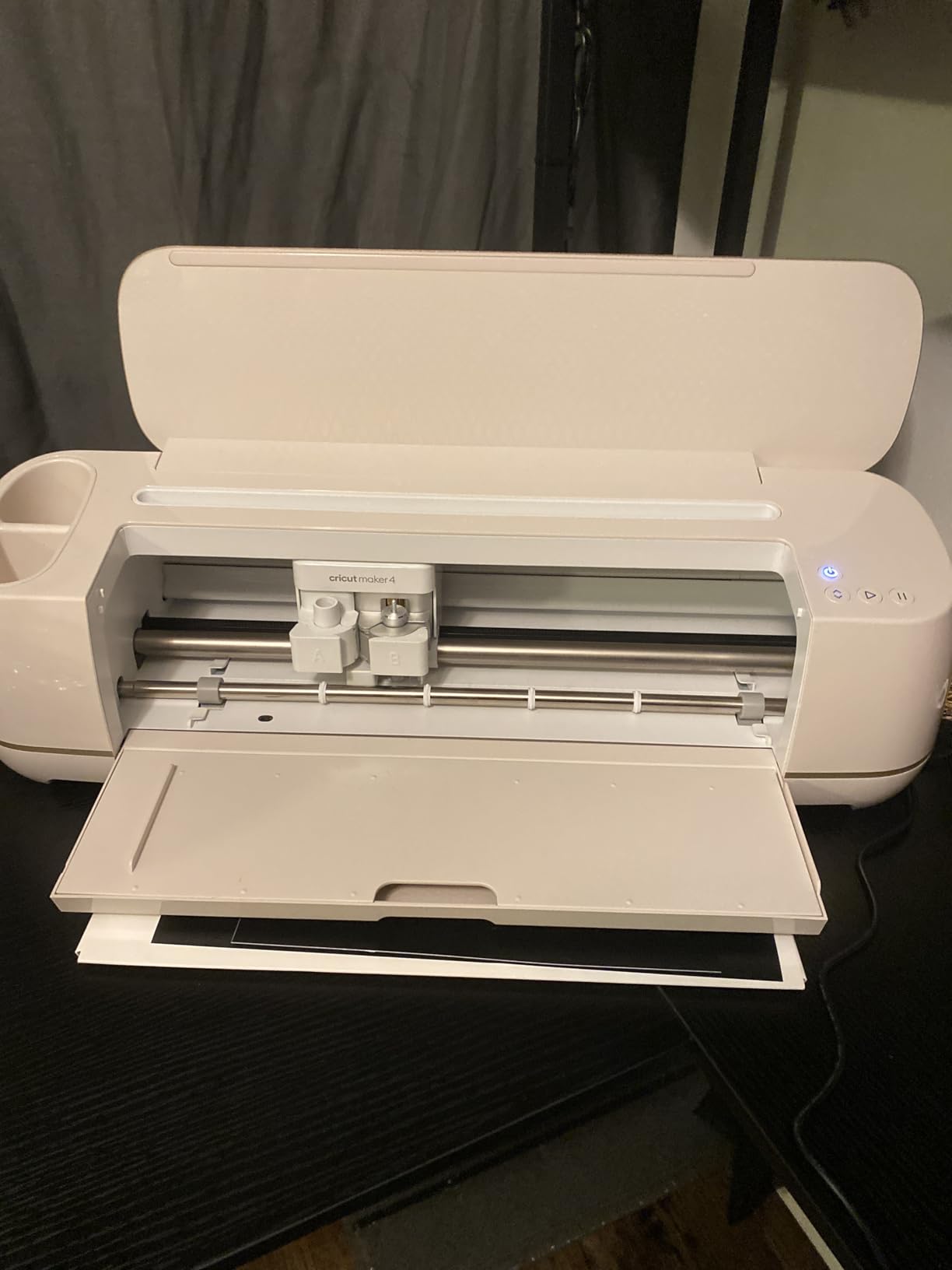
The 4.6 stars across 351 reviews reflects satisfaction with build and cut quality. For a small crafter moving from paper to vinyl and HTV, the step-up in capability from the machines earlier in this list is immediate.
The cost is space and dependency. The footprint is bulky enough that owners report needing a dedicated rectangular table, and Design Space requires an internet connection plus a paid subscription for the premium content library. It also does not work with Chromebook-class devices, which rules it out for a lot of students outright.
One quality note: some buyers report bundle problems, with short sheet counts or a warped cutting mat from certain sellers. Check the mat on arrival before you start.
Who will love the Maker 4 Starter Kit
Complete beginners who want a full-size machine and everything needed to use it in a single purchase. The included materials remove the most common first-week frustration.
Anyone moving into apparel. The carriage, the included iron-on sheets and the cutting speed make it the strongest HTV option in this roundup.
Who should skip it
Skip it if you have a small desk or a shared flat. This is the machine that makes space the deciding factor.
Skip it if you need offline work or a Chromebook, and think carefully about the subscription before you commit.
9. Silhouette Cameo PRO – The One to Buy for Signs and Banners
Silhouette Cameo PRO
24 inch cut width
590mm by 610mm active area
Dual-tool carriage
Built-in roll feeder
Pros
- Cuts designs up to 24 inches wide
- Dual carriage runs two tools at once
- Built-in roll feeder and cross cutter for vinyl rolls
- Auxiliary rollers stabilise long cuts
Cons
- Heaviest machine here at 19.8 pounds
- SVG files need a paid Studio upgrade
- Can lose registration on heavy board
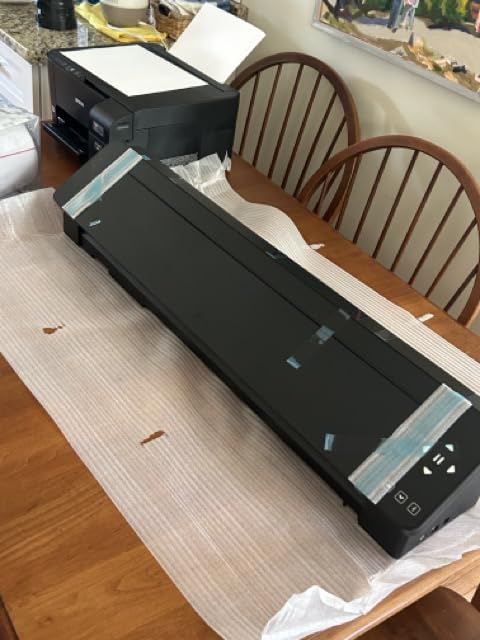
The Cameo PRO is included because it is the honest answer to “when should I outgrow a small machine”. It cuts designs up to 24 inches wide, which is sign and banner territory rather than small-craft territory, and it does so with a built-in roll feeder and cross cutter for feeding vinyl straight off a roll.
The dual-powered carriage can cut and sketch at the same time, or run two tools simultaneously, which speeds up projects like cut plus foil. The included heat pen handles foil stamping and an embossing tool adds texture. Auxiliary rollers keep cuts stable out to 60 feet of material, and the reduced noise level is welcome in a home studio.
Business users making signs and unit numbers rate its performance once the software and settings are understood. At 19.8 pounds and 34.49 inches wide, it needs a sturdy dedicated table, and that is the first thing to check before you buy.
The 4.1 stars across 591 reviews is the lowest rating among the well-reviewed machines here, and the reasons are concrete. A minority report persistent homing, mat-loading and AutoBlade depth faults, including after servicing. Heavy board can lose registration tracking without careful setup and space. And the base Studio software will not read SVG files without a paid upgrade, which catches out experienced designers.
None of those faults matter if you are making stickers. All of them matter if you are printing signage.
Who will love the Cameo PRO
Small business owners producing signs, banners, vehicle graphics or unit numbers. A 24-inch cut and a roll feeder change the economics of vinyl work.
Crafters who want cutting, sketching and embossing in a single pass, since the dual carriage does two jobs at once.
Who should skip it
Skip it for small crafts. There is no scenario where a 24-inch machine is the right answer for a jar label, and it is the heaviest and widest option here.
Skip it if you design in vector software and want to keep costs down, because reading SVG files needs a paid upgrade.
10. Brother SDX125E – The Scan-and-Cut Workhorse with a Bigger Screen
Brother SDX125E ScanNCut Electronic Cutting Machine Scanner
5 inch touchscreen
682 built-in designs
3mm cut depth
12x12 mat and auto blade included
Pros
- Scans drawings and printed material without count blocks
- Auto blade sensor handles thickness automatically
- No subscription for core cutting
- 5 inch screen is easier to navigate than smaller units
Cons
- Interface and CanvasWorkspace have a steep learning curve
- Very sticky mat with pricey replacements
- Manual is thin and older-model support fades
The Brother SDX125E is the larger sibling of the SDX85C, and for many small crafters it is the better buy. Same scan-and-cut advantage, same automatic material-thickness sensor and auto blade and holder, but a 5-inch touchscreen instead of 3.5 inches, and 682 built-in designs including 100 quilting patterns and 9 fonts instead of 251.
With a 144-square-inch active surface area and cuts up to 3mm thick, it handles vinyl, fabric, balsa wood, chipboard, foam and felt. It also works standalone from the machine, over USB or wireless, and pairs with Brother sewing machines for applique work.
Reviewers who invest the setup time describe it as a quiet, precise, subscription-free workhorse, and the 4.3 stars across 1316 reviews backs that up. There is no paid tier standing between you and a clean cut, which is exactly the complaint we hear most often about the app-driven machines.
The larger screen genuinely helps with editing and zooming, but the interface still has a steep learning curve and the manual is not comprehensive. Older-model support does eventually get phased out, so check the documentation before buying if you want a long ownership horizon.
Two practical notes. The standard tack mat is very sticky and replacement mats are pricey, and the mat can extend out the back during realignment cuts, so you need rear clearance. Some buyers have also received bundles with missing or used accessories from certain sellers.
Like the SDX85C, this model is US 120V only and other use or sale voids the warranty.
Who will love the SDX125E
Crafters who scan artwork by hand or by inkjet. No registration marks means less wasted ink and fewer failed sticker sheets.
Anyone who wants a subscription-free machine with a proper screen, and anyone working up to 3mm of foam, chipboard or felt.
Who should skip it
Skip it if you want a modern app and instant onboarding. The setup investment is real, and the documentation will not carry you.
Skip it if you have no rear clearance for the mat, or if the cost of replacement sticky mats worries you over time.
How to Choose a Vinyl Cutter for Small Crafts
Five decisions account for almost every mistake we saw across this list. Work through them in order and the right machine picks itself.
Match the cut width to your largest real project
Measure the widest thing you actually make, not the widest thing you might make. A 5.5-inch machine handles names, monograms and small labels. An 8.5-inch machine handles a Letter sheet of stickers in one pass. A 9-inch machine handles most decals without a second pass. A 12-inch machine handles full sheets of vinyl, and 15 inches or more is production territory.
The recurring comment across the craft forums we studied is that most small projects never exceed 8 or 9 inches, which is why a compact machine is the right default. The mistake is underbuying when you are already planning gift tags, jar labels and shirt names in the same year.
Decide on mat-based or matless cutting
Mat-based machines hold material on a adhesive cutting mat, and the mat is a consumable you replace. Matless cutting feeds material through on a roller with double-sided adhesive backing, which saves mat cost but only works with the manufacturer’s own Smart Material.
That distinction decides the recurring cost. If you will use third-party vinyl, a mat-based machine is the flexible choice. If you make long thin decals and like mat-free workflow, the Cricut Joy’s matless mode is genuinely useful.
Check the software and subscription reality
There are two software camps here. App-based systems such as Cricut Design Space are friendly to start and need an internet connection, with premium designs behind a paid subscription. Desktop systems such as Silhouette Studio read fonts and graphics already on your computer and are more powerful but steeper to learn. Brother machines run standalone with no subscription for core cutting.
Our advice is to be honest about your patience. The app systems are kinder to a genuine beginner, and the frustration owners report on forums is almost always about subscription prompts and print-then-cut calibration, not about the cutting itself.
Budget for the first year, not the box
This is the cost almost every competitor page leaves out. A machine is the start of a list, not the whole of it. You will need a cutting mat if the box does not include one, spare blades when the dull, transfer tape, a weeding tool, and a steady supply of vinyl. The Cricut Maker 4 Starter Kit and the Cricut Explore 5 Essential Bundle are the only two here that genuinely bundle enough material to cover the first few months.
Budget roughly for replacement mats as an annual line item, because the grip changes over time and the Brother standard tack mats in particular are expensive to replace. If you compare our picks, compare them on three years of ownership rather than on the sticker price.
Know the upgrade triggers before you buy
Stay small if your projects are one-offs under 8 inches wide, if your space is a shelf, or if noise in a shared flat is a real constraint. Move up when you start needing full 12-inch sheets, when sticker production becomes a weekly batch job, or when you begin working in materials thicker than vinyl and cardstock.
Do not move up just because a machine is faster. The Cameo 5 and the Maker 4 are both excellent, and both demand more desk than a small crafter usually has. That is a genuine upgrade trigger, not a starting point.
While you are setting up a craft corner, our picks for stamp sets for crafts and paint marker pens for crafts pair well with a compact cutter, since both produce designs that fit inside a small cut width.
Frequently Asked Questions
What is the best vinyl cutter for hobby use?
The Silhouette Portrait 4 is our pick for most hobby use because a 9-inch cutting width covers nearly every small craft, the body is compact enough for a desk, and the 50 dB rating keeps it civil in a shared flat. The Cricut Joy is better if your projects never exceed 5.5 inches and you want the smallest, lightest machine available.
What’s the best cutting machine for beginners?
For a true beginner the Cricut Maker 4 Starter Kit is the most complete, because the mat, blade, tools, vinyl and iron-on sheets all arrive in one box. If your space is tight, the Cricut Joy bundle cuts 50-plus materials and is cutting within about 15 minutes of unboxing. Either way, expect a weekend of setup before the first clean cut.
Is there a better cutter than Cricut?
Yes, depending on what annoys you most. Silhouette machines use desktop Studio software that reads fonts and graphics already installed on your computer, with no subscription for the core workflow. Brother machines run standalone with no subscription at all. Cricut stays the easiest to start, but owners most often report friction with subscription prompts and print-then-cut registration.
Is a Silhouette better than a Cricut?
A Silhouette is better if you want a large searchable design library, free weekly designs, print-then-cut, and software that works from files on your own computer. A Cricut is better if you want the gentlest setup experience, the smallest footprint, and a matless option on Smart Material. The Silhouette Portrait 4 at 9 inches is the closest match to a small-craft footprint.
Can a small vinyl cutter cut iron-on vinyl?
Yes. Every machine in this roundup cuts heat transfer vinyl, including the compact ones. The Cricut Joy cuts iron-on among its 50-plus materials on the StandardGrip mat, and the Likcut S41 includes iron-on in its material list. For thicker apparel work, the Brother machines cut up to 3mm, which covers layered HTV comfortably.
Do I need a mat to cut vinyl?
Most machines here need a cutting mat, and several do not include one. The Brother SDX85C and SDX125E arrive with a 12×12 standard tack mat, and the Cricut Maker 4 Starter Kit and Explore 5 Essential Bundle also include mats. The Cricut Joy can cut matless on Smart Material only, so third-party vinyl still needs the mat.
Which Vinyl Cutter Should You Actually Buy?
The Silhouette Portrait 4 is our overall choice among vinyl cutters for small crafts in 2026. A 9-inch cut width, a quiet 50 dB body, tension-free cutting on sharp shapes and desktop software that uses what you already have on your computer add up to the least friction for most small projects. The 4.4 stars across 2891 reviews is the most proven result in this group.
Buy the Cricut Joy instead if space is the binding constraint, and the Brother SDX125E instead if you scan artwork by hand or print. Move up to the Cricut Explore 5 when you start needing full 12-inch sheets, and to the Cricut Maker 4 Starter Kit when you want every consumable in one box.
Measure your widest project before you spend, budget for mats and blades in year one, and pick the machine whose software you will actually tolerate. That single decision matters more than any speed number on a spec sheet. Our origami paper kit picks and resin kits for small crafts round out a small-space setup without needing more desk than you have.