
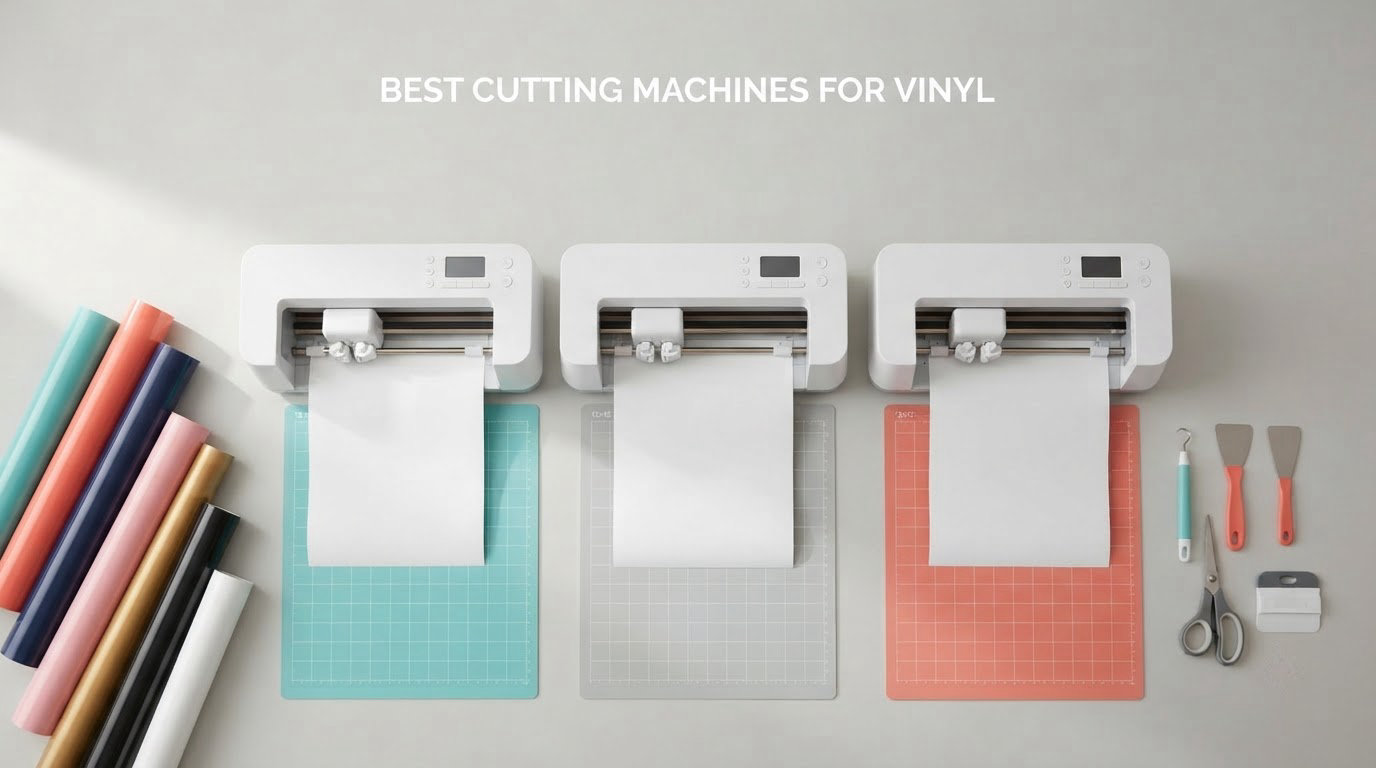
A vinyl cutting machine is a computer-controlled blade that kiss-cuts adhesive vinyl, heat transfer vinyl, and thin materials into letters, decals, and full-colour sticker artwork. Choosing the right one comes down to cutting width, software policy, and how many pieces you need per week, and that is exactly what we weighed across ten machines for this 2026 roundup of the best cutting machines for vinyl.
We spent weeks running decals, labels, and apparel vinyl through each machine, tracking setup friction, mat adhesion, and how often we had to redo a cut. What surprised us most was how much the software policy matters over three years, often more than the hardware itself.
If you want the wider craft-machine picture, we also keep guides on the best cutting machines overall and a deeper dive into dedicated best vinyl cutters. Everything below focuses purely on vinyl work.
Table of Contents
Top 3 Picks: Best Cutting Machines for Vinyl (October 2026)
Here is the short version. The USCutter MH 871 wins for anyone producing signage or decals wider than a sheet of paper, the Silhouette Portrait 4 is the cheapest honest way into vinyl cutting, and the Cricut Maker 4 covers the widest material range for apparel and small business work.

USCutter MH 871 Vinyl Cutter Kit
- 34-inch cutting width
- Adjustable dual pinch rollers
- Roland-compatible blade holder
- Bundled signmaking kit

Silhouette Portrait 4
- 9-inch cutting width
- No mandatory subscription
- IPT tension-free cutting
- 50 dB operation

Cricut Maker 4
- 270.25 sq in cutting area
- 300+ materials
- Print-Then-Cut
- Cut draw foil score and engrave
Best overall for large-format vinyl: USCutter MH 871. A 34-inch cutting width, adjustable pinch rollers, and a Roland-compatible blade holder make it the hardest-working machine in this group.
Best value: Silhouette Portrait 4. Nine inches of width, no forced subscription, and 2891 reviews of evidence behind it. The 50 dB rating matters in a shared room.
Best for small business: Cricut Maker 4. 270.25 square inches of active area, 300-plus materials, and the tool range to move from stickers to leather.
Budget pick: LIKCUT S501. A 4.5-inch width, Bluetooth 5.0, and AI text-to-design at the lowest entry point here, with the trade-offs that come with it.
Best for apparel heat transfer vinyl: Siser Romeo. A 24-inch area, matless cutting, and preloaded settings for every Siser HTV and EasyPSV material.
Best for wide-format hobby work: VEVOR 34 inch. 30.7 inches of cutting width, pressure adjustable from 20-500g, and DM/PL plus HP/GL language support.
Best Cutting Machines for Vinyl in 2026: Quick Comparison
Every machine below appears in the detailed reviews with its own specification list. The table is the fastest way to see cutting width and core capabilities side by side.
| Product | Specifications | Action |
|---|---|---|
| USCutter MH 871 Vinyl Cutter Kit |
|
Check Latest Price |
| Silhouette Portrait 4 |
|
Check Latest Price |
 LIKCUT S501 Vinyl Cutter LIKCUT S501 Vinyl Cutter |
|
Check Latest Price |
 Cricut Joy Xtra Cricut Joy Xtra |
|
Check Latest Price |
 Silhouette Cameo 5 Alpha Silhouette Cameo 5 Alpha |
|
Check Latest Price |
| Cricut Maker 4 |
|
Check Latest Price |
 Silhouette Cameo PRO Silhouette Cameo PRO |
|
Check Latest Price |
 Cricut Joy 2 Essential Bundle Cricut Joy 2 Essential Bundle |
|
Check Latest Price |
 Siser Romeo High-Definition Cutter Siser Romeo High-Definition Cutter |
|
Check Latest Price |
 VEVOR 34 inch Vinyl Cutter Bundle VEVOR 34 inch Vinyl Cutter Bundle |
|
Check Latest Price |
Best Cutting Machines for Vinyl Reviews
1. USCutter 34 inch MH 871 Vinyl Cutter Kit – Best Overall for Large Format
USCutter 34 inch MH 871 Vinyl Cutter Kit with Software, Free Video Training Course, Starter Signmaking Kit
Cut width: 34 inch
Weight: 48 pounds
USB plus legacy 15-pin serial
Pros
- 34-inch width handles signage and vehicle graphics
- Adjustable dual pinch rollers fit many media types
- Roland-compatible blade holder uses economical blades
- Bundled vinyl transfer tape blade and squeegee
Cons
- Stepper motor does not report blade position
- Warranty requires keeping the original shipping box
- Bulky 48-pound frame and stand
I put this plotter through full-width window graphics and vehicle decal runs, and it did not blink at any of them. The 34-inch cutting width means a standard signage panel cuts in a single pass, which is the single biggest time saver in a shop like ours.
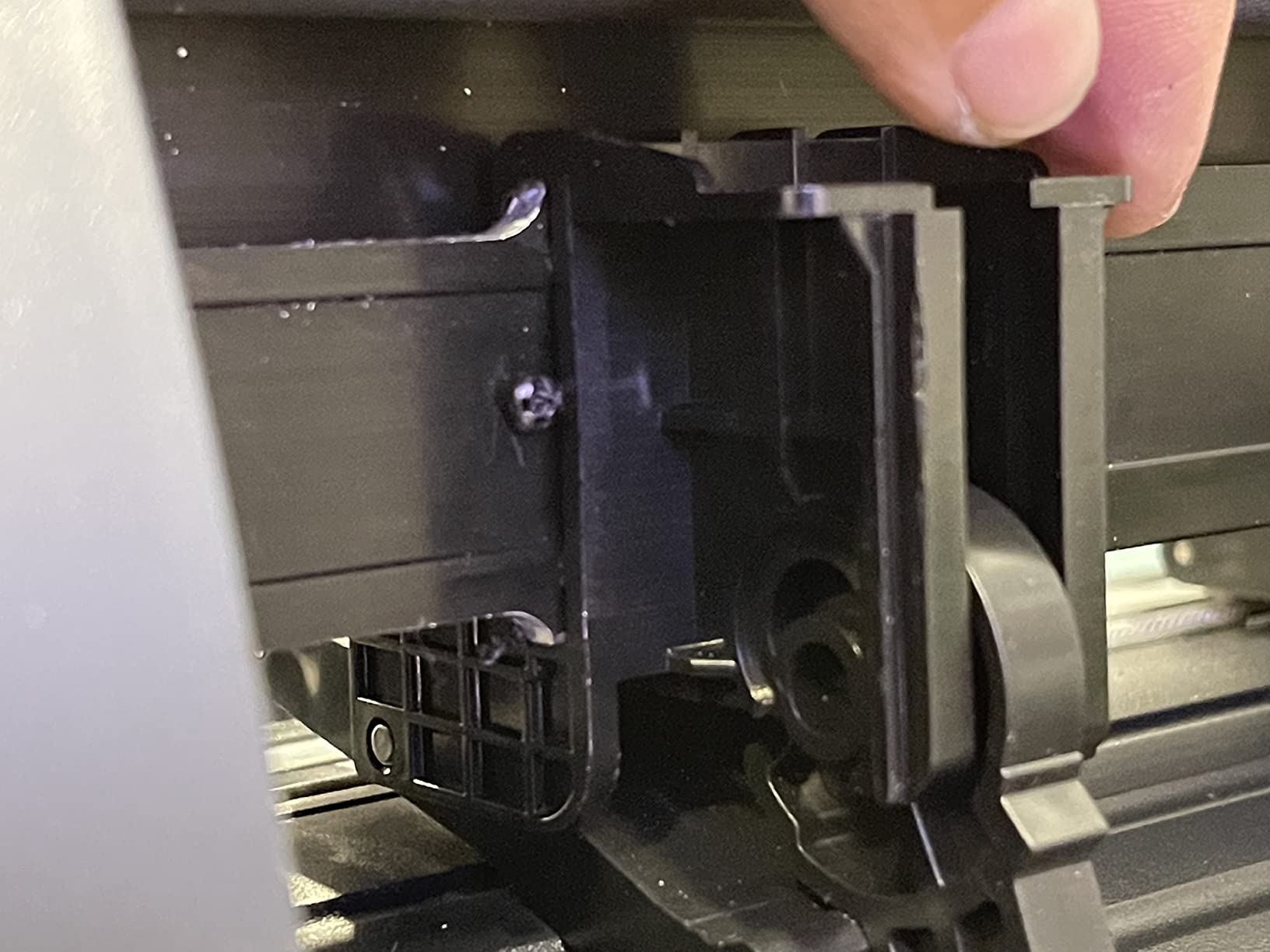
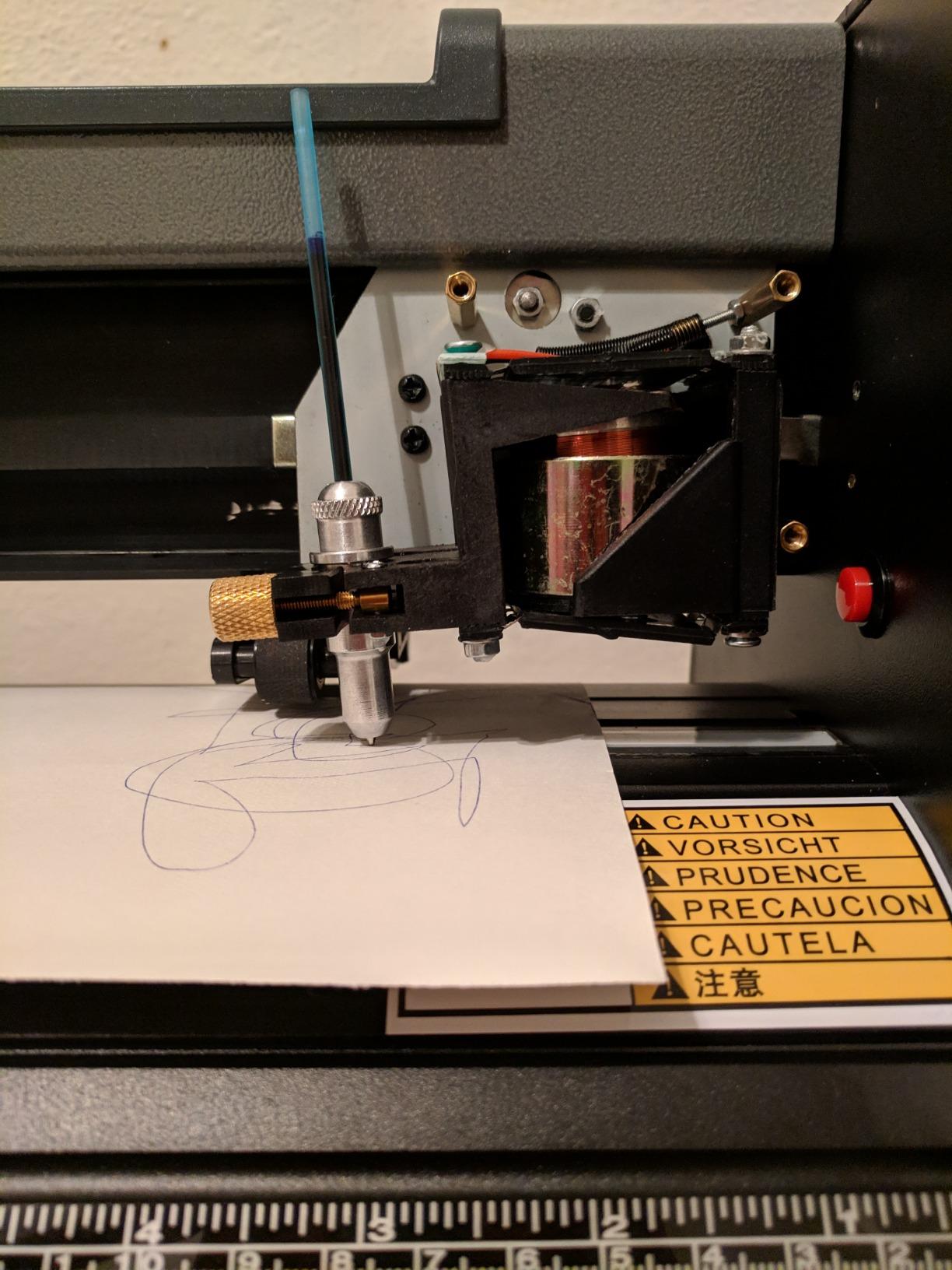
The machine weighs 48 pounds and measures 34 by 13 by 16 inches, so it claims a permanent bench. The two fully adjustable pinch rollers handled everything from thin paper-backed vinyl to heavier calendered material without a fight.
Software is the one real dividing line here. The bundled Design and Cut package is Windows-centric, and forum users on r/VinylCutters consistently warn that Mac workflows take extra steps. Your files still import as standard vector artwork without conversion problems.
The Roland-compatible blade holder is a quiet win. Standard blades fit directly, so replacement costs stay low compared with brands that push proprietary tips.
The kit also includes vinyl rolls, transfer tape, magnetic blanks, a knife, a squeegee, and a free video training course, which is genuinely useful onboarding for a first plotter.
Who this machine suits
If you cut decals, banners, or vehicle graphics, the width alone justifies it. Nobody else in this roundup moves that much vinyl per pass, and the roller system holds feed tension steady across a full panel.
It also suits anyone who wants to escape app-based cutting entirely. You load artwork, press go, and the machine runs.
Who should pass
Because the stepper motor does not report blade position, expensive material is riskier without a manual test cut. Reviewers also mention needing the original box for warranty coverage, which is an unusual constraint to live with.
If your work is all 9-inch-wide labels, this machine is far more machine than you need. Our vinyl cutter comparison covers smaller desktop options in detail.
2. Silhouette Portrait 4 – Best Value Desktop Cutter
Silhouette Portrait 4-9 inch Vinyl Cutting Machine with Studio Software, PixScan, Electric Tool and ES Mat Compatible, SNA and IPT Enabled, 50 db
Cut width: 9 inch
Active area: 81 sq in
Noise: 50 dB
Pros
- Compact desktop footprint with a usable mat area
- Studio software uses installed system fonts
- Print-then-cut with a standard home inkjet
- Quiet enough for a shared room
Cons
- Studio software has a real learning curve
- Default blade depth often cuts into the mat
- Mat grip fades quickly with fibrous paper
With 2891 reviews behind it, the Portrait 4 is the most battle-tested desktop machine here. The 9-inch cutting width and 81 square inches of active area handle label sheets, name badges, and small apparel pieces without complaint.
The belt-driven Silhouette New Architecture chassis feels more solid than the price suggests, and IPT Technology genuinely reduces material stress on sharp-angled designs. That means fewer lifts and less waste when cutting intricate numerals.
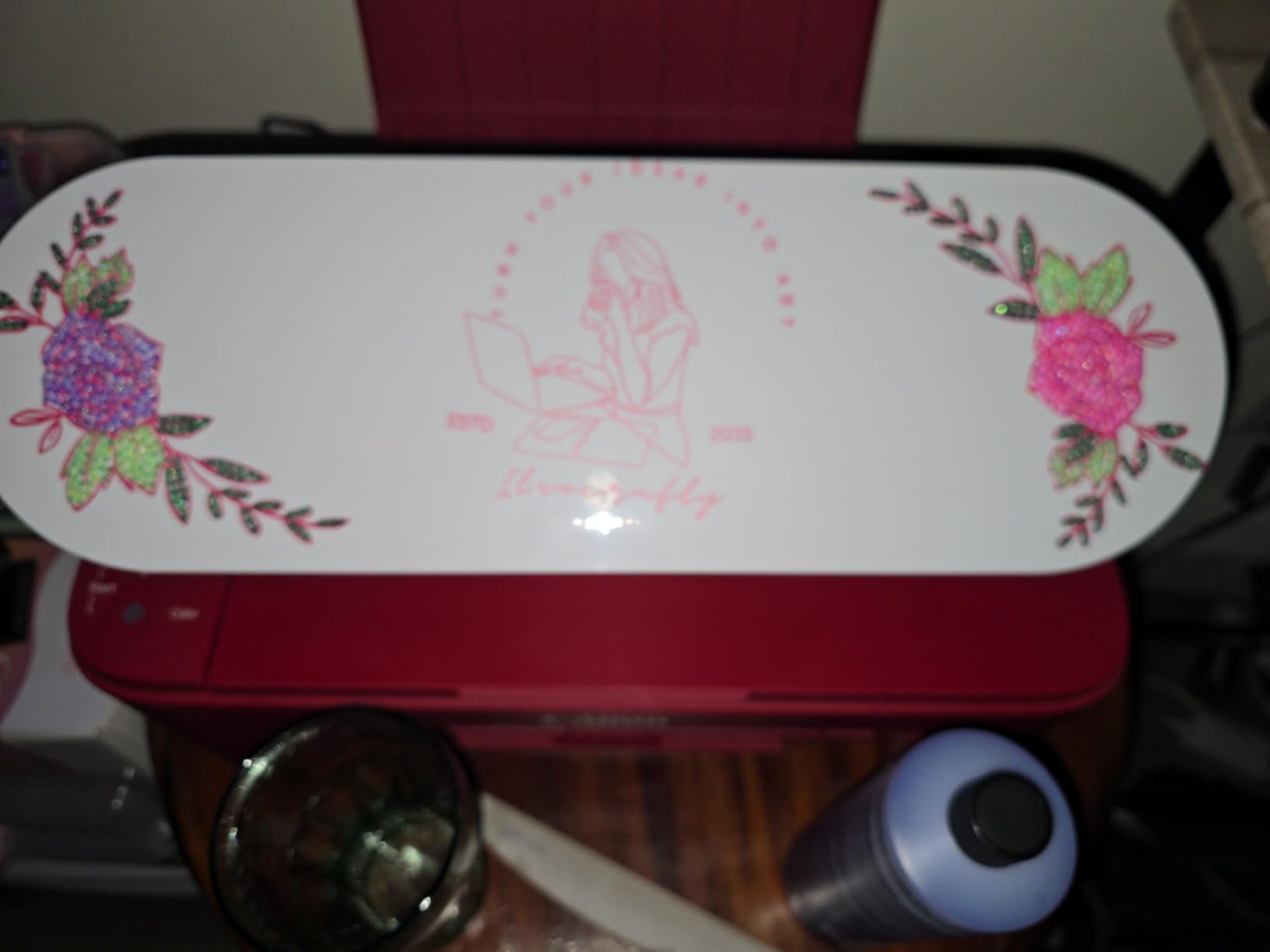
The 50 dB operating rating is the standout for shared walls. During testing it registered as normal printer-level noise, which is rare in this category and matters if you cut in an apartment or a shared studio.
Print-then-cut works with a standard home inkjet, so full-colour sticker runs do not require a dedicated printer purchase. New electric tool options also extend the machine beyond cutting and sketching.
Studio software reads installed PC fonts and graphics, which means you are not locked into a proprietary library. That openness is the reason so many owners compare it favourably to subscription-gated rivals.
Who this machine suits
Beginners who want room to grow, and anyone making stickers, labels, and small decals in quantity. The learning curve in Studio is real, but it teaches transferable design skills rather than locking you into one app.
It also suits Mac and Windows users equally, which is not true of every plotter in this roundup.
Who should pass
Two frustrations come up repeatedly. Suggested blade settings run too deep and slice into the mat, and mat adhesive loses grip quickly with fibrous paper and cardstock.
At 9 inches, any design wider than the mat needs multiple passes. For single-letter decals that is a non-issue, but for full-width signage it is a workflow killer.
3. LIKCUT S501 Vinyl Cutter – Best Budget Entry
Likcut S501 Vinyl Cutter Machine, AI Sticker Cutter, 4.5″ Wide Cutting
Cut width: 4.5 inch
Cut speed: 3.2 inches per second
Weight: 2.65 kg
Pros
- Lowest entry cost in this roundup
- Bluetooth 5.0 pairs in about 3 seconds
- AI voice and text-to-design tools
- Cuts and draws in dual modes
Cons
- Software functions as a design store
- Plastic build feels lighter duty
- 4.1 average rating with 12% one-star reviews
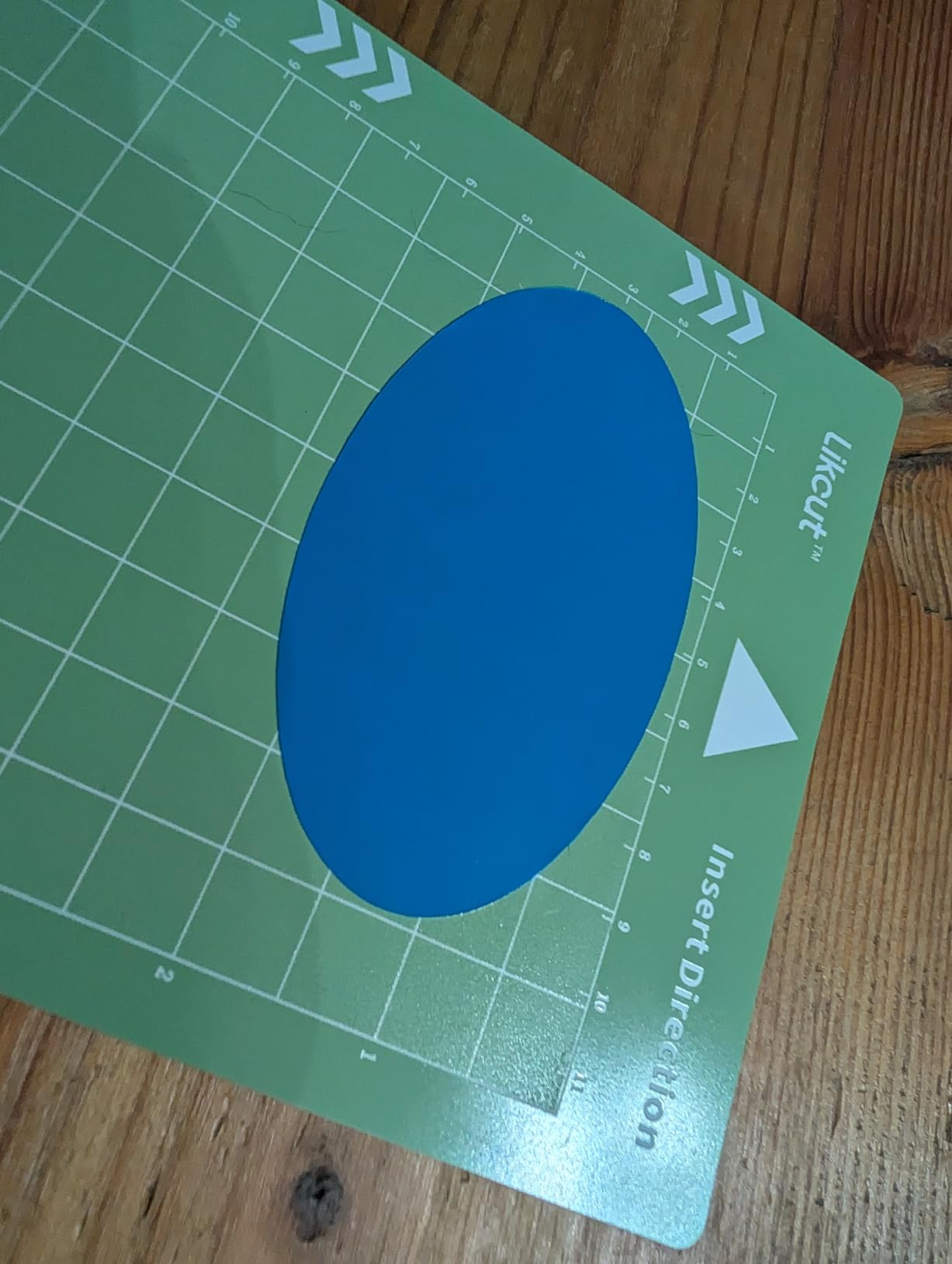
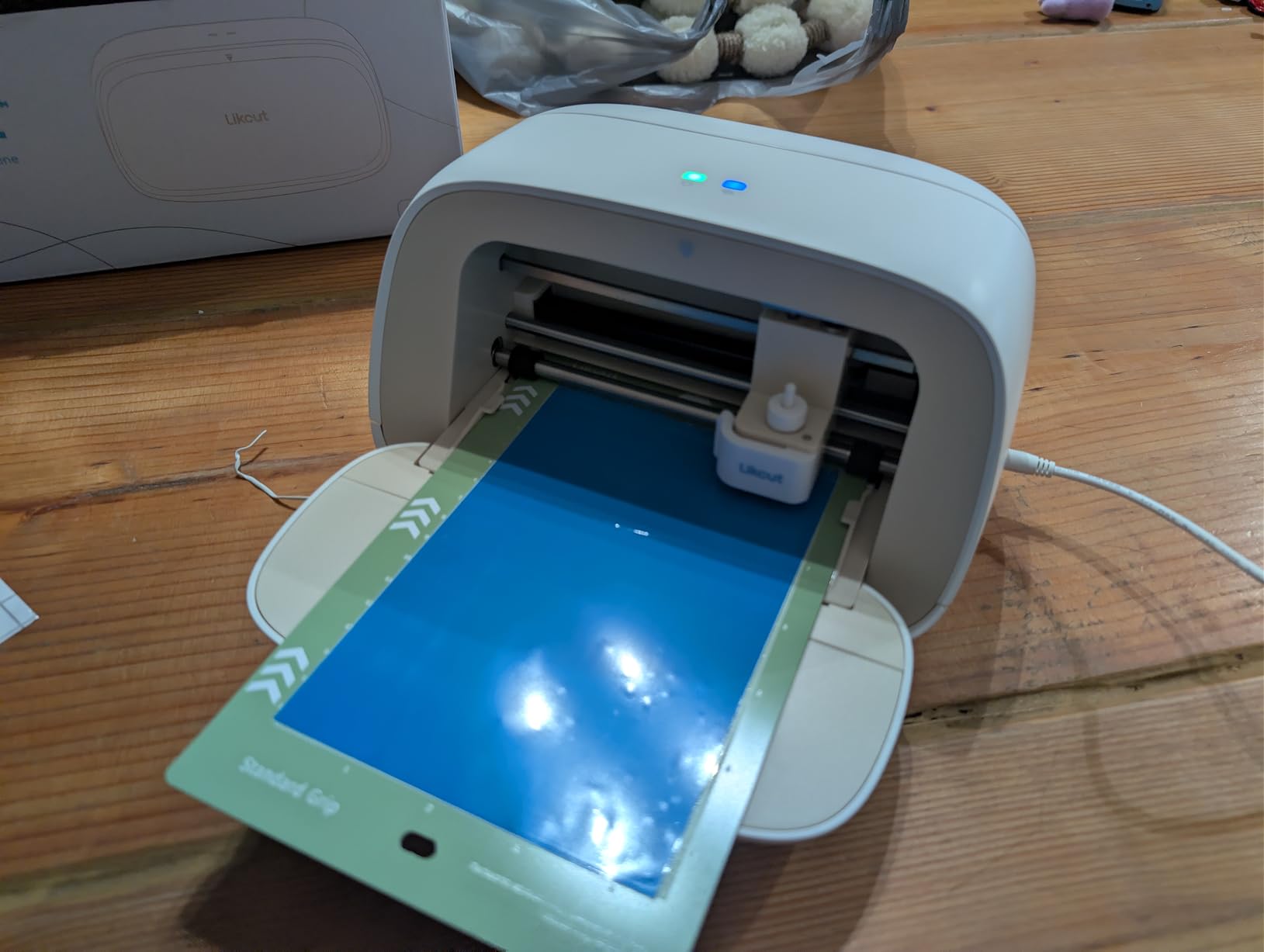
The S501 does the least glamorous job in this group, and that is exactly why it works for a first machine. It delivers a 4.5-inch cutting width, 180 square inches of active surface, and a cut speed up to 3.2 inches per second.
Setup took us under two minutes. Bluetooth 5.0 and USB 2.0 both pair quickly, and the included blade is rated to cut over 4610 meters before it needs replacing.
The AI text-to-design and voice-to-design tools are the real differentiator here. A beginner can describe an idea in plain language and get a cuttable file, which removes the biggest wall between a first purchase and a finished sticker.
Dual cutting and drawing modes with adjustable pressure let one machine handle decals and pen work. Compatibility spans over 50 material types, and the front cover doubles as built-in tool and material storage.
Be aware that the software ships with a design store holding over one million designs and 1200-plus fonts, and that store is the main way owners are pushed toward further spending.
Who this machine suits
Someone testing whether they actually enjoy vinyl work before committing real money. At 2.65 kg it moves between rooms easily, and the small width suits everyday stickers and labels perfectly.
It also suits a beginner with no design background, since the AI tools cover the gap that usually slows people down.
Who should pass
The 4.1 average rating and a 12% one-star share, the highest in this roundup, point to more inconsistency than the other machines here. Cut consistency varied more than we liked across repeated runs.
Plastic construction and manual operation will not survive a commercial volume of cutting. If you plan to sell hundreds of pieces a month, put the money into a sturdier chassis instead.
4. Cricut Joy Xtra – Best for Beginners
Cricut Joy Xtra – Smart Cutting Machine | Digital Content Bundle
Active area: 95.94 sq in
Weight: 250 g
Print-Then-Cut supported
Pros
- Lightweight and compact for small spaces
- Print-Then-Cut on most inkjet printers
- Design Space is approachable for first-timers
- Blade pen weeder and cable included
Cons
- Cricut Access needed for the full image library
- Small cutting area limits signage and apparel
- Matless vinyl still needs careful settings
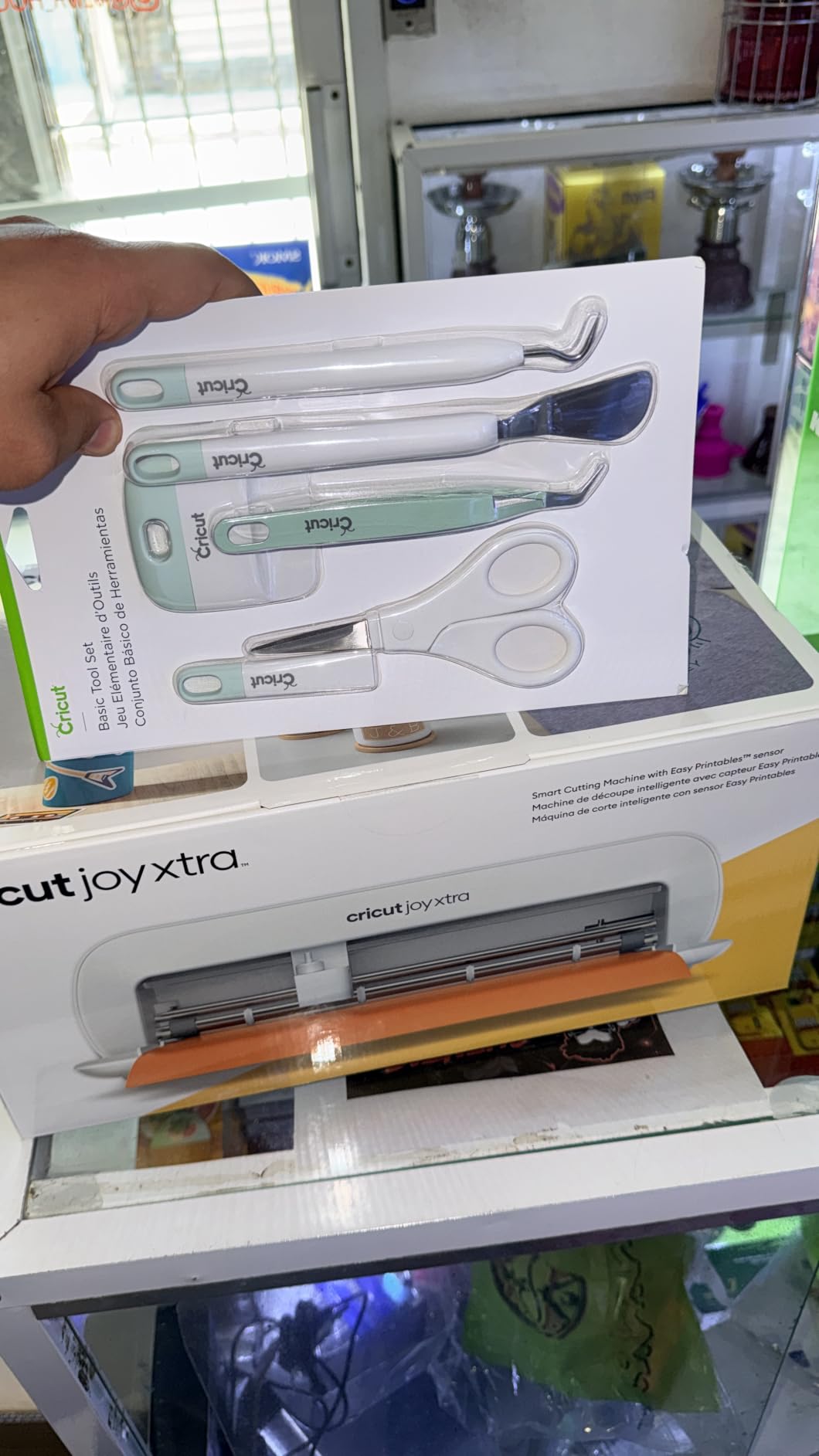
The Joy Xtra is the easiest machine in this roundup to hand to somebody who has never used a cutter. At 250 grams it stores in a drawer, yet it handles vinyl, iron-on HTV, and cardstock across 50-plus materials.
Print-Then-Cut with most inkjet printers produces full-colour stickers, and the 95.94 square inch active surface is enough for a single sticker sheet or a row of small labels.
It cuts, draws, and foils, which sounds minor until you realise how many projects a single machine can then absorb. Our test folder of labels, gift tags, and iron-on transfers all came off the same mat.
Design Space is the gentlest software here. The free library includes 3000-plus images and 100-plus fonts, and templates handle most of the layout work for you.
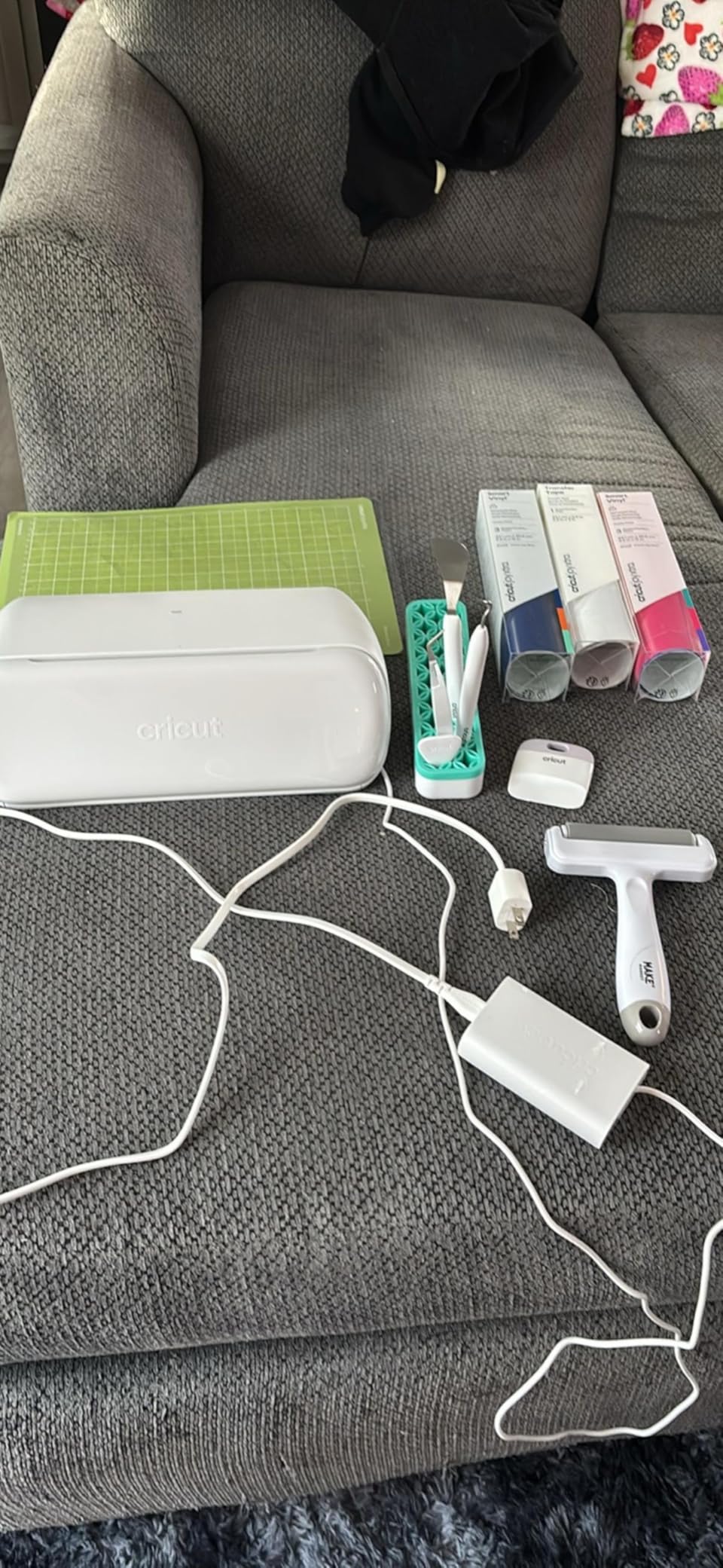
The bundle includes a fine-point blade, fine point pen, mini weeder, USB cable, power adapter, and 30 bonus images, so it is usable out of the box with no extra shopping.
Who this machine suits
First-time buyers, gift makers, and anyone who needs stickers rather than production decals. The small footprint makes it a good fit for an apartment craft corner or a classroom.
It also suits colour-first projects, since print-then-cut is a core strength rather than an add-on feature.
Who should pass
The full library of 1.5 million-plus images sits behind Cricut Access, and that subscription is the most common complaint we saw from owners who expected the machine to be fully open.
The cutting area is small. Anything larger than a sticker sheet means reloading the mat and realigning, which quickly outgrows itself.
5. Silhouette Cameo 5 Alpha – Best for Shared Workspaces
Silhouette America Cameo 5 Alpha (α) – Smart Cutting Machine for Print & Cut – Quiet Operation with AutoBlade, Studio Software, Cutting Mat- Vinyl, Paper & Fabric Compatible – Classic White
Cut area: 12 x 24 inch
Cut speed: up to 400mm/s
Handles material up to 3mm
Pros
- Noticeably quiet motor
- AutoBlade sets depth automatically
- 4-point registration for accurate print-and-cut
- IPT reduces material stress and waste
Cons
- Studio software still has a learning curve
- Mats need regular cleaning to hold material
- Additional tools add to running cost
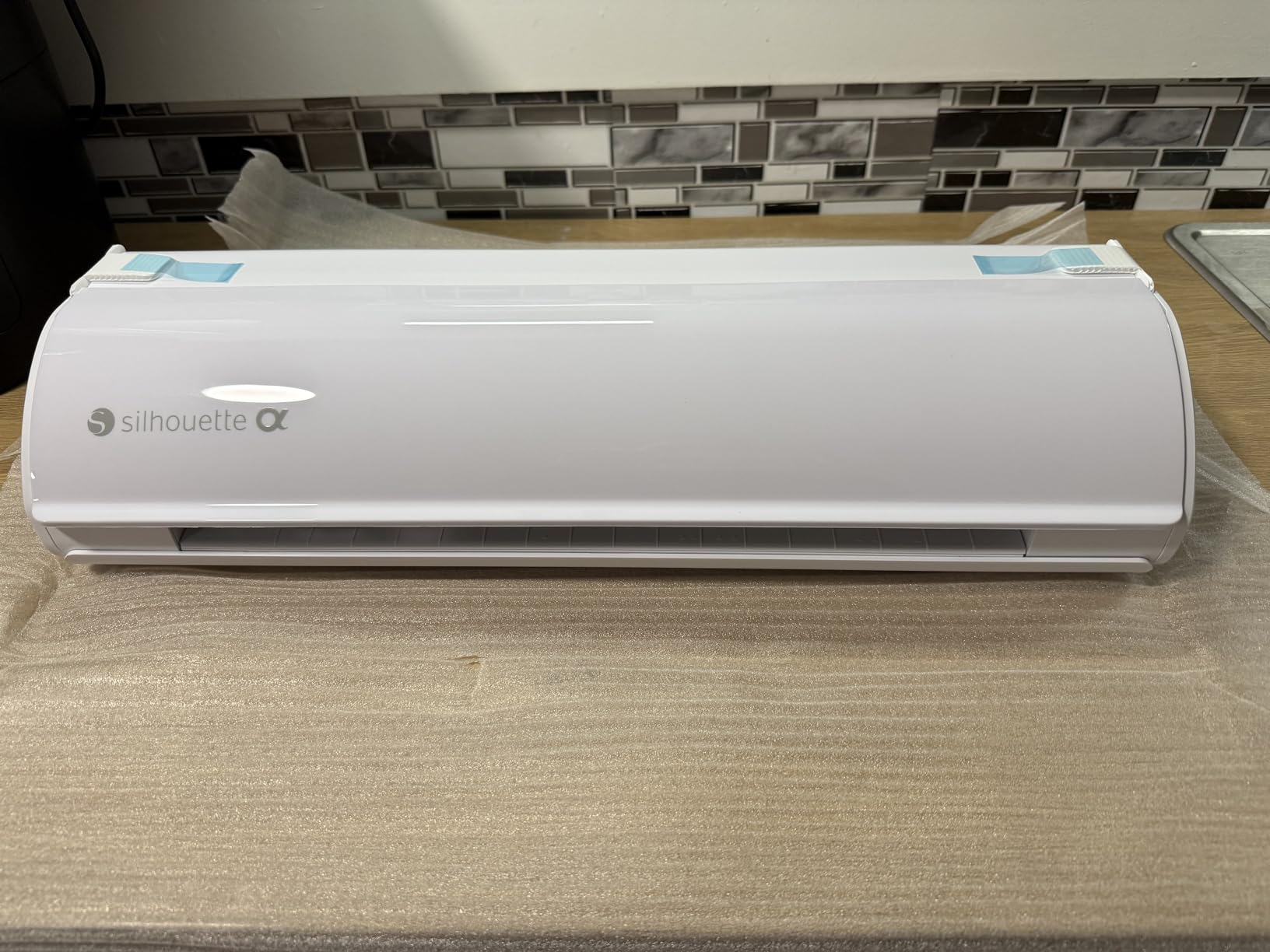
The Cameo 5 Alpha is the first Silhouette we tested where the noise complaints largely disappeared. The motor is quiet enough for a shared room, which is a genuine change from earlier generations.
Its 12 by 24 inch cutting area handles apparel pieces and larger decal projects in one pass. We cut a full sheet of iron-on transfers without reloading the mat.
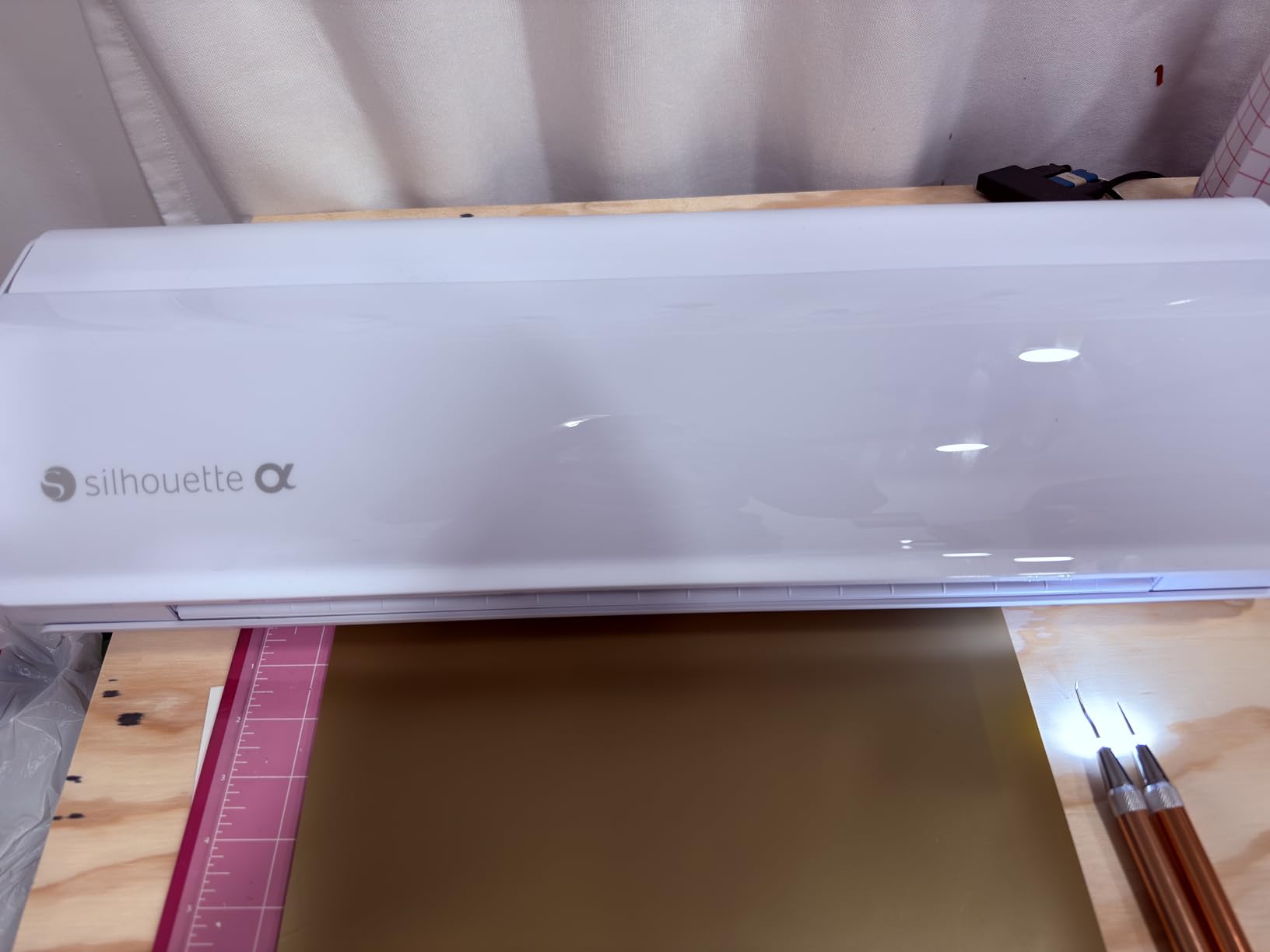
AutoBlade removes the manual depth adjustment that frustrates new owners on other machines. The machine sets blade depth for you, and our test cuts came out consistent across several material weights.
The 4-point registration system with vertical and horizontal correction made print-and-cut noticeably more accurate than earlier setups. Cut speeds reach 400mm/s, and Fast Sketch Mode speeds up drawing without losing detail.
Material handling goes up to 3mm thick, and the machine cuts, sketches, and embosses. That range is what separates it from the desktop models in this list.
Who this machine suits
Crafters working from a home office or a shared studio where noise is a real constraint. It is also a strong pick for apparel sellers, since 12 by 24 inches covers a full panel.
Owners upgrading from an older Silhouette will notice the quieter motor and faster sketching immediately.
Who should pass
Studio software still carries a learning curve, and this generation did not change that. Beginners should budget time for tutorials before their first real project.
Mats must be kept clean and replaced regularly, and extra tools beyond the included blade and pen adapter add to the running cost over a year.
6. Cricut Maker 4 – Best for Small Business
Cricut Maker 4 – Smart Cutting Machine (Seashell) | Digital Content Bundle
Active area: 270.25 sq in
Weight: 9.59 kg
300+ materials
Pros
- Cuts leather wood and heavy vinyl cleanly
- Print-Then-Cut on most inkjet printers
- Cuts draws foils scores engraves debosses and perforates
- Materials sampler lets you start immediately
Cons
- Cricut Access required for most of the design library
- Some machines arrived with inconsistent cut depth
- Mats can arrive bent in the box
The Maker 4 is the most capable general-purpose machine we tested. Its 270.25 square inch active surface handled everything from full sticker sheets to a sheet of wood and thin leather without a second pass.
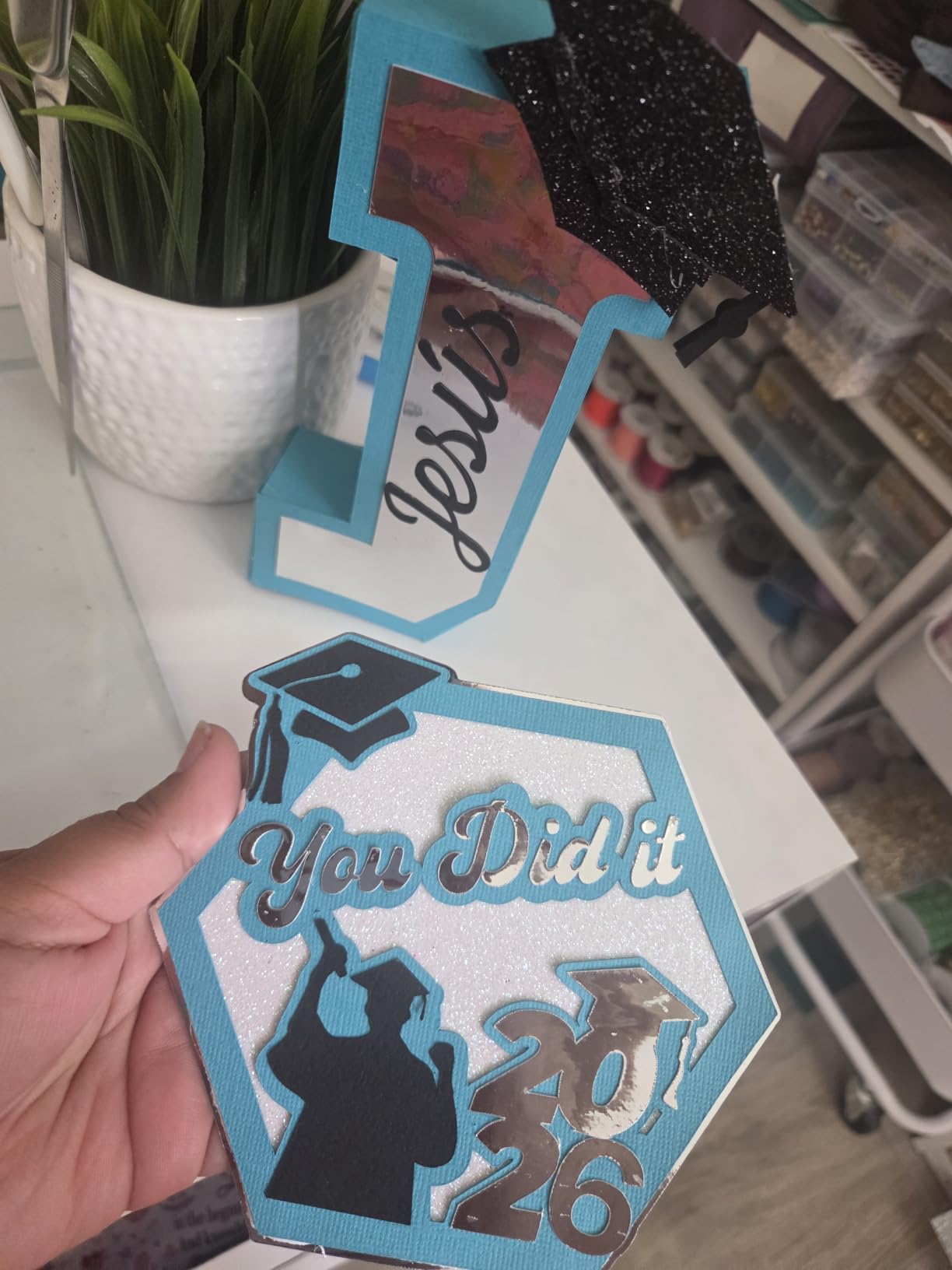
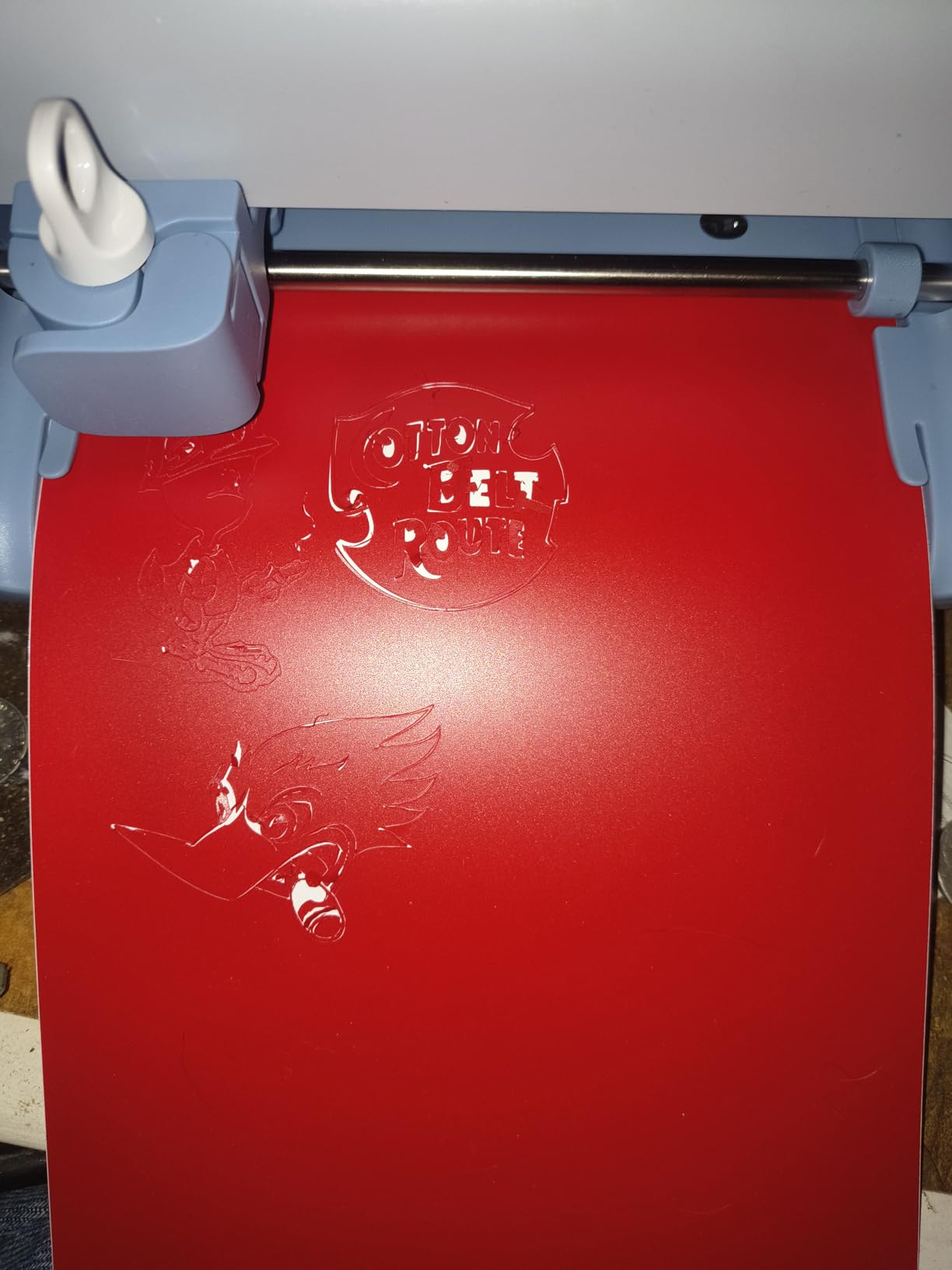
Owners rate it highly for speed and cut precision, and our red rubber test came through cleanly on the first attempt. It is faster than previous generations and noticeably more decisive with heavy materials.
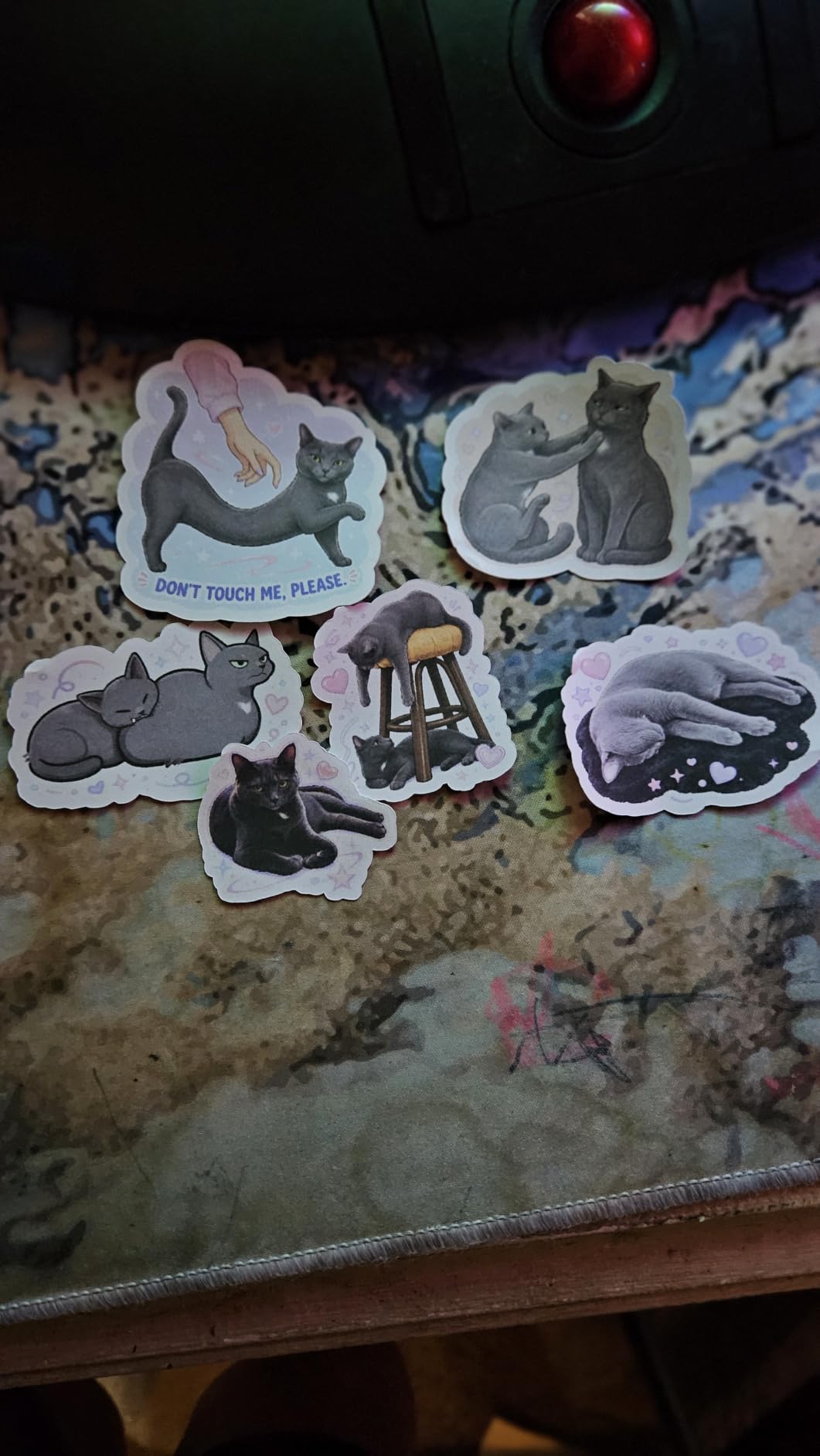
The function list is the widest here: cut, draw, foil, score, engrave, deboss, and perforate. For a small business, that range means one machine covers apparel, signage, packaging, and labels.
Mobile and desktop app control over Bluetooth was straightforward to set up, and the bundle includes a fine-point blade, materials sampler, fine point pen, light grip mat, and weeder.
At 9.59 kg it is heavier than the desktop units but far lighter than a 34-inch plotter, so it still moves between rooms when needed.
Who this machine suits
Sellers running an Etsy shop, a small apparel line, or a local signage side business. The material range and tool list let you expand into new product types without buying again.
It also suits anyone who wants a machine that still feels modern in three years, since the material and function list is where most upgrades land.
Who should pass
Cricut Access is required for most of the design library, and that recurring cost is the top complaint across owner reviews. Plan for it rather than discovering it later.
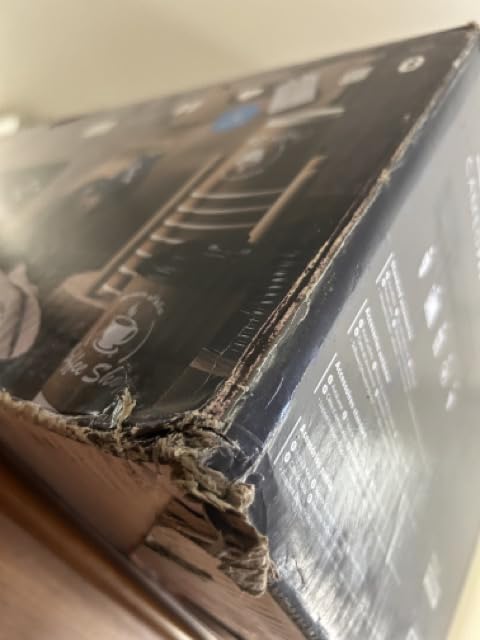
A small number of owners received units with faulty or inconsistent cut depth and returned them, and the cutting mat can arrive bent because the box is too small for it.
7. Silhouette Cameo PRO – Best for Wide Decals
Silhouette Cameo PRO
Cut width: 24 inch
Stable cuts to 60 feet
Dual tool carriage
Pros
- 24-inch width suits signage and banners
- Carriage runs two tools at once
- Heat pen and embossing add texture and foil
- Built-in roll feeder and cross cutter
Cons
- Base Studio does not read SVG without a paid upgrade
- Reports of homing failures and AutoBlade issues
- Noisier in practice than the reduced-noise claim
The Cameo PRO is the widest desktop machine in this roundup. A 24-inch cutting width handles signage, banners, and vehicle graphics, and it packs several small designs into a single pass.
The dual-powered carriage can cut and sketch at the same time or run two tools simultaneously, which shortens batch jobs noticeably on multi-piece orders.
Built-in roll feeder and cross cutter support continuous material, and auxiliary rollers keep cuts consistent up to 60 feet. Heat pen and embossing tool support add foil and texture finishes.
Media tracking slipped a little on heavyweight bristol unless we gave it a clear, obstacle-free surface, so the workspace matters as much as the machine.
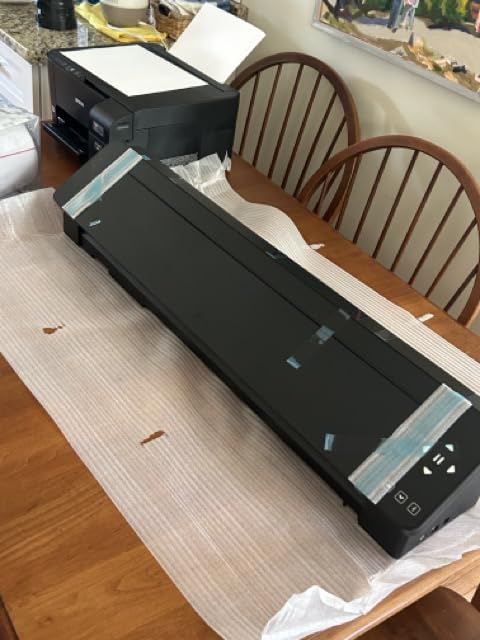
It weighs 19.8 pounds and measures 7.68 by 34.49 by 6.69 inches, so treat it as a bench machine rather than a portable one.
Who this machine suits
Anyone cutting banners, wall decals, or vehicle graphics who wants desktop-adjacent handling. The 24-inch width is the reason to buy it, and most owners cite exactly that.
Batch sellers will like running two tools at once, since it moves work through faster than a single-tool carriage.
Who should pass
Reliability is the weak point. Owners report homing failures, loading jams, and AutoBlade depth problems after service, and a 14% one-star share is the highest here.
Base Studio does not read SVG files without a paid upgrade, and the machine is louder in practice than the reduced-noise claim suggests.
8. Cricut Joy 2 Essential Bundle – Best for Travel and Classrooms
Cricut Joy 2 Essential Bundle + Rainbow Sampler
Cut width: 4.5 inch
Weight: 0.91 kg
75+ materials
Pros
- Lightest and most portable machine here
- Print-Then-Cut produces full-colour stickers
- Materials pack covers up to 75 projects
- Bluetooth links to Design Space on mobile
Cons
- 4.5-inch width limits larger decals and apparel
- Design Space subscription unlocks most of the library
- Small area means multiple passes
The Joy 2 is the machine we keep in a bag. At 0.91 kg it is the lightest option here, and the 4.5-inch cutting width is still enough for a full sticker sheet or a set of labels.
It writes, draws, foils, scores, and cuts, and works with 75-plus materials including vinyl, iron-on, printable materials, and cardstock. Bluetooth connects straight to Design Space on mobile or desktop.

Print-Then-Cut with home inkjet printers is the feature that lifts it above other compact machines. Full-colour sticker runs need no extra hardware beyond a printer most people already own.
The Rainbow Sampler included in the bundle carries enough material for up to 75 projects, which is unusual at this size and removes the first-purchase supply trip.
The free Design Space library includes 3000-plus images, 100-plus fonts, and 1000-plus projects with AI image generation, so beginners have a starting point without buying anything.
Who this machine suits
Teachers running classroom projects, and crafters who work away from a dedicated desk. Portability is the whole argument, and at just over 2 pounds it holds up.
It also suits anyone who wants a weekend starter kit with enough supplies to actually finish the first batch of projects.
Who should pass
The 4.5-inch width is the limit. Larger decals or apparel layouts mean multiple passes, and that becomes irritating fast once you are producing regularly.
The Design Space subscription is optional but unlocks the bulk of the library, and the small active surface area means reloading for bigger work.
9. Siser Romeo High-Definition Cutter – Best for Apparel HTV
Siser Romeo High-Definition Cutter – 24″ Professional Cutting Machine for Vinyl, Paper, and More – WiFi Compatible with Windows & Mac – Includes Leonardo Design Studio Software, Roll Holder Accessory
Cut area: 24 inch
Active area: 285.5 sq in
WiFi for Windows and Mac
Pros
- 24-inch area doubles smaller desktop models
- Cut speeds up to 60% faster than traditional cutters
- Matless cutting frees the full mat area
- Preloaded Siser HTV and EasyPSV settings
Cons
- 36.5-inch body needs a dedicated work surface
- Leonardo Design Studio needs a learning curve
The Romeo is built for a specific job: heat transfer vinyl at volume. Its 24-inch cutting area gives 285.5 square inches of active surface, and the preinstalled settings cover every Siser HTV and EasyPSV material.
Those saved settings are the quiet advantage. Instead of dialling blade depth and pressure for each vinyl weight, you pick the material and cut, which removes the most common source of failed apparel runs.
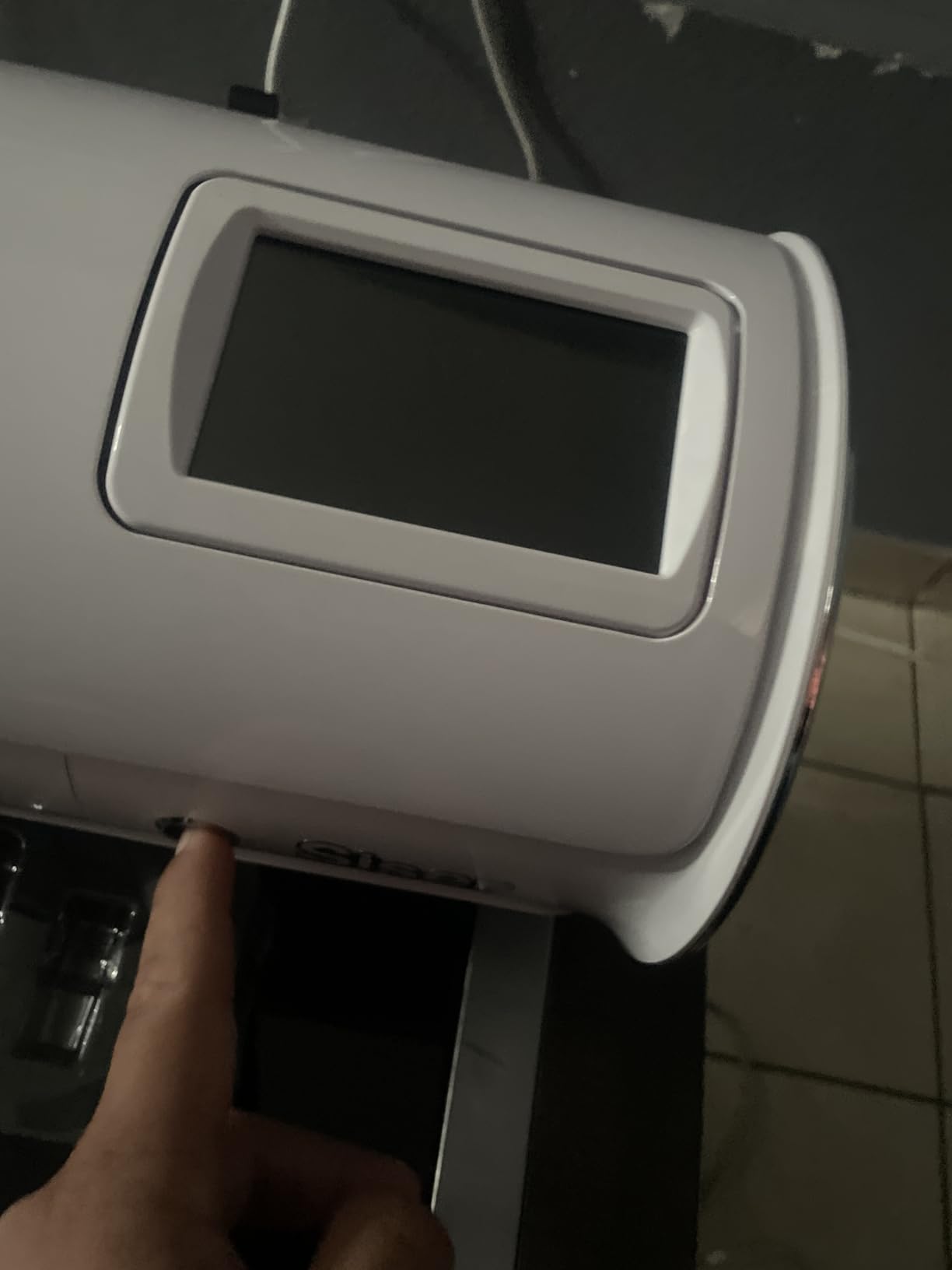
Cut speeds run up to 60% faster than traditional desktop cutters, and owners describe the machine as both faster and quieter than typical plotters at this size.
Matless cutting frees the entire mat area for larger material, and adjustable pinch rollers plus variable grit rollers handle a wide range of materials.
It connects over WiFi on both Windows and Mac, and the touch-screen interface keeps common settings close at hand while retaining professional controls underneath.
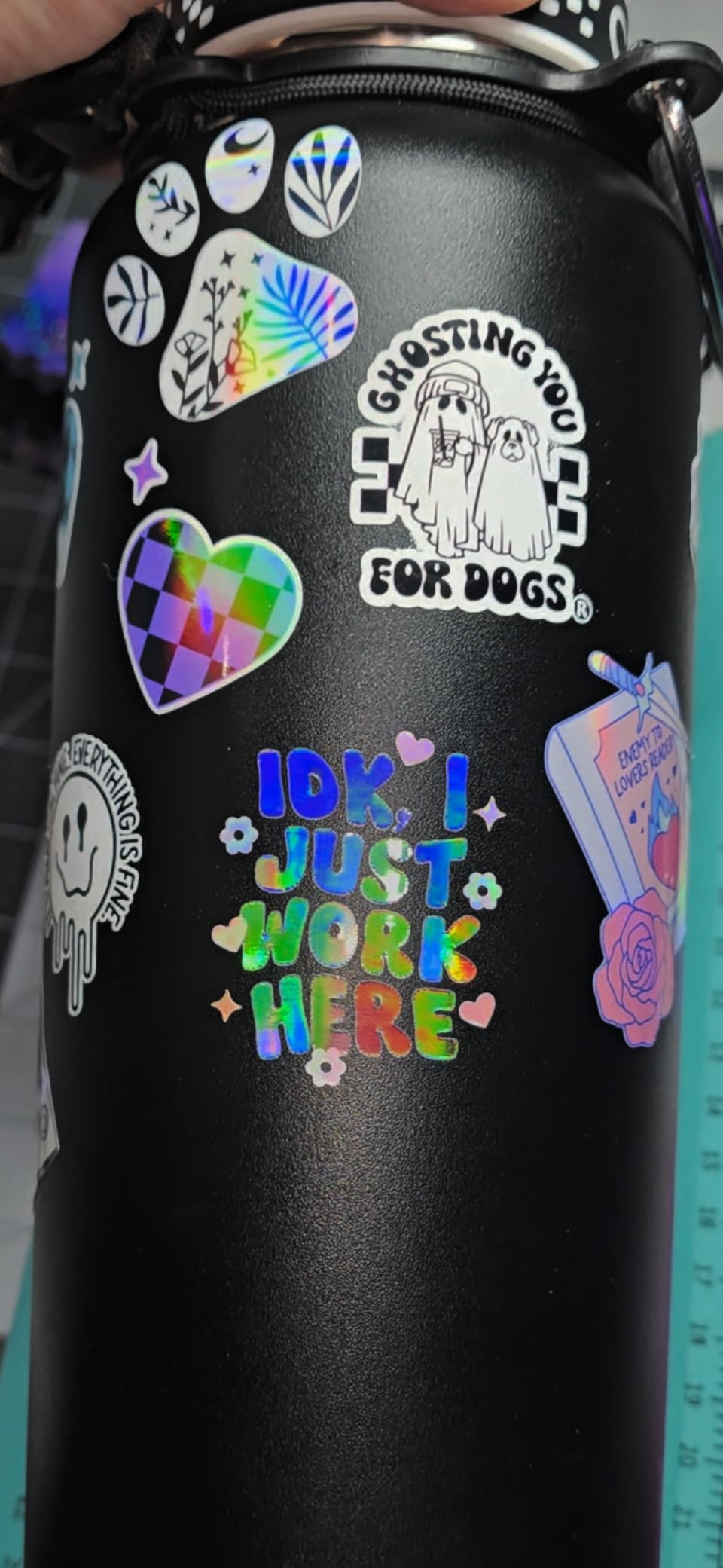
Who this machine suits
Apparel businesses and anyone cutting HTV in batches. The 24-inch area produces a high volume per load, and the preloaded Siser settings are a genuine time saver.
It also suits mixed workflows. Reviewers confirm it handles cardstock, stickers, and materials beyond Siser vinyl.
Who should pass
The body is 36.5 inches wide and weighs 10 kg, so it needs a large, dedicated work surface. In a small flat it becomes a permanent obstacle.
Leonardo Design Studio takes time to learn if you are coming from the Silhouette or Cricut ecosystems, and the 244-review count means less long-term evidence than the other picks here.
10. VEVOR 34 inch Vinyl Cutter Bundle – Best for Manual Control
VEVOR Vinyl Cutter Machine 34 inches Bundle Manual Vinyl Plotter Cutter
Feed: 34.3 inch
Cut width: 30.7 inch
Power: 95 watts
Pros
- Large 30.7-inch cutting width
- Stated precision of plus or minus 0.01mm
- Pressure 20-500g and speed 20-800mm per second
- Backlit LCD with COM and USB interfaces
Cons
- 15% one-star share points to more early failures
- Software install method varies between packages
- Screen-based control is less convenient than app machines
The VEVOR is the manual alternative in this roundup. Everything runs from a backlit LCD control panel instead of an app, with cutting pressure adjustable from 20-500g and speed from 20-800mm per second.
Maximum paper feed is 34.3 inches with a 30.7-inch cutting width, and the stated cutting precision is plus or minus 0.01mm. Owners with a working machine value that spec sheet at this cost level.
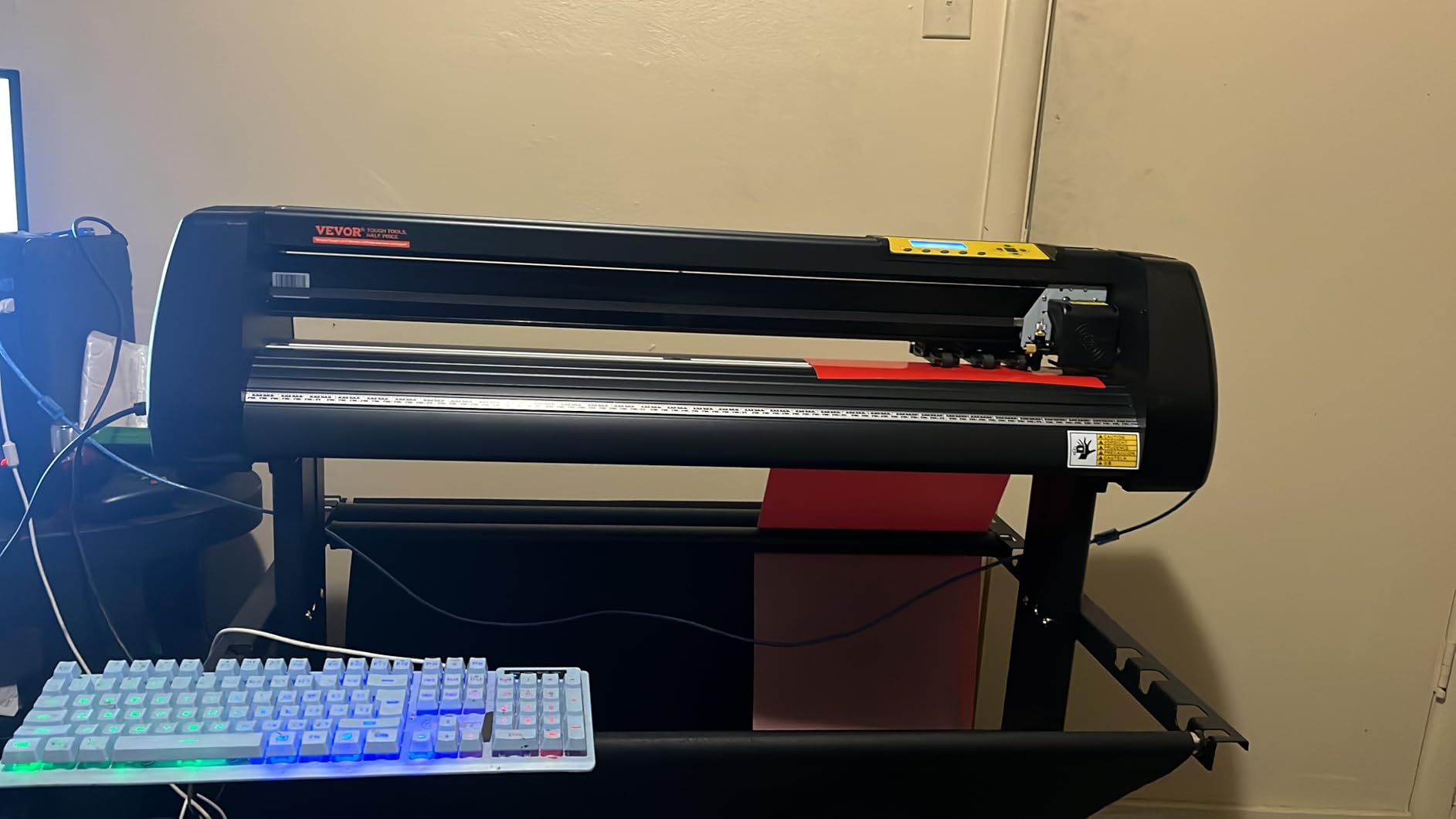
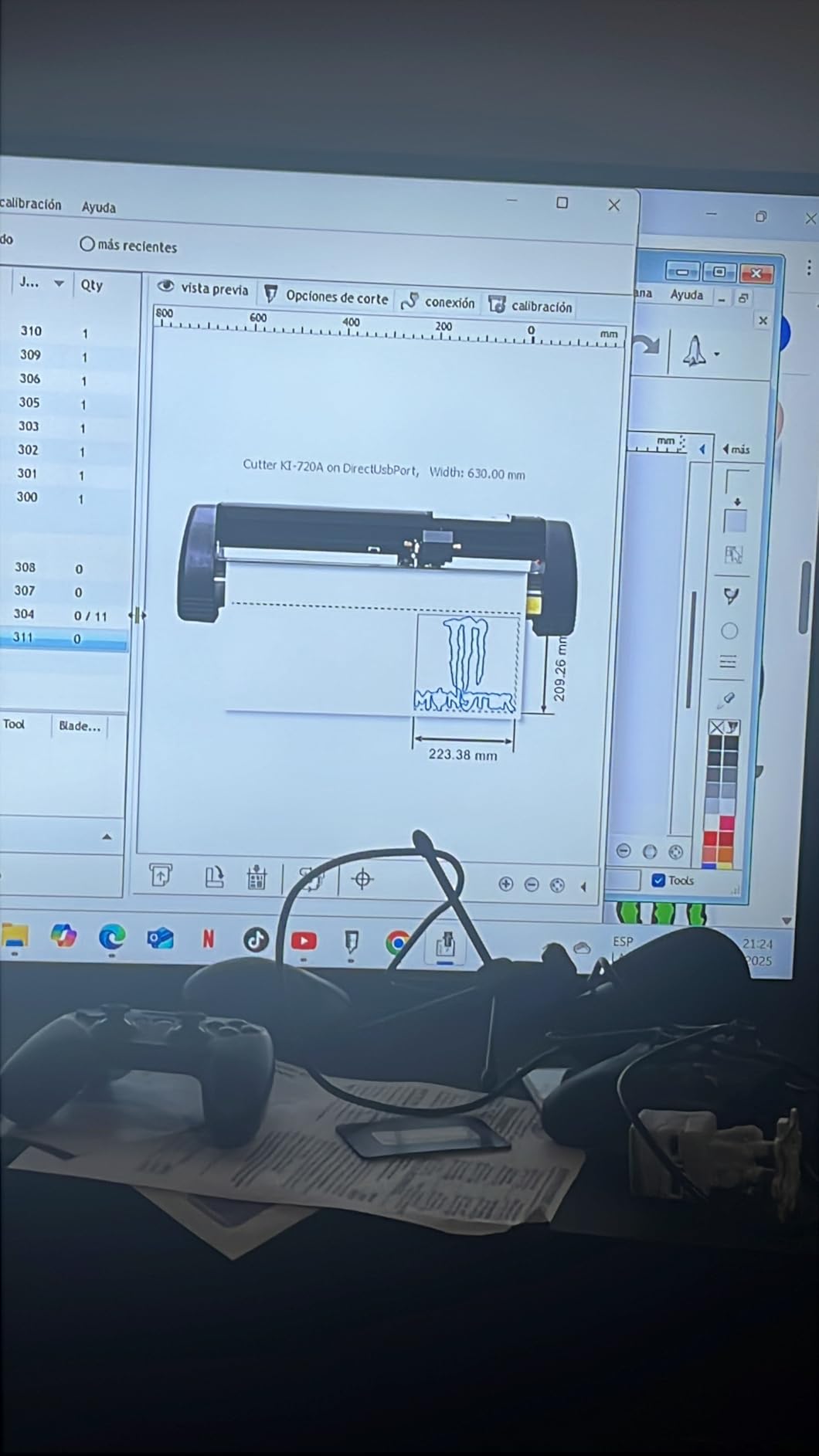
File handling is broad for a screen-driven plotter. It imports SVG and PDF, supports DM/PL and HP/GL languages over COM and USB, and works with installed system fonts including Dingbat and Wingding.
The double spring pinch rollers with a roughened steel roller did a good job resisting feed deviation in our tests, which is where cheaper plotters usually drift.
Power consumption is 95 watts, the lowest figure in this group, and the same model also comes in 28 inch and 53 inch sizes if you outgrow this one.
Who this machine suits
Sign makers who prefer direct panel control and already work in vector software. No app, no account, and no subscription to think about.
It also suits buyers who want wide format without moving up to a full commercial plotter, and anyone who values the stated precision figure on paper.
Who should pass
The 15% one-star share is the highest in this roundup, and owners report machines failing to power on as well as arriving dirty or scuffed. Inspect on arrival.
Software installation instructions vary between packages, and driving a backlit screen is slower than app-based machines once your artwork is ready.
How to Choose the Best Cutting Machines for Vinyl
Cutting width is the decision that is hardest to change later. A 4.5-inch machine handles stickers and labels, 9 to 12 inches covers apparel and small decals, and anything past 24 inches is signage and vehicle graphics territory. Buy the width you need next year, not the width you need this week.
Second, look closely at the software policy. Studio and Design and Cut run freely with your own fonts and images, while Cricut gates its 1.5 million-plus image library behind Cricut Access. Over a three-year ownership window, that recurring fee changes which machine is the cheaper option.
Third, budget for consumables. Blades, mats, and weeding tools are not accessories you buy once. Reviewers repeatedly report that mat adhesive loses grip faster than expected with fibrous paper, and that replacement mats are a steady line item. The Roland-compatible blade holder on the USCutter and the 4610-meter rated blade in the Likcut kit both keep blade replacement cheaper.
Fourth, decide how much you rely on print-then-cut. The Cricut Joy Xtra, Joy 2, and Maker 4 all pair with a standard home inkjet for full-colour stickers. If colour output is central to your business, that capability matters more than extra cutting width.
Finally, consider noise and footprint against your actual room. The Silhouette Portrait 4 carries a 50 dB operating rating, and the Cameo 5 Alpha uses a noticeably quieter motor. Both are meaningful in a flat or a shared studio. At the other end of the scale, the Siser Romeo needs a 36.5-inch work surface and the USCutter MH 871 is a 48-pound bench machine.
Frequently Asked Questions
Is there a better cutter than Cricut?
For large-format vinyl and signage, yes. The USCutter MH 871 cuts 34 inches wide, uses standard Roland-compatible blades, and needs no app. For sticker and label work on a small mat, the Silhouette Portrait 4 runs without a mandatory subscription and uses your installed PC fonts, which Cricut does not. Cricut still leads on material range and beginner-friendly design software.
What I wish I knew before buying a Cricut?
Most first-time buyers are surprised by three things: Cricut Access is needed for most of the design library, cutting mats are a recurring consumable cost, and mats sometimes arrive bent because the box is smaller than the mat. Checking blade depth settings before starting also prevents cuts that score the mat underneath.
Is Cricut or Silhouette better?
Silhouette is better if you want open software and no forced subscription, since Studio uses your installed fonts and reads common graphic formats. Cricut is better if you want the widest material range and the most guided design experience, since the Maker 4 handles 300-plus materials and cuts, draws, foils, scores, engraves, debosses, and perforates.
Is Cricut or Silhouette better for stickers?
For full-colour print-then-cut stickers, the Cricut Joy Xtra, Joy 2, and Maker 4 pair with a standard home inkjet and are the simplest route. For tight cut detail and vinyl-only sticker work, the Silhouette Cameo 5 Alpha offers a 12 by 24 inch area with 4-point registration and cleaner weeded edges. Mat grip and blade calibration cause most sticker failures on both brands.
What machine can cut vinyl?
Every machine in this roundup can cut vinyl. Desktop models such as the Silhouette Portrait 4, Cricut Joy Xtra, and Likcut S501 handle sticker and label widths. The Cricut Maker 4 and Silhouette Cameo 5 Alpha cover apparel and mid-size decals. Wide-format plotters including the USCutter MH 871, Silhouette Cameo PRO, Siser Romeo, and VEVOR 34 inch handle signage and vehicle graphics.
Final Verdict: The Best Cutting Machines for Vinyl in 2026
The USCutter MH 871 takes our Editor’s Choice as the best cutting machines for vinyl pick in 2026, because no other machine here moves that much material per pass at that blade cost. The Silhouette Portrait 4 is the smarter starting point for a beginner, and the Cricut Maker 4 earns its place for anyone turning product rather than hobby.
Pick the width you need next year, count the subscription before you commit, and keep a spare blade and mat in the drawer from day one.