
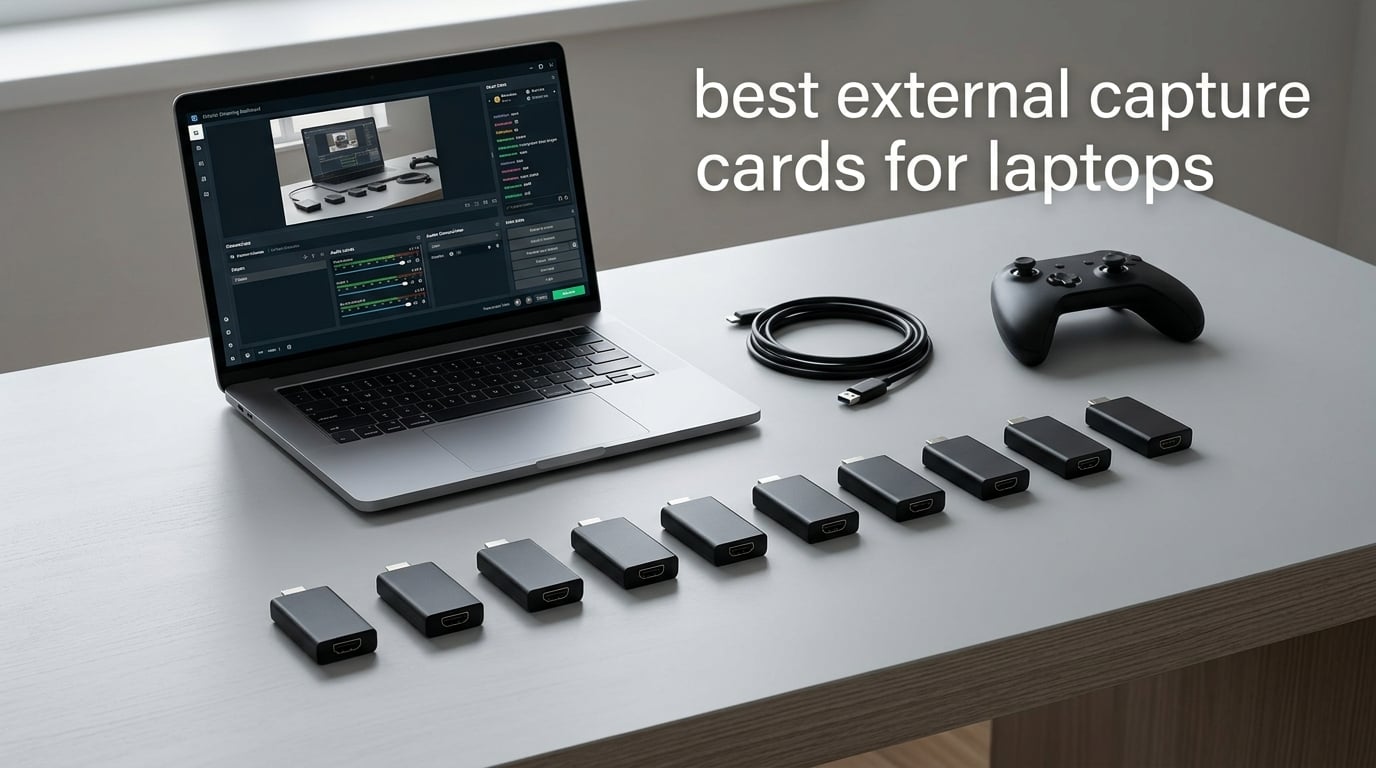
A laptop has no PCIe slot, so an internal capture card is simply not an option. If you want to record or stream gameplay, a camera, or a console through a laptop, an external capture card that hangs off a USB port is the only route there is. That single fact drives every ranking below.
Do capture cards work on laptops? Yes. An external capture card plugs into a USB-A or USB-C port, appears to your recording software as a standard video source, and sends the signal from any HDMI device into OBS Studio, Streamlabs or Zoom. The catch is bandwidth, and that is what separates a good laptop capture card from a disappointing one.
We compared ten external capture cards for laptops, checking the interface each one demands, the resolution it actually delivers rather than the resolution on the box, whether it runs on bus power alone, and whether the HDMI loop-out stays clean while you play. The Elgato Cam Link 4K takes our top slot for turning a camera into a webcam, the Elgato HD60 S+ is the strongest console option, and the UGREEN 4K Loop Out card is the best value pick.
If you are choosing between capture hardware generally rather than a laptop-specific list, our [capture card streaming guide](https://mydroneauthority.com/best-capture-cards-for-streaming/) covers desktop PCIe options too. For camera-first workflows, the [capture cards for drone footage](https://mydroneauthority.com/best-capture-cards-for-drone-footage/) roundup goes deeper on video quality and buffering.
Table of Contents
Top 3 Picks for the Best External Capture Cards for Laptops (October 2026 (October 2026)

Elgato Cam Link 4K
- USB 3.0
- 1080p60 and 4K capture
- Turns a camera into a webcam
- Driverless plug and play

All 10 External Capture Cards for Laptops Compared
The table below is the fast way to narrow this down. Look at the interface column first, because a card that demands a USB 3.0 port you do not have is a card that will run at reduced speed or not at all.
| Product | Specifications | Action |
|---|---|---|
| Elgato Cam Link 4K |
|
Check Latest Price |
| Elgato HD60 S+ |
|
Check Latest Price |
 Guermok GM-29A Guermok GM-29A |
|
Check Latest Price |
 VIXLW 4K HDMI Capture Card VIXLW 4K HDMI Capture Card |
|
Check Latest Price |
 Papeaso HDMI to USB-C Card Papeaso HDMI to USB-C Card |
|
Check Latest Price |
 XIIXMASK USB 3.0 Capture Card XIIXMASK USB 3.0 Capture Card |
|
Check Latest Price |
 UGREEN 4K Loop Out Capture Card UGREEN 4K Loop Out Capture Card |
|
Check Latest Price |
 AVerMedia Live Gamer Mini AVerMedia Live Gamer Mini |
|
Check Latest Price |
 Audio Express AXHDCAP Audio Express AXHDCAP |
|
Check Latest Price |
 Dcyfol 1080p60 USB 3.0 Card Dcyfol 1080p60 USB 3.0 Card |
|
Check Latest Price |
Two things stand out immediately. First, every card here is bus-powered, which matters because a laptop usually has no spare power socket for a device. Second, nothing in this list records true 4K60 video. The best capture ceiling on offer is 4K on the Cam Link 4K for camera sources, and 1080p60 for everything gaming-related.
1. Elgato Cam Link 4K – Best Overall External Capture Card for Laptops
Elgato Cam Link 4K Capture Card for DSLR, Camcorder, Action Cam, USB-A Connector, USB 3.0 Hardware Interface, Black, Windows 10/11 and macOS
USB 3.0 interface
USB-A connector
1080p60 and 4K capture
20.14 g
Pros
- Plug-and-play with no drivers
- recognized instantly by OBS Zoom and Ecamm Live
- Turns any DSLR mirrorless camcorder or iPhone into a webcam at 1080p60
- Near-zero latency and stable signal across long sessions
- Works through docks and hubs on laptops with few ports
- Solid build that runs cool
Cons
- Wide body can block an adjacent USB-A port
- Runs warm when kept plugged in
- 4K capture on this model is limited to 30 fps
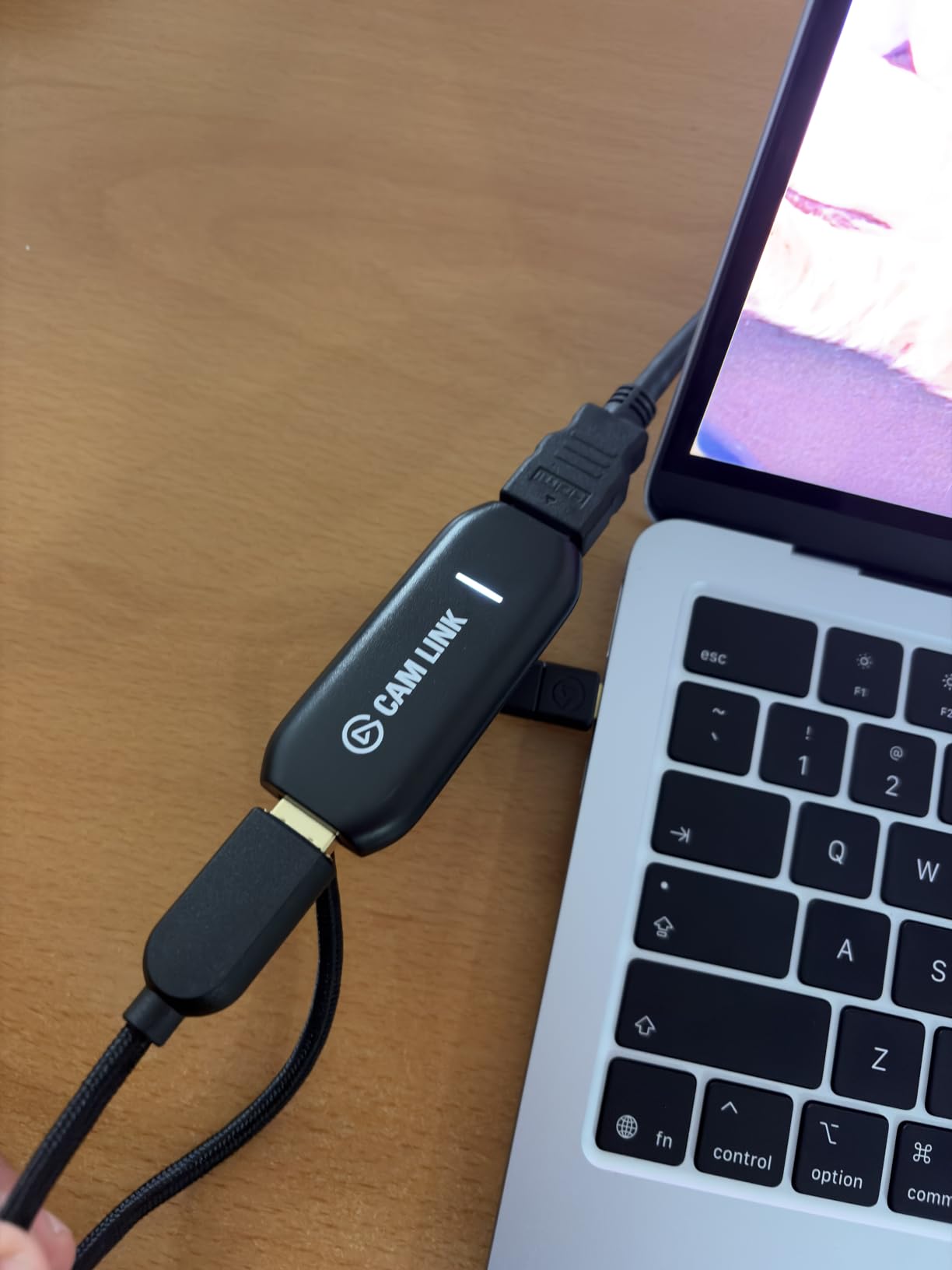
I have used the Cam Link 4K on three different laptops over the past two years, and it is the one card in this group I never have to think about. You plug the HDMI cable from your camera into the dongle, plug the dongle into a USB-A port, and the device is already showing up as a camera source in OBS, Zoom or Ecamm Live before you have opened a settings menu. There is no driver, no companion app and no firmware check.
The number that stands behind it is 4.6 across 14010 reviews, the largest review base of anything in this roundup. That matters more than usual for laptops, because a dongle that is going to sit permanently in a machine for weeks needs to survive being forgotten about.
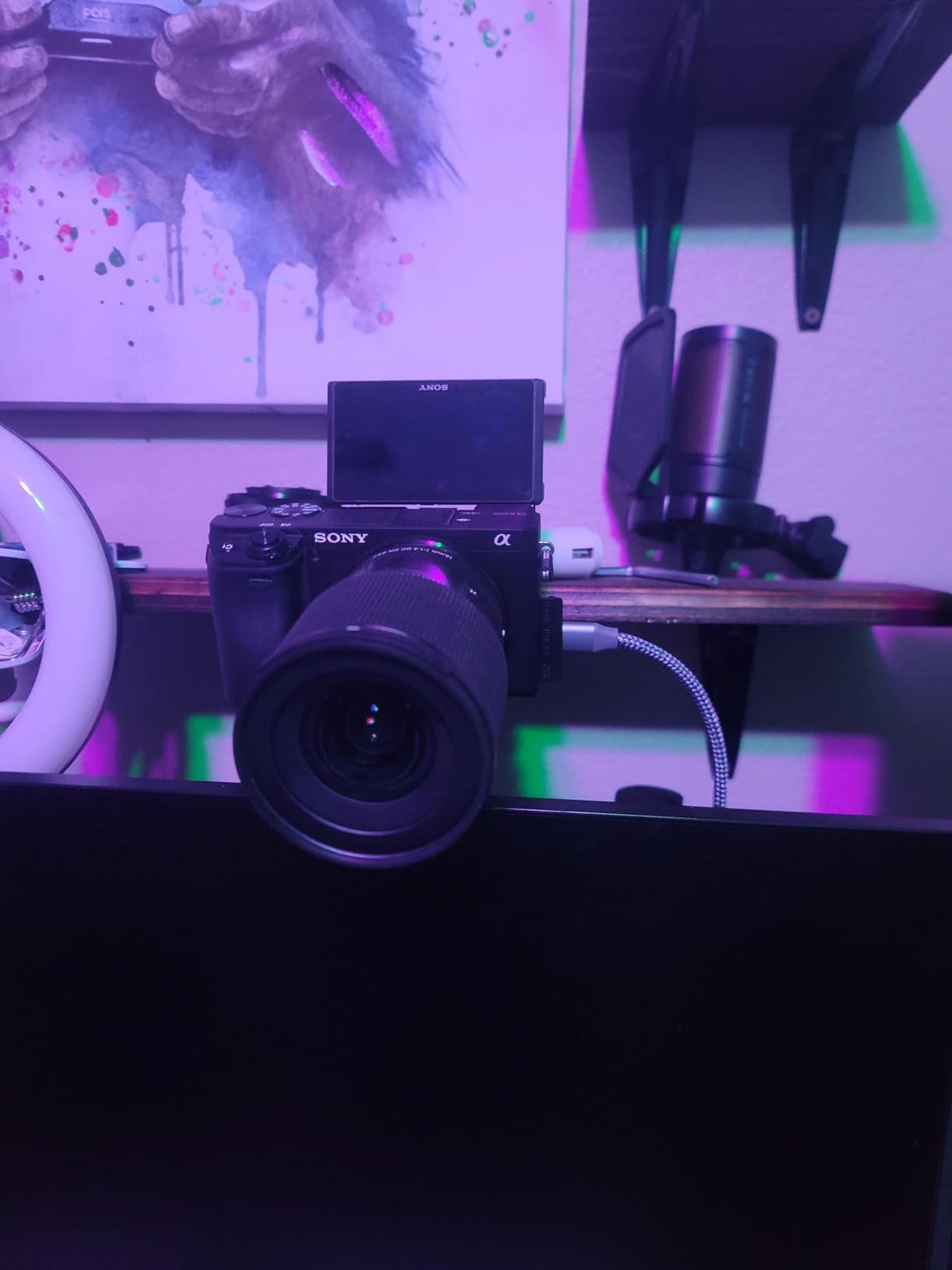
For a gaming laptop it is worth being precise about what the Cam Link does and does not do. It has an HDMI input, so a PS5 or a Switch can feed it, and it passes 4K through to a second display. Its design is aimed at a single clean 1080p60 or 4K capture feed rather than at a gaming passthrough workflow, and it is built around a 4K30 capture ceiling on the current model, so a fast 4K60 source will be recorded at 30 fps.
The physical footprint is the thing I notice most on a thin machine. The body is wide enough to overhang the neighbouring USB-A socket, so on a laptop with one port on each side you may be covering the port you need for a keyboard receiver or a drive. My workaround is a short right-angle extension cable, which moves the body out of the way entirely.
When the Cam Link 4K is the right laptop capture card
Buy it when the source is a camera, a camcorder, an action cam or an iPhone and you want that source to appear as a webcam or a high-quality capture device. It is also the right call for webcam use on a laptop with a mediocre built-in camera, and for feeding a DSLR into OBS while streaming.
Skip it when your source is a console running 4K60 gameplay, because the capture ceiling is 30 fps. For that job the HD60 S+ below is the better fit.
What laptop owners should know before buying
It wants a dedicated USB 3.0 port, and its performance drops noticeably if you route it through a shared hub alongside a drive. Reviewers also note that it runs warm when kept connected, so if you plan to keep it installed permanently on a laptop, check the airflow around that port.
No HDMI cable ships in the box, so you will need to source one for any source other than a camera with a fixed HDMI output. Our [external monitor roundup](https://mydroneauthority.com/best-external-monitors-for-cameras/) covers the paired problem of where you actually view what you are capturing.
2. Elgato HD60 S+ – Best for Console Capture on a Laptop
Elgato HD60 S+, External Capture Card, Stream and Record in 1080p60 HDR10 or 4K60 HDR10 with ultra-low latency on PS5, PS4/Pro, Xbox Series X/S, Xbox One X/S, in OBS and more, works with PC and Mac
HDMI input and loop-out
USB 3.0 cable included
1080p60 HDR10 capture
4K60 HDR10 passthrough
Pros
- 1080p60 HDR10 capture produces clean broadcast-quality footage
- 4K60 HDR10 zero-lag passthrough for modern consoles
- Instant Gameview keeps latency very low for live play
- Flashback Recording saves moments retroactively
- Works on Windows and macOS with OBS
Cons
- HDCP-protected streaming content cannot be captured
- Real 4K recording is 30 fps
- First-time HDR passthrough setup needs configuration
The HD60 S+ is the card I recommend when the HDMI source is a console rather than a camera. It captures 1080p60 with HDR10 support, which is exactly what a Twitch or YouTube audience expects to see, and it passes 4K60 HDR10 through to your laptop display untouched so your local play is unaffected.
Its 4.6 rating across 11589 reviews places it right alongside the Cam Link for proven reliability. Instant Gameview is the feature that matters in practice: it drops the delay between your input and the preview to a level that does not make fast console shooters feel disconnected.
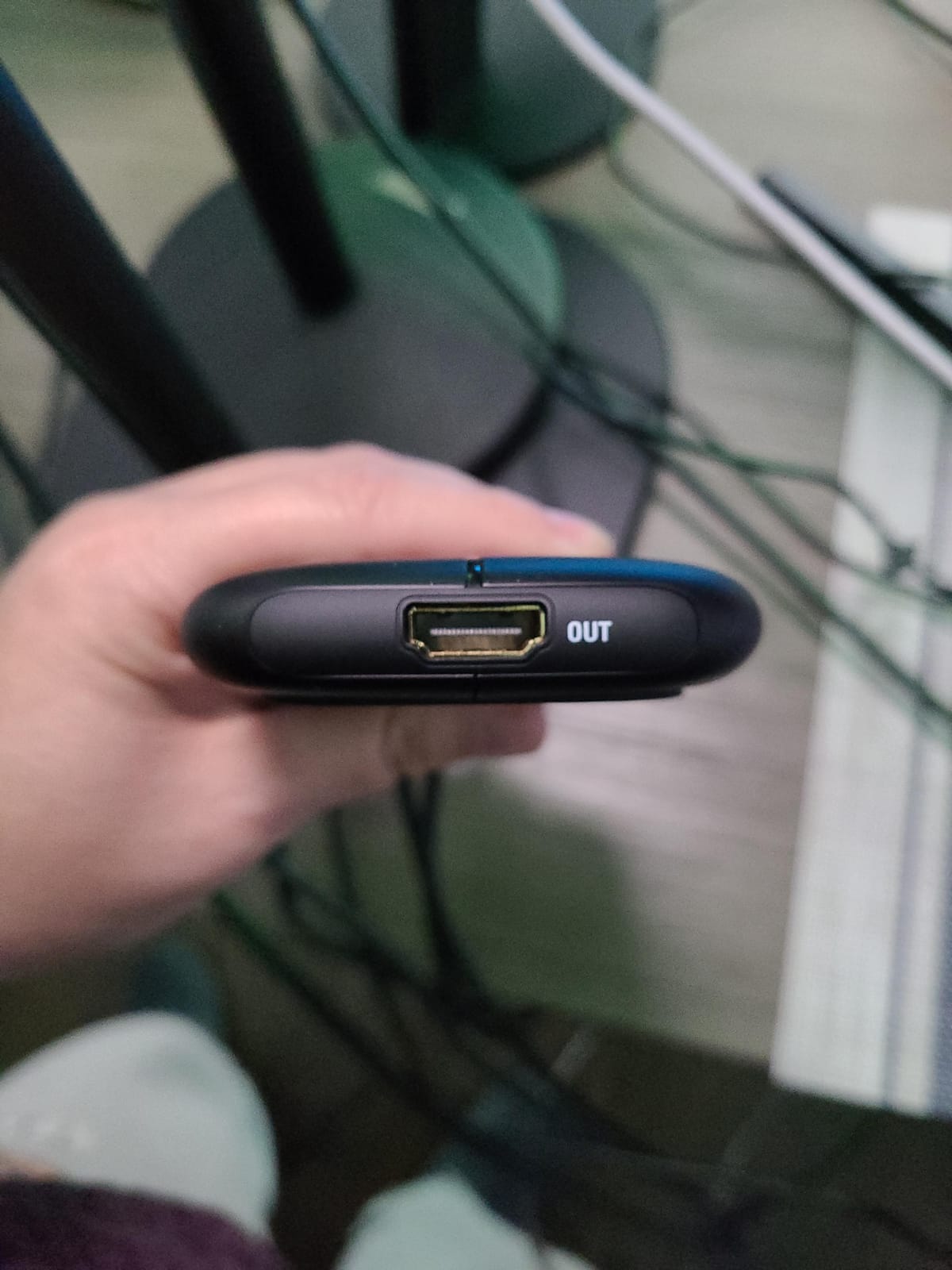
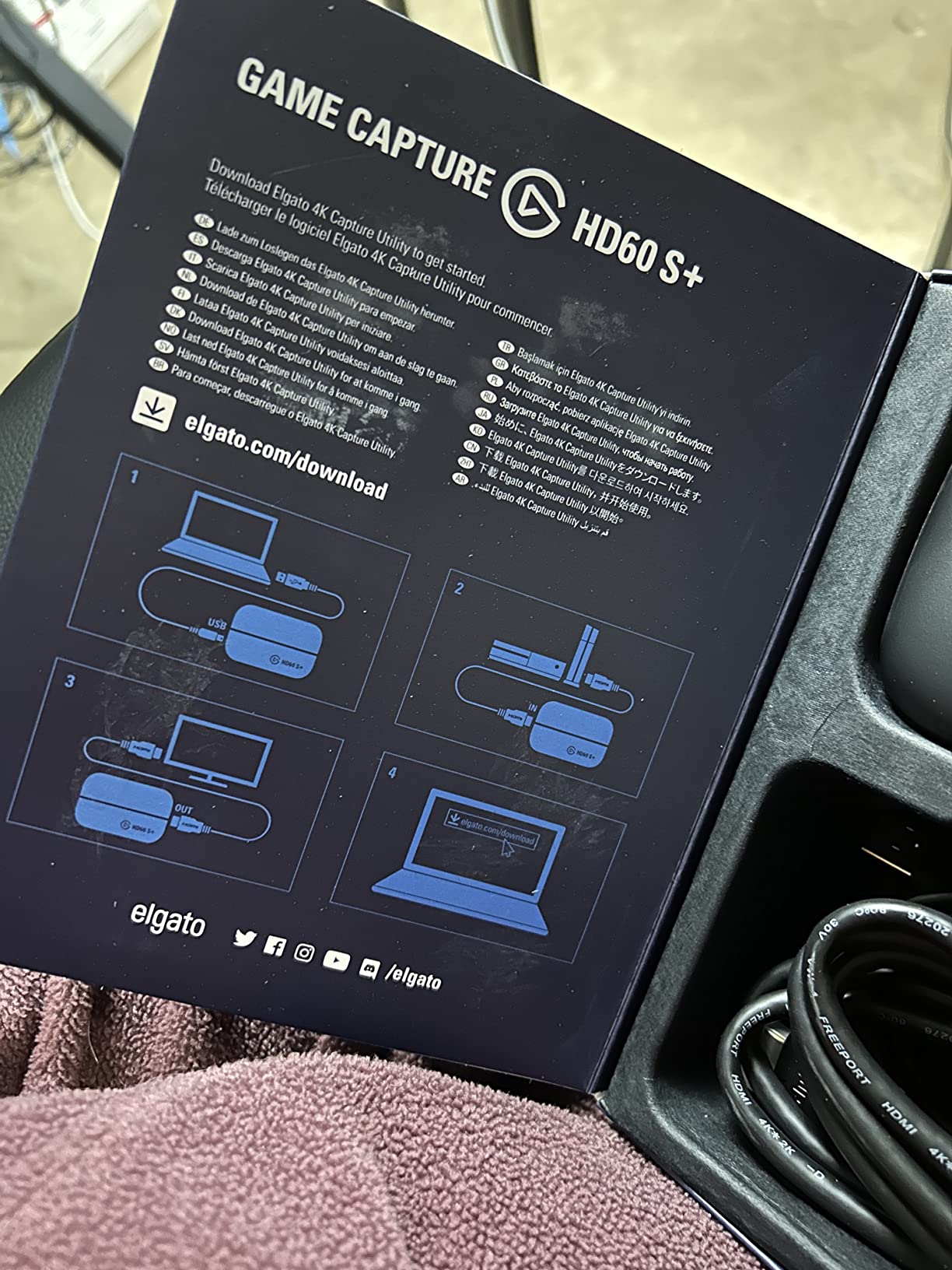
The architecture is the standard external card layout, and it works on a laptop without fuss. HDMI in from the console, HDMI out to your display, USB 3.0 to the machine. The bundled USB 3.0 cable and HDMI 2.0 cable mean the box is complete, which is not something you can say for most of the generic dongles further down this list.
Flashback Recording is the sleeper feature. It keeps a rolling buffer on your drive and saves the last few minutes when you press the button, so you do not have to remember to start recording before the moment happens. Unlimited Capture means there is no length cap on a recording.
When the HD60 S+ earns its place
Choose it for PS5, Xbox Series X or S, Switch and PC laptop capture where the target is 1080p60 HDR10 streaming or recording. The zero-lag passthrough makes it a good shared-screen setup, where you want the game visible on your laptop while a second machine streams it.
Do not expect 4K60 recording from it. The 4K60 path is passthrough only, and the recording side tops out lower. If 4K files are the goal rather than 4K on-screen, look at a different class of hardware entirely.
Limitations to plan around on a laptop
HDCP-protected content stays blocked, so anything streamed from a console app rather than a disc or a game will show a black screen. That is a legal and hardware restriction, not a fault, but it catches people out the first time.
Reviewers also mention that first-time HDR passthrough takes some configuration work. Budget an evening with the settings before you need to go live, and note that a 1080p60 stream while recording 4K passthrough puts real load on the laptop encoder.
3. Guermok GM-29A – Best for USB-C-Only Laptops
Guermok Video Capture Card, 4K USB3.0 HDMI to USB C, 1080P 60FPS & 2K 30FPS
USB 3.0
USB-A plus USB-C adapter
1080p60 and 2K30 output
30 g
Pros
- Widest device support in its class including Quest 3 and Steam Deck
- Aluminium alloy body dissipates heat well
- Includes a USB 3.0 to USB-C adapter for USB-C-only laptops
- No drivers and no external power needed
- Light enough for a mobile streaming kit
Cons
- Output limited to 2K30 or 1080p60 even with 4K input
- Can enumerate as USB 2.0 through the adapter
- OBS must restart after audio setup
- One-way transmission only
Guermok GM-29A is the pick for a laptop with nothing but USB-C ports. The box includes a USB 3.0 to USB-C adapter, which turns an otherwise awkward dongle into a one-cable setup on a modern thin machine. It runs entirely on bus power and needs no drivers at all.
The device list is unusually broad for its tier. Buyers single out support for Quest 3, Switch 2, Steam Deck, iPad and Android alongside the usual PS5, Xbox and PC sources, and that breadth has helped it hold a 4.4 average across 3632 reviews.
Two technical notes matter before you plug it in. The input accepts 4K at 30Hz, but the output is capped at 2K at 30Hz or 1920×1080 at 60Hz, so a 4K source is downsampled before it reaches your recording software. And the included adapter can enumerate as USB 2.0 rather than USB 3.0, which halves your available bandwidth. If that happens, move the card to the other port type and the full rate returns.
The aluminium shell is not just cosmetic at this size. Reviewers credit it with avoiding the blue screens and lag that plague plastic-bodied dongles that stay running for hours, and at 30 g it disappears into a laptop bag.
When the Guermok makes sense
It is the right call for a USB-C-only laptop, a Steam Deck or handheld PC capture, or a mobile streaming kit where every gram and every spare port matters. The included adapter removes a complaint we hear often about budget capture cards.
Skip it if your priority is picture quality above 1080p60, or if you need a reliable loop-out for local monitoring while you play. Its transmission path is one-way, so it does not work as a passthrough device.
The restart gotcha to know about
A complaint we hear often about every cheap card in this category, this one included, is audio. If you set up the audio source in OBS and do not restart the application, you will get a picture and no sound. Do the audio configuration, close OBS fully, reopen it, and the audio appears.
That fix is well documented and works, but it catches first-time users every time. Set expectations on it before a live stream rather than during one.
4. VIXLW 4K HDMI Capture Card – Best for Narrated Commentary
Capture Card, 4K HDMI Video Capture Card, Game Capture Card, 1080P 60FPS Video Capture Device, HDMI to USB 3.0 Capture Card for Streaming, Work with Camera/Xbox/PS4/PS5/PC/OBS
USB 3.0
1080p capture output
HDMI loop-out
3.5mm mic input
60-day warranty
Pros
- True plug-and-play with no drivers or external power
- Accepts 4K30/60Hz and 1080p120/144Hz input
- HDMI loop-out gives delay-free local monitoring
- 3.5mm mic-in lets you add commentary to a stream
- Low latency for Twitch YouTube and OBS
Cons
- Capture output capped at 2K30 rather than 1080p60
- Documentation emphasises Windows and Mac support is not stated
- Short 60-day warranty
- Some buyers report freezing unless settings are configured correctly
The reason this card earns its place on a laptop list is the 3.5mm commentary input. You can plug a headset or microphone straight into the card and your voice arrives in the recording alongside the HDMI audio, with no extra mixing in OBS. For a tutorial, a review video, or a handheld console stream with commentary, that is a real convenience.
It also detects automatically as a webcam when plugged in, which is unusual behaviour for a device that is fundamentally a capture card. Combined with a 4.3 rating across 3579 reviews, it is a dependable mid-budget option.
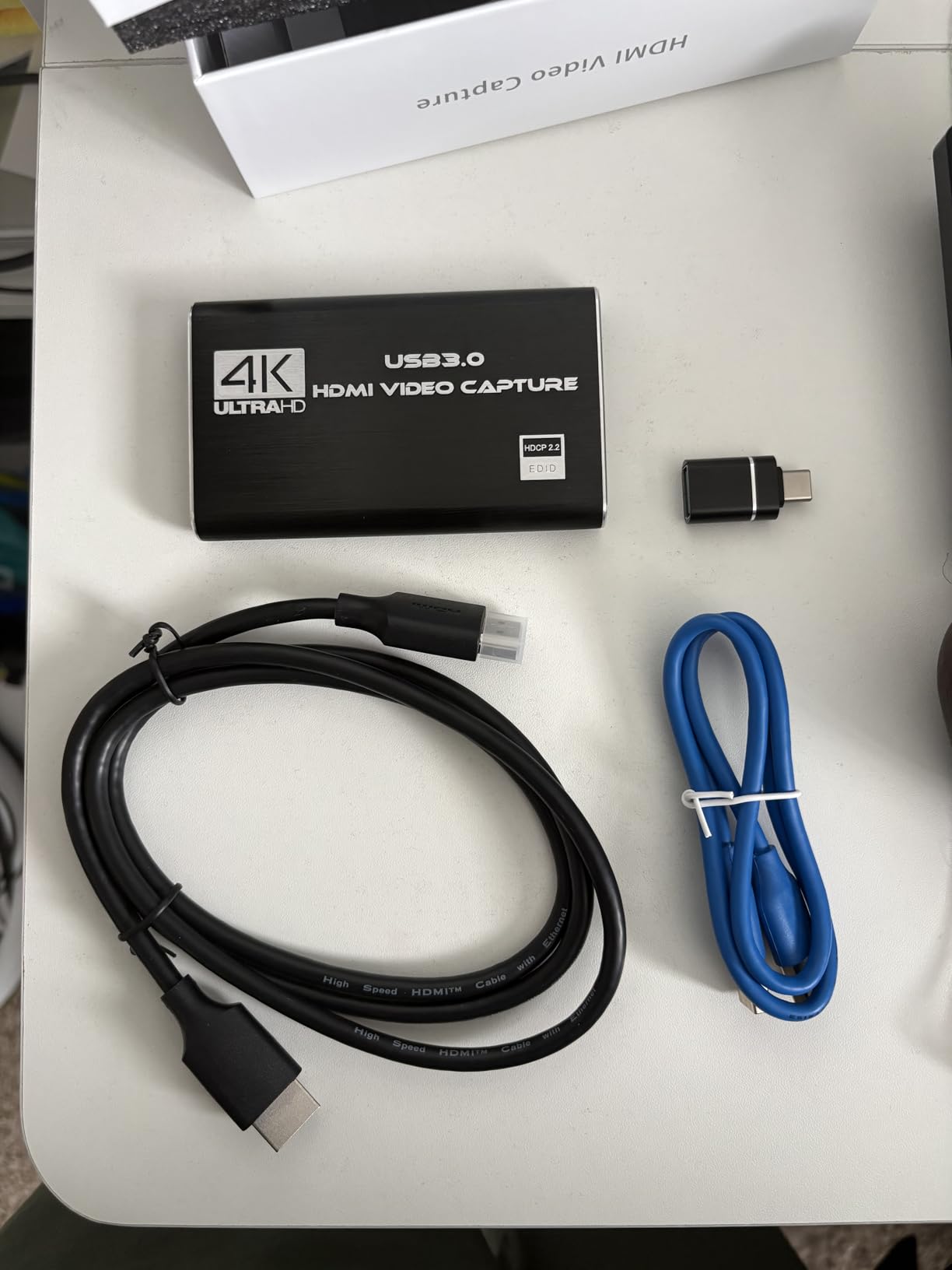
Input handling is flexible. The HDMI input accepts 4K at 30Hz and 60Hz plus high-refresh 1080p signals at 120 and 144Hz, which makes it useful for recording slow-motion console gameplay, and the HDMI loop-out gives you a delay-free local view while the capture runs.
Be clear about the output though. Real capture output tops out at 2K30 despite the 4K input claim, so if your streaming platform expects 1080p60 you will need to check your bitrate and frame rate settings carefully. Several reviewers mention freezing that resolved once capture settings were configured properly.
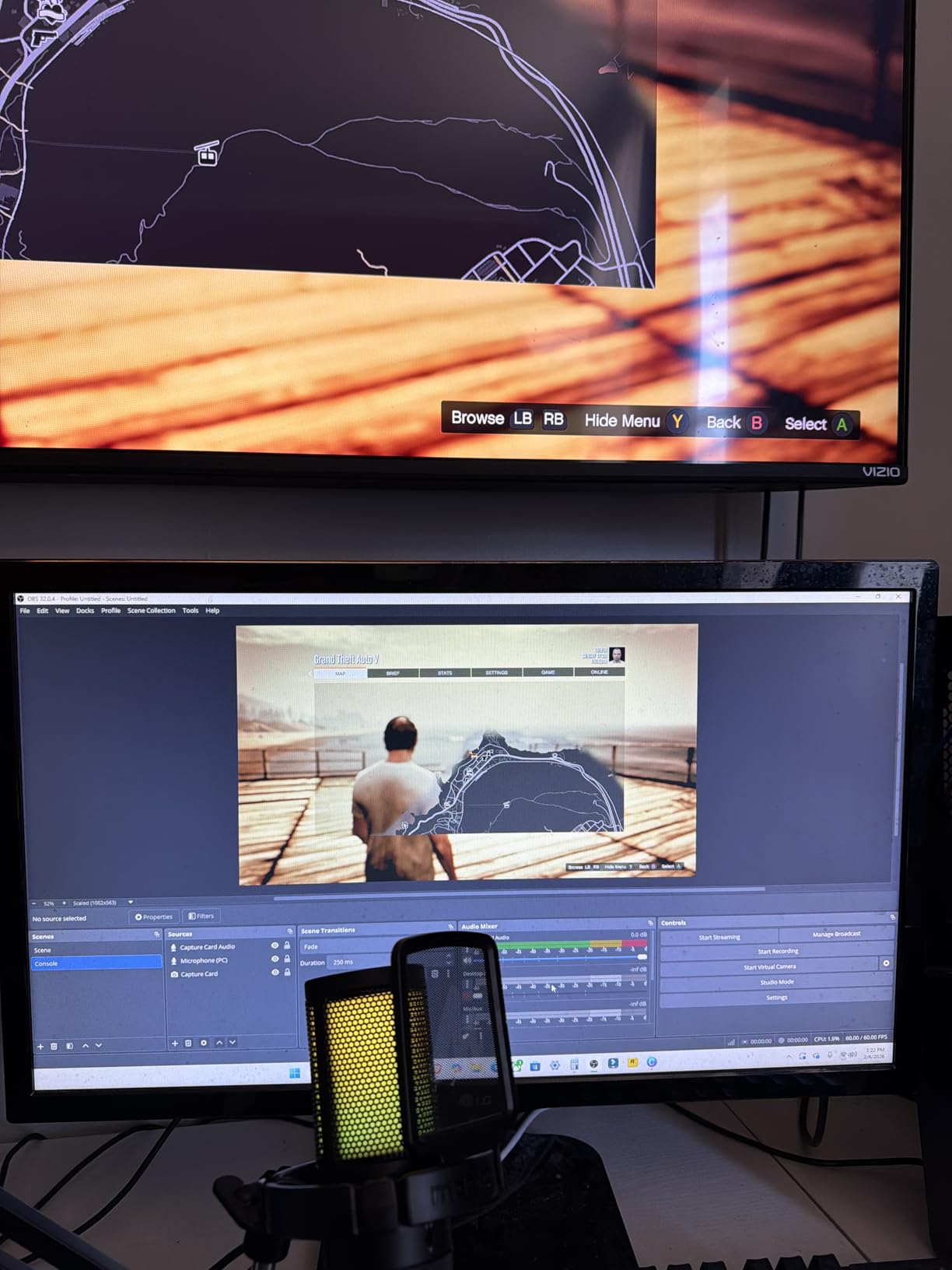
When to pick the VIXLW
Buy it when you are recording yourself talking over gameplay, or when you want a spare capture source for a security camera, a DVD player, or a set-top box.
Pass on it if you need 1080p60 recording out of the box, or if a 60-day warranty window makes you uncomfortable. It is the shortest stated coverage in this group.
What laptop users should verify first
Mac support is not documented, and the listed compatibility skews towards Windows. If you are on a Mac, treat that as untested rather than confirmed and check the device appears in your system information tool before you commit to a project with it.
The commentary input only accepts standard 3.5mm TRS headsets, so a professional USB microphone will not connect directly. Route that through your audio interface instead.
5. Papeaso HDMI to USB-C Card – Best Low-Cost Digitiser
Papeaso Video Capture Card, 4K Input HDMI to USB-C, 1080P 60FPS Capture
USB-C native connection
1080p60 capture
Hardware interface HDMI and USB Type C
2-year warranty
Pros
- An inexpensive way to add a 1080p60 source to a laptop
- USB-C end plus included adapter suits modern USB-C laptops
- Shows up as a standard UVC device with no drivers
- Short built-in cable is kind to laptop ports
- One owner ran several cards through a home video project
Cons
- Runs hot and can stop responding when kept connected
- MJPEG only so latency is higher than a YUV path
- Grainy picture with imperfect colour balance
- Some units failed within a few months
- Output falls short of the 4K input claim
The Papeaso card is one of the least expensive routes to a 1080p60 capture source on a laptop, and the two-year warranty is a genuinely better promise than most of its direct competitors offer. It presents as a standard UVC device, so there are no drivers to install on Windows, Linux or macOS.
What makes it laptop-friendly is the design rather than the specification. The USB-C end is native and the built-in cable is short, which means the card does not dangle off a thin chassis and get snapped by a sleeve. At 4.2 across 1087 reviews it sits at the lower end of the ratings here, and that reflects real limitations.
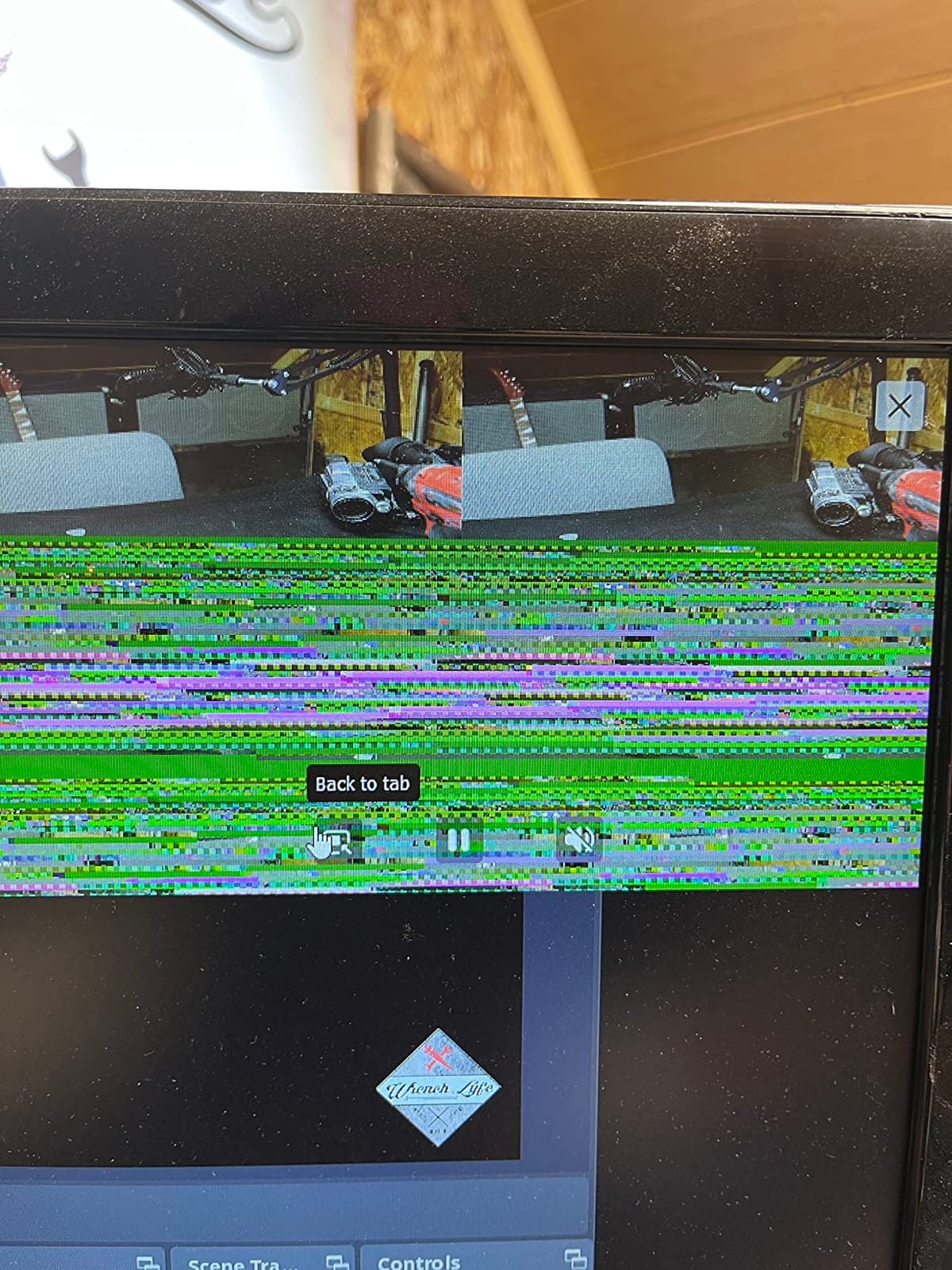
The core limitation is that it transfers MJPEG only. Compressed JPEG frames are cheap to move over USB, but they cost you two things: extra latency compared with an uncompressed YUV path, and visible compression artefacts. Reviewers describe the picture as grainy with imperfect colour balance next to cards in higher tiers.

When the Papeaso card is enough
It suits a one-off digitising project, a backup capture source, or a first streaming attempt where the goal is simply to learn the workflow on a modest outlay. One owner reported working through thousands of home videos successfully, so volume use is achievable when you keep sessions short.
Skip it for anything you care about picture quality or latency, and skip it for a machine that will run for long stretches. The input accepts up to 3840×2160 at 60Hz but the recorded output is nowhere near that.
Setting expectations on quality and heat
Warranty coverage is unusually good for a card at this level. The 4.2 average is explained by image quality and heat rather than by the connection itself, which is stable when it works.
Several owners report units stopping responding after long stretches plugged in, and some failing outright within a few weeks or months. If you plan to leave it connected permanently, treat that as a genuine risk rather than an occasional complaint.
If image fidelity matters more than cost, step up one tier rather than trying to correct a poor MJPEG feed in post. You cannot add back detail that was never captured.
6. XIIXMASK USB 3.0 Capture Card – Best Dual-Port Design
XIIXMASK USB 3.0 HDMI Capture Card, 1080P 60FPS Capture, 4K Pass-Through
USB 3.0
1080p60 and 2K30 capture
4K60 loop-out
3.5mm mic input
Pros
- Both USB-A and USB-C connectors on the same body
- 4K 60Hz input plus 4K 60Hz loop-out for clean preview
- Supports YUY2 as well as compressed formats
- Aluminium housing handles heat and signal stability
- 3.5mm headset or mic input for commentary
Cons
- Capture output is 1080p60 or 2K30 rather than true 4K
- OBS must restart after audio configuration
- Does not capture party-chat audio
- No pass-through of protected HDCP content
The XIIXMASK solves the port problem more elegantly than most. It carries both a USB-A and a USB-C connector on the same body, so you can carry one card and fit it to whichever port your laptop actually has without an adapter in the way. For a streamer who moves between machines, that is worth more than a spec-sheet line.
It holds a 4.3 rating across 1834 reviews. The loop-out is the detail that separates it from the basic dongles: 4K at 60Hz in and 4K at 60Hz loop-out means you can play on a second display at full resolution while recording 1080p60.
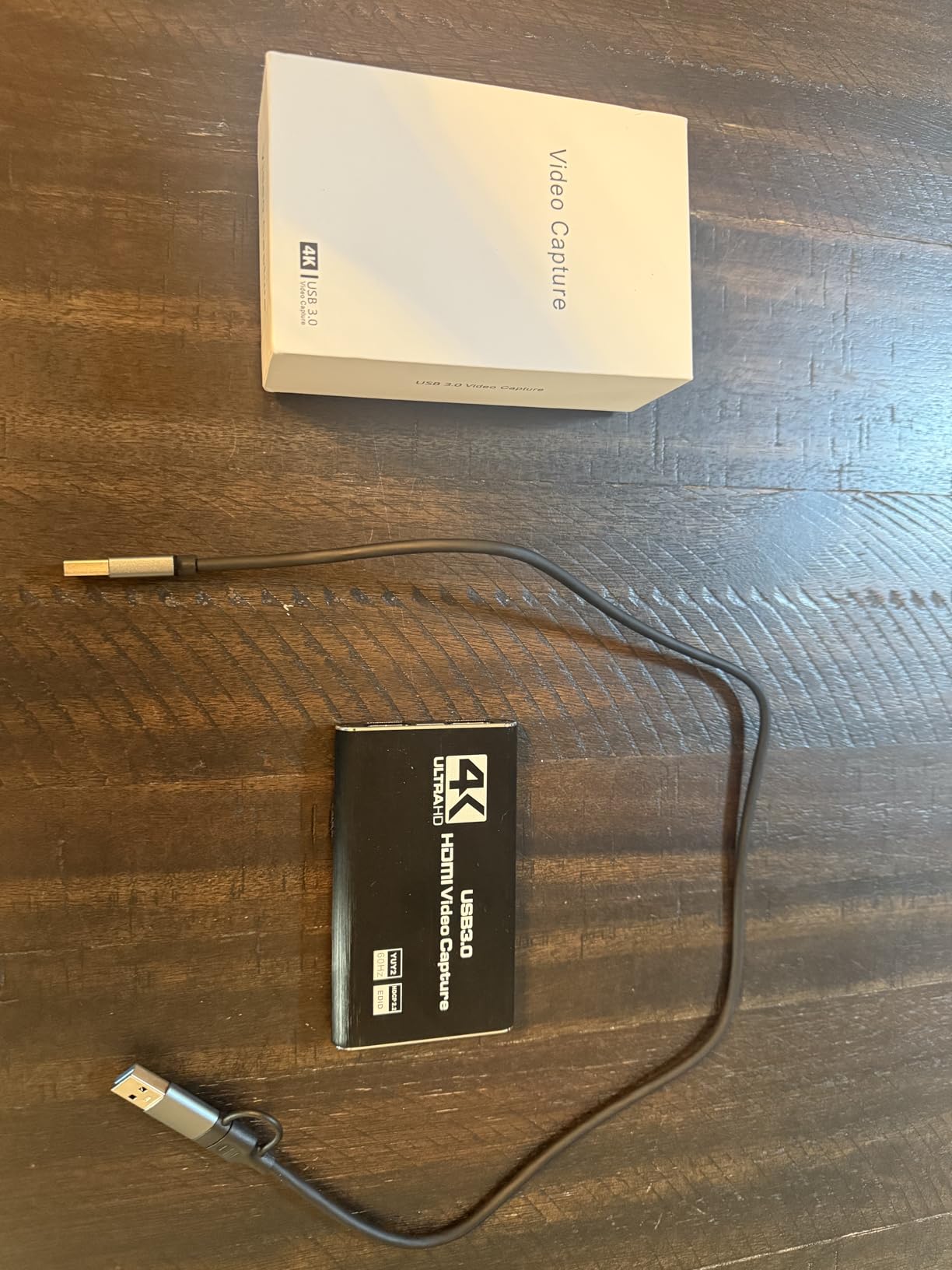
Support for YUY2 as well as compressed formats gives you a real decision. YUY2 costs more CPU on a laptop but delivers a cleaner, uncompressed image. Compressed formats leave headroom for a thinner machine. On a laptop that is already thermally loaded during a game, that trade-off is worth thinking about before you start.
The aluminium housing and revised cable layout are the other quality signals. Buyers credit the revised cabling with better signal stability and fewer blue screens during long sessions, which is the failure mode that shows up on budget dongles.
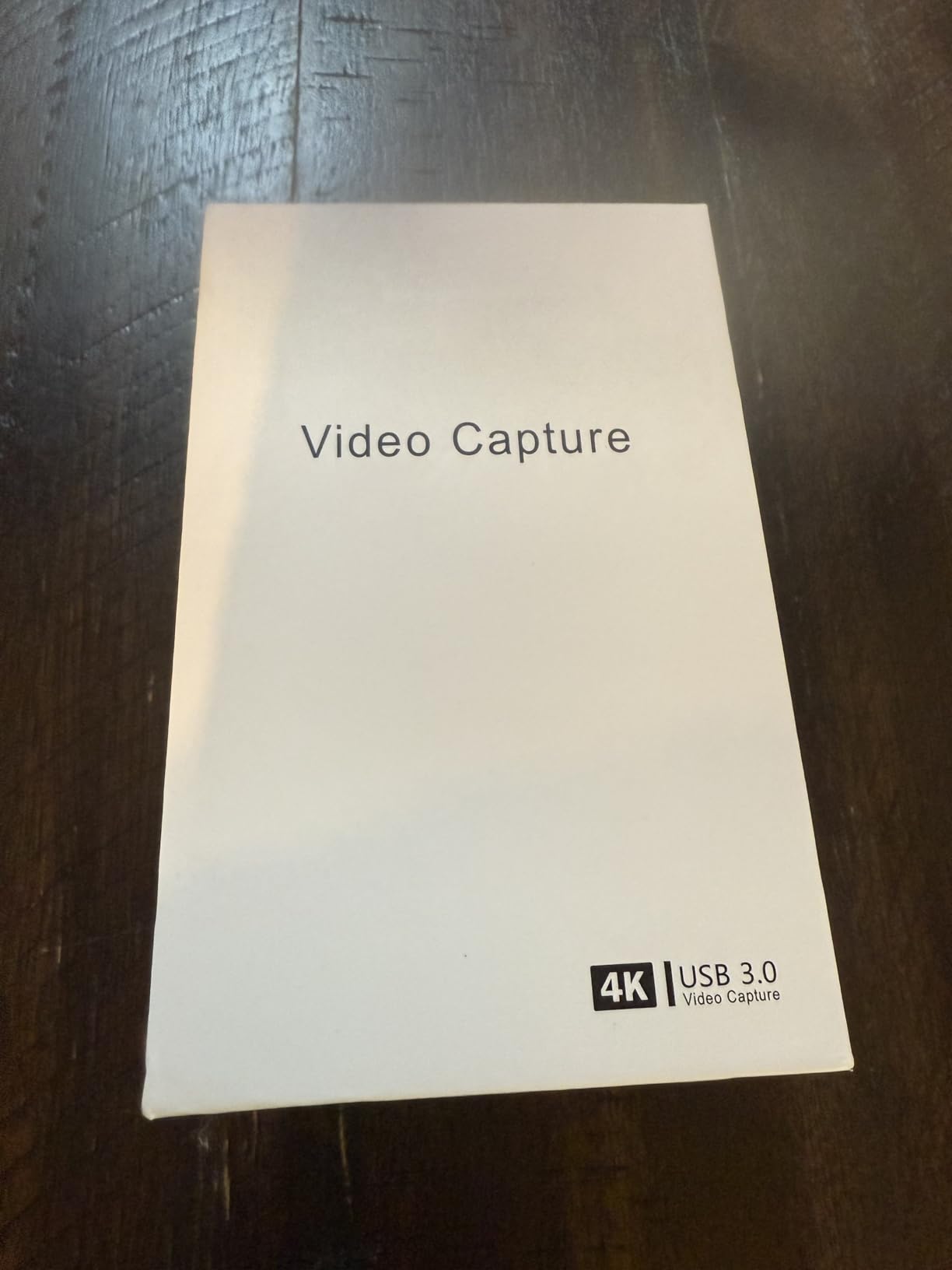
When the XIIXMASK suits a laptop
Pick it for a laptop with mixed port types, a console stream with 4K local preview, or a setup where you want commentary audio without a separate interface. The dual connectors also make it a good travel card, since there is no adapter to lose.
Do not expect party-chat audio, which the card does not record at all. If you stream with friends on console, that is a hard limitation rather than a preference.
The HDCP and restart caveats
Protected HDCP content does not pass through, so console streaming apps will show black. The same OBS restart requirement applies here as on other budget cards: configure audio, restart the app, and sound returns.
Nothing in the limitation list is a dealbreaker for console capture from a disc or cartridge. It becomes a problem the moment you want to capture from a subscription streaming service, and it is worth confirming that use case before you buy.
7. UGREEN 4K Loop Out Capture Card – Best Value
UGREEN 4K@30Hz Loop Out HDMI Capture Card for 2K 30FPS 1080P 60FPS USB 3.0
USB 3.0
1080p60 and 2K30 capture
4K30 4:4:4 loop-out
88.2 g
Pros
- Sturdy aluminium casing that dissipates heat for long sessions
- 4K 30Hz 4:4:4 input with matching loop-out for zero-latency monitoring
- Dual USB-A and USB-C ports fit both laptop port styles
- Supports MJPEG and YUY2
- 24-month warranty is longer than most rival cards
Cons
- Recording tops out at 2K30 or 1080p60 rather than 4K
- HDCP must be turned off on PS4 and PS5
- iPhones cannot be used as a capture source
- Not compatible with Fire TV Stick
The UGREEN card wins on warranty and build. A 24-month guarantee is the longest stated coverage among the USB 3.0 cards in this roundup, and the aluminium casing is noticeably more robust than the plastic shells used by many entry-level dongles. For a device that lives in a laptop bag and gets knocked around, that combination pays off over time.
Its 4.4 rating across 1465 reviews puts it ahead of much of the budget field, and reviewers consistently credit the 4K 30Hz loop-out with genuinely zero-latency monitoring. Full 4:4:4 chroma rather than a subsampled signal means colours stay sharp on the local preview.
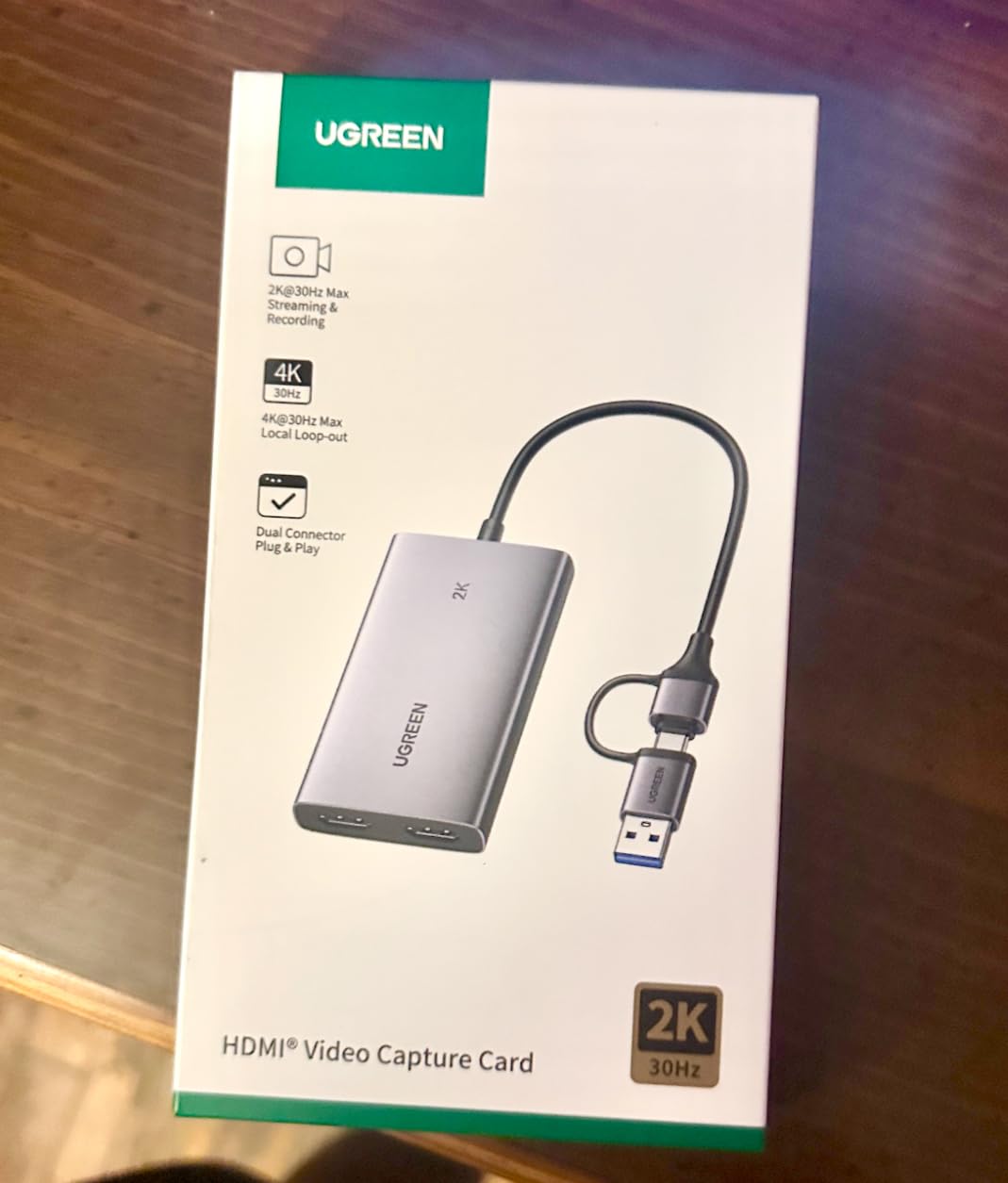
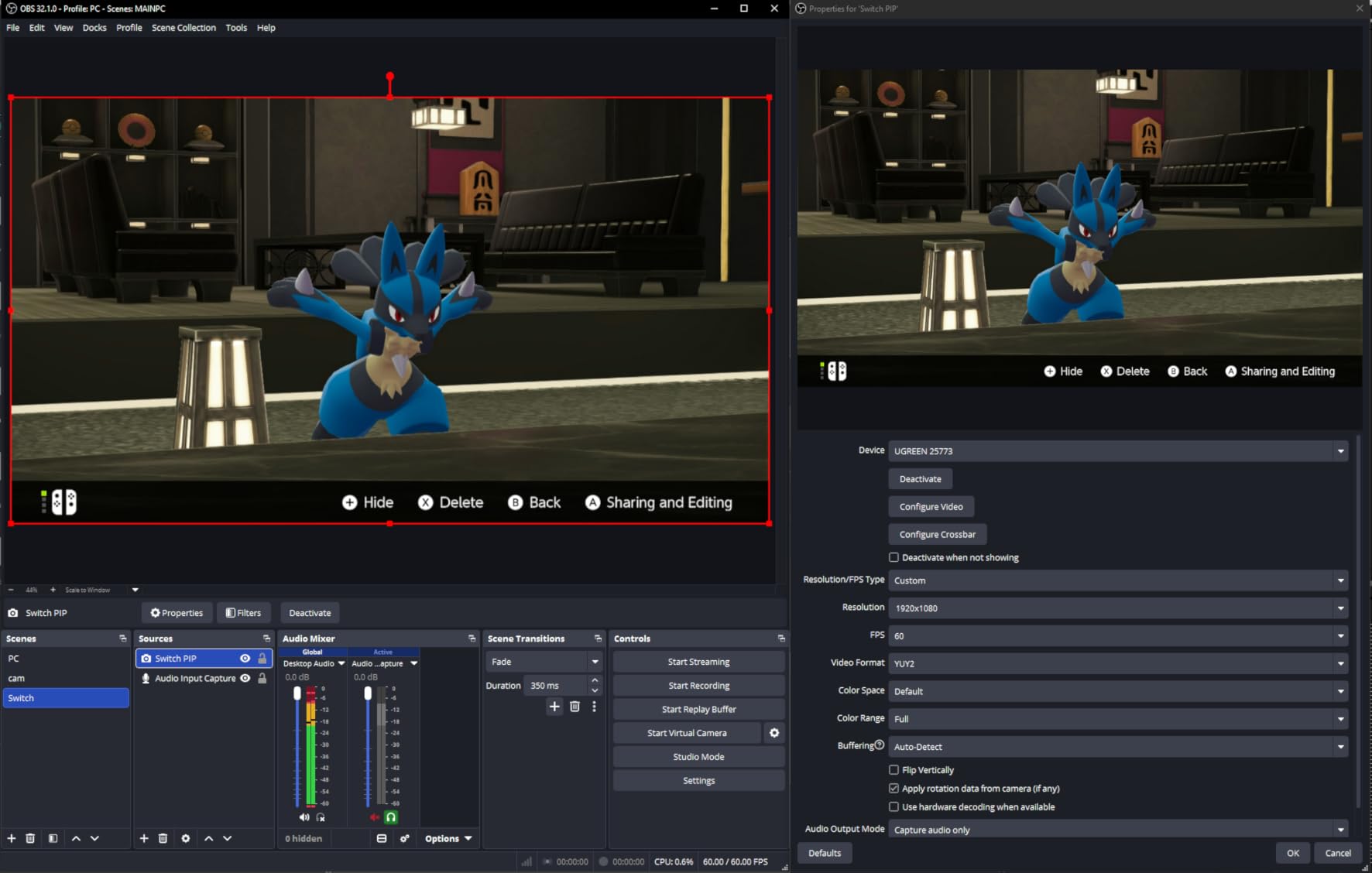
Platform support is broad for a card at this level. It works on Windows, macOS, Linux and Android, and the source list covers Switch, Switch 2, PS4, PS5, Xbox Series X, Meta Quest 3 and 2, iPads, laptops and PCs. The dual USB-A and USB-C ports mean one card fits whichever port layout you are on.
Two setup notes come straight from the spec sheet. PS4 and PS5 owners must turn HDCP off on the console before the signal is accepted, and iPhones cannot be used as a source because they do not support the UVC protocol. Both are non-negotiable hardware facts, not settings you can work around.
Who should buy the UGREEN
It is the pick for a laptop owner who wants a dependable card without moving up a tier, particularly if you swap between machines with different port layouts. The 4:4:4 loop-out also makes it a good choice for a second monitor setup where colour accuracy on the local view matters.
Pass if you need 4K recording. The card accepts 4K input and loops it out, but the recorded file is 2K at 30Hz or 1080p60. Reading the box rather than the spec table will mislead you here.
Value reasoning and limits
Considered against a brand card, the saving is real, and against another generic dongle the warranty and chassis are both better.
It is not compatible with Fire TV Stick, which catches people out if a streaming stick is in the chain. Windows 7 also needs USB 3.0 drivers installed by hand, though that is an edge case now.
8. AVerMedia Live Gamer Mini – Best for On-Card Encoding
AVerMedia Live Gamer Mini, 1080p60 Capture Card with HDMI Pass-Thru, Plug & Play, for OBS, Xbox Series X/S, PS5, Switch, Win 11/macOS 12 (GC311)
USB 2.0 interface
1080p60 capture
Zero-lag 1080p60 passthrough
3 year warranty
Pros
- Truly zero-latency 1080p60 HDMI pass-through
- Built-in H.264 encoder keeps encoding load off the host CPU
- UVC plug-and-play detected automatically on Windows and macOS
- Compact 2.63 ounce footprint with bundled cable
- Works with Switch PS5 and Xbox Series X via RECentral 4
Cons
- Capture resolution is 1080p only with no 4K or 2K mode
- RECentral software is required for configuration
- Bitrate drops during fast camera movement
- Some units stopped recording after roughly a year
- USB 2.0 interface limits headroom
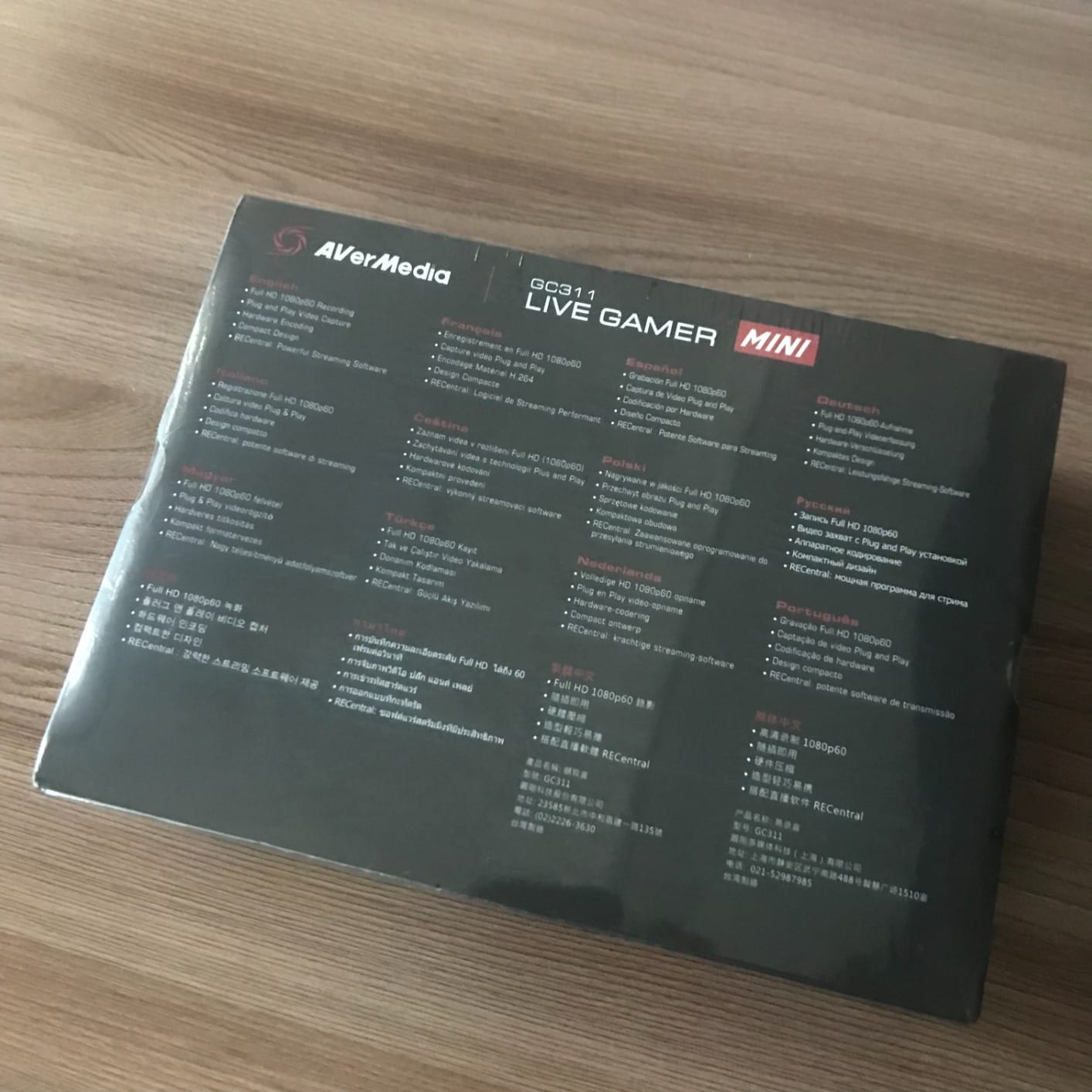
The Live Gamer Mini is the card to consider when your laptop CPU is already busy. Its built-in H.264 encoder processes the video and audio stream on the device itself, so the encoding work never lands on your processor. On a gaming laptop that is also rendering and encoding its own gameplay, that offload is worth more than raw resolution.
The pass-through is genuinely zero-lag at 1080p60, so local play is unaffected while recording runs. The 3-year manufacturer warranty is also among the longest stated coverage of the gaming-oriented cards here.
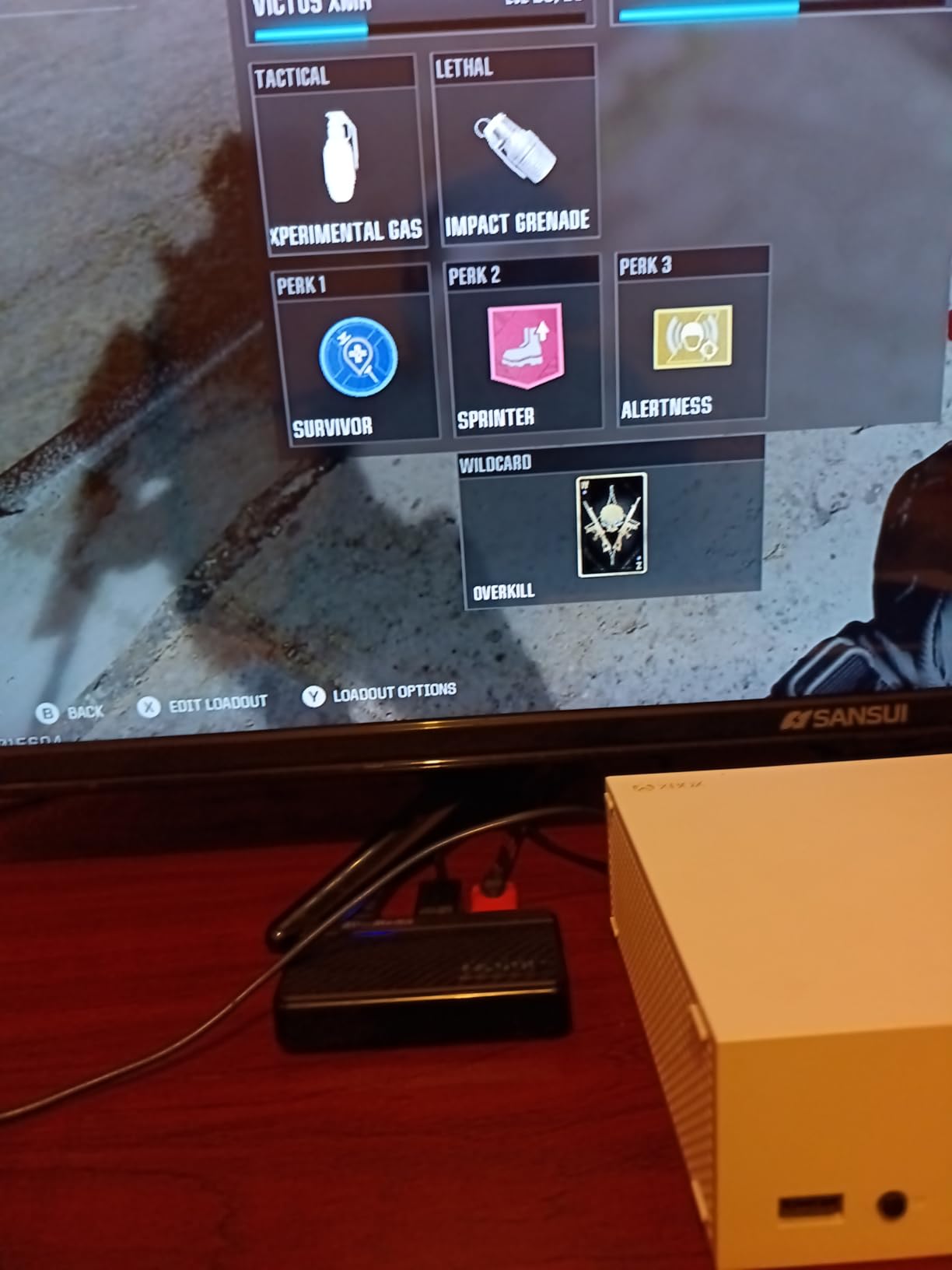
Its compact body, at 2.63 ounces and under four inches long, matters if you are building a portable streaming kit rather than a permanent desktop install. Detection is fully driverless over UVC on Windows 10, Windows 11 and macOS 12.
The catch is USB 2.0. That interface has enough headroom for 1080p60, so it is not a practical limit at the resolution this card records, but it does close off anything above that. Reviewers also note bitrate dips during scenes with constant fast camera movement, which shows up as a softer image at the peaks of a fight.
When the Live Gamer Mini fits
Choose it for Switch, PS5 and Xbox Series X or S capture where the source is 1080p60 and the laptop is thermally constrained. A compact rig for travel, a trade show or a LAN party is another strong fit, since it needs no external power and almost no space.
Skip it if your plan involves any resolution above 1080p, or if you would rather not install companion software. The card is driverless but RECentral 4 is still needed for configuration.
The long-term reliability reports
A cluster of reviews report units that stopped recording or were no longer recognised after about a year, right at the point where the stated 3-year warranty would still have applied in principle. If you keep equipment long-term, that is a pattern worth factoring in.
Software support is otherwise good, with RECentral 4 handling configuration and OBS Studio and Streamlabs both working as expected for the actual capture.
9. Audio Express AXHDCAP – Budget Pick
Audio Express AXHDCAP 4K HDMI Video Capture Card, Cam Link Card Game Audio Adapter HDMI to USB 2.0 Record Capture Device for Streaming, Live Broadcasting, Video Conference, Teaching, Gaming
USB 2.0
1080p30 capture
HDMI input
H.264 and MJPEG output
Pros
- An inexpensive way to add an HDMI capture source to a laptop
- Delivers usable 1080p video with stereo audio
- Plug-and-play with no drivers or external power
- Does not run hot during use
- Stated lifetime warranty with responsive support
Cons
- Noticeable input delay makes it poor for real-time play
- USB 2.0 only with no resolution beyond 1080p30
- Plug sits loosely in some laptop ports and disconnects with movement
- Does not add an HDMI output to a laptop
The AXHDCAP sits at the budget end of this roundup and carries a 4.4 rating across 1406 reviews, a strong result for a dongle at this end. It stays cool during use, it installs nothing, and it delivers usable 1080p video with stereo audio for a camera, a console or a legacy source.
The warranty deserves a mention too. A stated lifetime warranty with responsive support is not a claim we see often, and owners report good experiences getting help after a previous card failed.
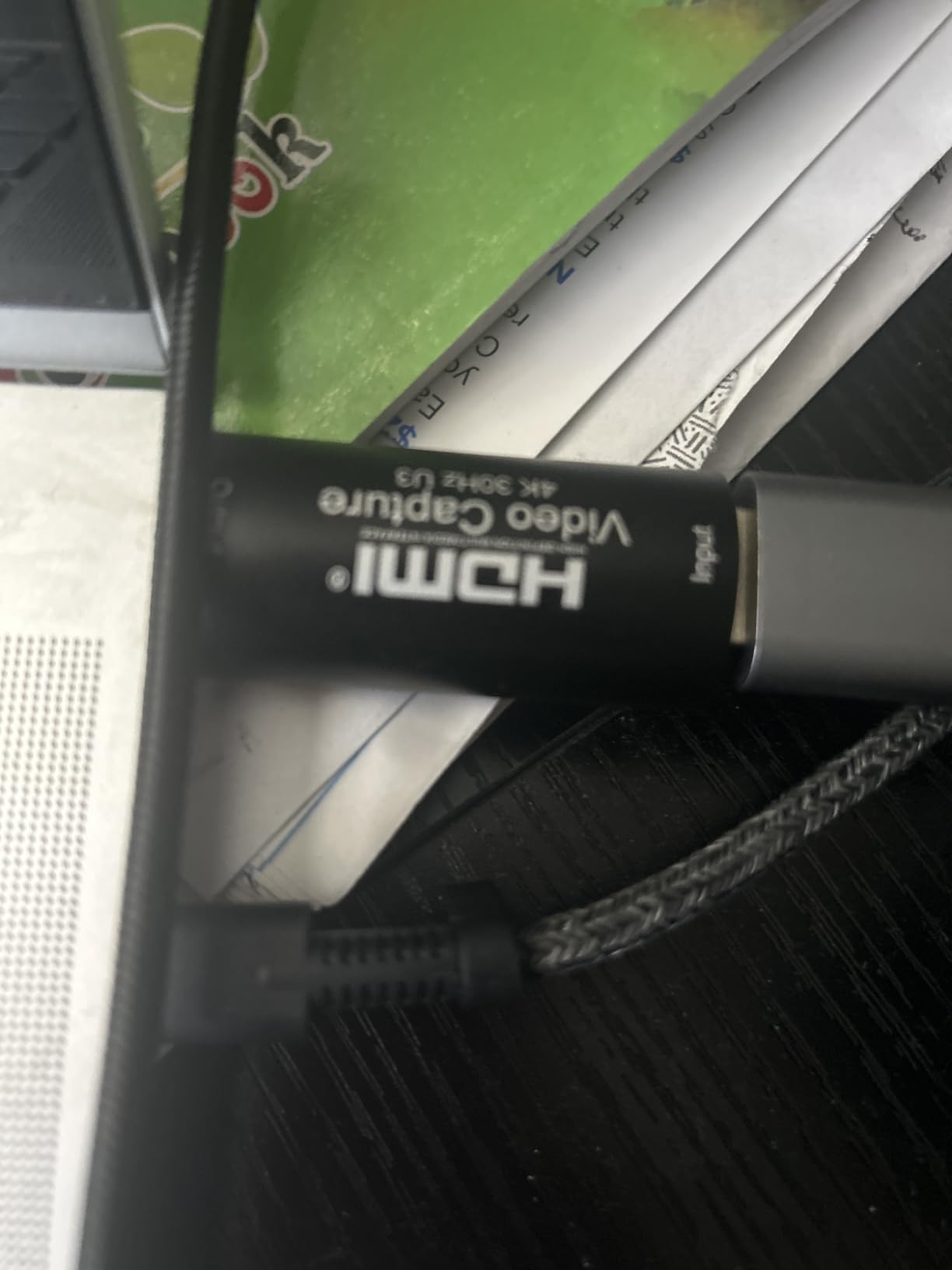
Latency is the reason this card sits in the lower tier rather than higher up. Routing a signal through it adds perceptible input delay, which makes it a poor choice for live play. Owners suggest OBS buffer tweaks help, but they do not remove the delay entirely.
It is strictly USB 2.0 and caps at 1080p30 on the output, even though the HDMI input accepts 4K at 60Hz. A few owners also note the plug fits loosely in laptop USB sockets and drops out with a slight nudge, which matters on a machine that gets moved around.
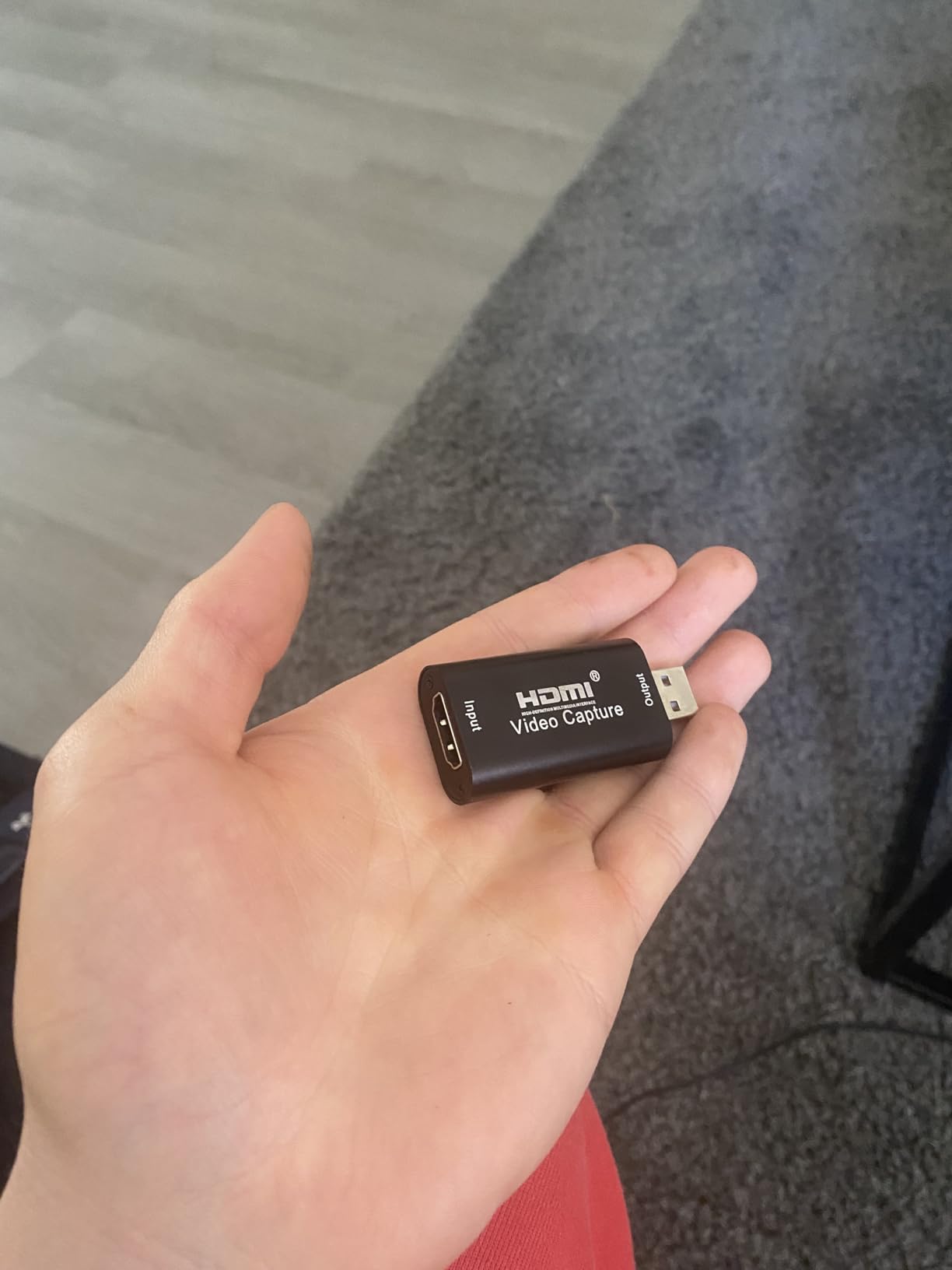
When the AXHDCAP is the right tool
It suits a secondary display fed into OBS, casual capture of a camera or a VCR paired with an RCA-to-HDMI converter, video conferencing, and teaching or presentation use. Anything in that list benefits from a very low cost of entry rather than from low latency.
Do not use it as a gaming feed. The delay is the whole point of failure here, and no software setting reliably removes it.
One clarification worth reading twice
This card does not add an HDMI output to a laptop. It is a capture device only, and if you want the result visible somewhere you still need OBS or similar software. Owners occasionally expect a second monitor for free, which is not what it does.
It is also the card most likely to be a stopgap in a setup. Treat it as a way to test whether you enjoy streaming before committing to real hardware.
10. Dcyfol 1080p60 USB 3.0 Card – Best Cable Bundle
Capture Card 4K HDMI Video Streaming to USB 3.0 1080P 60FPS Capture Device
USB 3.0 interface
1080p60 capture
4K HDMI loop-out
YUY2 output
Pros
- Metal body and good-quality cables feel far more durable
- 4K HDMI loop-out gives real-time preview at 1080p60 capture
- Clean audio with no crackle or echo
- Bundles an HDMI extension cable and USB-C adapter
- One owner streamed 48+ hours continuously from a Switch 2
Cons
- USB connector is fragile and a nudge freezes the stream
- Switch 2 needs stereo forced because multichannel audio is unsupported
- One-year warranty is among the shortest here
The Dcyfol card arrives with everything you need, which is its main argument. The box contains an HDMI extension cable, a USB-to-C adapter and a USB extension cable, so a USB-C-only laptop can be connected without buying anything else. That removes a first-day frustration that trips up most people buying a capture card.
It earns a 4.4 rating across 1006 reviews, and owners regularly compare it favourably to the Elgato HD60 series. The metal body is the other thing reviewers comment on, describing it as far tougher than its tier would suggest.
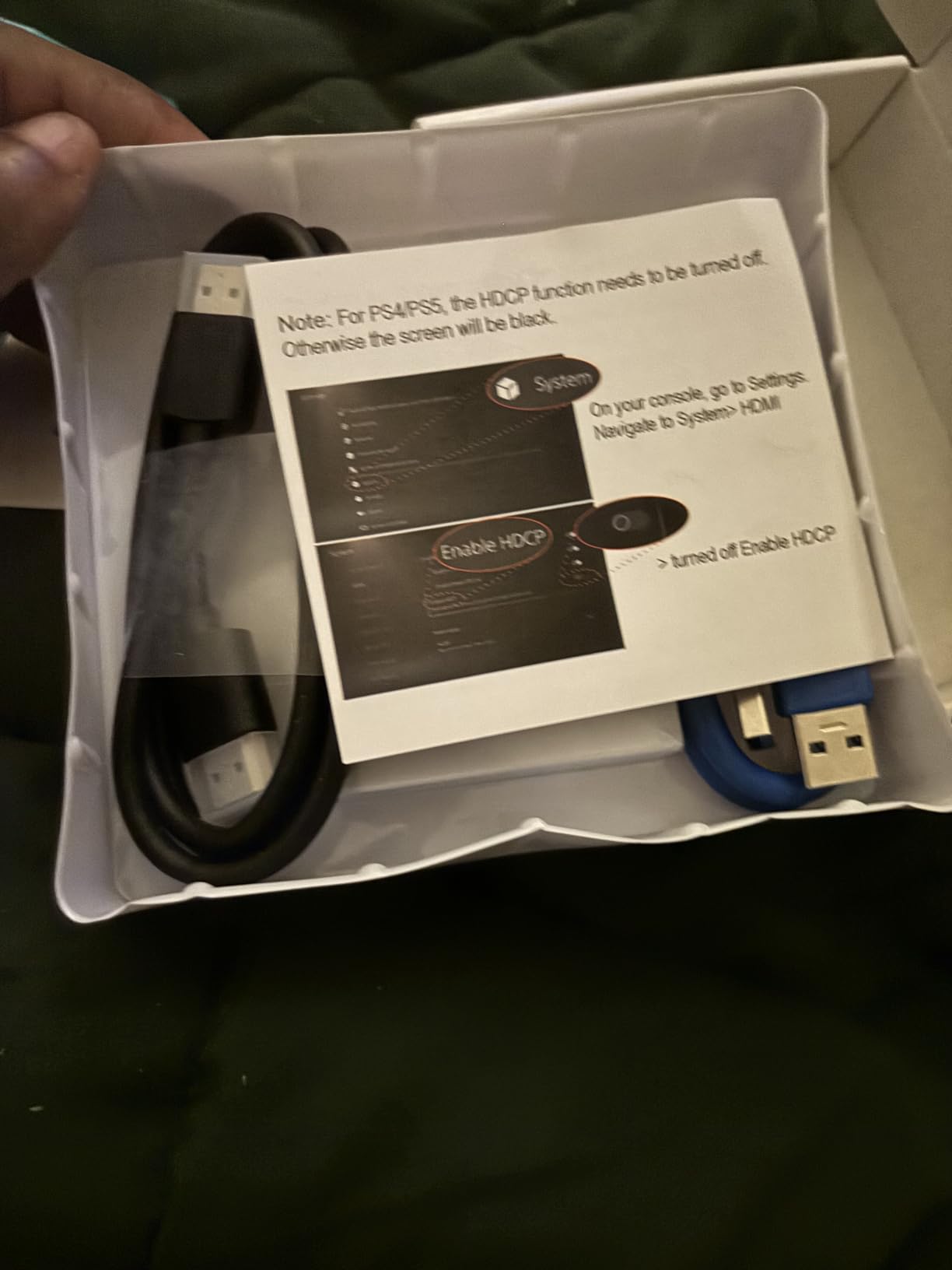
Audio quality is a genuine strength. Owners report clean output with no crackle or echo, and one buyer ran more than 48 hours of continuous Nintendo Switch 2 streaming through it without complaint. It works on both Windows and macOS, including a MacBook paired with a Switch for Discord or Twitch.
The fragility to know about is the USB connector. One reviewer reports that if it shifts, the stream freezes and needs an OBS input reset or restart. A different owner notes the very limited volume control if you route headphones through the card, which is a common expectation that this hardware does not meet.
When to choose the Dcyfol
Pick it when your laptop is USB-C only and you do not want to source cables separately, when you need a clean 1080p60 feed, and when the metal build matters more to you than brand-name software support. It is also a solid first card for console streaming, and owners compare it favourably to the Elgato HD60 series.
Pass if you need Switch 2 capture without configuration. Switch 2 defaults to multichannel audio that the card cannot handle, so you have to force stereo output yourself. The one-year warranty is also among the shortest listed in this roundup.
Ports, cables and the one weak link
The included USB extension cable actually helps here, because it moves the card body away from the socket and reduces the leverage that causes the connection problem. Using it is a simple fix rather than a workaround.
Everything else about the bundle is generous. The HDMI extension cable gives you a longer run to your display, and the USB-to-C adapter covers the thin-laptop case that most competitors leave you to solve yourself.
External Capture Card Buying Guide for Laptop Owners
The first question is whether you need a capture card at all. If you are recording gameplay on the same laptop you are playing on, OBS display capture is usually the better answer. It needs no hardware, costs nothing and records a perfect copy of the framebuffer. A capture card earns its place when the source is external, such as a console or a camera, or when you want the pure HDMI signal that display capture cannot produce.
The second question is which port you have. A USB 2.0 port caps out near 480Mbps, which is comfortably enough for 1080p60 but not for anything larger. USB 3.0 gives 5Gbps, and that ceiling is the single most important technical limit on a laptop capture card. Raw 4K60 video exceeds what a 5Gbps USB 3.0 link can carry comfortably, which is why almost every card in this roundup records 1080p60 or 2K30 regardless of what the box claims. Input resolution and output resolution are different numbers, and only the second one appears in your file.
USB-C on a modern laptop can be a trap. Some USB-C ports support data at 3.0 speeds, some at USB 2.0 speeds only, and Thunderbolt ports share total bandwidth with everything else on the dock. If your card enumerates as USB 2.0, you will see either dropped frames or a resolution ceiling, and the fix is simply to try the other port. Cards with both USB-A and USB-C connectors, such as the XIIXMASK and the UGREEN, remove that guesswork entirely.
Bus power is the quiet advantage of external cards on laptops. Every device here draws power from the laptop, so none needs a second cable or a wall socket, which on a thin machine is often the difference between a workable setup and an impossible one. Port scarcity is the flip side. A dock, an external drive, a keyboard receiver and a capture card can all be asking for the same two ports, so plan the layout before you buy.
Loop-out quality determines whether you can play while you record. A card that loops out at 4K30 4:4:4 gives you a sharp, delay-free local view, while a card that only passes through at 1080p60 will still work but will not use a modern display at full capability. Latency has two separate components: pass-through latency, which is what you feel during play, and encode latency, which is the delay between the source and the preview window in your software. A low-latency design like Instant Gameview attacks the first; an on-card H.264 encoder attacks the second by keeping the work off your CPU.
Finally, check HDCP. Protected content from console streaming services and some broadcast sources will not pass through any card on this page, and no configuration change alters that. If your workflow depends on capturing a subscription stream, verify compatibility before you buy. When recording long sessions, also consider where the files land: our [external storage guide for photographers](https://mydroneauthority.com/best-external-hard-drives-for-photographers/) covers the same durability question for video workloads.
Frequently Asked Questions
Do capture cards work on laptops?
Yes. An external capture card connects to a laptop through USB-A or USB-C, appears to OBS Studio or similar software as a standard video source, and lets you record or stream any HDMI device. Laptops have no PCIe slot, so external USB capture is the only way to add capture hardware. Buy a card that needs no external power and matches your port speed, ideally USB 3.0.
What is the best video capture card for a laptop?
The Elgato Cam Link 4K is our top pick for laptops, with a 4.6 rating across 14010 reviews, driverless plug-and-play setup and 1080p60 plus 4K capture from a camera. For console capture the Elgato HD60 S+ offers 1080p60 HDR10 recording with 4K60 zero-lag passthrough. For USB-C-only laptops the UGREEN card or the Guermok GM-29A, both of which include an adapter.
Is Elgato or AVerMedia better?
Elgato is stronger for camera and webcam work, where the Cam Link 4K leads on review volume and zero-friction setup. AVerMedia is stronger when you want processing done away from your laptop, since the Live Gamer Mini includes an on-card H.264 encoder that keeps encoding load off a thermally constrained CPU. Both work identically as a standard source inside OBS Studio.
Is OBS or Elgato better?
They are not alternatives, they are layers. OBS is the recording and streaming software that runs on your laptop. Elgato is hardware that feeds a video signal into it. If you are capturing your own laptop screen, OBS display capture is enough and no card is required. If your source is a console or a camera, you need a card to bring that signal in.
Conclusion
The Elgato Cam Link 4K is the best external capture card for laptops in 2026, on the strength of a 4.6 rating across 14010 reviews and a setup that needs no drivers and no external power. For console capture on a gaming laptop, the Elgato HD60 S+ delivers 1080p60 HDR10 recording with 4K60 zero-lag passthrough.
For a USB-C-only machine, the UGREEN 4K Loop Out card is the best value pick, and the Guermok GM-29A is the alternative if you need broader device support. Whatever you choose, remember the laptop constraint that shapes all ten: no PCIe slot, no second power socket, and a USB 3.0 bandwidth ceiling that caps real capture at 1080p60. Use the buying guide above to match the card to the ports you actually have.