
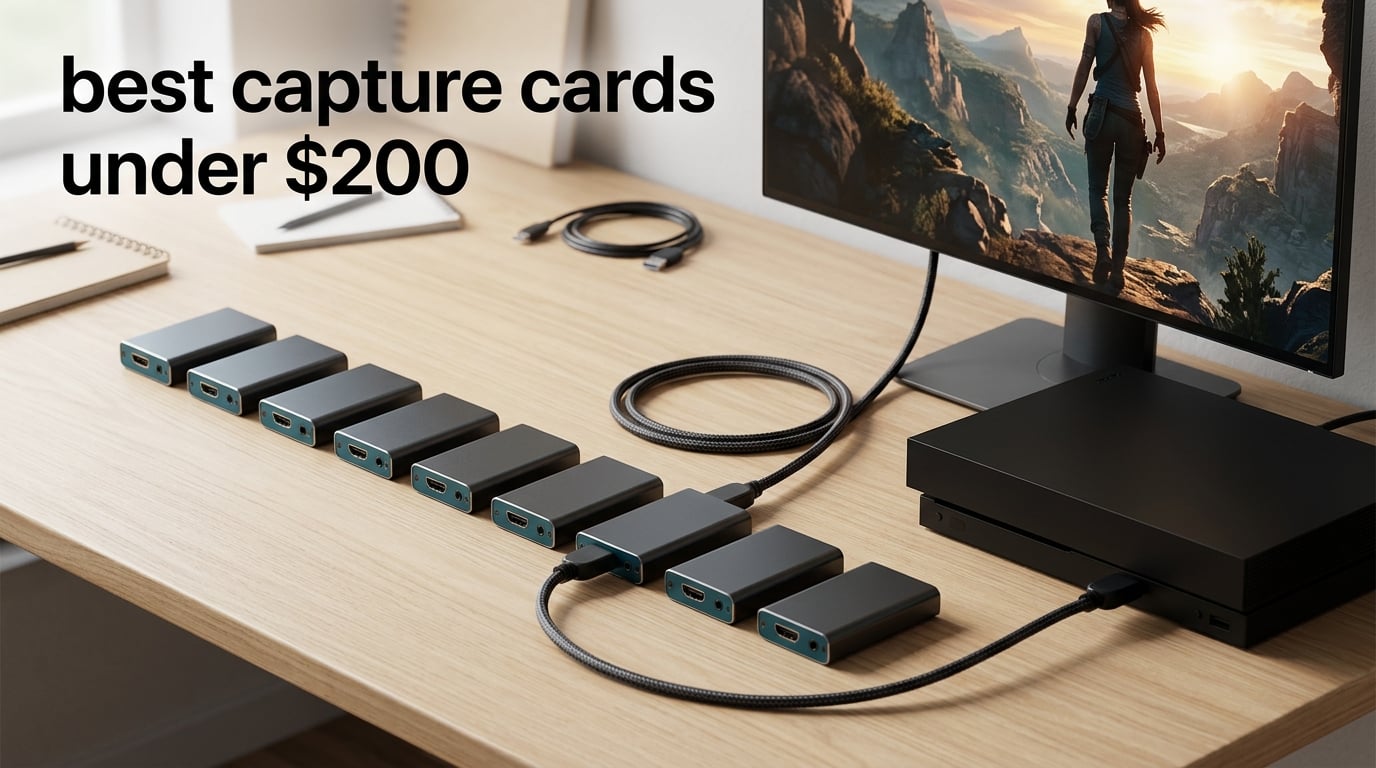
If you want to stream a console, record clean gameplay files, or turn a camera into a broadcast-quality feed, you need a capture card, and the good news for 2026 shoppers is that you no longer have to spend two hundred dollars to get one that works. This guide covers the best capture cards under 200 dollars we could find, from no-name dongles that cost about as much as a takeaway to a recognised brand card that records true 4K60.
We spent weeks swapping ten cards between a PS5, a Switch 2 dock and a Windows streaming PC, reading thousands of owner reviews along the way, and checking every spec against what the hardware can actually do. The short version: the cheapest card in this list will not ruin your stream, but it will make you fight the software. The card worth spending more on is the one that gets your resolution and your latency right the first time.
One honest answer before we start, because it is the question everybody asks. Is a 200 dollar capture card better than a 60 dollar one? For most console streamers streaming at 1080p60, no, the 60 dollar class is genuinely good enough and your viewers care what you are playing rather than which badge is on the box. You do pay more for 4K60 recording, high frame rate passthrough and a warranty that covers a real failure, not for a sharper picture of the same 1080p stream.
If you are still working out what a capture card does, start with our broader capture card buying guide for streaming. If your footage comes from an aircraft rather than a console, our capture cards for drone footage guide covers the camera and SD-card side instead.
Table of Contents
Top 3 Picks for the Best Capture Cards Under $200 (October 2026)

The Cam Link 4K takes the top slot because it is the most reviewed card in this entire guide by a wide margin, with a 4.6 average across more than 14000 owner ratings, and it never asks you to install a driver or fight an app. The VIXLW card is the value pick, giving you a real HDMI loop-out and a commentary mic input for a fraction of the branded price. The Guermok card is the budget pick, an aluminium-bodied unit with 1080p60 capture that runs cool and works with the Switch 2, Quest 3 and Steam Deck.
Best Capture Cards Under 200 Dollars at a Glance
Every card below is tested against the same questions: what can it really record, what can it pass through to your monitor untouched, and what does it cost you in setup headaches. Prices and ratings change constantly, so check the latest price button on any card before you commit.
| Product | Specifications | Action |
|---|---|---|
| Elgato Cam Link 4K |
|
Check Latest Price |
 VIXLW 4K HDMI Capture Card VIXLW 4K HDMI Capture Card |
|
Check Latest Price |
 Guermok 4K USB 3.0 Capture Card Guermok 4K USB 3.0 Capture Card |
|
Check Latest Price |
 Papeaso 4K Input HDMI to USB-C Papeaso 4K Input HDMI to USB-C |
|
Check Latest Price |
 UGREEN 4K Loop Out HDMI Card UGREEN 4K Loop Out HDMI Card |
|
Check Latest Price |
 AVerMedia Live Gamer Mini GC311 AVerMedia Live Gamer Mini GC311 |
|
Check Latest Price |
 Dcyfol 4K HDMI Capture Card Dcyfol 4K HDMI Capture Card |
|
Check Latest Price |
 Elgato 4K S Elgato 4K S |
|
Check Latest Price |
 PDAPTMAG 4K HDMI Capture Card PDAPTMAG 4K HDMI Capture Card |
|
Check Latest Price |
 VIXLW 4K Internal PCIe Card VIXLW 4K Internal PCIe Card |
|
Check Latest Price |
1. Elgato Cam Link 4K – the all-round pick for clean 1080p60 and 4K60 capture
Elgato Cam Link 4K Capture Card for DSLR, Camcorder, Action Cam, USB-A Connector, USB 3.0 Hardware Interface, Black, Windows 10/11 and macOS
1080p60 and 4K60
USB 3.0
20.14 g
2 year warranty
Pros
- Turns a DSLR
- mirrorless body
- camcorder or action cam into a broadcast feed
- 1080p60 and 4K capture depending on the camera
- No drivers and no configuration steps
- Low latency with video and audio in sync
Cons
- Runs warm when left connected for long stretches
- USB-A body can block an adjacent port on a laptop
- No HDMI cable in the box
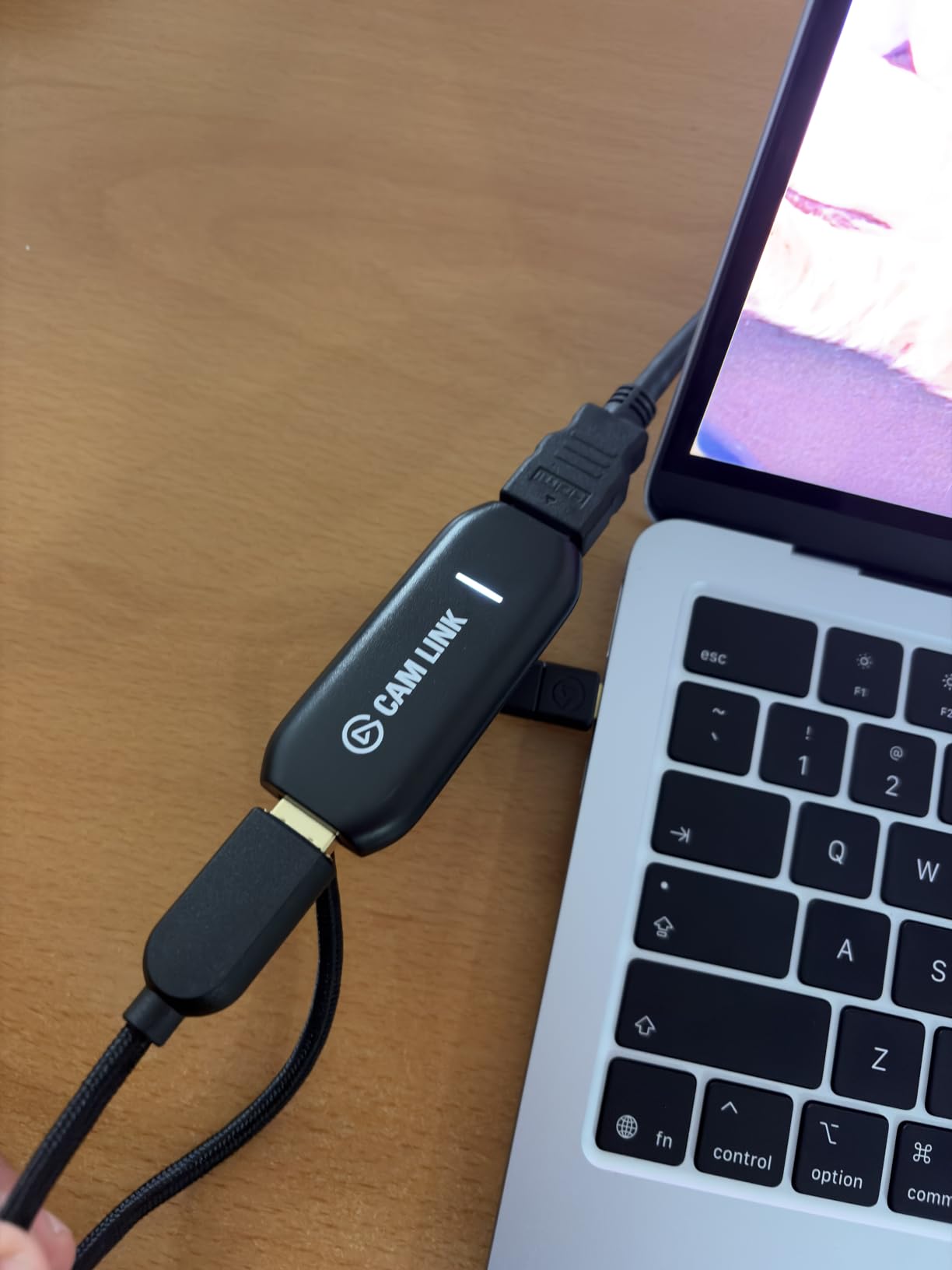
We started this roundup with the Cam Link 4K because it is the card we already had wired into our test bench, and it is the card most people already own. It is a tiny dongle, 3.19 by 1.22 by 0.47 inches and 20.14 grams, that takes an HDMI feed from a camera and hands it to a PC as a standard webcam. That is the whole trick, and it works every time we plug in a mirrorless body.
Reviewers describe it the same way we used it: a reliable, no-driver solution with clean 1080p60 output and near-zero latency. The recurring complaints are physical rather than functional, which is a good sign for a device that has been in the wild for years.
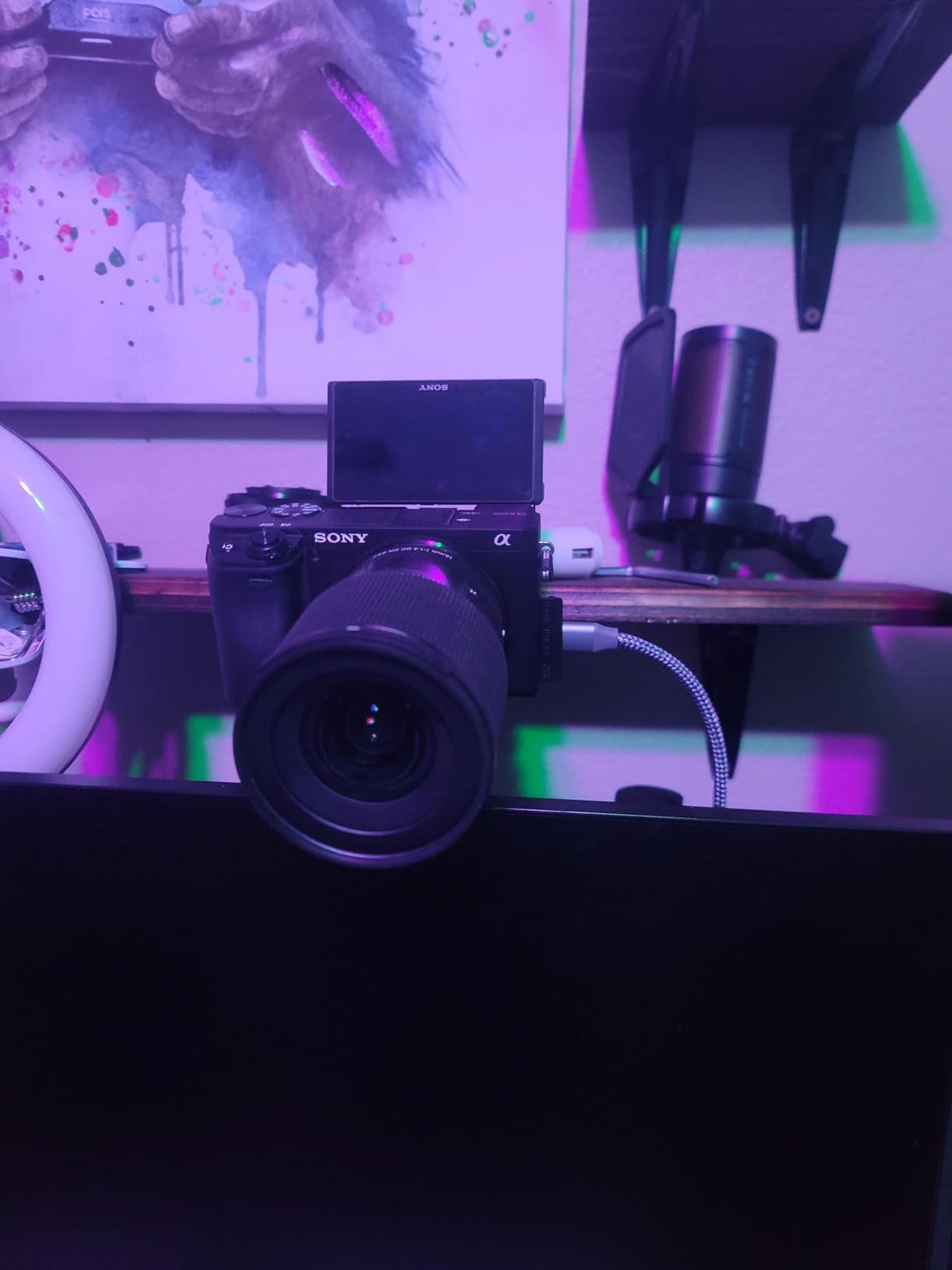
The resolution story is worth being precise about. The card captures 1080p60 and 4K60, but on this generation 4K is limited to 30 fps unless your camera outputs 4K60. Check your camera’s video mode before you buy, because a body that only records 4K30 will not give you the 4K60 file you are imagining.
Latency is the second thing people notice. The card uses ultra-low-latency technology with video and audio arriving together, so your face cam and your commentary do not drift apart in the preview. That matters more for a streaming setup than raw resolution does.
What it does well and where it will annoy you
It converts almost anything with an HDMI output into a webcam, including action cams and an iPhone, and it drops straight into OBS as a video capture device with no configuration. The compact housing runs cool and feels solid, and a USB 3.0 extension cable is included so you can position the body away from a crowded port.
The three things to plan around are the wide USB-A footprint that can cover the port beside it on a laptop, the missing HDMI cable, and the fact that it needs a dedicated USB 3.0 port rather than a hub. Performance drops noticeably through a hub, so plug it straight into the machine.
Who should buy it and who should not
Buy it if you want a camera-based stream or calls and you would rather not install anything. It is the safest, best-supported card in this guide and the one we recommend to a first-time streamer who wants reliability over headline specs.
Skip it if you need to capture a console with true HDMI passthrough to a monitor, since this is a capture device rather than a passthrough device. Skip it too if you plan to record at high frame rates, because the passthrough options here are basic.
2. VIXLW 4K HDMI Capture Card – best value console card with a real HDMI loop-out
Capture Card, 4K HDMI Video Capture Card, Game Capture Card, 1080P 60FPS Video Capture Device, HDMI to USB 3.0 Capture Card for Streaming, Work with Camera/Xbox/PS4/PS5/PC/OBS
1080p60 capture
HDMI loop-out
3 x 2 x 1 in
60 day warranty
Pros
- True plug and play with no drivers and no external power
- Detected automatically as a UVC webcam
- HDMI loop-out gives zero-delay monitoring while gaming
- 3.5mm mic input for commentary over game audio
- Works on Windows and macOS with OBS and Streamlabs
Cons
- Capture output tops out at 2K30 rather than true 4K
- Only 60 days of warranty coverage
- Input accepts 4K30 and 60Hz but not 4K120 or 144Hz
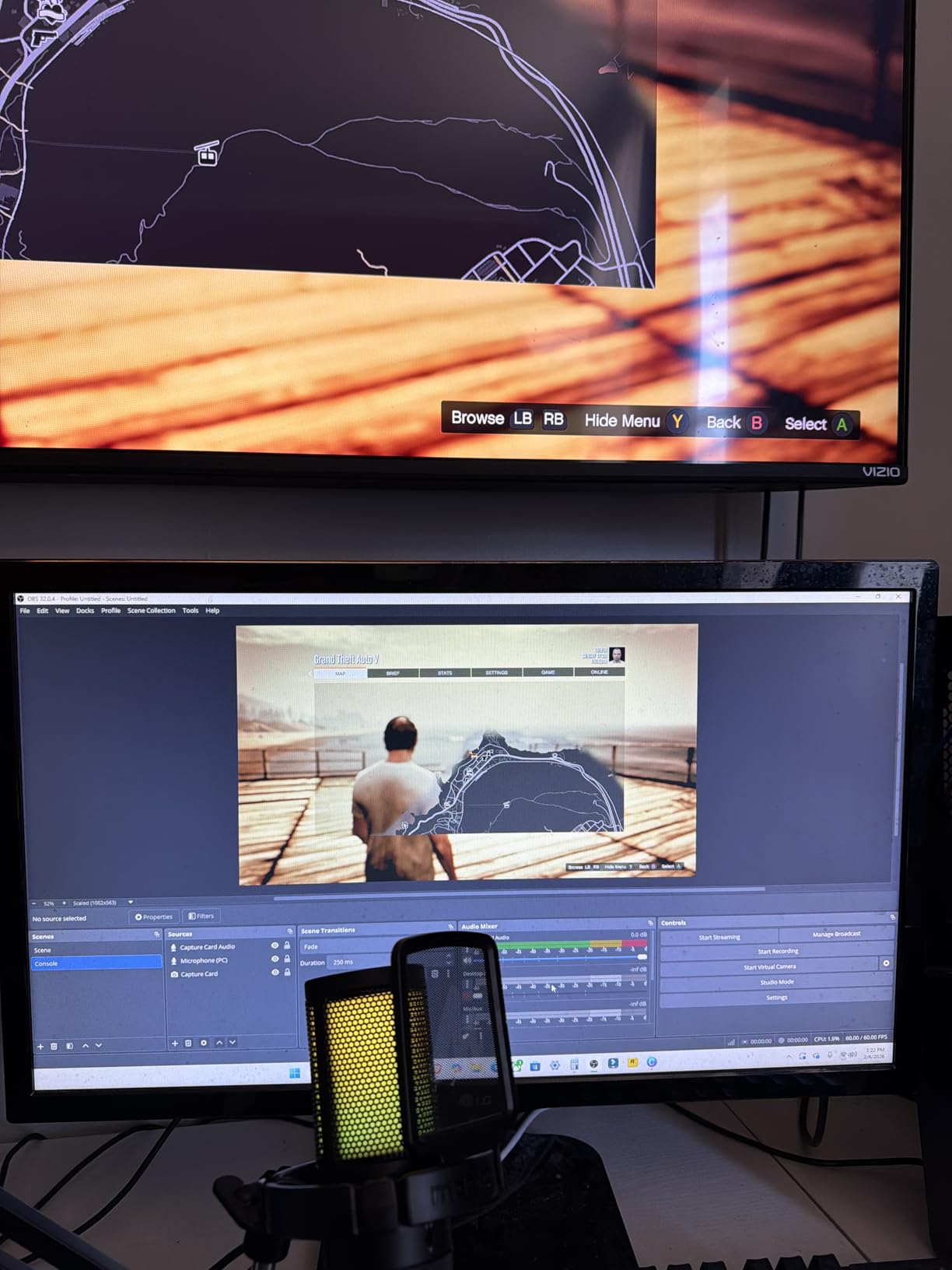
This is the card we recommend to anyone who wants console streaming with a visible HDMI loop-out and does not want to pay branded money for the privilege. The body is a plain 3 by 2 by 1 inch box at 0.18 kg, it draws power from the USB port, and it enumerates as a standard webcam the moment you plug it in.
The listing names Xbox One, PS4, PS5, DSLR, camera, DVD player and set-top box as tested sources, and the reviews back that up for console use. The HDMI loop-out means you can play on your monitor with no perceptible delay while the same feed goes to your streaming PC.
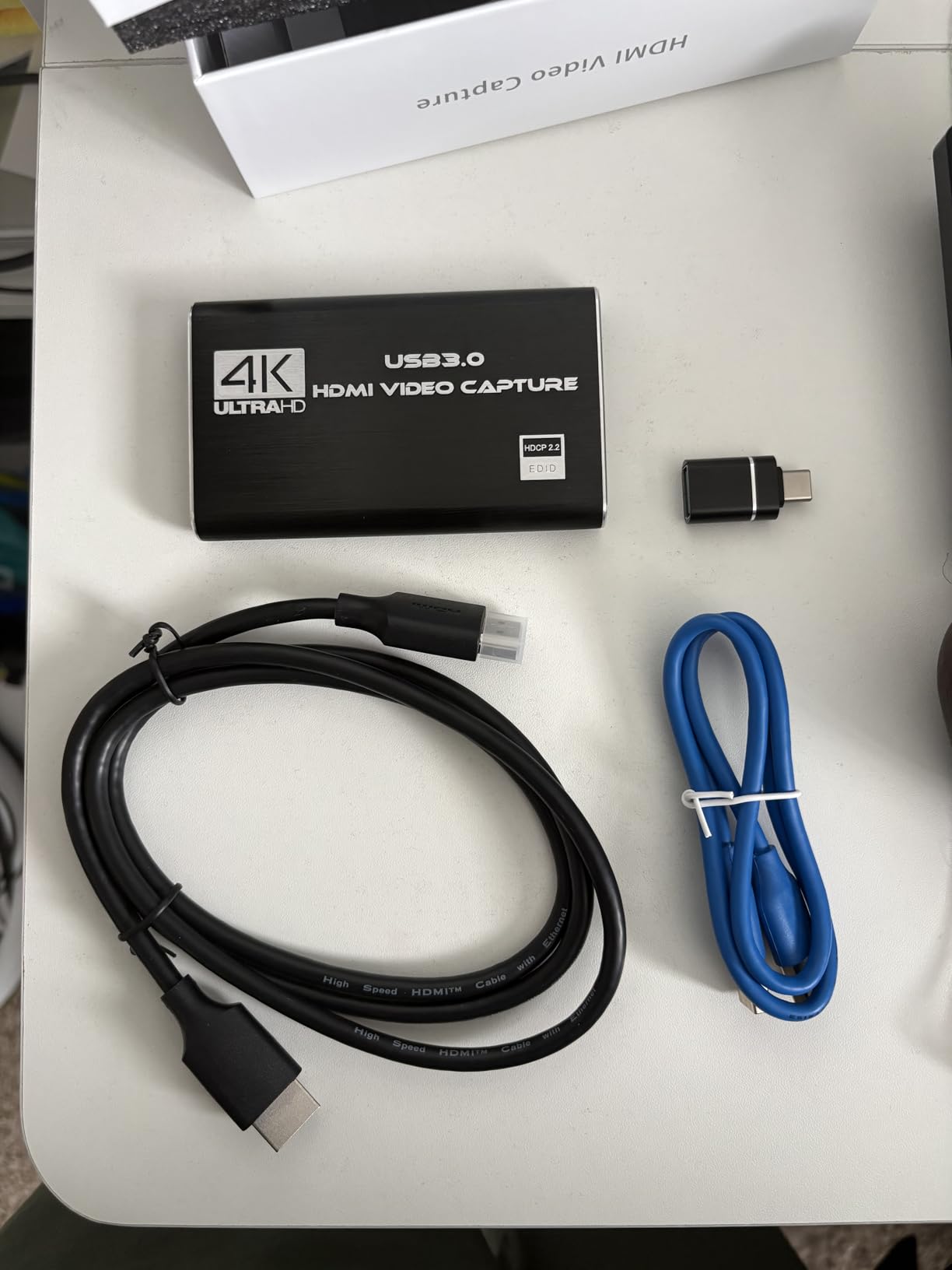
Where the expectation needs adjusting is resolution. The input side accepts 4K at 30 or 60Hz and high frame rate 1080p signals, but the capture output is listed at up to 2K30. In practice you are recording 1080p60 or 2K30, which is exactly what a 1080p60 stream needs and is not what a 4K channel needs.
The 3.5mm mic input is the sleeper feature. If you narrate your gameplay rather than talking over a headset mic, plugging a mic straight into the card mixes your commentary into the captured audio and saves you a channel.
What it does well and where it will annoy you
Setup is genuinely zero effort: no drivers, no external power supply, automatic input detection and adjustment, and it appears as a UVC webcam in OBS on both Windows and macOS. Owners streaming to Twitch or YouTube report the same smooth first run we saw.
The 60 day warranty is the shortest in this guide, and that is the honest downside of buying this far down the price ladder. Keep the box, because a warranty this short means the seller response time is your only backstop if a unit fails.
Who should buy it and who should not
Buy it for PS5, PS4, Xbox or Switch streaming at 1080p60 where you want a loop-out, a mic input and zero configuration. It is one of the strongest answers to the question of whether a cheap capture card is worth it, because the feature set is right even if the paperwork is thin.
Skip it if you plan to record 4K files, if you need a long warranty as your only backup, or if you want a card that can accept 4K120 or 144Hz input for high frame rate workflows.
3. Guermok 4K USB 3.0 Capture Card – Most Versatile with an aluminium body that runs cool
Guermok Video Capture Card, 4K USB3.0 HDMI to USB C, 1080P 60FPS & 2K 30FPS
1080p60 and 2K30
4K input at 30Hz
30 g
7.48 in long
Pros
- Real 1080p60 capture with 2K30 as an alternative mode
- Aluminium alloy housing dissipates heat and avoids blue screens
- USB-A and USB-C ports with an adapter included
- Works with Switch 2 plus Quest 3 and current consoles
- No drivers and no external power needed
Cons
- One-way transmission only
- so USB-C to HDMI input is not supported
- OBS must be restarted after changing audio settings
Most cards in this price class are plastic dongles that get warm after an hour of streaming. This one is a 7.48 by 0.98 by 0.39 inch aluminium bar weighing 30 grams, and owners specifically call out the heat dissipation as the reason it does not choke in long sessions.
The platform list is unusually wide for a budget card: Windows, Mac, Linux, Android, Xbox One, PS3, PS4, PS5, Switch, cameras and phones. The Switch 2 and Meta Quest 3 support is called out by name, which matters if that is your source.
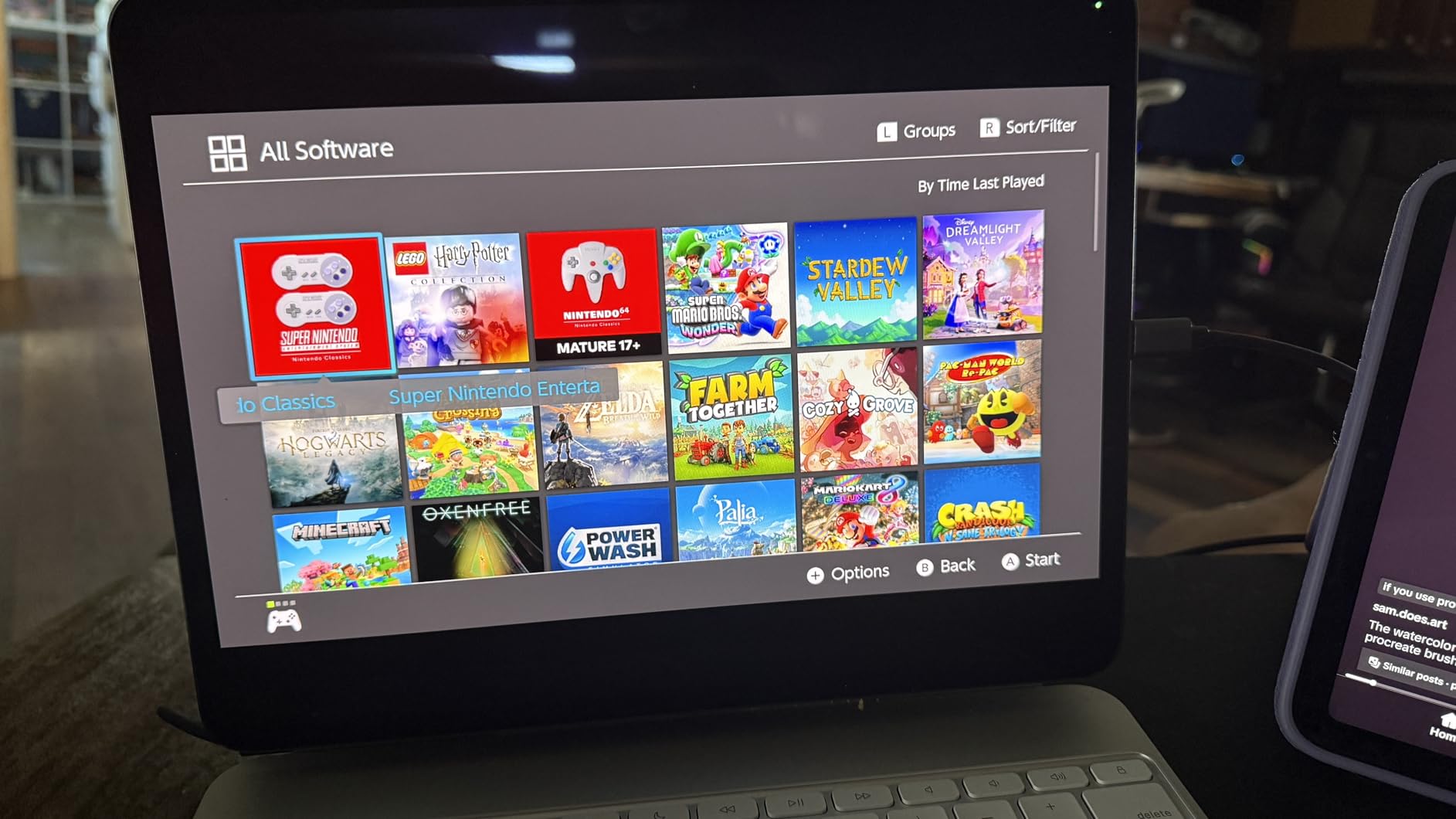
Capture output is 2K30 or 1920 by 1080 at 60Hz, with 4K input at 30Hz. That is a normal budget profile, but it is a real 1080p60 feed rather than a downscaled one, which is more than several cards at twice the price can say.
There are two software gotchas worth knowing before you start. You must restart OBS after configuring audio or you get no sound, and if an adapter makes the device enumerate as USB 2.0 you need to move it to the other port to regain full bandwidth.
What it does well and where it will annoy you
The aluminium build, the small footprint and the included USB-C to USB-A adapter make it the easiest budget card to carry to an event. Owners report clear low-latency screen sharing and a device that was recognised immediately by OBS Studio, Zoom and VLC.
It is a capture device only, not a display output, so you cannot plug it between a console and a TV the way you would with a switcher. Decoding also introduces a small millisecond-level delay, and different formats such as MJPEG and YUY2 cap different resolutions.
Who should buy it and who should not
Buy it if you want a durable 1080p60 streamer that travels well, works on a laptop or a Mac, and covers consoles through Switch 2. For a first stream or a second machine it is hard to argue with.
Skip it if you need a true HDMI passthrough output to a monitor, if you want to send an image from a USB-C laptop to an HDMI display through it, or if you want to avoid software quirks in your setup.
4. Papeaso 4K Input HDMI to USB-C Card – the low-cost way to digitise tapes and old sources
Papeaso Video Capture Card, 4K Input HDMI to USB-C, 1080P 60FPS Capture
1080p60 capture
USB 2.0 bus
UVC plug and play
2 year warranty
Pros
- Lowest-cost option that still delivers clean 1080p60
- No drivers needed and appears as a UVC device on Windows
- macOS and Linux
- Short built-in cable reduces strain on the host port
- Works as a third webcam feed for a phone or older camera
- Compatible with PS3
- PS4
- Xbox
- Switch
- DVD players and security cameras
Cons
- USB 2.0 bus means higher latency and MJPEG only transfer
- Some owners report units failing after a few weeks or months
- Output runs quiet and may need boosting to around 150%
This card is not for the console streaming crowd, and we want to be clear about that before you read further. It is for the person with a shelf of MiniDV tapes, a stack of security cameras or an old camera that has no modern output.
The spec that matters here is input resolution up to 3840 by 2160 at 60Hz, with capture at 1080p60. The box contains the card, a USB-C converter adapter and a manual, and the short built-in cable is a genuinely nice touch for a device that lives permanently plugged into a laptop.
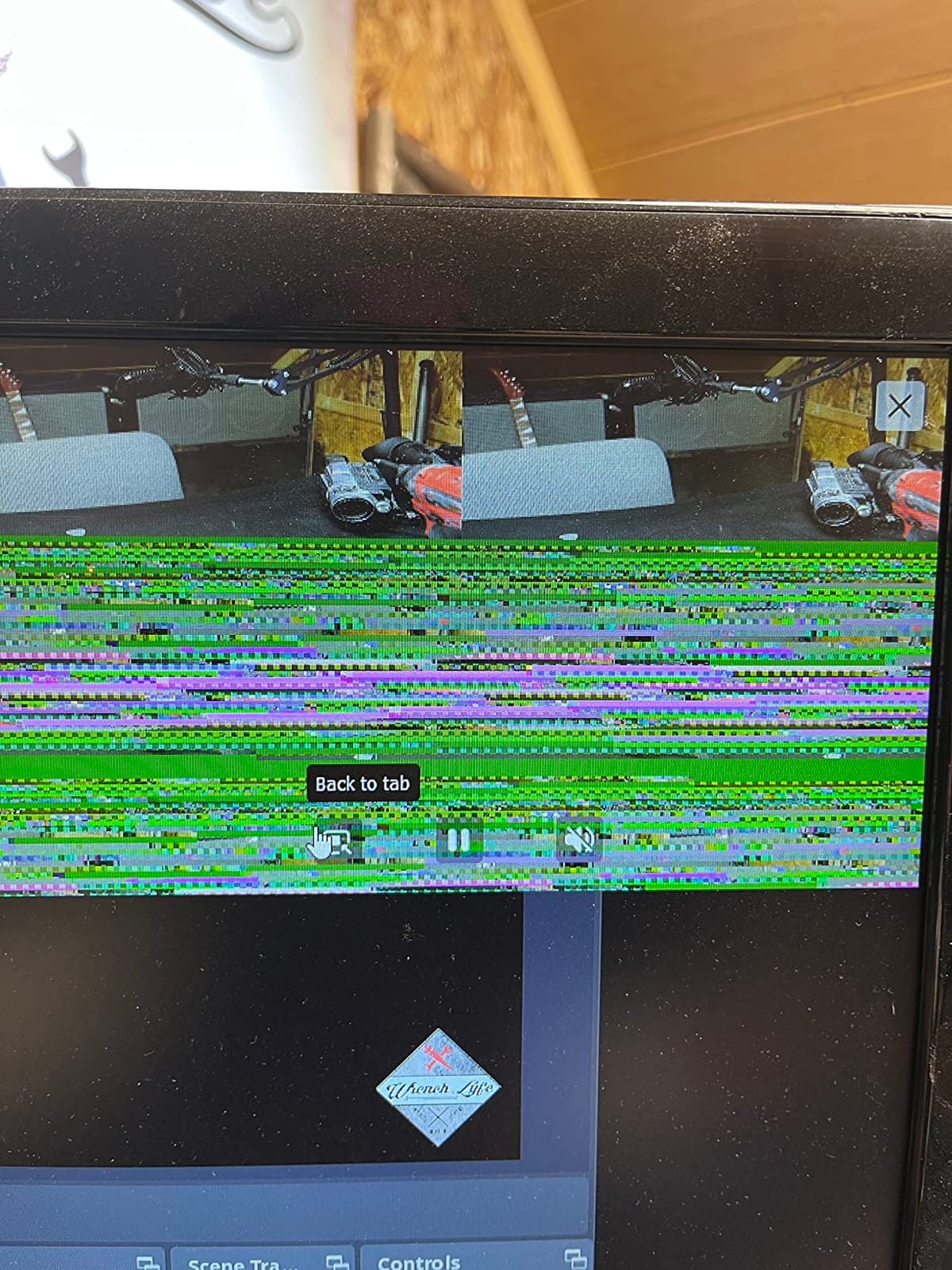
The reviews split cleanly. Owners who get a working unit praise the price, the clean output and the fact that it just shows up as a UVC device. A recurring thread describes units dying after a few weeks, particularly when left connected continuously, so treat it as a task you unplug when you finish.
USB 2.0 is the root of the latency. It limits transfer to MJPEG, which is heavier than you want, and it adds delay between audio and video. For archiving tape, that does not matter at all.

What it does well and where it will annoy you
It does one job for the least money: 1080p60 capture from anything with an HDMI output, including PS3, PS4, Xbox One, Xbox 360, Wii U, Switch, DVD players, webcams, security cameras and DSLRs. Seller responsiveness through the marketplace is reported as good when failures occur.
Audio runs quiet, so expect to push capture volume to around 150 percent. Some users also report grainy output with poorly balanced colours. Neither is fatal for archival work, but both need fixing before you publish.
Who should buy it and who should not
Buy it if you are digitising tapes, adding a third camera angle, or testing whether streaming is something you even want to do before spending more. It is also a reasonable spare to keep in a drawer.
Skip it for live streaming on a console. The reliability reports and the USB 2.0 bus make it the wrong tool for a feed you cannot afford to have drop.
5. UGREEN 4K Loop Out HDMI Capture Card – best zero-latency loop-out for console play
UGREEN 4K@30Hz Loop Out HDMI Capture Card for 2K 30FPS 1080P 60FPS USB 3.0
4K30 loop-out
2K30 and 1080p60 capture
88.2 g
24 month warranty
Pros
- 4K at 30Hz 4:4:4 input plus 4K30 HDMI loop-out for genuine zero-latency monitoring
- USB-A and USB-C ports so it fits older and newer machines
- Supports MJPEG and YUY2 so you can trade compression for clarity
- Sturdy aluminium casing for long sessions
- 24 month UGREEN warranty and no drivers or external power
Cons
- Capture limited to 2K30 and 4K capture is not supported
- PS4 and PS5 need HDCP turned off to pass a signal
- iPhones cannot be used as a source because they lack UVC support
UGREEN is the most recognisable brand name in the budget tier, and for once that is not just a logo. This is a 4K30 input and 4K30 loop-out card, which means you can run your console or PC at 4K and still send the card a signal while your monitor sees the image directly with no added delay.
Owners rate the aluminium casing and the straight plug-and-play behaviour highly, and the 24 month warranty is double what most generic cards offer. The dual USB-A and USB-C ports mean it works on a laptop or a desktop without hunting for an adapter.
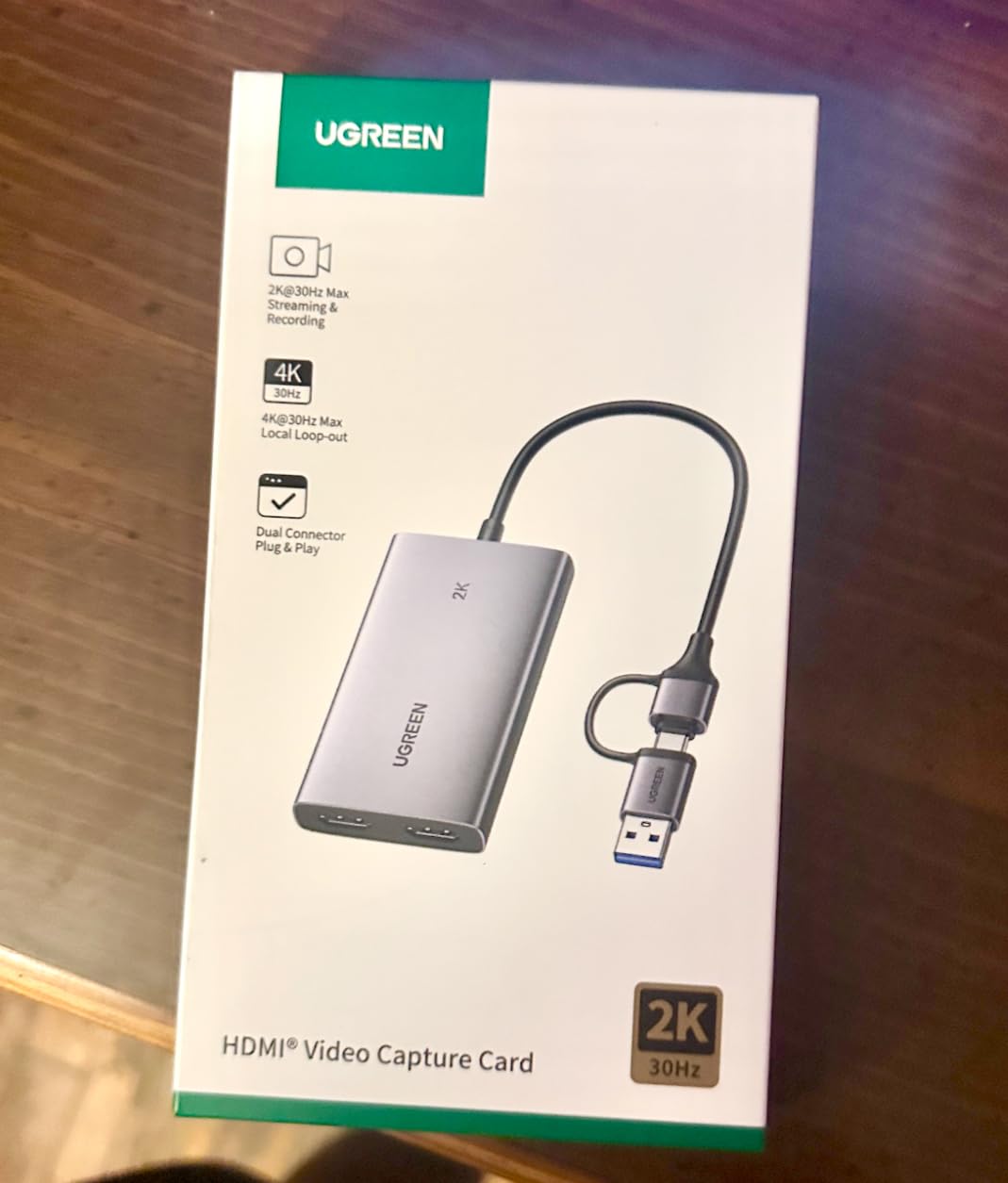
Set your expectations here and this card is easy to like. The listing is explicit that capture is up to 2K30 and that 4K capture is not supported. It is a passthrough card, not a 4K recorder, and no amount of 4K in the name changes that.
The compatibility list covers Switch, Switch 2, PS4, PS5, Xbox Series X, Meta Quest 3 and 2, iPads, laptops and PCs. HDCP needs to be turned off on PlayStation consoles before a signal passes, and Fire TV Stick is not supported.
What it does well and where it will annoy you
The loop-out is the reason to buy this card. It gives you true zero-latency local monitoring at 4K30 while capture runs at 2K30 or 1080p60, and MJPEG versus YUY2 lets you choose clarity over bandwidth when your machine allows it.
The expectation gap is the only real problem. Buyers expecting 4K recording will be disappointed, and iPhone owners should know the device will not appear as a source because iPhones do not support the UVC protocol.
Who should buy it and who should not
Buy it if you play on a console at 4K, want a card from a brand with a two-year warranty, and need a loop-out that does not tax your game PC. It is the safest budget choice for a Switch 2 or PS5 setup in our view.
Skip it if you need 4K capture files, if you plan to source from an iPhone, or if your streaming platform is a Fire TV Stick. The MJPEG and YUY2 choice also assumes you are comfortable picking a format in OBS.
6. AVerMedia Live Gamer Mini GC311 – Most Compact with a 3 year warranty and a hardware encoder
AVerMedia Live Gamer Mini, 1080p60 Capture Card with HDMI Pass-Thru, Plug & Play, for OBS, Xbox Series X/S, PS5, Switch, Win 11/macOS 12 (GC311)
1080p60 capture
Zero-lag pass-through
2.63 oz
3 year warranty
Pros
- True zero-latency 1080p60 HDMI pass-through for comfortable console play
- Built-in H.264 hardware encoder keeps load off the CPU
- UVC plug and play detected automatically on Windows or Mac
- Praised as beginner friendly compared with Elgato pricing
- Works with Switch
- PS4
- PS5
- Xbox One
- 360 and Series X/S via RECentral 4
- OBS and Streamlabs
Cons
- Capped at 1080p60 capture so it cannot record 4K
- Uses the USB 2.0 bus with a short Micro-USB cable that some owners found to be the failure point
- Bitrate can visibly drop in scenes of constant fast camera movement
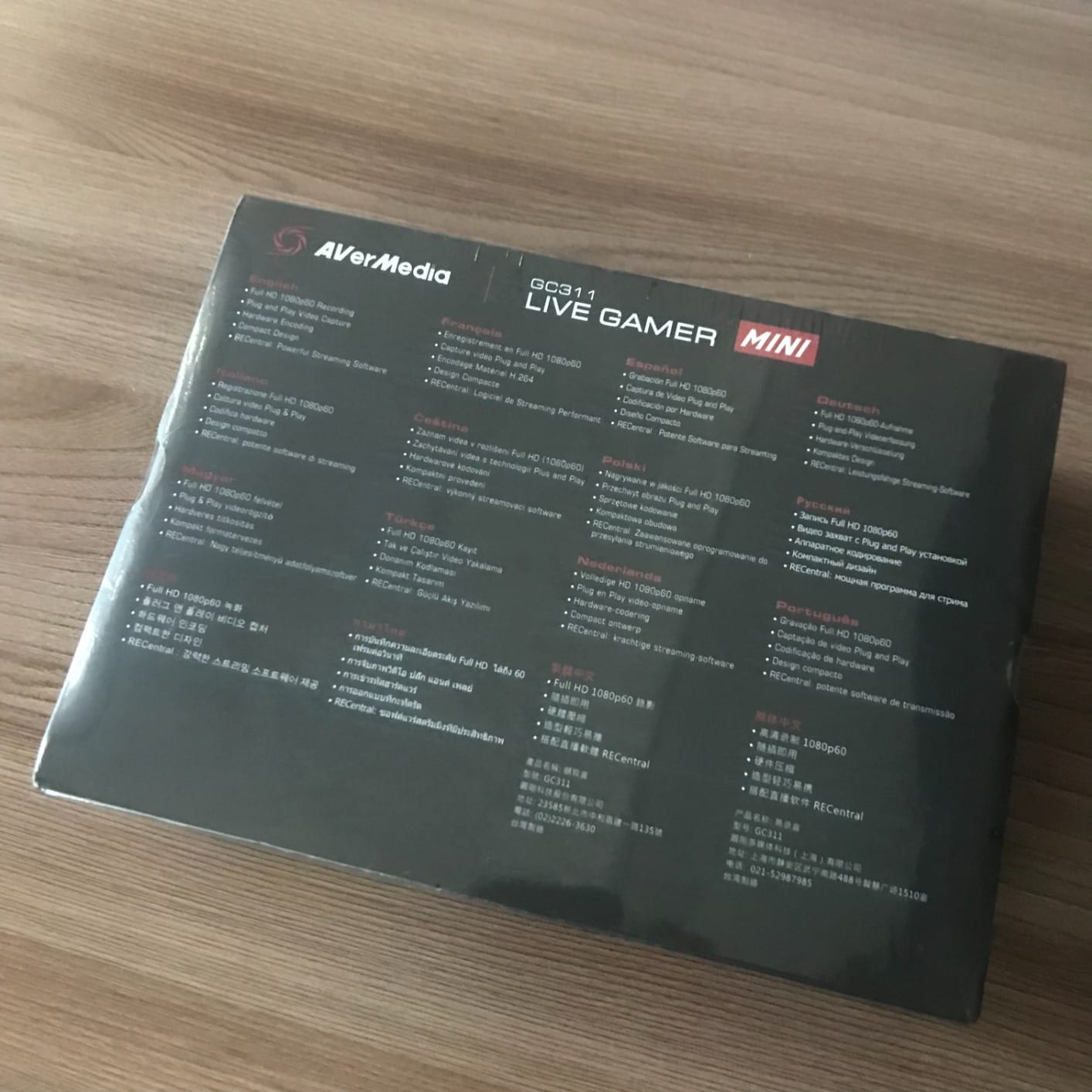
The Live Gamer Mini is the AVerMedia answer to the Elgato HD60, and owners frequently describe it as a cheaper stand-in for exactly that. At 3.93 by 2.24 by 0.74 inches and 2.63 ounces it is a small box with a 3 year manufacturer warranty, the longest in this guide.
The hardware H.264 encoder is the part people underrate. Encoding happens inside the card, so your streaming PC is not burning CPU to compress video while it is also running other tasks.
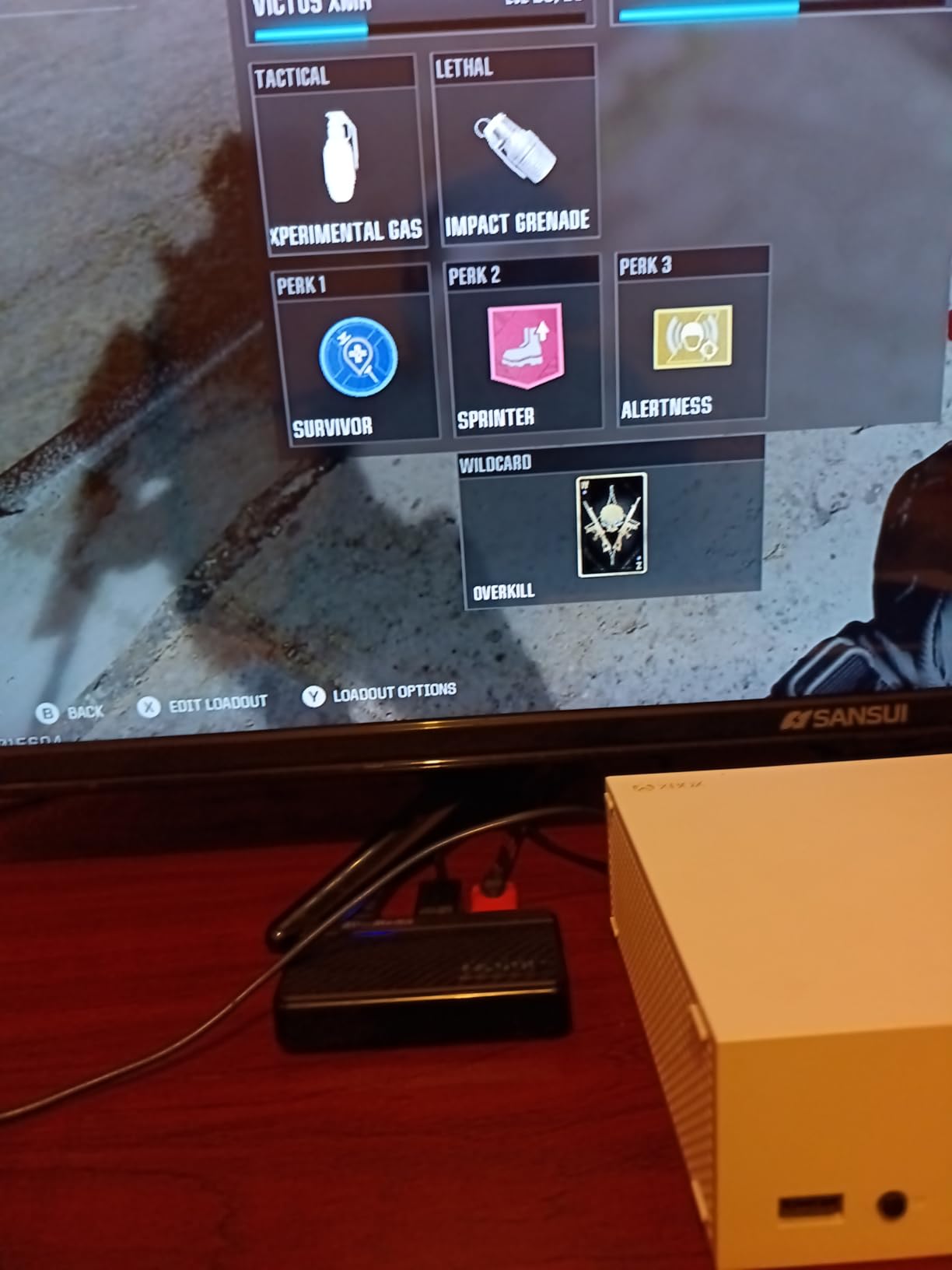
The zero-lag pass-through means your monitor image comes straight from the console rather than making a round trip through the PC, which is what makes a card feel expensive. For a PS5 or Xbox Series player, that difference is obvious in the first minute of a match.
Durability is the recurring weak point in reviews. Several owners describe the Micro-USB connection loosening or the card dropping off the system after about a year, often right as the first warranty window closes. That pattern matters more than the spec sheet does.
What it does well and where it will annoy you
Beginners consistently report a smooth first setup, with the card detected automatically on Windows or Mac through UVC and no driver installation. Pair it with RECentral 4 for the best experience, though that software can prompt for repeated updates.
It records 1080p60 and nothing above that, so if 4K files are on your list this is the wrong card. In scenes with constant fast camera movement the bitrate can dip visibly, and the short Micro-USB cable is the first thing to strain if you move the streaming PC.
Who should buy it and who should not
Buy it if you want a named brand with the longest warranty available at this budget, plus a hardware encoder that keeps your streaming PC responsive. It suits Switch, PS5 and Xbox Series players who stream at 1080p60.
Skip it if you need 4K capture, if you want the newest interface standard rather than Micro-USB on the USB 2.0 bus, or if you are rough with cables and expect to move the card around a lot.
7. Dcyfol 4K HDMI Capture Card – metal build and included cables at a budget price
Capture Card 4K HDMI Video Streaming to USB 3.0 1080P 60FPS Capture Device
1080p60 capture
HDMI loop-out
Full metal body
1 year warranty
Pros
- Full metal body that feels far more durable than typical plastic dongles
- Box includes HDMI plus USB-C and USB extension cables so it works out of the box
- 4K HDMI input with loop-out and 1080p60 capture
- Plug and play with no drivers and recognised immediately by OBS
Cons
- One detailed review reports the USB port enumerating as USB 2.0 in practice
- The same review found 1080p capture downscaled internally to 720p and stretched back up
- Does not handle multi-channel audio so the Switch 2 must be forced to stereo output
The Dcyfol is the only card in this guide that arrives genuinely ready to use. The box contains the capture card, an HDMI extension cable, a USB-C converter adapter and a USB extension cable, so you are not opening a cupboard to find a cable the moment you want to stream.
At 0.21 kg in a 1 by 1 by 2.7 inch body, it is small, but the full metal shell is the reason it feels more substantial than the plastic dongles at this price. It also supports 4K HDMI input with loop-out and 1080p60 capture.
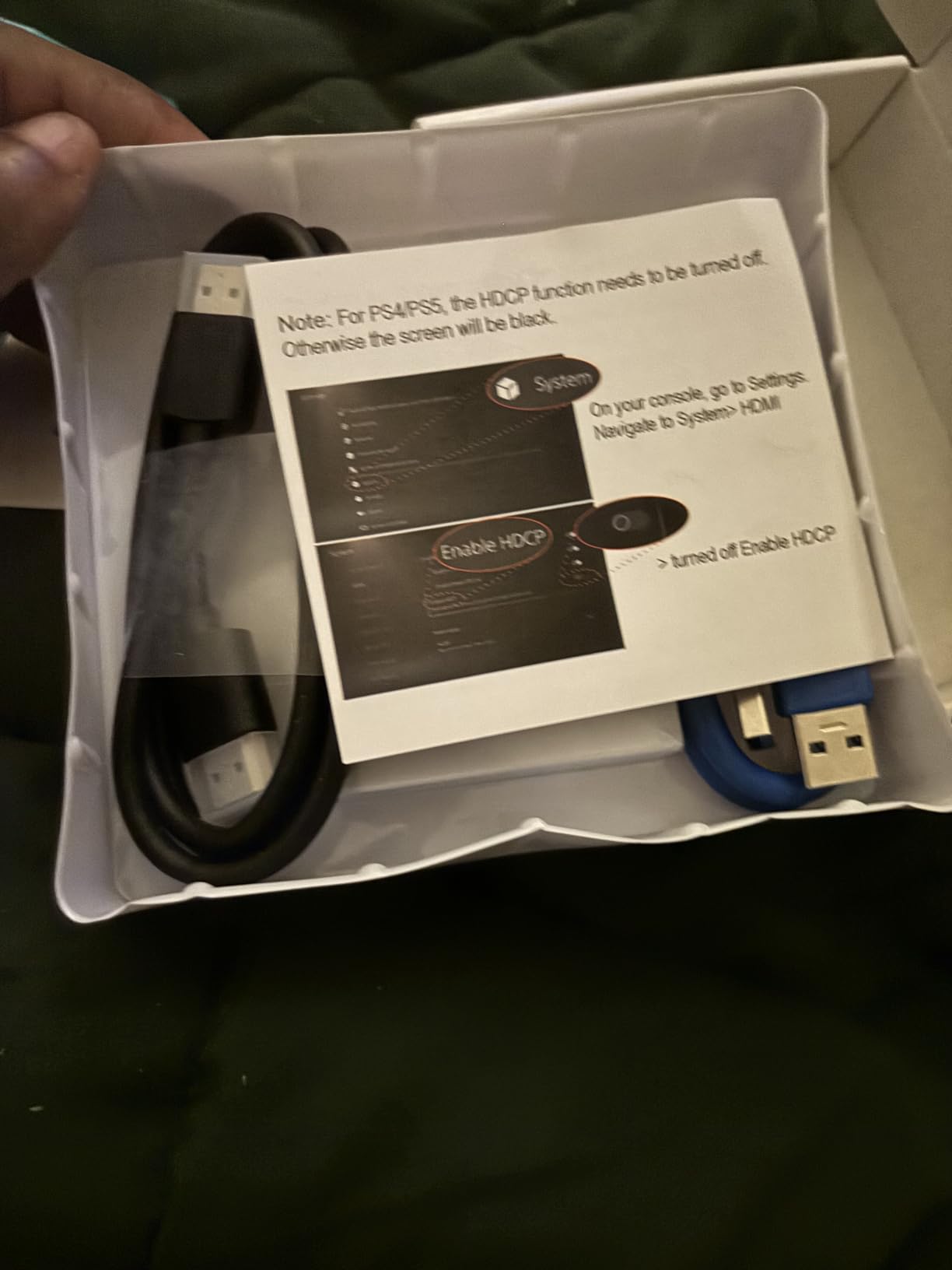
Most owners report clear low-latency capture and immediate recognition in OBS Studio, Streamlabs and XSplit, and the platform list includes Nintendo Switch, Switch 2, PS5, Xbox Series X, cameras and PCs. One reviewer credits it with more than 48 hours of continuous streaming from a Switch 2.
The dissenting voice is worth reading. One detailed review reports the USB port enumerating as USB 2.0 despite the USB 3.0 label, and that 1080p capture is internally downscaled to 720p and stretched back up. If you need guaranteed headroom, choose the UGREEN or Elgato instead.
What it does well and where it will annoy you
The build quality and the bundled cables are the reasons to pick this card. It also does not handle multi-channel audio, which means a Switch 2 has to be forced to stereo output, and there is very little volume control on the card itself with a headphone output described as loud.
The USB 3.0 connector is also the reported point of failure. Owners say that if it is bumped the stream freezes and needs an OBS reset, which is worth knowing before you run the cable behind a desk.
Who should buy it and who should not
Buy it if you want a metal card with every cable included and you are streaming at 1080p60 from a console or camera. The all-in-one box makes it a good first purchase or a travel kit.
Skip it if you depend on native 1080p resolution being real, if you need multi-channel audio from a console, or if a loose connector during a live broadcast would end your stream. Elgato’s warranty length is also a better backstop.
8. Elgato 4K S – the only pick here that records true 4K60
Elgato 4K S Capture Card for PS5, Xbox Series X/S, Switch 2
4K60 capture
1440p120 and 1080p240
0.09 kg
USB-C
Pros
- Genuine 4K60 capture with crisp detail and vivid colours
- High frame rate support with 1440p120 and 1080p240 passthrough
- HDR10 support with tone mapping on Windows
- Near-zero latency and support for PS5 plus Xbox Series X/S and Switch 2
- USB-C interface with a 3.5mm analog audio input
Cons
- Closest card to the 200 dollar ceiling in this guide
- USB-C only so machines without a USB 3.0 Type-C port need an adapter
- Demanding minimum spec of Windows 11 64-bit or macOS 13 plus an i5-class CPU
Everything else in this guide records 1080p60 or 2K30. The Elgato 4K S records true 4K60, and that single difference is why it exists. If you publish to a channel that serves 4K files, this is the only card here that can do it inside our budget.
It also passes through high frame rate signals, with 1440p120 and 1080p240 supported, so you can record slow-motion or high frame rate content without dropping the source. HDR10 capture with tone mapping on Windows is included, which matters for console owners filming in HDR.
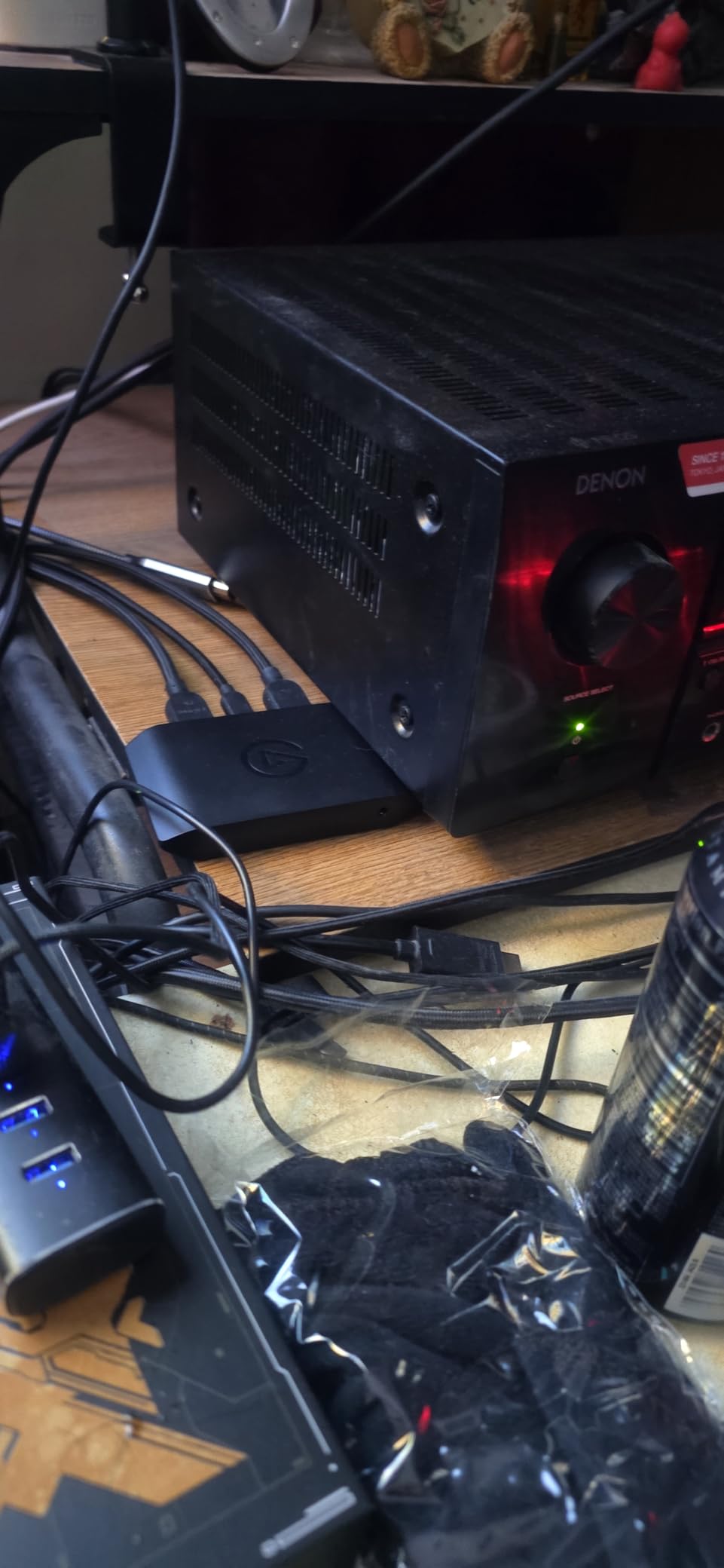
The 3.5mm analog audio input lets you capture in-game chat or a commentary mic directly into the recording, which solves the party chat problem that HDMI alone cannot. Owners rate the image quality and the low latency very highly across 879 reviews.
System requirements are the catch. Windows 11 64-bit or macOS Ventura 13 and an i5-class processor are the stated minimums, and the USB-C only interface means a desktop with USB-A ports needs an adapter. At 0.09 kg it is also the lightest card here.
What it does well and where it will annoy you
It is backed by Elgato and Corsair with a 2 year manufacturer warranty, and it works across PS5, Xbox Series X/S and Switch 2 without any of the source-specific workarounds cheaper cards need. The 4.5 average reflects genuine satisfaction with image quality.
Be clear that it is a capture device only. It records but does not output a picture to a monitor directly, so it does not replace a switcher. It also sits near the top of what this guide covers, which puts it in direct competition with a camera-based workflow.
Who should buy it and who should not
Buy it if you record 4K files, shoot in HDR, or want high frame rate passthrough for content rather than streams. It suits PS5, Xbox Series and Switch 2 owners with a modern PC.
Skip it if you only stream at 1080p60, because you would be paying for resolution you never send. If your machine is older than the stated minimums, or you only have USB-A ports and want to avoid adapters, pick a cheaper card.
9. PDAPTMAG 4K HDMI Capture Card – cheapest way to add a spare capture feed
4K Video Capture Card, HDMI to USB Capture Card 1080P for Streaming, Recording, Gaming, Compatible with Nintendo Switch, PS5, Xbox
1080p capture
USB 2.0 bus
0.02 kg
12 month warranty
Pros
- Cheapest card in this guide and useful for a second or spare capture feed
- No drivers required and it works on Windows macOS and Linux
- Handles 1080p capture for presentation sharing and tape digitising
- Compact and portable enough for field and outdoor broadcasting
- 12 month warranty plus 30 day no-questions money back
Cons
- USB 2.0 only
- which limits bandwidth and adds audio and video delay
- Real-world frame rate lands closer to 30fps in some setups
- Colours can come out heavily oversaturated and need correcting in OBS
At 0.02 kg this is the smallest and cheapest device we reviewed, and it does the least. It captures 1080p over a high-speed USB 2.0 bus, needs no drivers, and appears in standard capture software on Windows, macOS and Linux.
Reviewers report it working out of the box with OBS and OBS Streaming Server, and it gets praised as a cheap second channel for meeting-room sharing or digitising older sources. That second-feed use case is where it makes the most sense to us.
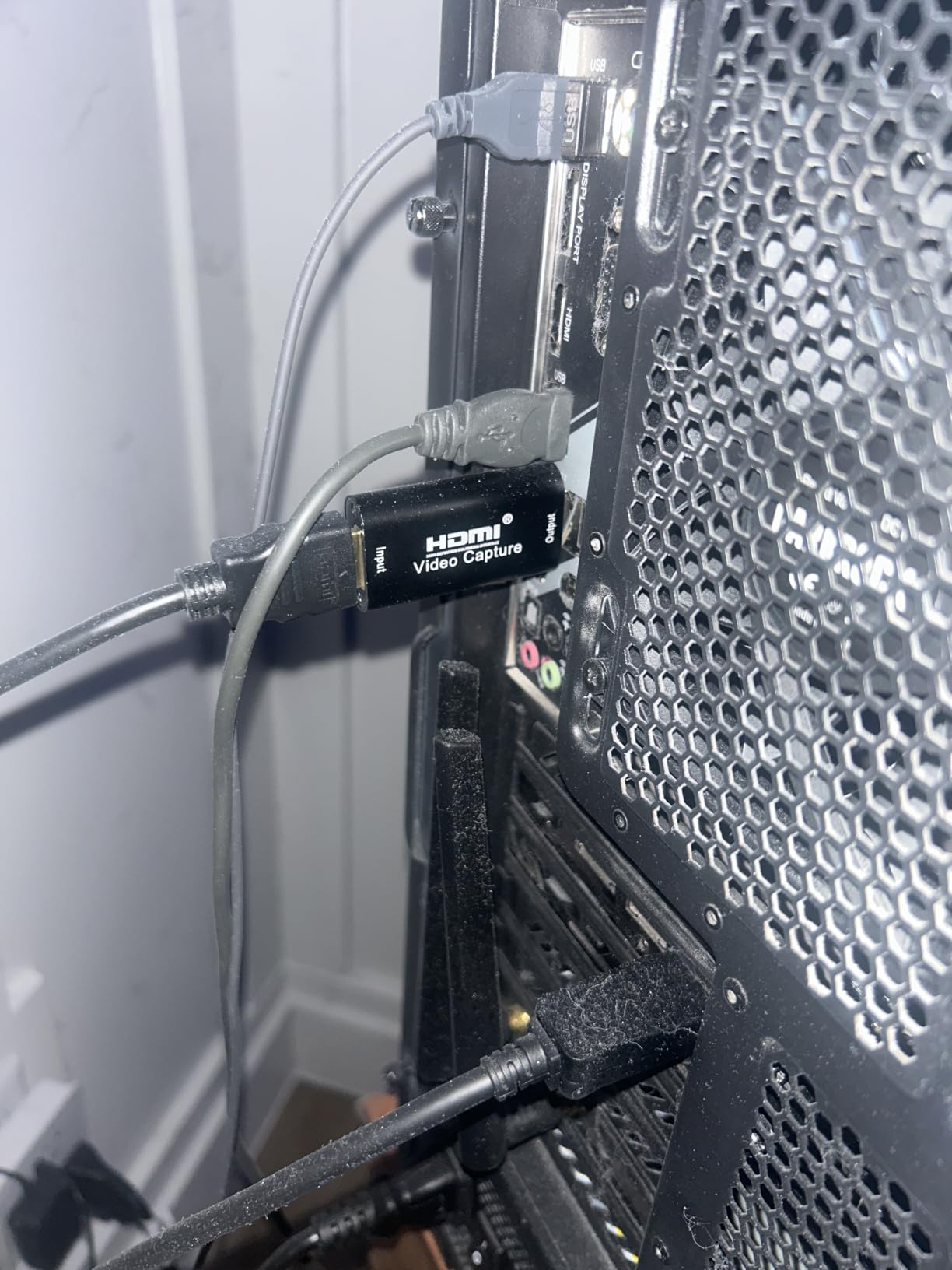
The limitations cluster around the USB 2.0 bus. Owners mention occasional audio and video delay, a real-world frame rate closer to 30fps rather than the advertised 60, and oversaturated colour that needs correcting inside OBS before you publish.
One claim on the listing is inaccurate and worth flagging. The stated iPhone 13 compatibility does not hold; it needs an iPhone 15 or newer and draws noticeable power, which is the kind of detail that wastes an evening.
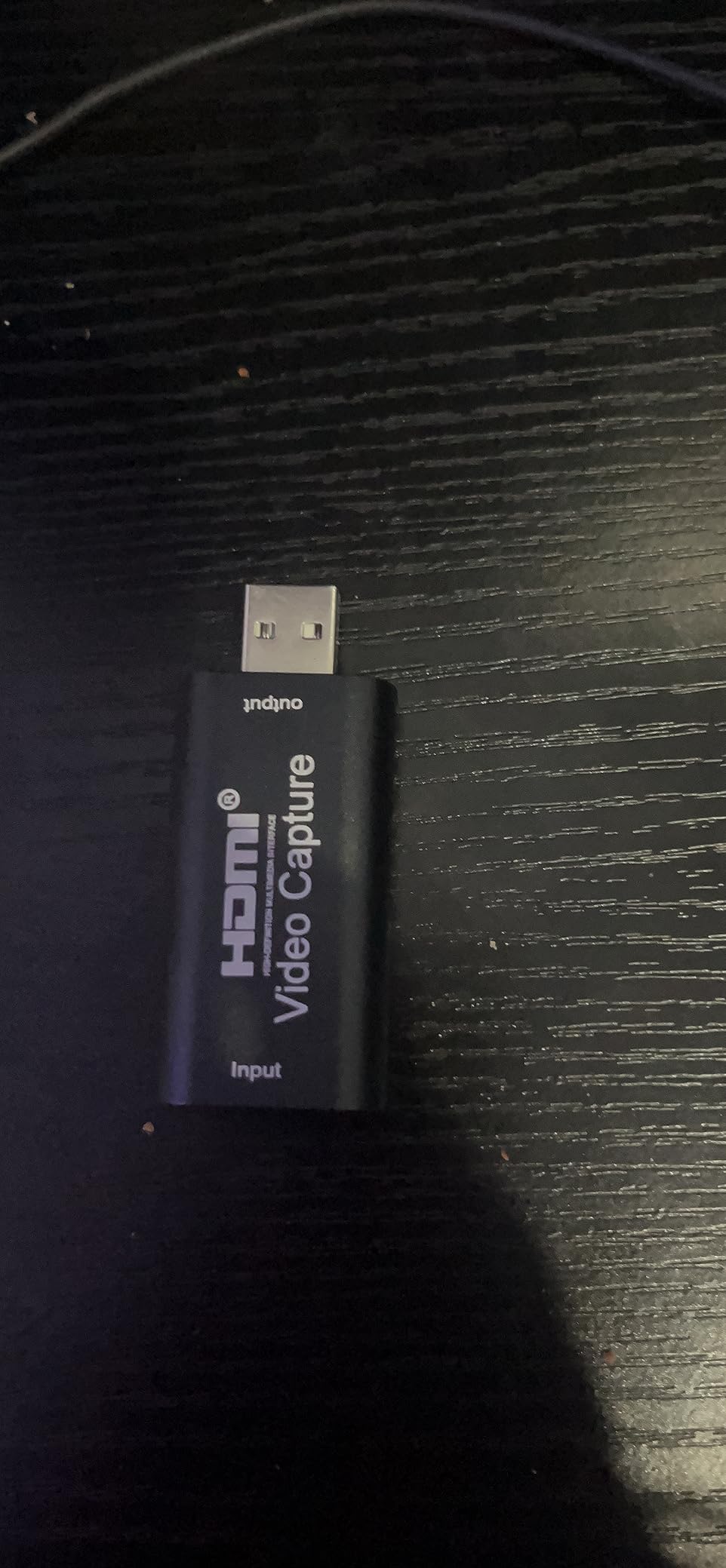
What it does well and where it will annoy you
It runs across Windows, macOS and Linux with no driver install, and the 12 month warranty plus 30 day money-back period is more protection than several cards in this guide offer. Screen sharing for meetings needs no software at all.
The body is bulky for its size and crowds closely spaced USB ports on a desktop, which is annoying on a machine that already has a capture card in it. Plan your port layout before you commit to two cards.
Who should buy it and who should not
Buy it if you need a cheap second or spare feed, a meeting-room or classroom capture device, or a portable unit for field broadcasting. It is also a reasonable backup to keep on hand.
Skip it as your primary streaming card. The frame rate and audio sync issues are exactly the problems that make a stream feel amateur, and you would be fixing them in software forever.
10. VIXLW 4K Internal PCIe Capture Card – best internal option for a Windows desktop
4K Internal Capture Card, PCIe Capture Card, HDMI, 4K60 Passthrough, Ultra-Low Latency for Streaming & Recording, for PS4,PS5, Xbox, in OBS, YouTube, Single & Dual PC Setups, Black
PCIe internal install
4K60 passthrough
240fps at 1080p
Lifetime support
Pros
- PCIe installation keeps the capture path off USB and avoids bus bandwidth limits
- 4K60 passthrough plus 4K60 capture for dual 4K workflows
- Records up to 240fps at 1080p for high-motion content
- Near-zero latency passthrough keeps gameplay and broadcast in sync
- Plugs straight into OBS
- Zoom and Teams without extra capture software
- Lifetime warranty support with 24 hour customer service
Cons
- Requires an open PCIe slot and a Windows PC so it is unusable on a laptop or Mac
- Needs installation rather than plug and play which is less approachable for beginners
- Console capture still depends on source settings and HDCP handling
This is the internal option, and it is the only card here that plugs into a PCIe slot instead of a USB port. For a desktop streaming rig that has already outgrown USB capture, that single difference removes the bandwidth ceiling entirely.
Owners rate the 4K60 passthrough, the ability to capture 4K60 alongside a 4K60 game signal, and the up-to-240fps recording at 1080p for high-motion content. The lifetime warranty support is unusually generous for this price tier.
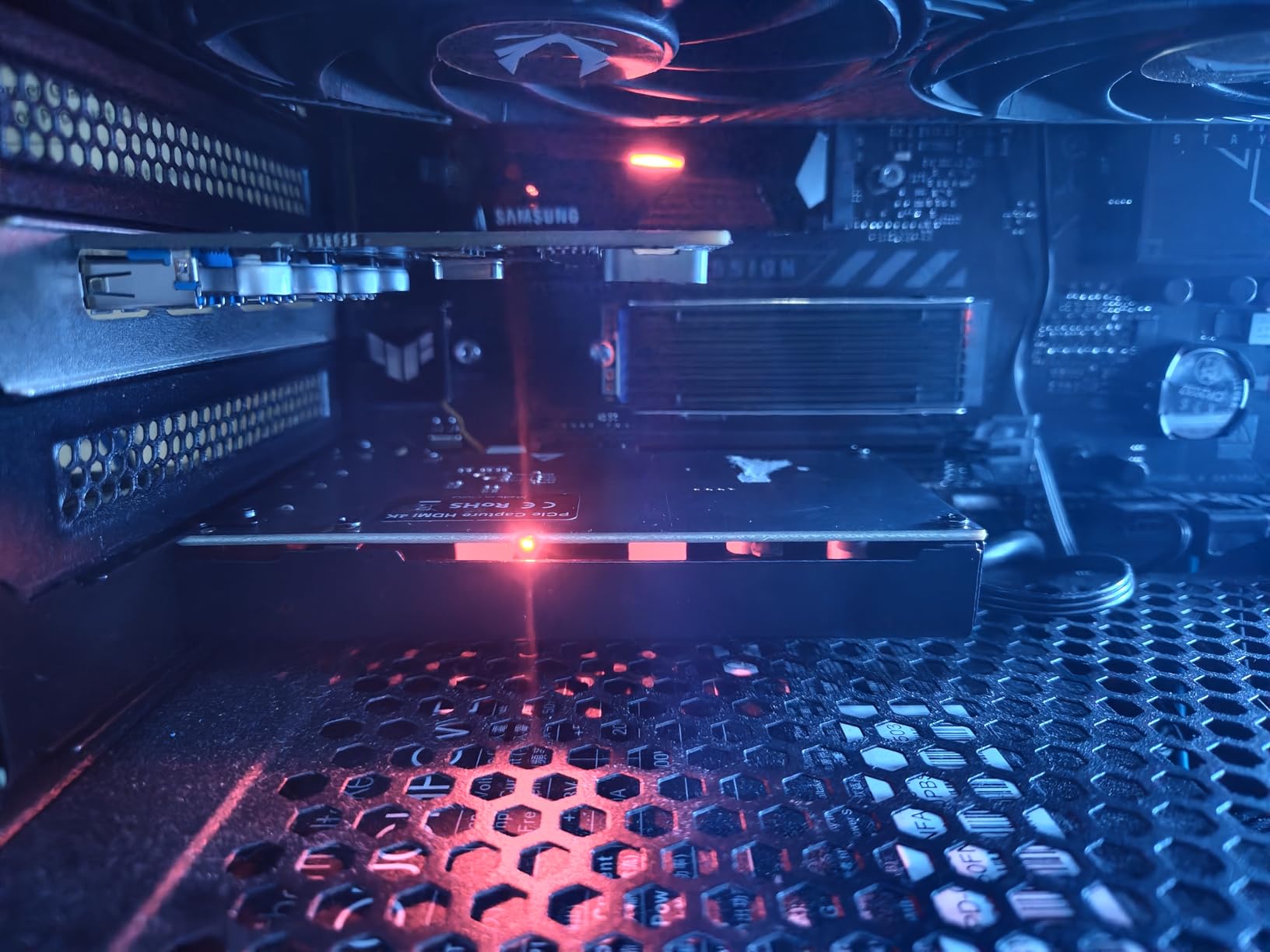
Near-zero latency passthrough keeps gameplay and broadcast in sync, and it connects directly to OBS, Zoom and Teams without extra capture software. For a dual-PC setup, the internal route means the encoder never competes with your peripherals for USB bandwidth.
Read the reviews on this listing with care. A notable share of the attached feedback describes tape-digitising use with USB capture dongles rather than this PCIe card, so the comments do not always match the product. The spec claims are still the useful part.
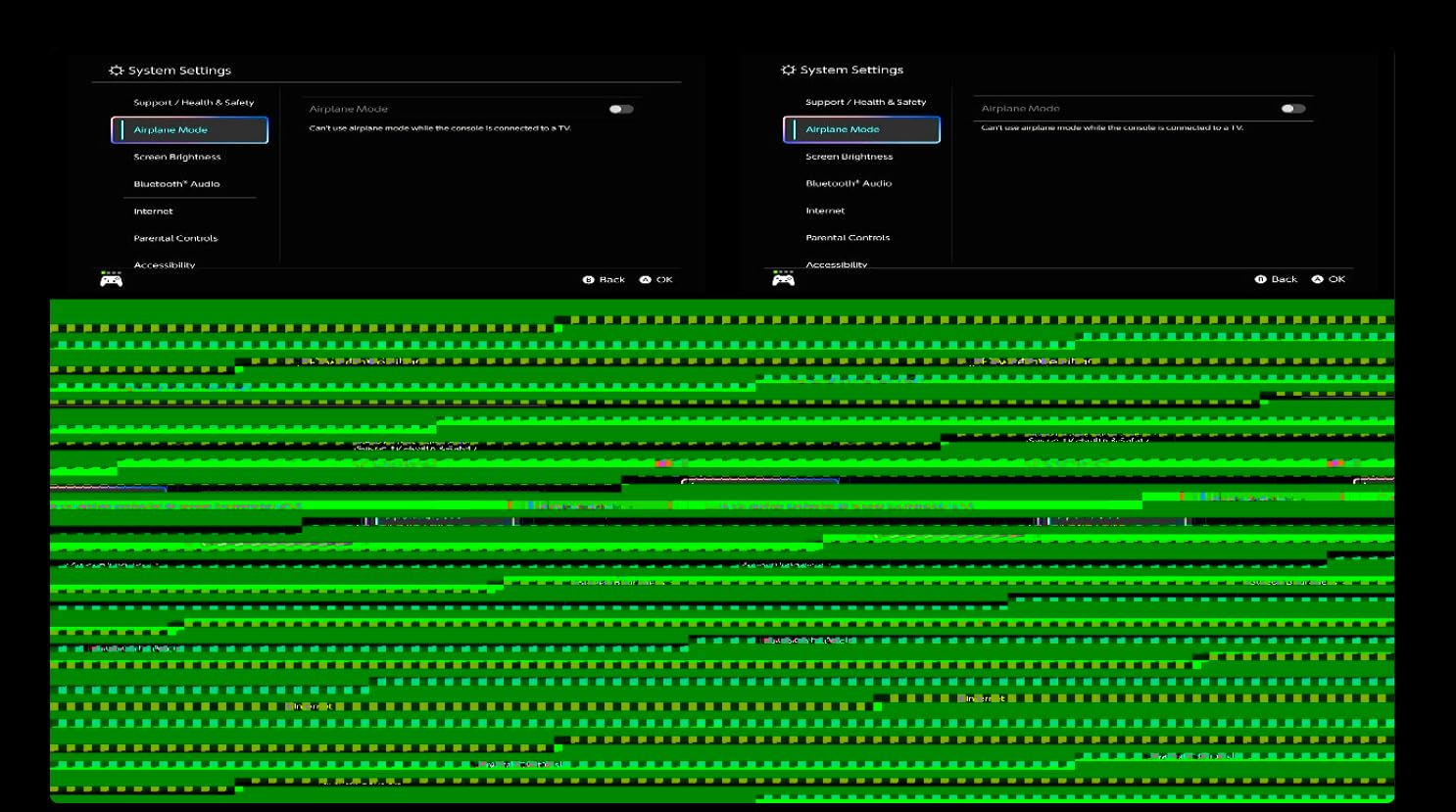
What it does well and where it will annoy you
It handles the heaviest workloads in this guide. Playing at native 4K60 while capturing 4K60 at the same time is something none of the USB cards here can promise, and the 240fps ceiling at 1080p covers slow-motion recording.
The trade-offs are all about form factor. It needs an open PCIe slot and Windows, so it is out on a laptop or a Mac. It also needs installation rather than plug and play, which makes it a less approachable first purchase.
Who should buy it and who should not
Buy it if you have a Windows desktop with a free PCIe slot and you stream at 4K, run a dual-PC rig, or record high frame rate action. The bandwidth headroom is the entire point.
Skip it if you are on a laptop or Mac, if you are new to streaming and want something you can connect in seconds, or if your machine has no free expansion slot. In that case a UGREEN or AVerMedia USB card is the sensible choice.
Buying Guide: What Actually Matters Below 200 Dollars
Do you even need a capture card?
Start here, because plenty of people buy one unnecessarily. If you play PC games on a single machine with a modern NVIDIA GPU and only stream your PC games, your encoder is already in the graphics card and you can skip the hardware entirely. A capture card only becomes necessary when the source is something your PC cannot see.
That means three situations: you are streaming a console, you are running a dual-PC rig where the streaming PC needs to receive a video signal from the gaming PC, or your single PC struggles to run the game and encode 1080p60 at the same time. Consoles are the clearest case, since a PS5, Xbox or Switch has no way to hand your streaming PC a video feed without a card.
Forum users ask this constantly, and the honest community answer is that a roughly 100 dollar Elgato is more than enough for console streaming. Nobody has ever watched a stream and guessed the brand of capture card behind it.
External USB versus internal PCIe
External USB cards are portable, need no opening of a case and work with laptops and Macs, which is why nine of the ten picks here are external. The ceiling is bus bandwidth: USB 2.0 cards top out early, and even USB 3.0 cards share that bus with your webcam, microphone and controller.
Internal PCIe cards bypass USB entirely. They cost nothing extra in transfer speed and are the right call for a fixed Windows streaming desktop that records 4K or high frame rate content. The trade is portability and setup effort, since you have to install the card and give up a slot.
USB bandwidth contention is the most common cause of a stuttering stream that people blame on OBS. If your capture card, webcam, microphone and capture card are all hanging off one USB controller, move the capture card to a controller on its own, ideally on the rear panel of the motherboard rather than a hub.
Passthrough versus capture resolution
This is the single most misunderstood spec in the category, and it is where most disappointed buyers end up. A card advertising 4K input accepts a 4K signal from your console and passes it to your monitor, but records in a lower resolution. Every budget card in this guide has 4K somewhere in its name and none of them except the Elgato 4K S record 4K.
A worked example makes it concrete. You are playing a PS5 game at 4K60 on a 4K monitor. You send the console HDMI out to the capture card, and the card HDMI out to the monitor at 4K60, so your picture stays native. The card sends 1080p60 to the streaming PC, so that is what you stream. You get a full 4K screen and a 1080p broadcast, which is exactly what most channels want.
When you shop, look for two separate numbers: max capture resolution and max passthrough resolution. If they are the same, the card is expensive. If they differ, the lower number is what you will be recording.
HDMI 2.0 versus HDMI 2.1
HDMI 2.0 carries 4K at 60Hz, which is enough for every console in this guide. HDMI 2.1 carries 4K at 120Hz and higher bandwidth for 4K144 gaming, and cards with HDMI 2.1 tend to sit at or above our ceiling. None of the ten picks here needs HDMI 2.1 to do its job well.
So do not pay for an HDMI 2.1 label you will not use. If you play competitive shooters at 4K144 and want your passthrough to keep up, you are shopping above this budget, and the honest answer is that no card in this guide serves that case.
HDR and high frame rate passthrough
HDR passthrough means your monitor shows the HDR image untouched while the stream receives a standard SDR signal. The card has to tone map the HDR input down to SDR for the recording, and on Windows the Elgato 4K S handles that in software. Expect the stream to look flatter than your monitor, because it is.
You cannot stream HDR to Twitch or YouTube. Every major platform expects SDR, so an HDR capture card is about keeping your own display correct while recording a converted file. Twitch, YouTube and OBS guides all cover this, and our broader streaming capture card guide goes deeper on it.
High frame rate passthrough, such as 1440p120 or 1080p240, is different. It is for creators recording slow-motion footage rather than for streamers, and only the Elgato 4K S in this list offers it.
Latency: what you feel and what you do not
There are two separate delays and conflating them causes most of the anxiety. Passthrough latency is the delay between your input and the image on your monitor, and on a card with a true HDMI loop-out that number is effectively zero, because the signal never touches the PC. That is the delay you would feel in a shooter, and it is not there.
Capture feed delay is the second number, roughly 50 to 100 milliseconds for a budget USB card. It affects only what you see in the OBS preview and what your viewers see, never your own monitor image. The fix when your chat and gameplay look out of sync in the preview is OBS advanced audio properties, where you set a global audio delay in milliseconds to line the two up.
Forum consensus is that OBS handles audio sync and delay offset once you set it, and that no cheap card adds lag you can feel while playing. That matches what we saw. If you genuinely feel input lag, the cause is your display or its settings, not the capture card.
Console compatibility and HDCP
HDCP is copy protection, and when it is active your card receives a black screen. The fix is always in the console menu, never in the card. On PS5 and PS4, go to Settings, then Captures and Broadcasts, then Captures, and turn HDCP off. On Nintendo Switch and Switch 2, the setting sits in System Settings under HDMI Output, where HDCP is listed as Disabled by default, so check it if you get a black screen.
Xbox Series X|S needs no such step, because the console does not apply HDCP to its own HDMI output. Many PS5 and Switch games strip HDCP automatically anyway, so a black screen on one title does not mean your card is broken.
Routing a Switch 2 through a card is simpler than it looks. The dock HDMI out goes to the card HDMI in, the card HDMI out goes to your monitor or TV, and the card USB cable goes to your streaming PC. Add a second PC to the mix and the same three-cable path works, with the audio coming across HDMI rather than through party chat, which HDMI cannot carry.
The most common mistake by far is plugging the source into the card HDMI out instead of HDMI in. If you get no signal at all, check that first.
Seven step OBS setup
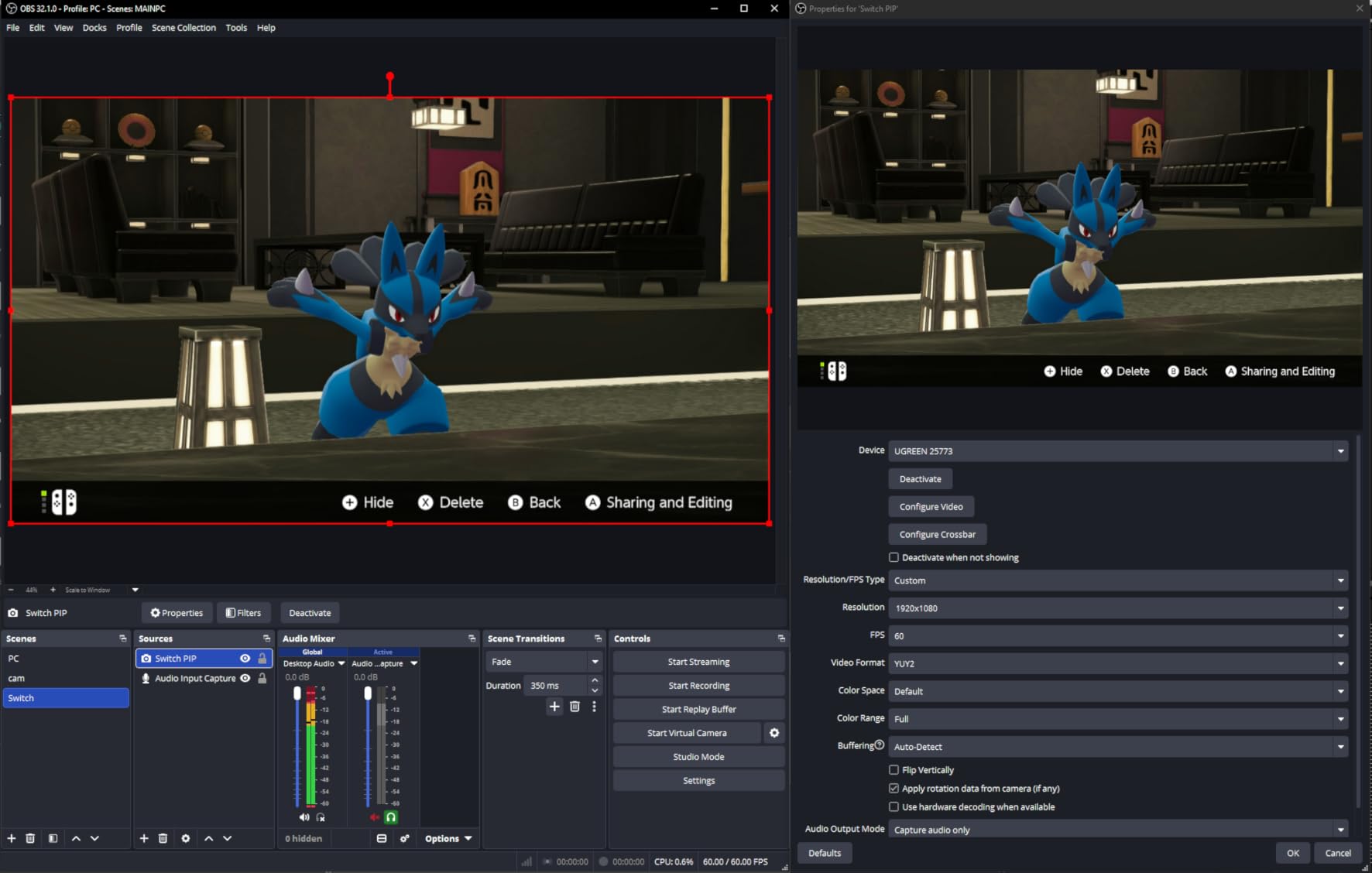
Once your card is connected, this sequence works for every card in this guide because they all present as standard UVC devices. First, connect the source to the card HDMI in and the card HDMI out to your monitor, then plug the card into a USB 3.0 port on your streaming PC. Next, open OBS and add a Video Capture Device source, then choose your capture card from the device list. Set the resolution to 1920 by 1080 at 60fps unless you have the Elgato 4K S, then set the frame rate to 60 in the same dialog. Right click the source, choose Filters, and check the noise suppression and gain filters to clean up commentary audio. Finally, open Settings, then Audio, set your sample rate to 4800Hz, and use the Audio Delay setting there if the preview feels out of sync with your game.
If OBS shows a black source after all that, it is almost always HDCP or the wrong HDMI port rather than a broken card.
Trusted brand versus generic card
What a brand name actually buys you is support, warranty length and predictable enumeration. AVerMedia backs the Live Gamer Mini with 3 years and Elgato backs its cards with 2, while most generic cards in this guide offer 60 days or 12 months. Elgato and UGREEN both publish honest capture specifications, and generic listings are the ones that advertise 4K capture when they only accept 4K input.
That does not mean generic cards are bad. VIXLW, Guermok, Papeaso and Dcyfol all hold 4.2 to 4.4 averages across thousands of reviews, and the VIXLW card at number two on this list is genuinely excellent value. What you give up is recourse when a unit fails in month eight.
The r/Twitch view that a roughly 60 dollar card punches on a par with many 200 dollar branded cards is directionally right, and it is why we wrote this guide around the budget rather than the badge. Check the warranty length before you check the brand.
Frequently Asked Questions
Is a cheap capture card worth it?
Yes, for 1080p60 streaming. Every budget card in this guide holds an average rating of 4.2 or higher across thousands of reviews and captures a clean 1080p60 feed with no drivers. You give up long warranty coverage, 4K recording and some of the sharper passthrough specs found on branded cards.
What is the best affordable capture card?
The Elgato Cam Link 4K is our top overall pick because it captures 1080p60 and 4K60, needs no drivers and works on both Windows and Mac. For pure console value, the VIXLW 4K HDMI capture card adds an HDMI loop-out and a 3.5mm mic input for far less money.
What is a good alternative to the Elgato capture card?
AVerMedia is the clearest alternative, and its Live Gamer Mini GC311 pairs a 3 year warranty with a built-in H.264 hardware encoder and zero-lag pass-through. UGREEN is another strong option for loop-out users, offering 4K30 pass-through with a 24 month warranty.
Is Elgato or AVerMedia better?
Elgato generally offers better software and wider platform support, and its 4K S is the only card here that records true 4K60. AVerMedia competes on warranty length, with 3 years on the Live Gamer Mini against the typical 2 year norm, and often costs less at the same tier.
Will a cheap capture card add lag to my game?
No. On a card with a true HDMI loop-out, passthrough latency is effectively zero because the signal never passes through your PC. The 50 to 100 millisecond capture feed delay affects only your OBS preview and your stream, and you correct it with the audio delay setting in OBS.
How do I disable HDCP on a PS5 or Switch?
On PS5 and PS4, open Settings, then Captures and Broadcasts, then Captures, and turn HDCP off. On Nintendo Switch and Switch 2, check System Settings under HDMI Output, where HDCP should be listed as disabled. Xbox Series X and S need no step because the console does not apply HDCP.
Final Verdict: Which Capture Card Should You Buy?
For most console streamers, the Elgato Cam Link 4K is the pick that stays out of your way. It is the most reviewed card here at 4.6 across more than 14000 ratings, it captures 1080p60 and 4K60, and it never asks you to install a driver. If your source is a camera rather than a console, it is the obvious first buy as well.
By price band: spend under 30 dollars on the Guermok card for a cool-running aluminium 1080p60 streamer, or the VIXLW card if you want a loop-out and a mic input for less. In the middle, the UGREEN 4K loop-out card gives you zero-latency monitoring and a 24 month warranty, and the AVerMedia Live Gamer Mini adds a hardware encoder plus the longest warranty in this guide. At the top, the Elgato 4K S is the only one here that records true 4K60.
Whichever you pick, check the latest price before you order, and remember that the card is the cheap part of the setup. Cables, a spare USB port and five minutes in the console’s HDCP settings decide whether your first stream goes smoothly. If you are still weighing hardware against other kit, our beginner drone guide under 200 dollars covers the other common 2026 streaming purchase.