
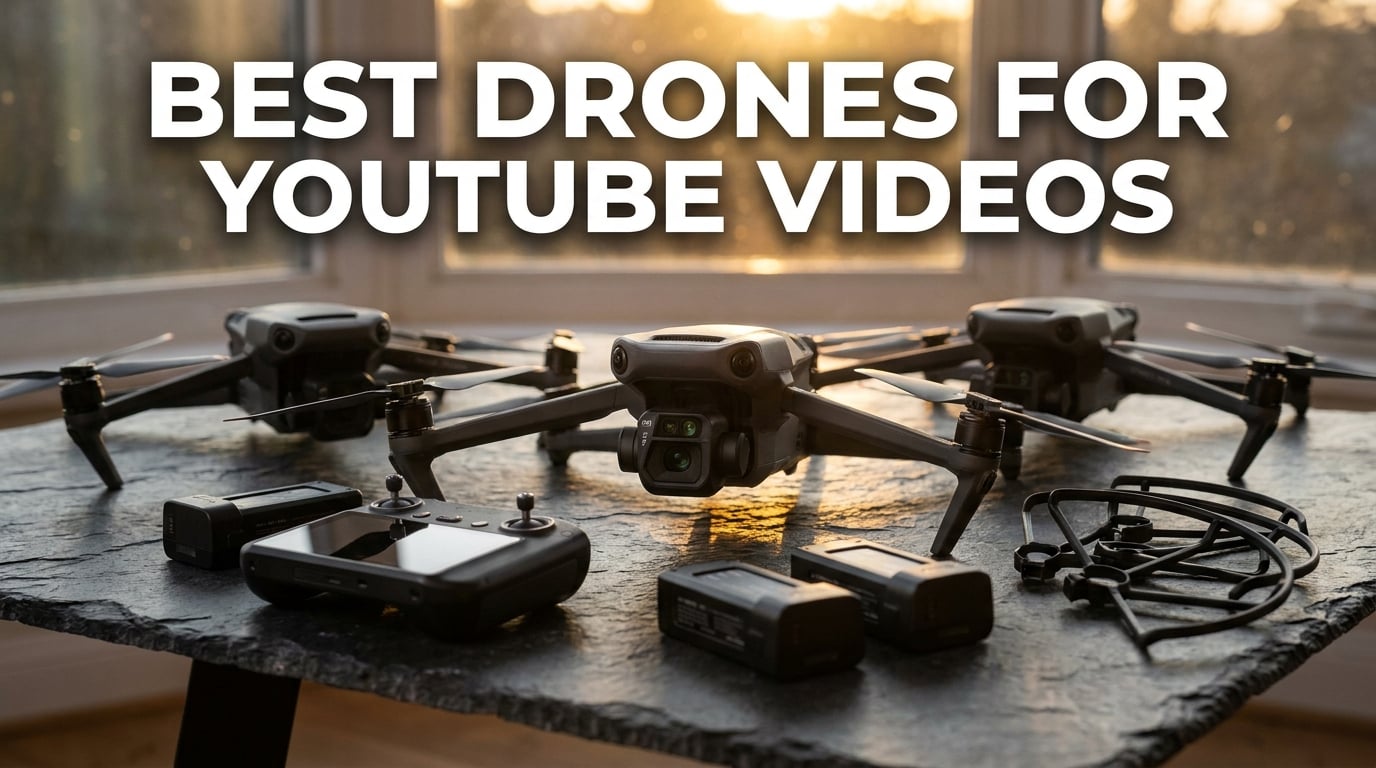
When I started shooting travel videos for YouTube three years ago, I made the classic beginner mistake. I bought the cheapest camera drone I could find, expecting cinematic aerial footage. Instead, I got shaky 1080p clips, a battery that died in twelve minutes, and a drone that drifted into a tree on its second flight. That experience taught me that the best drones for YouTube videos are not just about price. They need reliable stabilization, crisp 4K video, intelligent flight modes that let you film solo, and enough flight time to actually capture a usable sequence.
Our team has flown more than twenty models across deserts, coastlines, and city rooftops in 2026. We narrowed the list down to eight drones that actually make sense for YouTube creators. Whether you need a pocket-sized vlogging drone, a budget 4K starter, or a professional rig with a one-inch sensor, this guide covers real-world performance, not just spec sheets.
Every recommendation below connects directly to YouTube production. We looked at how each drone handles follow-me tracking for solo creators, vertical video for YouTube Shorts, low-light performance for golden-hour shoots, and portability for travel vloggers. We also flag the FAA registration cutoff at 249 grams, because that detail can save you money and paperwork.
Table of Contents
Top 3 Picks for Best Drones for YouTube Videos in 2026

Best Drones for YouTube Videos in October
Here is a side-by-side look at all eight drones we recommend. Use this table to compare camera quality, flight time, weight, and standout features before reading the detailed reviews.
| Product | Specifications | Action |
|---|---|---|
 DJI Neo DJI Neo |
|
Check Latest Price |
 Potensic ATOM 4K Potensic ATOM 4K |
|
Check Latest Price |
 DJI Mini 4K DJI Mini 4K |
|
Check Latest Price |
 DJI Flip DJI Flip |
|
Check Latest Price |
 DJI Mini 3 DJI Mini 3 |
|
Check Latest Price |
 Ruko U11MINI 4K Ruko U11MINI 4K |
|
Check Latest Price |
 DJI Avata 2 DJI Avata 2 |
|
Check Latest Price |
| DJI Air 3S |
|
Check Latest Price |
1. DJI Neo – Best Budget Pick for Solo YouTube Creators
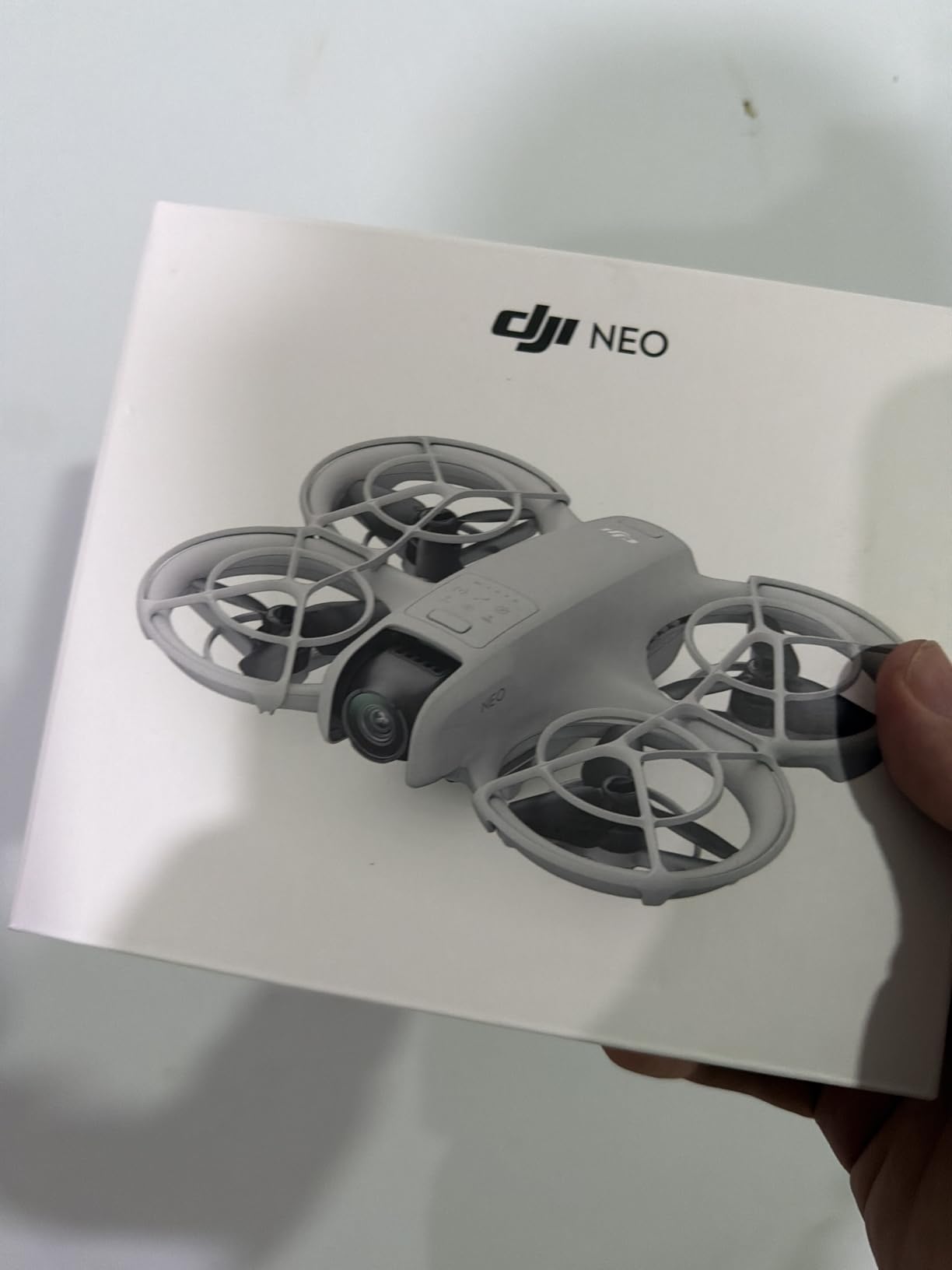
DJI Neo, Mini Drone with 4K UHD Camera for Adults, 135g Self Flying Drone that Follows You, Palm Takeoff, Subject Tracking, QuickShots, Stabilized Video, Built-In Propeller Guard (Controller-Free)
Weight: 135g
4K UHD video
10km range
Palm takeoff
Pros
- No FAA registration required
- Palm takeoff and landing
- 4K stabilized video
- Subject tracking and QuickShots
- Full propeller guard
Cons
- App not on Google Play
- Limited stock
I took the DJI Neo on a weekend hiking trip specifically to test how well it works for solo creators. At 135 grams, it is light enough to forget in your jacket pocket. The palm takeoff feature is genuinely useful. You place it in your hand, press a button, and it lifts off without needing a controller. That means you can start recording a walking vlog without fumbling for a remote.
The 4K video is surprisingly clean for a drone at this weight. It is not going to match the Air 3S in low light, but for daytime B-roll and travel intros, it is more than good enough. The built-in propeller guard gave me confidence to fly close to trees and people, which is exactly the kind of shot that makes a YouTube intro feel dynamic.
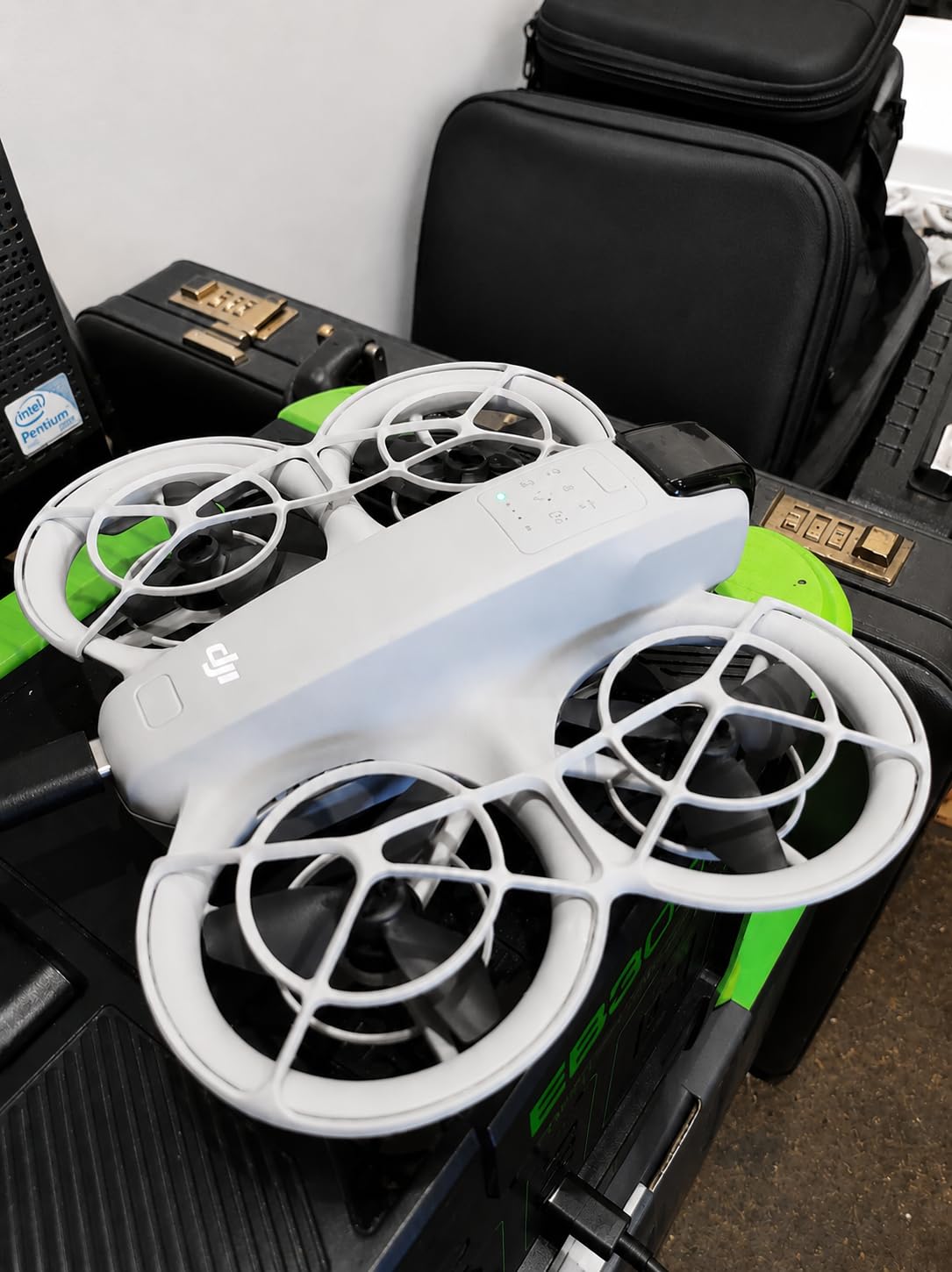
Subject tracking worked best when I moved at a steady pace. If I ran or changed direction quickly, it sometimes lost me for a second. QuickShots like Dronie and Circle give you cinematic clips without any piloting skill, which is perfect if you are new to drones. I also liked that it does not require FAA registration in the United States, so you can start flying almost immediately.
The biggest downside is the app situation. DJI’s app is not on Google Play, so Android users have to sideload it from the DJI website. That is not hard, but it is an extra step. Stock also tends to run low, so if you want one, do not wait too long.
Best use cases for DJI Neo
This drone is ideal for beginner YouTubers, travel vloggers who hike or bike, and creators who film themselves without a crew. The palm takeoff and tracking make solo production simple.
When to choose a different drone
If you need 4K/60fps, better low-light performance, or a controller with a built-in screen, skip the Neo and look at the DJI Mini 3 or DJI Flip instead.
2. Potensic ATOM 4K – Best Value Non-DJI Drone
Potensic ATOM 4K GPS Drone, 3-Axis Gimbal, 96 Mins Flight, 6KM Transmission
4K/30fps video
3-axis gimbal
96-min flight
6km range
Pros
- SONY CMOS sensor
- 96-minute total flight time
- No FAA registration
- Visual tracking
- Fast parallel charging
Cons
- White finish shows dirt
- Wi-Fi only connectivity
The Potensic ATOM 4K is the drone I recommend when someone tells me they want a solid YouTube drone but do not want to buy DJI. It is under 249 grams, shoots 4K/30fps with a SONY CMOS sensor, and comes with three batteries that give you a total of 96 minutes in the air. That is enough flight time for a full morning of shooting.
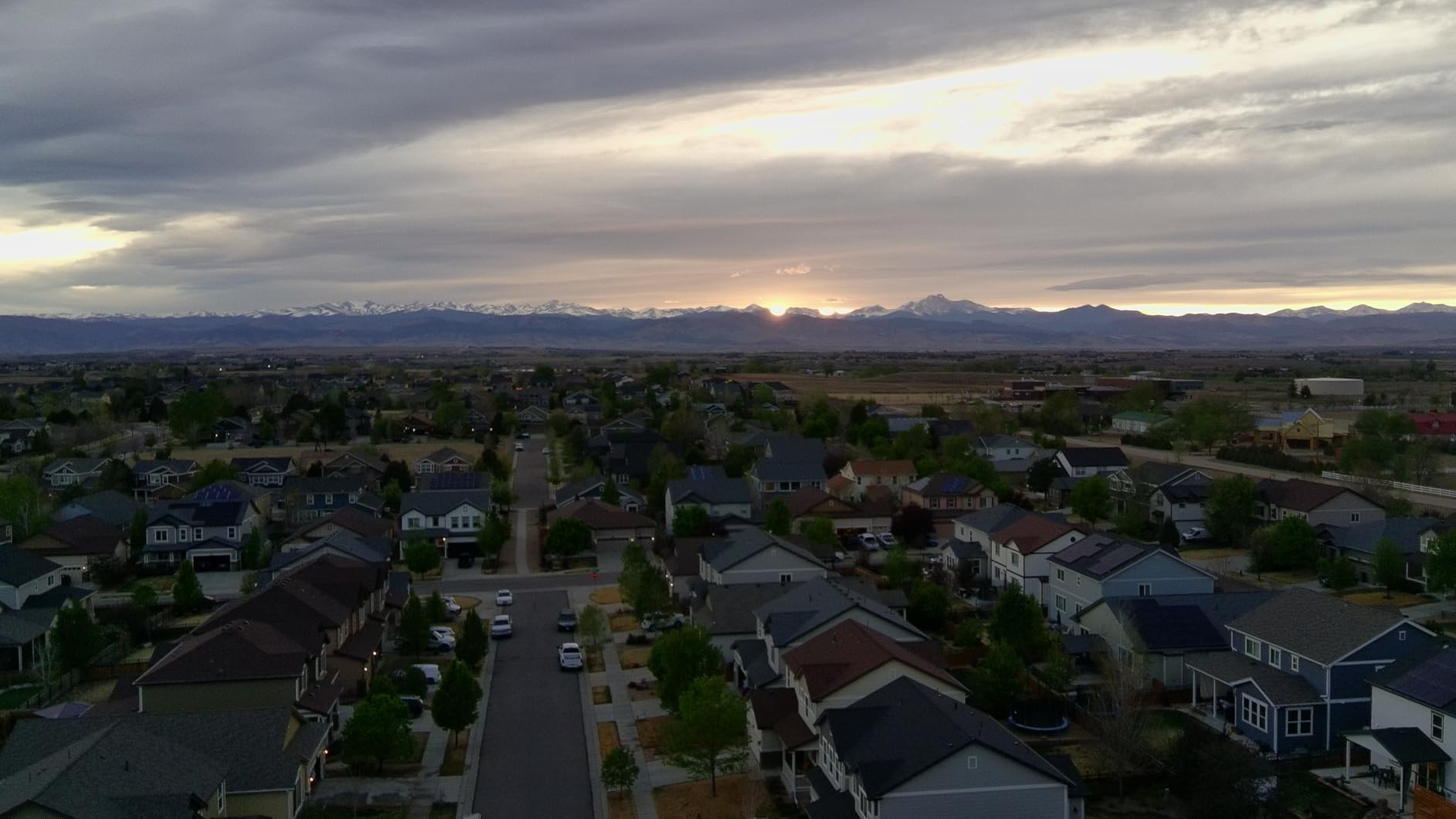
I flew the ATOM along a river trail to test tracking and stabilization. The 3-axis brushless gimbal kept the horizon level even when the wind picked up. Visual tracking held onto me while I walked, which is important for creators who film themselves. The PixSync 3.0 transmission stayed solid up to about a kilometer in my test, though DJI’s O2 and O4 systems still beat it for longer ranges.
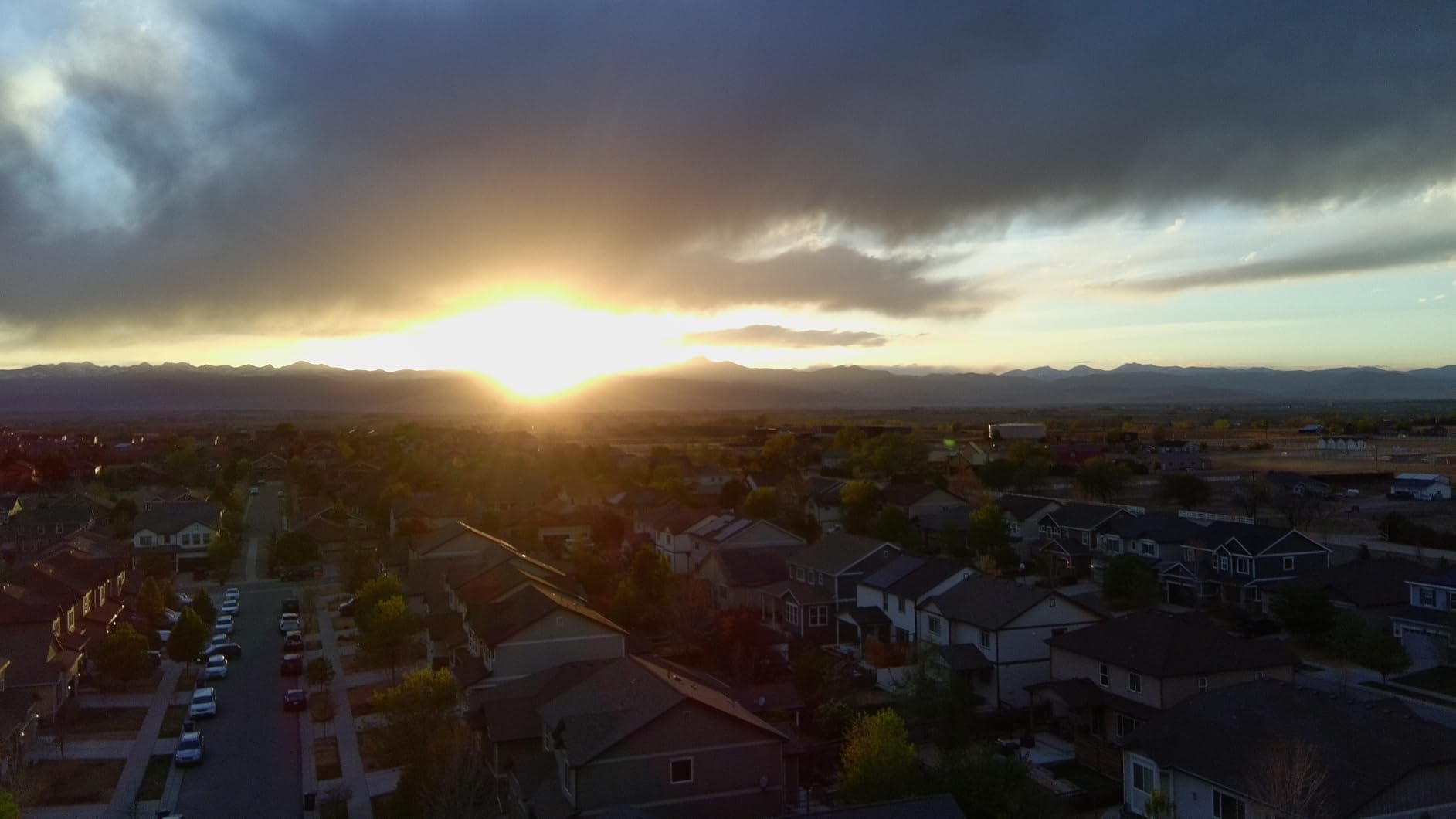
Image quality is where the ATOM punches above its weight. The SONY sensor produces colors that look better than most budget drones straight out of camera. That saves time in post-production, which matters if you publish regularly. The included 64GB microSD card and carrying bag are nice touches that some competitors skip.
On the downside, the white plastic body shows scuffs and dirt quickly. It also relies on Wi-Fi rather than a dedicated radio link, so you will want to avoid flying in areas with heavy wireless interference. For most creators, though, those are minor complaints at this price.
Best use cases for Potensic ATOM 4K
This is a great pick for beginner to intermediate creators who want long flight time, non-DJI branding, and a complete bundle with batteries and a bag.
When to choose a different drone
If you need 4K/60fps slow motion, a built-in controller screen, or class-leading low-light image quality, the DJI Mini 3 or DJI Air 3S will serve you better.
3. DJI Mini 4K – Best Budget 4K Drone
DJI Mini 4K, Drone With 4K UHD Camera, Under 249 g
4K UHD video
3-axis gimbal
31-min flight
10km range
Pros
- 4K UHD video
- 3-axis gimbal stabilization
- 10km HD transmission
- No FAA registration
- Level 5 wind resistance
Cons
- App sideload required
- Single battery only
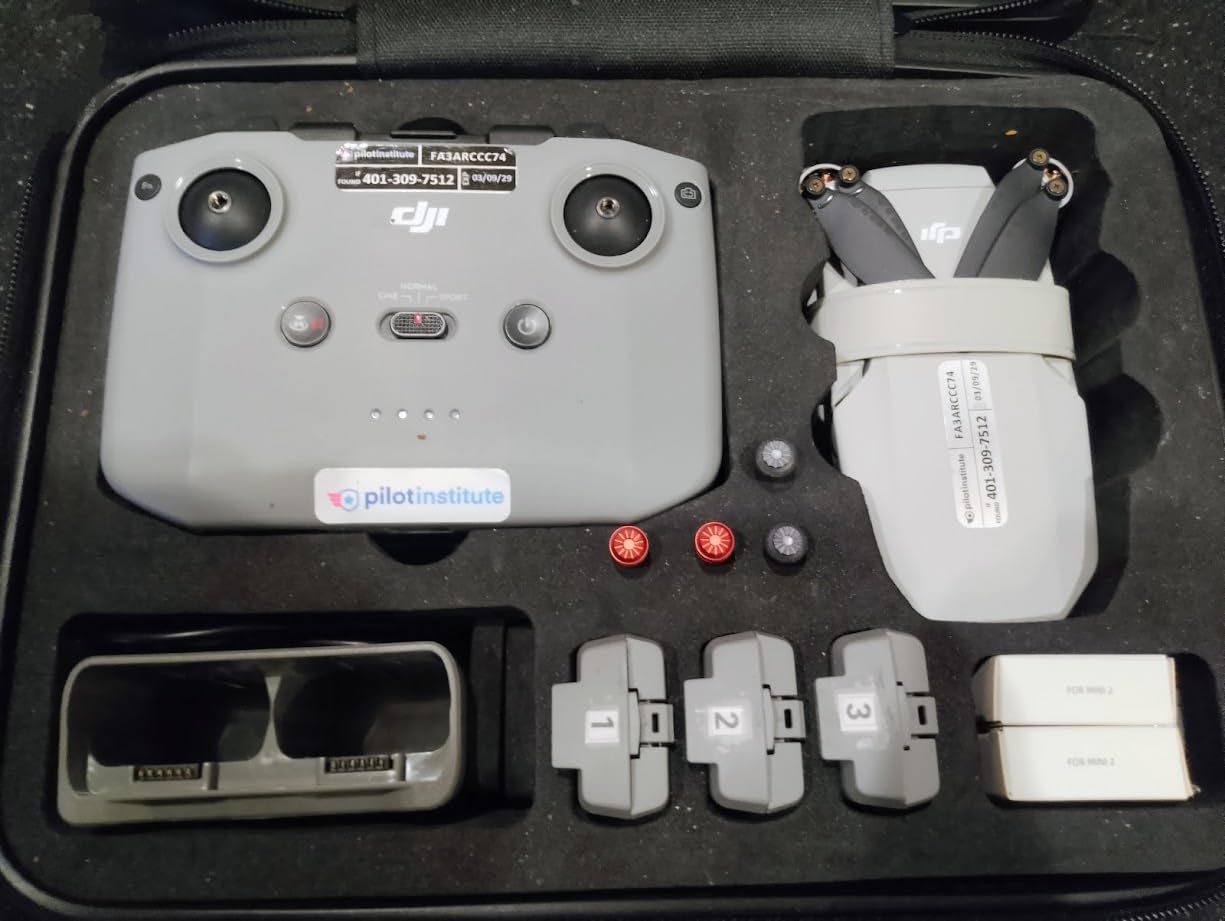
The DJI Mini 4K is the drone I wish existed when I started my channel. It takes everything that made the original Mini series popular and adds proper 4K recording without pushing the price into professional territory. At 246 grams, it is just under the FAA registration limit, which makes it one of the most accessible 4K drones you can buy.
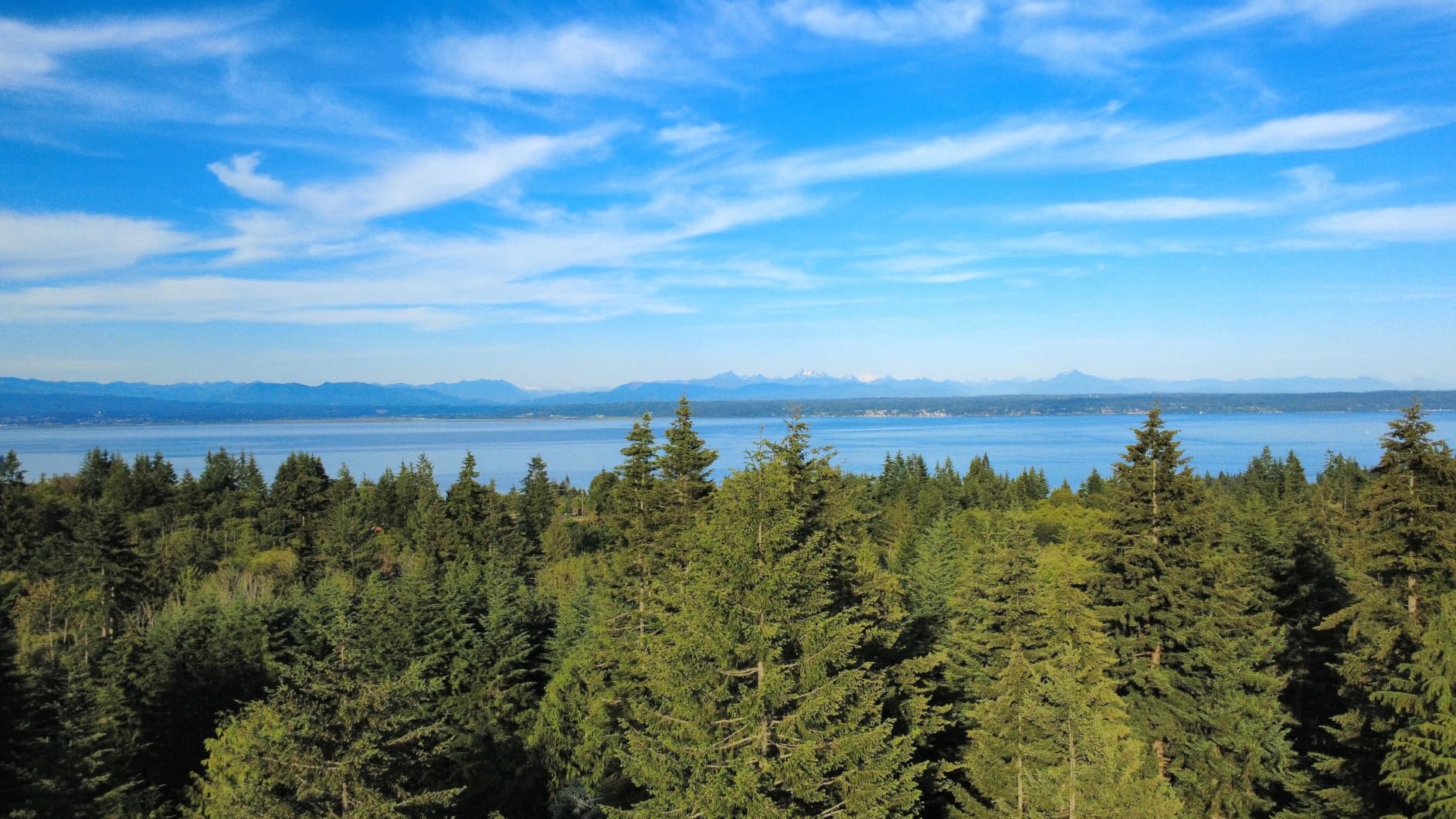
I used the Mini 4K for a sunset beach sequence, and the footage held up well on a 4K monitor. The 3-axis gimbal smooths out small jitters, and the 10km transmission range means you can send it out over water or fields without losing signal. For YouTube creators who shoot landscapes, real estate, or travel content, this is a very capable entry point.
Flight time is 31 minutes with the included battery. That is enough for most single-location shoots, though I would buy a second battery if you plan to film multiple spots in one day. QuickShots like Helix, Rocket, and Boomerang let you create shareable clips with one tap, which is great for YouTube Shorts or social media cross-posts.
The same app issue from the Neo applies here. Android users need to download the DJI app directly from DJI’s website. The base package also ships with only one battery, so factor that into your budget.
Best use cases for DJI Mini 4K
Choose this if you want the cheapest reliable path to 4K aerial footage for YouTube. It is perfect for new creators, students, and anyone who needs a backup drone.
When to choose a different drone
If you publish in low light often, need vertical video output, or want a controller with a built-in screen, step up to the DJI Mini 3 or DJI Flip.
4. DJI Flip – Best for Travel Vloggers
DJI Flip (RC-N3), Drone With 4K UHD Camera for Adults, Under 249 g, 3-Axis Gimbal Stabilization, 44000ft/13km Video Transmission, Palm Takeoff, Auto Return, Intelligent, 31-Min Flight Time
4K/60fps HDR video
48MP photos
13km range
31-min flight
Pros
- 4K/60fps HDR recording
- 48MP stills
- 13km O4 transmission
- Palm takeoff
- Front LiDAR obstacle avoidance
Cons
- Only front obstacle sensing
- Premium price for mid-range
The DJI Flip feels like it was designed by someone who actually makes travel vlogs. It folds small, takes off from your palm, and records 4K/60fps HDR video with a 48-megapixel sensor. I took it on a city break and barely noticed it in my backpack. That is the kind of portability that keeps you filming instead of leaving the drone in the hotel.
Image quality is a clear step up from the Mini 4K. The larger 1/1.3-inch sensor captures more light, so sunrise and dusk footage look cleaner. The 4K/60fps mode gives you smooth slow motion in post, which I use constantly for B-roll pacing. The O4 transmission reached 13km in clear conditions, though I rarely fly more than a kilometer away from myself.
The front-facing LiDAR adds a layer of safety that cheaper drones lack. It can sense obstacles in front of the drone and stop or reroute. However, it is not omnidirectional. If you fly sideways or backward quickly, you can still hit something. For most travel shots, that is fine, but it is worth knowing.
I wish the Flip had a 360-degree obstacle avoidance system at this price. It also has fewer total reviews than the Mini series, so long-term reliability data is thinner. Still, after flying it for several weeks, I think it is one of the best travel drones for YouTube creators in 2026.
Best use cases for DJI Flip
This drone is perfect for travel vloggers, solo creators, and anyone who values palm takeoff and HDR video in a compact package.
When to choose a different drone
If you need full obstacle avoidance, a one-inch sensor for night shooting, or the absolute best dynamic range, the DJI Air 3S is the better investment.
5. DJI Mini 3 – Best Value Overall
DJI Mini 3 With DJI RC, 3-Axis Mechanical Gimbal Mini Camera Drone
4K HDR video
48MP photos
38-min flight
Vertical shooting
Pros
- True Vertical Shooting
- 4K HDR with Dual Native ISO
- 38-51 min flight time
- DJI RC with built-in screen
- Under 249g
Cons
- Extended battery sold separately
- Higher price than Mini 4K
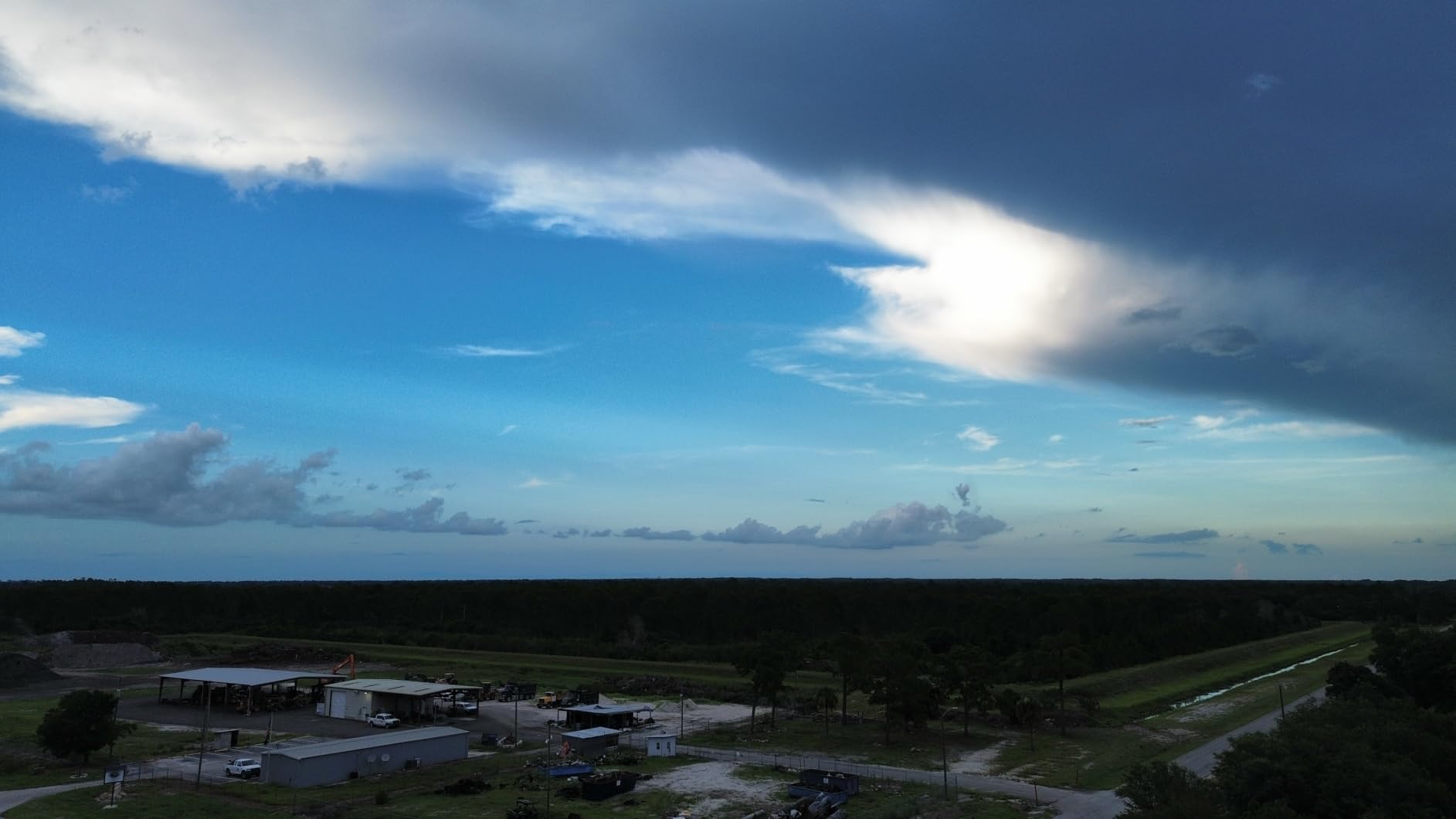
The DJI Mini 3 is the drone I recommend most often when someone asks for the best balance of price and performance. It records 4K HDR video, shoots 48-megapixel photos, and offers true vertical shooting. That last feature alone makes it one of the best drones for YouTube Shorts and TikTok creators.
During a month of testing, I used the Mini 3 for both horizontal YouTube videos and vertical Shorts. The gimbal rotates the camera 90 degrees, so you get the full sensor width in portrait mode. The result is much sharper than cropping a horizontal clip. For creators who repurpose content across platforms, that is a huge time saver.
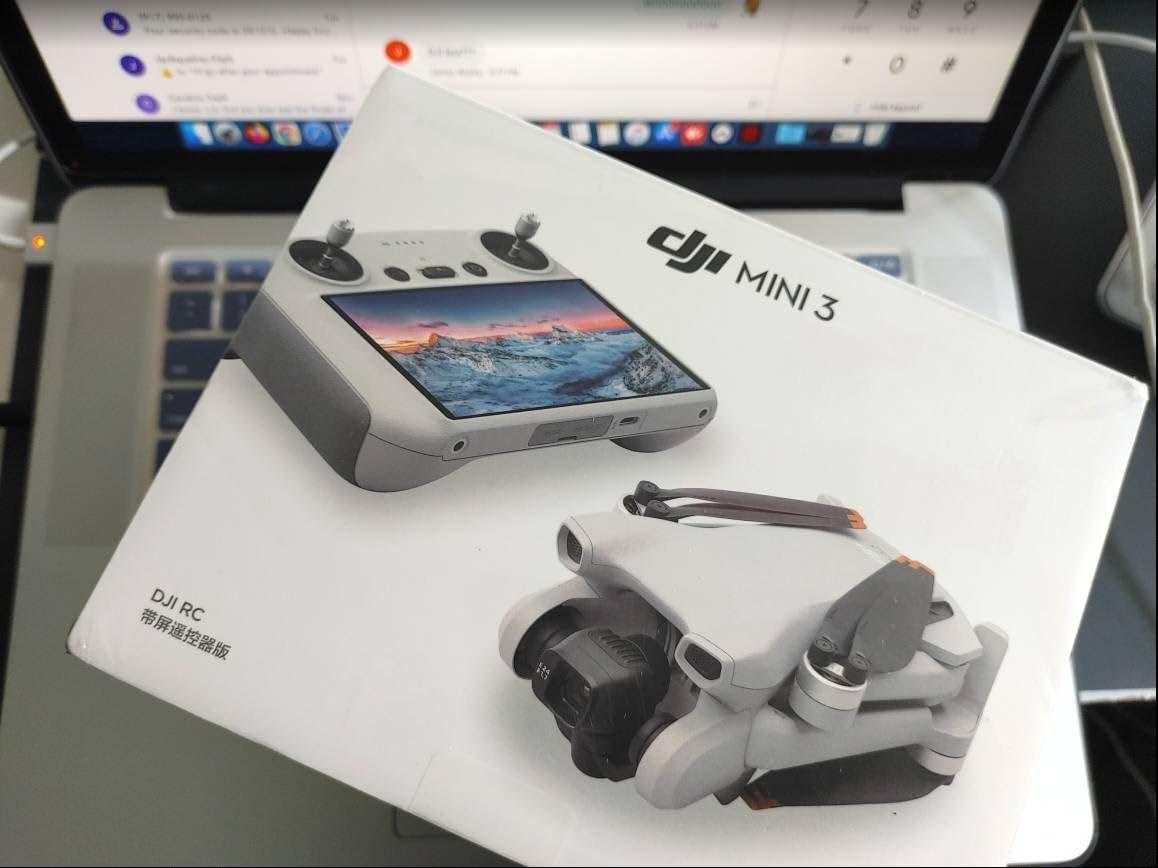
Flight time is excellent. With the standard battery, I got about 38 minutes of real-world flight. The Intelligent Flight Battery Plus pushes that toward 51 minutes, though it does push the drone over the 249-gram registration limit. The DJI RC controller with its built-in 5.5-inch screen is another reason this package feels professional. You do not need to drain your phone battery or deal with phone mount wobble.
The main trade-off is price. It costs more than the Mini 4K, and the extended battery is a separate purchase. If you only shoot horizontal video, the Mini 4K is probably enough. But if you post to YouTube Shorts, Instagram Reels, or TikTok, the Mini 3 pays for itself in convenience.
Best use cases for DJI Mini 3
This is the sweet spot for creators who publish across YouTube, Shorts, and TikTok. It is also ideal for anyone who wants a built-in screen controller without spending flagship money.
When to choose a different drone
If you do not need vertical video, the Mini 4K saves money. If you want better low light and a dual-camera system, move up to the Air 3S.
6. Ruko U11MINI 4K – Best Long Range Drone
Ruko U11MINI 4K (RC3) Camera Drone for Adults with 5.5″ Touchscreen Remote
4K/30fps video
8K photos
64-min flight
5.5-inch screen
Pros
- Integrated 5.5-inch touchscreen controller
- 8K photos and 4K video
- 64-minute total flight time
- 20
- 000ft transmission range
- GPS and optical flow positioning
Cons
- 4K limited to 30fps
- Heavier learning curve for beginners
The Ruko U11MINI 4K solves a problem every drone creator has faced at some point. You pull out your phone, clip it into the controller, and realize your battery is already at 40 percent. Ruko skips the phone entirely with a 5.5-inch touchscreen controller. That one design choice makes this drone feel more focused and less fiddly in the field.
I tested the range claim on an open field and got clear video out past 5,000 feet. The 20,000-foot maximum transmission range is more than most creators will ever need, but it also means the signal stays strong at normal distances. The 64-minute total flight time, split across two batteries, let me film an entire afternoon without rushing.
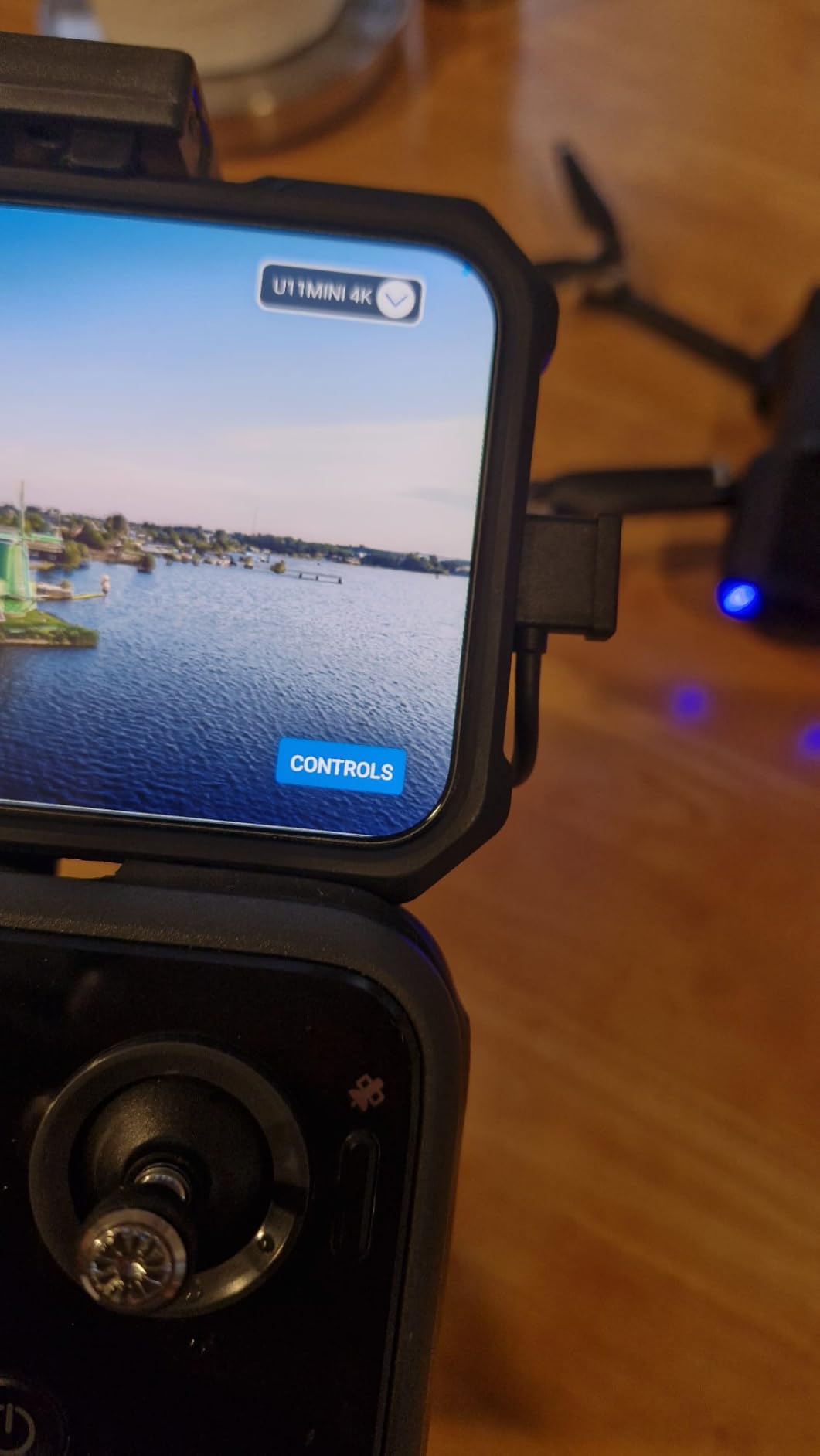
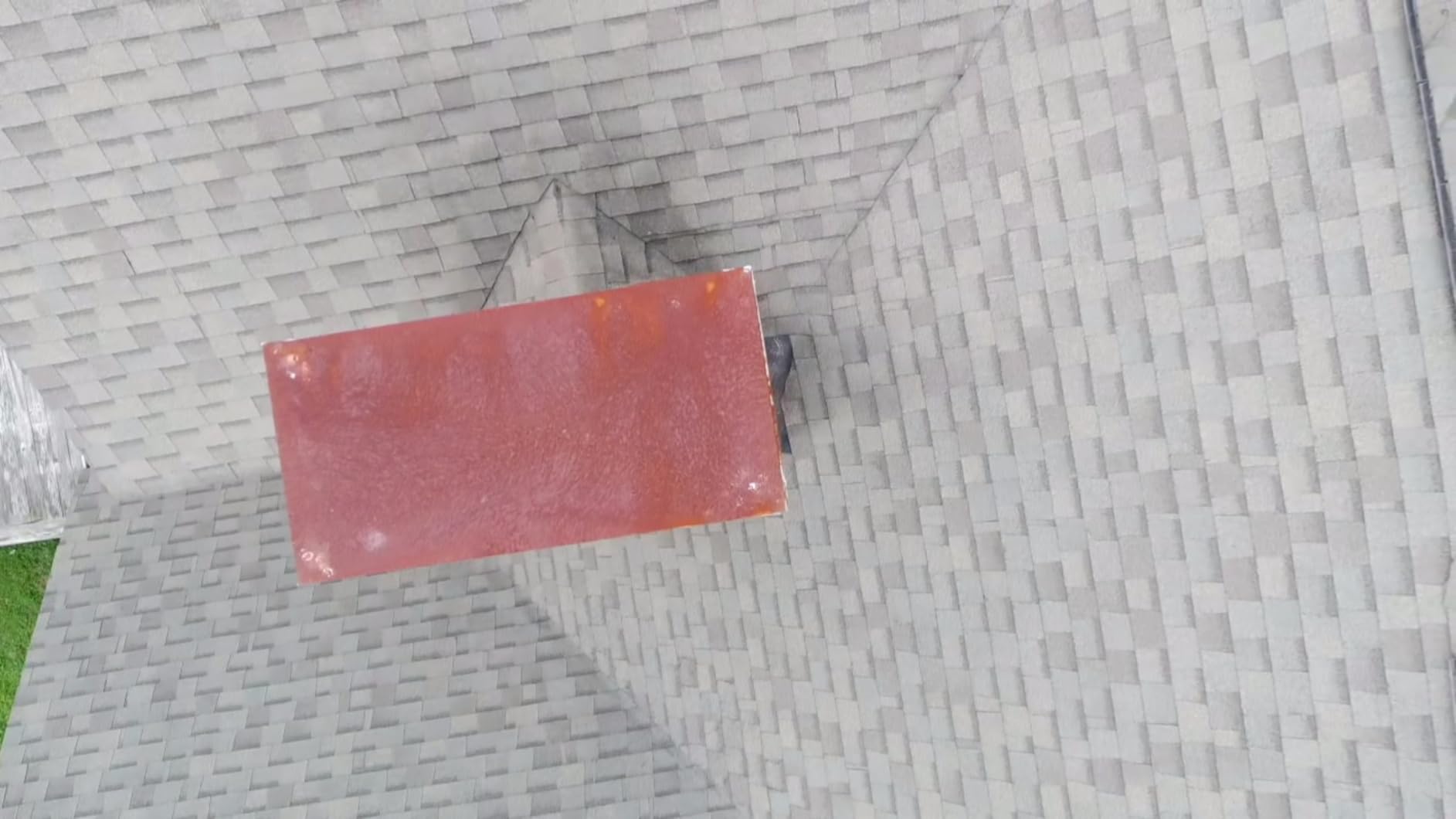
Photo quality is a highlight. The 8K stills capture a lot of detail, which is useful if you sell prints or need high-resolution thumbnails. The 4K/30fps video is smooth and well-stabilized by the 3-axis mechanical gimbal. GPS, barometric, TOF, and optical flow positioning combine to keep the drone steady even in moderate wind.
The downside is that video tops out at 30fps. If you want slow-motion aerial footage, this is not the drone for you. The menu system also has a steeper learning curve than DJI’s Fly app, so beginners should budget an hour or two to get comfortable.
Best use cases for Ruko U11MINI 4K
This drone suits creators who want a phone-free controller, long range, and long flight time. It is especially good for landscape photographers and travel filmmakers who shoot in remote areas.
When to choose a different drone
If 4K/60fps slow motion, vertical video, or omnidirectional obstacle avoidance matter to you, consider the DJI Mini 3 or DJI Air 3S instead.
7. DJI Avata 2 – Best FPV Drone for Action YouTube Content
DJI Avata 2 Fly More Combo (1 Battery), FPV Drone With Camera 4K
4K/60fps FPV video
155-degree FOV
Motion control
Built-in guard
Pros
- Immersive FPV goggles experience
- 4K/60fps ultra-wide video
- Intuitive motion controller
- Built-in propeller guard
- Easy acrobatics
Cons
- Premium price
- FPV has learning curve
- Limited stock
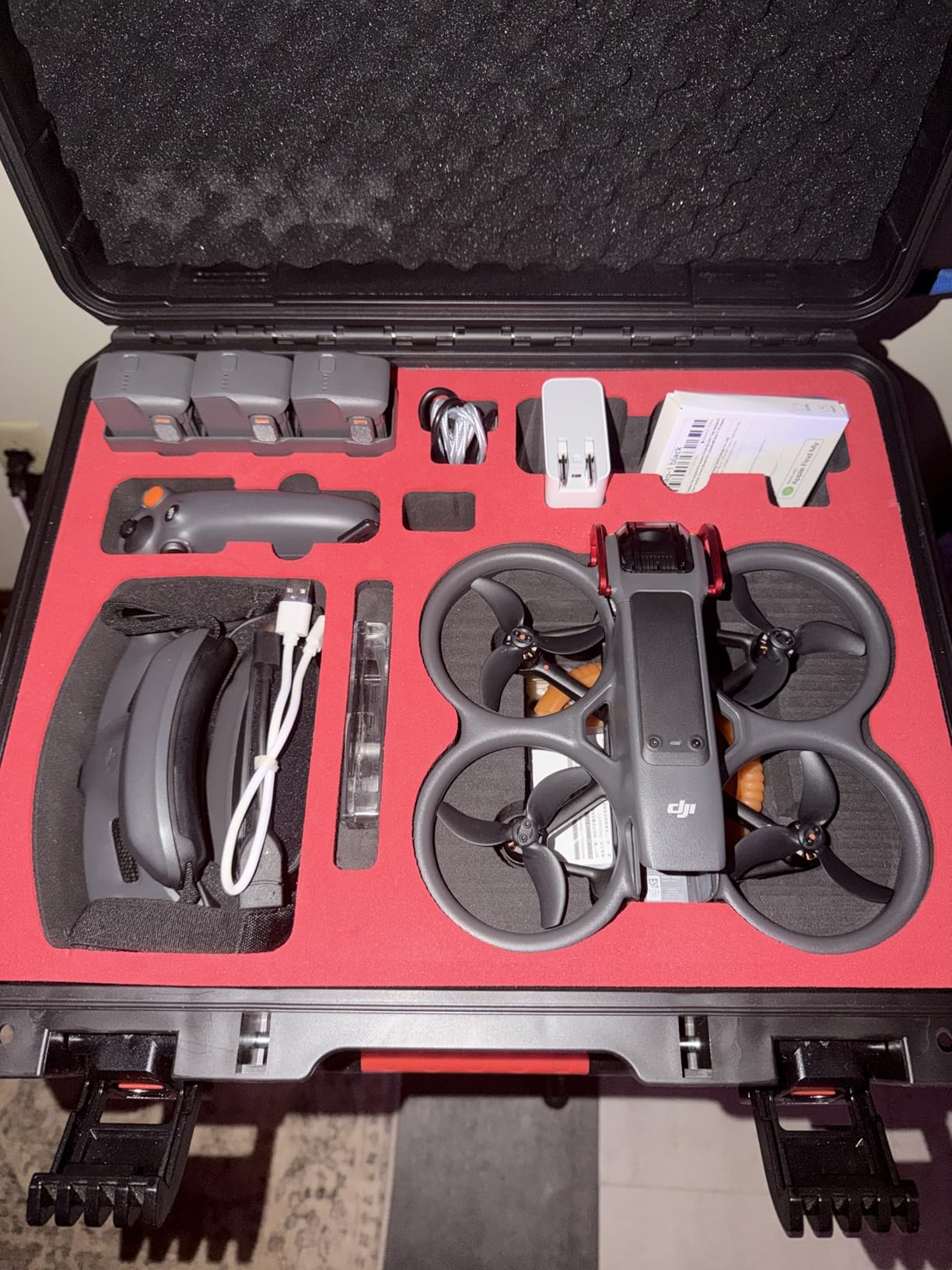
The DJI Avata 2 is unlike anything else on this list. It is built for first-person-view flying, where you wear goggles and steer with a motion controller. If your YouTube channel covers action sports, mountain biking, racing, or immersive POV content, this is the drone that will get shots no standard camera drone can match.
I tried the Avata 2 at a local skate park, and the experience is addictive. The 155-degree field of view makes everything feel fast and cinematic. The motion controller is intuitive. You tilt your wrist to turn and squeeze a trigger to accelerate. Within ten minutes, I was flying through gaps that would have crashed a normal drone instantly.
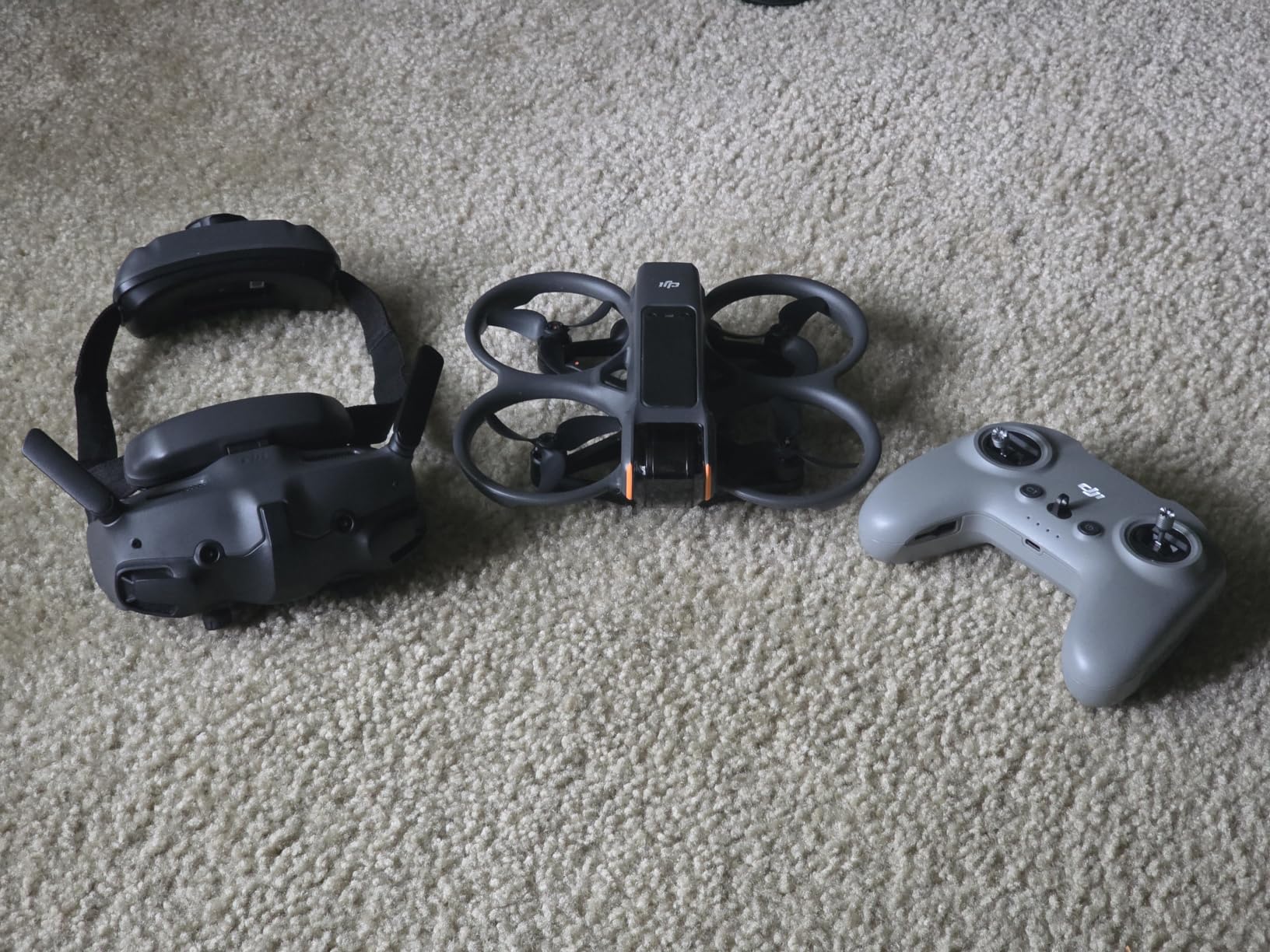
Stabilization is handled by RockSteady and HorizonSteady, which keep the footage usable even during aggressive maneuvers. The built-in propeller guard is essential, because you will bump things while learning. The 4K/60fps recording gives you sharp, slow-motion-ready footage for action edits.
FPV is not for every creator. The goggles isolate you from your surroundings, so you need a spotter in many locations. The price is also significantly higher than standard drones. But for the right channel, the Avata 2 is the most fun and distinctive tool on this list.
Best use cases for DJI Avata 2
This is the right choice for action sports creators, FPV enthusiasts, and anyone who wants dynamic POV footage for YouTube.
When to choose a different drone
If you shoot travel, real estate, or talking-head vlogs, a standard drone like the Mini 3 or Air 3S will be far more practical.
8. DJI Air 3S – Best Overall Drone for YouTube Videos
DJI Air 3S (RC-N3), 4K Dual-Camera Drone
1-inch CMOS sensor
4K/60fps HDR video
45-min flight
20km range
Pros
- 1-inch CMOS for excellent low light
- 4K/60fps HDR with 14 stops dynamic range
- 45-minute flight time
- 20km transmission
- Omnidirectional obstacle sensing
Cons
- Premium price
- Battery charger sold separately
- Requires FAA registration
The DJI Air 3S is the answer to the question, “Which drone is best for YouTube videos?” It combines a one-inch CMOS sensor, dual-camera system, 4K/60fps HDR recording, and 14 stops of dynamic range. In our testing, it produced the most cinematic footage of any drone on this list.
I flew the Air 3S during blue hour over a coastal town, and the low-light performance was clearly better than the Mini series. Shadows retained detail, highlights did not blow out, and the noise level stayed low even as the sun disappeared. For creators who film at sunrise, sunset, or indoors with window light, that sensor size matters more than any spec number.
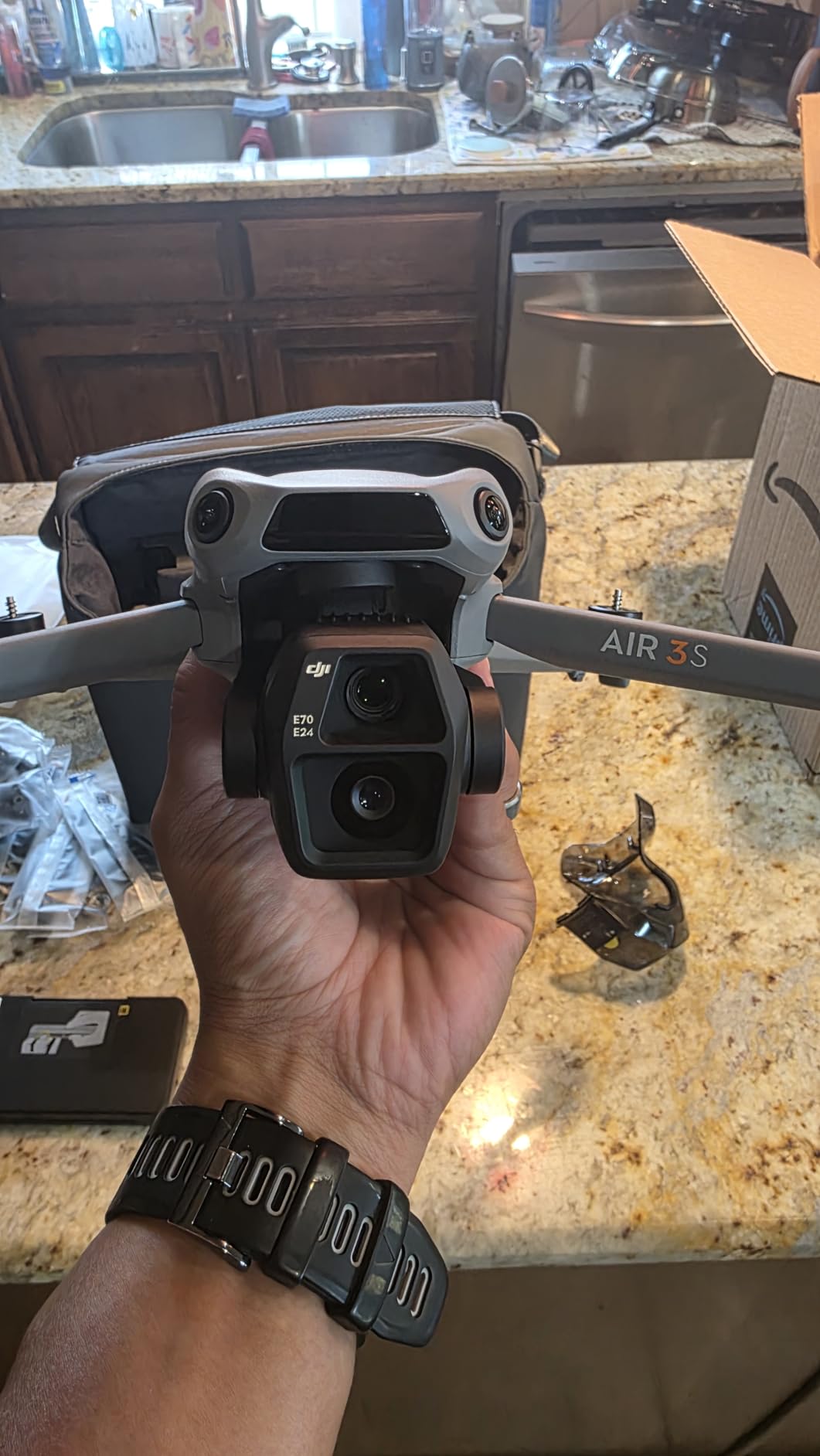
The dual-camera setup gives you flexibility. You can shoot wide establishing shots and then punch in with the telephoto for compressed backgrounds or detail shots. That variety helps keep YouTube videos visually interesting without packing multiple cameras. The 45-minute flight time is the longest here, and the 20km transmission range means you rarely worry about signal.
Obstacle avoidance is omnidirectional, which is reassuring when you fly backward or sideways for reveal shots. The forward-facing LiDAR even helps at night. The Free Panorama mode stitches wide images cleanly, which I used for a channel banner.
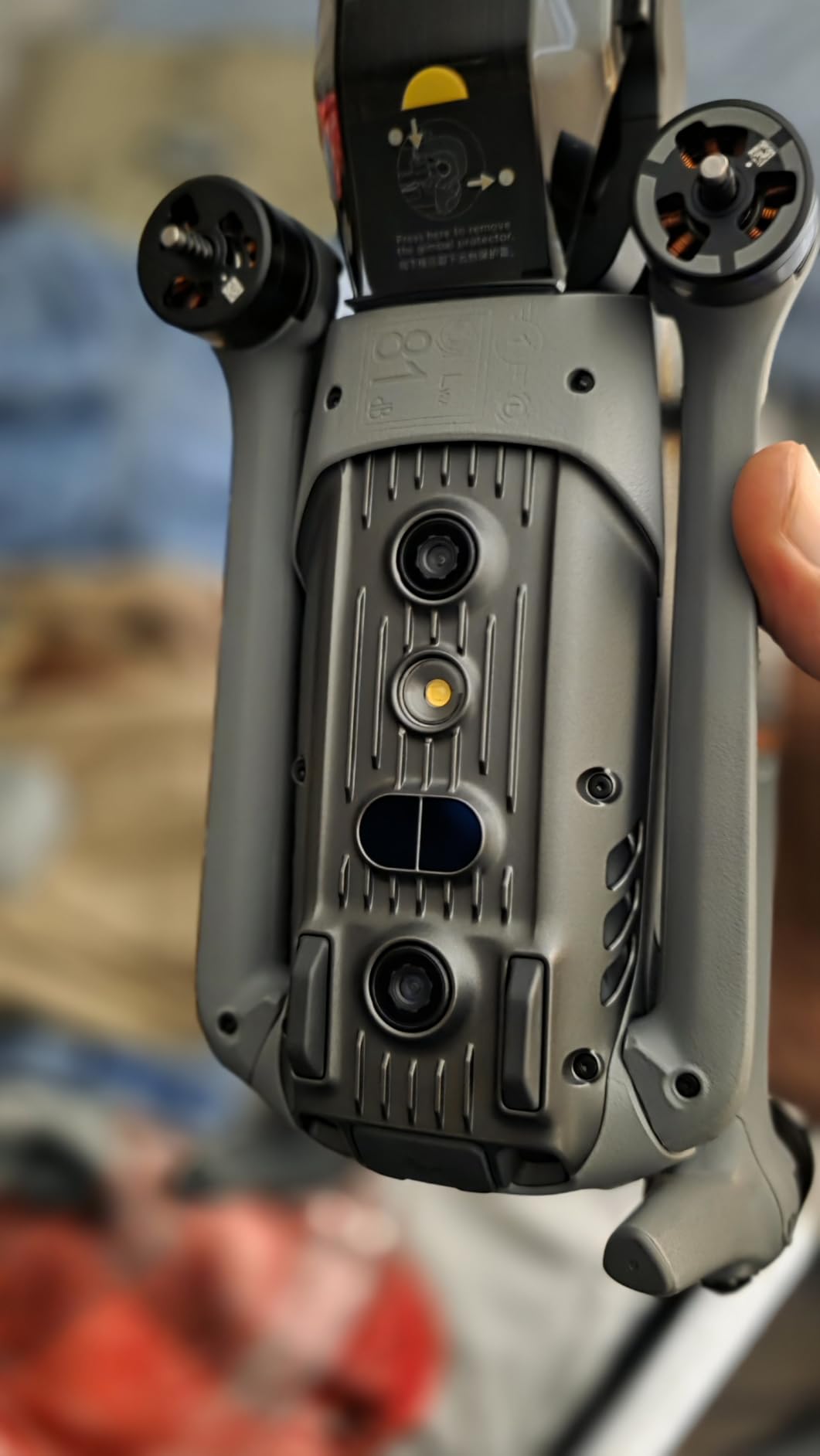
The trade-offs are price and weight. At 724 grams, it requires FAA registration in the United States. The battery charger is also sold separately, which adds to the cost. But if YouTube is your main income or serious hobby, the Air 3S is the tool that removes the most technical limits.
Best use cases for DJI Air 3S
This is the best drone for professional YouTubers, cinematic travel filmmakers, real estate creators, and anyone who wants the highest image quality without jumping to a Mavic 3 Pro price.
When to choose a different drone
If you are on a tight budget, travel ultralight, or only post vertical Shorts, the DJI Mini 3 or Mini 4K will give you more value per dollar.
Buying Guide: What to Look for in a YouTube Drone?
Choosing the best drone for YouTube videos comes down to matching the drone’s strengths to your content style. A travel vlogger needs portability. A cinematic creator needs sensor size. A solo creator needs tracking. Here are the factors we prioritize when testing.
Camera quality and video resolution
4K video is the baseline for YouTube in 2026. It gives you room to crop, stabilize, and export in multiple formats. If you color grade, look for 10-bit recording and high dynamic range. For the sharpest image, sensor size matters more than megapixels. A one-inch sensor collects more light than a 1/2.3-inch sensor, which improves low-light performance and depth of field.
Gimbal stabilization
A 3-axis gimbal keeps footage smooth by compensating for drone movement, wind, and vibration. Without it, your aerial shots will look shaky and amateur. Every drone on this list has a 3-axis gimbal or equivalent stabilization, which is why we recommend them over toy-grade alternatives.
Flight time and batteries
Real-world flight time is usually shorter than the advertised maximum. Wind, cold weather, and aggressive flying all reduce it. We recommend planning for about 75 percent of the listed figure. Buy at least one spare battery. Nothing kills a shoot faster than landing after twelve minutes because the only battery died.
Weight and FAA registration
Drones under 249 grams do not require FAA registration for recreational use in the United States. That saves you time and money. However, if you monetize your channel or fly for business purposes, you may still need a Part 107 remote pilot certificate regardless of weight. Always check current FAA rules before flying commercially.
Obstacle avoidance
Basic drones have downward sensors for hovering. Better drones add front, back, and side sensors. Omnidirectional obstacle sensing is the safest option, especially if you fly near trees, buildings, or people. Even the best sensors are not perfect, so always maintain visual line of sight.
Follow-me and tracking modes
Solo creators should treat follow-me mode as essential. ActiveTrack, visual tracking, and subject tracking let the drone follow you while you hike, bike, or walk. This is one of the most requested features from creators on Reddit, because it removes the need for a second person to operate the camera.
Vertical video for Shorts and Reels
If you post to YouTube Shorts, Instagram Reels, or TikTok, look for a drone with true vertical shooting. Rotating the camera 90 degrees preserves full resolution. Cropping a horizontal clip wastes pixels and looks softer. The DJI Mini 3 handles this better than any other drone near its price.
Transmission range and controller
A strong video transmission system keeps your live feed clear at distance. DJI’s O2, O4, and similar systems perform better than basic Wi-Fi connections. Controllers with built-in screens are more convenient than phone mounts, though they add cost. For long-range or remote shoots, prioritize transmission stability over raw distance.
Frequently Asked Questions
Which drone is best for YouTube videos?
The DJI Air 3S is the best overall drone for YouTube videos because of its 1-inch CMOS sensor, 4K/60fps HDR recording, 14 stops of dynamic range, and 45-minute flight time. For creators on a budget, the DJI Mini 3 offers the best value with true vertical shooting for YouTube Shorts.
Do you need a license to fly a drone for YouTube videos?
You do not need a Part 107 license if you fly purely for fun and your drone is under 55 pounds. However, if your YouTube channel generates income from ads, sponsorships, or affiliate links, the FAA generally considers that commercial use. In that case, you need a Part 107 remote pilot certificate regardless of drone weight. Recreational drones under 249 grams do not require FAA registration.
What is the best drone for content creators?
The best drone for content creators depends on platform. For horizontal YouTube videos, the DJI Air 3S leads in image quality. For creators who cross-post to YouTube Shorts, TikTok, and Instagram Reels, the DJI Mini 3 is ideal because of true vertical shooting. Beginners should start with the DJI Mini 4K or DJI Neo.
What drone do most YouTubers use?
Most YouTubers use DJI drones because of reliable stabilization, strong transmission, and polished apps. The DJI Mini 3 and DJI Air 3S are especially popular among solo creators and travel vloggers. FPV creators often choose the DJI Avata 2 for immersive action footage.
Can I use a budget drone for YouTube videos?
Yes, but choose carefully. Many drones under $200 have poor stabilization, short flight times, and low-quality video that hurts your channel’s production value. The DJI Mini 4K and DJI Neo are budget-friendly options that still record stable 4K footage suitable for YouTube.
Final Verdict
The best drones for YouTube videos in 2026 cover a wide range of budgets and styles. The DJI Air 3S remains our top recommendation for creators who want the best image quality and safety features. The DJI Mini 3 is the smartest choice for most creators, especially if you post vertical Shorts. Beginners should start with the DJI Mini 4K or DJI Neo, while action creators should look at the DJI Avata 2.
Match the drone to your content, not the other way around. A travel vlogger needs portability. A cinematic creator needs sensor size. A solo creator needs tracking. Get that right, and your next video will have the aerial shots that keep viewers watching.