
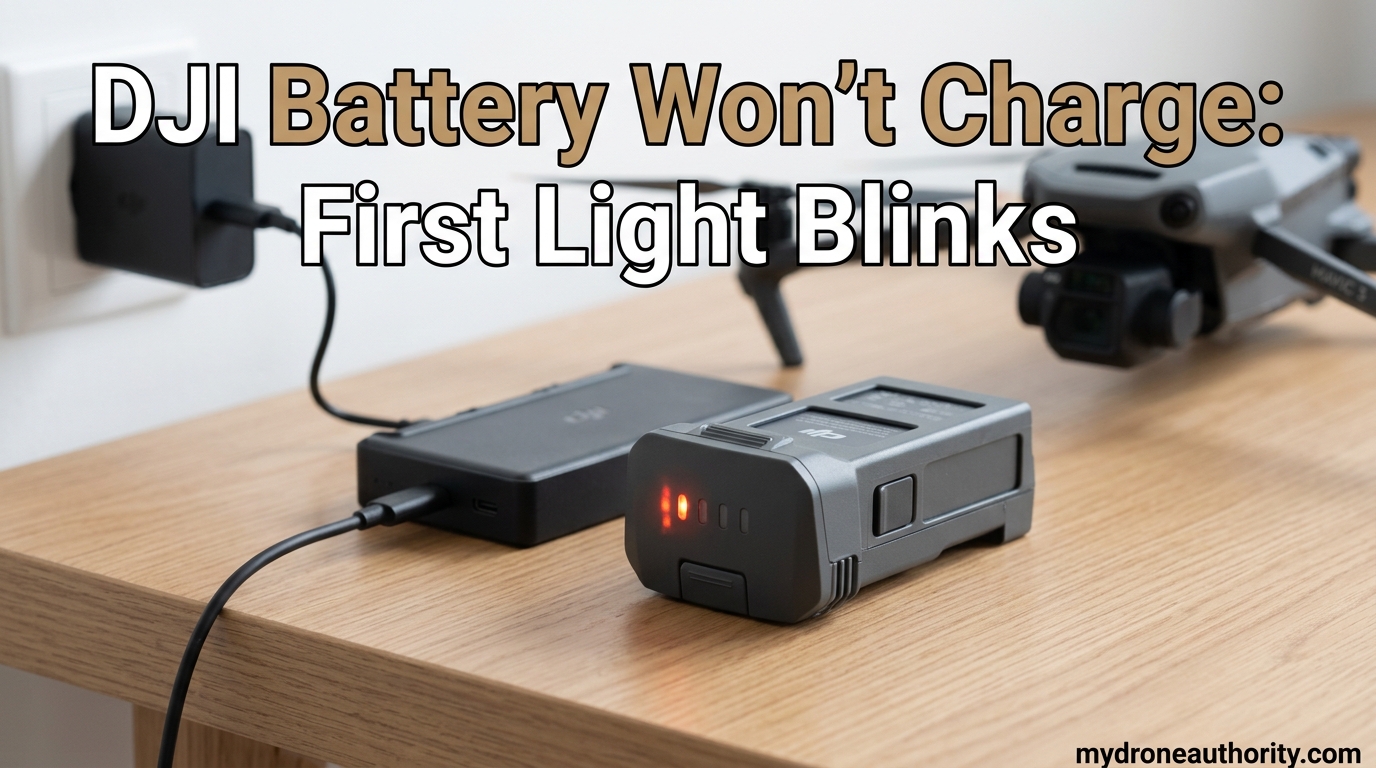
If your DJI battery won’t charge and only the first light blinks, the battery has entered a low-voltage protection state, usually triggered by over-discharge. This built-in safety feature prevents the cells from dropping below a critical voltage threshold that could permanently damage them. The good news is that most of these batteries can be revived with the right recovery steps, which I’ll walk you through below.
I’ve been flying DJI drones for years, and I have hit this exact issue on my own Mavic and Mini batteries after leaving them stored too long between sessions. In this guide, I will explain what the first-light-only blink means, what causes it, and exactly how to bring your battery back to life.
Table of Contents
What Does It Mean When Only the First DJI Battery Light Blinks?
When only the first LED on your DJI battery blinks and the others stay off, the battery management system (BMS) has detected that the cell voltage has dropped below the safe charging threshold. The DJI smart battery refuses to draw current from the charger in this state to prevent irreversible damage to the lithium-polymer cells.
This is not a malfunction, it is a safety response. The first LED represents the lowest charge tier (0-25%), and when it blinks alone, it is the BMS telling you the battery is technically empty and needs special handling before normal charging can resume.
According to DJI’s official support documentation, this single-LED blink pattern signals a low-voltage protection state. The charger will not push power into a battery that has dropped too far below its rated minimum voltage, because doing so can cause cell swelling, thermal runaway, or complete failure.
DJI Battery LED Blink Pattern Reference
Below is a comprehensive reference table of DJI battery LED blink patterns and what each one means. I compiled this from DJI support docs and confirmed the patterns against community reports on PhantomPilots and the DJI subreddit.
What do the DJI battery LED blink patterns mean?
Single slow blink = low-voltage protection. LED 1 blinks twice per second = charging current too high. LED 2 blinks twice per second = charger voltage too high. LED 3 blinks three times per second = battery too hot. LED 4 blinks four times per second = battery too cold. All four LEDs flashing rapidly = critical error or permanent damage.
| LED Pattern | Meaning | Severity |
|---|---|---|
| LED 1 slow blink, others off | Low-voltage / over-discharge protection | Recoverable |
| LED 1 blinks 2x per second | Charging current too high | Check charger |
| LED 2 blinks 2x per second | Charger voltage too high | Check charger |
| LED 2 blinks 3x per second | Overcurrent detected | Disconnect immediately |
| LED 3 blinks 3x per second | Battery temperature too high | Cool down first |
| LED 4 blinks 4x per second | Battery temperature too low | Warm up first |
| All 4 LEDs rapid flash | Battery damaged / critical error | Replace |
| All 4 LEDs blink 16 times | Severe over-discharge or BMS failure | Usually replace |
If your battery is showing the 16-blink pattern, that is a much more serious issue. Most users on drones.stackexchange report that once a battery hits that state, recovery at home is not possible.
Why Your DJI Battery Is Over-Discharged
Over-discharge happens when a DJI battery is left at very low charge for an extended period, allowing the cell voltage to drop below the BMS’s safe minimum. Most DJI smart batteries self-discharge from 100% to around 60% over 10 days by default, which is normal and handled by the auto-discharge function. The real problem starts when a battery drops below that range and is not recharged for weeks or months.
Common scenarios I have seen across drone forums include leaving a battery in a car during winter, storing a backup battery in a garage without checking it, and forgetting to charge after the drone auto-landed at low battery. Each of these can push the cells below the recovery threshold.
The voltage threshold that triggers this protection is typically around 3.0V per cell. Once any cell drops below that level, the BMS disables normal charging to protect the cell from copper dissolution, which permanently reduces capacity.
Hibernation Mode: The Silent Battery Killer
DJI batteries enter hibernation mode when the charge level drops to around 10% or lower and the battery has been idle for an extended period. In hibernation, the output is fully disabled, and the LED indicators will not respond to button presses in the usual way. The battery essentially “sleeps” to preserve cell health.
This is different from over-discharge protection, though the symptoms look similar. A battery in hibernation can usually be woken up by simply plugging in the official DJI charger and waiting. A battery in over-discharge protection requires the recovery steps covered in the next section.
To tell the two states apart, try this: press and hold the power button for 5 seconds. If the LEDs do not respond at all, you are likely in deep hibernation or over-discharge. If the LEDs flash briefly then turn off, hibernation is the most probable cause.
How to Fix a DJI Battery That Won’t Charge: Step-by-Step
Follow these steps in order. Most users recover their battery within steps 1-4. If the battery still will not charge after step 5, it is most likely permanently damaged.
Step 1: Verify the charger and cable.
Confirm you are using the official DJI charger that shipped with your drone or a DJI-branded replacement. Third-party USB-C cables and wall adapters often do not deliver the required 30W-65W output. Try a different outlet and inspect the charging port for debris or bent pins.
Step 2: Bring the battery to room temperature.
If the battery has been stored in a cold car, garage, or basement, the temperature protection may be blocking the charge. Lithium-polymer cells cannot accept charge below 5C (41F) or above 40C (104F). Let the battery sit at room temperature for 1-2 hours before retrying.
Step 3: Attempt a forced charge.
Plug the battery into the official DJI charger and leave it connected. Do not press the power button or interact with the battery. In over-discharge protection, the BMS may slowly trickle-charge the cell back above the threshold before allowing full charging. This can take 2-4 hours, so be patient.
Step 4: Power cycle the battery.
Press and hold the power button for 10 seconds to fully discharge any residual capacitance. Wait 30 seconds, then plug the charger back in. This resets the BMS state in some cases and clears transient errors.
Step 5: Perform a DJI battery reset.
For a deeper reset, press and hold the power button for 20-30 seconds until all LEDs flash once. Release, wait 1 minute, then connect to the charger. This clears the BMS memory and often resolves stuck protection states.
Step 6: Check with DJI Assistant 2.
Install DJI Assistant 2 on a PC or Mac, connect the battery via USB, and read the cell voltage and cycle count. If any cell is below 2.8V or the cycle count is above 200 with significant capacity loss, the battery is at end-of-life and should be replaced.
Other Common DJI Battery Charging Issues
If the first light blinking is not your issue, here are other common charging problems and what they mean.
Temperature protection errors.
DJI batteries refuse to charge outside the 5C-40C range. The battery LEDs will blink rapidly (3x per second for LED 3 or 4x per second for LED 4) until the temperature is within range. Move the battery to a climate-controlled space and wait 30-60 minutes before retrying.
Charger voltage or current errors.
LEDs 1 or 2 blinking twice per second indicates the charger is pushing too much voltage or current. This usually means a faulty third-party charger. Switch to the official DJI charger immediately to avoid cell damage.
All four LEDs flashing.
When all four LEDs flash rapidly and continuously, the BMS has detected a critical error. This typically means the battery is physically damaged, has a failed cell, or has been over-discharged beyond recovery. The battery must be replaced. Do not attempt to fly or charge a battery in this state, as it can swell or catch fire.
How to Tell If Your DJI Battery Is Dead or Just Discharged
Not every first-light-blinking battery is salvageable. Here is how to assess whether your battery can be recovered or needs replacement.
Signs the battery can be recovered.
The battery responds to the charger after 2-4 hours of forced charging, the cells were only slightly below the protection threshold, the battery is less than 2 years old, and there is no visible swelling or physical damage. In our team’s experience, batteries under 100 charge cycles with a recent over-discharge event almost always recover.
Signs the battery is permanently damaged.
The battery shows visible swelling, puffy cells, or a chemical smell. All four LEDs flash rapidly with no response to button presses. The battery was stored at 0% for more than 6 months. DJI Assistant 2 reports any cell below 2.5V. In any of these cases, recycle the battery safely and buy a replacement.
When to contact DJI support.
If the battery is still under warranty (DJI offers up to 12 months on most smart batteries) and the issue is not due to physical damage, DJI will often replace it for free or at a reduced cost. Open a support ticket through the DJI app with the battery’s serial number and a description of the issue.
How to Prevent Your DJI Battery From Over-Discharging
Prevention is far easier than recovery. These habits will keep your DJI batteries healthy for the full rated lifespan.
Charge every 3 months during storage.
Even with auto-discharge enabled, lithium-polymer cells slowly lose charge over time. A top-up to 40-60% every 3 months prevents the voltage from dropping into the protection zone. I personally set a calendar reminder for every battery I own.
Use the auto-discharge feature.
DJI batteries automatically discharge to about 60% after 10 days of inactivity. You can adjust this delay in the DJI Fly app under battery settings. The default is fine for most users, but if you fly weekly, set it to 2-3 days.
Store at room temperature.
Heat accelerates chemical degradation in LiPo cells, while cold slows down the BMS voltage readings. Store batteries at 20-25C (68-77F) at 40-60% charge for the longest possible lifespan. Avoid leaving them in cars, garages, or direct sunlight.
Land at 25% battery, not 0%.
Running the battery to 0% before landing stresses the cells and increases over-discharge risk if you forget to charge immediately. Set a low-battery return-to-home at 30% and land at 20-25% for the healthiest cells.
Keep firmware updated.
DJI occasionally releases firmware updates that improve BMS behavior and battery diagnostics. Connect the battery to the DJI Fly app or DJI Assistant 2 periodically to install the latest firmware.
How do you fix a DJI battery that won’t charge?
First, verify you are using the official DJI charger. Then bring the battery to room temperature (5C-40C). Plug it in and leave it for 2-4 hours. If the first light still blinks, press and hold the power button for 20-30 seconds to reset the BMS, then reconnect. Check cell voltage in DJI Assistant 2 if the issue persists.
How to reset a DJI drone battery?
Press and hold the power button on the battery for 20-30 seconds. All four LEDs will flash once when the reset is complete. Release the button, wait 1 minute, then connect the official DJI charger. The BMS will clear its protection state and begin normal charging if the cells are above the safe voltage threshold.
How to tell if a DJI battery is bad?
A DJI battery is bad if it shows visible swelling, has any cell below 2.5V in DJI Assistant 2, has all four LEDs flashing rapidly with no response to the power button, or has been stored at 0% for more than 6 months. Capacity loss above 30% from the rated spec also indicates end-of-life.
What does it mean when my DJI battery is blinking?
A single slow blink on LED 1 means low-voltage protection. LEDs 1-2 blinking twice per second means charging current or voltage is too high. LED 3 or 4 blinking rapidly means temperature is out of range. All four LEDs flashing rapidly means critical battery error or permanent damage.
Why is my DJI battery only blinking one light?
When only the first LED blinks on a DJI battery, the battery management system has detected that the cell voltage dropped below the safe charging threshold. This is over-discharge protection. The battery needs to be brought back above the threshold with a forced charge before normal charging will resume.
Final Thoughts
If your DJI battery won’t charge and only the first light blinks, the issue is almost always over-discharge protection kicking in. Start with the official charger, bring the battery to room temperature, and let it sit plugged in for a few hours. In most cases, the BMS will recover and normal charging will resume.
To avoid hitting this state again, store your DJI batteries at 40-60% charge at room temperature and top them up every 3 months. The auto-discharge feature is helpful, but it is not a substitute for periodic checks. With proper care, a DJI smart battery will easily deliver 200+ safe charge cycles over 2-3 years of regular flying.