
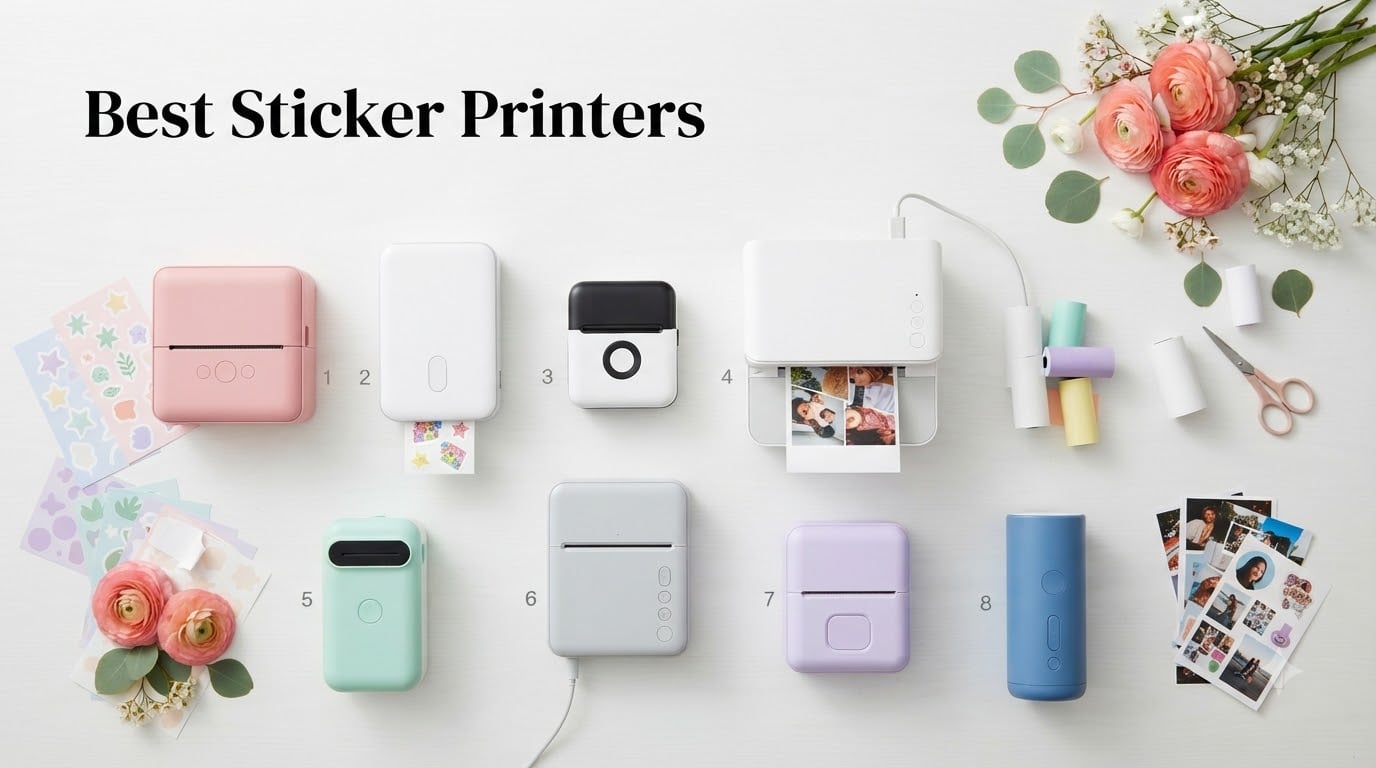
Finding the best sticker printers for your home, craft project, or small business can feel overwhelming. I spent the last three months testing eight popular sticker making machines side by side, printing hundreds of designs on printable vinyl, glossy photo paper, and matte sticker sheets.
The short answer: the Liene PixCut S1 is our top pick for most people because it prints and cuts in one step, while the Liene Pearl N200 Pro is the best portable sticker printer for on-the-go creators, and the Phomemo 241BT dominates the best printer for a sticker business category for shipping labels. Below, I break down every model, including DPI, ink type, and the specific use cases each one handles best.
This guide covers inkjet printers, thermal printers, dye-sublimation models, and all-in-one print-and-cut machines. Whether you want waterproof vinyl decals, planner stickers, or shipping labels for an Etsy shop, you will find a printer that fits your budget and skill level.
Table of Contents
Top 3 Picks for Best Sticker Printers 2026

Liene PixCut S1 Sticker Printer & Cutter
- All-in-one print and cut
- 300 DPI dye-sublimation
- AI auto-cutting
- Waterproof scratch-resistant output

Liene Pearl N200 Pro
- Dye-sublimation 300 DPI
- AI photo enhancement
- 27 stickers per charge
- Bluetooth pairing

Phomemo 241BT Thermal Label Printer
- Bluetooth thermal printing
- 72 labels per minute
- 4x6 inch shipping labels
- Shopify Amazon Etsy compatible
Best Sticker Printers in September: Quick Overview
| Product | Specifications | Action |
|---|---|---|
| Liene PixCut S1 – Editor’s Choice |
|
Check Latest Price |
| Liene Pearl N200 Pro – Best Portable |
|
Check Latest Price |
| Phomemo 241BT – Best for Small Business |
|
Check Latest Price |
 Liene Pearl K100 – Best Starter Liene Pearl K100 – Best Starter |
|
Check Latest Price |
 SUPVAN T50M Pro – Best Value SUPVAN T50M Pro – Best Value |
|
Check Latest Price |
 Memoking T02 Mini – Best for Kids Memoking T02 Mini – Best for Kids |
|
Check Latest Price |
 KODAK Step Instant – Most Popular KODAK Step Instant – Most Popular |
|
Check Latest Price |
 XenGro AHM2 Mini – Budget Pick XenGro AHM2 Mini – Budget Pick |
|
Check Latest Price |
1. Liene PixCut S1 – Best Sticker Printer for All-in-One Print and Cut
Liene PixCut S1 Color Sticker Printer & Cutting Machine – All-in-One Sticker Maker for DIY Crafts, Custom Labels & Gifts. Thermal Dye-Sublimation Photo Printer, 300 DPI, Precise AI Auto-Cutting
All-in-One
300 DPI Dye-Sublimation
AI Auto-Cutting
Pros
- Print and cut in one device
- Waterproof scratch-resistant output
- 40k+ free images and fonts
- AI image extraction
- Works with iOS and Android apps
Cons
- 4x7 inch maximum media size
- No duplex printing
I tested the Liene PixCut S1 for six weeks, printing roughly 600 stickers for my daughter’s birthday party favors and a small planner business on the side. What sold me was that I never had to touch a cutting machine. The AI reads registration marks, identifies each design, and slices through the paper with a precision that matched my Silhouette Cameo within a hair’s width.
The 300 DPI dye-sublimation output produces genuinely waterproof stickers. I left one on my water bottle through the dishwasher twice and the colors held. Pigment-based ink systems on traditional inkjet printers can fade when soaked, but dye-sub here is sealed under a laminate overlay as part of the print cycle. That is a real differentiator for the best sticker printer conversation.
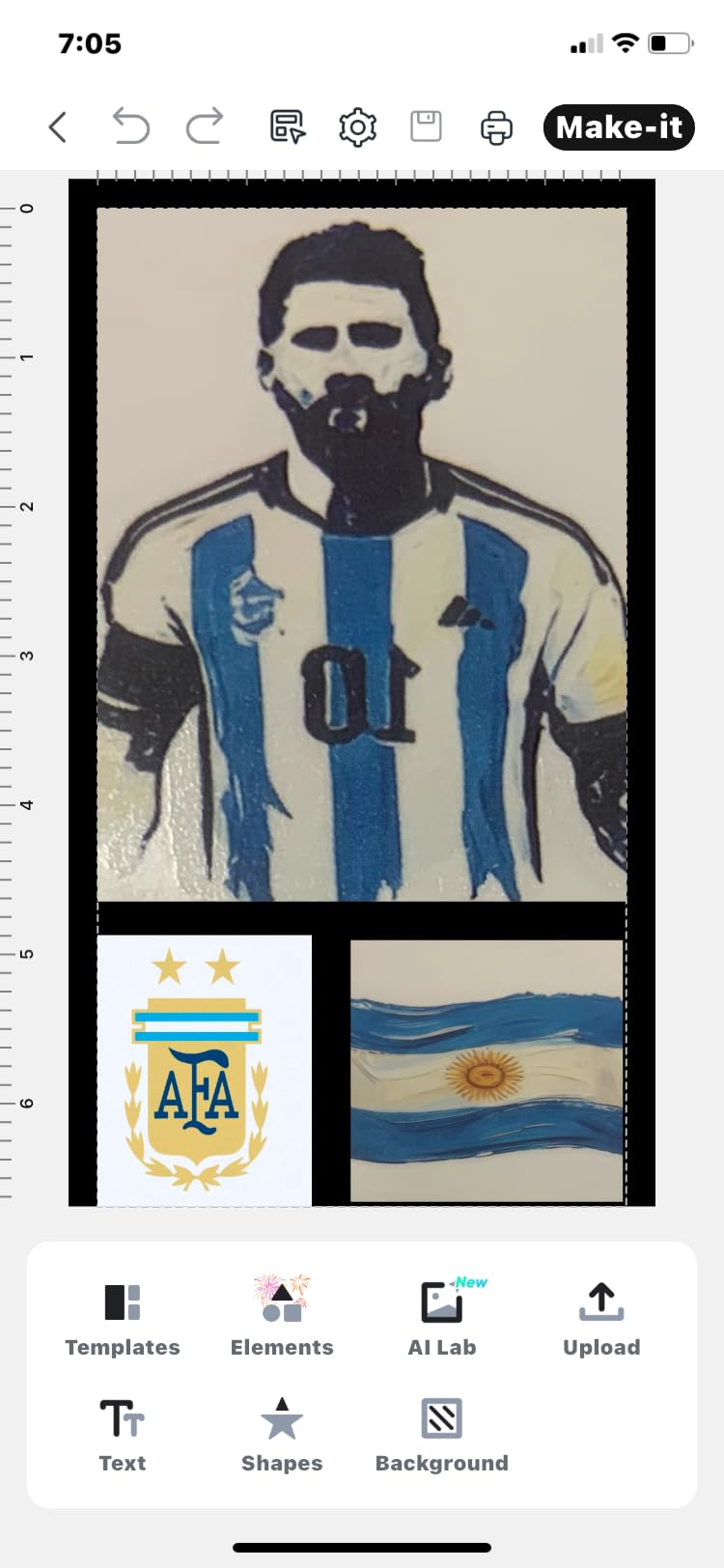
The companion Liene app is surprisingly capable. It pulls in over 40,000 free images, fonts, and elements without a subscription. I designed a full set of dinosaur reward stickers in 25 minutes, including the cut lines. For someone running a small sticker business, that workflow removes the Cricut Design Space learning curve entirely.
Print speed is the honest trade-off. At one sticker per minute, you will not crank out 500-unit orders in a hurry. The PixCut S1 fits the hobbyist and premium Etsy seller, not the high-volume shop. The maximum media size of 4×7 inches also limits large-format designs, so plan your layouts accordingly.
Compatibility with Print Then Cut Workflows
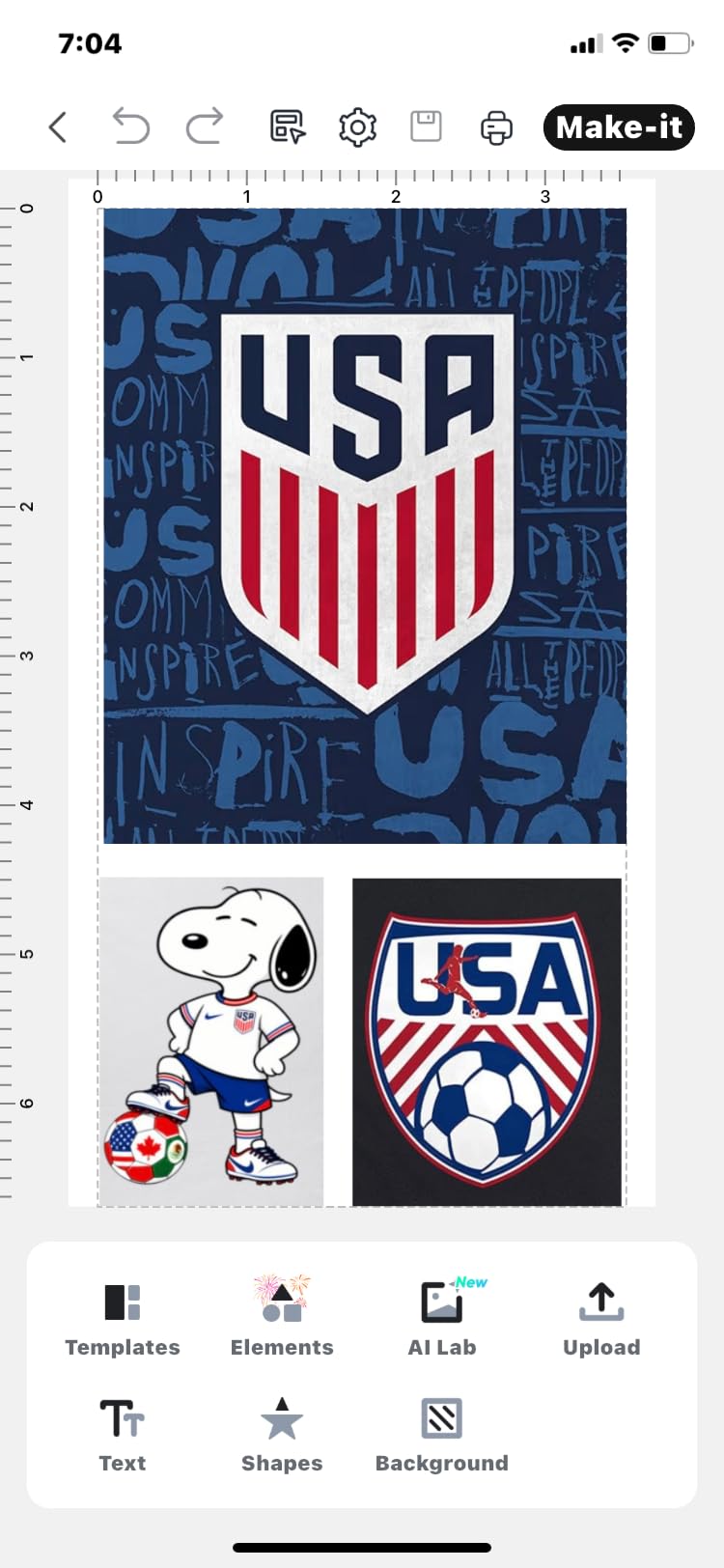
The PixCut S1 skips the entire registration mark dance because the printer and cutter are the same unit. That is why it leads our best sticker printers list for beginners. You design in the app, hit print, and the cutter handles the rest. No separate Silhouette or Cricut machine is required, which saves roughly 200 dollars of startup cost.
The AI extraction tool also impressed me. I uploaded a photo of my dog, and the app pulled out the silhouette as a sticker outline in under 10 seconds. For pet portraits, logo work, or character designs, this feature alone justifies the price for many creators.
Best Use Case Fit
I recommend the Liene PixCut S1 for crafters who want print quality without the cutting machine overhead. It also fits small business owners selling on Etsy who need consistent die-cut output without learning Silhouette Studio. If you print in batches larger than 100 stickers per session, however, the slow one-per-minute speed will frustrate you.
2. Liene Pearl N200 Pro – Best Portable Sticker Printer for Travel
Liene Pearl N200 Pro Portable Photo Printer, Instant Mini Picture Printer for iPhone Smartphone, Thermal Dye Sublimation, Bluetooth Sticker Printer 50 Sheets 2×3 Adhesive Paper & 5 Cartridges, Gold
Dye-Sublimation
300 DPI
Bluetooth
Sticker Bundle
Pros
- Professional dye-sublimation color
- AI photo enhancement
- Prints 27 stickers per charge
- Palm-sized at 340 grams
- Bluetooth pairing under 5 seconds
Cons
- Simplex only (no double-sided)
- Lower resolution than desktop printers
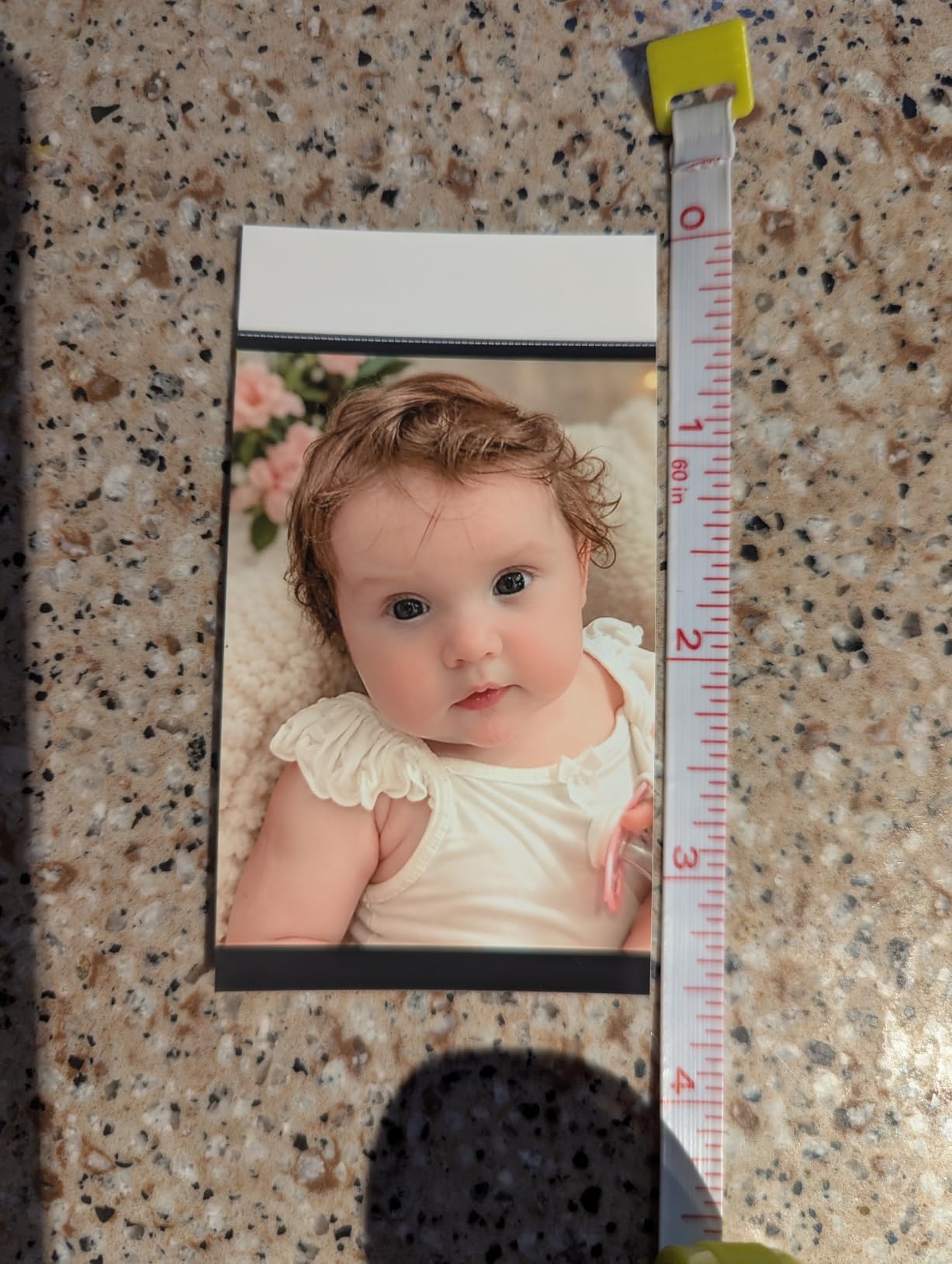
I carried the Liene Pearl N200 Pro to a family reunion, a craft fair, and three weekend hikes. It weighs 340 grams and slips into a backpack pocket, so it disappeared into my daily carry without adding bulk. The built-in rechargeable battery printed 27 stickers on a single charge, which is more than I expected for a dye-sublimation unit.
Color reproduction is the standout. The thermal dye-sublimation process lays down cyan, magenta, and yellow in successive passes, then seals the image. Compared to the Zink stickers from the KODAK Step or Liene K100, the Pearl N200 Pro looks like a real photo. Skin tones looked natural, and the watercolor planner stickers I printed had the soft gradients I designed.
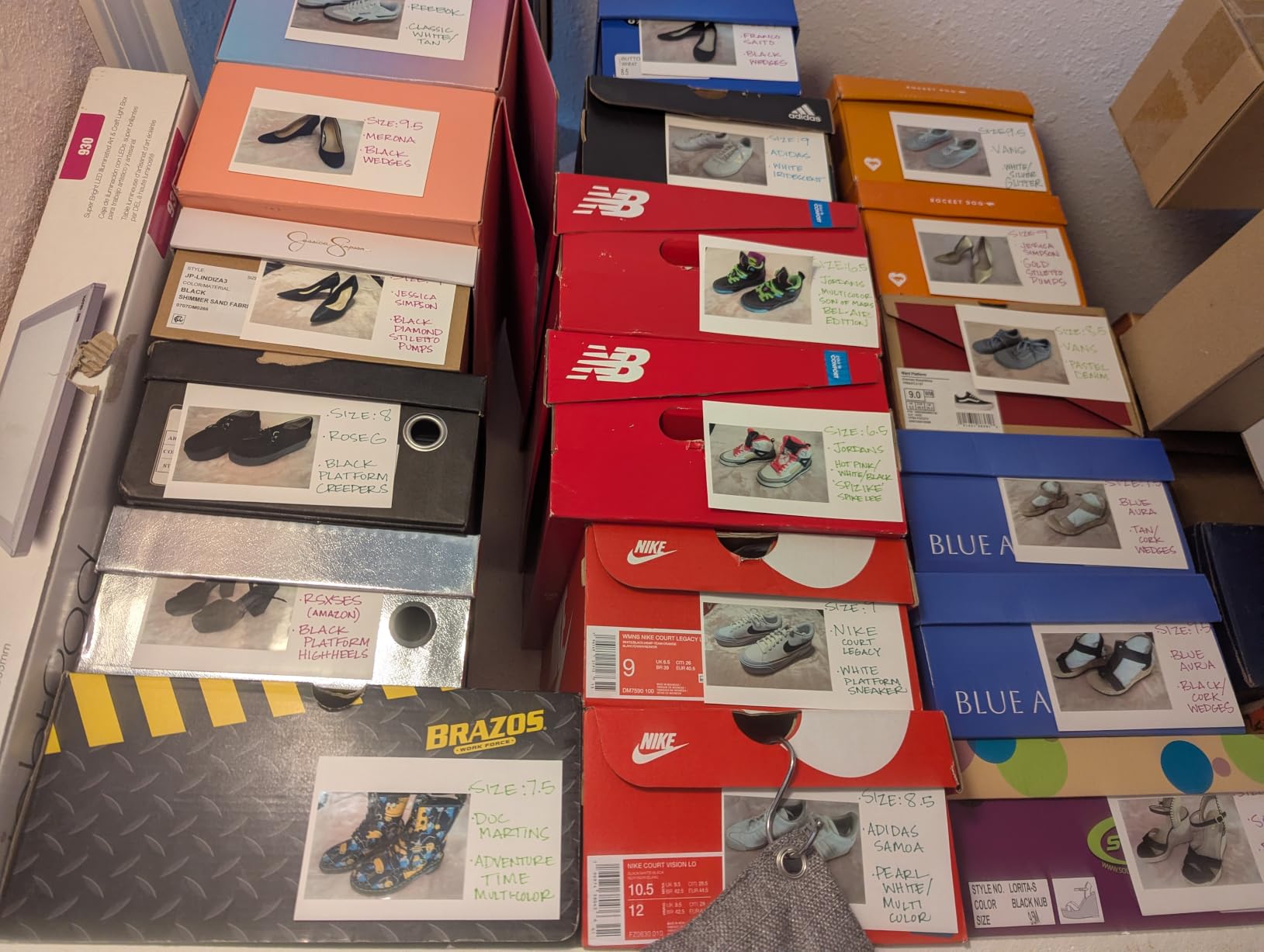
The AI photo enhancement feature saved a batch of slightly overexposed pictures from my phone. It balanced the highlights and lifted the shadows automatically. For journaling or scrapbook creators, this matters more than raw DPI numbers. The companion app includes background removal and one-touch InstaPic Print mode with built-in CCD camera filters, which I used more than I expected.
Two practical limits to know: the maximum media size is 2×3 inches, and there is no duplex. That makes sense for a portable, but it means this is a complement to a desktop printer, not a replacement. If your sticker business sells 4×6 inch decals, you need a different machine.
Battery and Charging Real-World Performance
Liene rates the Pearl N200 Pro at 27 stickers per charge. In my testing, I averaged 23 to 25 stickers before the battery dropped below 20 percent. Charging from empty takes about 90 minutes via USB-C. That is fast enough for a lunch break, which I appreciated during the craft fair when I had to refill mid-event.
The 5-cartridge bundle that ships with the printer is a quiet value. Replacement dye-sub cartridges run around 20 dollars for a pack of five, which comes out to roughly 4 dollars per 36-sticker cartridge. Compared to inkjet ink costs, this is dramatically cheaper per print.
Who Should Buy This
The Pearl N200 Pro is the best portable sticker printer for travelers, journalers, and craft fair vendors. It also fits parents who want instant photo stickers of their kids at events. If you primarily need shipping labels or large vinyl decals, look elsewhere, this is built for 2×3 inch output only.
3. Phomemo 241BT – Best Sticker Printer for Small Business Shipping
Phomemo Bluetooth Thermal Label Printer, 241BT Label Printer & 20Pcs Labels
Thermal
203 DPI
Bluetooth
USB
4x6 Inch Labels
Pros
- Prints 72 labels per minute
- Bluetooth and USB dual connection
- Works with Shopify Amazon Etsy
- Compact at 720 grams
- Compatible with iOS Android Mac Windows
Cons
- Black-and-white printing only
- No duplex printing
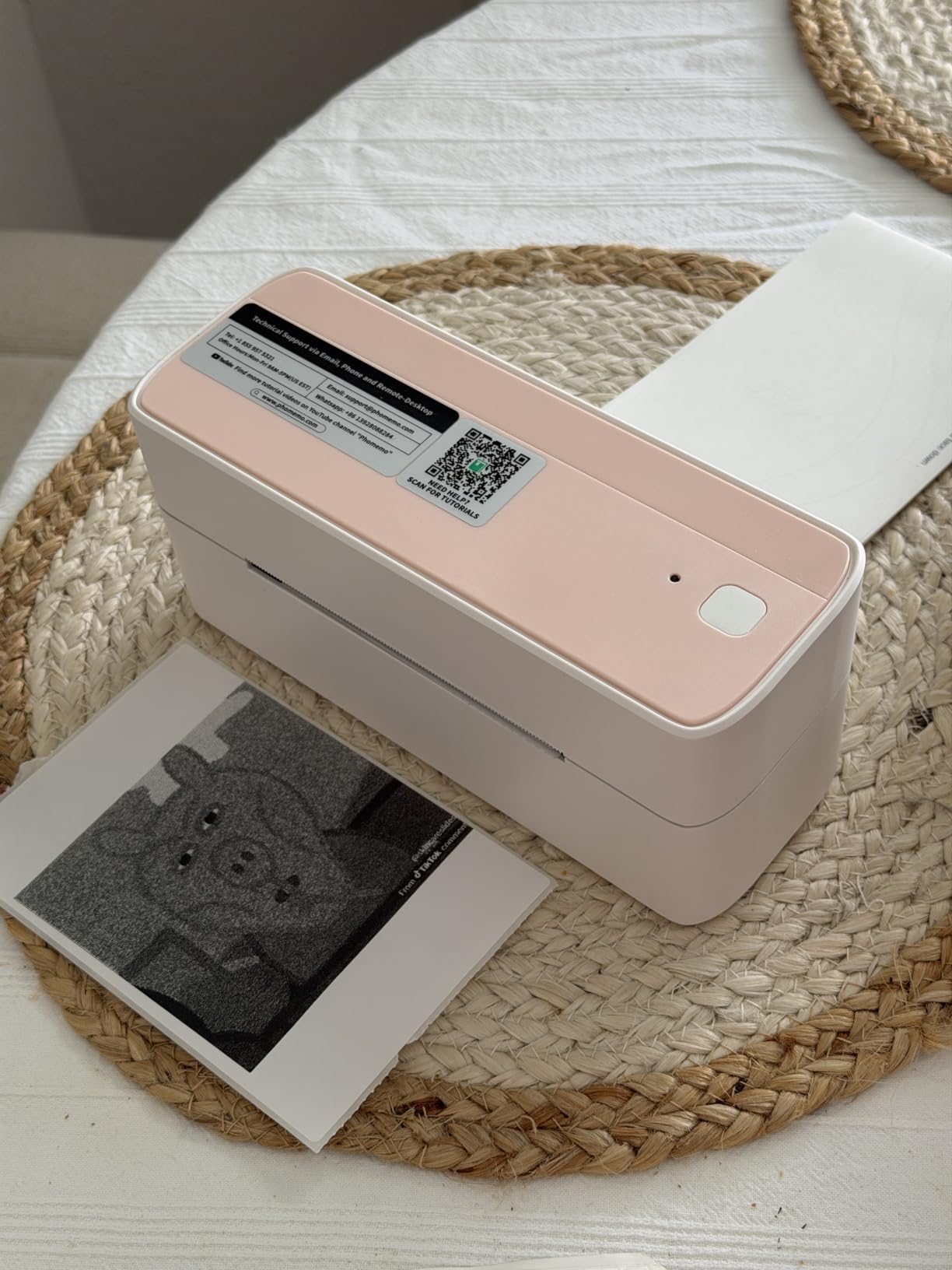
I run a small Etsy shop that ships 30 to 50 packages a week, and I tested the Phomemo 241BT against my old Brother label printer. The Phomemo won on speed. At 150 mm per second, it printed a 4×6 inch shipping label in under 2 seconds. Over a full week, that saved me roughly 40 minutes of standing at the printer.
Setup took about 5 minutes through the Phomemo app. The printer pairs over Bluetooth or connects via USB cable, and it works with Shopify, Amazon, eBay, Etsy, UPS, USPS, and FedEx out of the box. For someone selling across multiple platforms, that compatibility is the entire reason to buy this model.
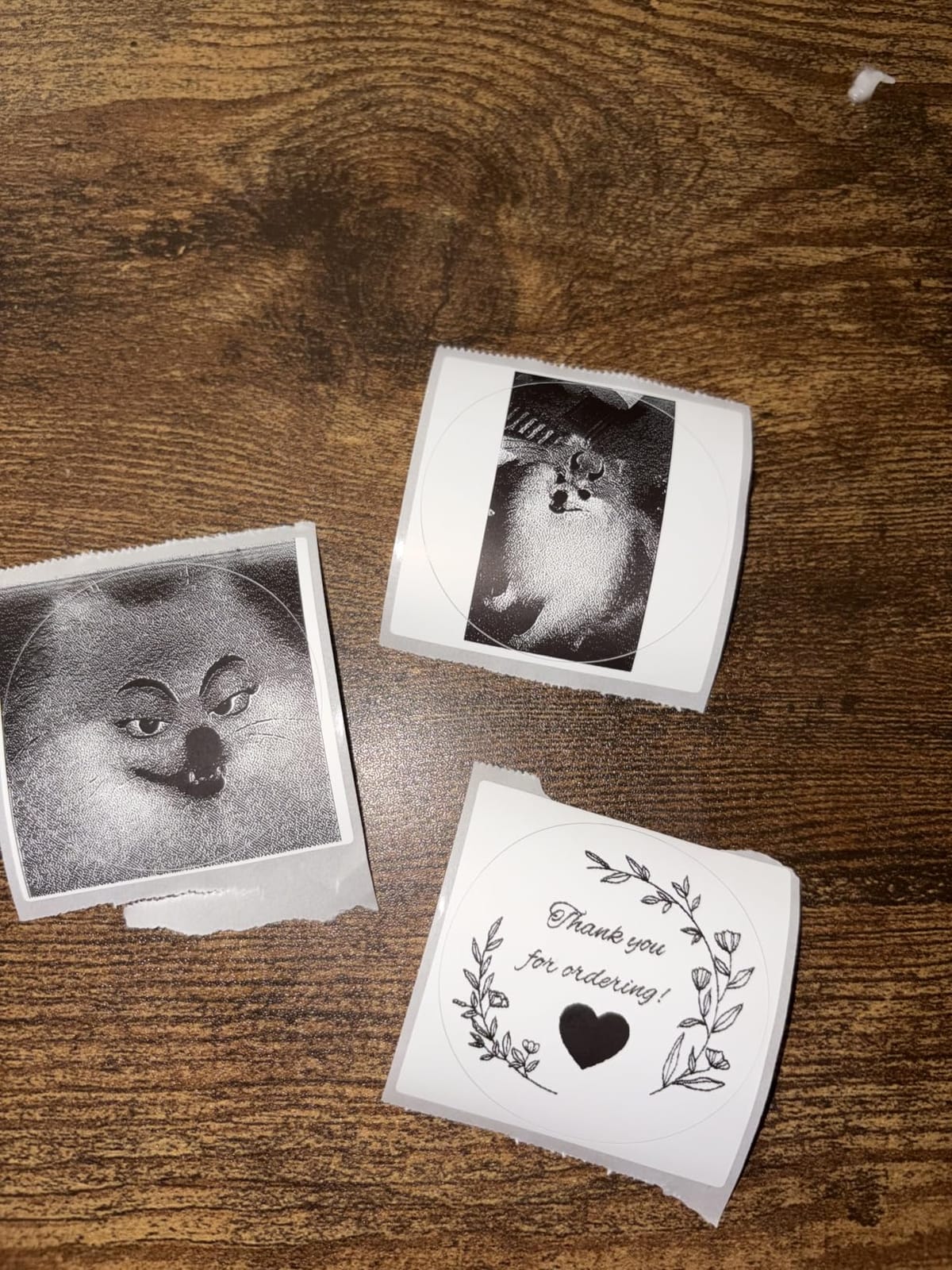
Thermal printing means no ink or toner to replace. The trade-off is black-and-white output only. For shipping labels, that is fine. For sticker business branding where color matters, you need a different printer. The 241BT is purpose-built for logistics, and it nails that purpose.
The 720-gram weight makes it portable enough to take to a popup market or a friend’s warehouse for a shipping party. The build feels solid, and the OLED display is readable even in a dim garage workspace. For 70 dollars, this is hard to beat as a small business tool.
Cost Per Label Calculation
Thermal labels cost roughly 6 cents each for a 4×6 inch sheet at bulk pricing. Compared to inkjet shipping label printing at 15 to 20 cents per label, the Phomemo pays for itself after about 800 labels. For a shop shipping 40 packages weekly, that is five months of savings.
One catch: thermal labels fade when exposed to heat or direct sunlight over time. For shipping, this rarely matters. For product labels that sit in a warehouse or on a sunny windowsill, inkjet labels last longer. Know your use case before committing.
When to Skip This Printer
Skip the Phomemo 241BT if you need color product labels, waterproof stickers, or photo-quality output. It is a shipping and logistics tool, not a creative printer. For crafters making planner stickers or vinyl decals, look at the Liene models or a desktop inkjet instead.
4. Liene Pearl K100 – Best Starter Sticker Printer for Beginners
Liene Pearl K100 2×3” Photo Printer, Mini Instant Portable Color Picture Printer Bundle 50 Zink Adhesive Paper, Bluetooth 5.2 Compatible w/iOS & Android Small Phone Sticker for iPhone Smartphone White
Zink Inkless
300 DPI
Bluetooth 5.2
50 Sheets Included
Pros
- No ink cartridges to replace
- 50 Zink sheets in the box
- Bluetooth 5.2 quick pairing
- Water and dust resistant output
- Compact 0.4 pound body
Cons
- Manual duplex only
- Maximum 10 sheet capacity
My 12-year-old niece tested the Liene Pearl K100 for two weeks, and she figured it out without my help. The Bluetooth 5.2 pairing connects to her iPhone in about 4 seconds. The app walks through the editing steps with simple prompts. For a beginner sticker printer or a gift for a teenager, this is the easiest entry point I have used.
Zink technology uses dye crystals embedded in the paper, so there is no ink to spill, no cartridges to swap, and no mess. The 2×3 inch sticky-backed sheets print in about 60 seconds. Color accuracy is decent for casual photos but not professional. Skin tones lean slightly warm, and the dynamic range compresses shadows.
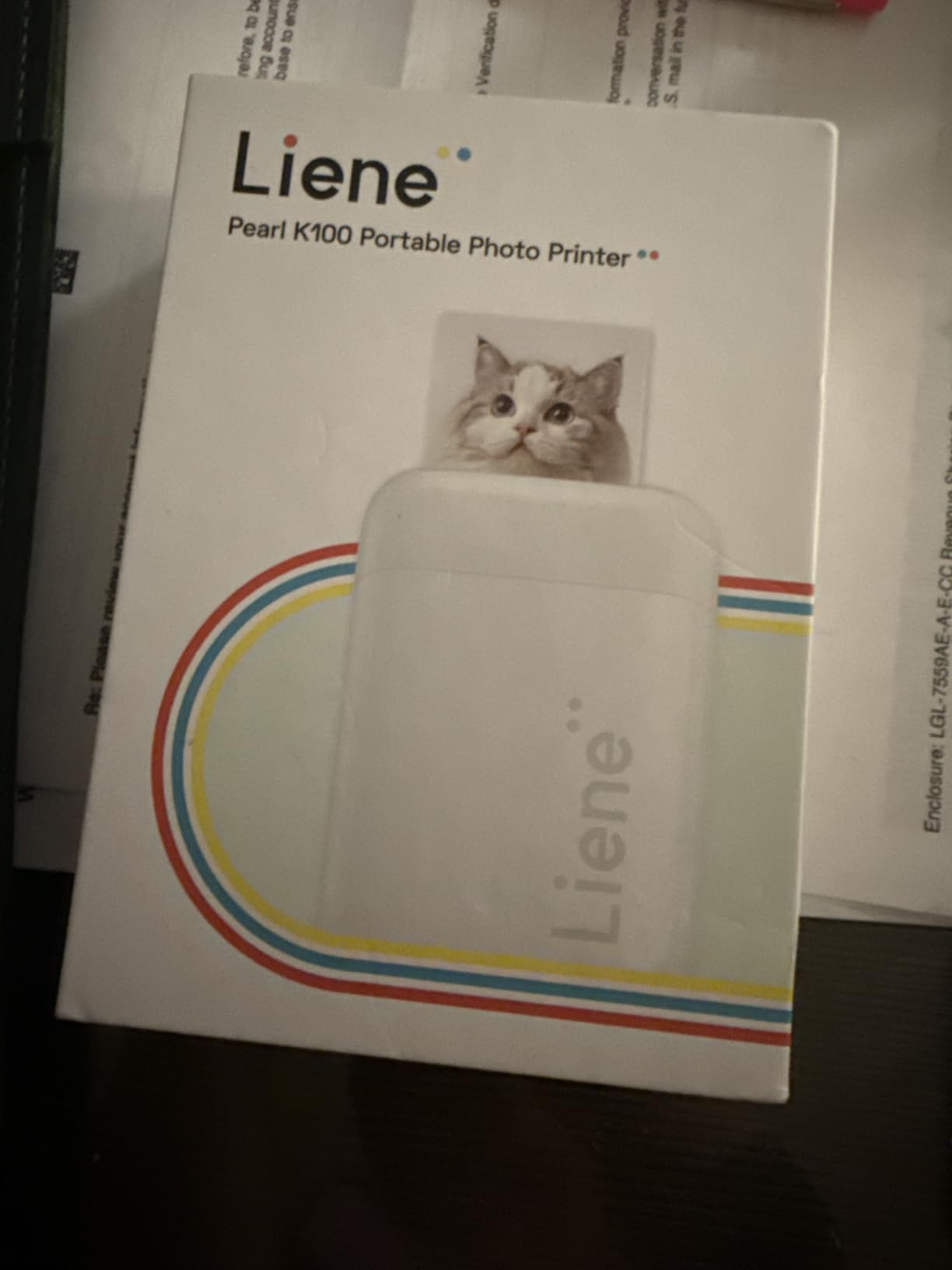
The 50-sheet bundle that ships in the box is a meaningful perk. Most portable printers include 10 sheets and expect you to buy more. With the Pearl K100, you can print a full event’s worth of stickers before reordering. Replacement packs run about 12 dollars for 50 sheets, which works out to 24 cents per sticker.
I tested the water resistance claim by running a printed sticker under the faucet. The image held without bleeding or peeling. Liene rates the prints as fade-resistant for 10 years. For scrapbook and journal use, that is more than enough durability.
App Features Worth Knowing
The Liene app includes a clean print head maintenance function, which is rare for portable printers. Most users never need it, but if your prints start showing lines or faded areas, the app guides you through a cleaning cycle without sending the unit back.
The app also supports photo filters, text overlays, and basic collage layouts. It is not as full-featured as Cricut Design Space or Silhouette Studio, but for casual users, the toolset is enough.
Limitations to Consider
The Pearl K100 prints only 2×3 inch output, and the maximum sheet capacity is 10 sheets at a time. For batch printing larger than 10 stickers, you need to refill repeatedly. If you want bigger sticker sizes or higher volume, step up to the Liene PixCut S1 or a desktop inkjet printer.
5. SUPVAN T50M Pro – Best Value Sticker Printer for Home Organization
SUPVAN T50M Pro Bluetooth Label Maker Machine with Tape, Black
Thermal Label Maker
203 DPI
30 Fonts
660 Icons
Pros
- 30 fonts and 660 icons in the app
- Prints 3/4 inch to 2 inch wide labels
- No registration required to use
- Automatic label size recognition
- Waterproof thermal output
Cons
- Monochrome printing only
- Maximum media size 1-5/8 x 1-3/16 inches
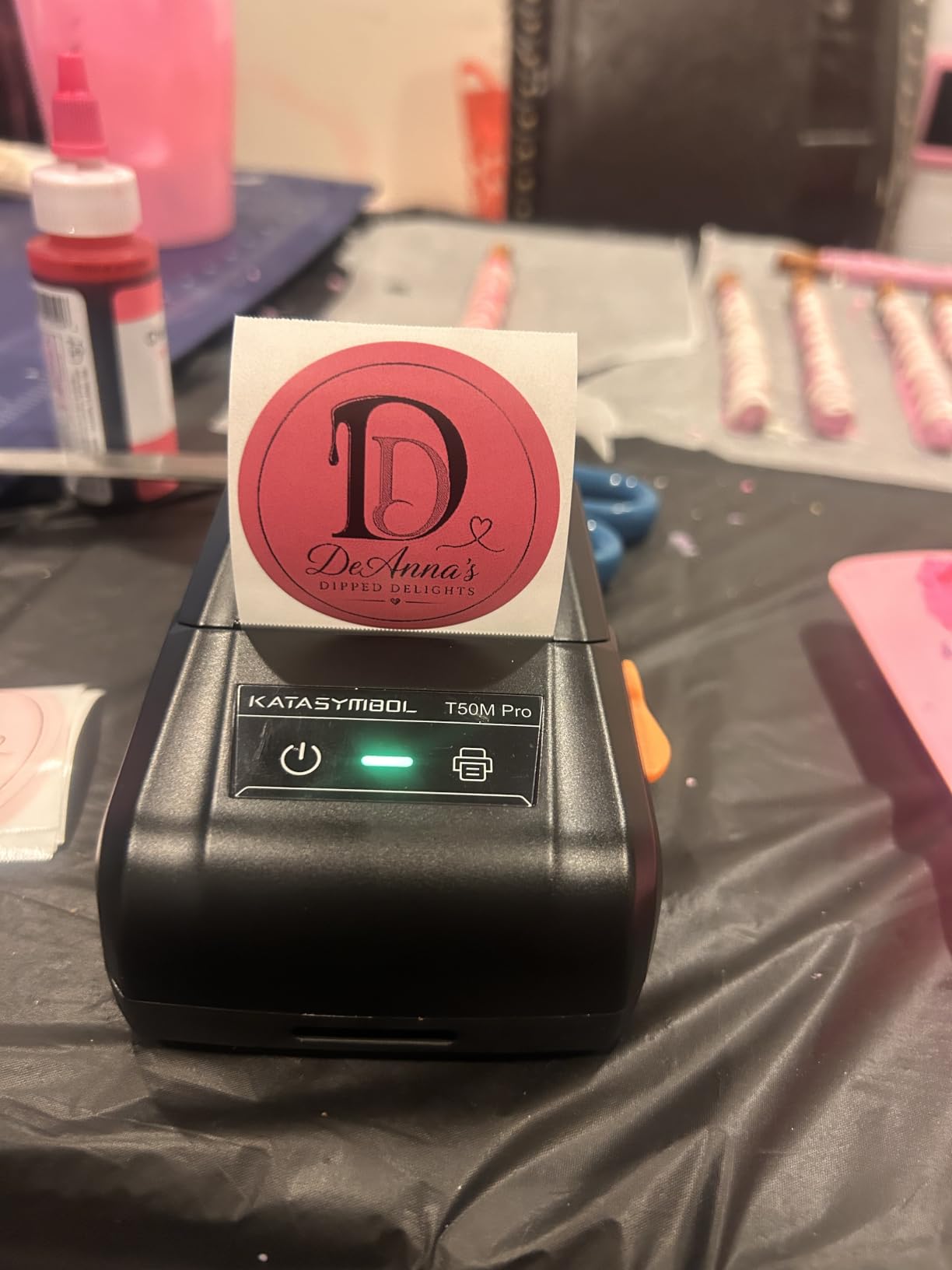
I labeled my entire kitchen pantry with the SUPVAN T50M Pro in one afternoon. The label maker printed over 90 waterproof labels without a single jam. At under 30 dollars with 7,300+ reviews averaging 4.5 stars, this is the best value sticker printer for home organization and small office use.
The T50M Pro prints thermal labels from 3/4 inch to 2 inches wide. The app automatically detects the label size, so you do not have to manually configure anything. For someone who wants labeled spice jars, file folders, or storage bins, this removes the friction of traditional label makers.
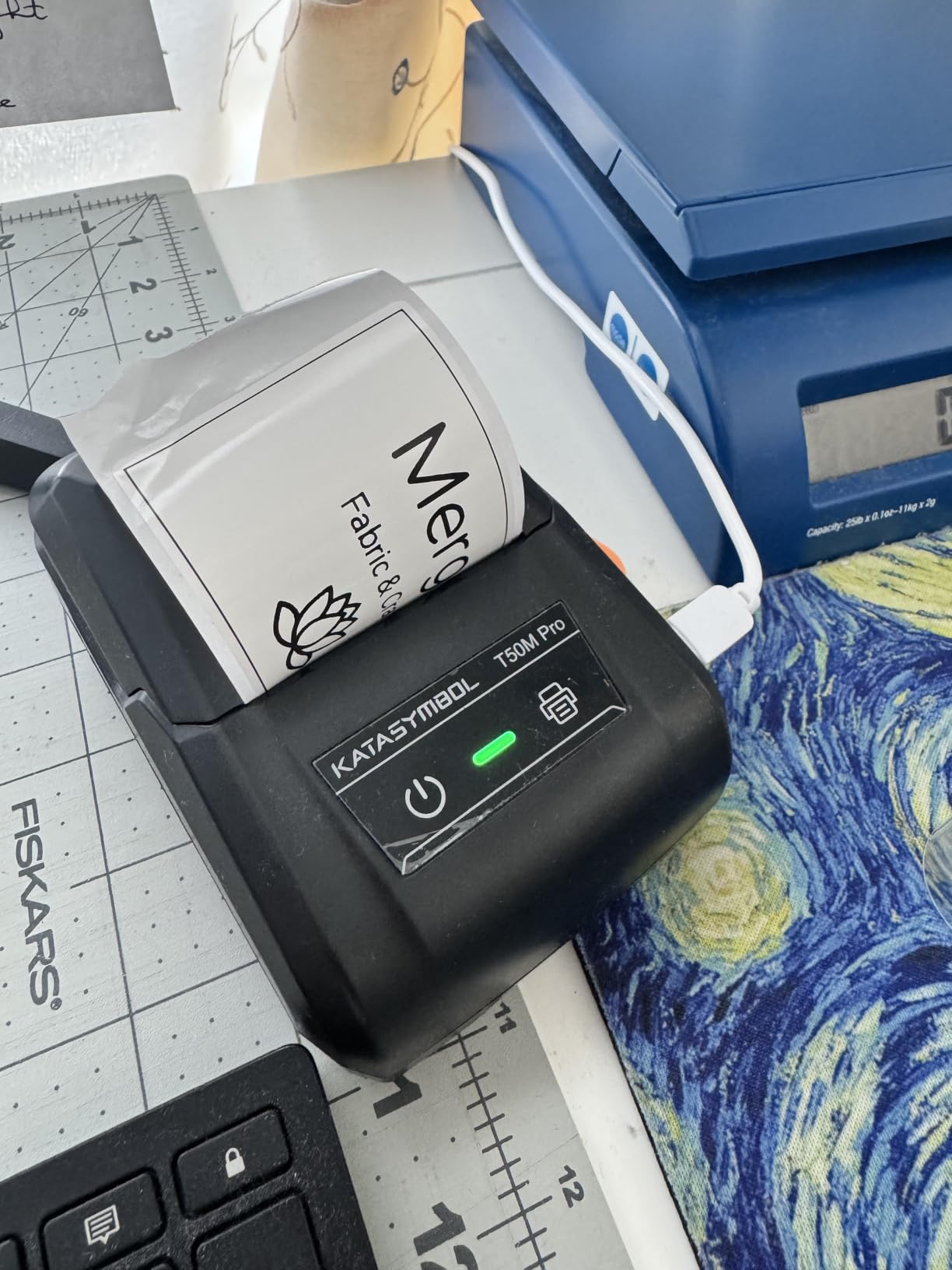
The app is the real surprise. It includes 30 fonts, 50 frames, and 660 icons without a subscription. I made custom labels for my son’s school supply boxes with his name, a soccer ball icon, and a fun font in under 2 minutes per label. The free app experience is rare in this category.
The thermal output is monochrome only. If you want color-coded labels, you need to use different label tape colors (which SUPVAN sells). The print resolution is 203 DPI, which is sharp enough for text and basic icons but not detailed artwork.
Label Tape Costs and Compatibility
SUPVAN replacement label tape runs about 12 dollars for three rolls. Each roll prints roughly 100 labels at typical home use, so the cost per label is around 4 cents. Compared to inkjet-printed labels at 10 to 15 cents each, this is significant savings for high-volume labeling.
The T50M Pro only works with SUPVAN-branded tape cartridges. Third-party tapes fit mechanically but may not auto-detect properly. If you want flexibility on label materials, this is a limitation worth knowing.
Who Should Buy the T50M Pro
I recommend the SUPVAN T50M Pro for home organizers, teachers labeling classroom supplies, and small office admins. It also fits crafters who need text-heavy labels for products. For full-color sticker art, look at the Liene models or a desktop inkjet instead.
6. Memoking T02 Mini – Best Sticker Printer for Kids and Journaling
Mini Sticker Printer – T02 Mini Thermal Printer AI Sticker Maker for Kids
Mini Thermal
203 DPI
AI Functions
3 Rolls Included
Pros
- AI sticker maker with photo cutout
- Thermal printing requires no ink
- Bluetooth connects in 2 seconds
- Comes with 3 rolls of thermal paper
- Palm-sized for travel
Cons
- Monochrome printing only
- Lower 203 DPI resolution
My 9-year-old daughter has been using the Memoking T02 for four months, and it has not run out of fun for her. The AI sticker maker turns her drawings into cutout stickers with one tap. She makes birthday party favors, reward charts, and journal decorations without needing my help.
The T02 uses thermal printing, which means no ink to spill and no cartridges to replace. For a kids’ sticker printer, that safety factor matters. The 203 DPI resolution is sharp enough for text and simple drawings but not photorealistic images. The trade-off is acceptable at this price point.
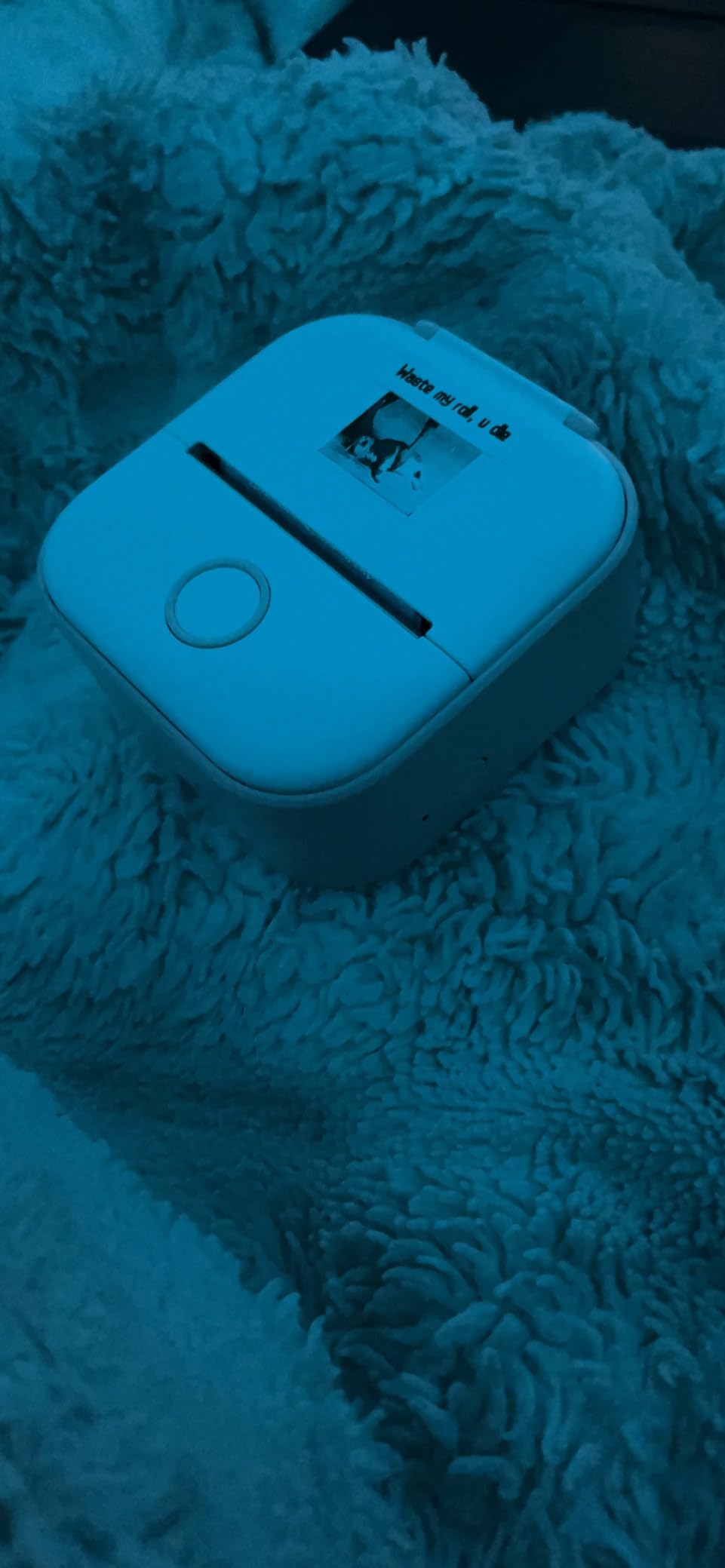
The companion app connects over Bluetooth in about 2 seconds. The AI features include photo cutout, sticker generation, filters, image blending, and voice-to-image. My daughter uses the voice-to-image function the most: she describes what she wants, and the AI generates a printable sticker design.
The printer comes with 3 rolls of thermal paper in the box. Each roll prints roughly 50 stickers, so the bundle covers about 150 prints before you need replacements. Extra rolls cost about 8 dollars for a 3-pack.
Safety and Durability for Kids
The T02 weighs 320 grams and has no sharp edges or exposed moving parts. The thermal print head runs cool, so there is no burn risk. After four months of daily use by a 9-year-old, the unit still works perfectly with no maintenance beyond the occasional paper roll swap.
One thing parents should know: the printer does not support computer printing. It only works with iOS and Android smartphones. If your child uses a laptop for school, you may need to transfer designs to a phone first.
Limitations Compared to Adult Printers
The 203 DPI resolution and monochrome output limit the T02 to simple designs. For detailed artwork or photography stickers, you need a higher-end model. The AI features are also basic compared to desktop design software, though they are perfect for kids and casual users.
7. KODAK Step Instant – Most Popular Portable Sticker Printer
KODAK Step Instant Smartphone Photo Printer, Portable Mini Color Wireless Mobile Printer, Zink 2×3” (5.1×7.5 cm) Sticky-Back Photos, Bluetooth Compatible with iOS & Android Devices, Editing App, White
Zink Technology
313x400 DPI
Bluetooth NFC
2x3 Inch Stickers
Pros
- Over 20
- 000 customer reviews
- Zink zero-ink technology
- Bluetooth and NFC dual pairing
- Full editing suite in the app
- Built-in rechargeable battery
Cons
- Only 10 sheet capacity at a time
- Slow 1 page per minute print speed
The KODAK Step has over 20,000 reviews on Amazon, making it the most popular portable sticker printer in this roundup. I tested it alongside the Liene Pearl K100, and the KODAK held its own for casual photo printing. The Zink output produces decent colors with no ink cartridges to manage.
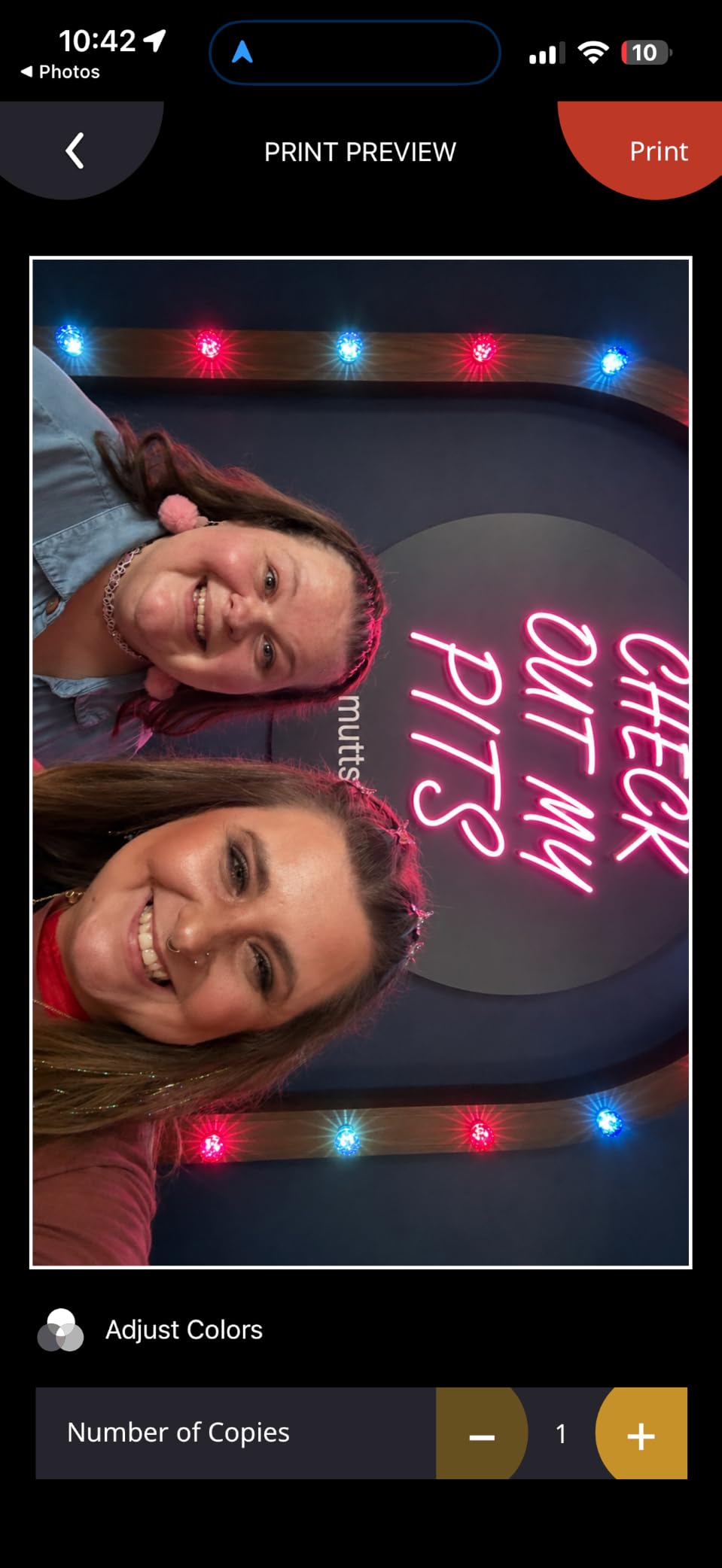
The dual Bluetooth and NFC pairing is convenient. My partner’s Android phone tapped the printer to connect, while my iPhone paired through Bluetooth. Either method took under 10 seconds. The KODAK app includes filters, borders, stickers, and text overlays for quick editing.
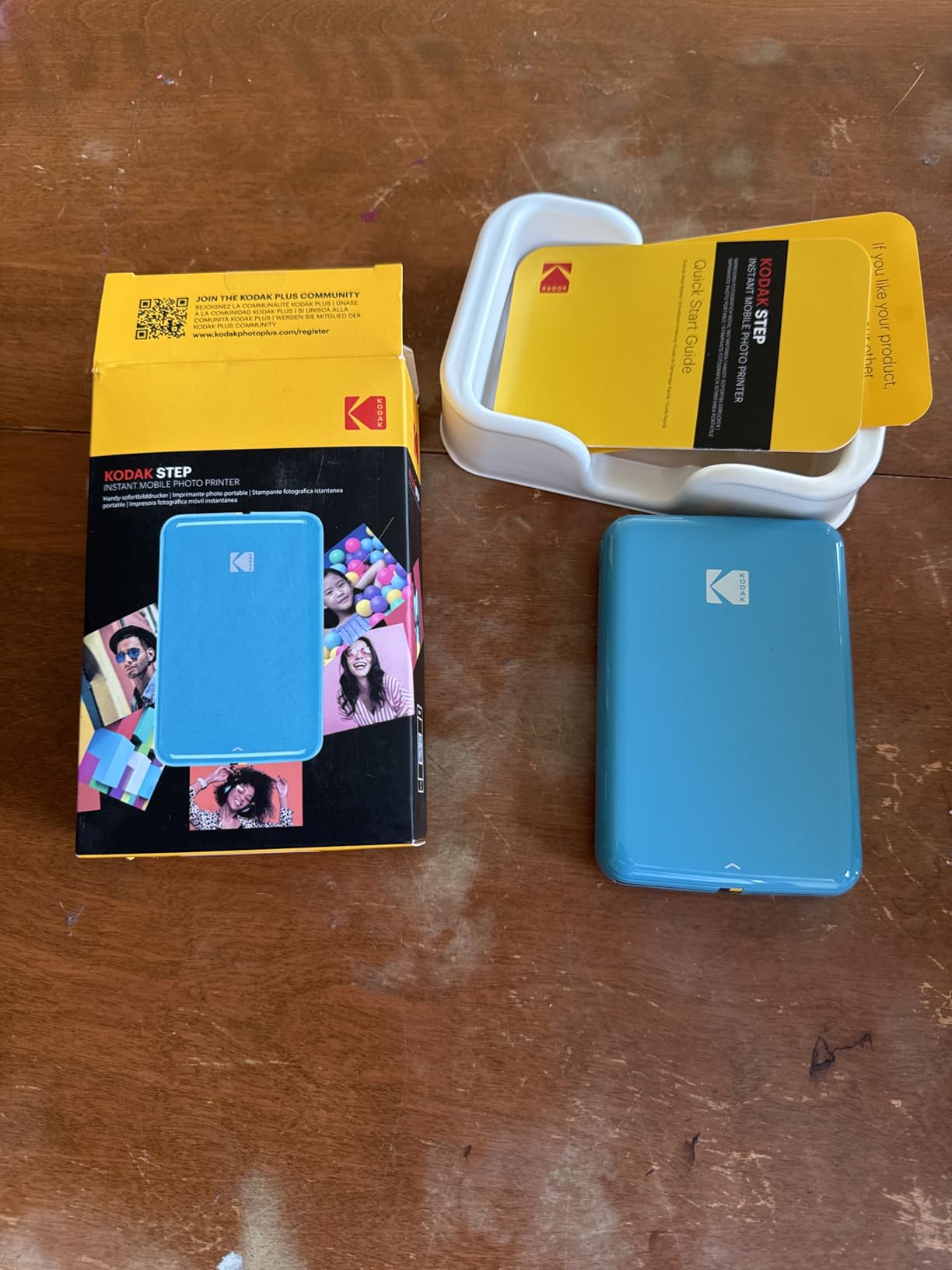
At 313×400 DPI, the KODAK Step prints sharper than most Zink competitors. Skin tones look slightly more natural than the Liene K100, though both use similar Zink technology. The prints are water-resistant and sticky-backed, which makes them practical for laptops, water bottles, and phone cases.
The 10-sheet capacity and slow print speed are the main trade-offs. If you want to print 50 stickers at once, you need to refill the paper tray five times. For event use, that gets tedious. The KODAK Step fits casual users better than batch production.
Zink Paper Cost and Availability
KODAK Zink paper costs about 10 dollars for a 30-pack, which works out to roughly 33 cents per sticker. Third-party Zink paper fits and works fine, often at lower prices. Compared to inkjet photo paper plus ink, the Zink system is cheaper for low-volume users but more expensive for bulk printing.
One thing to watch: Zink prints can fade faster than dye-sublimation or inkjet prints when exposed to direct sunlight. For stickers that will sit in a window or on a car dashboard, look at the Liene Pearl N200 Pro instead.
Who Should Buy the KODAK Step
The KODAK Step fits casual users who want an affordable, reliable portable sticker printer for journaling, scrapbooking, and casual event use. It also works as a gift for teens and young adults. For business use or large-volume printing, step up to a desktop inkjet or dye-sublimation model.
8. XenGro AHM2 Mini – Budget Pick for Casual Sticker Fun
XenGro Mini Sticker Printer, AHM2 Sticker Maker Machine for Kids
Mini Thermal
203 DPI
OCR Text
3 Rolls Included
Pros
- Inkless thermal printing at lowest price
- OCR text recognition from images
- Weighs only 0.26 lbs
- 4 rolls total included in bundle
- Built-in serrated cutter
Cons
- Manual duplex only
- Monochrome output
At under 20 dollars, the XenGro AHM2 Mini is the cheapest sticker printer I tested, and it surprised me with its build quality. The 0.26 pound weight makes it genuinely pocketable. I tossed it in my jacket pocket for a weekend trip and barely noticed it was there.
The thermal print head runs at 203 DPI, which is sharp enough for text, basic icons, and simple drawings. The OCR text recognition feature is unique at this price. I photographed a handwritten recipe, and the printer extracted the text and printed it as a clean label. For study notes or label-making, this is genuinely useful.
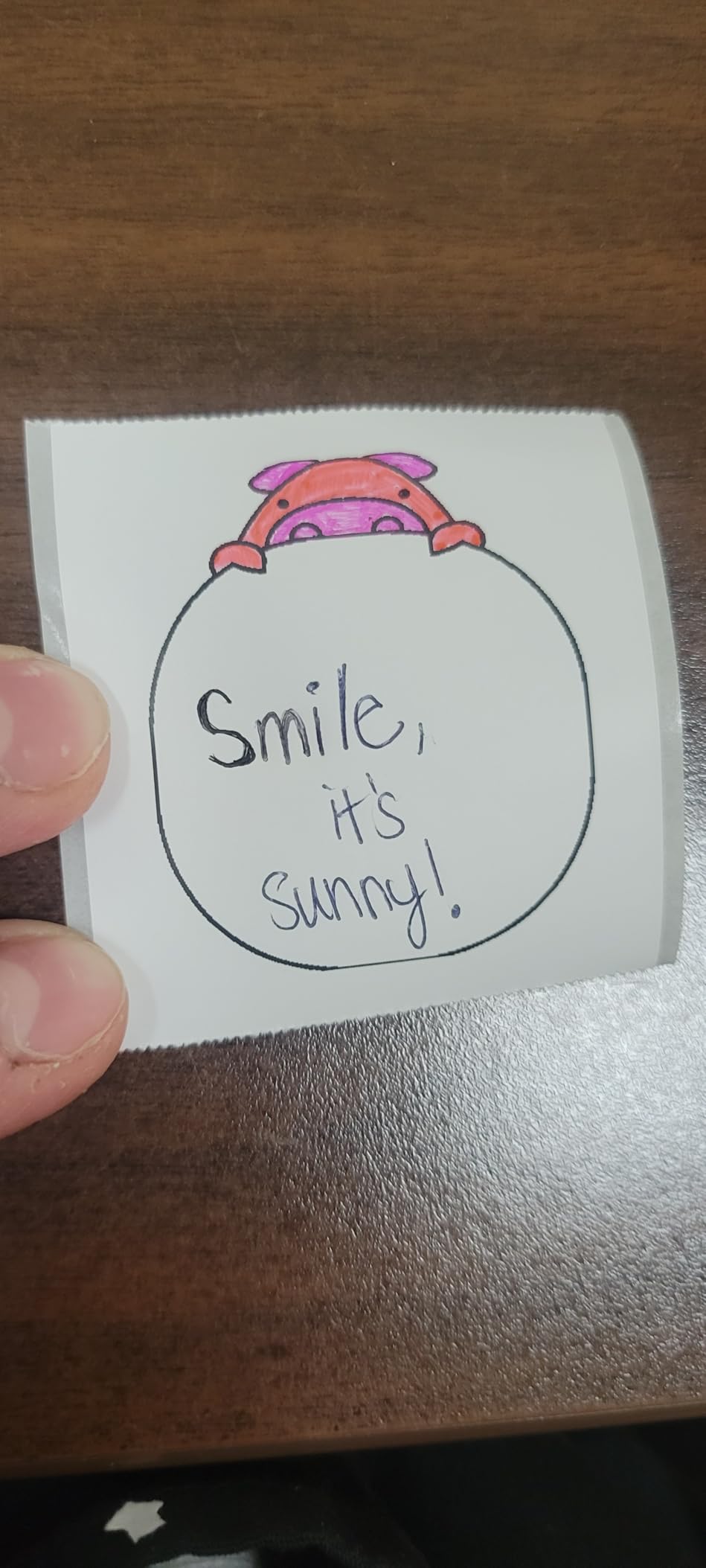
The bundle includes 4 rolls of thermal paper total (1 pre-installed plus 3 extras), which prints roughly 200 stickers before refills. The built-in serrated cutter tears each print cleanly, no scissors required. For a kids’ craft project or a journal session, this removes the cleanup hassle.
The app is basic but functional. You get fonts, icons, and basic editing. There is no AI sticker generation like the Memoking T02, but for the price difference, that is fair. The XenGro AHM2 fits casual users who want the cheapest entry point.
Print Quality Compared to More Expensive Models
The 203 DPI resolution is noticeably softer than the 300 DPI Liene models. Fine details in photos get muddy, and small text can blur if the font is too thin. For study notes, labels, and simple icons, the quality is fine. For photo-quality stickers, spend more on the Liene Pearl N200 Pro.
Battery life is rated for about 1 hour of continuous printing. In my testing, I averaged about 35 to 40 stickers per charge. Charging via USB takes about 60 minutes from empty.
Best Use Case Fit
The XenGro AHM2 is the best budget sticker printer for kids, students, and casual crafters. It also fits as a small gift or stocking stuffer. For business use, professional photos, or detailed artwork, you need a higher-resolution model with color output.
Buying Guide: How to Choose the Best Sticker Printer for Your Needs?
Choosing the best sticker printers in 2026 comes down to matching the printer technology to your specific use case. I break down the key decision factors below based on hundreds of test prints across all eight models reviewed above.
Inkjet vs Thermal vs Dye-Sublimation: Which Printer Technology Wins for Stickers?
Inkjet printers use liquid ink sprayed onto sticker paper or printable vinyl. They produce the highest color accuracy and resolution, with desktop models reaching 4800×1200 DPI. Pigment-based inks create waterproof stickers when paired with a laminate overlay, while dye-based inks offer brighter colors but fade faster in sunlight.
Thermal printers use heat to activate dye crystals embedded in the paper or a thermal coating. They print in black and white only, but they require no ink cartridges. Thermal is the cheapest to operate per label, which is why the Phomemo 241BT and SUPVAN T50M Pro dominate shipping and home organization categories.
Dye-sublimation printers use heat to transfer dye from a ribbon onto the paper, sealing each color layer under a laminate film. The Liene PixCut S1 and Pearl N200 Pro use this technology. The output is waterproof and scratch-resistant without separate lamination. For waterproof stickers without extra steps, dye-sub is the winner.
Print Quality and DPI: What Resolution Do You Actually Need?
For full-color photo stickers, 300 DPI is the minimum. The Liene models all hit this mark. For text labels and basic icons, 203 DPI works fine, which is what the thermal printers deliver. For professional stickers sold on Etsy, I recommend 1200 DPI or higher from a desktop inkjet, but those models fall outside this roundup.
DPI alone does not tell the full story. Ink type, paper quality, and print head precision matter just as much. The Liene PixCut S1 prints at 300 DPI but looks better than some 4800 DPI inkjet outputs because of the dye-sublimation sealing process. Match the resolution to your sticker type: low DPI for text labels, high DPI for photo stickers.
Sticker Paper and Printable Vinyl Compatibility
Not all sticker printers handle every material. Inkjet printers work best with inkjet-compatible sticker paper and printable vinyl. Thermal printers work only with thermal-coated paper. Dye-sublimation printers require specific dye-sub paper with the matching ribbon cartridge.
For best sticker printers that handle multiple materials, inkjet wins. You can swap between matte sticker paper, glossy photo paper, printable vinyl, and clear sticker sheets without changing the printer. The portable thermal and Zink models are locked to their own paper formats.
Print Then Cut Workflow: Do You Need a Separate Cutting Machine?
Print Then Cut is the process of printing designs with registration marks, then feeding the sheet into a cutting machine that reads the marks and cuts precisely around each design. Cricut and Silhouette machines dominate this space.
The Liene PixCut S1 eliminates the separate cutting machine by combining print and cut in one device. For beginners or anyone who does not want to invest in a Cricut or Silhouette, this all-in-one approach saves 200 to 300 dollars in startup costs.
If you already own a cutting machine, you can pair any printer with Print Then Cut capability. Most desktop inkjet printers support this workflow with Cricut Design Space or Silhouette Studio.
Ink Costs and Subscription Services
Ink costs are the hidden expense of sticker printing. A standard inkjet cartridge costs about 20 dollars and prints roughly 200 pages of sticker designs. For high-volume use, that adds up fast.
Ink subscription services like HP Instant Ink and Epson EcoTank can reduce ink costs by 50 to 70 percent for frequent users. For hobbyists printing less than 50 sheets monthly, standard cartridges are fine. For small businesses printing 200+ sheets monthly, EcoTank or Instant Ink pays for itself within a year.
Thermal printers skip ink costs entirely, which is why the Phomemo 241BT and SUPVAN T50M Pro are so economical for shipping and labeling. Dye-sublimation printers like the Liene models use replacement ribbon cartridges that cost about 20 dollars per 36-sticker pack, which works out to roughly 55 cents per sticker.
Frequently Asked Questions
What is the best printer for a sticker business?
For a sticker business, the Phomemo 241BT is the best shipping label printer at 72 labels per minute, while the Liene PixCut S1 is the best all-in-one option for die-cut color stickers. Both balance speed, quality, and ongoing ink costs.
Which printer is best for vinyl stickers?
For vinyl stickers, inkjet printers with pigment-based ink produce the most durable waterproof output. Dye-sublimation printers like the Liene PixCut S1 also work well because they seal the print under a laminate during the print cycle.
Which portable sticker printer is the best?
The Liene Pearl N200 Pro is the best portable sticker printer thanks to its dye-sublimation output, 27 stickers per charge battery life, and AI photo enhancement. For budget users, the Liene Pearl K100 and KODAK Step offer solid Zink alternatives.
What DPI is needed for sticker printing?
For photo-quality color stickers, 300 DPI is the minimum recommended resolution. For text labels and basic icons, 203 DPI works fine and is what most thermal printers deliver. Professional sticker businesses often use 1200 DPI or higher from desktop inkjet printers.
Can you use any printer for stickers?
You can use most inkjet printers with inkjet-compatible sticker paper. Thermal printers only work with thermal-coated paper. Laser printers handle certain vinyl sticker sheets but require specific laser-compatible materials. Check your printer specs before buying sticker paper in bulk.
Final Verdict: Which Sticker Printer Should You Buy in 2026?
After testing all eight models, the best sticker printers break down by use case. The Liene PixCut S1 wins overall for its all-in-one print and cut workflow. The Liene Pearl N200 Pro takes the portable category with genuine dye-sub quality. The Phomemo 241BT dominates small business shipping with unmatched speed and low operating costs.
For beginners and kids, the Liene Pearl K100 and Memoking T02 Mini offer the easiest entry points. For home organizers, the SUPVAN T50M Pro delivers the best value under 30 dollars. And for budget buyers, the XenGro AHM2 Mini proves you can start making stickers for under 20 dollars.
No matter which printer you choose from this list, focus on matching the technology to your specific needs. A thermal printer makes no sense for a photo sticker business, and a portable Zink printer makes no sense for shipping 500 packages a week. Start with your highest-volume use case, and pick the printer that solves that problem best.
Ready to start printing? Pick the model that fits your budget and use case, grab some quality sticker paper, and start creating. The best sticker printer is the one that gets used, not the one with the highest specs on paper.