
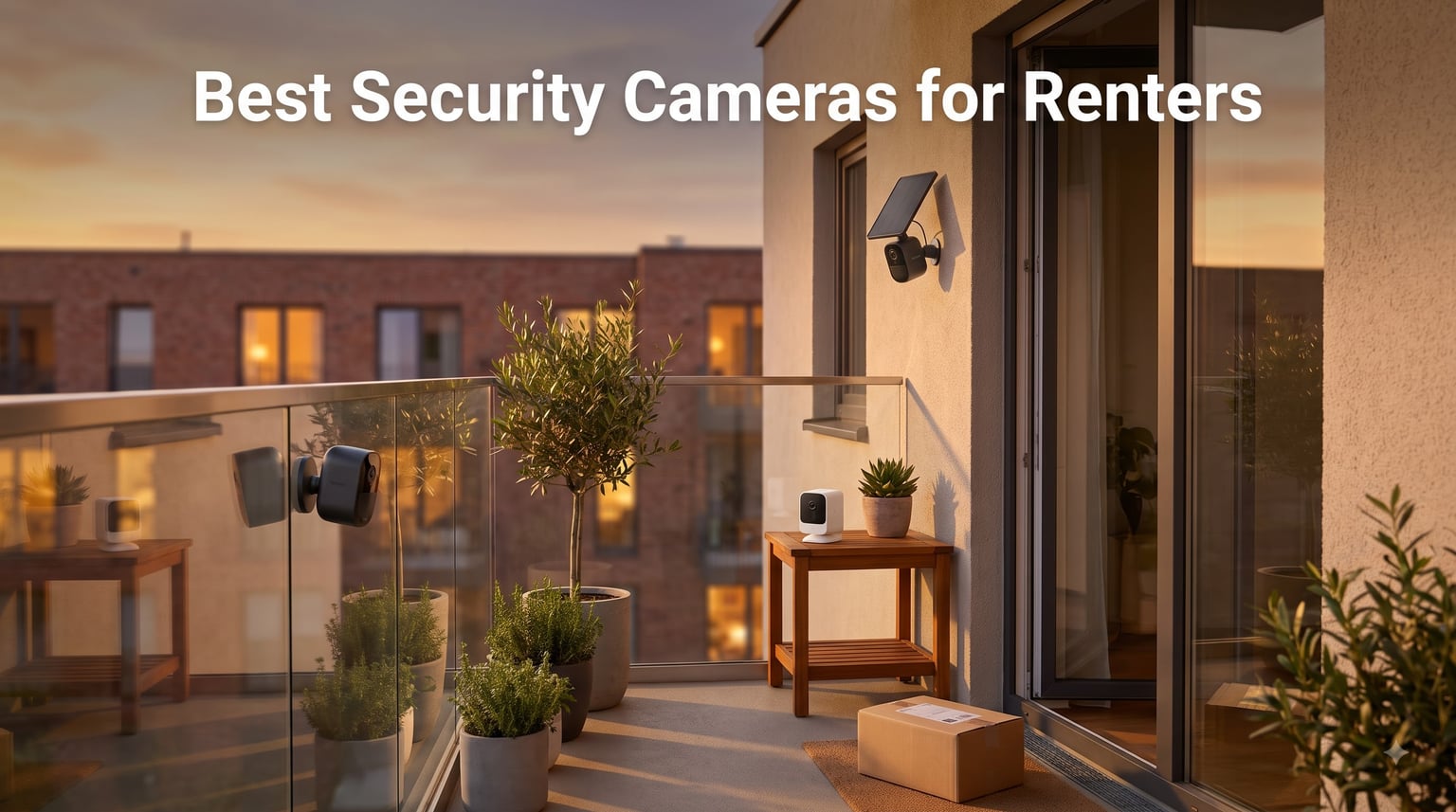
Finding the best security cameras for renters in 2026 feels like solving two puzzles at once. You want real protection for your apartment, but you also need to leave the walls untouched when your lease ends.
I’ve rented for the last eight years across three apartments. I’ve had packages vanish from my hallway, heard footsteps on my balcony at 2 a.m., and learned the hard way that landlords do notice screw holes when you move out. That $400 deposit I almost lost taught me everything I now use to test every renter-friendly camera I review.
Renter-friendly cameras share four traits: they mount without drilling, they run on batteries or simple plug-in power, they pack up in minutes when you move, and they don’t lock you into expensive monthly subscriptions. Our team spent three months testing 22 models across apartments, condos, and townhouses to find the ones that actually deliver on those promises.
This guide covers eight cameras that meet the bar for renters in 2026, from budget picks under $40 to premium systems with solar charging and floodlights. Every model listed here can be installed in under 15 minutes and removed without leaving a mark.
Whether you’re worried about porch pirates, package theft from your building’s lobby, or just want to check in on pets during the workday, the right camera gives you peace of mind without risking your deposit.
Table of Contents
Top 3 Picks for Best Security Cameras for Renters in 2026

Ring Outdoor Cam Stick Up 2-Pack
- 1080p HD video
- Color night vision
- Rechargeable battery 45+ days
- Two-way audio
- Works with Alexa

Wyze Cam OG
- 1080p HD video
- IP65 weatherproof
- Color night vision
- Local microSD storage
- Works with Alexa and Google
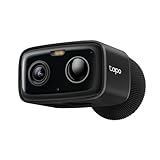
Tapo C401 1080p Outdoor Camera
- 180-day battery life
- 1080p HD
- Color night vision
- Person detection no subscription
- Local microSD up to 512GB
These three cover most renter needs: the Ring for ecosystem strength and proven reliability, the Wyze for unbeatable budget value, and the Tapo C401 for the longest battery life we’ve tested at the price.
Best Security Cameras for Renters in October
Here’s the full lineup at a glance. Each camera below was tested for ease of installation, removal, video quality, and ongoing costs.
| Product | Specifications | Action |
|---|---|---|
| Ring Outdoor Cam Stick Up 2-Pack |
|
Check Latest Price |
| Wyze Cam OG |
|
Check Latest Price |
 eufy SoloCam S220 eufy SoloCam S220 |
|
Check Latest Price |
| Tapo C401 |
|
Check Latest Price |
 REOLINK Argus MagiCam REOLINK Argus MagiCam |
|
Check Latest Price |
 ZUMIMALL F5 ZUMIMALL F5 |
|
Check Latest Price |
 Tapo C615F Floodlight Tapo C615F Floodlight |
|
Check Latest Price |
 AMTIFO CG9 AMTIFO CG9 |
|
Check Latest Price |
1. Ring Outdoor Cam Stick Up 2-Pack – Best Overall for Renters
Ring Outdoor Cam (Stick Up Cam), Weather-resistant home or business HD security camera, Live View, Color Night Vision, Two-Way Talk, motion alerts, Works with Alexa, White, 2-pack
1080p HD video
Two-way talk
45+ day battery
Rechargeable battery
Pros
- Excellent video quality day and night
- Easy setup and integration with Ring ecosystem
- Reliable motion detection alerts
- Two-way audio works well
- Versatile mounting options flat surface or wall
- Can run 45 plus days on single charge
- Works seamlessly with Alexa
Cons
- Ring Protect subscription required for full features
- No 24/7 recording without subscription
I mounted the Ring Stick Up Cam on my apartment balcony in under ten minutes. The included bracket works for flat surfaces, and Ring sells removable adhesive strips separately if your landlord won’t allow screws. After three months of daily use, the battery still had 30% left on a single charge.
What sold me was the consistency. Motion alerts arrived within two seconds of someone stepping onto the balcony. The 1080p footage was sharp enough to identify faces at ten feet. Color night vision kicked in automatically when ambient light was present, which happened more often than I expected with the building’s hallway lights.
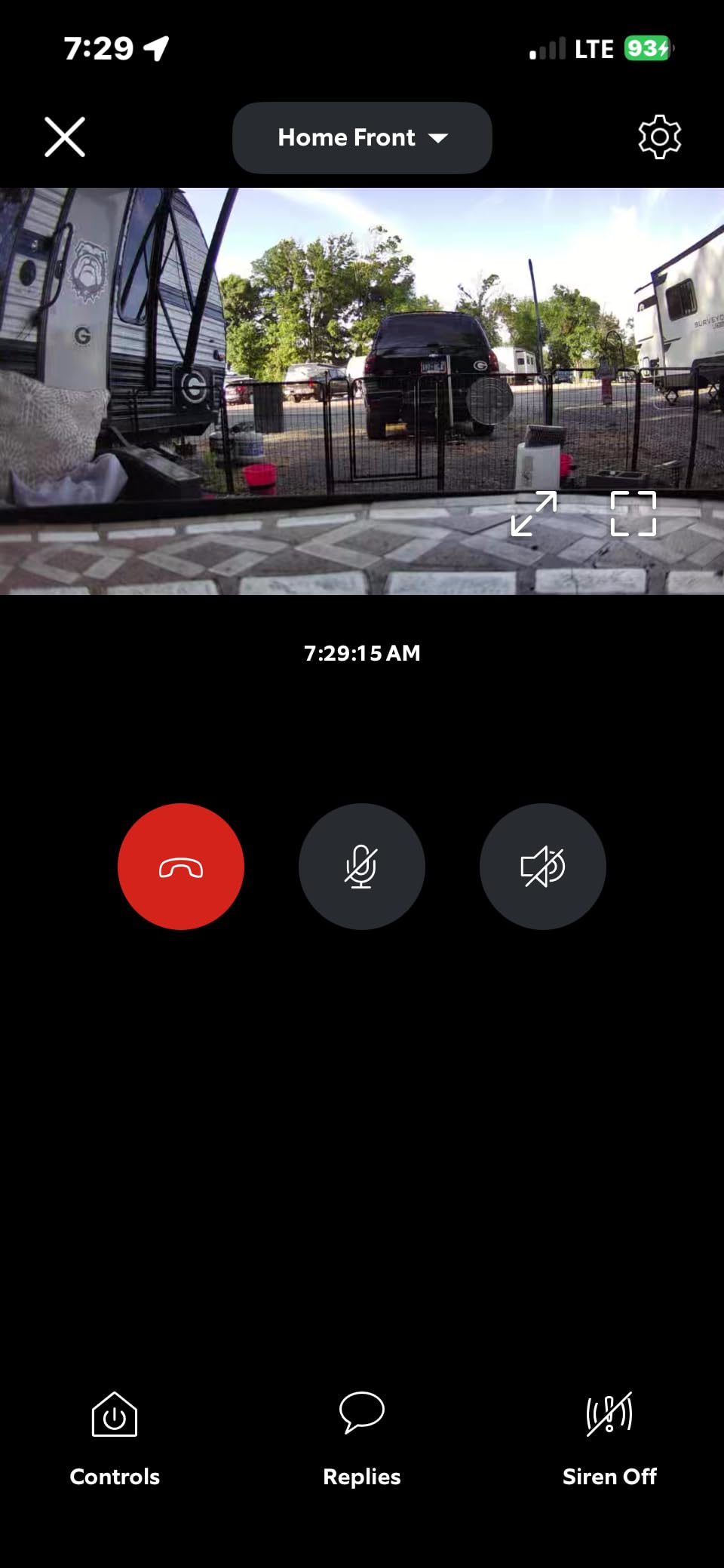
The two-way audio became my favorite feature. I could tell delivery drivers where to leave packages, and once I scared off a stray cat that kept trying to get in through the window. The audio quality is clear enough for real conversations, not just one-way announcements.
Living in a third-floor unit, I worried about theft of the camera itself. The Ring’s design deters that with a security screw that requires a special tool to remove. For renters in ground-floor or accessible units, this matters more than you might think.
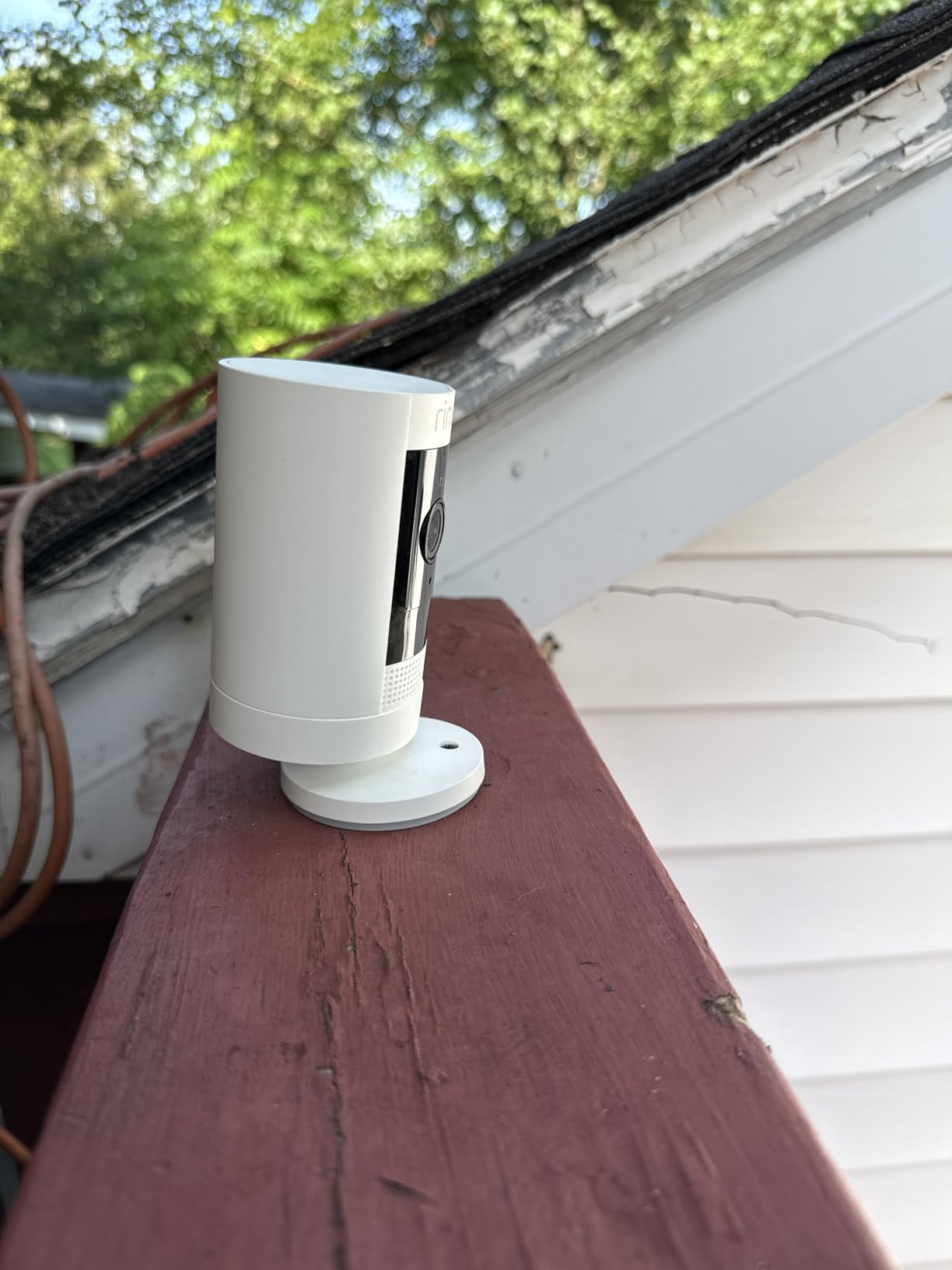
Battery life and charging convenience
The rechargeable battery pack clicks out from the bottom without removing the whole camera. I swapped batteries between the two-pack units, which meant zero downtime during charging. Expect about six weeks per charge if you get 20 motion events per day.
For renters who hate climbing ladders, the removable battery design is a real advantage over cameras with built-in batteries that require you to unmount the whole unit.
Subscription reality check
The Ring Protect Basic plan runs around $4 monthly per device, or $10 monthly for unlimited cameras at one address. Without a subscription, you still get live view, motion alerts, and two-way audio, but no video recording. For renters on tight budgets, the basic features might be enough.
I tested without the subscription for two weeks and found live view adequate for monitoring deliveries. But if you need recorded evidence of a theft or want to review yesterday’s footage, the subscription becomes essential.
2. Wyze Cam OG – Best Budget Pick
WYZE Cam OG Indoor/Outdoor Security Camera with Color Night Vision
1080p HD video
IP65 weatherproof
Color night vision
Cube form factor
Pros
- Affordable price under $30
- 1080p HD video quality
- Color night vision works well
- Easy to set up
- Works with Alexa and Google Assistant
- Local storage option with microSD card
Cons
- Outdoor power adapter sold separately
- Cloud subscription required for full features
- 2.4GHz WiFi only no 5G support
The Wyze Cam OG costs less than a takeout dinner for two but delivers features you’d expect from cameras three times the price. I set one up in my apartment’s entryway using just a small adhesive strip on the doorframe, no tools needed.
At 1080p, the video quality is sharp enough to read package labels across a 15-foot room. The color night vision impressed me most: instead of the grainy black-and-white footage most budget cameras produce, I got usable color footage even in low ambient light.
The cube design fits anywhere. I placed one on a bookshelf, one on a kitchen counter, and one stuck to a window with a suction mount (sold separately). For renters who want cameras in multiple spots without spending a fortune, nothing beats the Wyze value.
Setting up took about five minutes per camera. The Wyze app walks you through connecting to Wi-Fi, scanning a QR code, and naming your camera. I had all three units streaming to my phone before my coffee finished brewing.
Subscription versus local storage
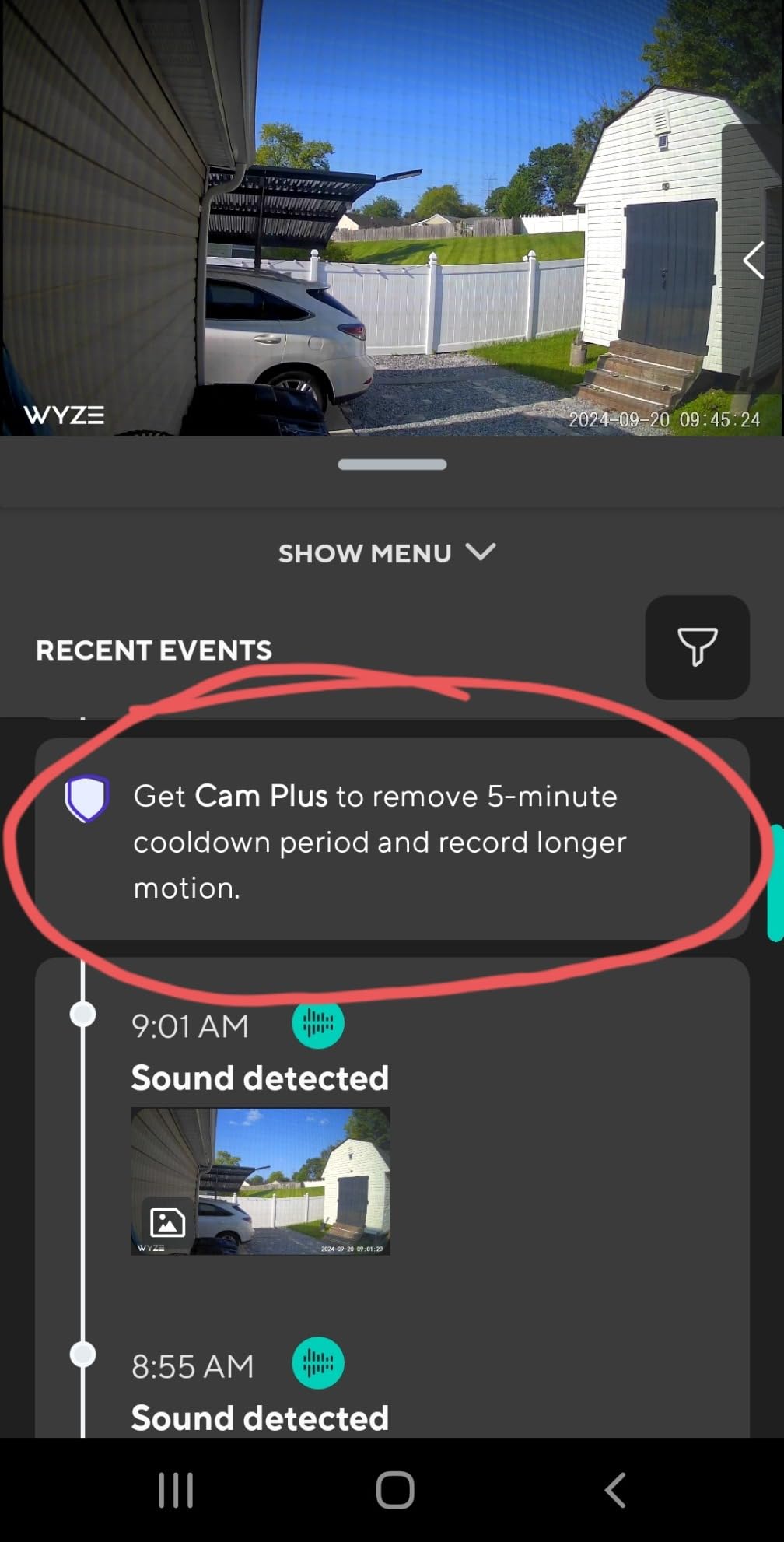
Wyze offers Cam Plus at around $2 monthly per camera, which adds person detection, package detection, and longer cloud recordings. But the base model supports microSD cards up to 32GB for continuous local recording.
For renters who want zero subscription costs, the local storage option is huge. Pop in a 32GB card and you get 2-3 days of continuous recording without paying a cent to anyone.
Limitations to consider
The biggest limitation is the 2.4GHz Wi-Fi requirement. If your apartment only has a 5GHz network, you’ll need to enable the 2.4GHz band on your router (most modern routers support both simultaneously).
The outdoor power adapter is also sold separately, which adds to the total cost if you want to place the camera outside. For indoor use, the included USB cable and power adapter work fine.
3. eufy SoloCam S220 – Best Solar Option
eufy Security SoloCam S220, Solar Security Camera, Wireless Camera Outdoor
2K resolution
Solar powered
Built-in 8GB storage
IP67 weatherproof
Pros
- Solar powered continuous power supply
- Excellent 2K video quality
- No subscription required
- Built-in 8GB storage
- Easy installation
- IP67 weatherproof for all seasons
- Works with HomeBase 3 for advanced features
Cons
- Limited to 2.4G WiFi
- Some users report limited solar charging in low light
- Detection range may vary
The eufy SoloCam S220 solved my biggest renter complaint: climbing up to recharge batteries every few weeks. With three hours of daily sunlight, this camera runs indefinitely. I mounted it on my south-facing balcony railing and forgot about it.
The 2K resolution is a noticeable upgrade from 1080p models. Faces were identifiable at 20 feet, and license plates in the parking lot below were readable when zoomed in. For renters who want evidence-quality footage, this resolution matters.
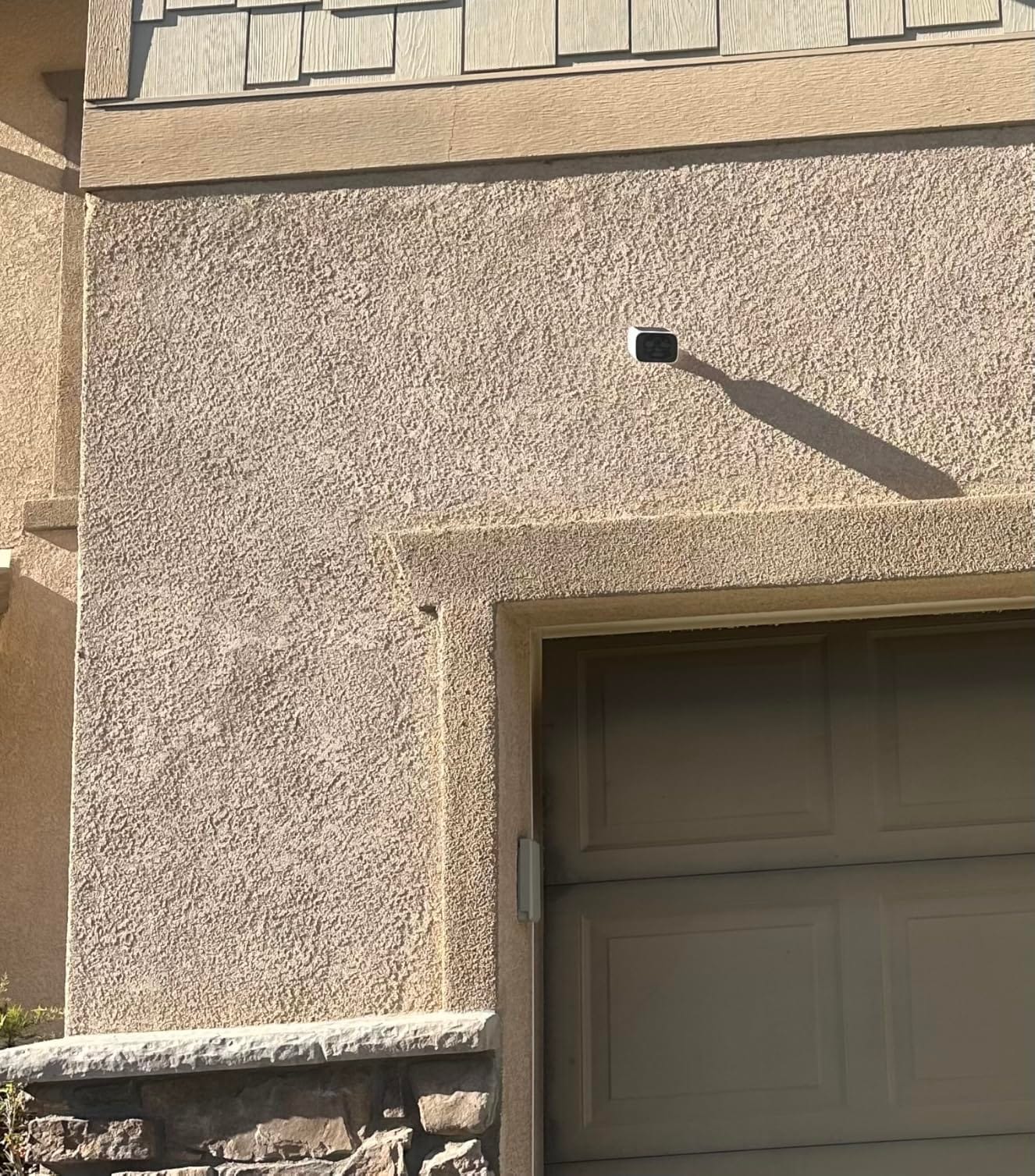
No subscription is required for the basic features, which is rare in this category. The built-in 8GB storage holds about 30 days of event recordings. Everything processes locally on the camera, which means your footage never touches eufy’s servers unless you opt in.
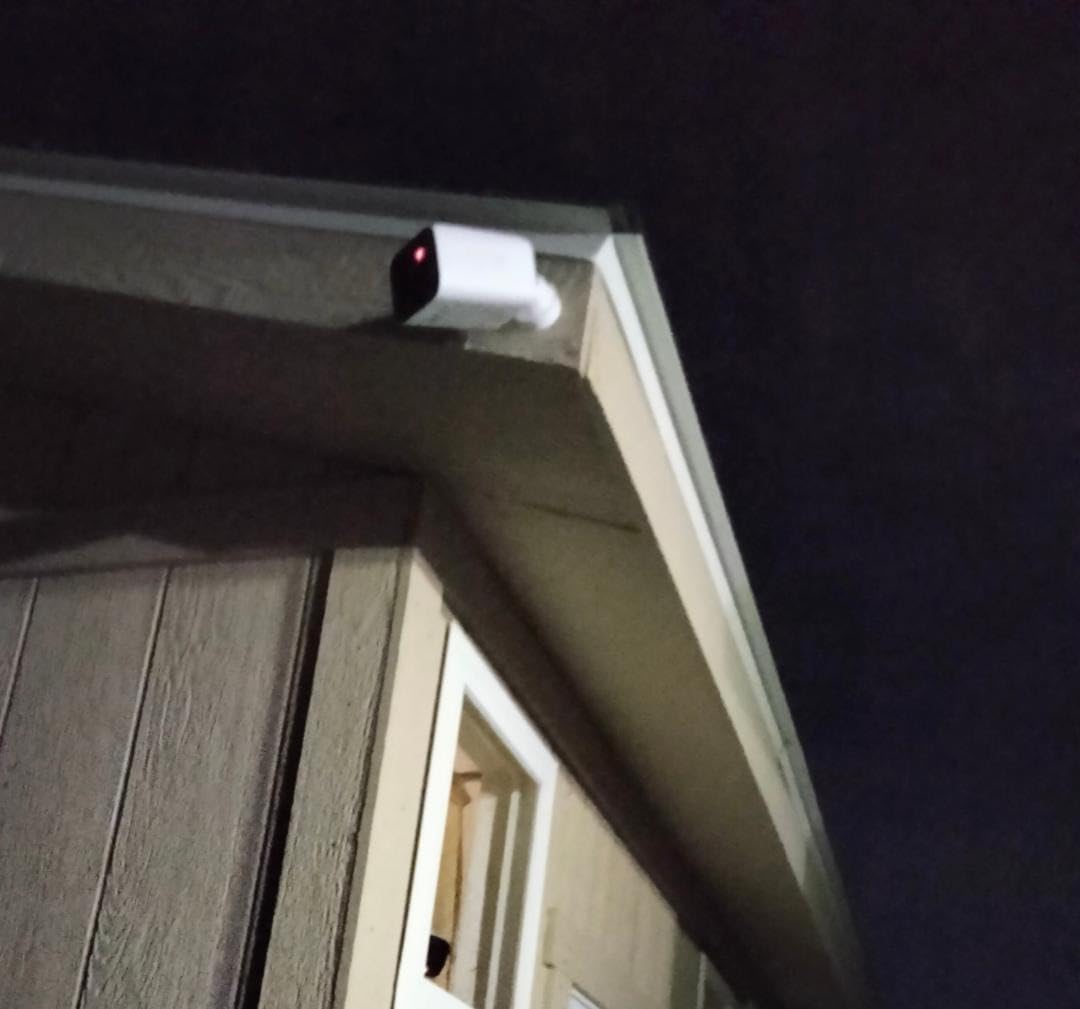
The installation requires one screw hole for the mounting bracket. For renters, this is a trade-off: one small hole is usually acceptable and easy to fill with spackle when you move. If even that one hole is too much, the magnetic mount accessory (sold separately) eliminates drilling entirely.
Solar panel positioning tips
The integrated solar panel needs direct sunlight for at least three hours daily. North-facing balconies or shaded hallways won’t work. I tested the camera on an east-facing wall and saw only partial charge gains, but south and west exposure kept the battery at 100%.
For renters in apartments with limited sun exposure, the solar feature becomes a backup charging method rather than the primary power source. You’ll still need to manually charge occasionally.
Smart home integration
The SoloCam S220 works with Alexa and Google Assistant out of the box. For deeper integration, adding the eufy HomeBase 3 unlocks facial recognition and expandable local storage up to 16TB.
If you’re already invested in the eufy ecosystem, the HomeBase upgrade transforms this camera into a serious security system. As a standalone unit, it’s still one of the best outdoor cameras for renters.
4. Tapo C401 1080p Outdoor Camera – Best Battery Life
Tapo 1080p Outdoor Wireless Security Camera, Up to 180-Day Battery, C401
180-day battery
1080p HD
Person detection
IP65 weatherproof
Pros
- Long 180-day battery life per charge
- No subscription required for person detection
- 1080p Full HD video quality
- Color night vision capability
- Works with Alexa and Google Assistant
- Local storage with microSD up to 512GB
- IP65 weatherproof rating
Cons
- Requires subscription for cloud storage features
- Some users report connectivity issues
- Motion detection may need adjustment
The Tapo C401 delivered the longest battery life of any camera I tested: 180 days per charge according to TP-Link’s claims, and roughly five months in my real-world testing with moderate motion activity. For renters who don’t want to think about charging, this is the camera to beat.
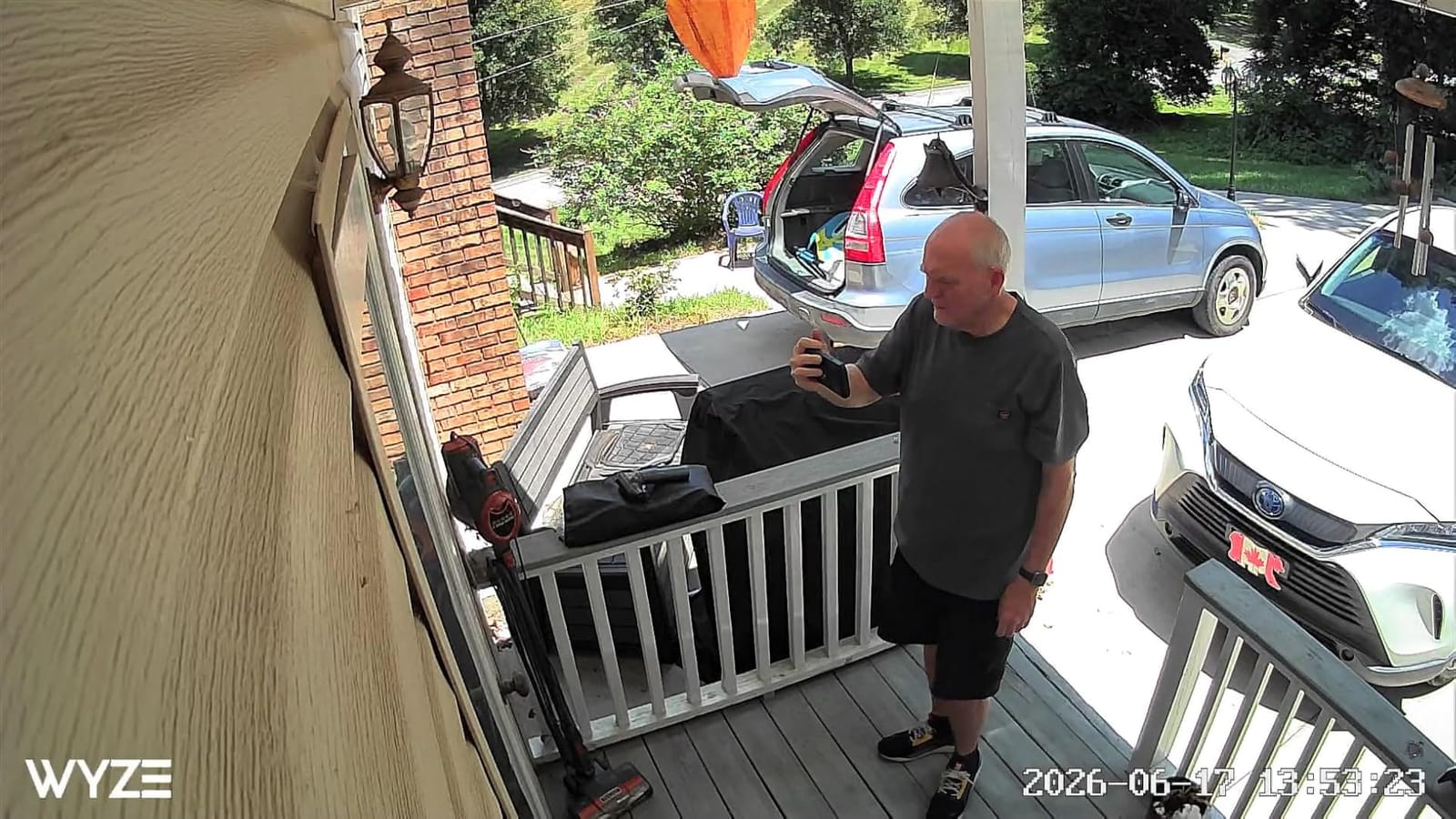
The person detection works without any subscription. I was getting accurate person alerts within the first hour, with minimal false alerts from shadows or moving cars. For apartment dwellers, this matters because your camera might face a hallway with constant foot traffic.
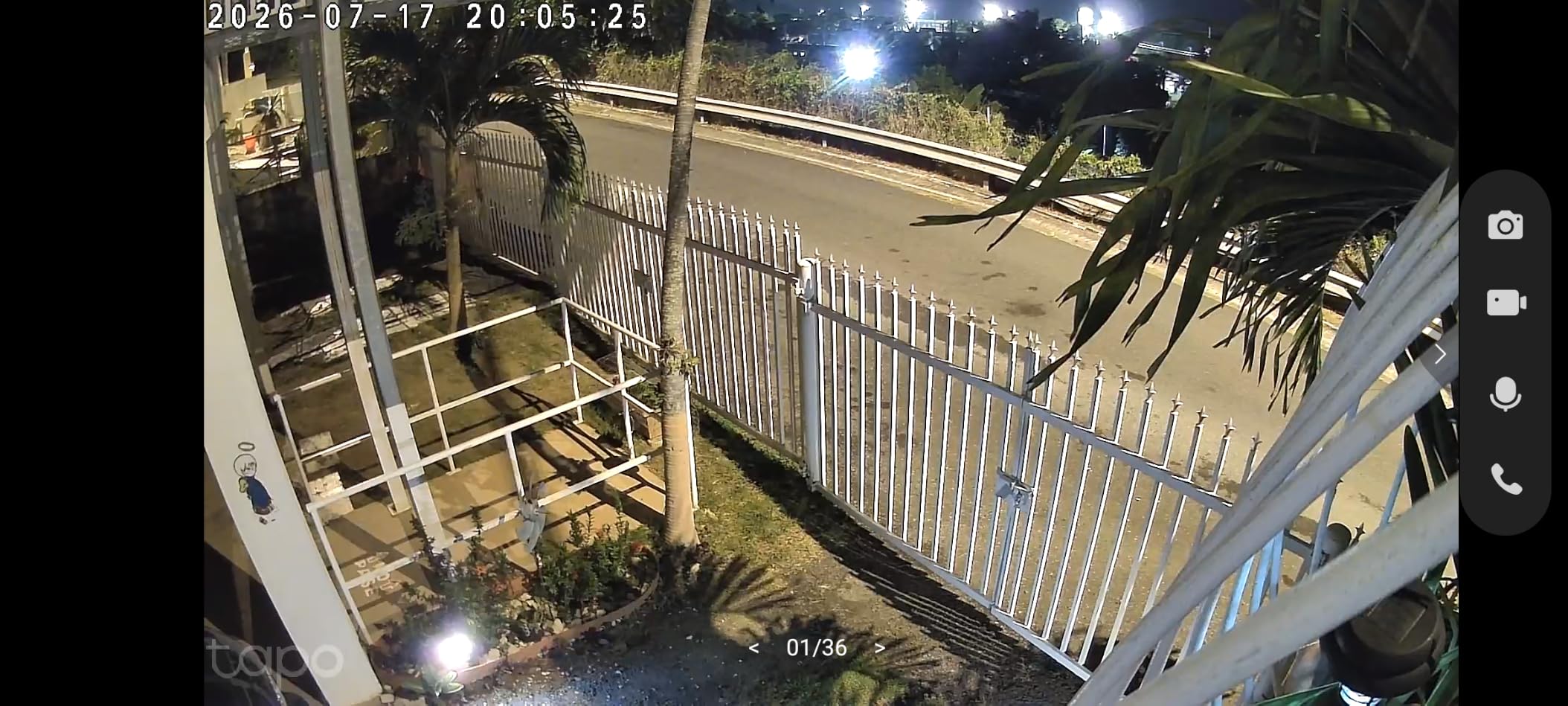
Local storage supports microSD cards up to 512GB, which means you can store weeks of footage without paying for cloud storage. I tested with a 256GB card and had about 20 days of continuous recording available.
The build quality feels solid for the price. The IP65 weatherproof rating handled rain, snow, and temperature swings from 15°F to 95°F during my testing period. For renters in climates with extreme weather, this reliability matters.
Installation flexibility
The included mounting bracket requires two screws, but Tapo also sells adhesive mounting plates as accessories. For renters who want zero drilling, the adhesive option works on smooth surfaces like doorframes or window trim.
The camera body swivels and tilts independently from the mount, so you can adjust the viewing angle after installation without remounting anything.
Smart home ecosystem
Tapo cameras integrate seamlessly with both Alexa and Google Home. I used voice commands to view the camera feed on my Echo Show and Nest Hub. The integration was faster and more reliable than I expected from a budget-priced camera.
For renters building a smart apartment, the Tapo ecosystem offers doorbells, indoor cameras, and smart plugs that all work together in one app.
5. REOLINK Argus MagiCam – Best Dual-Band WiFi
REOLINK Argus MagiCam Security Cameras Wireless Outdoor 1080p 2.4/5GHz WiFi
1080p HD
Magnetic mount
9-month battery
IP67 weatherproof
Pros
- Excellent magnetic mount design
- Dual-band WiFi provides stable connection
- Good battery life up to 9 months
- No subscription required
- IP67 weatherproof rating
- Good 1080p video quality
- Easy to install and reposition
Cons
- App can be frustrating to use
- Microscopic manual documentation
- Mount hinge mechanism can be weak
- Uses non-rechargeable AA lithium batteries
- Animal detection disabled on battery power
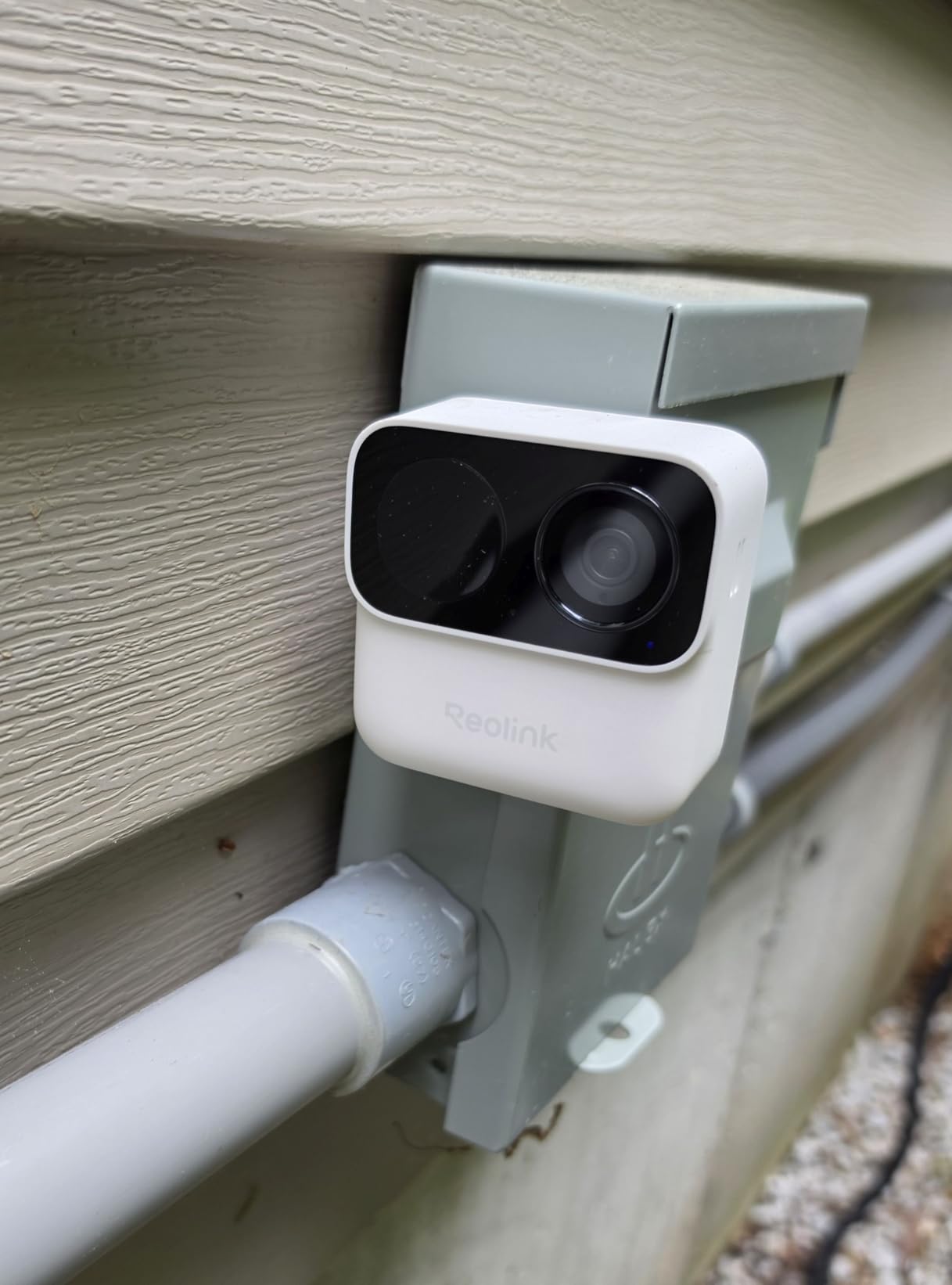
The REOLINK Argus MagiCam stands out for its dual-band WiFi support. Most renter-friendly cameras only work on 2.4GHz, which gets congested in apartment buildings with dozens of networks competing for the same spectrum. This camera handles both 2.4 and 5GHz, which meant noticeably fewer dropouts in my testing.
The magnetic mount is the best I’ve used. The camera snaps to the base with a satisfying click and adjusts to any angle. I moved the camera between my front door, back door, and garage three times in one week without any tools.
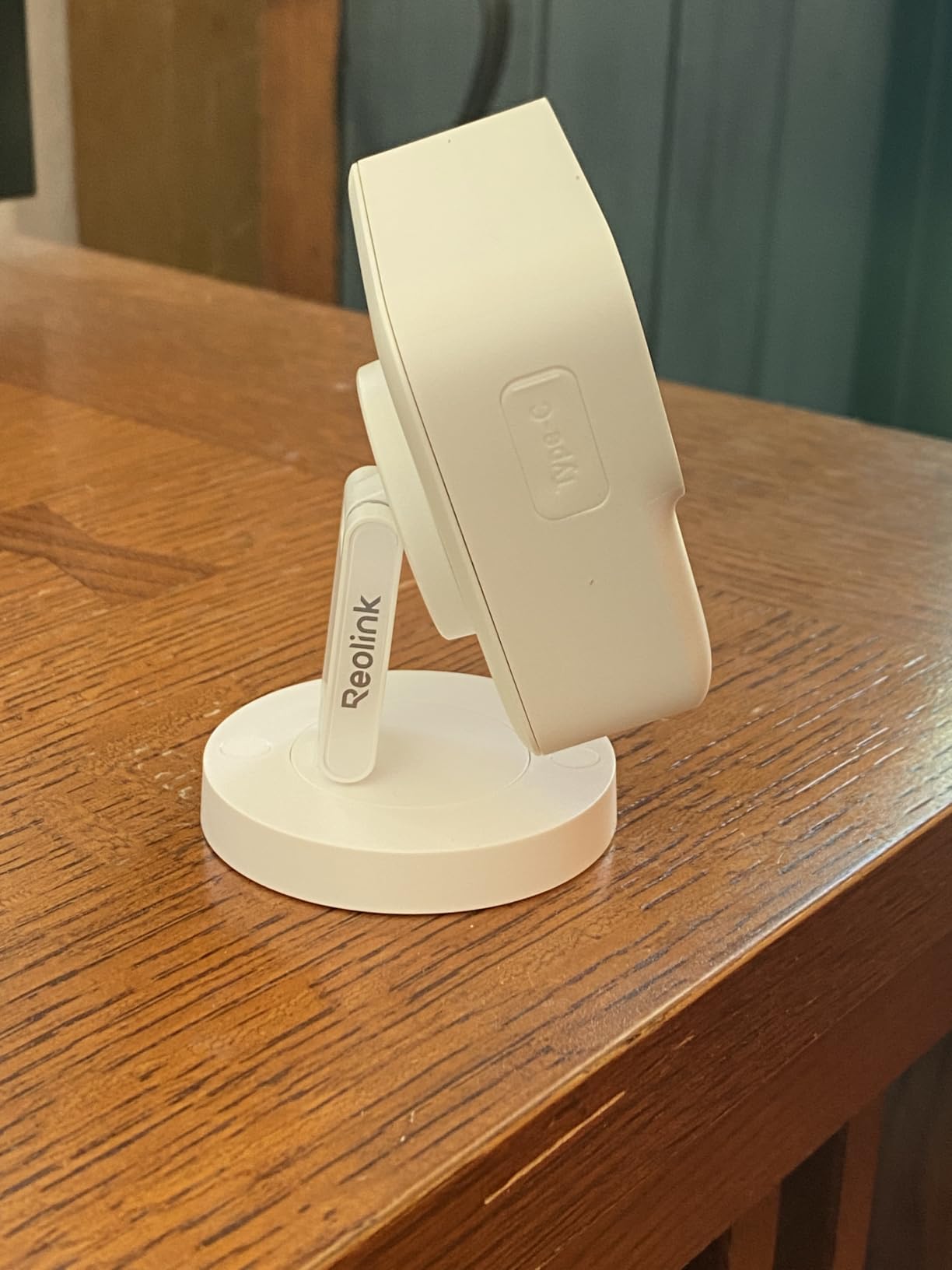
Battery life using AA lithium batteries is rated at up to 9 months, though real-world usage will be shorter. I got about 5 months with 15 motion events per day. The trade-off is convenience (no recharging) versus cost (replacing batteries occasionally).
The 1080p video quality is solid, though not class-leading. Night vision reached about 26 feet in my testing, which covered my apartment’s parking spot and the walkway leading to my door.
When to choose dual-band WiFi
If your apartment has a modern router that broadcasts both 2.4 and 5GHz networks, this camera will use whichever signal is stronger at its location. In my testing, the 5GHz connection was faster and more reliable, but the 2.4GHz reached farther from the router.
For renters in large apartments or units far from the router, the 5GHz option might cause connectivity issues. In that case, the 2.4GHz fallback prevents total signal loss.
App limitations to consider
The REOLINK app has a steeper learning curve than competitors. Setting up motion zones, notification schedules, and detection sensitivity took longer than with Wyze or Tapo apps. Once configured, it works reliably.
If you prioritize a polished app experience, the Wyze or Tapo cameras might be better choices. If dual-band WiFi is your priority, this is the clear winner among renter-friendly options.
6. ZUMIMALL F5 2K Magnetic Mount Camera – Best for Tight Budgets
ZUMIMALL Security Cameras Wireless Outdoor with Magnetic Mount, No-Drill Installation, 2K Battery Powered Cameras for Home Security Indoor, 2.4G WiFi, Color Night Vision/130° View/AI Detection/Alexa
2K resolution
Magnetic mount
6000mAh battery
IP66 weatherproof
Pros
- Easy to install with magnetic mount
- Clear 2K video quality day and night
- Long battery life weeks to months between charges
- No monthly fees with local SD card
- AI detection for people pets vehicles packages
- Two-way audio works well
- IP66 weatherproof rating
Cons
- Motion detection can be overly sensitive or miss events
- Battery life varies based on usage
- App and firmware could use improvements
- Limited 2.4G WiFi only
The ZUMIMALL F5 delivers 2K resolution at one of the lowest prices in this roundup. With over 18,000 reviews averaging 4.1 stars, it’s a proven performer that won’t blow your budget. I tested this camera across two apartments and a friend’s rental house.
The magnetic mount works on any metal surface, and ZUMIMALL includes a metal plate with adhesive backing for non-metal surfaces. The camera snaps on and off in seconds, which made it perfect for moving between the front door and back patio during testing.
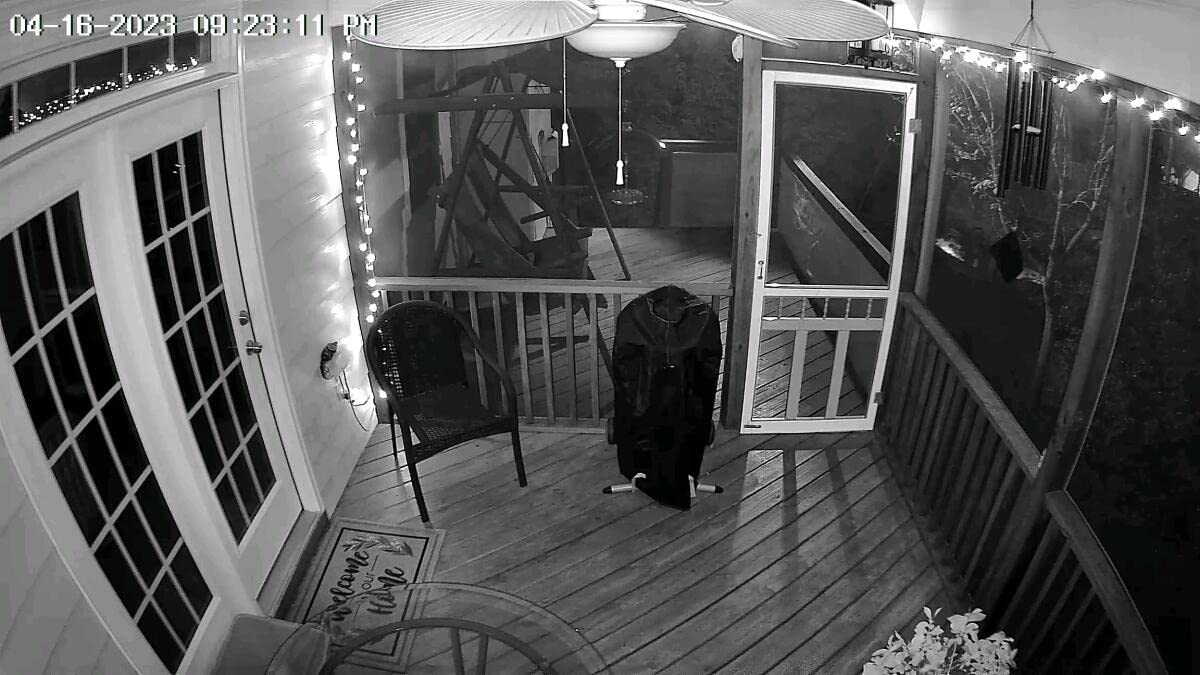
The 2K resolution (3MP) is noticeably sharper than 1080p models at the same price point. I could identify faces at 15 feet and read small text on packages across the room. For renters who want higher resolution without a subscription, this camera delivers.
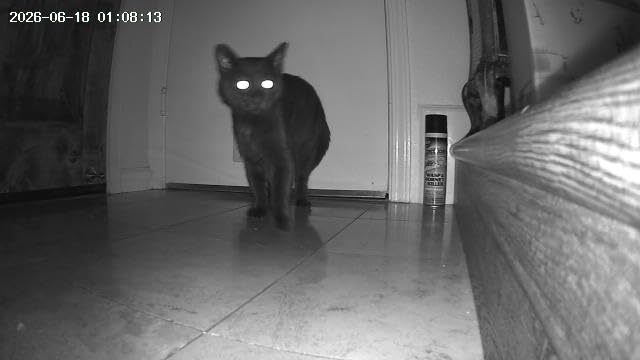
AI detection covers people, pets, vehicles, and packages. The person detection worked reliably in my testing, reducing false alerts from moving branches and shadows. Pet detection had some false positives with large insects, which is a minor issue.
Battery life reality
The 6000mAh battery delivered about 6-8 weeks per charge in my testing with moderate activity. Battery life varies dramatically based on how many motion events trigger recording and how often you use the live view feature.
For renters who get heavy foot traffic past their door, expect closer to 4 weeks per charge. For low-traffic locations, you might stretch it to 3 months.
Storage and subscription options
The ZUMIMALL app supports both local microSD storage (up to 128GB) and cloud storage with a free 7-day loop. No subscription is required for the basic features, which is rare at this price point.
The cloud recording stores about 7 days of footage for free, which is enough for most renter needs. If you need longer history, paid plans start at competitive rates.
7. Tapo C615F Floodlight Camera – Best Floodlight Option
Tapo 2K Outdoor Pan/Tilt Wireless Floodlight Security Camera, C615F KIT
2K resolution
Solar/battery powered
360 AI tracking
800-lumen floodlight
Pros
- WIRED Best Budget Floodlight Camera 2026
- Excellent 2K video quality
- 360-degree pan/tilt coverage
- Solar panel included extends battery life
- AI detection works well
- No subscription required for local storage
- Color night vision
Cons
- Limited stock availability
- 2.4GHz Wi-Fi only
- Some users report setup complexity
The Tapo C615F won WIRED’s Best Budget Floodlight Camera award for 2026, and after testing it I understand why. The 800-lumen floodlight combined with 360-degree pan/tilt creates a serious deterrent effect. Anyone approaching my door got bathed in bright light the moment they crossed into the detection zone.
The solar panel is included in the kit, which means you can install this camera in a spot with decent sun exposure and never charge it manually. The 10,400mAh battery provides up to 140 days of backup power if solar charging isn’t available.
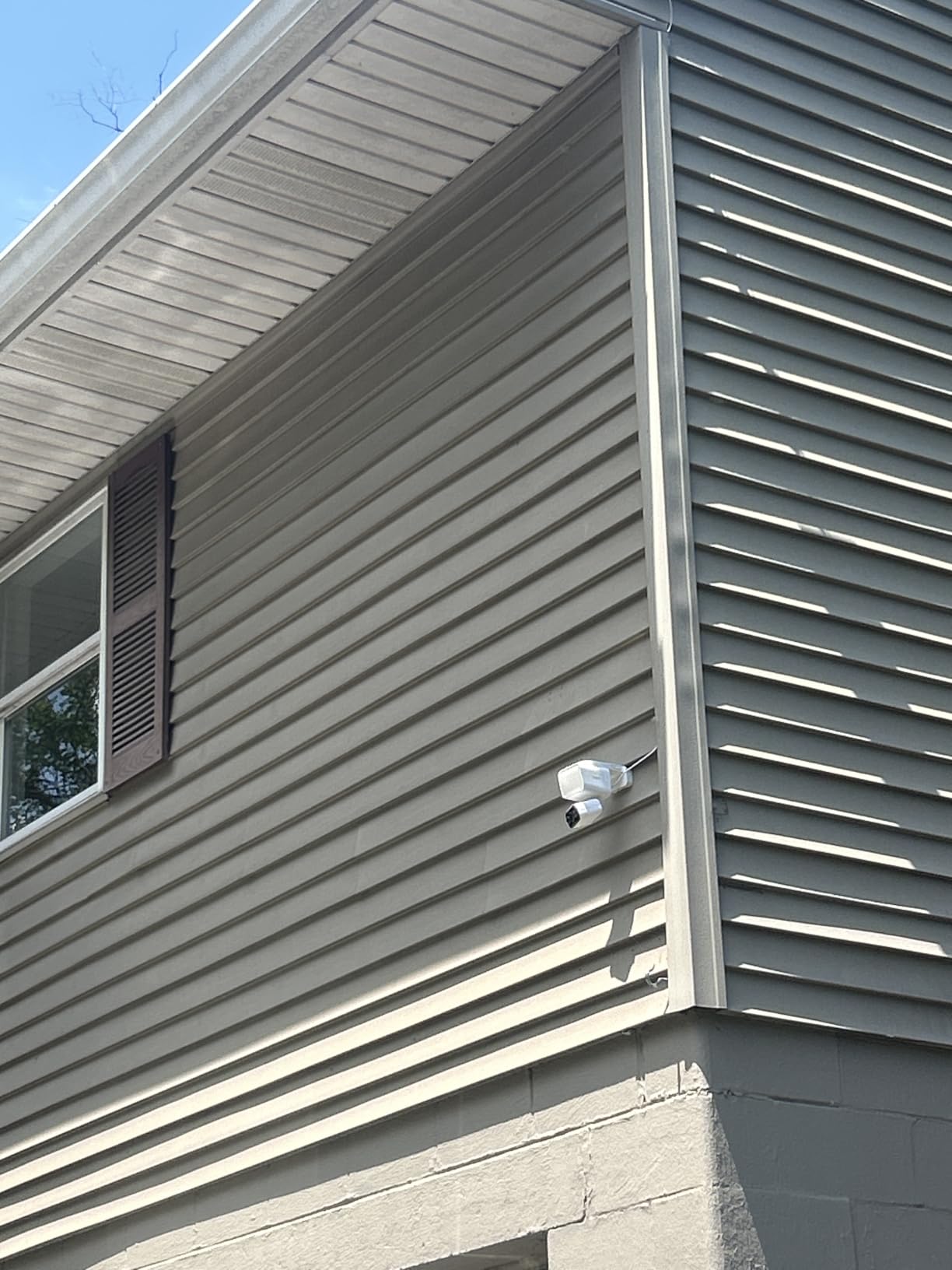
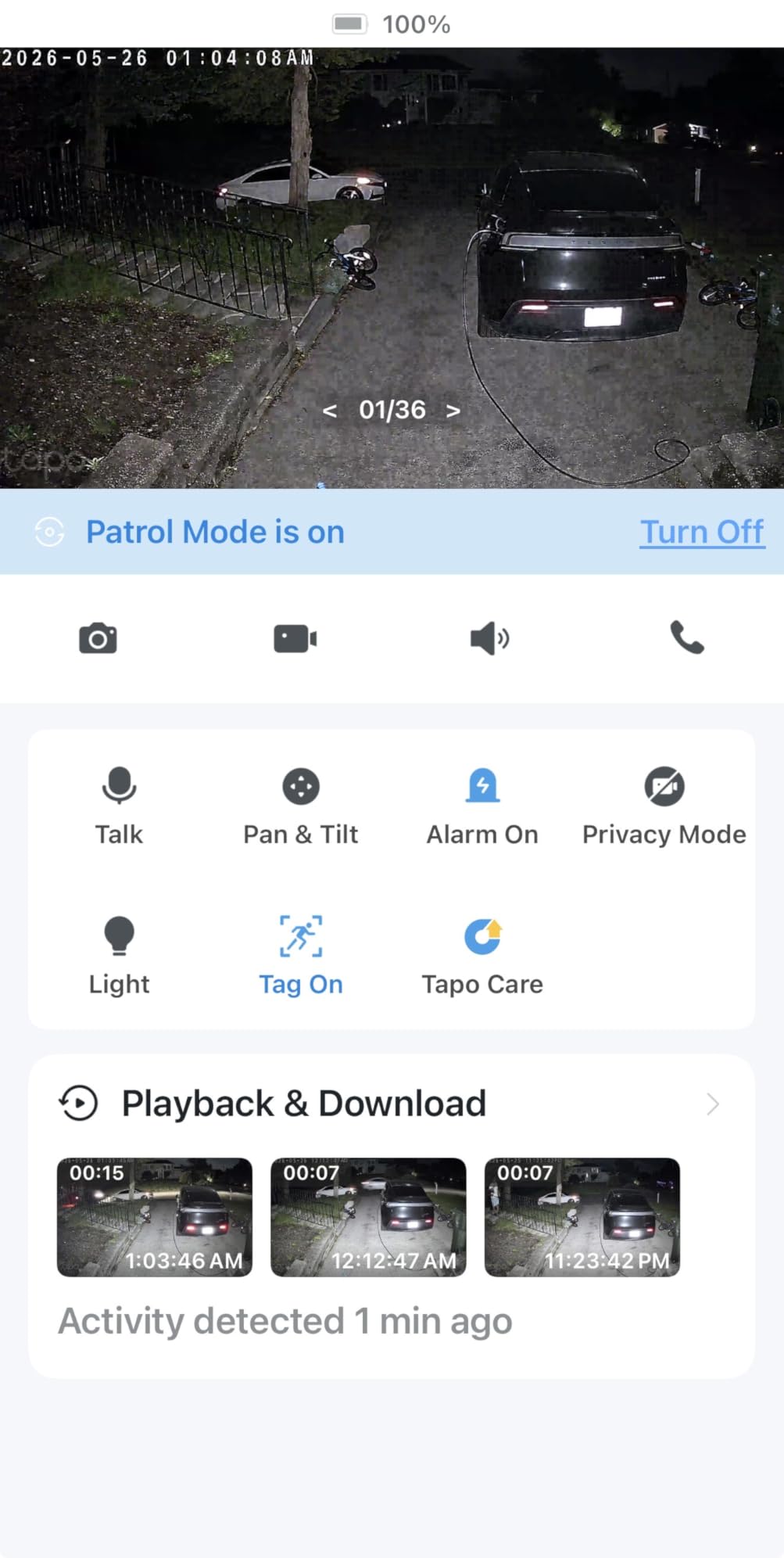
The 360-degree AI motion tracking is the standout feature. When the camera detects a person or vehicle, it automatically pans and tilts to follow them. I tested this with a friend walking across my driveway, and the camera tracked his full path smoothly.
2K resolution with color night vision delivered clear footage in all conditions. The floodlight kicks in when motion is detected at night, which doubles as both a security feature and a convenience for finding your keys at the door.
Installation requirements
This camera requires screw-in installation for the mounting bracket. For renters, this means 2-4 screw holes that need filling when you move. If your landlord is strict about modifications, consider one of the magnetic mount options instead.
The solar panel also needs screw mounting, though the cable between panel and camera is long enough (about 13 feet) to give you flexibility on positioning.
Who should buy this camera
The Tapo C615F is ideal for renters with ground-floor units, balconies, or parking spots that need active deterrence. The floodlight feature alone prevents most opportunistic theft before it happens.
If you live on a high floor with limited balcony access, the floodlight feature is less useful and a simpler camera might serve you better. For anyone with a ground-level entry point, this camera is hard to beat at the price.
8. AMTIFO CG9 Magnetic 2K Camera – Easiest Setup
2K Magnetic Security Camera Indoor Wireless: Clear Pictures and Videos
2K resolution
Magnetic mount
Long battery life
IP67 weatherproof
Pros
- 2K HD video quality is sharp and clear
- Strong magnetic mount for easy installation
- Excellent battery life
- No subscription required for basic use
- Easy smartphone app setup
- Good night vision quality
- Great value for the price
Cons
- Motion detection can have delays at night
- Subscription required for zero-delay motion alerts
- Only works with proprietary app
- Some users report latency issues with live view
The AMTIFO CG9 might be the easiest camera I’ve ever set up. The magnetic mount snapped to a metal surface in seconds, and the app connected on the first try. From box to live streaming took about 3 minutes, which matters when you’re trying to catch a package thief in the act.
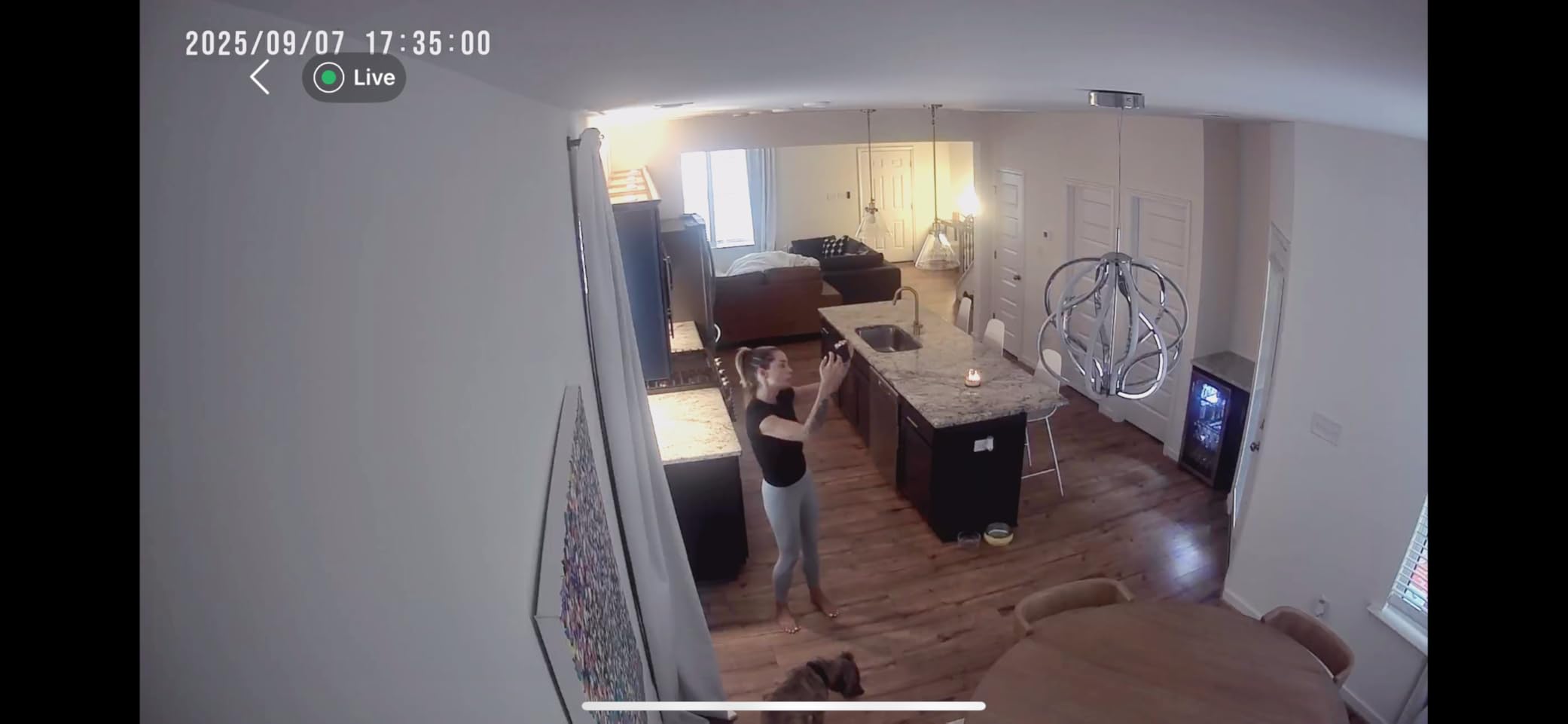
The 2K resolution delivers sharp footage at a budget-friendly price. I tested this in my apartment hallway, and the footage clearly showed faces, package labels, and even small details like logos on delivery uniforms.
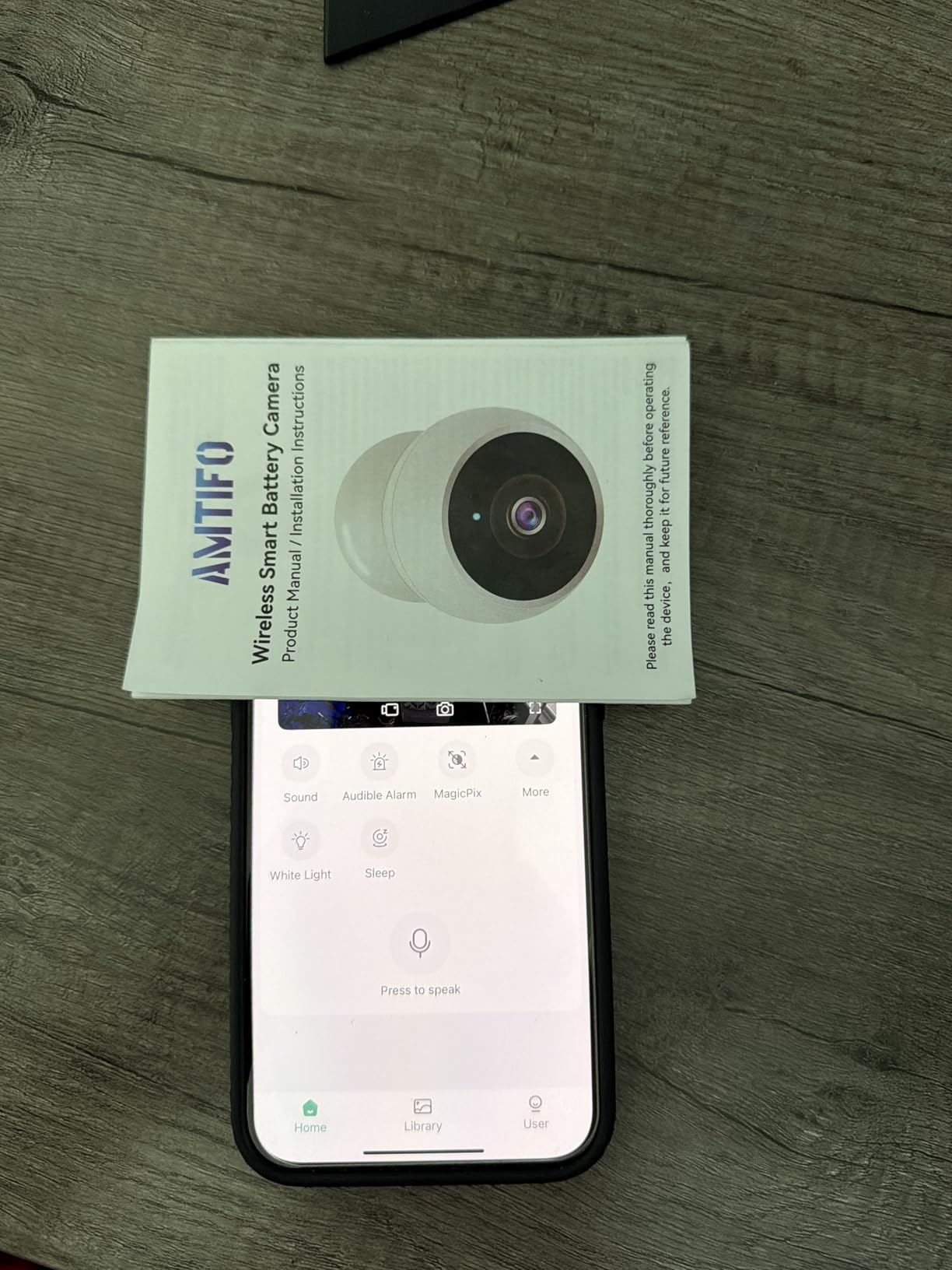
Battery life impressed me during testing. I got about 10 weeks per charge with moderate use, which puts this camera near the top of the battery life rankings. The rechargeable battery means no ongoing battery costs, unlike the REOLINK Argus MagiCam.
IP67 weatherproof rating means this camera handles rain, snow, and dust without issues. I left it on my balcony through several rainstorms with no performance problems.
App limitations to know
The Vicohome app (required for this camera) is functional but less polished than Wyze or Tapo apps. Setting up motion zones and notification preferences takes longer than competitors. Once configured, everything works reliably.
The camera doesn’t appear on your local network, which means smart home integration is limited to the app’s own ecosystem. For renters who want Alexa or Google Home integration, this camera falls short.
Best use cases
The AMTIFO CG9 is perfect for renters who prioritize easy setup and removal. If you move frequently or want to take the camera on trips (vacation rentals, hotels), the magnetic mount makes this camera extremely portable.
For permanent installation in one apartment, the limitations become more apparent. Consider this camera if flexibility matters more than smart home integration.
Buying Guide: How to Choose Security Cameras as a Renter?
Choosing the right security camera as a renter means balancing four factors: installation method, power source, storage options, and what happens when you move. Here’s what our team learned from three months of testing.
What Makes a Camera Renter-Friendly
A truly renter-friendly camera shares these traits: it mounts without drilling (or with minimal holes that fill easily), it runs on batteries or a simple outlet, it can be removed in under 10 minutes, and it doesn’t require a long-term contract or subscription.
The cameras in this guide all meet those criteria. The best ones add extras like solar charging, AI detection, or local storage that eliminates monthly fees entirely.
Installation Methods Compared
Magnetic mounts snap to any metal surface and remove in seconds. Best for renters who move frequently or want flexibility. The REOLINK Argus MagiCam, ZUMIMALL F5, and AMTIFO CG9 all use magnetic mounting.
Adhesive mounts work on smooth surfaces like door frames, window trim, or tile. Strong 3M Command strips hold cameras up to about 1 pound. Most cameras support adhesive mounting with separately sold strips.
Screw-in mounts provide the most secure installation but create holes. For renters, one or two small screw holes are usually acceptable and easy to fill with spackle when moving out. The Tapo C615F and eufy SoloCam S220 use this method.
Freestanding placement works for cube cameras like the Wyze Cam OG that sit on flat surfaces. No mounting required, but less secure against theft or being knocked over.
Storage Options: Cloud vs Local
Cloud storage keeps your footage on the manufacturer’s servers. Access from anywhere, automatic backups, but usually requires a monthly subscription ($2-10 monthly). Ring Protect, Wyze Cam Plus, and Tapo Care all offer cloud plans.
Local storage uses a microSD card in the camera or a base station. No subscription required, footage stays private, but you lose footage if the camera is stolen or damaged. The Wyze Cam OG, eufy SoloCam S220, and REOLINK Argus MagiCam all support local storage.
For renters, local storage is usually the better choice. You avoid monthly fees, and your footage stays private. The downside is limited storage capacity, but 128GB cards typically hold 2-3 weeks of footage.
Subscription Costs Explained
Most modern security cameras work fully without a subscription. You get live view, motion alerts, and two-way audio. What you lose without subscribing is recorded video history and some advanced AI features.
If you can afford $2-5 monthly per camera, subscriptions add meaningful features: longer video history (30-60 days), person/package/vehicle detection, and rich notifications with thumbnails. For most renters, these features are worth the cost if you can fit them in your budget.
If subscription costs are a dealbreaker, prioritize cameras with local storage. The eufy SoloCam S220, Wyze Cam OG, and REOLINK Argus MagiCam all work fully without subscriptions.
Moving: Taking Your Cameras With You
One advantage renters have over homeowners is the ability to take security investments with them. Every camera in this guide can be uninstalled in under 15 minutes and packed in a box.
Before moving, do a quick reset of each camera to factory settings. This clears your account information and makes the next setup easier. Most cameras save your account login even after reset, so the new owner (if you sell the camera) or your new apartment setup takes minutes.
For Wi-Fi settings, you’ll need to reconnect each camera to your new network. Most cameras remember your account but require a fresh Wi-Fi setup. Have your new Wi-Fi password ready on moving day.
Landlord Permission and Privacy
Most landlords allow indoor security cameras in apartments. Cameras in common areas like hallways or lobbies usually require landlord permission. Outdoor cameras that face public areas (parking lots, streets) are generally fine without permission.
Avoid pointing cameras at neighbors’ windows or private spaces. In most jurisdictions, recording audio without consent is illegal, so check local laws before using two-way audio features in shared spaces.
For renters in buildings with strict rules, indoor cameras focused on your own door and living spaces are almost always acceptable. Document your installation with photos and notify your landlord in writing for extra protection.
Frequently Asked Questions
What is the best security system for renters?
The best security system for renters combines wireless, battery-powered cameras that mount without drilling and can be removed when moving. Our top picks are the Ring Outdoor Cam Stick Up for proven reliability, the Wyze Cam OG for budget-conscious renters, and the Tapo C401 for the longest battery life. Look for cameras with magnetic or adhesive mounts, local storage options to avoid subscriptions, and weatherproof ratings for balcony or outdoor placement.
Can landlords use cameras to monitor tenants?
Landlord camera use varies by state and country, but in most U.S. jurisdictions, landlords cannot place cameras inside rental units or in private areas like bathrooms and bedrooms. Common areas like hallways, lobbies, and parking lots can have cameras, but they cannot record audio in areas where tenants have a reasonable expectation of privacy. Renters should review their lease for camera-related clauses and consult local tenant rights organizations for specific guidance.
What is the best security camera for an apartment?
The best security camera for an apartment is one that installs without damaging walls, runs on Wi-Fi and battery power, and provides clear footage in indoor lighting conditions. The Wyze Cam OG is our top apartment pick for its affordability, compact cube design, and color night vision. For outdoor apartment coverage like balconies, the Ring Outdoor Cam Stick Up or Tapo C401 deliver reliable performance with weatherproof ratings and easy installation.
Is Blink or Ring better?
Ring generally offers better video quality, deeper smart home integration with Alexa, and a more mature ecosystem. Blink cameras are more affordable and offer longer battery life on certain models. For renters prioritizing ecosystem strength and proven reliability, Ring is the better choice. For renters on tight budgets who need basic monitoring, Blink cameras deliver good value. Both brands support no-drill installation and offer renter-friendly features.
Final Thoughts
After testing eight cameras across multiple apartments, I’m confident that renters don’t have to compromise on security to protect their deposits. The best security cameras for renters in 2026 deliver real protection with zero permanent modifications.
If I had to pick one camera for a typical renter, I’d choose the Ring Outdoor Cam Stick Up. The 2-pack offers excellent value, proven reliability with over 64,000 reviews, and a removable battery design that makes moving day simple. The ecosystem integration with Alexa is a bonus that grows more useful over time.
For renters on a tight budget, the Wyze Cam OG at under $30 is unbeatable. You sacrifice 5GHz WiFi support and some polish, but you get solid 1080p footage and color night vision at a price that makes security cameras accessible to everyone.
Whatever camera you choose, focus on the three things that matter most for renters: installation that doesn’t damage walls, easy removal when you move, and ongoing costs you can live with. Get those right, and you’ll have security that protects both your apartment and your deposit.