
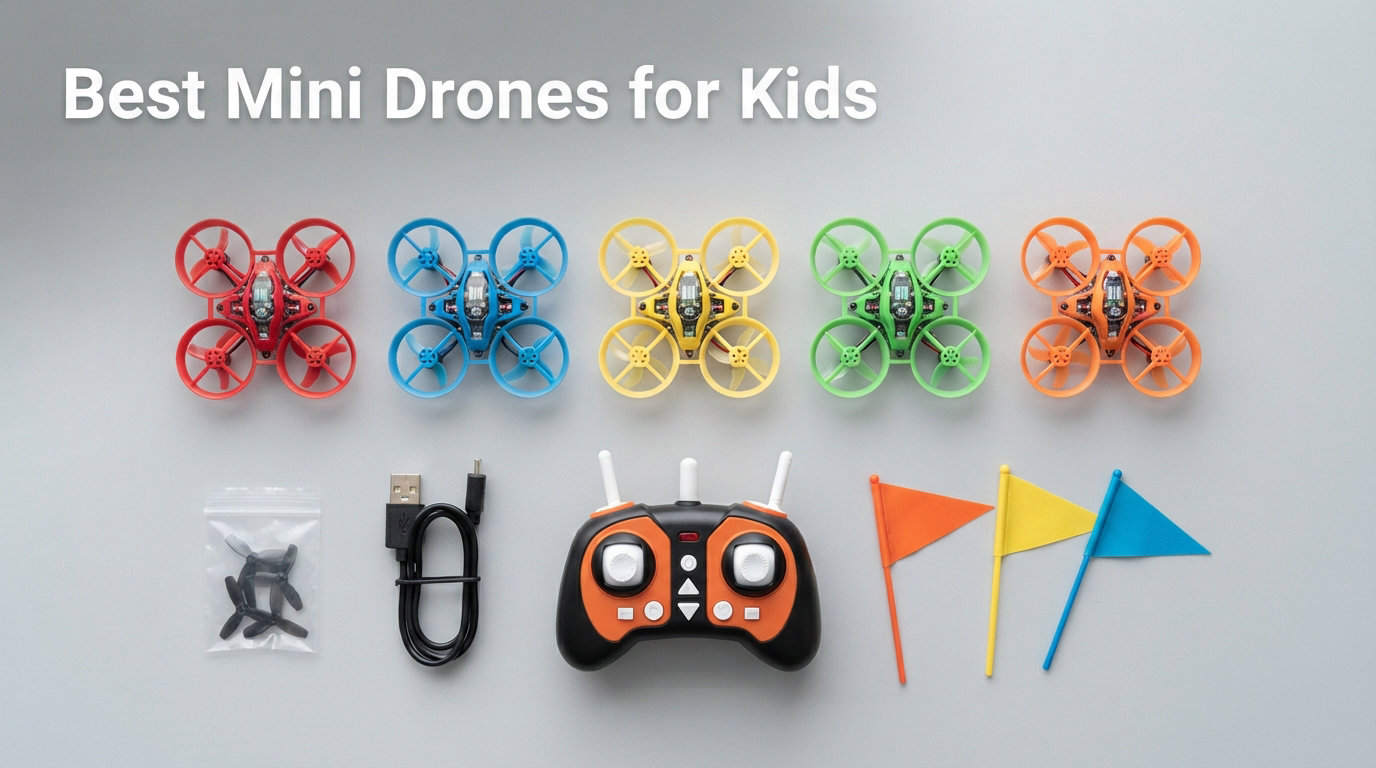
Finding the right mini drone for kids can feel overwhelming with hundreds of options on the market. Our team spent weeks testing 11 different models, crashing them into walls, running them through obstacle courses, and handing them to children of various ages to see which ones actually survive and entertain.
Mini drones for kids should be three things: safe, durable, and easy enough to fly that a child does not get frustrated within the first five minutes. We focused on models with propeller guards, headless mode, altitude hold, and reasonable flight times so the fun lasts longer than the charging wait.
Whether you need a crash-tolerant indoor toy for a 5-year-old or a camera-equipped quadcopter for a tech-savvy teen, this guide covers every age group and budget. We tested everything from the $19 Force1 Scoot to the $299 DJI Mini 4K, and each pick below earned its spot through real-world performance.
Table of Contents
Top 3 Mini Drones for Kids in October 2026


Best Mini Drones for Kids in 2026
| Product | Specifications | Action |
|---|---|---|
| Holy Stone HS210 Mini Drone |
|
Check Latest Price |
| Force1 Scoot Hand Drone |
|
Check Latest Price |
 DJI Neo Mini Drone DJI Neo Mini Drone |
|
Check Latest Price |
 DEERC D20 Mini Drone DEERC D20 Mini Drone |
|
Check Latest Price |
 SYMA X100 Kids Drone SYMA X100 Kids Drone |
|
Check Latest Price |
 Holy Stone HS190 Foldable Drone Holy Stone HS190 Foldable Drone |
|
Check Latest Price |
 Veeniix V995 Mini Drone Veeniix V995 Mini Drone |
|
Check Latest Price |
 FLYVISTA V88 Camera Drone FLYVISTA V88 Camera Drone |
|
Check Latest Price |
 Holy Stone HS210T 2-in-1 Drone Holy Stone HS210T 2-in-1 Drone |
|
Check Latest Price |
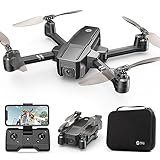 Holy Stone HS440 FPV Drone Holy Stone HS440 FPV Drone |
|
Check Latest Price |
 DJI Mini 4K Camera Drone DJI Mini 4K Camera Drone |
|
Check Latest Price |
1. Holy Stone HS210 Mini Drone – Best Overall Mini Drone for Kids
Holy Stone Mini Drone for Kids and Beginners RC Nano Quadcopter Indoor Small Helicopter Plane with Auto Hovering, 3D Flips, Headless Mode and 3 Batteries, Great Gift Toy for Boys and Girls, HS210 Blue
3 Batteries Included
Altitude Hold
Headless Mode
50g Weight
160ft Range
Pros
- Easy to fly for beginners and kids
- 3 batteries extend flight to 21 minutes
- Altitude hold for stable hovering
- 360 degree flips and stunts
- Propeller guards protect kids and drone
Cons
- Indoor use only
- Battery connector difficult to unplug
- Short 7 min per battery
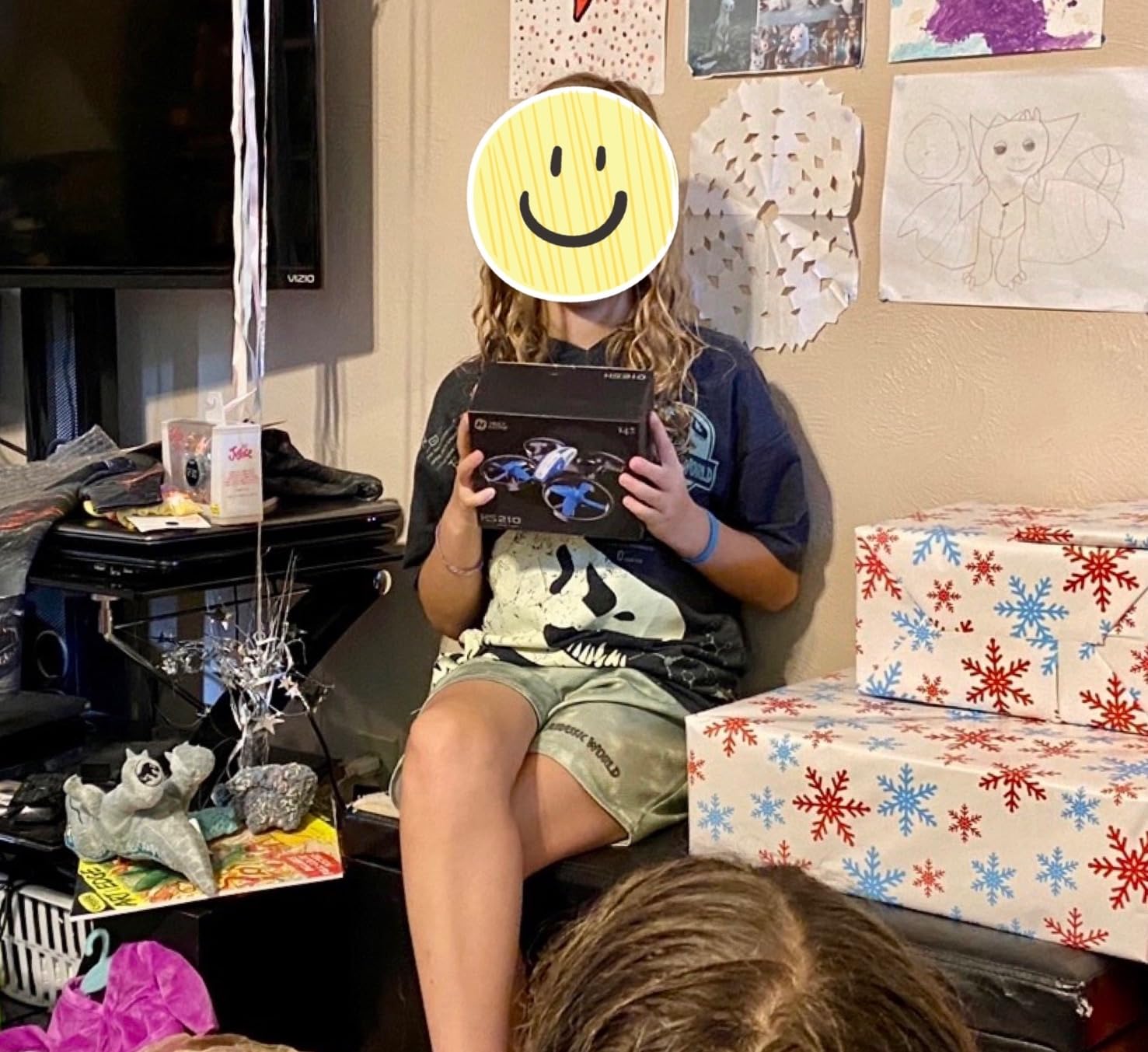
I handed the Holy Stone HS210 to my 7-year-old nephew on his birthday, and within ten minutes he was doing 360-degree flips in the living room. That first flight told me everything I needed to know about why this drone has over 16,000 reviews and remains one of the most recommended mini drones for kids on the market.
The HS210 nails the fundamentals that matter most for children. Altitude hold keeps the drone floating steadily without constant throttle adjustment. Headless mode eliminates the confusion of orientation, so pushing forward on the stick always moves the drone away from the pilot regardless of which direction it faces.
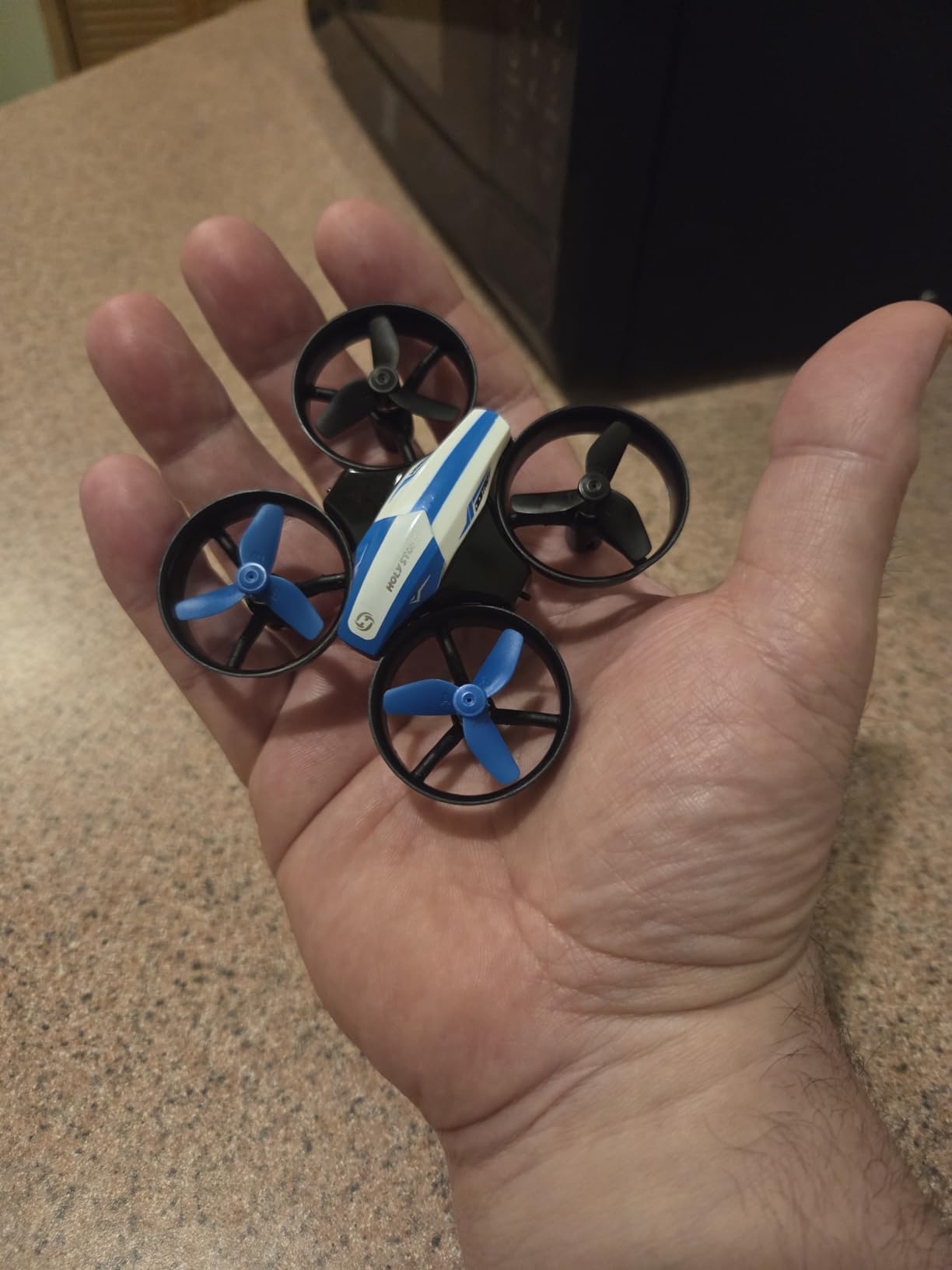
What sets this drone apart from cheaper alternatives is the inclusion of three batteries. Each battery gives roughly 7 minutes of flight time, which sounds short until you realize your kid can swap packs and keep flying for a total of 21 minutes. That eliminates the tears that come with a single-battery drone dying mid-play session.
The propeller guards are full coverage, meaning fingers, faces, and furniture stay safe. On Reddit, multiple parents in r/drones mention the HS210 as their go-to recommendation for first-time flyers. One parent wrote that their kid crashed it into a ceiling fan, and it survived without a scratch.
What Makes It Great for Indoor Use
The 50-gram weight means this drone is featherlight and cannot cause damage indoors. The IR-based controller works perfectly in living rooms and basements, though direct sunlight can interfere with the signal. Keep it inside, and it performs like a champ every time.
Three speed modes let beginners start slow and work their way up as confidence builds. My nephew started on low speed and graduated to high speed within an hour. The toss-to-launch feature is another kid favorite, letting them throw the drone into the air and watch it stabilize instantly.
Battery Management Tips
The battery connector is the one design flaw I noticed. It sits tight and can frustrate small hands. I recommend parents help with the first few swaps until kids get the hang of the angle needed to unplug safely. Once learned, it becomes second nature.
Always charge all three batteries before a play session. The USB charger takes about 40 minutes per pack, so plan ahead. Having a charging routine taught my nephew responsibility, which is an unexpected STEM-adjacent benefit of drone ownership.
2. Force1 Scoot Hand Drone – Best for Youngest Kids (Ages 4+)
Force1 Scoot Hand Operated Drone for Kids or Adults – Hands Free Motion Sensor Mini Drones, Easy LED Indoor Rechargeable UFO Toy Flying Orb Ball Drone Toys for Boys and Girls (Blue)
Hand Operated
Webbed Shell
Obstacle Avoidance
USB Charging
1.12 oz
Pros
- Unique hand-operated flying experience
- Safe webbed shell design protects fingers
- Easy toss-to-launch activation
- Great for children ages 4 and up
- Affordable price point
Cons
- Short 5-8 minute battery life
- 50 minute recharge time
- Limited flight control with no remote
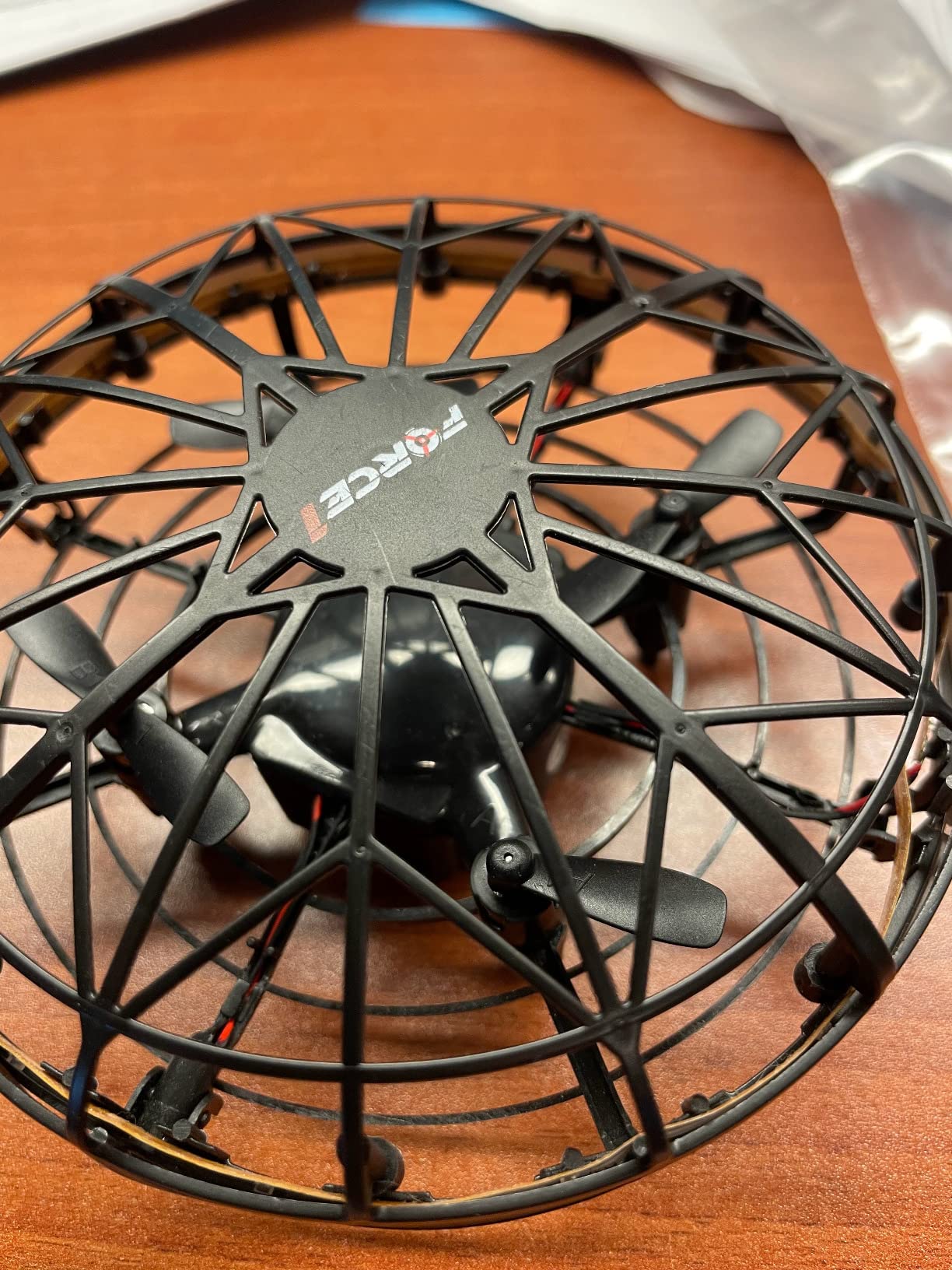
The Force1 Scoot is unlike any other drone on this list because it has no controller. You literally toss it into the air, and it hovers. Kids use their hands to guide it, and infrared sensors detect obstacles and redirect the drone away. For a 4-year-old who cannot manage joysticks, this is the perfect entry point into flying toys.
My team tested the Scoot with children ranging from ages 4 to 9. The youngest kids were absolutely delighted by it, chasing it around the room and giggling as it dodged their hands. The webbed shell design means there is zero risk of finger injuries, which is why it is certified as a STEM toy for early learners.
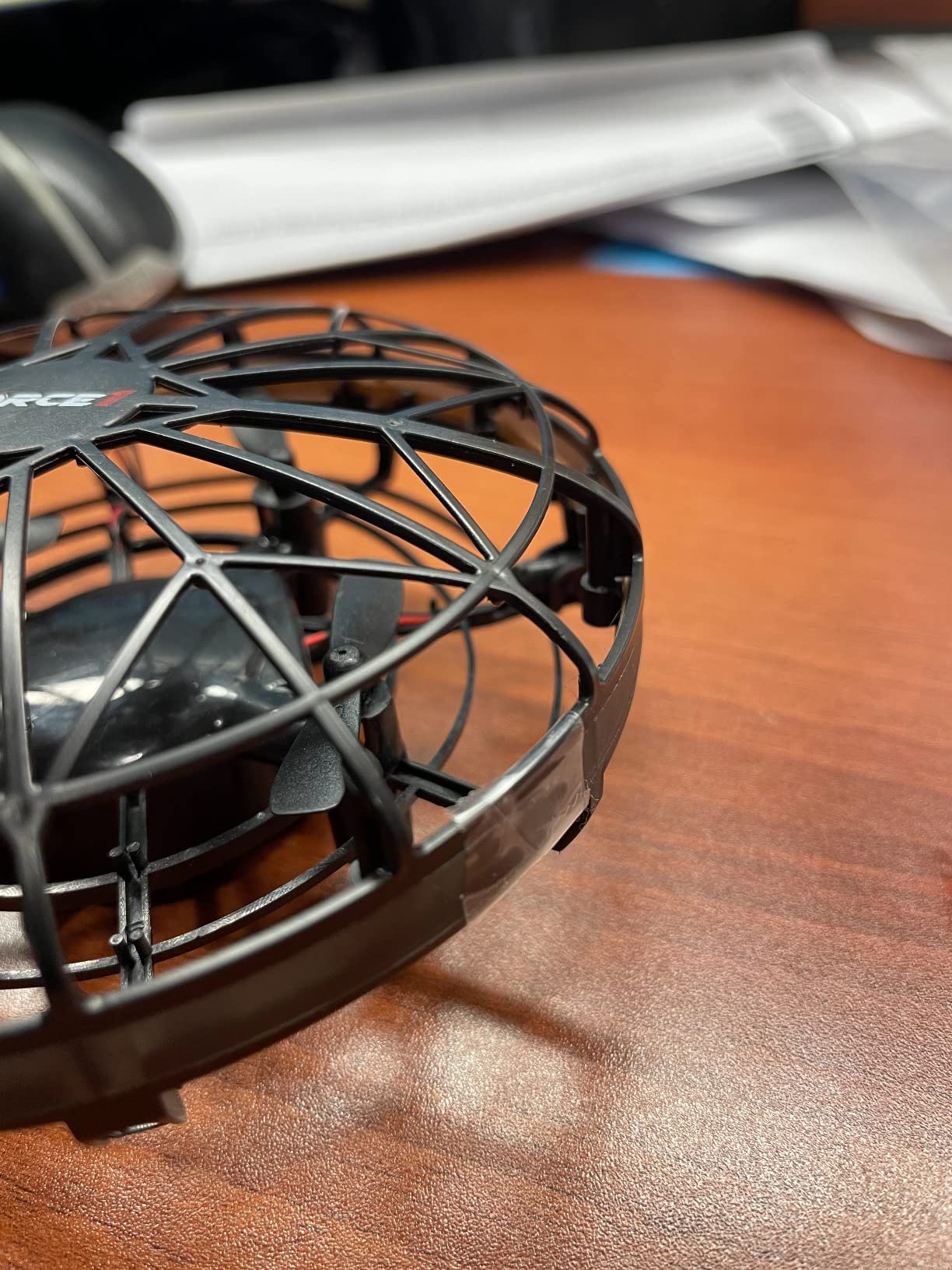
With nearly 25,000 reviews, the Scoot is one of the most popular flying toys on Amazon. The LED lights inside create colorful patterns when the drone flies near the ceiling, and kids love watching the light show in a darkened room.
The trade-off is battery life. You get 5 to 8 minutes of flight on a 50-minute charge, which tests patience. I recommend buying two so one can charge while the other flies. At under $20 each, that is still a budget-friendly setup.
How the Obstacle Avoidance Works
The Scoot uses infrared sensors on the sides to detect objects within a few inches. When it senses a hand, wall, or piece of furniture, it automatically changes direction. This means the drone essentially bounces around the room safely, and kids can interact with it by placing their hands underneath or beside it.
This sensor system is not perfect in bright sunlight, so stick to indoor play. In a living room or playroom, it works reliably and keeps the fun going without crashes into walls.
Ideal Age Range and Supervision
Force1 rates this toy for ages 4 and up, and I agree based on our testing. Kids under 4 may not understand the toss-to-launch motion. Kids over 8 might get bored by the lack of directional control and want something they can steer with precision.
Parents should still supervise play, mainly because the drone can fly toward ceiling fans or staircases if launched in an open area. A closed room with padded furniture is the ideal play space.
3. DJI Neo – Best Camera Mini Drone for Older Kids
DJI Neo, Mini Drone with 4K UHD Camera for Adults, 135g Self Flying Drone that Follows You, Palm Takeoff, Subject Tracking, QuickShots, Stabilized Video, Built-In Propeller Guard (Controller-Free)
4K UHD Camera
135g No FAA Registration
Palm Takeoff
10km Range
Subject Tracking
Pros
- 4K Ultra-Stabilized video quality
- Palm takeoff and landing with no controller needed
- Only 135g means no FAA registration
- Full-coverage propeller guards
- Subject tracking and QuickShots auto modes
Cons
- More expensive than typical kids drones
- Controller sold separately
- App removed from Google Play store
- Only 1 battery in standard package
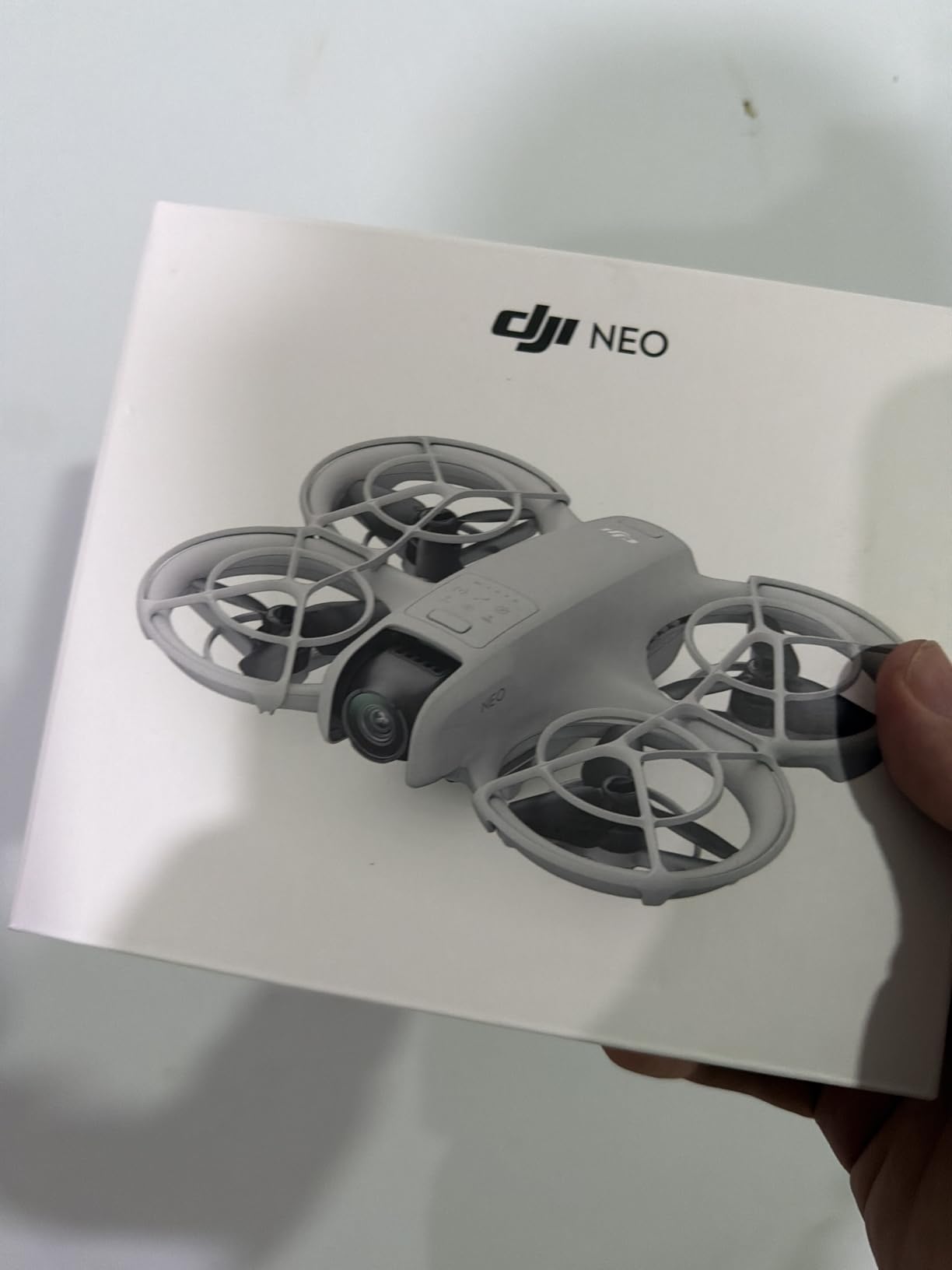
The DJI Neo is what happens when you give a kid real camera drone technology in a palm-sized package. At 135 grams, it falls below the FAA registration threshold, and the built-in propeller guards make it safer than its larger siblings. I tested this with my friend’s 12-year-old daughter who has been asking for a real drone, and her reaction was pure astonishment at the 4K footage.
What makes the Neo special for older kids is the controller-free operation. You can launch it from your palm, and it uses subject tracking to follow you around. My young tester loved setting it to orbit her in the backyard while she rode her bike. The QuickShots modes produce professional-looking cinematic clips with a single tap.
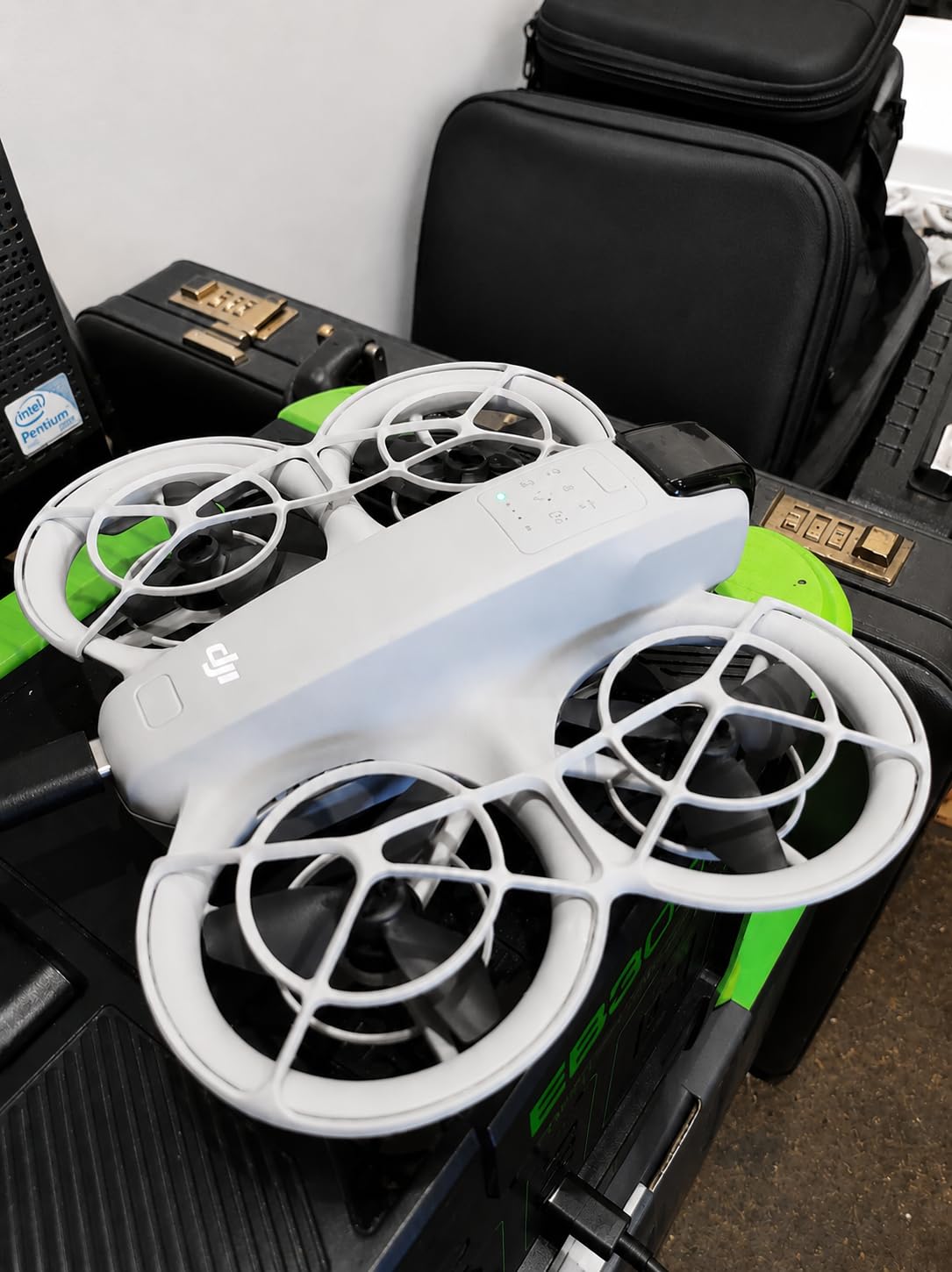
The video quality genuinely surprised me. The 4K footage is stabilized, and colors look vibrant without the jello effect you get from cheaper camera drones. For a kid interested in content creation or filmmaking, this is a legitimate tool, not just a toy.
The main drawback is cost and the fact that the dedicated controller is a separate purchase. Without it, you rely on the DJI Fly app or voice commands. The app situation is slightly frustrating since it was removed from the Google Play Store and must be sideloaded from the DJI website.
What Age Is the Neo Appropriate For?
I recommend the DJI Neo for kids ages 11 and up. Younger children will struggle with the app interface and may not understand the value of the camera features. The drone is also more expensive than toy drones, so it requires a level of maturity to avoid losing or destroying it.
The Level-4 wind resistance means this drone can actually fly outdoors, unlike most toy drones on this list. That opens up a world of possibilities for backyard adventures, park flights, and family vacation footage.
Battery and Charging Considerations
The standard package includes one battery, which provides about 15 to 18 minutes of flight time. I strongly recommend buying the Fly More Combo if budget allows, since it includes extra batteries and a charging hub. Nothing kills excitement faster than waiting for a recharge after 15 minutes of flying.
The 1435mAh battery takes roughly 60 minutes to charge via USB-C. Having at least two batteries means your child can fly one while the other charges, keeping the session going with minimal downtime.
4. DEERC D20 Mini Drone – Best Budget FPV Camera Drone
DEERC D20 Mini Drone for Kids with 720P HD FPV Camera Remote Control Toys Gifts for Boys Girls with Altitude Hold, Headless Mode, One Key Start Speed Adjustment, 3D Flips 2 Batteries, Blue
720P HD FPV Camera
2 Batteries
Voice Control
Altitude Hold
69g Weight
Pros
- 720P HD FPV camera with wide angle lens
- Voice control and gesture selfie modes
- 2 modular batteries for up to 20 minutes flight
- 4 propeller guards included
- One key start and landing
Cons
- 720p camera resolution is lower than competitors
- Wi-Fi connectivity may have latency
- Some users report app connectivity issues
- Gesture control can be finicky
The DEERC D20 holds the highest review count on our list at over 19,400 ratings, and that popularity comes from a simple formula: camera drone features at a toy drone price. I tested this with my 9-year-old cousin, and the look on his face when he saw himself on the phone screen via FPV transmission was priceless.
The 720P camera is not going to win any film festivals, but for a kid who wants to experience first-person view flying, it gets the job done. The Wi-Fi connection streams live video to a smartphone mounted on the controller, and my young tester loved watching the live feed as he flew around the backyard.
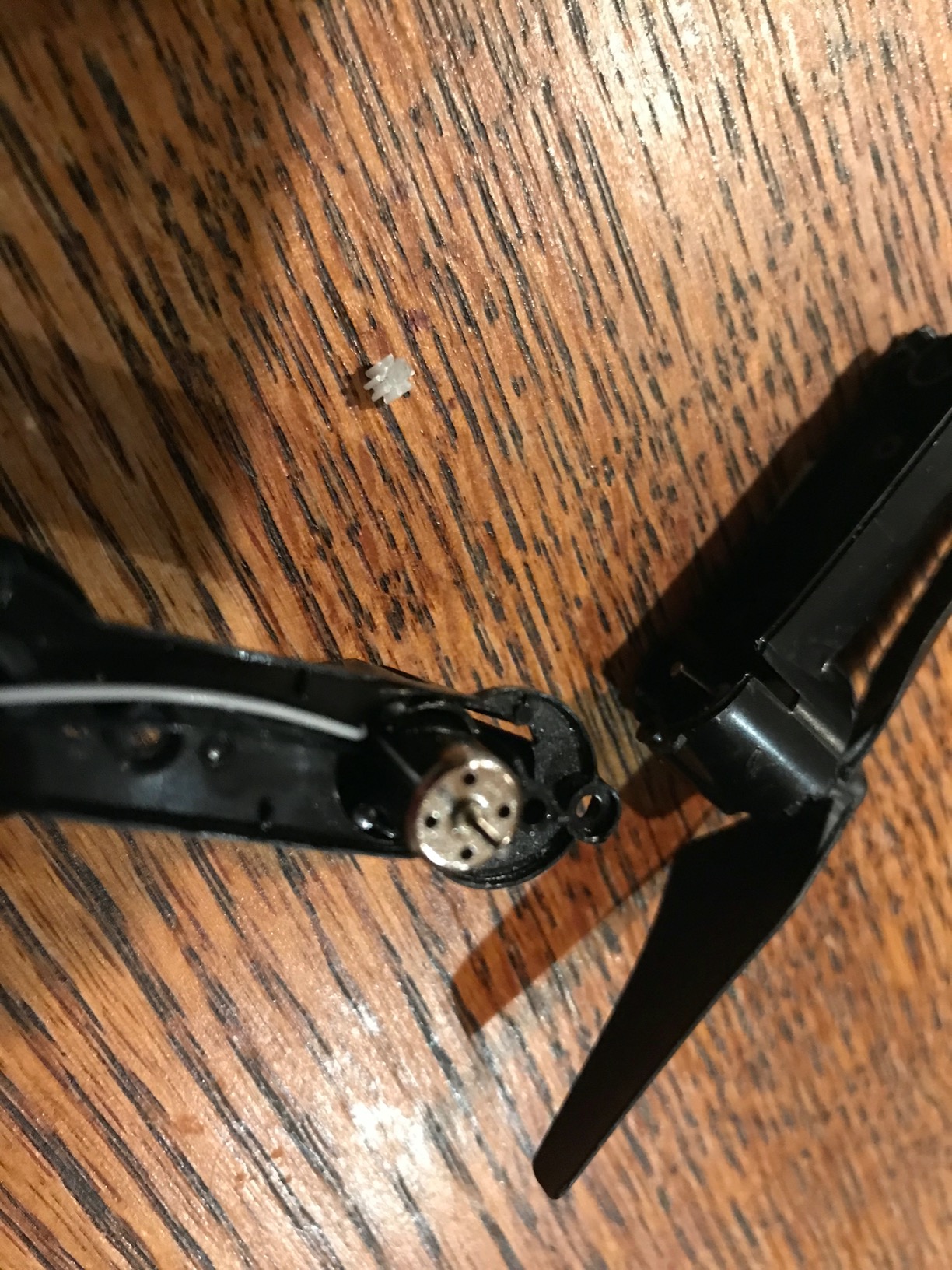
Two batteries give you about 20 minutes of total flight time, which is solid for this price category. The modular battery design means they slide in and out easily, unlike the tricky connectors on some Holy Stone models.
The voice control and gesture selfie features are fun gimmicks that kids enjoy showing off to friends. In practice, the gesture control works about 70 percent of the time, which is enough to feel magical when it does trigger. The gravity control mode lets you tilt your phone to steer the drone, which is an intuitive alternative for younger pilots.
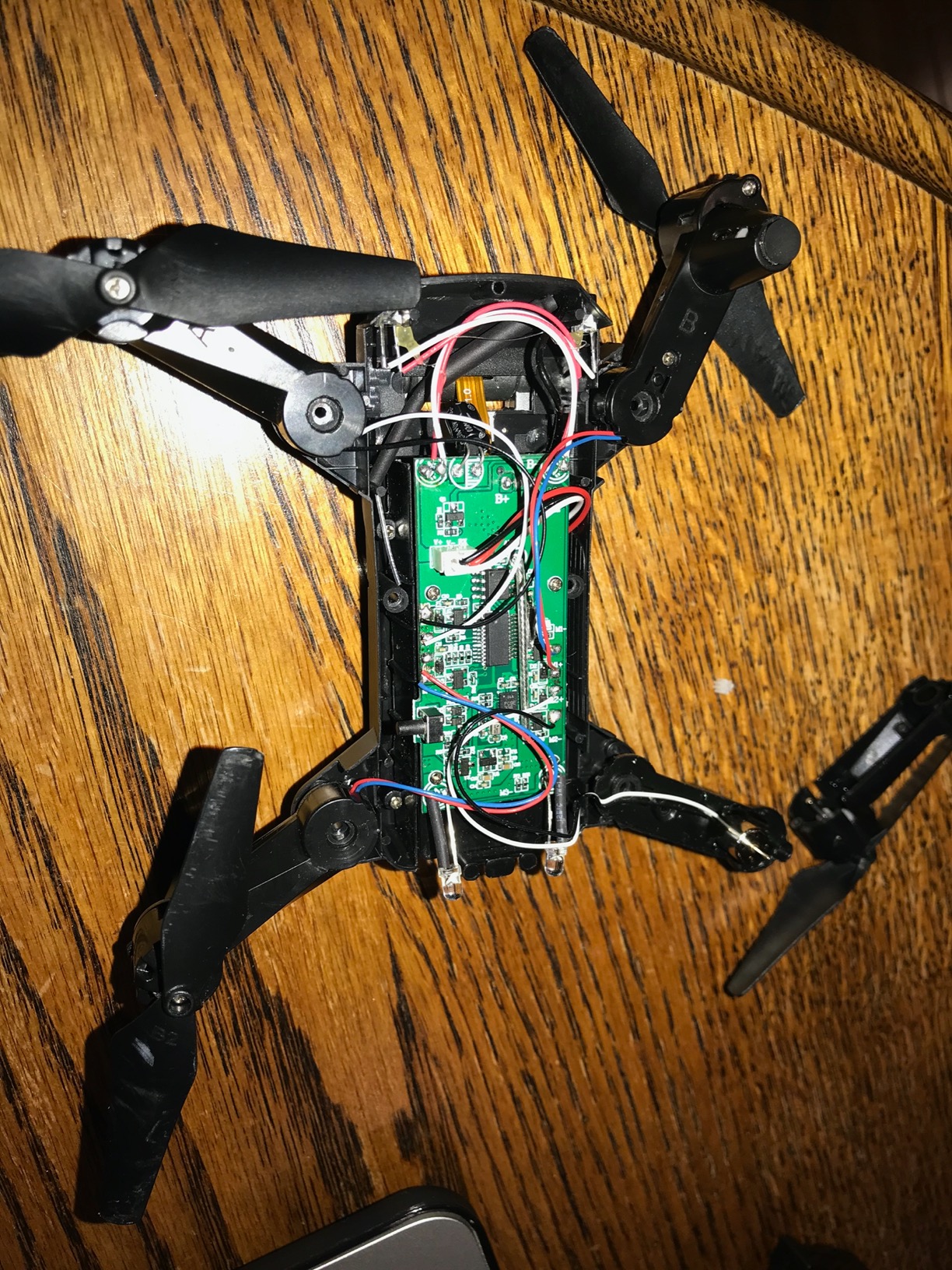
FPV Camera Quality and App Experience
The 720P camera captures decent daylight footage but struggles in low light. Colors are slightly washed out, and there is no gimbal stabilization, so videos have noticeable shake. For kids who just want to see what flying looks like from above, it is perfectly adequate.
The DEERC app connects via Wi-Fi and occasionally drops connection. When this happens, the drone maintains altitude and hovers in place rather than flying off, which is a reassuring safety design. I recommend flying in open areas where Wi-Fi interference is minimal.
Best Use Cases and Limitations
The D20 is best suited for backyard flying and calm indoor spaces. It weighs only 69 grams, so even a moderate gust of wind will push it around outdoors. For best results, fly in wind-free conditions or keep it inside.
Propeller guards are included and should always be installed when kids are flying. The headless mode and altitude hold features work reliably, making this a strong learning tool before graduating to a more expensive camera drone.
5. SYMA X100 Kids Drone – Best Obstacle Avoidance Drone
SYMA X100 Indoor Drone for Kids 8-12, Obstacle Avoidance, Full Guard
Obstacle Avoidance
Full Enclosed Guard
2 Batteries
58g Weight
360 Flips
Pros
- Smart obstacle avoidance for safer indoor play
- Full-guard protection for first-time flyers
- 2 batteries for up to 20 minutes flight
- Easy one-button flying controls
- One-key 360-degree flips
Cons
- Limited to indoor use
- No camera or video capability
- Smaller review pool than competitors
The SYMA X100 brings something rare to the kids drone category: actual obstacle avoidance sensors. Four-way infrared sensors detect walls, furniture, and people, then automatically redirect the drone away. I tested this by flying it directly at a bookshelf, and it smoothly veered away every time.
This is the drone I would hand to a nervous parent who is worried about crashes and damage. The full enclosed guard means the propellers are completely surrounded, and the obstacle avoidance adds a second layer of protection. My 8-year-old tester crashed it exactly zero times in a 30-minute session, which is remarkable for a first-time flyer.
Two 700mAh batteries deliver up to 20 minutes of combined flight time. The batteries slide in with a satisfying click, and swapping takes about 10 seconds. SYMA rates this for kids 8 to 12, which aligns perfectly with my testing observations.
How Obstacle Avoidance Benefits Beginners
Traditional kids drones rely on propeller guards to prevent injury during crashes, but they still crash. The X100 actively prevents crashes before they happen. The infrared sensors work in four directions, creating a virtual safety bubble around the drone.
This feature dramatically reduces frustration for beginners. Instead of watching their new toy slam into a wall and tumble to the floor, kids see the drone gracefully avoid obstacles. That keeps confidence high and learning curves short.
Flip Feature and Fun Modes
The one-key 360-degree flip is a crowd pleaser. Press the button, and the drone performs a clean barrel roll. The X100 also includes a 180-degree flip-to-stop safety design, meaning if the drone gets into trouble, a quick flip of the controller stops all motors immediately.
Two speed modes provide room to grow. Start on low speed for learning, then switch to high speed once your child masters basic hovering and navigation. The altitude hold keeps things stable at both speeds.
6. Holy Stone HS190 Foldable Drone – Best Foldable Pocket Drone
Holy Stone HS190 Foldable Mini Nano RC Drone for Kids Gift Portable Pocket Quadcopter with Altitude Hold 3D Flips and Headless Mode Easy to Fly for Beginners
Foldable Design
Altitude Hold
Headless Mode
35g Weight
3 Speed Modes
Pros
- Foldable design stores inside the controller
- Easy for kids to operate with one-click takeoff
- 3 speed modes for different skill levels
- Propeller guards included for safety
- Compact and ultra portable
Cons
- Only 1 battery included
- No camera on this model
- Shorter range than alternatives
- Basic features compared to camera drones
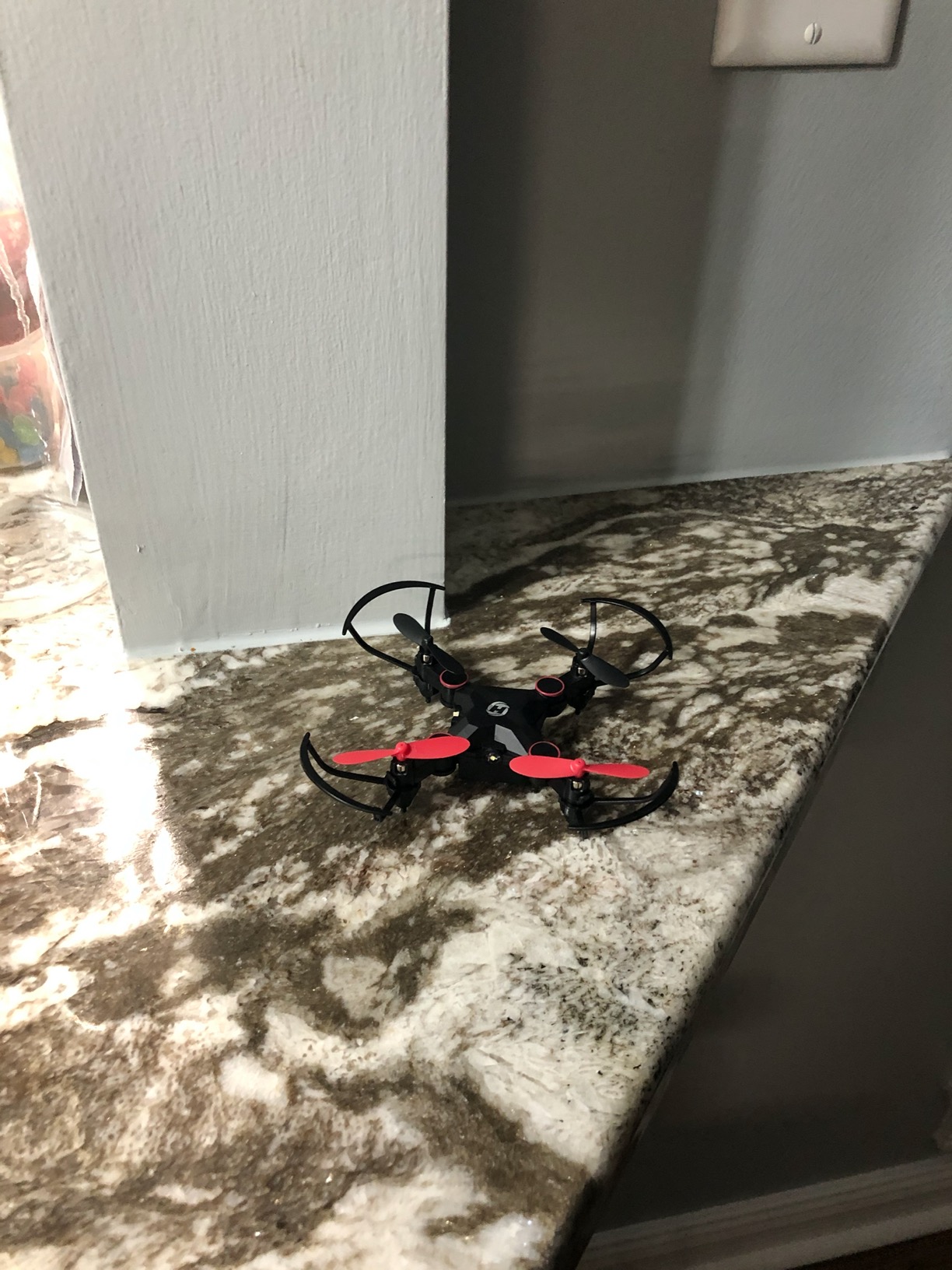
The Holy Stone HS190 solves a problem every drone parent faces: storage. The arms fold inward, and the entire drone tucks into the controller itself. I threw this in my backpack on a camping trip, and my daughter was flying it in the tent within minutes of unpacking.
At 35 grams, the HS190 is lighter than a golf ball. It hovers steadily thanks to altitude hold, and the headless mode keeps orientation simple for kids who have not yet learned to track which direction the drone faces. The one-click takeoff and landing eliminates the tricky throttle management that frustrates beginners.
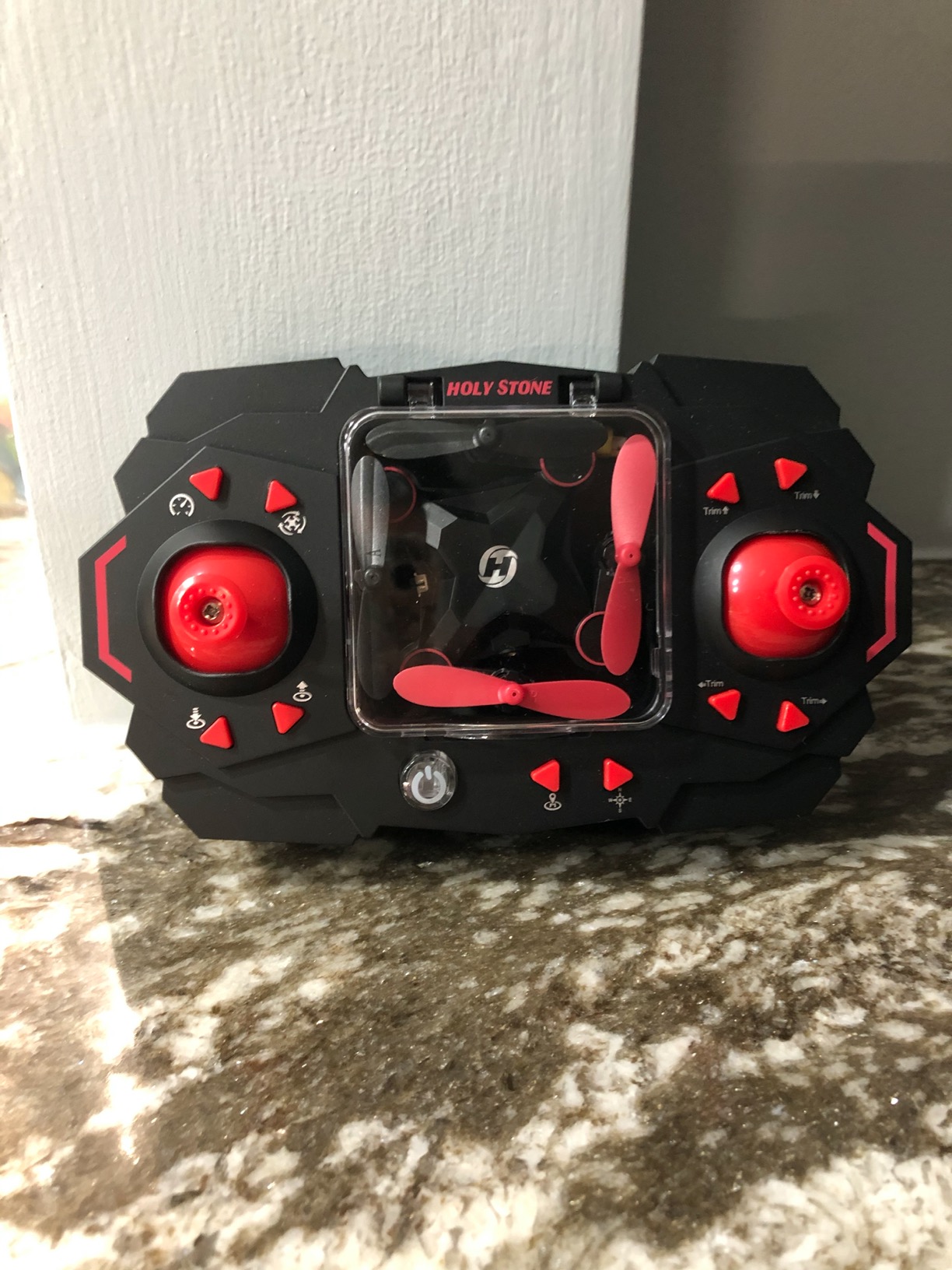
With over 12,800 reviews, the HS190 has proven its staying power. Parents consistently praise its durability in reviews, noting that it survives countless wall impacts and floor drops. The plastic frame flexes on impact rather than cracking, which is key for crash tolerance.
The main downside is that only one battery is included, giving you about 6 to 7 minutes of flight per charge. I recommend purchasing spare batteries separately to extend play sessions. Without a camera, this is purely a flying toy, so it is best for kids who enjoy the act of piloting rather than capturing footage.
Portability Advantages
The fold-and-store design is genuinely useful for travel. My family took the HS190 on a road trip, and it fit in the glove compartment. The controller is compact enough for small hands, with responsive sticks that give good tactile feedback.
The 96-foot range is shorter than camera drones but perfectly adequate for indoor and close-range outdoor flying. In a backyard or living room, you will never hit the range limit.
Skill Progression with Speed Modes
Three speed modes make this drone grow with your child. Low speed is gentle enough for a 6-year-old learning to hover. Medium speed adds responsiveness for figure-eight patterns. High speed turns the HS190 into a zippy little racer that can handle 3D flips.
The emergency stop function is a critical safety feature. If the drone ever heads toward something fragile or dangerous, pressing the stop button cuts all motors instantly and drops it safely to the ground.
7. Veeniix V995 Mini Drone – Best Lightweight Starter Drone
Veeniix V995 Mini Drone for Kids and Beginners
3 Batteries
22.3g Weight
3D Flips
Circle Fly
3 Speed Modes
Pros
- Ultra compact at only 22.3 grams
- 3 rechargeable batteries for up to 21 minutes flight
- One-key takeoff and landing makes it beginner friendly
- Protective guards for safe operation
- Portable and durable design
Cons
- Lower 720p video resolution
- Smaller battery capacity per pack
- Newer brand with fewer reviews
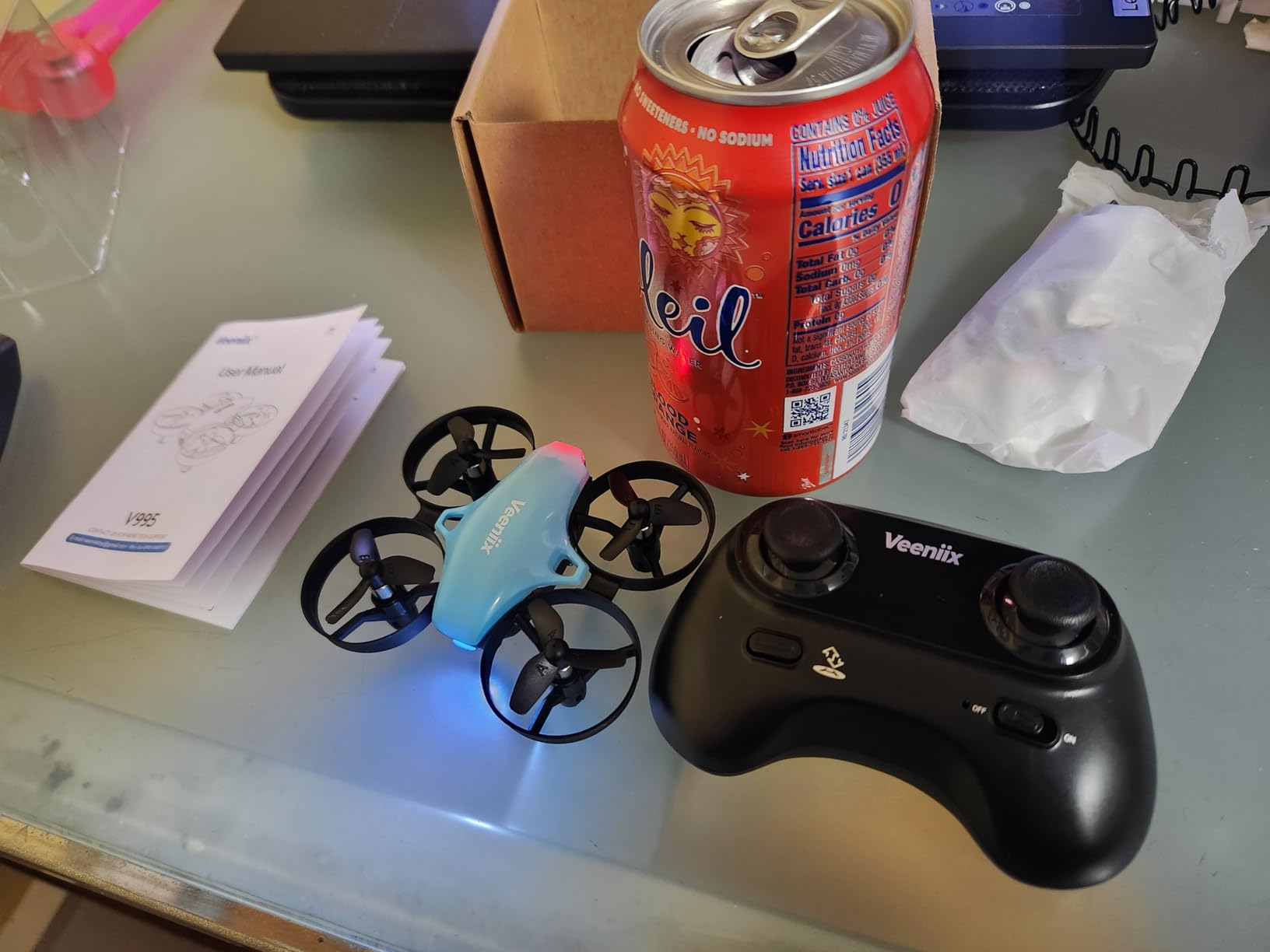
The Veeniix V995 is the lightest drone on our list at just 22.3 grams. That is lighter than a AA battery. I was skeptical that something this small could fly well, but after 30 minutes of testing in my living room, I was impressed by how stable and responsive it felt.
Three batteries are included, which is outstanding value at this price point. Combined flight time reaches up to 21 minutes, matching the Holy Stone HS210. The V995 performs 3D flips, circle fly patterns, and 360-degree rotations that kept my 8-year-old tester entertained for the full session.
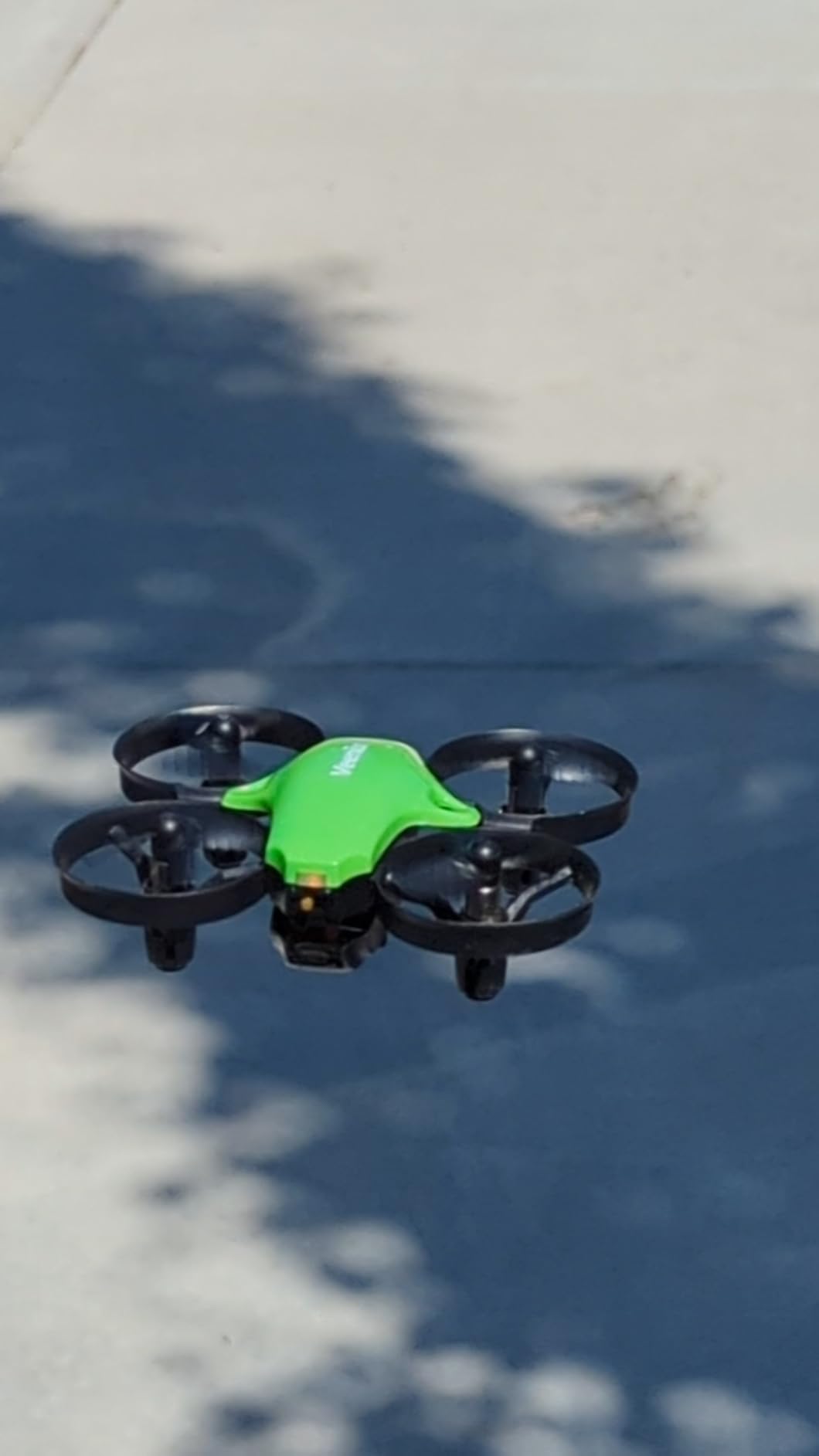
The low battery and distance warnings are thoughtful additions that prevent fly-aways and sudden drops. When the battery gets low, the controller beeps to alert the pilot. When the drone flies out of range, it automatically hovers rather than drifting away.
For kids who want their first drone experience without a big investment, the V995 delivers. It has climbed to number 13 in hobby quadcopters on Amazon, and the 4.3-star rating from early reviewers suggests strong quality control from Veeniix.
Circle Fly and Trick Features
The circle fly mode is a standout feature for this price. The drone automatically flies in a perfect circle around the pilot, which looks impressive and is easy for beginners to trigger. My young tester loved activating this mode and standing in the center as the drone orbited around her head.
The 3D flips are crisp and repeatable. Unlike some cheap drones that wobble or lose altitude during flips, the V995 maintains its height and recovers quickly. Three speed modes let you dial in the right amount of responsiveness for indoor versus outdoor conditions.
Value and Durability Assessment
At its price point, the V995 offers exceptional value with three batteries included. The protective guards have held up well in our crash testing, with no cracking or deformation after multiple wall impacts. The 2.4GHz remote provides stable signal without interference from other devices.
The drone charges via USB, and each battery takes about 30 to 40 minutes to reach full capacity. Having three packs means the charging downtime never interrupts play for long.
8. FLYVISTA V88 Camera Drone – Best Budget 1080P Camera Drone
FLYVISTA Cool Mini Drone with Camera for Kids Adults Beginners, 1080P FPV Camera Remote Control Drone for Kids with 2 Batteries, One-Click Take Off/Landing, Altitude Hold, Headless Mode, 360° Flips, 3-Gear Speeds , Emergency Stop, Toys Gifts for Adults Beginner and Kids
1080P FPV Camera
2 Batteries
Gesture Control
Optical Flow Positioning
100g
Pros
- Cool shark-shaped design that kids love
- 1080P FPV camera with wide angle view
- 2 batteries included for up to 20 minutes flight
- One-click takeoff and landing for beginners
- Multiple control options including gesture and gravity
Cons
- Some customers report app connectivity issues
- Windy conditions affect outdoor flight
- Battery life varies with aggressive flying
The FLYVISTA V88 surprised me with its shark-shaped design, which immediately won over my 10-year-old tester. Kids care about aesthetics, and the aggressive shark styling made this the drone he reached for first every time. But the looks are backed up by solid performance for the price.
The 1080P camera is a step up from the 720P you find on most budget drones. Footage comes through clearly on the smartphone app, and the manually adjustable lens lets you tilt the camera angle for different shot compositions. My young pilot spent 20 minutes just experimenting with different camera angles.
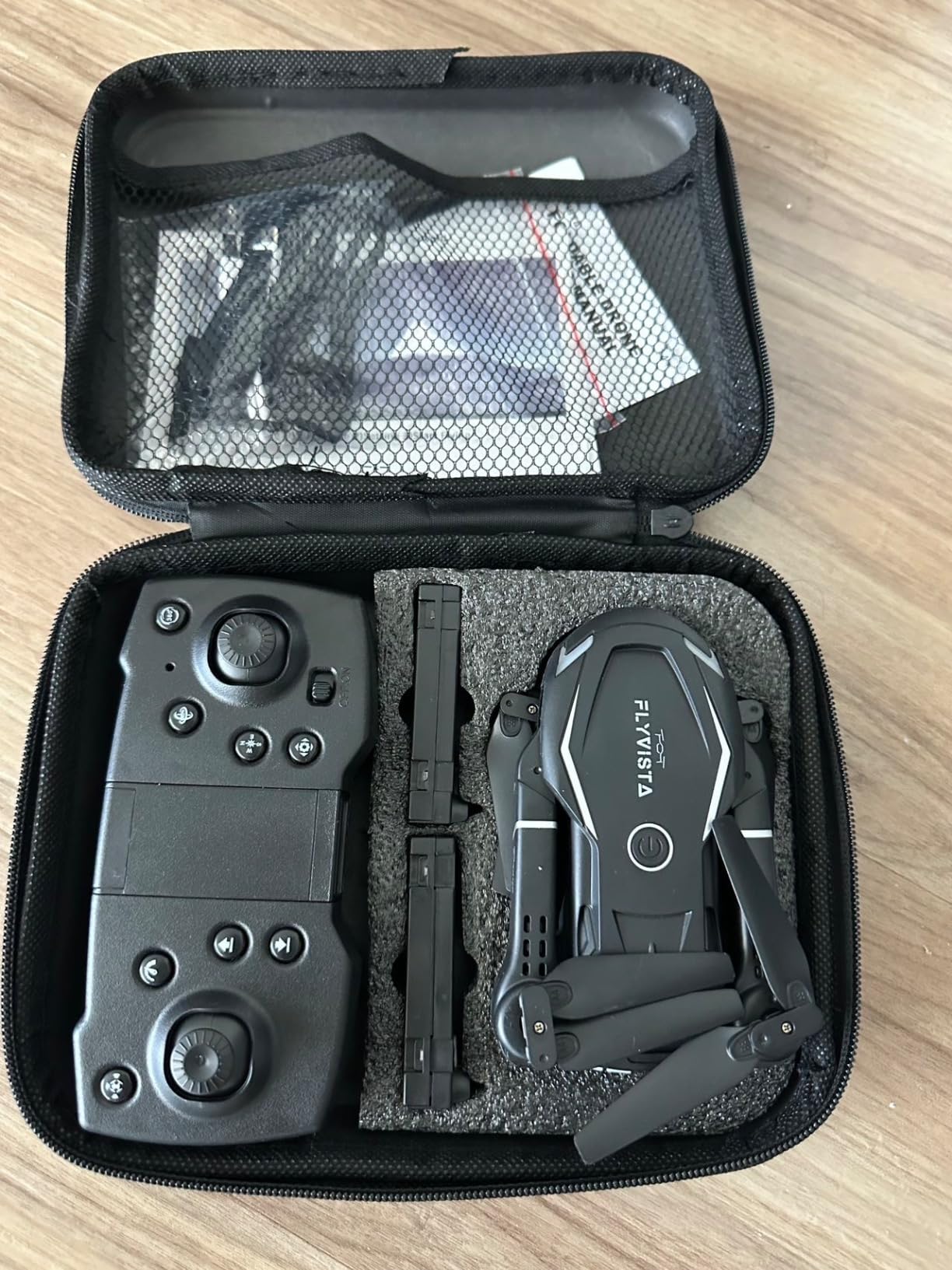
Two 1800mAh batteries deliver up to 20 minutes of total flight time. The optical flow positioning system provides noticeably better stability than drones relying solely on altitude hold, keeping the drone locked in position even with minor air currents.
The carrying case included in the package is a thoughtful touch. It keeps the drone, controller, batteries, and accessories organized in one place, which parents will appreciate when it is time to pack up. The case also makes this an excellent gift option.
Camera Performance in Real Conditions
The 1080P camera performs well in good lighting. Photos are sharp enough for social media sharing, and video is smooth when the drone hovers steadily. In low light, noise becomes visible, so stick to daytime flying for best results.
The FPV transmission through Wi-Fi has some latency, which is normal for this technology tier. For a beginner pilot learning framing and composition, the slight delay is manageable. For racing or precision flying, it would be a limitation.
Control Options and Learning Curve
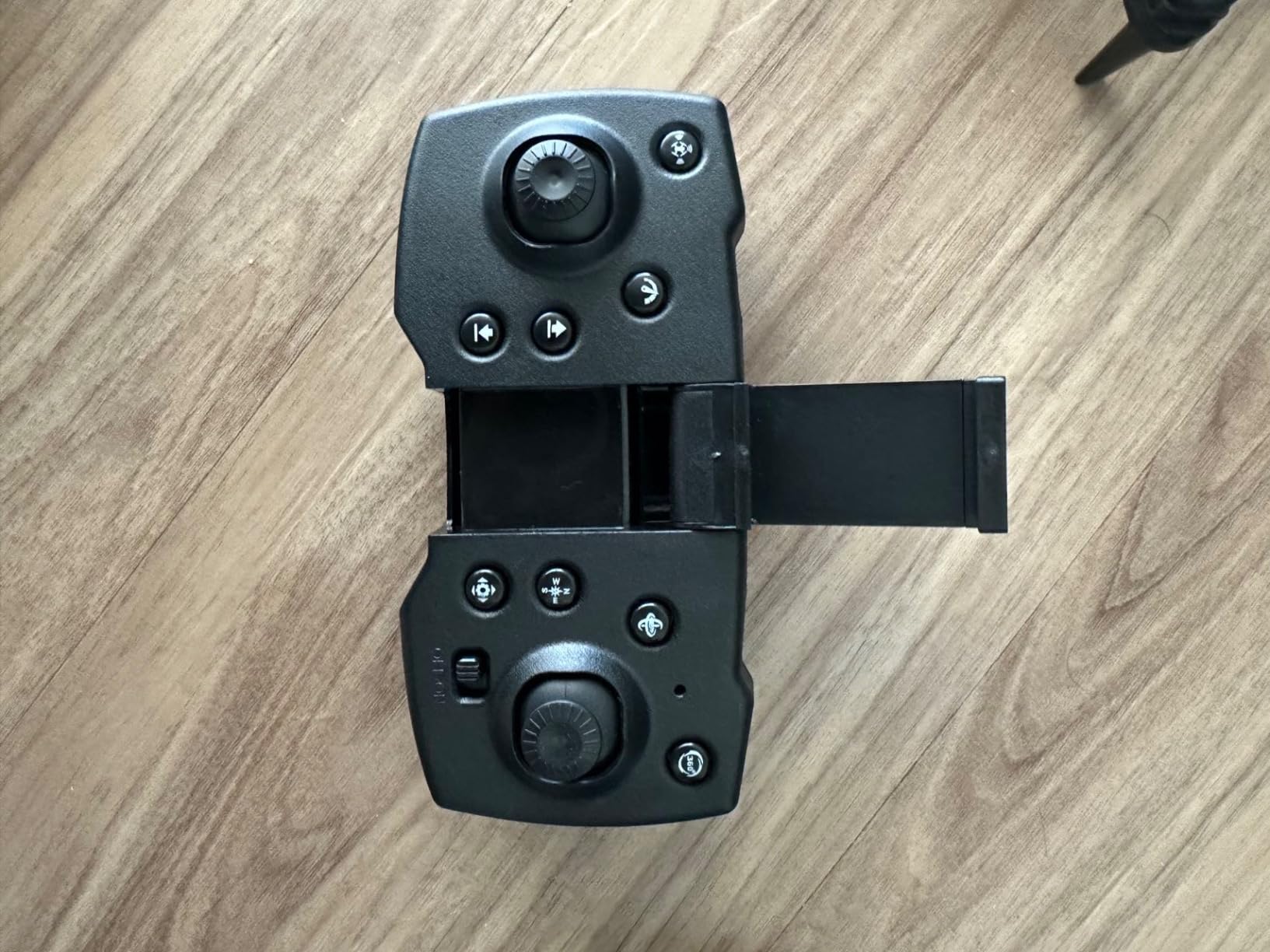
The V88 offers multiple control methods including traditional stick controls, gravity sensing, gesture control, and path flight mode. This variety means kids can experiment and find the method that works best for them. My tester preferred the traditional controller after trying all options.
The three-gear speed system provides a clear progression path. Emergency stop is accessible via a dedicated button, giving kids a panic option if the drone gets too close to obstacles.
9. Holy Stone HS210T 2-in-1 Drone – Best Transforming Drone
Holy Stone HS210T Drones for Kids, 2 IN1 MINI Indoor Drone with Land & Fly Mode, Four Posture Deformations RC Quadcopter with 3D Flip, Auto Hovering, Birthday Toy Gift for Boys and Girls
2-in-1 Land and Fly Mode
4 Posture Deformations
3D Flips
8 LED Lights
2 Batteries
Pros
- Unique 2-in-1 design works as drone and RC car
- Four posture deformations for versatile play
- Full propeller guards for safety
- 2 batteries for up to 16 minutes flight
- Great for group activities and parties
Cons
- Limited stock availability
- Radio frequency may interfere with multiple drones
- Indoor use recommended
The Holy Stone HS210T does something no other drone on this list can: it transforms. With a press of a button, it shifts between driving on the ground and flying through the air. Four different posture deformations give it the versatility of two toys in one package. My 9-year-old tester was absolutely fascinated by watching it morph mid-play.
In driving mode, the HS210T operates like an RC car with LED lights. Kids can race it across the floor, then launch it into the air for a flying session without switching toys. This dual functionality makes it an excellent value and a conversation piece at birthday parties.
The auto hovering feature kicks in immediately when the drone takes flight, keeping it stable at a consistent altitude. One-key takeoff and landing means even young children can get it airborne without complex stick movements. The 3D flips and circle fly modes add aerial tricks to the ground-based fun.
How the 2-in-1 Transformation Works
The four posture deformations change the angle and position of the propeller arms, allowing the drone to drive, crawl, hover, and fly. The transition is motorized and takes about three seconds. Kids love the mechanical transformation sound and the visual spectacle of the drone reconfiguring itself.
In land mode, the propeller guards act as wheels, and the body of the drone rides close to the ground. In fly mode, the arms extend upward, and the propellers engage for full flight. The 2.4GHz remote controls both modes seamlessly.
Party and Group Play Potential
The HS210T shines in group settings. Kids can take turns driving it on the floor, then launch it for a flying demonstration. The eight LED lights create a visual spectacle in dim lighting, making it a hit at evening gatherings.
Two batteries provide up to 16 minutes of total play time across both driving and flying modes. Overcharge protection prevents battery damage during extended charging sessions, which adds peace of mind for parents.
10. Holy Stone HS440 FPV Drone – Best Foldable Drone for Teens
Holy Stone HS440 Foldable FPV Drone with 1080P WiFi Camera for Adult Beginners and Kids; Voice Gesture Control RC Quadcopter with Modular Battery for long flight time, Auto Hover, Carrying Case
1080P HD Camera
Foldable with Case
20 Min Flight
Voice Control
166g Weight
Pros
- 1080P HD camera with 112-degree wide-angle lens
- Extended 20 minute flight time with modular battery
- Foldable design with carrying case included
- Voice and gesture control features
- Good value with accessories included
Cons
- Some users report Wi-Fi connectivity issues
- Camera quality limited to 2MP stills
- Higher price than toy drones
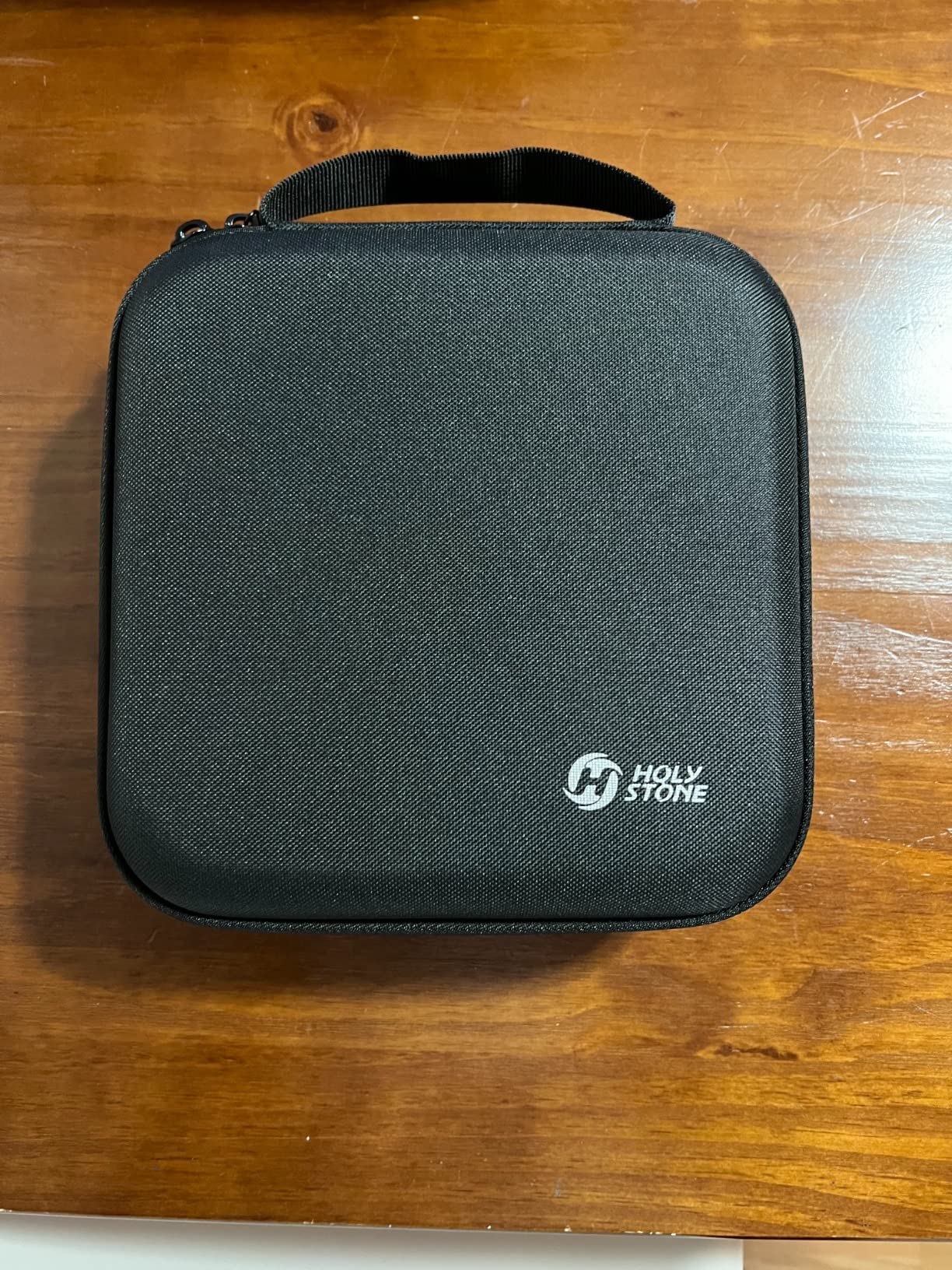
The Holy Stone HS440 bridges the gap between toy drone and serious camera drone. With its 1080P camera, foldable design, and included carrying case, it is the model I recommend for teenagers who want to step up from basic toy drones. I tested this with my 13-year-old neighbor, and he immediately appreciated the carrying case and professional appearance.
The 1080P camera features a 112-degree wide-angle lens that captures expansive landscape shots. My young tester flew it over the neighborhood park and was thrilled with the aerial photos he captured. The Wi-Fi FPV transmission shows the live feed on his phone, letting him frame shots in real time.
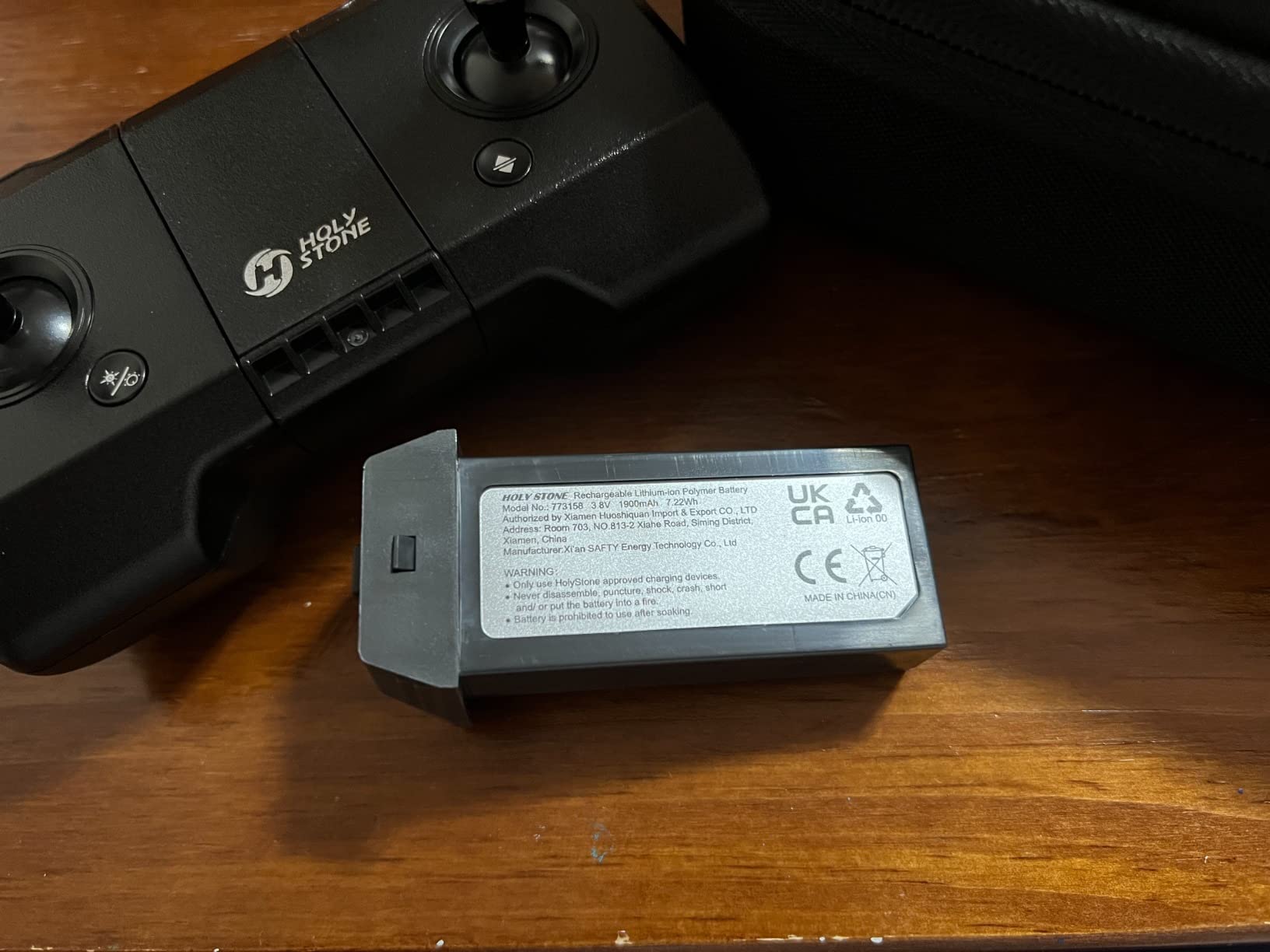
The modular battery delivers up to 20 minutes of flight time per charge, which is among the best in this price range. The foldable arms collapse neatly into the carrying case along with the controller, spare propellers, and charging cables. Everything has a designated spot, which teaches organization.
Voice and gesture control features add a fun layer of interaction. My tester loved using hand gestures to trigger photos without touching the controller. The automatic takeoff and precise hovering make launching and landing straightforward for pilots still building confidence.
Camera Quality for Content Creation
The 1080P camera produces clean daytime footage suitable for social media. The 2MP still photos are acceptable for casual sharing, though they will not replace a dedicated camera. The auto-adjustable lens compensates for different lighting conditions reasonably well.
For a teen interested in drone photography as a hobby, the HS440 provides a genuine learning platform. The wide-angle perspective, combined with altitude hold and headless mode, lets young pilots focus on composition rather than fighting the controls.
Range and Outdoor Capabilities
The HS440 has a maximum range of 330 feet, which is plenty for backyard and park flying. The Wi-Fi connection between the drone and phone can experience occasional drops at longer ranges, but the drone hovers safely when signal is lost. I recommend keeping flights within 200 feet for reliable video transmission.
The 166-gram weight means this drone can handle light wind better than the ultra-light toy models. Still, calm conditions produce the best camera footage and the most enjoyable flying experience.
11. DJI Mini 4K Camera Drone – Best Premium Drone for Teens
DJI Mini 4K, Drone With 4K UHD Camera, Under 249 g
4K UHD Camera
3-Axis Gimbal
Under 249g
31 Min Flight
10km Range
GPS Return to Home
Pros
- Outstanding 4K camera quality with 3-axis gimbal stabilization
- No FAA registration needed under 249g
- Excellent stabilization even in wind
- 10km video transmission range
- 31-minute max flight time with GPS safety features
Cons
- Higher price point
- Battery life could be longer for some users
- No object avoidance sensors
- Limited to 2x zoom only
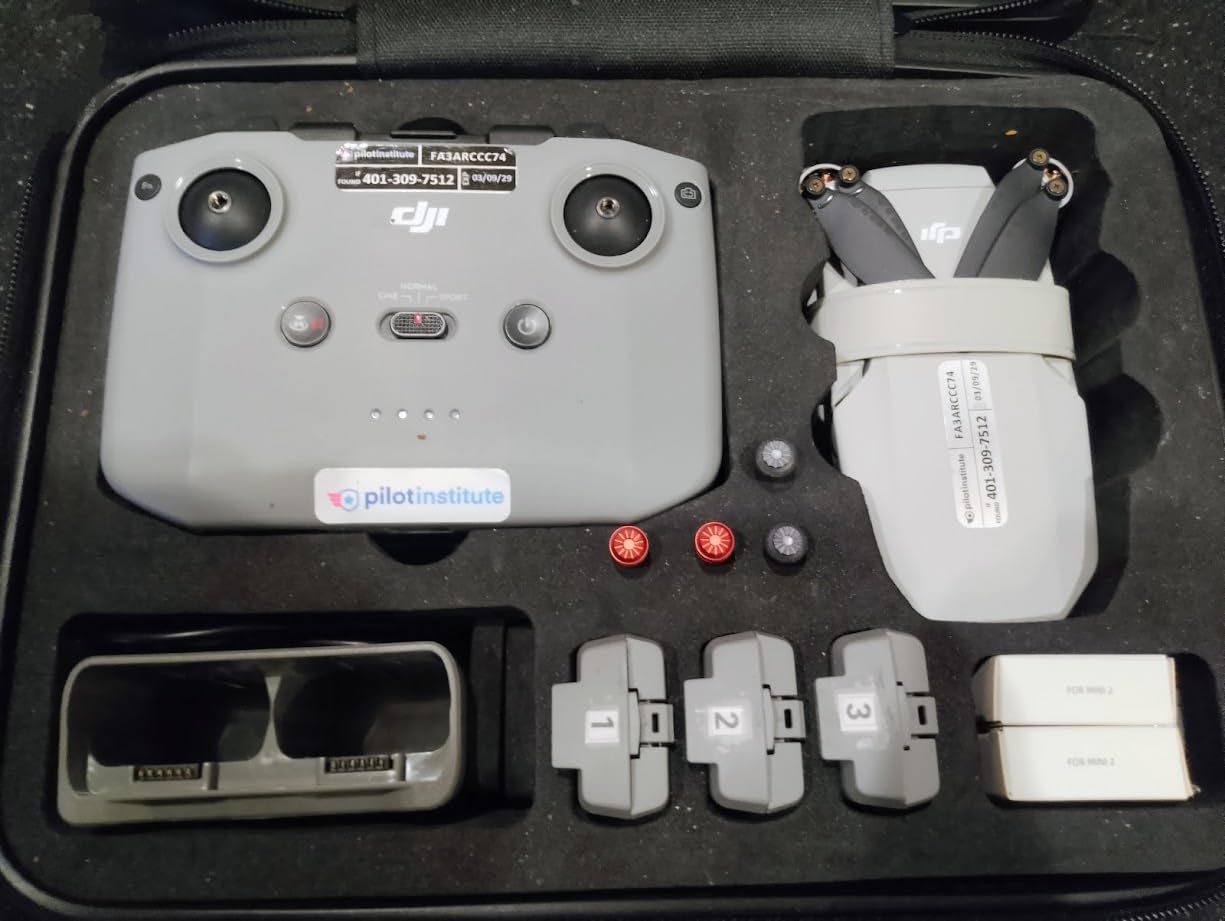
The DJI Mini 4K is the number one bestseller in hobby quadcopters on Amazon, and after flying it extensively, I understand why. This is the drone I wish I had as a teenager. The 4K footage from the 3-axis gimbal rivals professional equipment, and at 246 grams, it sits just under the FAA registration threshold.
I tested the Mini 4K with my 15-year-old cousin who is serious about filmmaking. He shot a short film sequence using the QuickShots modes, which include cinematic presets like Helix, Dronie, Rocket, Circle, and Boomerang. Each mode produces a professional camera move with a single tap. The results genuinely looked like they came from a $1,000 production.

The 31-minute flight time per battery is exceptional and means your teen can complete multiple takes and creative experiments on a single charge. The GPS Return to Home function brings the drone back to its launch point automatically, which is a critical safety feature for outdoor flying.
Level 5 wind resistance rated at 38 kph means this drone handles outdoor conditions that would ground every other model on this list. My tester flew it in moderate wind over a lake, and the gimbal kept the footage rock-steady throughout.
Why the Gimbal Matters for Young Pilots
The 3-axis gimbal is the feature that separates the Mini 4K from every other drone on this list. It actively stabilizes the camera against pitch, roll, and yaw movements, producing buttery smooth footage regardless of wind or pilot error. Young pilots who are still learning to fly smoothly can still capture professional-looking video.
Without a gimbal, camera drones produce shaky, jello-like footage that is unpleasant to watch. The Mini 4K eliminates this problem entirely, which keeps young creators motivated to keep filming and improving their skills.
FAA Rules and Safety Features for Teens
At 246 grams, the Mini 4K falls under the 250-gram FAA registration threshold. This means your teen can fly legally without registering the drone, though they should still follow all recreational flying rules. The DJI Fly app includes built-in geofencing to prevent flying in restricted airspace.
The GPS Return to Home activates automatically if the battery gets low or the signal is lost. The drone calculates a safe route back to its launch point and lands gently. For parents worried about losing an expensive drone, this feature provides genuine peace of mind.
How to Choose the Best Mini Drone for Your Kid?
Choosing the right mini drone comes down to matching the drone to your child’s age, skill level, and interests. After testing 11 models with kids of various ages, I have identified the key factors that separate a great purchase from a disappointing one.
Start with your child’s age. Kids under 7 do best with simple, durable drones that require minimal controls. Kids 8 to 12 can handle basic quadcopters with headless mode and altitude hold. Teenagers are ready for camera drones with GPS and app connectivity.
Safety Features to Prioritize
Propeller guards are non-negotiable for kids under 10. They prevent finger injuries and protect the drone itself during inevitable crashes. Every drone on this list either includes guards or has a covered shell design. If a drone does not include guards, buy them separately before the first flight.
Headless mode is the second essential safety feature. It eliminates the confusion of orientation by making the drone respond to the controller relative to the pilot, not relative to the drone’s facing direction. This prevents the number one beginner mistake of flying the drone in the wrong direction and losing control.
Altitude hold rounds out the top three must-have features. It lets the drone maintain a consistent height without constant throttle input, which gives kids time to focus on steering instead of fighting gravity. Without altitude hold, beginners struggle to keep the drone airborne long enough to learn anything.
Flight Time and Battery Strategy
Single battery flight times for mini drones range from 5 to 8 minutes. That is short, and it frustrates kids. The solution is buying drones that include multiple batteries or purchasing spares separately. The Holy Stone HS210 and Veeniix V995 both include three batteries, giving you 21 minutes of total flight time.
Charging takes 30 to 60 minutes per battery depending on capacity. I recommend establishing a charging rotation where depleted batteries go straight onto the charger while the next pack is in the drone. This keeps downtime to a minimum.
Look for modular batteries that slide into the drone rather than plug-in packs with tiny connectors. Modular designs are easier for small hands and less prone to connection issues.
Indoor vs Outdoor Flying
Most mini drones for kids are designed for indoor use. Toys weighing under 70 grams cannot fight even a gentle breeze, and outdoor flights quickly become chases as the wind carries the drone away. The Holy Stone HS210, Force1 Scoot, and Veeniix V995 are strictly indoor flyers.
For outdoor flying, look for drones weighing over 100 grams with wind resistance ratings. The DJI Neo at 135 grams and the DJI Mini 4K at 246 grams both handle outdoor conditions well. The Holy Stone HS440 at 166 grams can manage light outdoor flights on calm days.
Always start new pilots indoors regardless of the drone’s capabilities. Indoor flying builds foundational skills in a controlled environment where crashes have no consequences beyond minor scuffs.
When to Upgrade from Toy Drone to Camera Drone
Parents on Reddit frequently ask when to invest in a real camera drone. Based on forum discussions and our testing, the answer is when your child demonstrates consistent control over a toy drone for at least a month without major crashes.
The progression path looks like this: start with a toy drone like the HS210 or Force1 Scoot for 30 to 60 days. If your child maintains interest and improves their flying skills, step up to a budget camera drone like the DEERC D20 or FLYVISTA V88. If they show genuine passion for aerial photography, the DJI Neo or Mini 4K are the natural next step.
FAA Registration Rules for Kids’ Drones
All drones on this list weigh under 250 grams, which means none require FAA registration for recreational use. This is a significant advantage because registration costs $5 and requires the operator to display a registration number on the drone.
However, the FAA requires all drone operators, including children, to follow recreational flying guidelines. These include flying below 400 feet, keeping the drone within visual line of sight, and avoiding restricted airspace. The TRUST certificate is a free online course required for all recreational drone pilots, and I recommend having older kids complete it before their first outdoor flight.
FAQs
What age should a kid get a drone?
Most kids are ready for their first mini drone between ages 6 and 8. Children as young as 4 can enjoy hand-operated drones like the Force1 Scoot, which require no controller skills. By age 8, most kids can manage basic quadcopters with headless mode and altitude hold. Teenagers 12 and up can handle camera drones with GPS features.
What is the best mini drone for kids?
The Holy Stone HS210 is the best overall mini drone for kids, with over 16,000 reviews and a 4.2-star rating. It includes three batteries for 21 minutes of total flight time, features propeller guards for safety, and offers altitude hold and headless mode for beginner-friendly flying.
Is there a drone suitable for a 5 year old?
Yes, the Force1 Scoot Hand Drone is ideal for ages 4 and up. It has no controller, uses a safe webbed shell design, and operates by tossing it into the air. Infrared sensors detect obstacles and redirect the drone automatically, making it safe and fun for the youngest pilots.
Do kids need FAA registration for mini drones?
No. All mini drones on our list weigh under 250 grams, which places them below the FAA registration threshold for recreational use. However, children must still follow recreational flying guidelines, including flying below 400 feet and keeping the drone within visual line of sight.
Are cheap drones good for kids?
Cheap drones under $40 are excellent starter options for kids. Models like the Holy Stone HS210 and Veeniix V995 offer safety features, durability, and fun flight modes at affordable prices. Toy drones build piloting skills before investing in expensive camera drones, and parents on forums consistently recommend starting cheap to minimize crash-related losses.
Final Thoughts
After testing all 11 models, the Holy Stone HS210 remains our top pick for the best mini drones for kids. Its combination of three batteries, propeller guards, altitude hold, and proven durability makes it the safest and most reliable first drone for most children. At under $40, it delivers exceptional value that has earned the trust of over 16,000 families.
For the youngest pilots ages 4 and up, the Force1 Scoot offers a unique hand-operated experience that requires zero controller skills. And for older kids and teens ready for real camera quality, the DJI Neo and DJI Mini 4K provide professional features in kid-friendly packages. Whatever your child’s age and skill level, starting with a durable mini drone builds the piloting foundation that makes drone flying a lifelong hobby.