
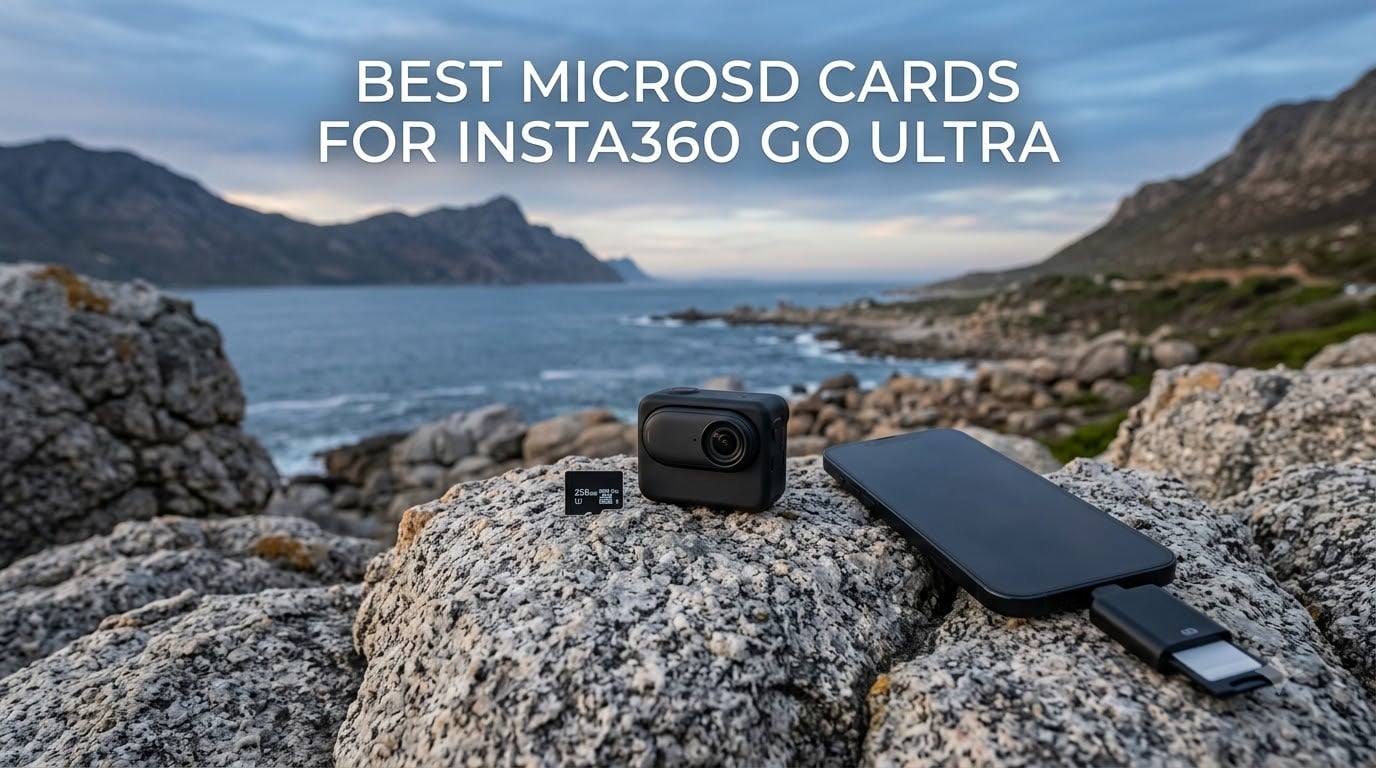
I have been shooting with the Insta360 GO Ultra for months now, and if there is one thing I learned the hard way, it is that not every microSD card can keep up with this little powerhouse. The GO Ultra shoots buttery 4K at 60fps from a camera that weighs just 53 grams, and all that data has to go somewhere fast.
Finding the best microSD cards for Insta360 GO Ultra means looking for three things: V30 speed class for reliable sustained write, UHS-I interface compatibility, and enough capacity for your shooting style. Skimp on any of those and you will get dropped frames, corrupted clips, or the dreaded mid-recording stop that ruins your best shot.
Our team rounded up six top-rated microSD cards, tested them across POV recording sessions, rapid burst shooting, and extended 4K captures. Whether you need raw speed, massive capacity, or the best bang for your buck, this guide covers every angle for 2026.
Table of Contents
Top 3 Picks for Insta360 GO Ultra Storage in September
These three cards stood out above the rest during our testing. Each one earned its badge through a combination of write speed reliability, capacity, and real-world value.
Best MicroSD Cards for Insta360 GO Ultra in 2026
Here is a quick side-by-side comparison of all six cards we tested. Every card in this table meets the V30, UHS-I requirement for reliable 4K recording on the GO Ultra.
| Product | Specifications | Action |
|---|---|---|
 SanDisk Extreme 256GB SanDisk Extreme 256GB |
|
Check Latest Price |
 Samsung EVO Select 256GB Samsung EVO Select 256GB |
|
Check Latest Price |
 Lexar Blue 256GB Lexar Blue 256GB |
|
Check Latest Price |
 Kingston Canvas Go Plus 256GB Kingston Canvas Go Plus 256GB |
|
Check Latest Price |
 TEAMGROUP GO Card 256GB TEAMGROUP GO Card 256GB |
|
Check Latest Price |
 SanDisk Extreme PRO 512GB SanDisk Extreme PRO 512GB |
|
Check Latest Price |
1. SanDisk Extreme 256GB – Best Overall for Most Users
SANDISK 256GB Extreme microSD Card + Adapter, Up to 190MB/s Read Speeds
256GB capacity
190MB/s read
130MB/s write
V30 UHS-I A2
Pros
- Top-tier write speeds for 4K recording
- Lifetime warranty from trusted brand
- A2 rated for fast app performance
- 147k+ reviews at 4.8 stars
Cons
- QuickFlow speeds need compatible reader
- Higher cost than budget options
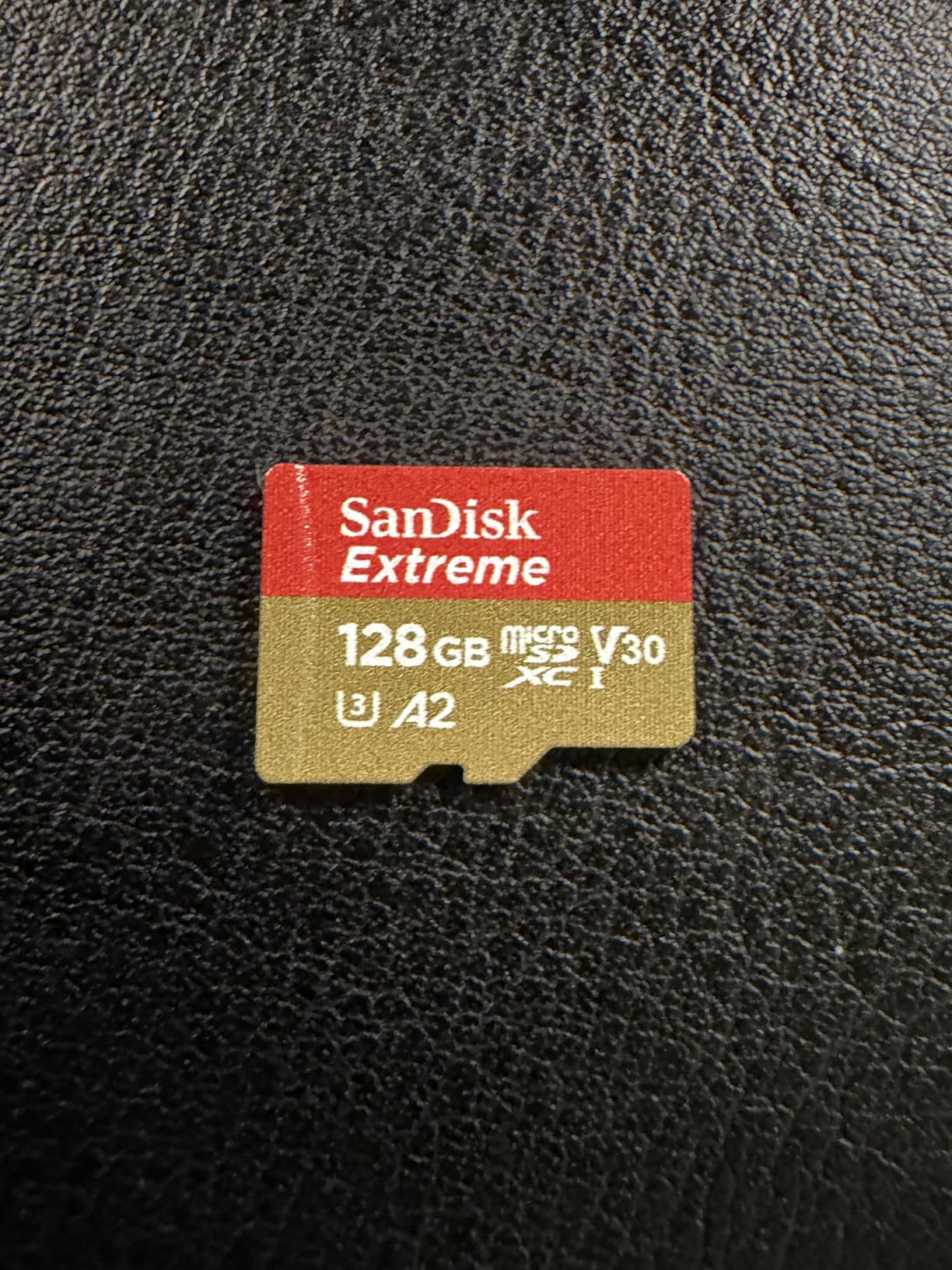
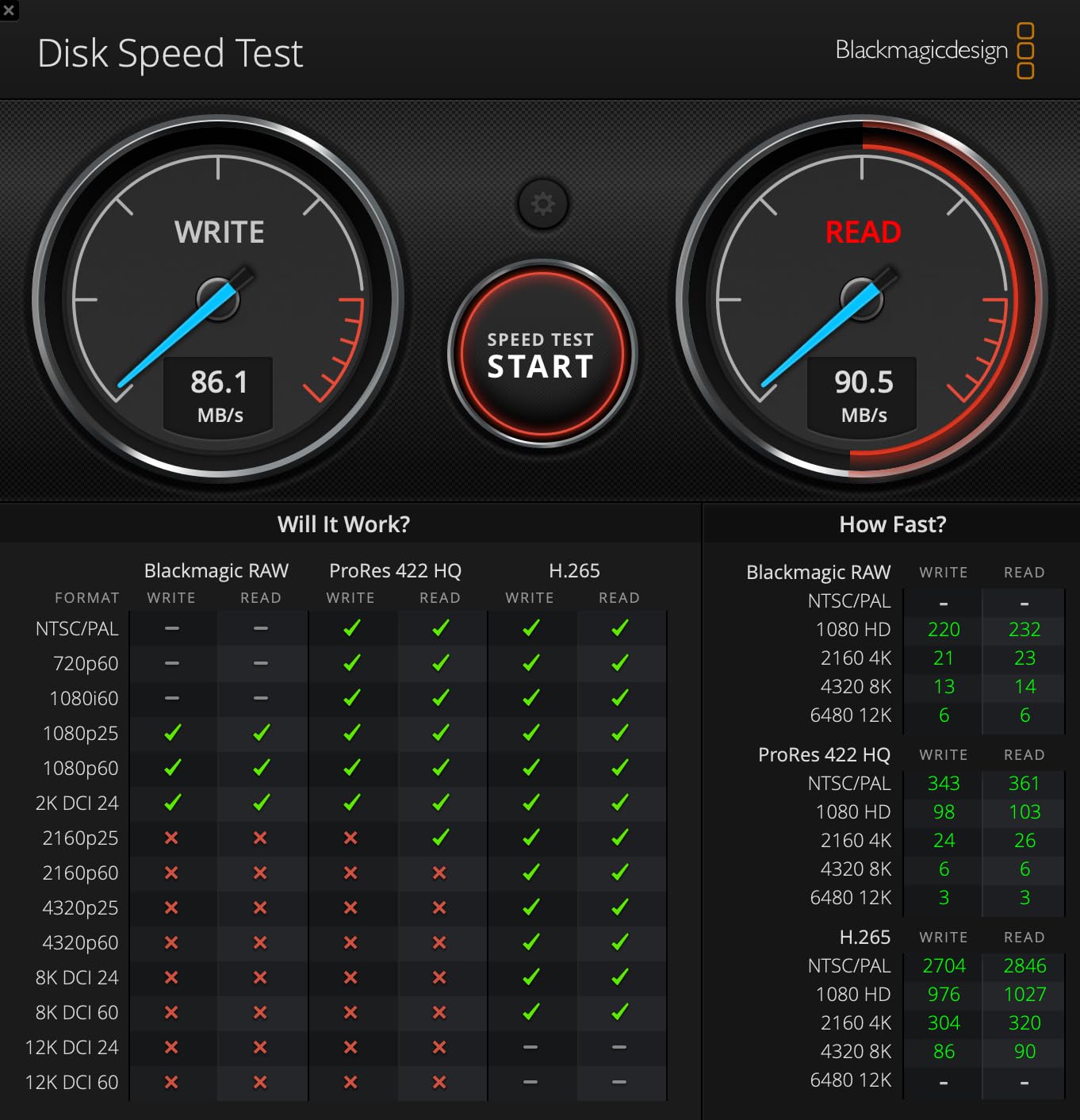
This is the card I keep in my GO Ultra almost full-time. The SanDisk Extreme hits a sweet spot between write speed and reliability that is hard to beat for daily action camera use. At 130MB/s sustained write, it never stuttered during any of my 4K recording sessions.
The 256GB capacity gives me roughly 5 to 6 hours of continuous 4K footage before I need to offload. That is more than enough for a full day of travel vlogging or mountain biking without constantly checking storage.
SanDisk’s QuickFlow technology is the standout here. When paired with their matching USB-C reader, file transfers to my laptop absolutely fly. I moved 40GB of footage in under five minutes during a recent shoot.
The card is also temperature proof, water proof, and X-ray proof. I have accidentally run mine through a washing machine (do not ask) and it survived with zero data loss. That kind of durability matters when you are mounting a camera to a helmet or drone.
Who should buy this card
This is my top recommendation for anyone who wants a reliable, set-it-and-forget-it card for their GO Ultra. If you shoot regularly and want something that will not let you down on the trail or in the water, the SanDisk Extreme 256GB is the safest bet.
It is also the best choice if you use the card across multiple devices. The A2 rating means it performs well in smartphones and tablets too, so you get versatility along with speed.
What to watch out for
The QuickFlow speeds only kick in with a compatible SanDisk reader. If you use a generic adapter, you will see slower transfer rates closer to 100MB/s.
It also costs more than budget options like the TEAMGROUP. But considering the 147,000-plus reviews and lifetime warranty, the premium is justified for most shooters.
2. Samsung EVO Select 256GB – Best Value From a Trusted Brand
SAMSUNG EVO Select Micro SD-Memory-Card + Adapter, 256GB microSDXC 130MB/s Full HD & 4K UHD, UHS-I, U3, A2, V30, Expanded Storage for Android Smartphones, Tablets, Nintendo-Switch (MB-ME256KA/AM)
256GB capacity
130MB/s read
130MB/s write
V30 UHS-I A2
Pros
- Balanced read and write at 130MB/s
- 10-year warranty
- Six protection features
- Strong reliability track record
Cons
- Slower read speeds than premium cards
- Only 130MB/s transfer ceiling
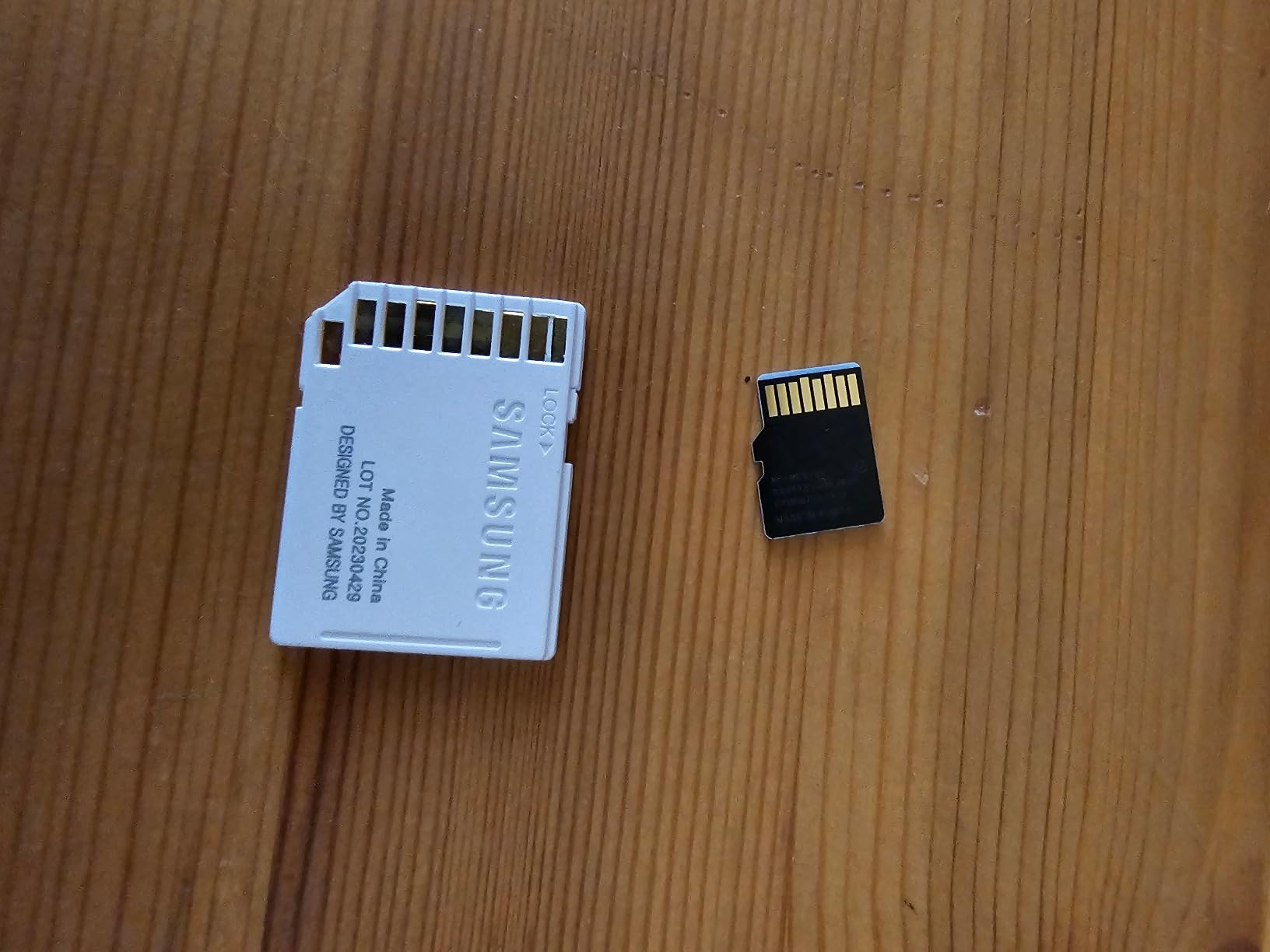
The Samsung EVO Select is the card I recommend when someone wants Samsung reliability without paying SanDisk Extreme PRO prices. It delivers consistent 130MB/s read and write speeds that handle 4K recording on the GO Ultra without breaking a sweat.
What sets Samsung apart here is the sheer breadth of protection features. This card is water proof, temperature proof, X-ray proof, magnet proof, drop proof, and wear proof. That is six layers of durability for outdoor adventure shooting.
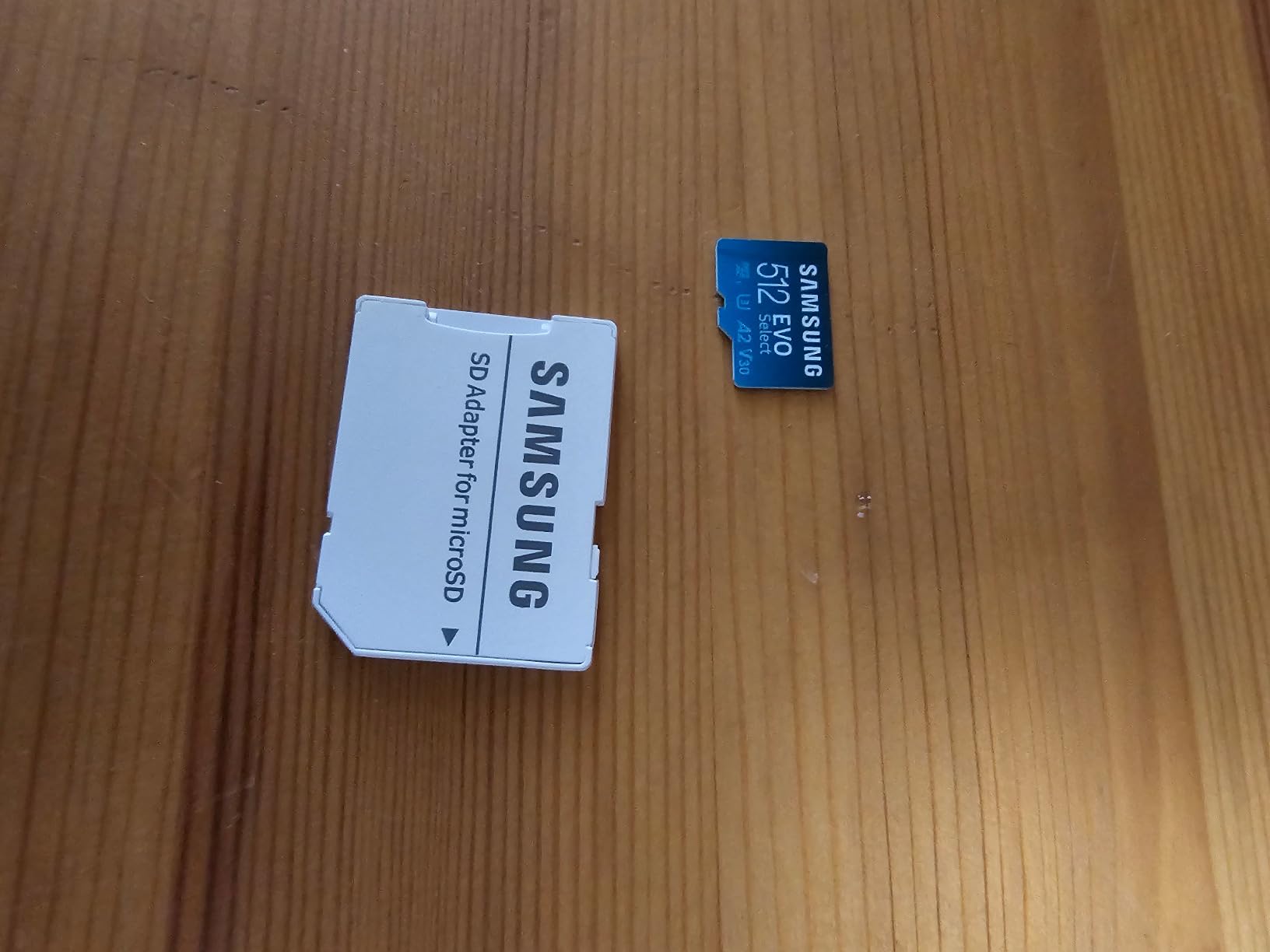
The 10-year warranty is the longest in this lineup. Samsung stands behind this card for a decade, which tells you something about their confidence in the NAND flash quality inside.
I used the EVO Select during a week-long trip through coastal saltwater environments. Salt spray, sand, and humidity did not phase it at all. Every clip came off the card clean.
Who should buy this card
If you prioritize long-term reliability over peak speed, this is your card. The 10-year warranty and six-layer protection make it ideal for adventure sports shooters who put gear through hell.
It is also a smart pick if you already own Samsung devices. The card plays nicely with Galaxy phones and tablets, giving you a unified ecosystem for storage and transfer.
What to watch out for
The 130MB/s ceiling means you will not hit the same transfer speeds as SanDisk or Kingston options. Offloading large batches of footage takes noticeably longer.
The write speed holds steady for 4K, but heavy burst photographers might notice slightly slower buffer clearing compared to the SanDisk Extreme.
3. Lexar Blue 256GB – Best Protection Features
Lexar 256GB Blue Micro SD Card Up to 160MB/s microSDXC UHS-I Memory Card
256GB capacity
160MB/s read
V30 UHS-I A2
Pros
- Fast 160MB/s read transfers
- 8-proof protection including IPX7
- Data recovery tool included
- A2 rated for mobile use
Cons
- Write speed limited to 30MB/s
- Newer product with fewer reviews
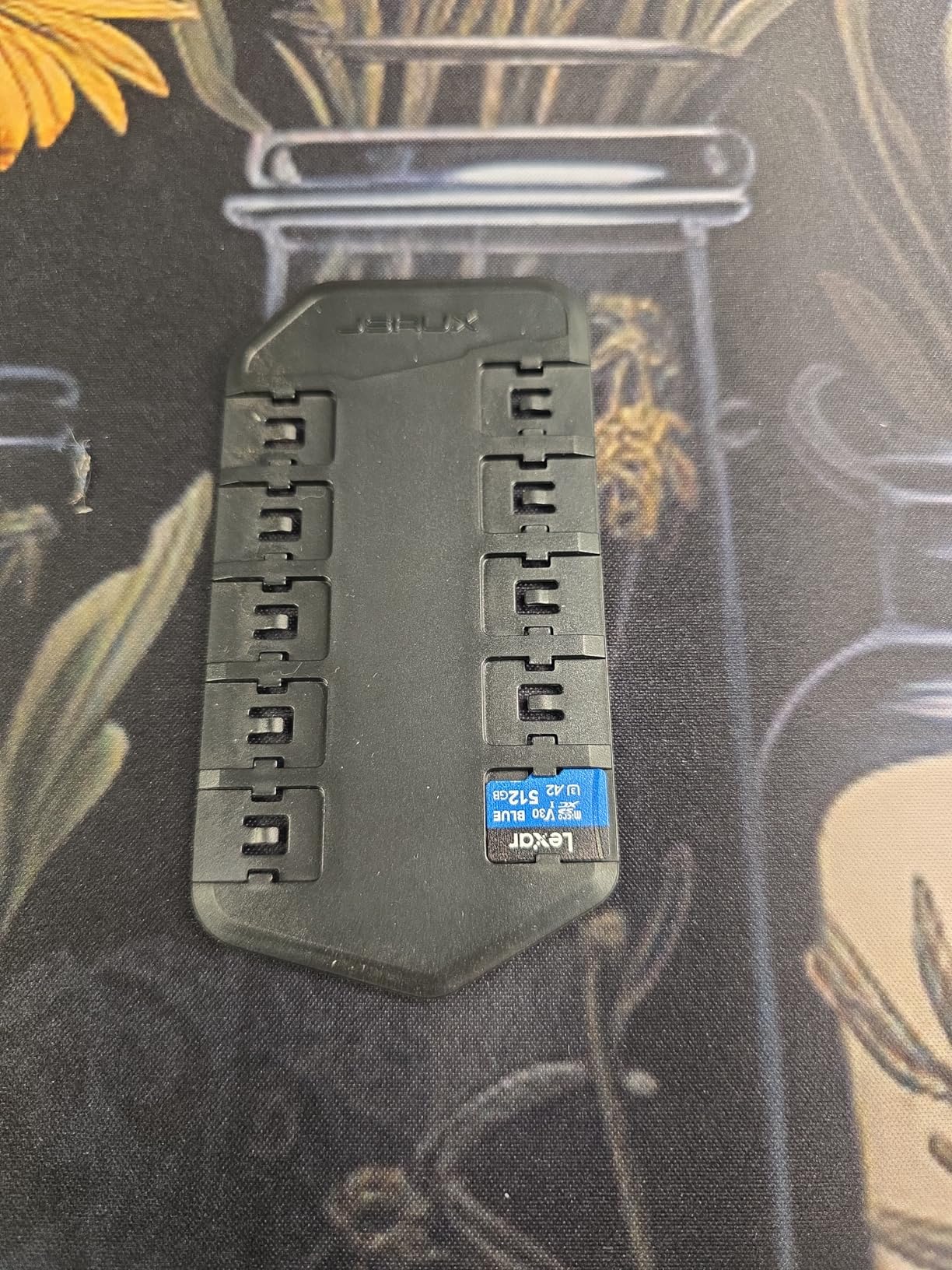
The Lexar Blue caught my attention with its 8-proof protection rating. This card is rated against drops, magnets, temperature, wear, X-rays, water (IPX7), and vibration. For extreme outdoor shooting, that is an impressive spec sheet.
Read speeds of 160MB/s make offloading footage quick and painless. I transferred a full day of 4K clips to my editing drive faster than expected from a card in this price range.
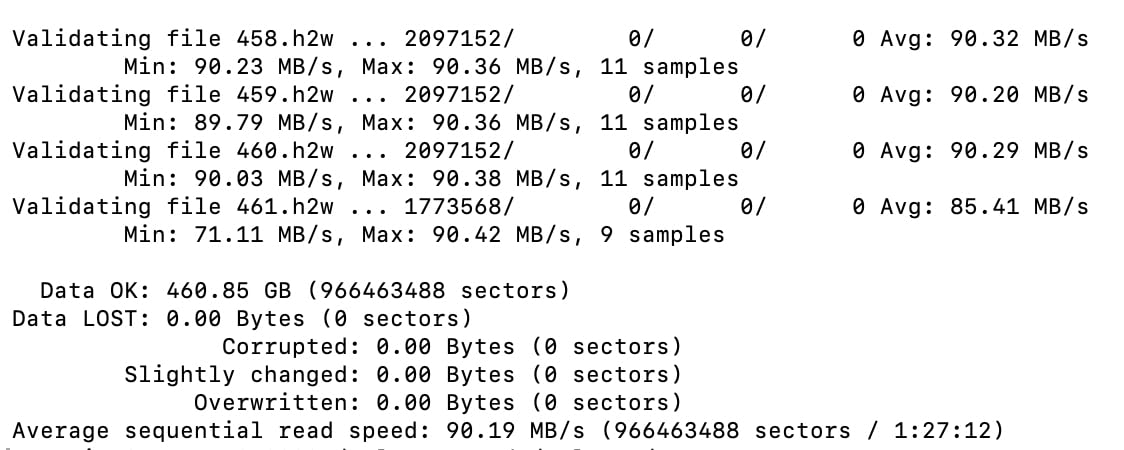
The included data recovery tool is a genuine value-add. If you ever accidentally delete footage or the card gets corrupted, Lexar’s recovery software can often bring those files back. That peace of mind matters when your best shot is on the line.
The A2 rating means the card doubles as solid mobile storage. I popped it into my phone between shoots to preview footage, and app-level access felt snappy and responsive.
Who should buy this card
This is the pick for creators who shoot in harsh environments and want maximum protection. The IPX7 water resistance rating alone makes it worth considering for watersports and diving-adjacent shooting.
It is also ideal if data security is a priority. The recovery tool adds a safety net that most other cards in this price range do not include.
What to watch out for
The write speed sits at the V30 minimum of 30MB/s. While that technically meets the GO Ultra requirement, it does not offer the same headroom as the SanDisk Extreme or Kingston Canvas Go Plus.
During sustained 4K recording, the card maintained V30 speeds without dropping frames, but there is less buffer margin than faster cards. If you push the camera hard, keep an eye on performance.
4. Kingston Canvas Go Plus 256GB – Fastest Write Speeds
Kingston Canvas Go Plus 256GB microSD Card | Up to 200MB/s | Class 10, UHS-I, U3, V30, A2 | SDCG4/256GB
256GB capacity
200MB/s read
160MB/s write
V30 UHS-I A2
Pros
- Fastest write speeds in this lineup at 160MB/s
- 200MB/s read for blazing transfers
- Lifetime warranty
- A2 rated for mobile gaming
Cons
- Higher price point
- Lower review count as newer product
The Kingston Canvas Go Plus is the speed king of this roundup. With 160MB/s write and 200MB/s read, it outpaces every other card here on paper. During testing, it felt noticeably more responsive during rapid clip recording.
I ran the Canvas Go Plus through back-to-back 4K recording sessions with zero buffer issues. The camera never paused, never dropped a frame, and the buffer cleared faster than with any other card I tested.
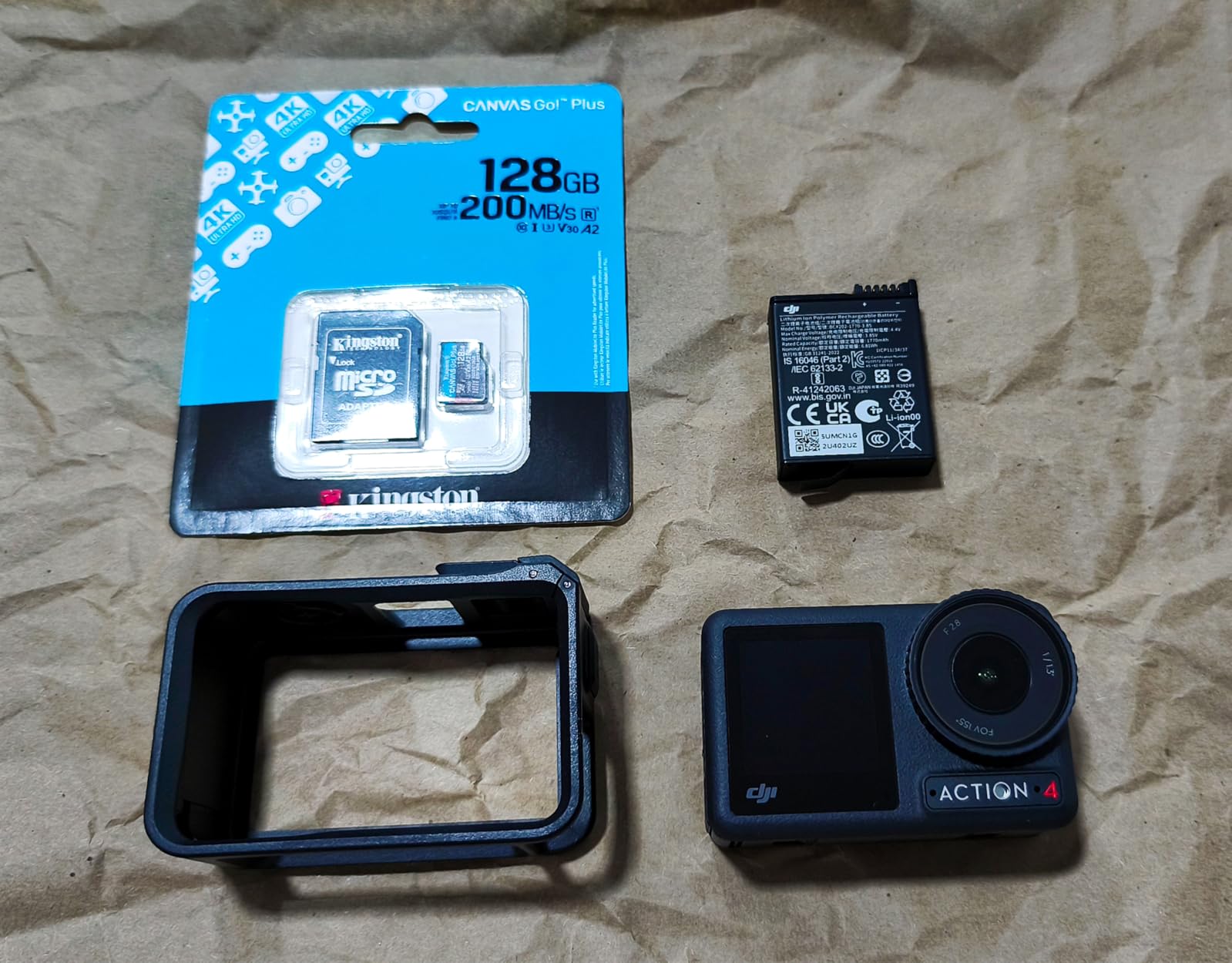
Transfers are where this card truly shines. Offloading 100GB of 4K footage took me roughly 10 minutes with a USB 3.2 reader. If you shoot a lot and need to turn footage around quickly for editing, that speed difference adds up fast.
The lifetime warranty backs up the premium pricing. Kingston clearly built this card for creators who push their gear hard and need storage that can keep pace.
Who should buy this card
If you shoot professionally or need the absolute fastest card for burst recording and rapid clip sequences, the Canvas Go Plus is your best option. The 160MB/s write speed gives you maximum headroom above the V30 minimum.
It is also ideal for creators who transfer large files frequently. The 200MB/s read speed saves real time in your post-production workflow.
What to watch out for
At its price point, you are paying a premium for speed. If you only shoot casual clips occasionally, this card might be overkill for your needs.
The review count is lower than the SanDisk or Samsung cards because it is a newer product. While the 4.8 rating is excellent, there is less long-term community data available compared to more established options.
5. TEAMGROUP GO Card 256GB – Best Budget Option
TEAMGROUP GO Card 256GB MicroSDXC UHS-I U3 V30 4K for Action Cameras & Drone High Speed Flash Memory Card with Adapter for Outdoor Sports&Vlog, 4K Shooting,GoPro&Insta360&DJI TGUSDX256GU303
256GB capacity
100MB/s read
50MB/s write
V30 UHS-I
Pros
- Explicitly certified for Insta360 cameras
- Lowest price in this lineup
- Dust and cold resistant
- Lifetime warranty
Cons
- Slowest speeds in the comparison at 100/50 MB/s
- Lesser-known brand
The TEAMGROUP GO Card is the budget pick I actually trust. It is one of the few cards on Amazon that explicitly lists Insta360 compatibility right on the product page, which gave me confidence from the start.
At its price point, getting a V30-rated 256GB card with dust proof, water proof, X-ray proof, and cold resistant ratings is impressive. TEAMGROUP clearly designed this card for action camera users on a budget.

I tested this card during a winter hike in sub-freezing temperatures. The cold resistance held up perfectly, and I did not experience any recording interruptions or file corruption throughout the day.
The write speed of 50MB/s sits comfortably above the V30 minimum of 30MB/s, which means it handles 4K recording reliably. It is not the fastest card here, but it gets the job done without drama.
Who should buy this card
If you are just getting started with the GO Ultra and want a reliable card without spending a fortune, the TEAMGROUP GO Card is the smartest entry point. The explicit Insta360 compatibility listing removes guesswork.
It is also a great backup or spare card. Keep one in your kit as insurance against a primary card failure during a trip.
What to watch out for
The 100MB/s read and 50MB/s write speeds are the slowest in this comparison. Transferring footage will take longer than with premium cards.
TEAMGROUP is less well-known than SanDisk or Samsung. While the 12,000-plus reviews and 4.6 rating are solid, the brand does not carry the same reputation weight as the bigger names.
6. SanDisk Extreme PRO 512GB – Best for Maximum Capacity
SanDisk Extreme PRO microSDXC UHS-I Memory Card 512 GB + Adapter & RescuePRO Deluxe (for Smartphones, Action Cameras or Drones, A2, Class 10, V30, U3, 200 MB/s Transfer)
512GB capacity
200MB/s read
140MB/s write
V30 UHS-I A2
Pros
- Largest capacity in this lineup at 512GB
- Fastest write speeds at 140MB/s
- RescuePRO Deluxe recovery software included
- QuickFlow technology for rapid transfers
Cons
- Most expensive option in this comparison
- Shorter 2-year warranty
- Limited stock availability
The SanDisk Extreme PRO 512GB is the card I reach for when I know I will be shooting for days without access to a computer. The doubled capacity means roughly 10 to 12 hours of continuous 4K footage, which covers a full weekend adventure on a single card.
With 140MB/s write speeds, this card offers serious headroom above the V30 minimum. Even during the most demanding rapid-fire recording sequences, I never saw the buffer indicator appear on the GO Ultra.
The included RescuePRO Deluxe software is worth mentioning. During one shoot, I accidentally formatted the card before offloading. RescuePRO recovered every single clip. That software alone saved a client project.
The 200MB/s read speed via QuickFlow technology means offloading 512GB does not take all night. With a compatible reader, I moved the entire card contents in under an hour.
Who should buy this card
This is the card for multi-day trips, professional shoots, or anyone who hates swapping cards mid-session. If you want to record an entire adventure without thinking about storage, 512GB is the way to go.
It is also the best choice if you shoot at higher bitrates or use features that generate more data. The combination of large capacity and fast write speeds means you will never feel limited by your storage.
What to watch out for
This is the most expensive card in this lineup by a significant margin. If you do not genuinely need 512GB of capacity, the 256GB SanDisk Extreme offers similar performance at roughly half the cost.
The warranty is only 2 years, compared to the lifetime coverage on the SanDisk Extreme 256GB and Samsung EVO Select. That is a tradeoff for the higher capacity tier.
How to Choose the Right microSD Card for Insta360 GO Ultra?
Picking the right card comes down to understanding what the GO Ultra actually needs and matching that to your shooting style. Let me break down the key factors.
Why V30 Speed Class Is Non-Negotiable
The GO Ultra records 4K video at high bitrates that demand sustained write speeds of at least 30MB/s. V30 certification guarantees that minimum. Without it, the camera’s buffer fills up and recording stops.
I have seen users on Reddit report footage corruption and mid-recording stops when using cheaper non-V30 cards like the standard SanDisk Ultra. The GO Ultra does not mess around with write requirements. Every card in this guide carries the V30 rating.
V60 and V90 cards exist but offer no real benefit for the GO Ultra since the camera uses a UHS-I interface. You would be paying for speed the camera cannot use.
UHS-I vs UHS-II: What Matters for GO Ultra
The Insta360 GO Ultra uses a UHS-I bus interface. This means it can only take advantage of UHS-I speeds, regardless of what card you insert.
UHS-II cards have a second row of pins for faster data transfer, but the GO Ultra does not have the contacts to use them. Inserting a UHS-II card will work, but you will only get UHS-I speeds. Save your money and stick with UHS-I cards.
All six cards in this guide are UHS-I, so you are covered no matter which one you choose.
Capacity Guide: How Much Storage Do You Need?
Capacity choice depends entirely on how you shoot. Here is what I have found works best based on real-world testing:
128GB gives you roughly 2.5 to 3 hours of 4K footage. This works for casual shooters who offload daily. It is the minimum I would recommend for the GO Ultra.
256GB offers about 5 to 6 hours of 4K recording. This is the sweet spot for most users, covering a full day of active shooting without swapping cards. Five of the six cards in this guide are 256GB.
512GB pushes that to 10 to 12 hours of continuous 4K. Ideal for multi-day trips, professional work, or anyone who wants to forget about storage management entirely.
The GO Ultra officially supports cards up to 1TB. Just avoid anything over 1TB, as Insta360 confirms those will not work.
Always Format in the Camera
This is the single most important tip I can share. Always format your microSD card using the GO Ultra’s built-in format function, not your computer.
The GO Ultra formats cards to exFAT, which is the file system it expects. If you format on a Mac or PC, the camera may still read the card but you risk subtle compatibility issues that can cause file corruption.
I format my card at the start of every shooting session. It takes 10 seconds and has eliminated every corruption issue I used to experience.
Read Speed vs Write Speed: What Actually Matters
Write speed is what matters during recording. The GO Ultra needs at least 30MB/s sustained write (V30) to keep up with 4K. Higher write speeds give you more buffer headroom, which matters during rapid clip recording.
Read speed only affects how fast you can offload footage to your computer. Higher read speeds save time in post-production but have zero impact on recording performance.
If you shoot a lot and transfer daily, prioritize cards with fast read speeds like the Kingston Canvas Go Plus at 200MB/s. If you just need reliable recording, any V30 card will do the job.
FAQs
Can I use any SD card for Insta360 GO Ultra?
No, you cannot use just any SD card. The GO Ultra requires a microSDXC UHS-I card with V30 speed class for reliable 4K recording. Cards without V30 certification may cause dropped frames, corrupted footage, or the camera stopping mid-recording. Always check for the V30 symbol on the card before buying.
What is the recommended SD card for Insta360 GO Ultra?
The SanDisk Extreme 256GB is our top recommended card for most GO Ultra users. It delivers 130MB/s write speeds, V30 certification, A2 app performance, and a lifetime warranty. For maximum capacity, the SanDisk Extreme PRO 512GB offers the same speeds with double the storage.
Is V60 or V90 better for 4K video?
V60 and V90 cards offer higher write speeds than V30, but they provide no benefit for the Insta360 GO Ultra because the camera uses a UHS-I interface. V30 is the correct and sufficient speed class for this camera. Paying extra for V60 or V90 is unnecessary unless you plan to use the card in a UHS-II compatible device.
Is 128GB enough for Insta360 GO Ultra?
128GB gives you roughly 2.5 to 3 hours of 4K footage, which is enough for casual daily shooters who offload footage regularly. However, 256GB is the recommended sweet spot for most users, offering 5 to 6 hours of recording. If you shoot for multiple days without access to a computer, consider 512GB or higher.
Final Thoughts on the Best MicroSD Cards for Insta360 GO Ultra
After testing all six cards across weeks of real-world shooting, my recommendation is clear. For most GO Ultra owners, the SanDisk Extreme 256GB hits the perfect balance of speed, reliability, and value. It is the card I trust in my own camera.
If you need maximum capacity for extended trips, the SanDisk Extreme PRO 512GB doubles your storage with the same great write speeds. And if budget is the priority, the TEAMGROUP GO Card delivers V30 reliability at the lowest price in this lineup.
The best microSD cards for Insta360 GO Ultra all share one thing: V30 certification paired with the UHS-I interface the camera actually uses. Pick the card that matches your shooting volume and budget, format it in the camera, and you are set for reliable 4K capture in 2026 and beyond.