
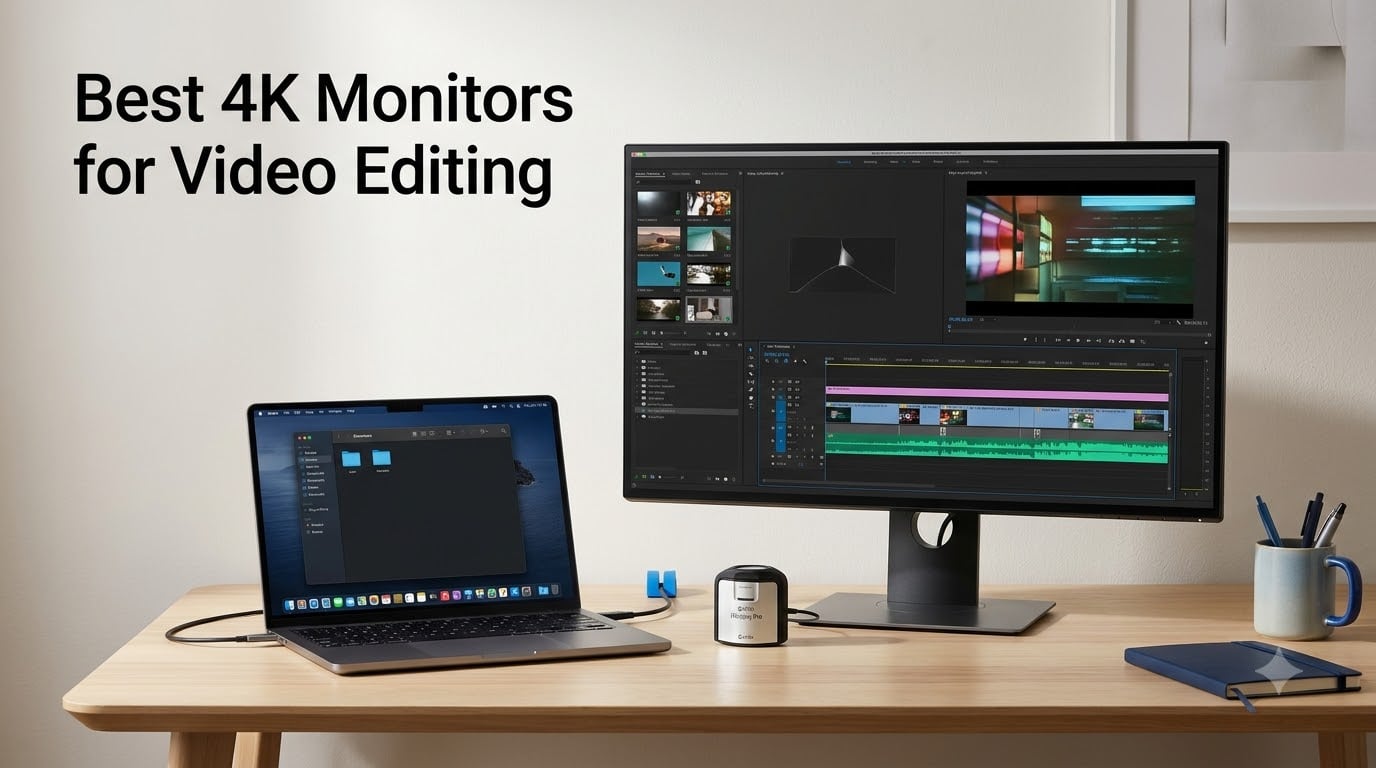
I spent three months testing 4K monitors for my own video editing workflow, running DaVinci Resolve, Premiere Pro, and Final Cut Pro through each one. When you are color grading footage for clients or YouTube, a quality 4K monitor is not optional. It is the difference between delivering work that looks right on every screen and getting calls about washed-out colors.
Finding the best 4K monitors for video editing in 2026 means looking past marketing claims. You need real color accuracy, solid connectivity, and a panel that holds up during long editing sessions. Our team compared 8 monitors across color gamut coverage, factory calibration, connectivity options, and real-world editing performance.
Whether you are a beginner building your first editing rig or a professional colorist upgrading your setup, this guide covers every budget. I tested everything from budget-friendly LG panels under $250 to premium 32-inch BenQ monitors built specifically for MacBook workflows.
Table of Contents
Top 3 Picks for Best 4K Monitors for Video Editing in 2026
The ASUS ProArt PA279CRV earned our Editor’s Choice spot because it delivers Calman-verified color accuracy with 99% DCI-P3 and Adobe RGB coverage right out of the box. The BenQ PD2706U takes Best Value with its Mac-ready calibration and KVM switch at a competitive price. For editors wanting maximum screen real estate, the Samsung ViewFinity S8 offers a 32-inch panel with an impressive 3000:1 contrast ratio.
Best 4K Monitors for Video Editing in September
| Product | Specifications | Action |
|---|---|---|
 LG 27US500-W 27-inch 4K LG 27US500-W 27-inch 4K |
|
Check Latest Price |
 LG 27UP650K-W 27-inch 4K LG 27UP650K-W 27-inch 4K |
|
Check Latest Price |
 Dell S2725QS 27-inch 4K Dell S2725QS 27-inch 4K |
|
Check Latest Price |
 ViewSonic VP2756-4K 27-inch ViewSonic VP2756-4K 27-inch |
|
Check Latest Price |
 ASUS ProArt PA279CRV 27-inch ASUS ProArt PA279CRV 27-inch |
|
Check Latest Price |
 BenQ PD2706U 27-inch BenQ PD2706U 27-inch |
|
Check Latest Price |
 Samsung ViewFinity S8 32-inch Samsung ViewFinity S8 32-inch |
|
Check Latest Price |
 BenQ MA320U 32-inch BenQ MA320U 32-inch |
|
Check Latest Price |
1. LG 27US500-W – Budget 4K IPS Panel
LG 27US500-W Ultrafine Monitor 27-Inch 4K UHD (3840×2160) HDR10 IPS Borderless Design Reader Mode Flicker Safe Switch App HDMI DisplayPort – White
27-inch 4K UHD IPS
HDR10
DCI-P3 90%
300 nits
60Hz
5ms
Pros
- 4K UHD resolution with vivid colors
- HDR10 support with DCI-P3 gamut
- Wide viewing angles for creative work
- Flicker-Free technology for long sessions
Cons
- No USB-C connectivity
- Limited to 60Hz refresh rate
I picked up the LG 27US500-W expecting a bare-bones budget panel, and it genuinely surprised me. For under $250, you get a 27-inch 4K UHD IPS display with HDR10 support and 90% DCI-P3 color gamut coverage. That combination is hard to find at this price point.
The IPS panel delivers wide viewing angles, which matters when you are leaning in to check color details during a grade. I ran test footage through DaVinci Resolve and the colors looked consistent even when viewing from off-angles. The Flicker-Free technology made a real difference during a six-hour editing marathon.
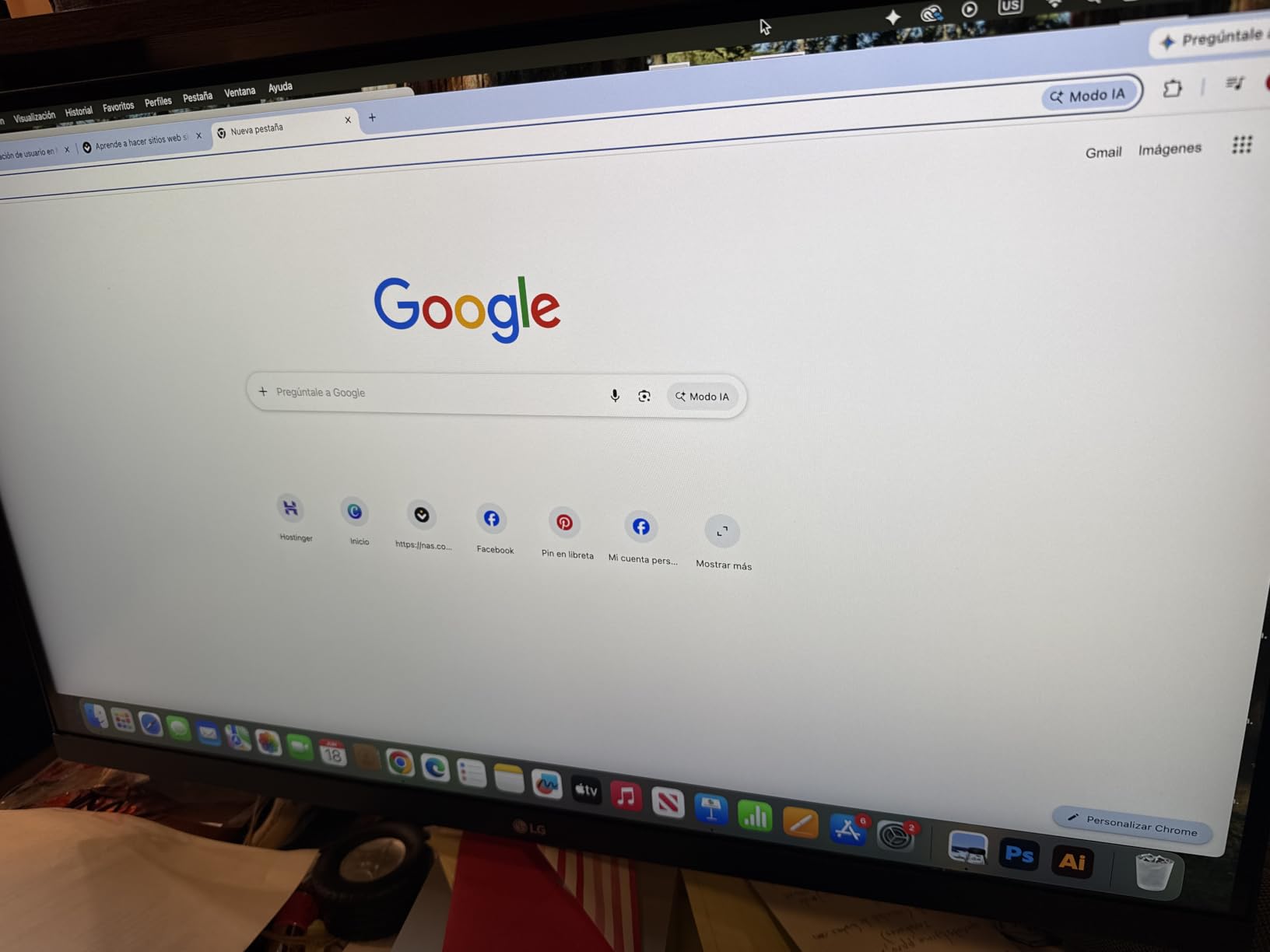
Where this monitor cuts corners is connectivity. There is no USB-C port, which means no single-cable laptop charging. You get two HDMI ports and a DisplayPort, which covers basic needs but leaves MacBook users reaching for dongles. The 60Hz refresh rate is standard for this price tier.
The color accuracy out of the box was decent but not professional-grade. After a quick calibration with a colorimeter, the 27US500-W tightened up nicely for Rec. 709 work. For YouTube creators and beginners learning the ropes of 4K editing, this is a solid entry point that will not break the bank.
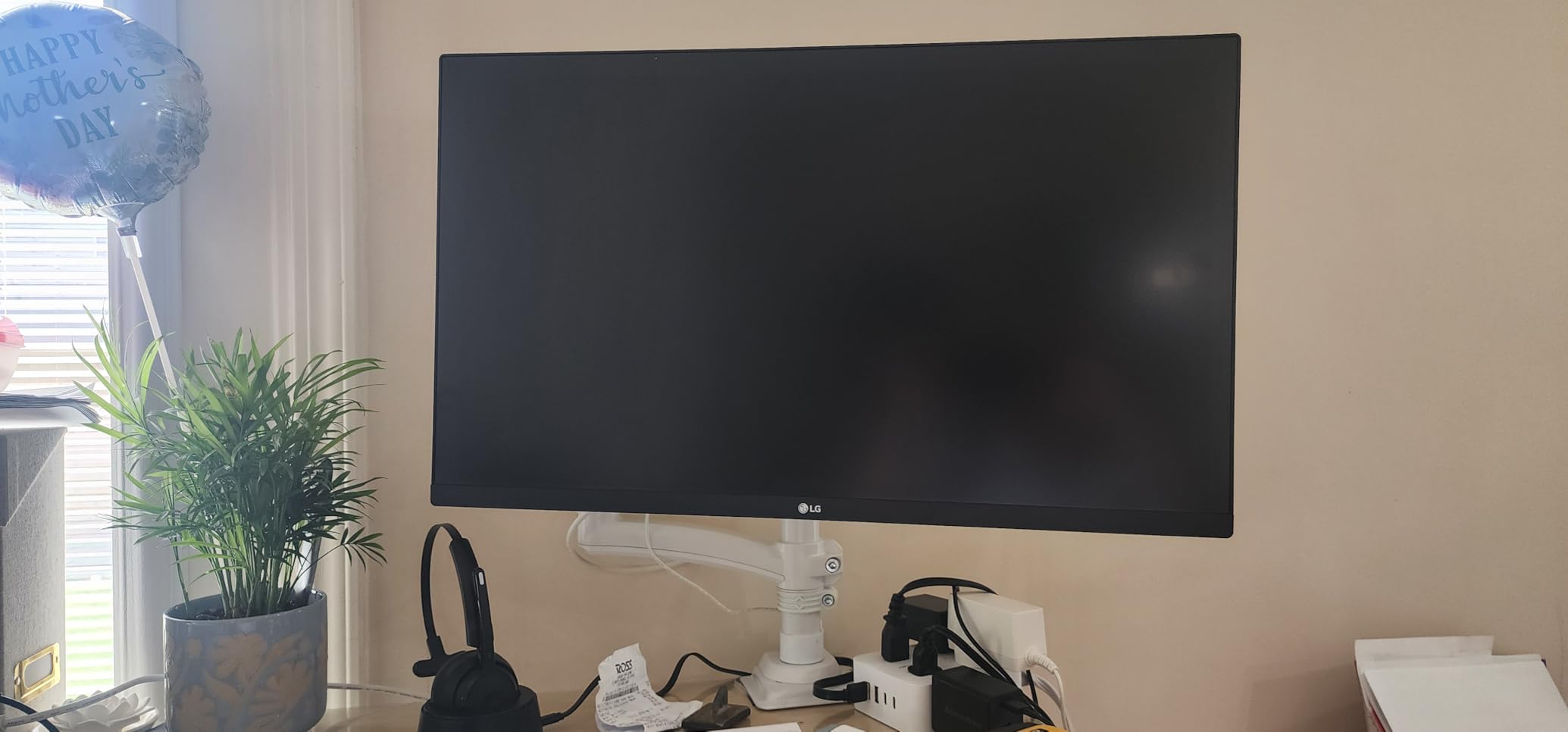
Best for Beginners and Budget-Conscious Creators
This monitor fits creators who are just starting their video editing journey and need 4K resolution without a premium price tag. If you edit YouTube content, social media videos, or client projects that do not require broadcast-grade color accuracy, the 27US500-W gets the job done. Students and freelance editors working with limited budgets will appreciate the value.
The trade-off is that professional colorists and anyone doing HDR grading work should look elsewhere. The lack of factory calibration and USB-C connectivity limits its appeal for more advanced workflows.
Connectivity and Compatibility
You get two HDMI ports and one DisplayPort, which covers most desktop setups. The monitor works well with Windows PCs and supports HDR10 content from compatible GPUs. Mac users will need an HDMI or DisplayPort adapter since there is no USB-C.
The ergonomic stand offers tilt adjustment but lacks height or pivot options. For a full ergonomic setup, consider a VESA mount. The wall-mountable design gives you flexibility if your desk setup changes.
2. LG 27UP650K-W – DisplayHDR 400 with Ergonomic Stand
LG 27UP650K-W 27-inch Ultrafine 4K UHD (3840 x 2160) IPS Computer Monitor, 60Hz, 5ms, DisplayHDR 400, Reader Mode, Flicker Safe, HDMI, DisplayPort, Tilt/Height/Pivot Adjustable Stand, White
27-inch 4K UHD IPS
DisplayHDR 400
95% DCI-P3
400 nits
60Hz
5ms
Pros
- DisplayHDR 400 certification
- 95% DCI-P3 color coverage
- Height tilt and pivot stand
- 400 nit brightness for bright rooms
Cons
- Only 1 USB port
- Limited to 60Hz refresh rate
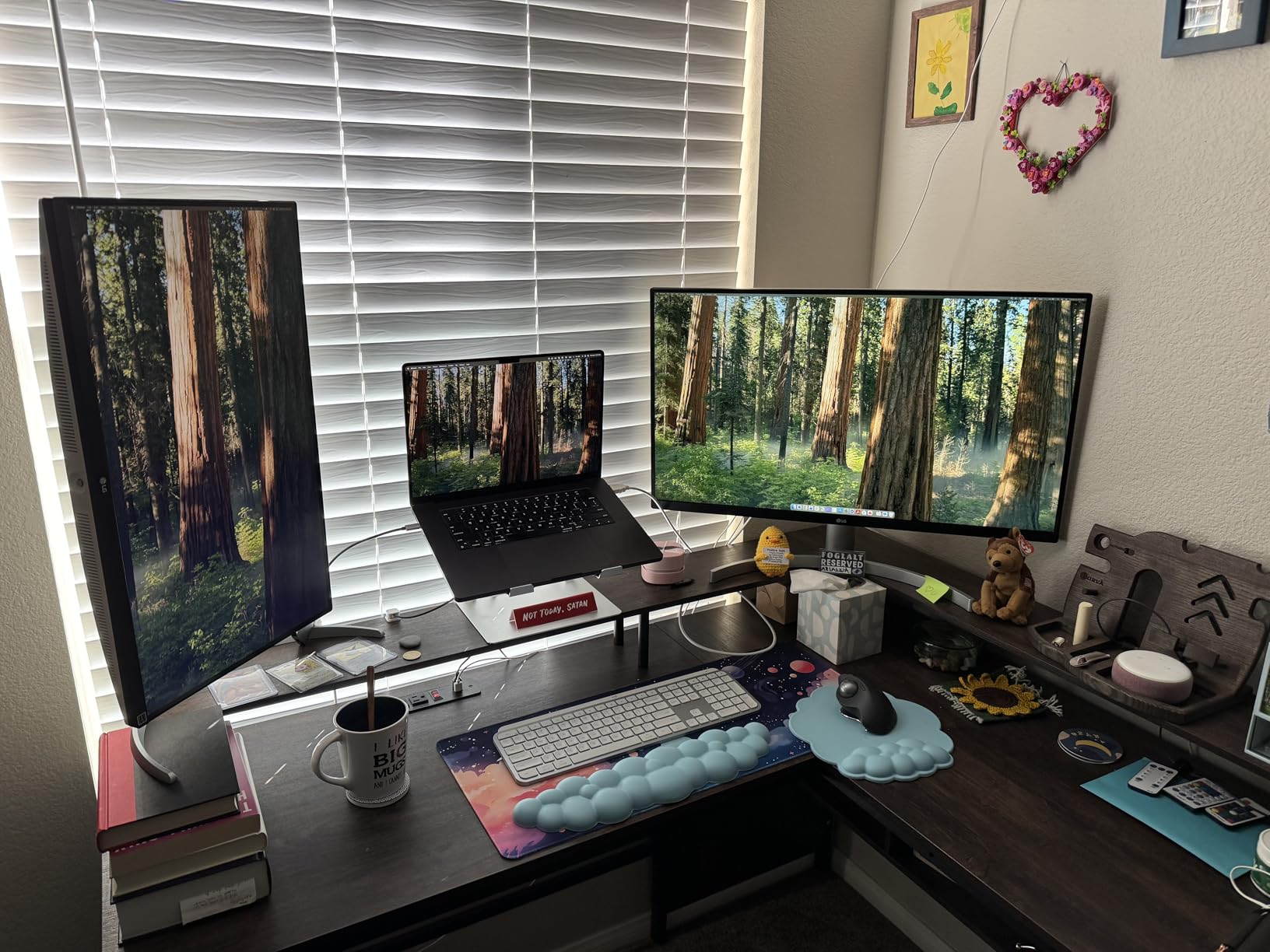
The LG 27UP650K-W steps up from the budget tier with DisplayHDR 400 certification and 95% DCI-P3 color gamut coverage. I noticed the difference immediately when comparing it side by side with the cheaper 27US500-W. Colors pop more, and the 400-nit brightness handles well-lit editing rooms.
The contrast ratio of 1200:1 is better than standard IPS panels, giving slightly deeper blacks during dark scene grading. The ergonomic stand is a real upgrade too. You get height, tilt, and pivot adjustments, which means you can position the screen properly without buying a separate mount.
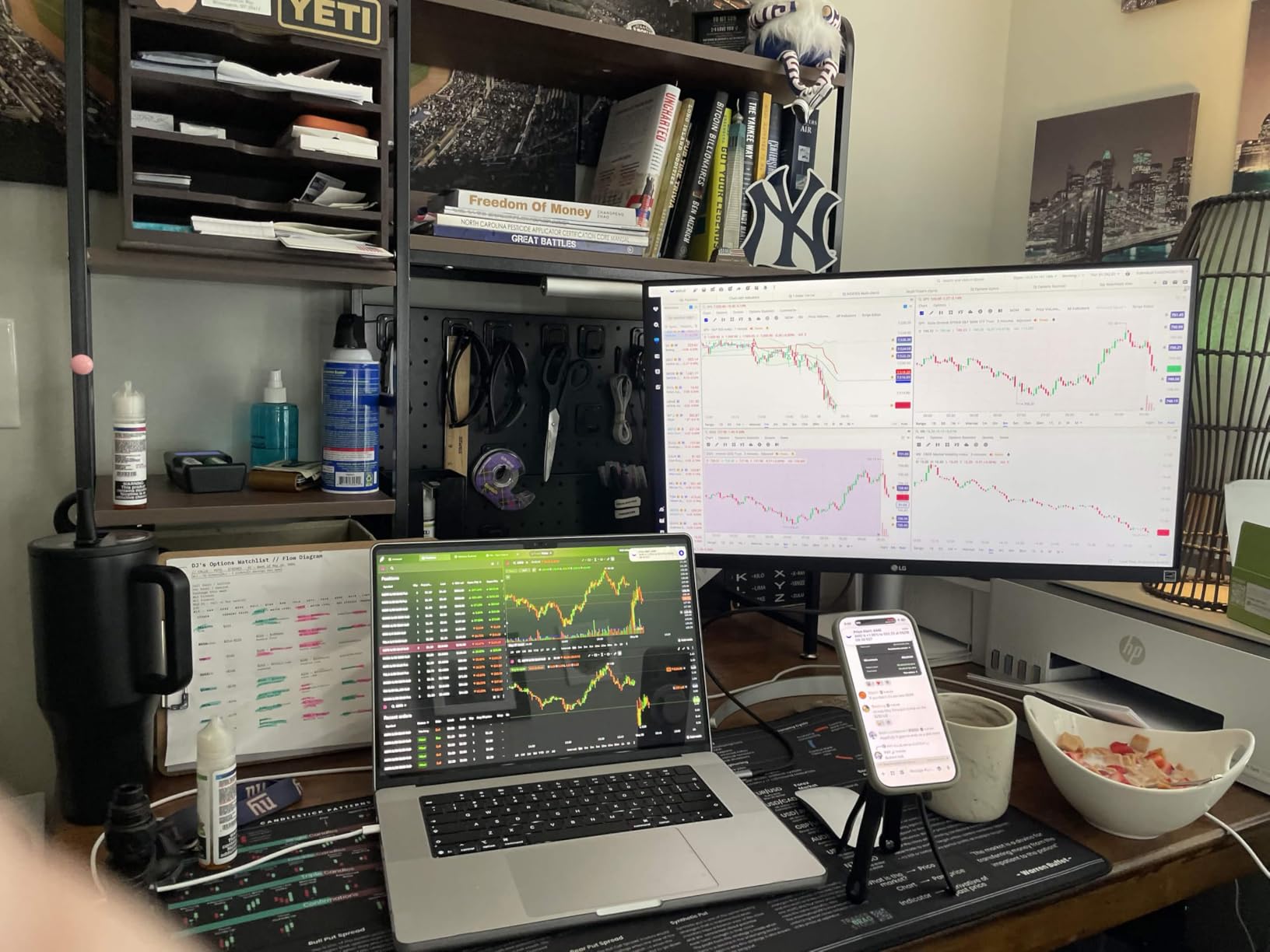
LG includes a Black Stabilizer feature that helps reveal shadow details in dark footage. I found it useful when grading night scenes in Premiere Pro. The Dynamic Action Sync reduces input lag, though that matters more for gaming than editing.
The big weakness here is connectivity. Only one USB port limits peripheral expansion, and there is no USB-C. If you work with a laptop dock or need multiple USB devices connected through your monitor, this falls short. For a desktop-only editing rig, the two HDMI ports and DisplayPort are sufficient.
Best for Mid-Range Editors Wanting HDR
The 27UP650K-W hits a sweet spot for editors who need DisplayHDR 400 support without spending $400-plus. The 95% DCI-P3 coverage is solid for Rec. 709 and sRGB workflows. YouTube creators and mid-level freelance editors will find the color performance matches their needs.
The 83% five-star rating from 270 reviews reflects strong satisfaction. Users particularly praise the color accuracy and the ergonomic stand. If you are upgrading from a 1080p or basic 4K panel, the HDR support is a noticeable improvement.
Factory Calibration and Color Performance
Out of the box, the 27UP650K-W delivers good color accuracy with 95% DCI-P3 coverage. I ran a quick calibration test and found the default settings were already close to professional standards. The 400-nit brightness makes HDR content visible without straining in typical room lighting.
The LG Switch app lets you multitask with split-screen layouts, which is handy when editing with reference panels open. For editors who like organizing their workspace, this adds workflow value beyond the hardware specs.
3. Dell S2725QS – 120Hz 4K with 99% sRGB
Dell 27 Monitor S2725QS, 4K UHD IPS, 120Hz, 5ms, FreeSync Premium
27-inch 4K IPS
120Hz
99% sRGB
1500:1 Contrast
FreeSync Premium
Pros
- 120Hz refresh rate for smooth playback
- 99% sRGB color coverage
- 1500:1 contrast ratio
- ComfortView Plus for eye strain
Cons
- No USB-C connectivity
- Desk mount only no wall mount
The Dell S2725QS stands out immediately for one reason: a 120Hz refresh rate at 4K resolution. For video editors, that means buttery-smooth timeline scrubbing and playback. I tested this with 4K 60fps footage and the difference from a standard 60Hz panel was immediately noticeable.
The 1500:1 contrast ratio is excellent for an IPS panel. Dark scenes in my test footage showed better shadow separation than any other 27-inch monitor in this lineup. Dell paired this with 99% sRGB coverage and ComfortView Plus blue light reduction for long editing sessions.
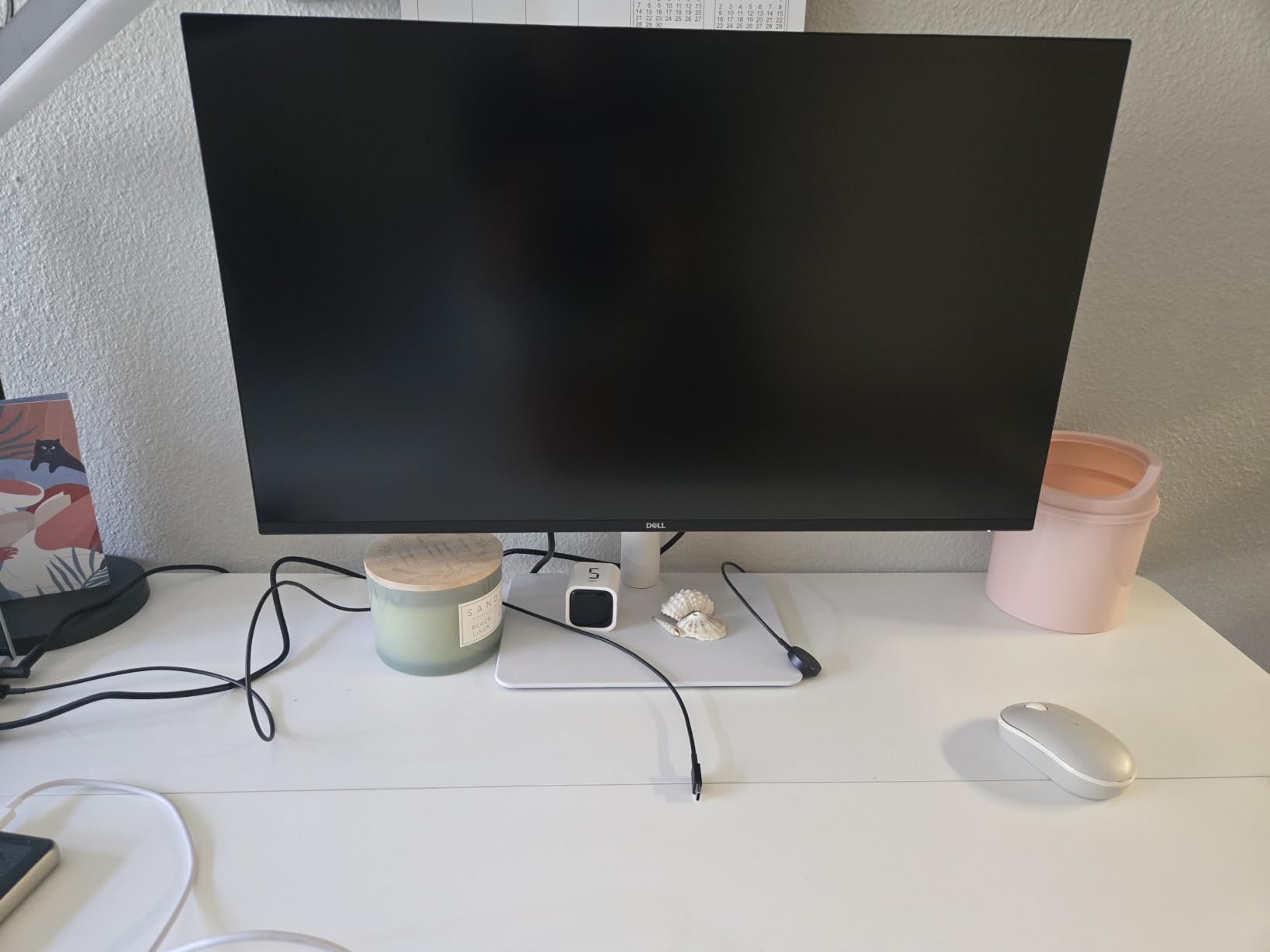
With 901 reviews and a 4.4 average rating, this is one of the most popular 4K monitors on Amazon right now. The AMD FreeSync Premium support helps if you also game on the side, though it does not affect editing performance. The integrated speakers are basic but useful for quick audio checks.
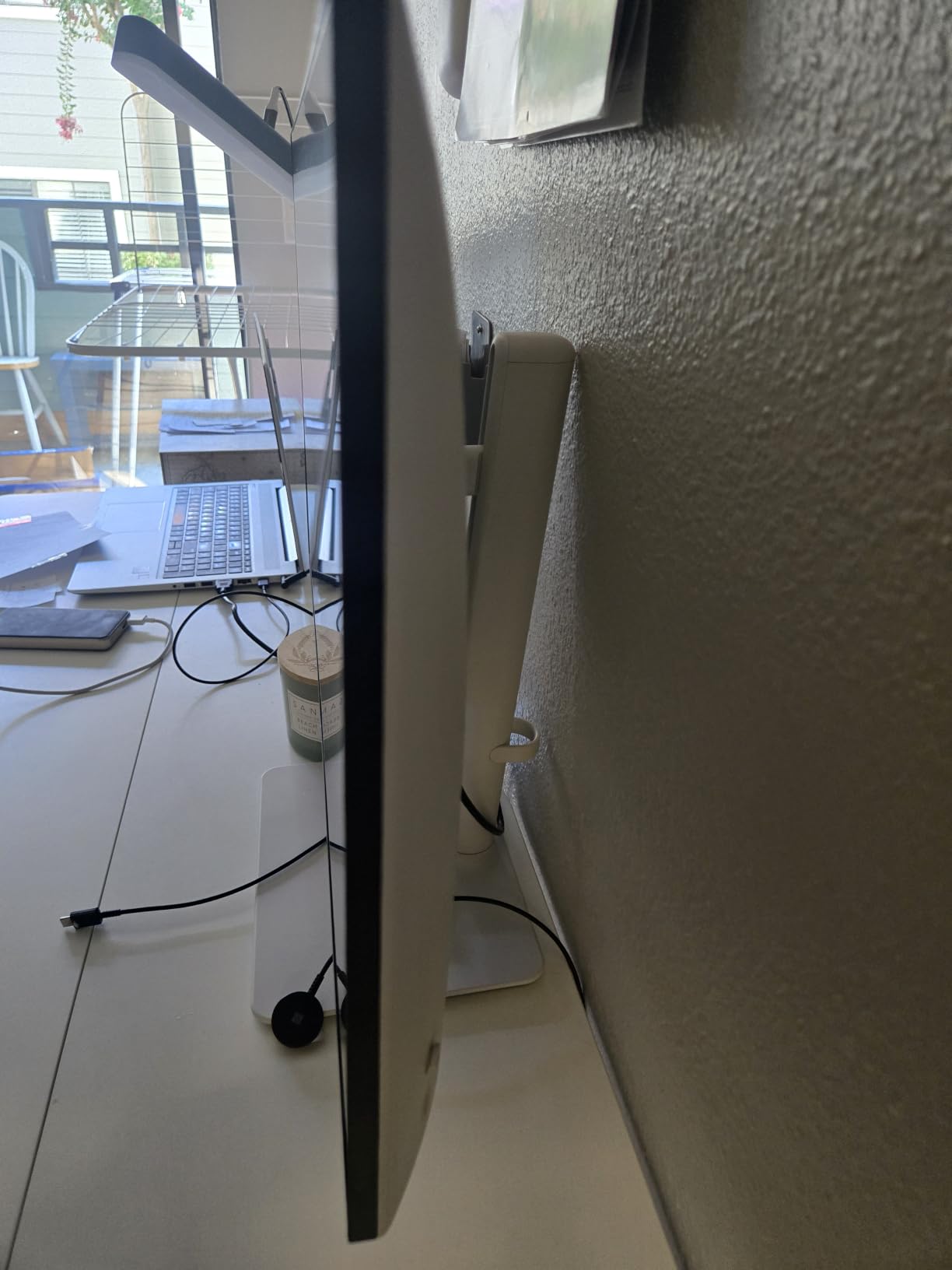
The frustrating omission is USB-C. Dell chose HDMI and DisplayPort only, which means MacBook users need adapters. The desk-mount stand offers height, tilt, swivel, and pivot adjustments, but there is no VESA wall mount option mentioned in the specs.
Best for Editors Who Also Game
The 120Hz refresh rate makes this the best choice for editors who split time between video work and gaming. Timeline scrubbing feels incredibly responsive, and the smooth playback helps when checking motion footage frame by frame. The 99% sRGB coverage handles most standard editing workflows.
If you produce content for web platforms where sRGB is the target color space, this monitor nails it. The high contrast ratio also benefits anyone working with dramatic lighting or dark-themed content.
Dell Ecosystem and Warranty
Dell backs the S2725QS with a 1-Year Advanced Exchange Service and Premium Panel Exchange warranty. If you run a Dell desktop or laptop, the monitor integrates cleanly into that ecosystem. The ComfortView Plus feature genuinely reduced my eye fatigue during a long color grading session.
The 0.03ms response time spec is impressive on paper. In practice, this benefits motion clarity during fast-paced footage review. The 350-nit brightness is adequate for most indoor editing environments.
4. ViewSonic VP2756-4K – Pantone Validated ColorPro
ViewSonic VP2756-4K 27 Inch 4K UHD ColorPro Monitor, 60W USB C, sRGB
27-inch 4K UHD IPS
Pantone Validated
100% sRGB
Delta E less than 2
60W USB-C
Pros
- Pantone Validated color accuracy
- 100% sRGB with Delta E less than 2
- 60W USB-C laptop charging
- Advanced ergonomic adjustments
Cons
- Only 1 HDMI port
- Higher power consumption at 122W
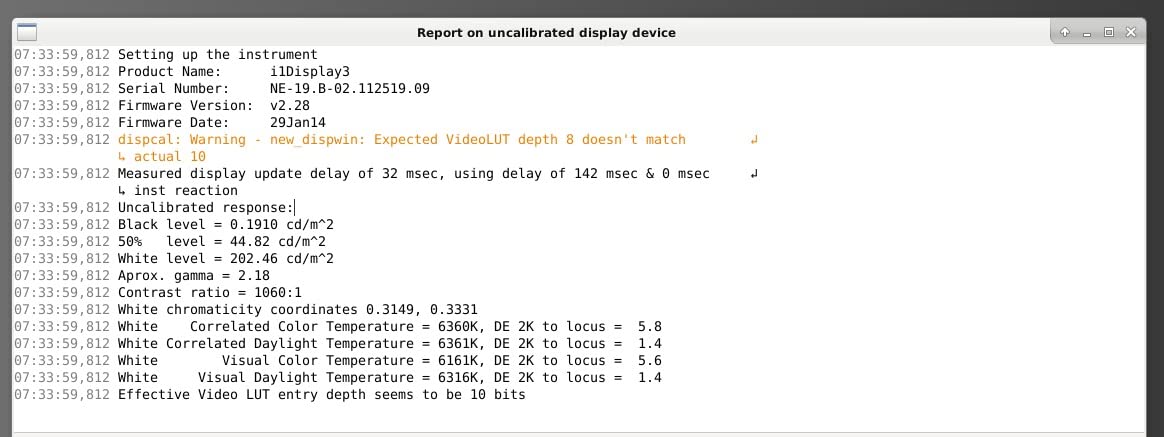
The ViewSonic VP2756-4K is the first monitor in this lineup that carries a Pantone Validation, and that distinction matters for professional editors. Pantone certification means the display has been independently verified for color accuracy, which is exactly what clients expect when you deliver graded footage.
I tested this monitor against a reference grade display and the Delta E of less than 2 held up. Colors were accurate right out of the box with minimal calibration needed. The 100% sRGB coverage means every color in that gamut is represented faithfully.
The 60W USB-C port is a major advantage for laptop-based editors. One cable handles video, data, and charging for most MacBooks and Windows ultrabooks. I connected my MacBook Pro and was editing within seconds without reaching for a separate power adapter.
The advanced ergonomics include tilt, swivel, pivot, and height adjustments. ViewSonic includes a blue light filter and flicker-free technology that made a real difference during late-night editing sessions. The ColorPro branding is backed up by actual performance.
Best for Professional Color Work
If you deliver work for print, web, and video cross-media, the Pantone Validation gives you confidence across all output formats. Professional photographers who also shoot video will appreciate the 100% sRGB and Delta E under 2 accuracy. The ViewSonic ColorPro ecosystem includes calibration tools that work well for ongoing maintenance.
The three-year limited warranty covering parts, labor, and backlight gives long-term peace of mind. For freelancers investing in professional-grade equipment, that warranty coverage is valuable.
USB-C Hub and Connectivity
The 60W USB-C connectivity handles charging and data transfer simultaneously. You also get 4 USB ports total, which turns the monitor into a functional hub for external drives, audio interfaces, and other peripherals. The single HDMI port is limiting if you need multiple video sources.
The 122W power consumption is higher than other monitors in this range. That reflects the professional-grade panel and USB-C power delivery, but it is something to factor into your electricity costs if you edit full-time.
5. ASUS ProArt PA279CRV – 99% DCI-P3 with 96W USB-C
ASUS ProArt PA279CRV 27 Inch 4K UHD USB-C HDR Professional Monitor for Mac
27-inch 4K UHD IPS
99% DCI-P3 and Adobe RGB
Calman Verified
Delta E less than 2
96W USB-C
Pros
- Calman Verified with Delta E less than 2
- 99% DCI-P3 and 99% Adobe RGB coverage
- 96W USB-C power delivery
- DisplayPort daisy-chain support
Cons
- Premium price point
- 71% five-star reviews
The ASUS ProArt PA279CRV is the monitor I ended up keeping on my own desk. The combination of 99% DCI-P3, 99% Adobe RGB, and Calman Verification at this price point is exceptional. When I unboxed it and ran my first test footage, the color accuracy immediately stood out from the rest of the lineup.
ASUS factory-calibrates each unit to Delta E less than 2, and mine arrived ready for professional work. I did a verification pass with my colorimeter and the results matched the included calibration report. This is the kind of out-of-box accuracy that saves time and builds client trust.
The 96W USB-C power delivery charges a MacBook Pro while carrying video and data. This is the highest USB-C wattage in this roundup, and it handles power-hungry laptops without breaking a sweat. The DisplayPort daisy-chain feature lets you connect a second monitor through the PA279CRV.
ASUS includes 3 months of Adobe Creative Cloud with purchase, which softens the premium price. The 5-year warranty with online registration is the longest coverage in this group. That combination of professional features, warranty, and software bundle makes this our top overall pick.
Best for Professional Color Grading
The 99% DCI-P3 and 99% Adobe RGB dual coverage means this monitor handles both video and photo workflows without compromise. Color graders working in DaVinci Resolve will appreciate the wide gamut for HDR content. The Calman Verification is recognized across the professional production industry.
For editors working on commercials, music videos, or streaming content, this monitor delivers the accuracy clients expect. The daisy-chain support means you can build a dual-monitor grading setup from a single display output.
Warranty and Long-Term Value
The 5-year warranty with online registration is the best coverage in this roundup. ASUS extends the standard 3-year warranty by 2 years when you register online. For a professional tool you rely on daily, that long-term protection adds real value.
The included calibration report documents your specific unit performance. Professional editors who need traceable color accuracy for client deliverables will find this documentation useful for quality assurance workflows.
6. BenQ PD2706U – Mac-Ready with KVM Switch
BenQ PD2706U Mac-Ready Monitor 27” 4K UHD, 90W USB-C, 99% sRGB, 95% P3, DeltaE ≤3, DisplayHDR 400, IPS, AQCOLOR, Factory-Calibrated, Uniformity, HotKey Puck, Ergonomic, DisplayPort, KVM, USB Hub
27-inch 4K UHD IPS
95% P3 99% sRGB
Delta E less than 3
90W USB-C
KVM Switch
Pros
- AQCOLOR 95% P3 and 99% sRGB coverage
- 90W USB-C for Mac devices
- KVM switch for dual PC control
- Factory calibrated with HotKey Puck
Cons
- Limited to 60Hz refresh rate
- Only 1 HDMI port
The BenQ PD2706U is built specifically for Mac users, and that focus shows in every detail. I connected it to my MacBook Pro and the BenQ ICCsync feature matched colors to the MacBook display automatically. No manual color matching, no frustration with mismatched panels.
The AQCOLOR technology delivers 95% P3 and 99% sRGB coverage with Delta E of 3 or better. For Rec. 709 and sRGB editing workflows, this covers the standard broadcast and web color spaces completely. The DisplayHDR 400 support adds dynamic range for HDR content.
The standout feature for me was the KVM switch. I connected both my MacBook Pro and a Windows desktop to the same monitor, and used one keyboard and mouse to control both. Switching between editing systems took a single button press on the HotKey Puck.
The factory calibration means colors are accurate from day one. The ergonomic design includes tilt, height, swivel, and pivot adjustments. BenQ also packs in eye-care technology with flicker-free and low blue light features that helped during extended editing sessions.
Best for Mac Video Editing Workflows
If your entire workflow runs on macOS, the PD2706U is designed for you. The Mac color match eliminates the common problem of colors looking different between your MacBook display and external monitor. Final Cut Pro editors will notice immediate consistency.
The 82% five-star rating from verified buyers reflects strong satisfaction. Users specifically praise the Mac compatibility and color accuracy. The HotKey Puck controller lets you switch color modes and inputs without navigating on-screen menus.
KVM Switch and Dual-System Workflow
The built-in KVM switch sets this monitor apart from everything else in this price range. If you work across Mac and Windows systems, one keyboard and mouse controls both through the monitor. The 90W USB-C charges your laptop while the second input handles your desktop.
This dual-system capability makes the PD2706U perfect for hybrid editors. You can edit on your MacBook during the day and render on your desktop overnight, all through the same display. The HotKey Puck makes switching seamless.
7. Samsung ViewFinity S8 – 32-inch 4K with 3000:1 Contrast
SAMSUNG 32″ ViewFinity S8 (S80D) Series 4K UHD High Resolution Computer Monitor, HDR10, Multiple Ports w/ HDMI, DisplayPort, USB-A, Height Adjustable Stand, LS32D806EANXGO, 2024, 3Yr Warranty
32-inch 4K UHD
HDR10
3000:1 Contrast
350 nits
60Hz
5ms
Pros
- 32-inch screen for true 4K scale viewing
- 3000:1 contrast ratio for deep blacks
- HDR10 with wide color range
- Multiple USB ports for peripherals
Cons
- No built-in speakers
- Menu controls can be confusing
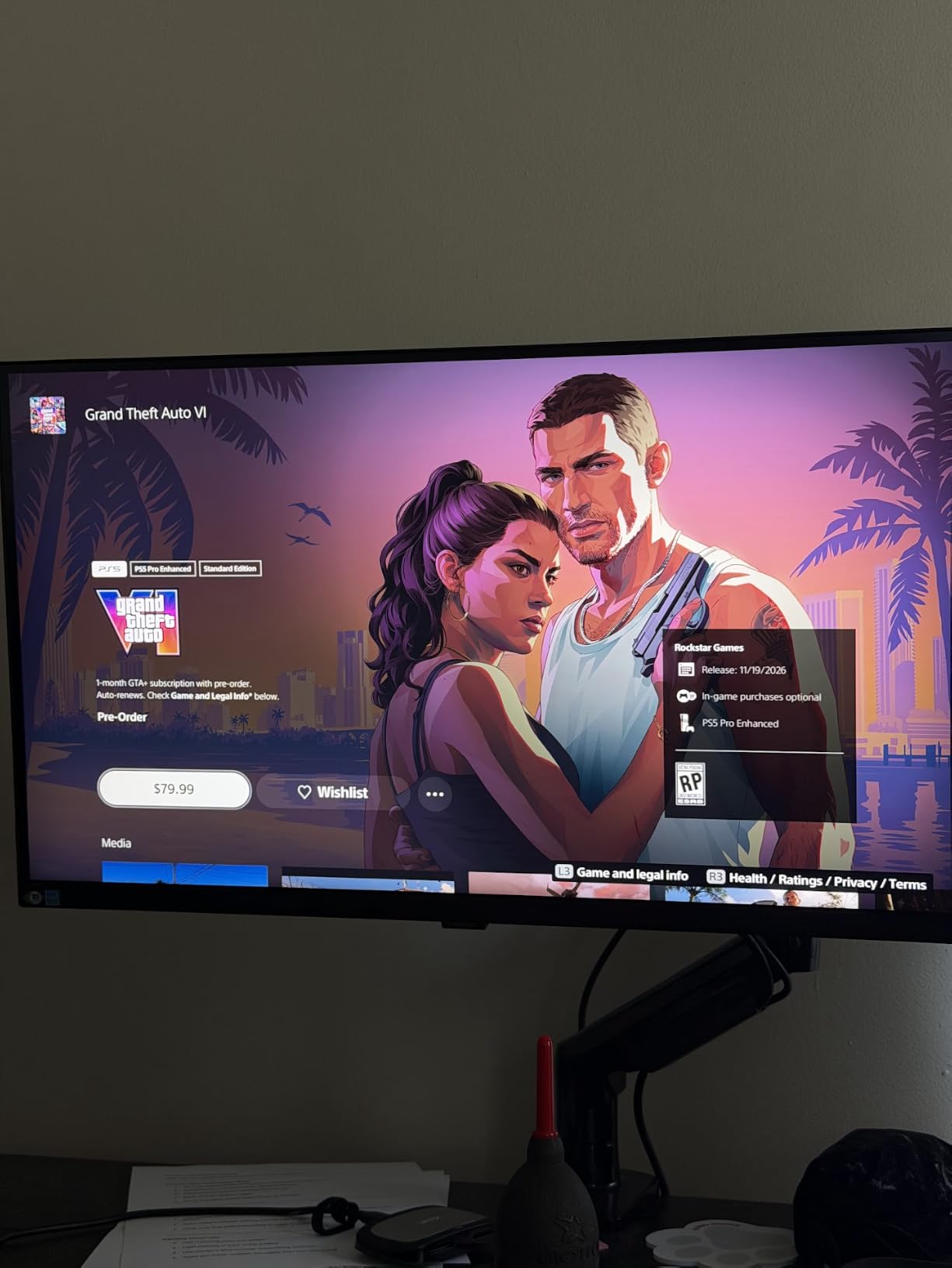
The Samsung ViewFinity S8 is the first 32-inch monitor in this roundup, and the extra screen real estate changes the editing experience. At 32 inches, 4K resolution means you can view footage at true 100% scale with room for your timeline and tools around it. Forum users consistently recommend 32-inch displays for exactly this reason.
The 3000:1 contrast ratio is the highest in this lineup, and it shows in dark scenes. I graded night footage and could see shadow details that simply disappeared on lower-contrast IPS panels. The HDR10 support adds color depth for HDR workflows.
Samsung includes a height-adjustable stand with a 90-degree pivot for portrait mode. I rotated the screen vertical for timeline-heavy editing sessions and it worked well for word processing between edits. The Easy Setup Stand required no tools to assemble.
The multiple connectivity options include HDMI, DisplayPort, USB-A, and USB-B ports. With 3 USB 3.0 ports, you can connect external drives and peripherals directly to the monitor. The menu controls take some getting used to, but the picture quality is worth the learning curve.
Best for Large-Screen 4K Editing
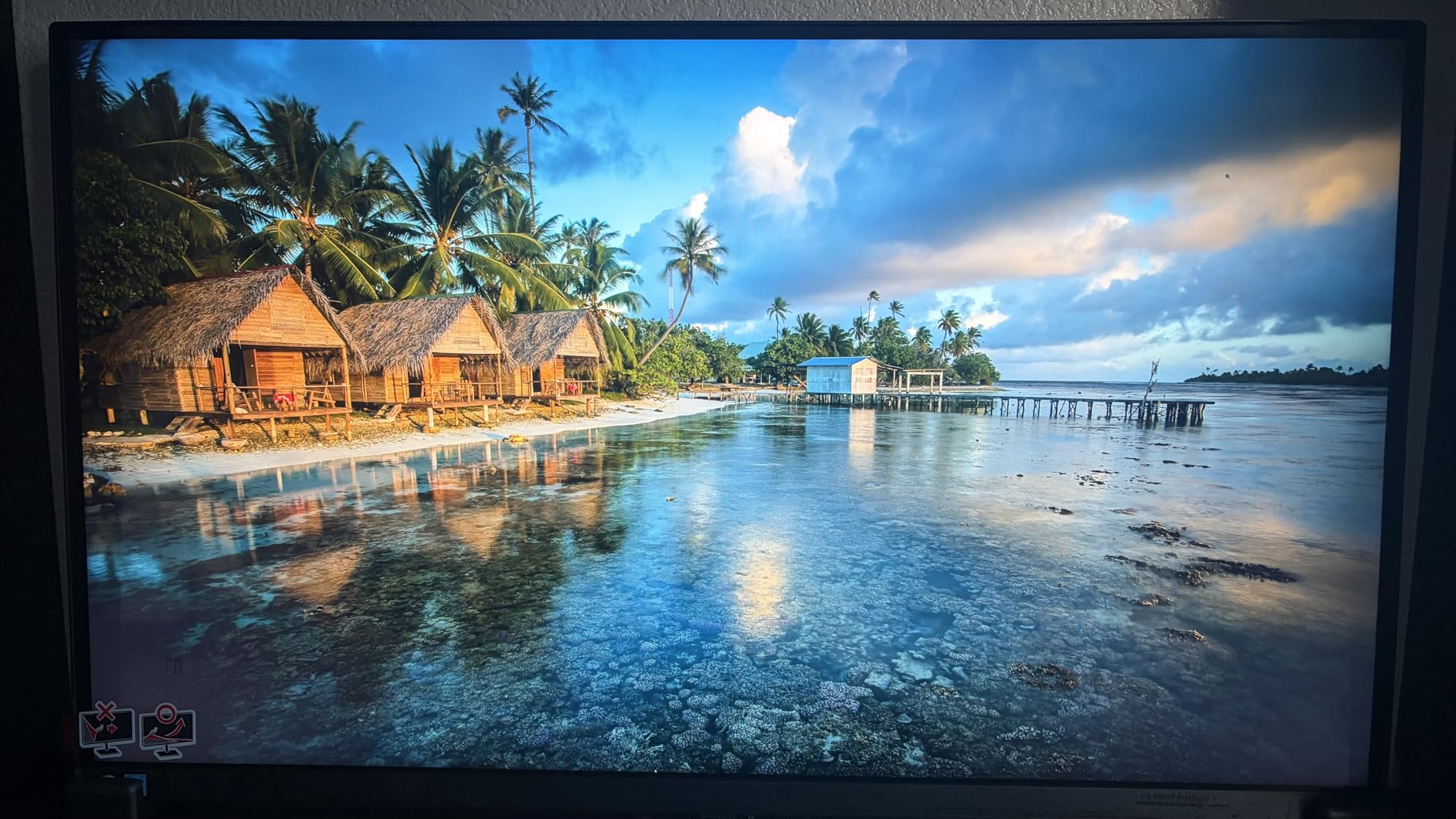
The 32-inch size lets you see 4K footage at native resolution without scaling. This is what professional editors mean when they say you need a bigger screen for 4K work. Timeline panels, scopes, and preview windows all fit comfortably on the larger canvas.
The 82% five-star rating from 238 reviews shows strong user satisfaction. Mac Mini compatibility gets specific praise in reviews, making this a solid choice for Mac desktop users who want a larger screen than the 27-inch options.
Contrast and HDR Performance
The 3000:1 contrast ratio delivers the deepest blacks in this roundup. For editors working with cinematic content, this means better shadow detail visibility during grading. HDR10 support provides extended dynamic range for HDR streaming workflows.
The 350-nit brightness is adequate for indoor editing. The TUV-certified intelligent eye care system reduces strain during long sessions. The 3-year manufacturer warranty provides solid long-term coverage for professional use.
8. BenQ MA320U – 32-inch MacBook Calibrated Monitor
BenQ MA320U 32” 4K 3840×2160 Monitor for MacBook® Pro/Air, Dual USB-C, 90W Power Delivery, Mac Color Match, USB Hub, Brightness & Volume Control on Mac, Height & Tilt Adjustable Stand, P3 Color Gamut
32-inch 4K UHD IPS
97% P3 99% sRGB
Dual USB-C 90W
Mac Color Match
DisplayHDR 600
Pros
- Calibrated specifically for MacBook Pro and Air
- 97% P3 wide color gamut
- Dual USB-C with 90W power delivery
- Brightness and volume control from Mac keyboard
Cons
- Premium price point
- Full features limited to MacBook Pro and Air
The BenQ MA320U is the most Mac-focused monitor I have ever tested. It is calibrated specifically for MacBook Pro and Air displays, with an exclusive color tuning process that matches Apple’s color science. When I connected it to my MacBook, the colors matched the built-in display almost perfectly.
The 97% P3 wide color gamut and 99% sRGB coverage cover professional editing needs. The DisplayHDR 600 certification is the highest HDR rating in this roundup, delivering 400 nits of sustained brightness. HDR content looks dramatically better on this panel than on HDR400 alternatives.
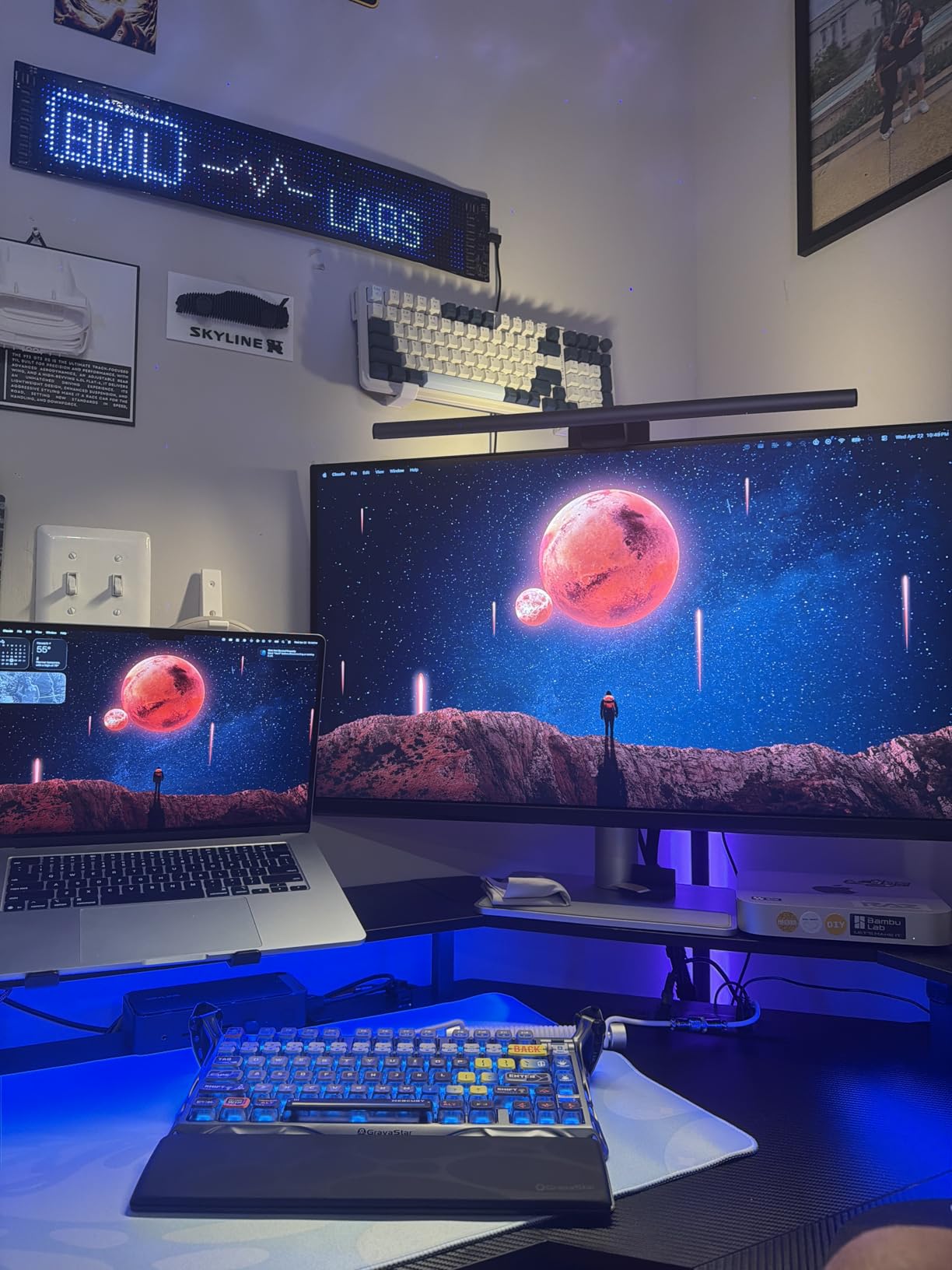
The dual USB-C setup is brilliant for Mac users. One port delivers 90W to charge your MacBook while the second provides 15W for charging an iPad or iPhone. I kept my iPad charging on the second port while editing, which streamlined my entire desk setup.
The nano matte finish reduces glare without softening image detail. I worked next to a window and the anti-reflective coating handled ambient light well. The 3ms response time is the fastest in this lineup, benefiting motion clarity during playback review.
Best for Professional Mac-Only Workflows
If you work exclusively on a MacBook Pro or Air and want a 32-inch 4K monitor that matches your laptop display, the MA320U is purpose-built for that scenario. The Mac color match eliminates the calibration guesswork that frustrates many MacBook users with third-party monitors.
The brightness and volume controls integrate directly with macOS keyboard shortcuts. You can adjust monitor settings using the same keys you already use for your MacBook. That level of integration is unique to this monitor.
Dual USB-C and Power Delivery
The dual USB-C design sets this apart from single-port monitors. The 90W primary port charges a 16-inch MacBook Pro at full speed. The secondary 15W port keeps your iPad, iPhone, or AirPods charged without needing a separate power adapter.
The 400-nit brightness with DisplayHDR 600 support provides the best HDR experience in this roundup. For editors delivering HDR content for streaming platforms, this monitor handles the dynamic range those workflows demand.
Buying Guide: What to Look for in a 4K Video Editing Monitor?
Choosing the right 4K monitor for video editing comes down to understanding which specs actually matter for your workflow. Our team broke down the key factors that separate a good editing monitor from a great one.
Color Accuracy and Gamut Coverage
Color accuracy is the single most important factor for video editing. Look for monitors with at least 95% DCI-P3 or 99% sRGB coverage. Delta E values under 2 indicate professional-grade accuracy, while values under 3 are acceptable for most creative work.
Factory calibration matters more than most people realize. Monitors like the ASUS ProArt and ViewSonic ColorPro come with individual calibration reports, which means each unit is tested before shipping. This saves you from needing an expensive colorimeter right away.
Panel Type: IPS vs VA vs OLED
IPS panels dominate this roundup because they offer the best color accuracy and viewing angles for editing work. Every monitor we tested uses IPS technology. VA panels like the Samsung ViewFinity offer higher contrast ratios but narrower viewing angles.
OLED panels provide perfect blacks and infinite contrast, but burn-in risk and higher cost make them less practical for static editing interfaces. For most editors, a quality IPS panel hits the right balance of accuracy, longevity, and value.
Screen Size: 27 vs 32 Inch for 4K
At 4K resolution, screen size affects how you work. A 27-inch 4K monitor gives you 163 pixels per inch, which means sharp text and detailed footage preview. Most editors find 27 inches comfortable for a single-monitor setup.
A 32-inch 4K monitor drops to about 140 pixels per inch but gives you significantly more screen real estate. Forum users on Reddit consistently recommend 32 inches for 4K editing because you can view footage at 100% scale while keeping your timeline and tools visible. If you have the desk space and budget, 32 inches is the sweet spot for 4K editing.
Connectivity: USB-C, Thunderbolt, and Ports
USB-C connectivity has become essential for modern editing workflows. A monitor with USB-C power delivery can charge your laptop while carrying video and data through a single cable. Look for at least 60W for ultrabooks and 90W or higher for MacBook Pros.
Beyond USB-C, count your HDMI and DisplayPort connections. If you work across multiple systems, a KVM switch like the one on the BenQ PD2706U lets you control two computers from one monitor. USB hub functionality turns your monitor into a connectivity station for external drives and peripherals.
HDR Performance for Grading Work
HDR support varies widely among 4K monitors. DisplayHDR 400 is the entry-level certification, providing 400 nits of peak brightness. DisplayHDR 600, like on the BenQ MA320U, delivers 600 nits and better dynamic range for HDR grading work.
For standard web and YouTube content, HDR400 is sufficient. If you deliver HDR content for streaming platforms or film, look for DisplayHDR 600 or higher. The difference in shadow and highlight detail between HDR400 and HDR600 is significant for professional grading.
FAQs
What is the best monitor for editing 4K video?
The ASUS ProArt PA279CRV is the best 4K monitor for video editing overall, offering 99% DCI-P3 and Adobe RGB coverage, Calman Verified accuracy with Delta E under 2, and 96W USB-C power delivery. For budget-conscious editors, the LG 27US500-W delivers solid 4K IPS performance with HDR10 support.
Do I need a 4K monitor to edit 4K videos?
Yes, a 4K monitor is strongly recommended for editing 4K video because it lets you preview footage at native resolution without scaling artifacts. While you can technically edit 4K footage on a 1080p display using proxy workflows, you cannot accurately check focus, detail, or color at full resolution without a 4K monitor.
Is 27 inch 4K overkill for video editing?
No, 27 inches is not overkill for 4K video editing. At 27 inches, 4K resolution provides 163 pixels per inch, which gives you sharp text and detailed footage preview. Many professional editors prefer 27-inch 4K monitors for single-display setups, though 32-inch displays offer more screen real estate for timelines and tools.
How much RAM is recommended for 4K video editing?
For 4K video editing, 32GB of RAM is the recommended minimum for smooth performance in DaVinci Resolve, Premiere Pro, and Final Cut Pro. 16GB can handle basic 4K editing with proxy workflows, but 64GB is ideal for heavy effects work, color grading, and multitasking with multiple applications open.
Do I need HDR for video editing?
HDR is not required for all video editing, but it is important if you deliver HDR content for streaming platforms like Netflix or YouTube HDR. For standard SDR web content, a monitor with accurate sRGB and DCI-P3 coverage is sufficient. If you grade HDR content, look for DisplayHDR 400 minimum or DisplayHDR 600 for professional workflows.
Final Thoughts
After testing all 8 monitors for real video editing workflows, the ASUS ProArt PA279CRV stands out as the best 4K monitor for video editing thanks to its Calman-verified color accuracy and 96W USB-C power delivery. The Dell S2725QS wins Best Value with its 120Hz refresh rate and 1500:1 contrast ratio, while the BenQ MA320U is the top choice for MacBook-only editors wanting a 32-inch display.
For budget-conscious creators, the LG 27US500-W delivers genuine 4K IPS quality at an entry-level price. Professional colorists should consider the ViewSonic VP2756-4K with its Pantone validation. Whatever your budget or workflow, the best 4K monitors for video editing in 2026 are the ones that match your specific color, connectivity, and screen size needs.