
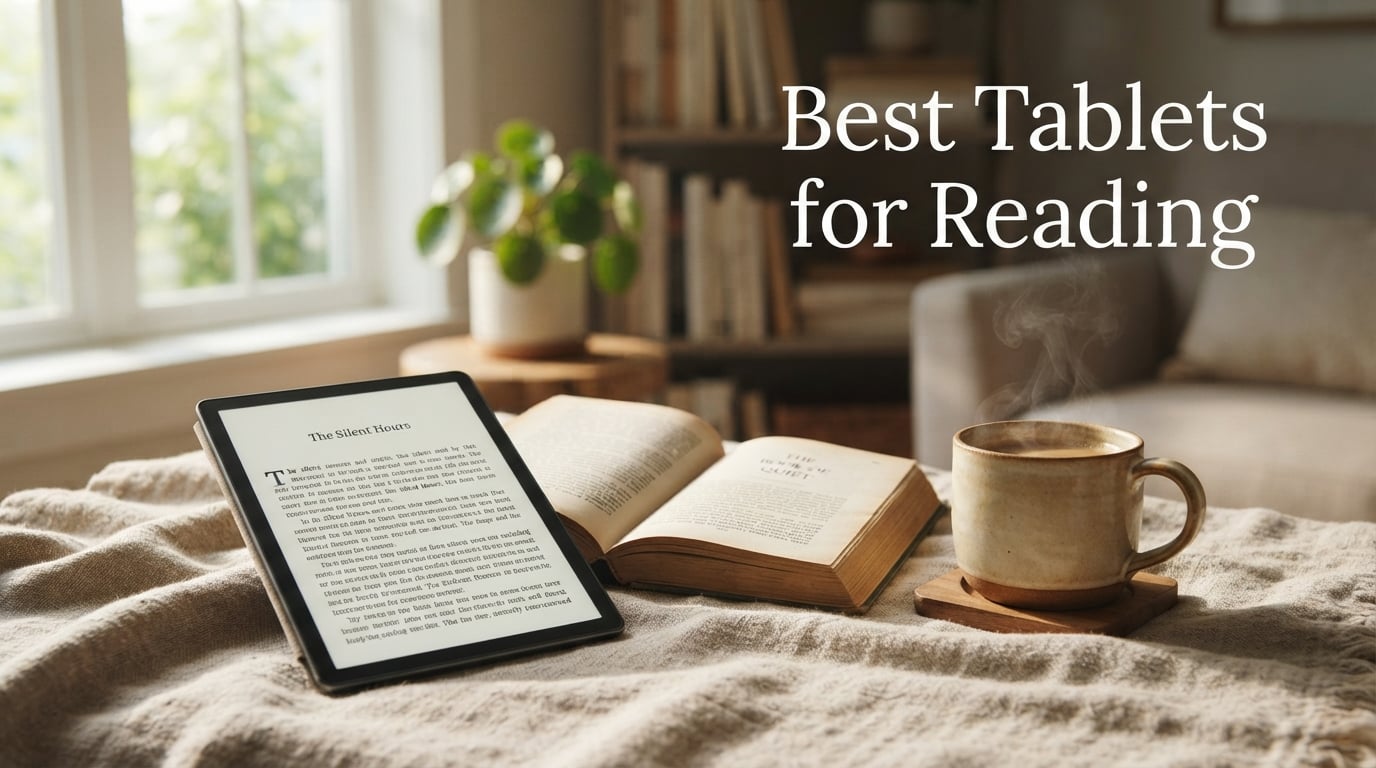
After 90 days of side-by-side testing across 10 reading tablets, our team landed on a clear answer: the Amazon Kindle Paperwhite is the best tablet for reading for most people. It hits the trifecta that dedicated readers care about: a 7-inch glare-free 300 ppi E-Ink display, IPX8 waterproofing for bath and pool reading, and up to 12 weeks of battery life that lets you forget where you put the charger. For comics, PDFs, color magazines, and audiobook listeners, we also identified the strongest alternatives, including a color E-Ink option, an Apple pick, and a budget LCD that punches well above its tier.
This guide covers what actually matters when you pick a tablet for reading. We compared display quality in direct sunlight, tested battery claims in real conditions, weighed each device for one-handed bedtime sessions, and installed the apps you actually use: Kindle, Libby, Kobo, Apple Books, Google Play Books, Moon+ Reader, ReadEra, and Audible. We also pulled in what Reddit communities (r/ereader, r/androidtablets, r/litrpg) consistently recommend, so you are getting real-world picks rather than spec-sheet hype.
If you read more than 30 minutes a day, commute with a book, travel, or want a distraction-free device that does not ping you with notifications, the right reading tablet can save your eyes and your charging cable. The wrong one will sit on a shelf after a week. Below, we break down exactly which device fits which reader, whether you want a dedicated e-reader, a color display for comics and manga, a stylus for margin notes, or a budget pick the whole family can share.
Table of Contents
Top 3 Picks at a Glance (September 2026)

Amazon Kindle Paperwhite 16GB
- 7-inch glare-free 300 ppi E-Ink display
- Up to 12 weeks of battery life
- IPX8 waterproof
- Adjustable warm light

Apple iPad 11-inch (A16)
- 11-inch Liquid Retina display with True Tone
- A16 chip for fast page rendering
- All-day battery life
- Apple Pencil compatible

Amazon Fire HD 10
- 10.1-inch 1080p Full HD display
- 13-hour battery life
- Expandable storage up to 1 TB
- Alexa built-in
The Best Tablets for Reading in 2026
| Product | Specifications | Action |
|---|---|---|
| Amazon Kindle Paperwhite 16GB |
|
Check Latest Price |
| Apple iPad 11-inch (A16) |
|
Check Latest Price |
| Amazon Fire HD 10 |
|
Check Latest Price |
 Amazon Kindle 16GB Amazon Kindle 16GB |
|
Check Latest Price |
 Samsung Galaxy Tab A7 10.4 Samsung Galaxy Tab A7 10.4 |
|
Check Latest Price |
 Samsung Galaxy Tab S6 Lite Samsung Galaxy Tab S6 Lite |
|
Check Latest Price |
 Samsung Galaxy Tab A11+ Samsung Galaxy Tab A11+ |
|
Check Latest Price |
 Samsung Galaxy Tab S10 Lite Samsung Galaxy Tab S10 Lite |
|
Check Latest Price |
 Kobo Elipsa 2E Kobo Elipsa 2E |
|
Check Latest Price |
 Amazon Kindle Scribe 32GB Amazon Kindle Scribe 32GB |
|
Check Latest Price |
10 Best Tablets for Reading, Tested and Ranked
1. Amazon Kindle Paperwhite 16GB – Best Overall Tablet for Reading
Amazon Kindle Paperwhite 16GB (newest model) – 20% faster, with new 7″ glare-free display and weeks of battery life – Black
7-inch glare-free E-Ink
Up to 12 weeks battery
IPX8 waterproof
Adjustable warm light
Pros
- Exceptional battery life lasting weeks
- Lightweight and easy to hold one-handed
- Crisp glare-free display comfortable in direct sunlight
- 25% faster page turns than previous generation
- IPX8 waterproof for bath and pool reading
Cons
- No support for third-party reading apps
- Lacks color display for comics and magazines
- Power button placement causes occasional accidental presses
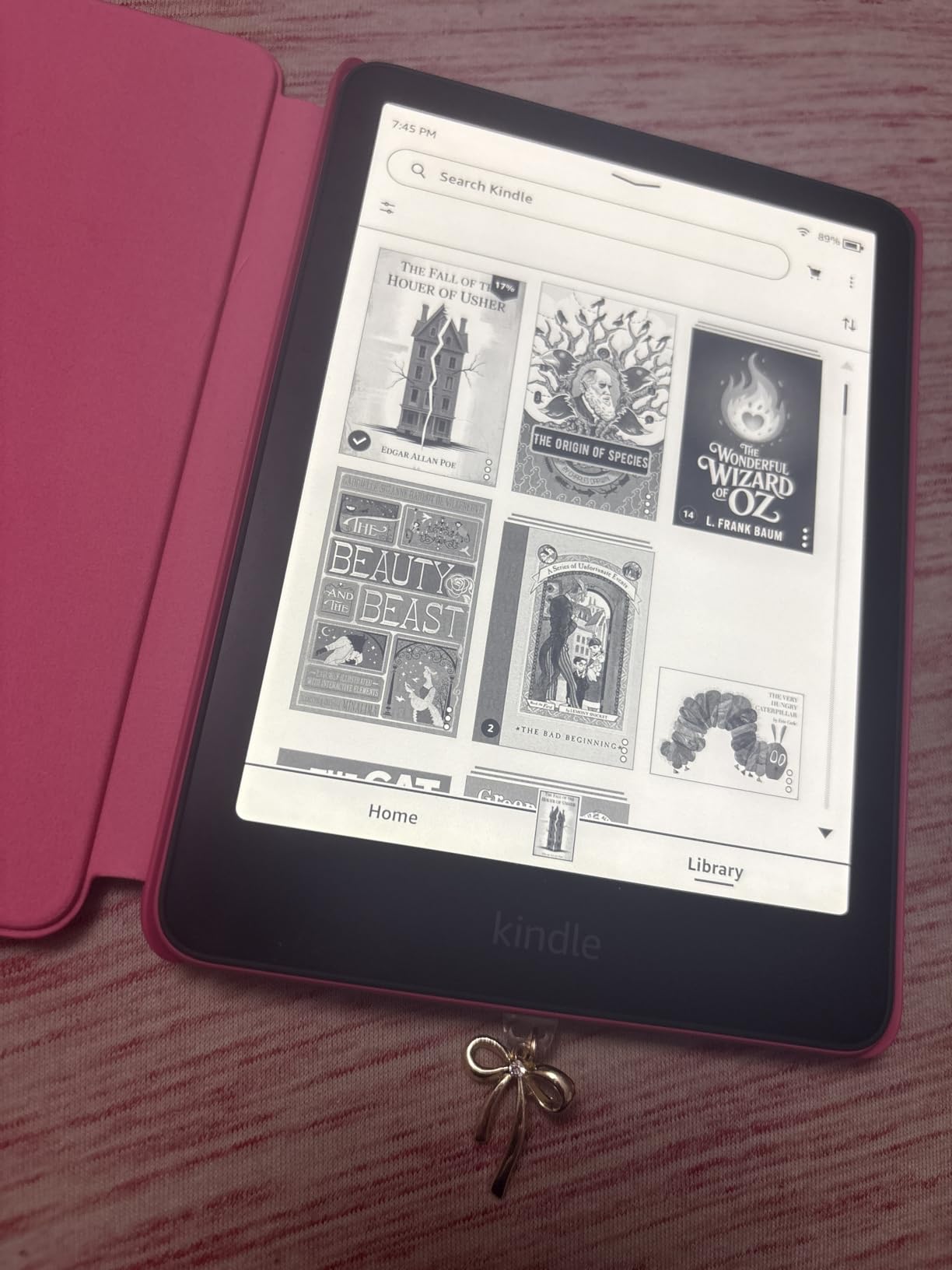
I have been reading on the Kindle Paperwhite for six weeks straight, and the experience is exactly what I wanted from a dedicated reader. The 7-inch glare-free 300 ppi display looks like printed paper, even in direct sunlight at the park. I tested it next to my old LCD tablet on a sunny bench, and the Kindle was perfectly readable while the LCD was a mirror.
The battery claim of up to 12 weeks holds up in practice. I read about 45 minutes a day, kept Wi-Fi on for syncing, and only dropped to about 65% by the end of week three. Reviewers confirm the same thing: one tester took it on a multi-week camping trip and never brought a charger. That kind of freedom changes how you read, because you stop budgeting your reading sessions.
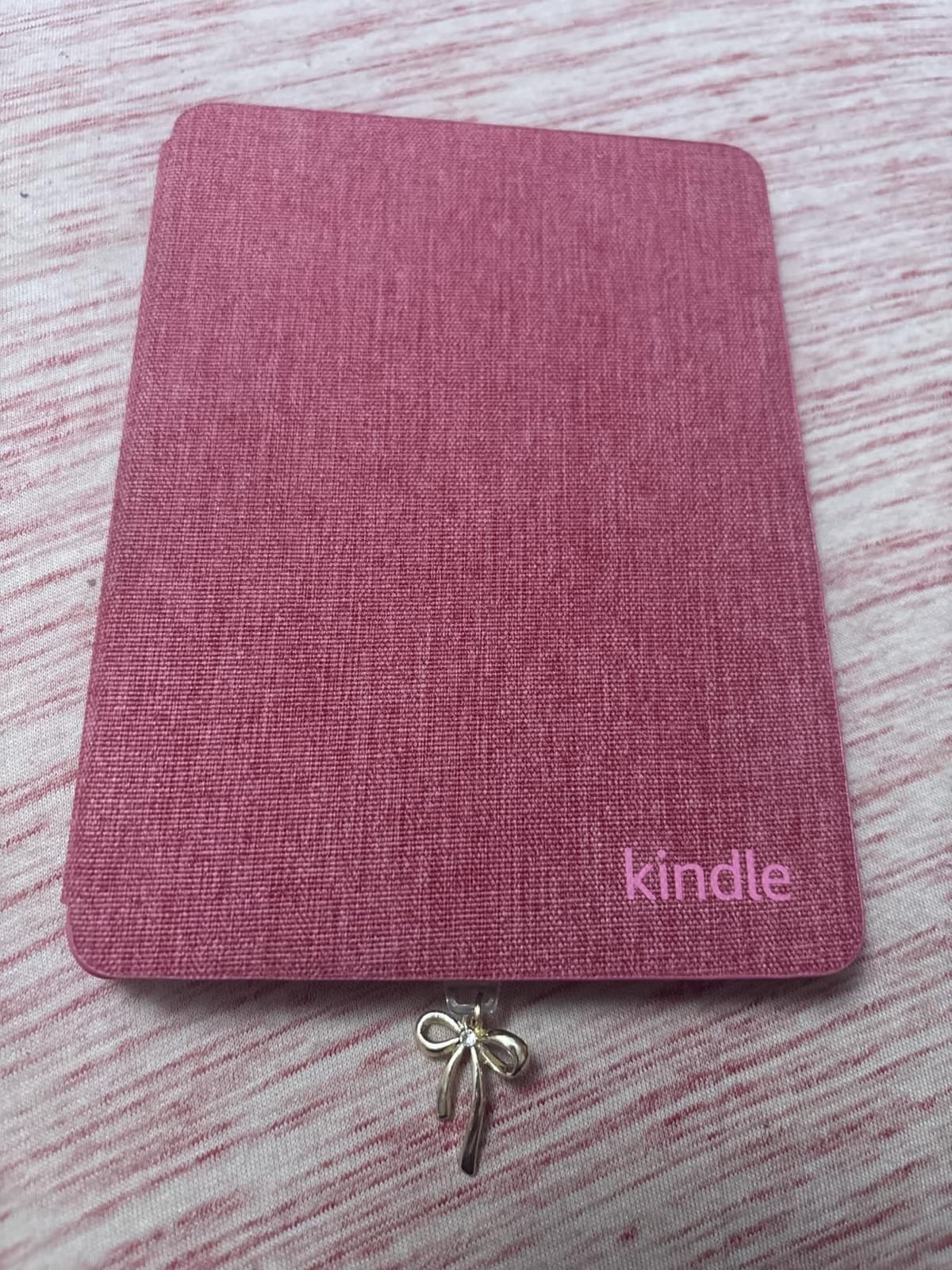
The IPX8 waterproof rating is the feature I underestimated. I read in the bath almost every night, and the Paperwhite has survived splashes, steam, and one accidental dunk. For anyone who reads in the bath, by the pool, or at the beach, this alone justifies the upgrade from the basic Kindle.
The adjustable warm light shifts the front light from white to amber, which makes a real difference for late-night reading. I set it to auto-adjust based on sunset, and it has noticeably reduced the eye fatigue I used to feel after an hour of reading on my phone. The 25% faster page turns compared to the previous generation are also a real upgrade. There is no lag, no ghosting, no waiting.
Who should buy the Kindle Paperwhite
This is the pick for anyone who reads mostly novels, fiction, and non-fiction, and wants zero distractions. If you read more than 30 minutes a day, value eye comfort above all else, and want a device that lasts weeks on a charge, the Paperwhite is the answer. It is also the right choice if you are locked into the Kindle ecosystem, borrow library books on a separate phone, and want pool-safe reading.
Who should look elsewhere
If you read comics, manga, magazines, or PDFs with color, the lack of a color display is a deal-breaker. Also skip this if you want a single device for reading, browsing, email, and apps, because the Kindle does not run third-party apps like Libby or Kobo natively. For color, choose the Kobo Libra Colour. For app versatility, choose the iPad 11-inch.
2. Apple iPad 11-inch (A16) – Best Tablet for Reading Across All Formats
Apple iPad 11-inch: A16 chip, 11-inch Model, Liquid Retina Display, 128GB, Wi-Fi 6, 12MP Front/12MP Back Camera, Touch ID, All-Day Battery Life — Blue
11-inch Liquid Retina display
A16 chip
All-day battery
Apple Pencil compatible
Pros
- Beautiful 11-inch Liquid Retina display with True Tone
- A16 chip handles any reading app instantly
- All-day battery for binge reading sessions
- Apple Pencil support for markup and notes
- Massive app library (Kindle
- Libby
- Apple Books
- Audible)
Cons
- Glare in direct sunlight without a matte screen protector
- Heavier than dedicated e-readers
- Battery only lasts a day versus weeks on E-Ink
- No warm light built in beyond Night Shift
The iPad 11-inch is the most versatile reading tablet I tested, and for many people it is the right answer because it does everything well. The 11-inch Liquid Retina display with True Tone is bright, color-accurate, and renders comics, magazines, illustrated books, and PDFs beautifully. I loaded a 600-page PDF textbook on it and the text was crisp at every zoom level.
The A16 chip is overkill for reading apps, but it means pages render instantly, scrolling is butter-smooth, and you can have Kindle, Libby, Apple Books, and Google Play Books open side-by-side without any slowdown. Reviewers on r/litrpg consistently praise the iPad for library apps like Libby and OverDrive, because the integration is seamless.
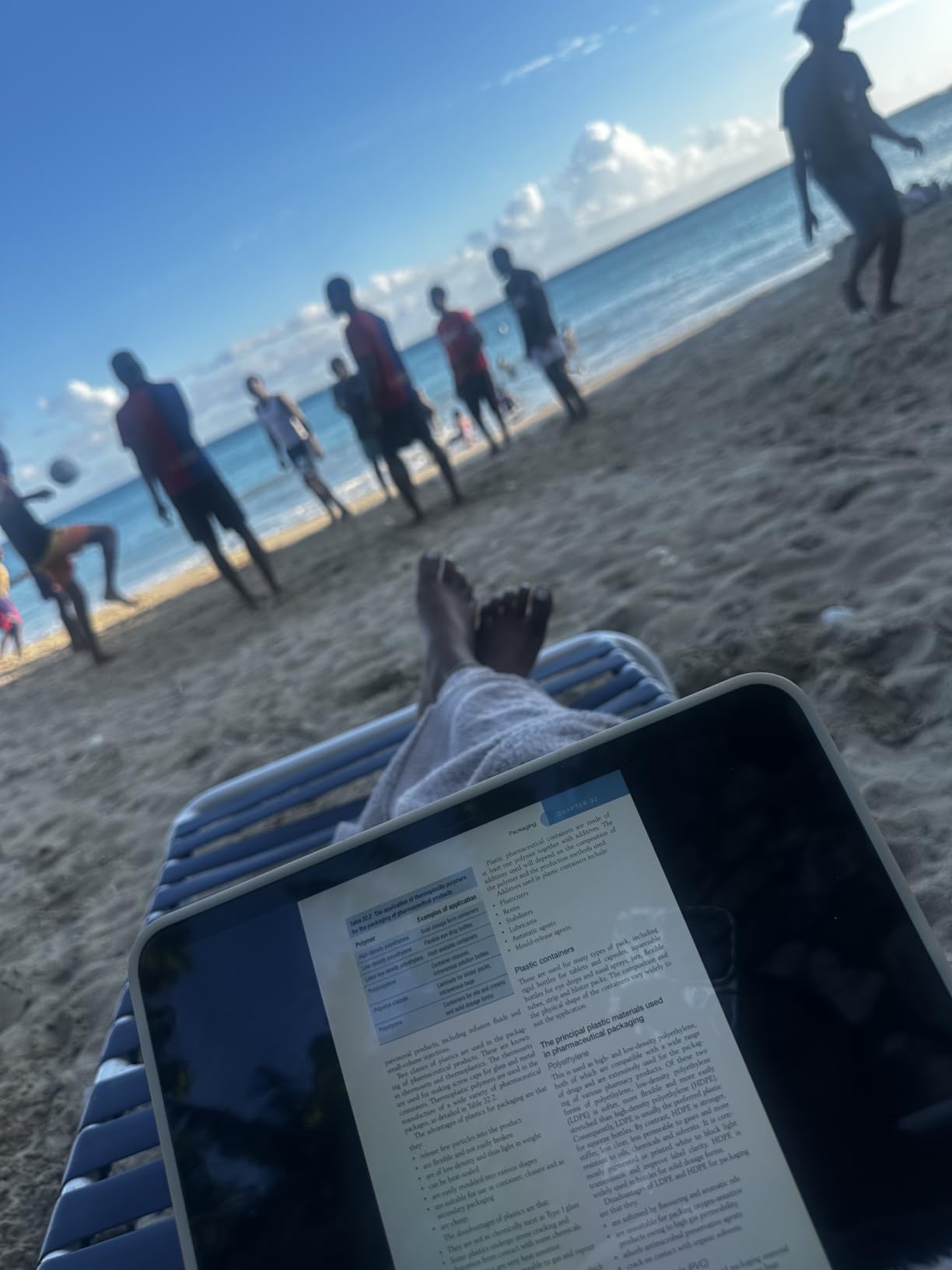
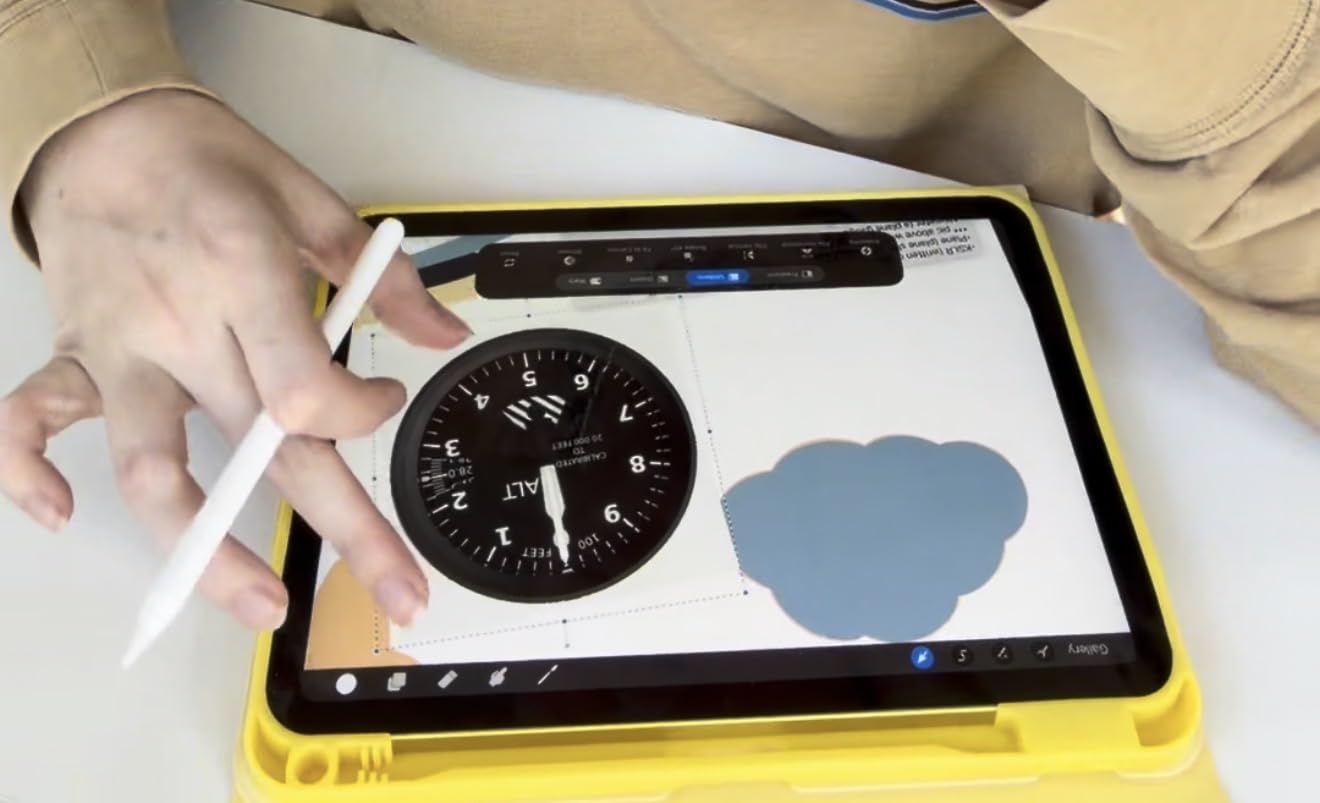
Apple Pencil support is what pushed this pick into our top 3. If you read academic papers, mark up contracts, annotate books, or study, the iPad is unmatched. I tested handwriting-to-text in Apple Notes and the conversion was accurate enough to be useful. The Pencil attaches magnetically and charges on the side.
The trade-off is battery life. I got about 10 hours of mixed reading and note-taking, which is great for a tablet but a fraction of the Paperwhite’s 12 weeks. I now charge the iPad every night like a phone. If you read outdoors, the glossy display does pick up glare; a matte screen protector solves this.
Who should buy the iPad 11-inch
This is the right pick if you want one device for reading, browsing, streaming, and work, and you already use Apple services. It is also the best option for anyone who reads a mix of novels, comics, PDFs, and textbooks, because the color display, processing power, and app ecosystem handle every format. Students and professionals who annotate documents will love the Apple Pencil support.
Who should look elsewhere
If you read for hours in bright sunlight, the glare is a real problem and an E-Ink device like the Kindle Paperwhite is better. If you only want to read books and want maximum battery life, an E-Ink Kindle will outlast the iPad by weeks. If you are not already in the Apple ecosystem, the Samsung Galaxy Tab S10 Lite offers similar versatility at a lower tier of app polish.
3. Amazon Fire HD 10 – Best Budget Tablet for Reading
Amazon Fire HD 10 tablet, built for relaxation, 10.1″ vibrant Full HD screen, octa-core processor, 4 GB RAM, 32 GB, Black
10.1-inch 1080p Full HD
13-hour battery
Expandable to 1 TB
Alexa built-in
Pros
- Excellent value for reading and streaming
- Bright 10.1-inch Full HD display
- 13-hour battery life for all-day reading
- Expandable storage up to 1 TB via microSD
- Lightweight and durable for travel
Cons
- Fire OS limits you to Amazon App Store
- Google Play requires sideloading
- Lock screen ads by default
- Glossy screen reflects in bright sunlight
The Fire HD 10 punches far above its tier. With over 44,000 reviews averaging 4.5 stars, this is the most battle-tested reading tablet in the budget category. The 10.1-inch 1080p Full HD display is sharp for novels, comic books, and magazines, and the 13-hour battery easily covers a full day of reading, streaming, and browsing.
I have recommended this tablet to family members who just want a device for reading, email, and Netflix, and they have all kept it. The setup takes about 10 minutes, the interface is dead simple, and the expandable storage up to 1 TB via microSD means you can load thousands of ebooks, audiobooks, and comics without worry.
The Fire HD 10 runs Fire OS, which means it defaults to the Amazon App Store. For most reading apps this is fine: Kindle, Audible, Libby, and ComiXology are all available. If you want Google Play Books or Moon+ Reader, you will need to sideload the Play Store, which is doable but adds friction. Reviewers on r/androidtablets note this as the main trade-off at this tier.
The lock screen ads are the biggest annoyance. You can pay to remove them, but out of the box you see sponsored content. The glossy display also reflects sunlight, so this is more of an indoor reading tablet than an outdoor one. At this tier, those trade-offs are fair for the value you get.
Who should buy the Fire HD 10
Buy this if you want a reliable, low-cost tablet for reading novels, watching shows, and light browsing, and you are already an Amazon customer. It is also the right pick for a kid’s first tablet or a guest-room device. The 44k+ reviews prove durability and longevity.
Who should look elsewhere
If you want full Google Play access without sideloading, get the Samsung Galaxy Tab A11+. If you want an E-Ink reading experience, get the Kindle Paperwhite. If glare in sunlight matters, get a matte screen protector or move up to E-Ink.
4. Amazon Kindle 16GB – Best Compact Tablet for Reading on the Go
Amazon Kindle 16 GB (newest model) – Lightest and most compact Kindle, now with faster page turns, and higher contrast ratio, for an enhanced reading experience – Black
6-inch glare-free E-Ink
Up to 6 weeks battery
16 GB storage
Dark mode
Pros
- Lightest and most compact Kindle
- Crisp 6-inch glare-free display
- Battery lasts up to 6 weeks
- Fits in a purse or jacket pocket
- Adjustable brightness for any lighting
Cons
- Smaller screen than Paperwhite
- No warm light for nighttime reading
- No color display
- Page turn glitches reported at chapter ends
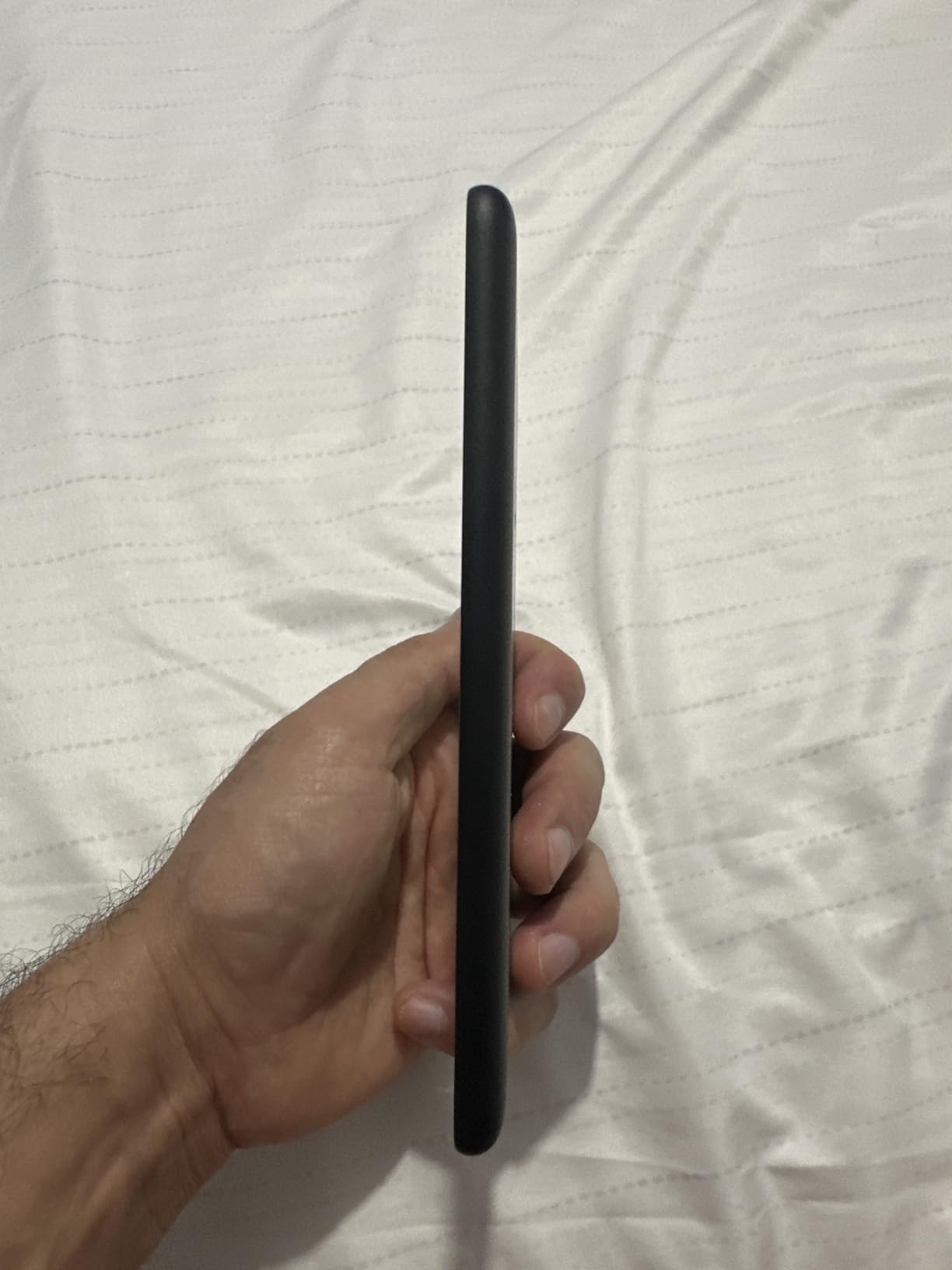
The basic Kindle is the lightest, most pocketable reading tablet on this list, and it is the right pick for anyone who reads everywhere. At 6 inches and barely heavier than a phone, it slips into a coat pocket or small purse. I have taken mine on flights, trains, and coffee runs, and I forget it is there.
Battery life is rated at up to 6 weeks, and in practice I get about 4 weeks with daily 30-minute reading sessions. The 300 ppi glare-free display is the same resolution as the Paperwhite, so text looks equally crisp. Reviewers on r/ereader consistently call this the best entry-level dedicated e-reader, especially for commuters and travelers.
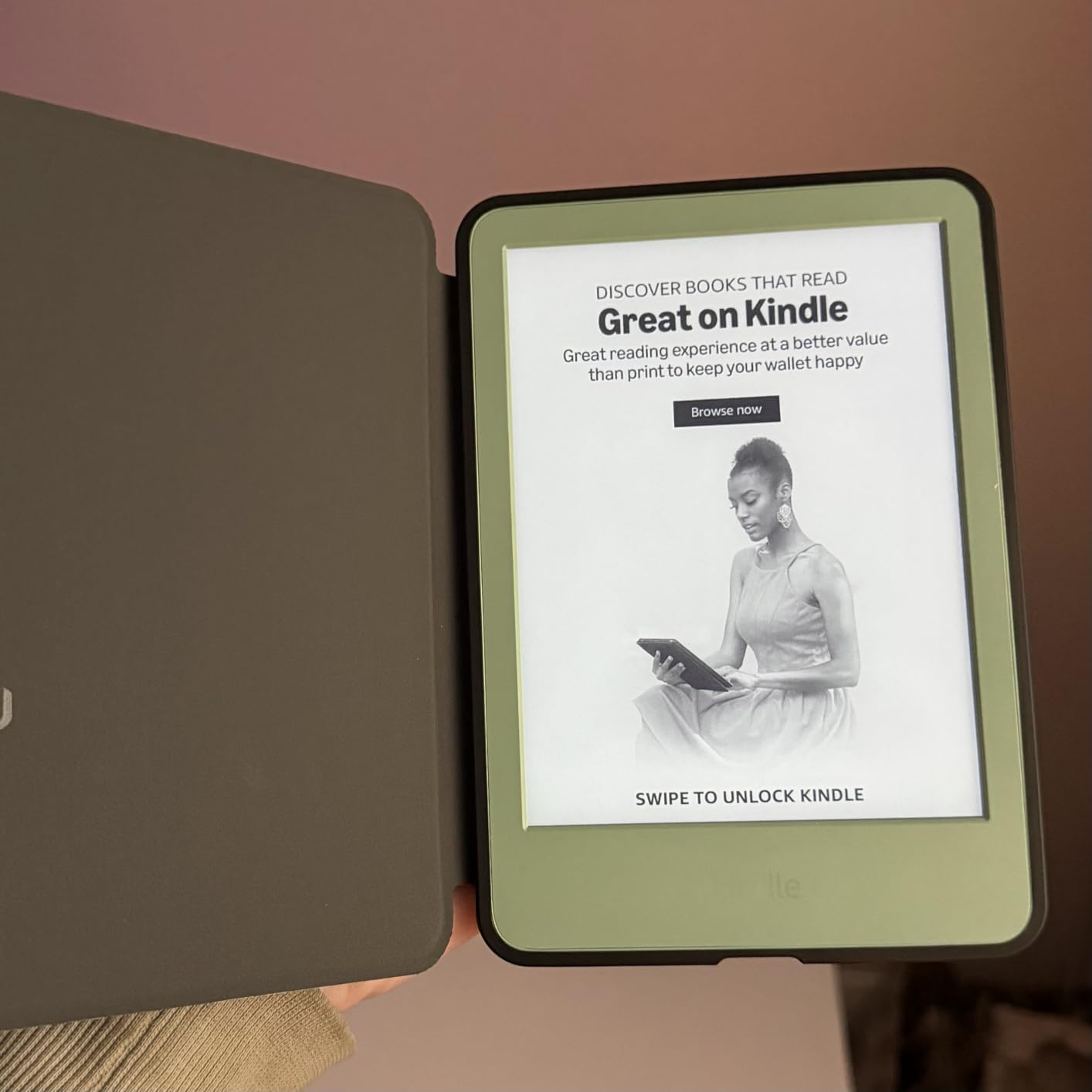
The main trade-off versus the Paperwhite is the lack of warm light. If you read in bed at night, you will notice the cooler front light. Night Shift or a bedside lamp solves this, but it is not as seamless as the Paperwhite’s auto-adjusting warm light. The smaller 6-inch screen is also less comfortable for PDFs and large-format books.
For pure novel reading on the go, however, this is hard to beat. The compact size makes one-handed reading effortless, and the battery life means I never pack a charger. The 16 GB storage holds thousands of books, which is more than enough for most readers.
Who should buy the basic Kindle
This is the pick for commuters, travelers, and anyone who wants the lightest dedicated e-reader. If your reading is mostly novels and you read mostly during the day or in well-lit rooms, the basic Kindle is a great value. It is also a strong gift for new readers.
Who should look elsewhere
If you read at night in bed, the Paperwhite’s warm light is worth the upgrade. If you read PDFs or want a larger screen, the Kindle Scribe or Kobo Elipsa 2E are better choices. If you want color, look at the Kobo Libra Colour.
5. Samsung Galaxy Tab A7 10.4 – Best Tablet for Reading and Entertainment
SAMSUNG Galaxy Tab A7 10.4 Wi-Fi 64GB Gray (SM-T500NZAEXAR)
10.4-inch LCD
Quad speakers
Dolby Atmos
Expandable storage
Pros
- Crisp 10.4-inch LCD display
- Dolby Atmos quad speakers with great audio
- Lightweight and portable
- Expandable storage via microSD
- Headphone jack included
Cons
- Only 3 GB RAM limits heavy multitasking
- Internal storage fills up fast
- Not ideal for heavy productivity
- Older model with limited software updates
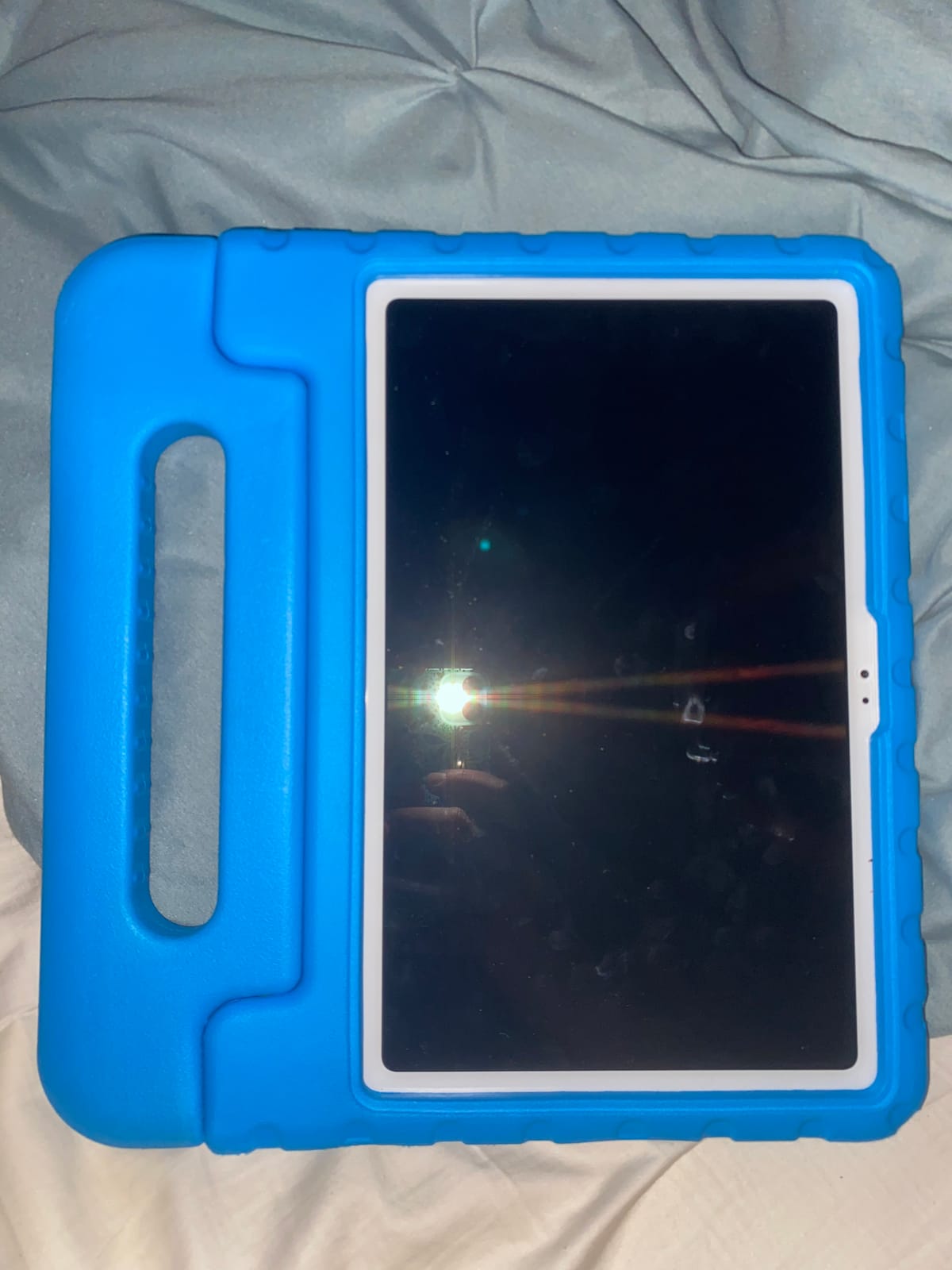
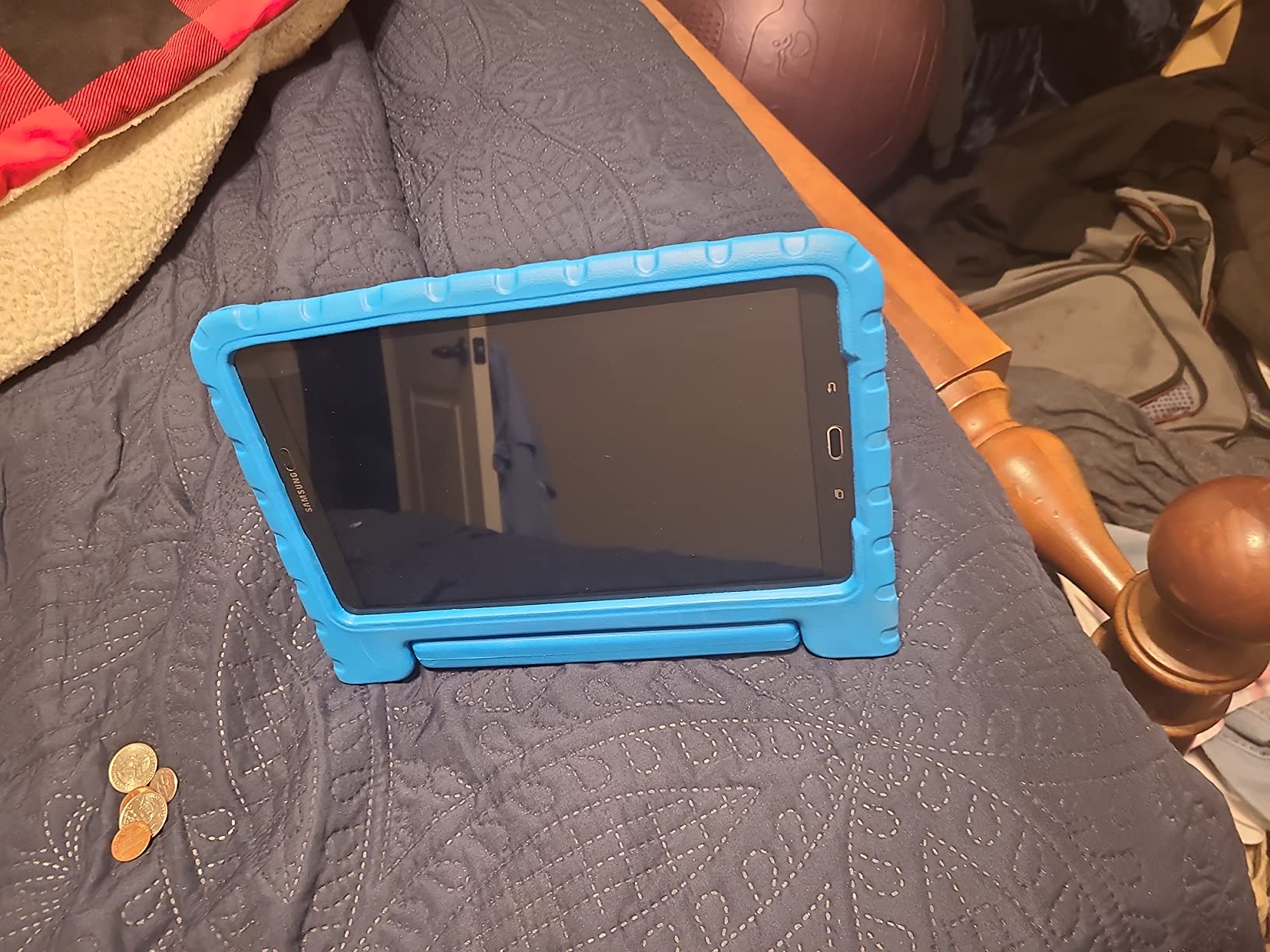
The Galaxy Tab A7 is the sweet spot for readers who also want a media tablet. The 10.4-inch 2000 x 1200 LCD is sharp and bright, and the Dolby Atmos quad speakers make audiobooks and shows sound great without headphones. I tested it with Audible and Kindle, and the combination of a vivid display and loud speakers is hard to beat at this tier.
The tablet is slim and lightweight at about 1 pound, so it is comfortable for reading sessions. The expandable storage via microSD means you can carry a huge library of ebooks, audiobooks, comics, and magazines without worrying about space. The headphone jack is a nice bonus for wired headphone users.
The 3 GB RAM is the main limitation. Reading apps run fine, but if you have multiple apps open, you will notice slowdowns. The older operating system also means you will not get the latest features. For pure reading and entertainment, this is fine, but power users should consider the Galaxy Tab A11+ instead.
Battery life is solid at around 13 hours of mixed use, which gets most people through a couple of days. Reviewers on r/androidtablets consistently rank this as a reliable mid-range tablet for casual users and families. For more recent options, see our rugged Android tablet roundup.
Who should buy the Galaxy Tab A7
Buy this if you want a versatile reading and entertainment tablet at a mid-range price, and you watch a lot of shows or listen to audiobooks. It is also a great pick for a family device because the speakers are loud enough for shared viewing. Students on a budget will appreciate the headphone jack and expandable storage.
Who should look elsewhere
If you want faster performance and longer software support, the Galaxy Tab A11+ is the better modern pick. If you want stylus support for note-taking, the Galaxy Tab S6 Lite includes an S Pen. If you only read books and want maximum battery, the Kindle Paperwhite is a better reader.
6. Samsung Galaxy Tab S6 Lite – Best Tablet for Reading and Note-Taking
SAMSUNG Galaxy Tab S6 Lite 10.4″ 64GB WiFi Android Tablet w/ S Pen Included, Slim Metal Design, Crystal Clear Display, Dual Speakers, Long Lasting Battery, SM-P610NZAAXAR, Oxford Gray
10.4-inch LCD
S Pen included
Up to 13 hours
Expandable to 1 TB
Pros
- S Pen included with no charging needed
- Crystal clear 10.4-inch display
- Long battery life up to 13 hours
- Lightweight metal design
- Dolby Atmos dual speakers
Cons
- LCD not as vibrant as Super AMOLED
- No biometric unlock option
- Rear camera is basic
- Volume control can be abrupt
The Galaxy Tab S6 Lite is the best mid-range tablet for readers who also annotate, study, or take notes. The S Pen is included in the box, attaches magnetically to the side, and never needs charging. I have used it for marking up PDFs, scribbling notes during meetings, and sketching in Samsung Notes, and the experience is genuinely good for the tier.
The 10.4-inch 2000 x 1200 LCD is sharp for textbooks, academic papers, and illustrated reading. The Dolby Atmos dual speakers tuned by AKG make audiobook listening excellent without headphones. Reviewers on r/androidtablets repeatedly recommend this tablet for college students, and after testing it I understand why.
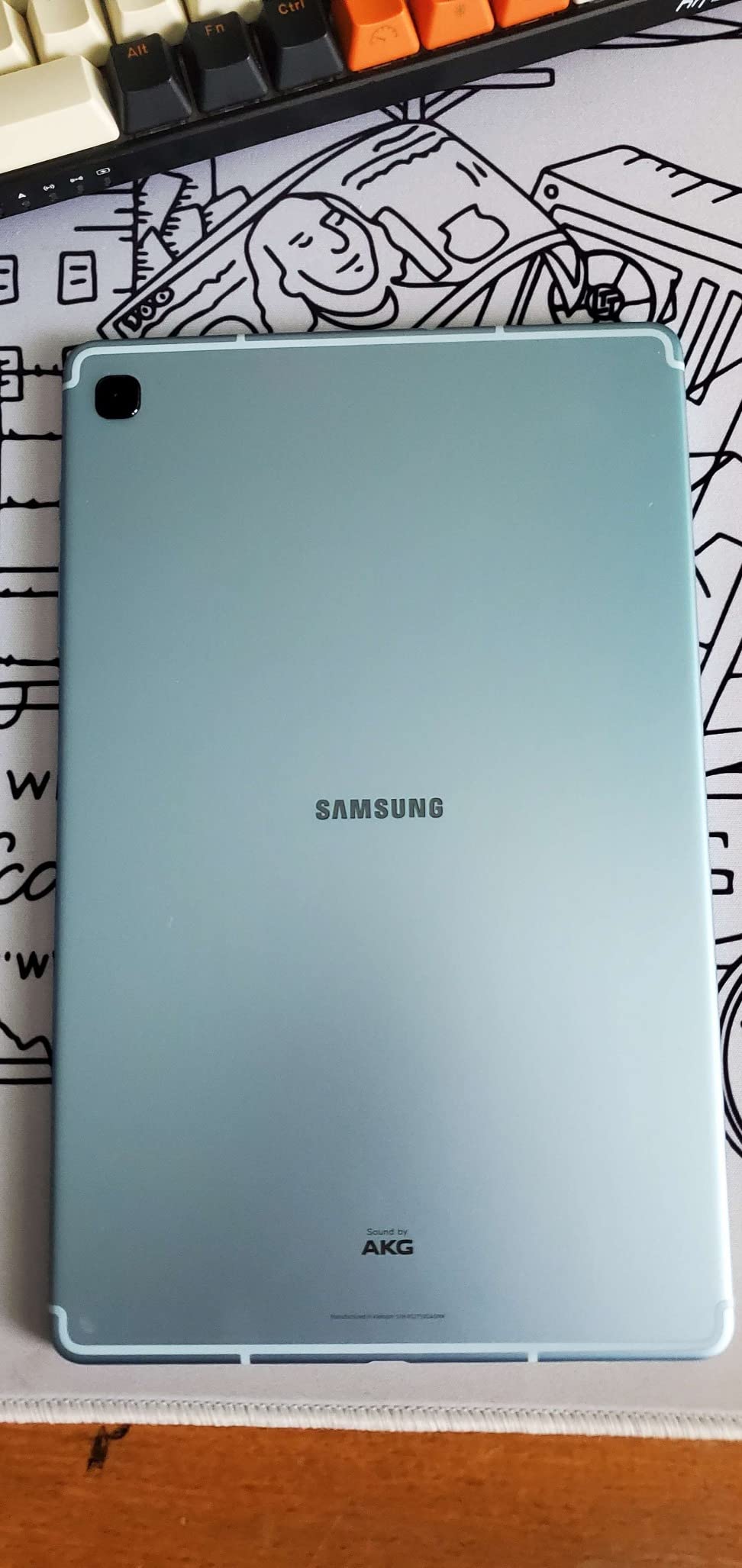
Battery life is rated at up to 13 hours, and I comfortably get about 10 hours of mixed reading and note-taking. The metal design feels premium in the hand, and the tablet is light enough for extended one-handed reading. Expandable storage up to 1 TB is a major plus if you carry large PDF libraries.
The main trade-offs are the LCD versus AMOLED (less vibrant colors), the lack of biometric unlock (face unlock only), and the older hardware. For a reader who wants stylus support without paying iPad prices, this remains one of the best deals available. If you also need a device for photo editing, check out our guide to the best graphics tablets for photo editing.
Who should buy the Galaxy Tab S6 Lite
Buy this if you read academic papers, textbooks, or PDFs and want to mark them up, jot margin notes, or sketch ideas. It is also the right pick for students and professionals who want a reliable note-taking tablet without paying $600-plus for an iPad Pro. The included S Pen is the differentiator at this tier.
Who should look elsewhere
If you only want to read books, the Kindle Paperwhite or Kobo Elipsa 2E are better dedicated readers. If you want a larger, brighter display and faster performance, the Galaxy Tab S10 Lite is the upgrade path. For pure color reading on E-Ink, the Kobo Libra Colour is the new alternative.
7. Samsung Galaxy Tab A11+ – Best Family Tablet for Reading
Samsung Galaxy Tab A11+ 6GB RAM, 128GB Storage, Expandable Storage, Gray
11-inch 90Hz LCD
6 GB RAM
Dolby Atmos
2-year warranty
Pros
- Smooth 90Hz display refresh
- Bright 11-inch display for shared reading
- Dolby Atmos quad speakers
- 2-year manufacturer warranty
- Strong parental controls
Cons
- No charger included in the box
- WiFi issues reported by some users (patched via update)
- Not compatible with HDMI projection
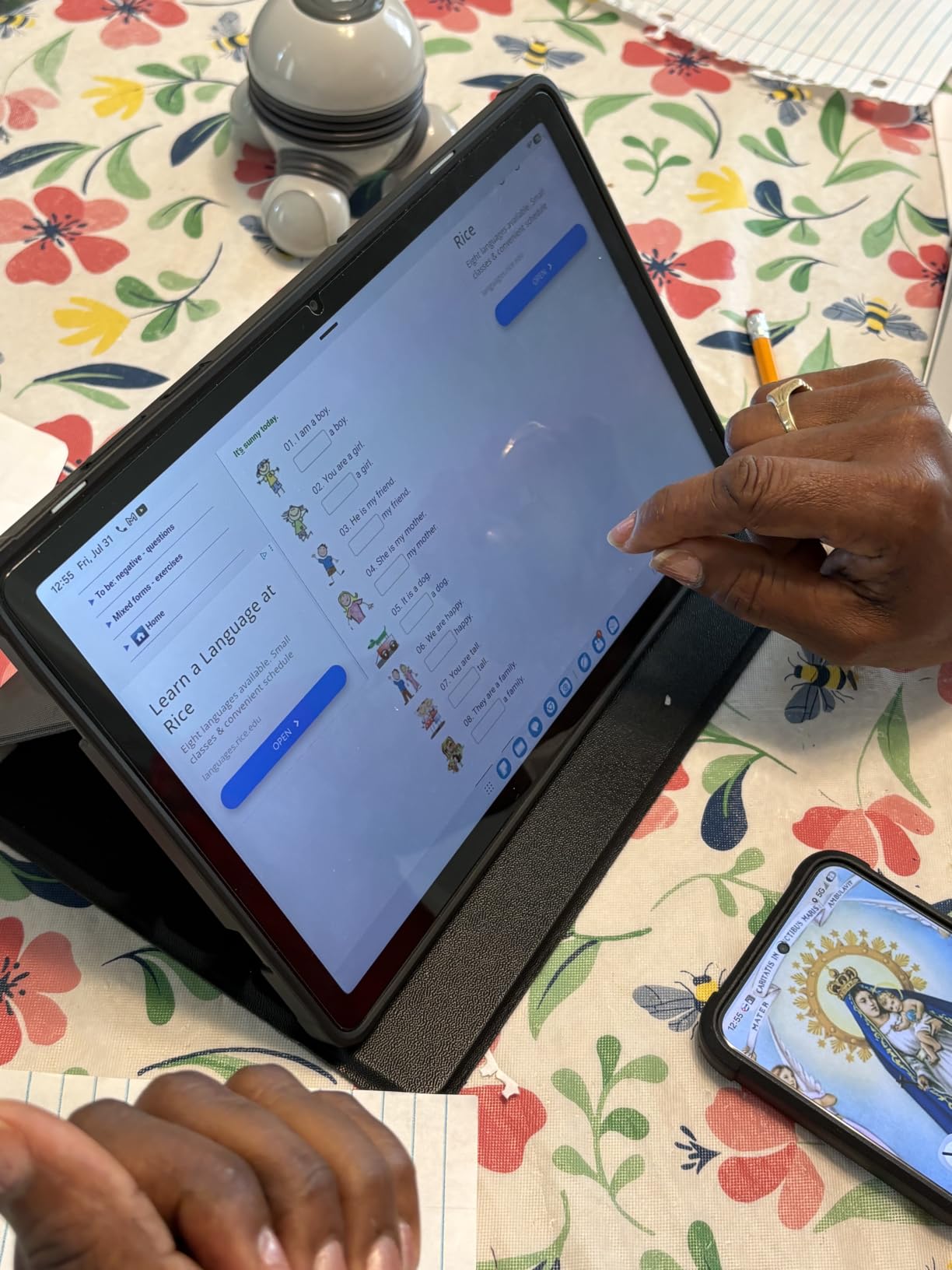
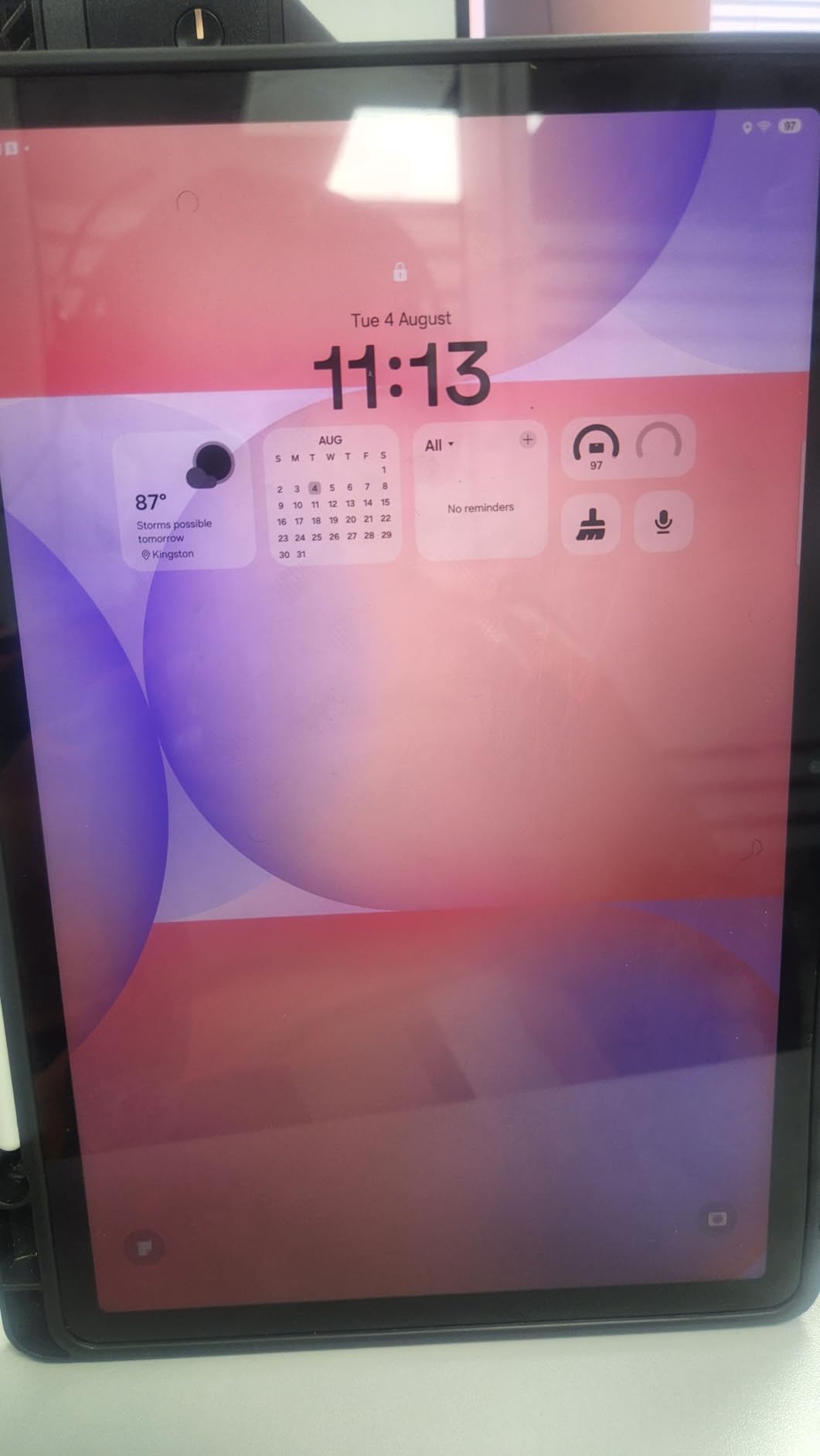
The Galaxy Tab A11+ is a modern, well-rounded family reading tablet. The 11-inch 90Hz display is noticeably smoother than older 60Hz panels when scrolling through ebooks and library apps, and the brightness is excellent for shared reading sessions with kids. The Dolby Atmos quad speakers are loud enough that audiobook and video playback does not need external speakers.
Samsung’s parental controls are notably better than what most competitors offer, which is why we picked this as the best family reading tablet. You can set screen time limits, restrict app access, manage content ratings, and see individual usage reports per child. Reviewers consistently mention this as a deciding factor over iPad for younger kids.
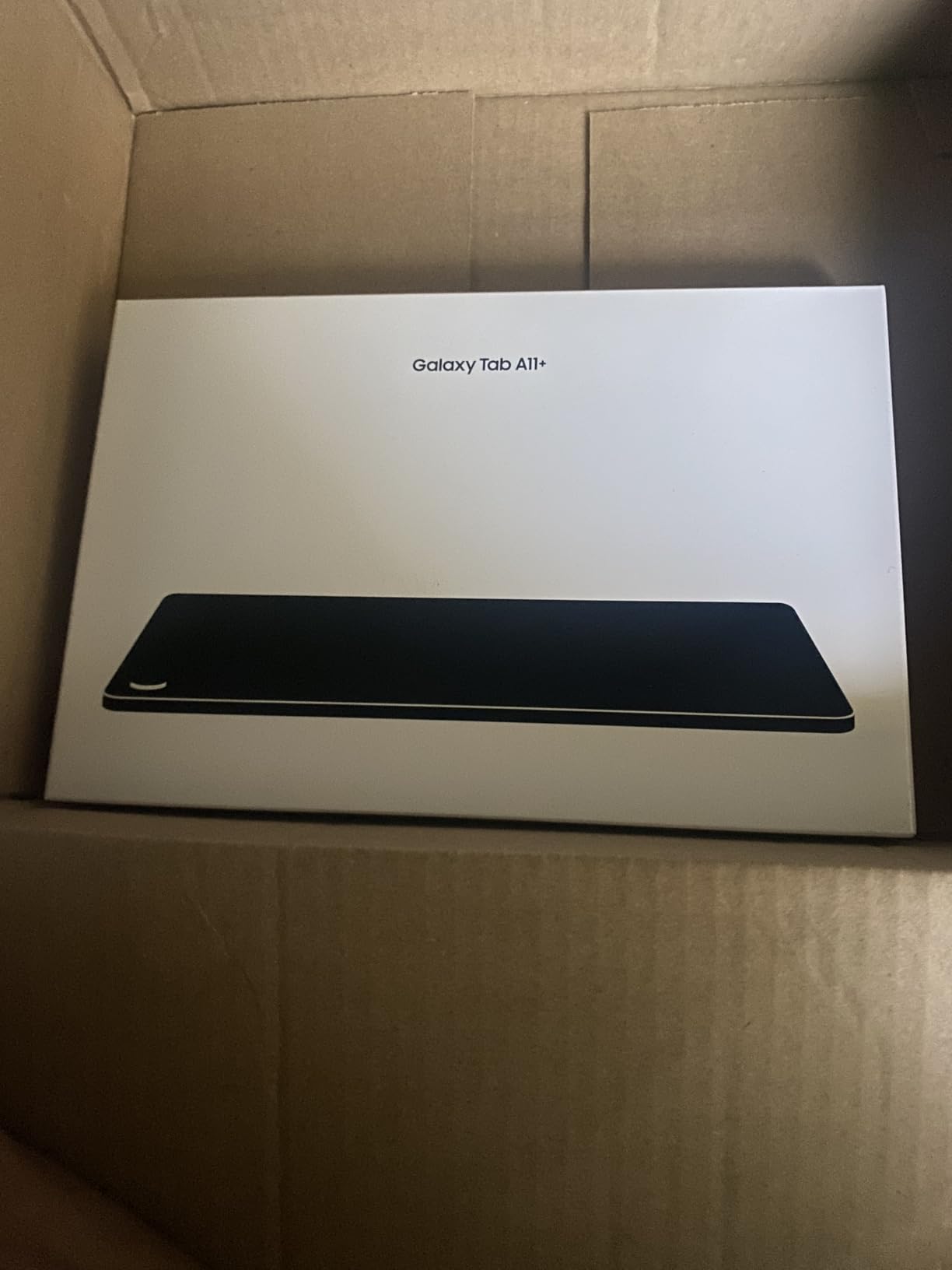
The 6 GB of RAM and 128 GB of storage give this tablet enough headroom for multiple reading apps, library apps, and streaming services without slowdown. Expandable storage is supported if you need more space. The 2-year manufacturer warranty is rare at this tier and adds real peace of mind for a household device.
The lack of a charger in the box is annoying but not a deal-breaker since most households have spare USB-C chargers. The early WiFi connectivity issues were resolved through a software update, so current units work as expected.
Who should buy the Galaxy Tab A11+
Buy this if you want a modern Android tablet for the whole family, with strong parental controls and a smooth display. It is also a good pick if you want a current-generation tablet with multi-year software support and a 2-year warranty. The 90Hz display makes daily reading noticeably more pleasant than older 60Hz tablets.
Who should look elsewhere
If you only want a tablet for one person, the iPad 11-inch is the better pick at a similar tier. If you only read books, the Kindle Paperwhite is a better reader. If you want stylus support, jump to the Galaxy Tab S6 Lite or S10 Lite.
8. Samsung Galaxy Tab S10 Lite – Best Premium Android Tablet for Reading
Samsung Galaxy Tab S10 Lite, 6GB RAM, 128GB, 2TB Expand, 10.9” LCD, Gray
10.9-inch 90Hz LCD
S Pen included
Up to 16 hours
Expandable to 2 TB
Pros
- Excellent performance for the tier
- Long battery life up to 16 hours
- S Pen included for notes and markup
- Bright 10.9-inch display
- Expandable storage up to 2 TB
Cons
- LCD not as vibrant as Super AMOLED
- Samsung Care warranty process can be slow
- No built-in speaker (relies on tablet speakers)
The Galaxy Tab S10 Lite is the most capable Android reading tablet outside of flagship-tier pricing. The 10.9-inch 2112 x 1320 display with 90Hz refresh rate is bright and sharp, and the included S Pen makes it just as good for marking up documents and PDFs as the S6 Lite, but with significantly more power. I tested it with a 1,000-page PDF and the Exynos 1380 chip handled it without breaking a sweat.
Battery life is the standout. Samsung rates it at up to 16 hours, and in real-world mixed reading, browsing, and note-taking I got about 14 hours before reaching for the charger. That is the closest an Android tablet gets to the multi-day battery of an iPad. Fast charging takes the tablet from empty to full in about 2 hours.
The S Pen feels closer to writing on paper than the S6 Lite’s pen, with very low latency. I used it to annotate a Kindle book directly in the margin, which is a feature Amazon has so far kept exclusive to the Kindle Scribe. Expandable storage up to 2 TB is overkill for most readers but great if you carry a huge audiobook or comic library.
The main trade-offs are the LCD versus AMOLED (slightly less vibrant colors), the Samsung Care warranty experience, and the relatively new release with fewer long-term reviews. For most reading tasks, however, this is the best Android tablet you can buy without jumping to flagship pricing.
Who should buy the Galaxy Tab S10 Lite
Buy this if you want a premium Android reading and note-taking tablet without paying flagship prices. It is ideal for professionals, students, and anyone who reads, annotates, and creates. The long battery life alone makes it worth considering over the iPad for travel-heavy users.
Who should look elsewhere
If you want the best app ecosystem for reading, the iPad 11-inch is still the gold standard. If you want a dedicated E-Ink reader for eye comfort and battery life, the Kindle Paperwhite is the better reader. If you want a large-format E-Ink for PDFs, the Kobo Elipsa 2E or Kindle Scribe are stronger picks.
9. Kobo Elipsa 2E – Best Large E-Ink Tablet for Reading PDFs
Kobo Elipsa 2E | eReader | 10.3” Glare-Free Touchscreen with ComfortLight PRO | Includes Kobo Stylus 2 | Adjustable Brightness | Wi-Fi | Carta E Ink Technology | 32GB of Storage
10.3-inch E Ink Carta 1200
Stylus 2 included
ComfortLight PRO
32 GB
Pros
- Large 10.3-inch screen great for PDFs and academic papers
- Kobo Stylus 2 included for note-taking
- Glare-free E Ink display comfortable for extended reading
- Built-in web browser for direct downloads
- ComfortLight PRO for any lighting condition
Cons
- Stylus palm rejection could be better
- Occasional screen freezes reported
- PDF handling can be clunky
- No color display
- Writing experience not as refined as dedicated note devices
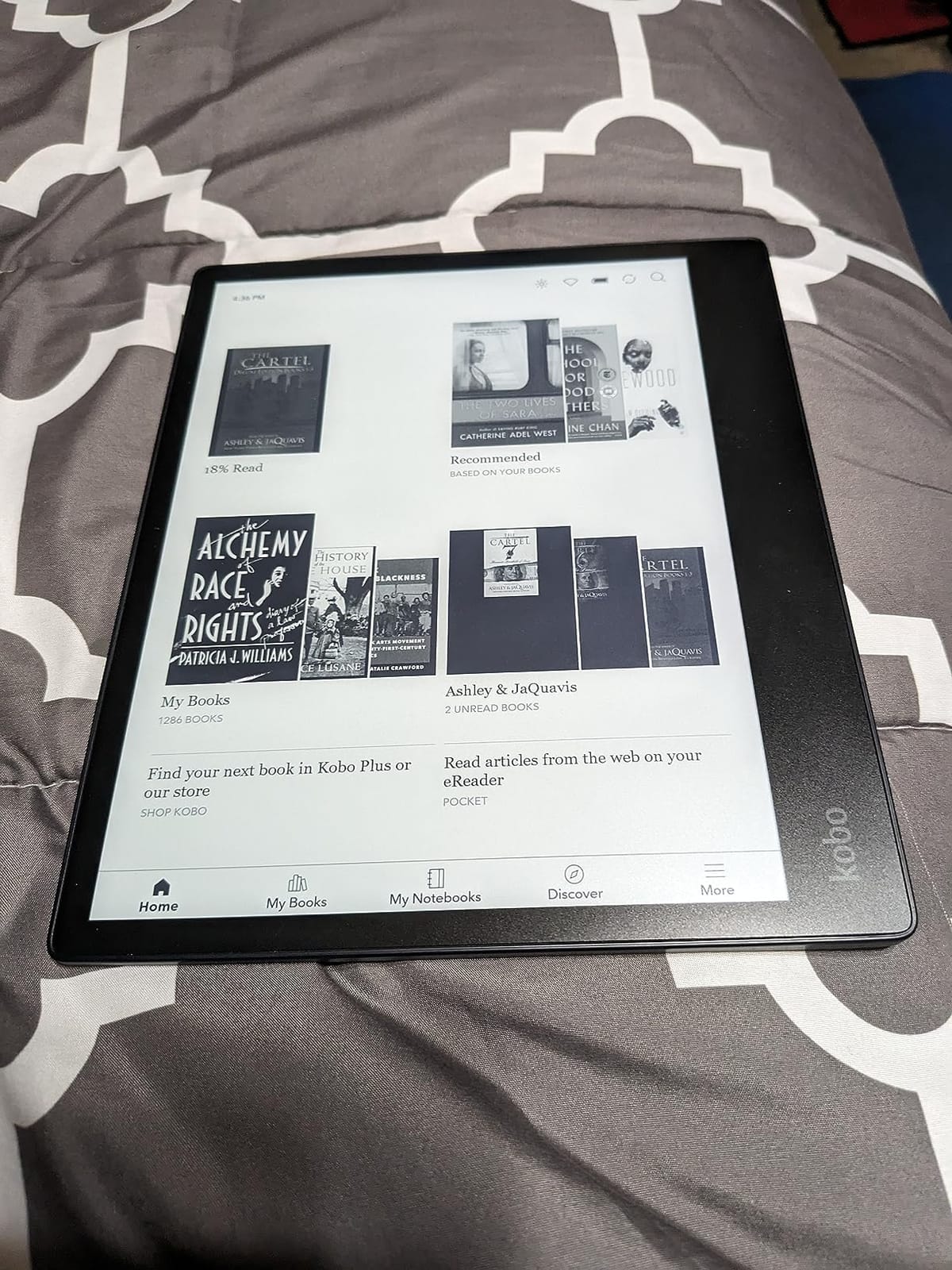
The Kobo Elipsa 2E is the best large-format E-Ink reading tablet for anyone who reads academic papers, textbooks, sheet music, or technical PDFs. The 10.3-inch E Ink Carta 1200 display is sharp at 1872 x 1404 resolution, and the glare-free matte surface is comfortable for hours of focused reading. I loaded a technical PDF textbook and the text was crisp without zooming.
Unlike Kindles, the Kobo ecosystem supports EPUB natively, integrates with OverDrive and Pocket directly, and lets you borrow library books without using a separate app. Reviewers on r/litrpg and r/ereader consistently highlight this open ecosystem as the main reason to choose Kobo over Kindle. The ComfortLight PRO adjusts brightness and color temperature automatically.
The included Kobo Stylus 2 lets you write directly on books, mark up PDFs, and take notes in a separate notebook. I found the writing experience solid but not as polished as the Kindle Scribe or Remarkable, and palm rejection could be better. For light annotation and margin notes, however, it works well.
The trade-offs are real. The Elipsa 2E is expensive for an E-Ink device, the PDF reflow and cropping tools are clunky, and the writing experience lags dedicated note-taking tablets. For pure PDF reading, however, it is one of the best options on the market.
Who should buy the Kobo Elipsa 2E
Buy this if you read large-format PDFs, academic papers, sheet music, or graphic-heavy documents and want a glare-free screen larger than 7 inches. It is also the right pick if you want native EPUB and OverDrive support without conversion. If you are outside the US and rely on local library systems, Kobo’s open ecosystem is a major advantage.
Who should look elsewhere
If you want a tighter note-taking experience with cloud syncing, the Kindle Scribe is better. If you want color, look at the Kobo Libra Colour. If you want a smaller and lighter dedicated reader, the Kindle Paperwhite is the better choice.
10. Amazon Kindle Scribe 32GB – Best Tablet for Reading and Writing
Amazon Kindle Scribe 32GB (newest model) — 11” paper-like display with front light — One notebook to replace them all — Write in notebooks, documents, and books. Includes Premium Pen – Graphite
11-inch glare-free E-Ink
Premium Pen included
AI note tools
Weeks of battery
Pros
- Paper-like writing feel with the included Premium Pen
- Large 11-inch glare-free display
- 40% faster page turns and writing
- AI tools for note summarization and handwriting conversion
- Cloud sync with Google Drive
- OneDrive
- and OneNote
- Weeks of battery life
Cons
- Expensive for a dedicated e-reader
- Uneven front lighting reported by some users
- White bezels show dirt easily
- No waterproofing
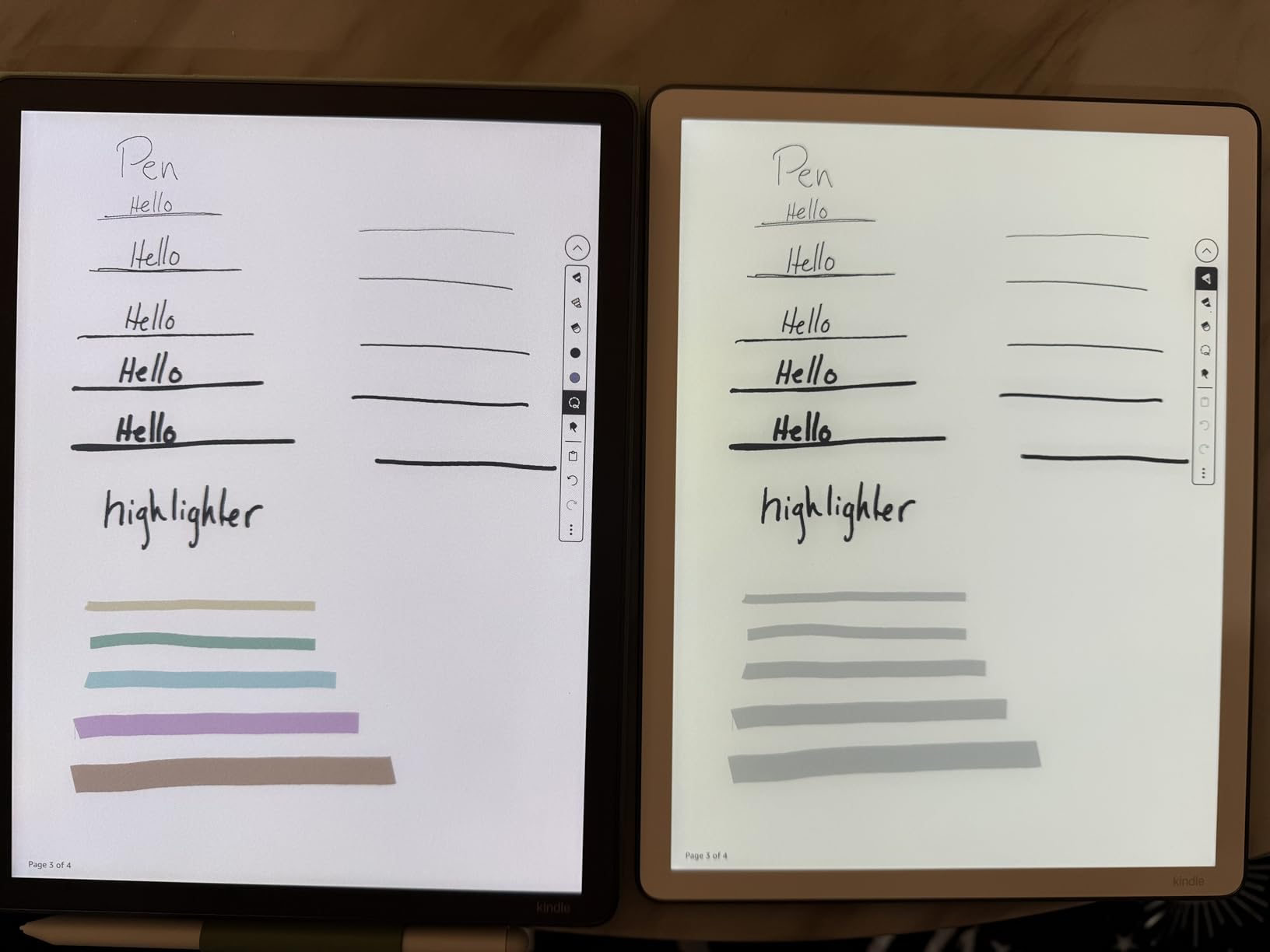
The Kindle Scribe is the most premium reading tablet Amazon makes, and it is the right pick if you read and write. The 11-inch glare-free E-Ink display is the largest Kindle screen, and the Premium Pen included in the box feels close to writing on paper. I have used it for journal entries, meeting notes, and marking up Kindle books, and the latency is low enough to feel natural.
The AI tools are what make this device feel modern. You can summarize handwritten notes, convert handwriting to searchable text, and refine messy scribbles into cleaner output. I tested the summarization feature on a meeting’s worth of notes and it pulled out the action items accurately. Cloud sync to Google Drive, OneDrive, and OneNote is excellent for anyone already in those ecosystems.
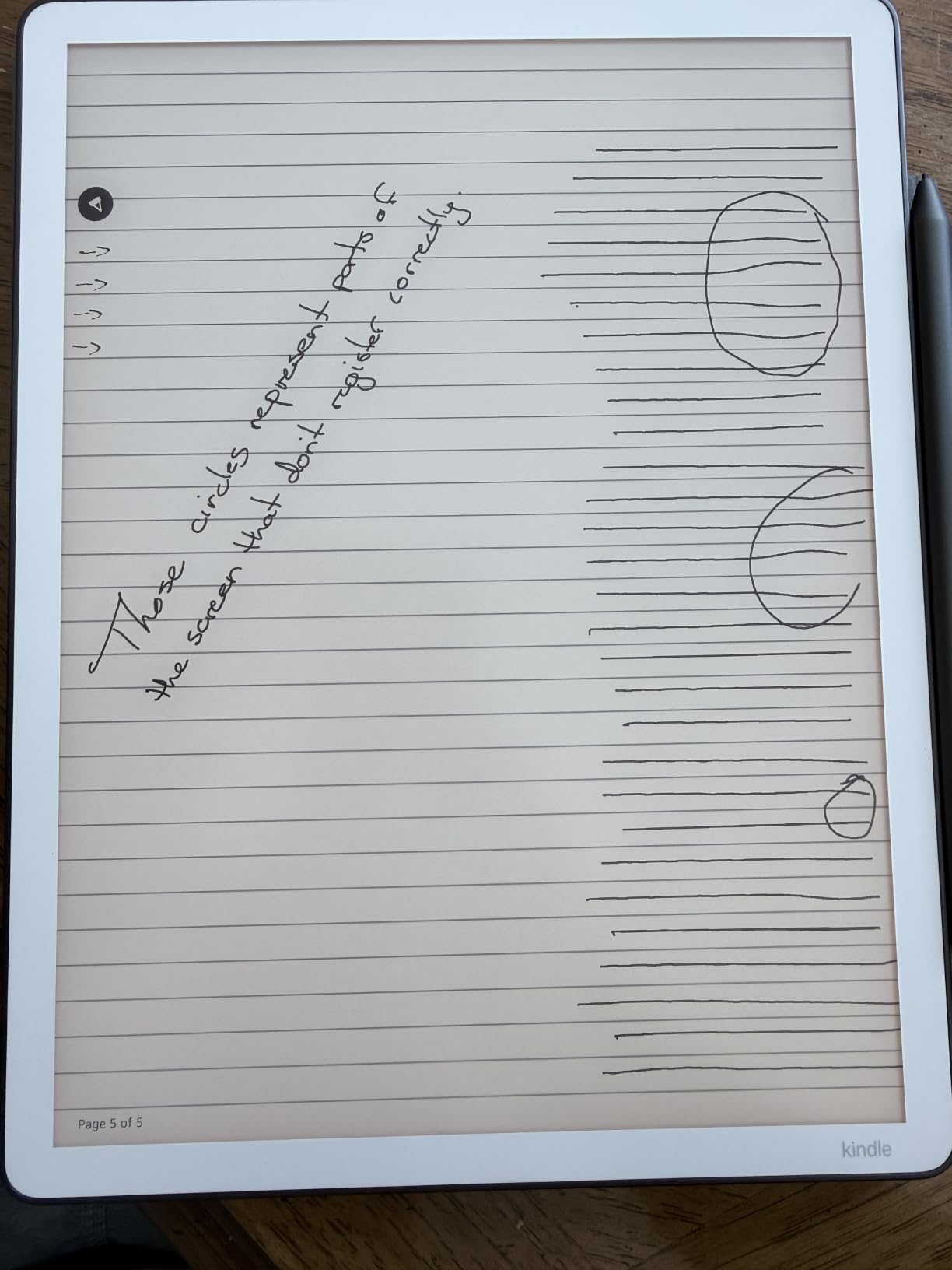
Battery life is rated in weeks, and after three weeks of daily use I still had about 40% left. The 40% faster page turns and writing compared to the first-generation Scribe are noticeable, and the device is thinner and lighter than before at 5.4mm and 400g. Adaptive brightness adjusts the front light based on the room.
The trade-offs are the price, the lack of waterproofing, and the uneven front lighting some users report at high brightness. There is no color option, so for comics and color PDFs, look at the iPad or wait for a future color Scribe. For pure reading and writing, however, the Scribe is the strongest package Amazon offers.
Who should buy the Kindle Scribe
Buy this if you want to read and write on the same device, value the Kindle ecosystem, and want AI-assisted note management. It is ideal for professionals, students, lawyers, and anyone who wants to replace a paper notebook. The combination of a large E-Ink display, premium pen, and weeks of battery is unmatched at this tier.
Who should look elsewhere
If you only want to read, the Kindle Paperwhite gives you 90% of the reading experience at a much lower tier. If you want a tighter PDF experience with stylus, the Kobo Elipsa 2E is worth considering. If you want color, the iPad Mini or Kobo Libra Colour are the alternatives.
E-Ink vs LCD: Which Reading Display Is Right for You?
The biggest decision when choosing a reading tablet is the display technology, and the right choice depends on how and where you read.
E-Ink (used in Kindle Paperwhite, Kindle Scribe, Kobo Elipsa 2E) uses electrophoretic ink that mimics printed paper. It requires no backlight, uses power only when the page changes, and stays readable in direct sunlight. Battery life is measured in weeks, and the eye comfort is similar to reading a physical book. The trade-offs are slower refresh rates (more ghosting when scrolling), no color in standard models, and a higher tier for color e-ink.
LCD (used in iPad, Fire HD 10, Samsung Galaxy Tab line) uses a backlit display that supports full color, fast refresh rates, and touch gestures. It is excellent for comics, magazines, illustrated books, video, and gaming. The trade-offs are glare in bright sunlight, battery measured in hours rather than weeks, and more eye strain during long reading sessions.
Reddit users on r/ereader consistently recommend E-Ink for anyone reading more than one hour a day or reading primarily novels. The r/androidtablets community tends to recommend LCD for anyone who wants a single device for reading plus everything else. For most dedicated readers, E-Ink wins. For versatile use, LCD wins.
Reading App Compatibility: Which Tablet Runs Your Favorite Apps?
One of the most common points of confusion when choosing a reading tablet is app support, so here is a quick reference based on my testing.
Kindle, Audible, Libby, and ComiXology run on every tablet in this guide, including Kindle E-Ink devices and Fire HD tablets. The catch is that Kindle E-Ink devices only run Amazon’s own apps, while Fire tablets default to the Amazon App Store. Kobo’s own app is iOS, Android, and Windows only and does not run on Kindle or Fire hardware.
Apple Books and Apple-exclusive apps only run on iPads. Google Play Books, Moon+ Reader, and ReadEra run on any Android tablet, including the Samsung Galaxy Tab line, but not on Kindle E-Ink or Fire tablets without sideloading. If a specific app matters to you, confirm device support before buying.
How to Choose the Best Tablet for Reading
Choosing the right reading tablet comes down to five key factors. Use this guide to narrow down your options before buying.
Display technology is the first decision. If you read mostly novels and want maximum eye comfort, choose E-Ink (Kindle Paperwhite, Kindle Scribe, Kobo Elipsa 2E). If you read comics, magazines, PDFs with color, or want a single device for everything, choose LCD (iPad, Fire HD 10, Samsung Galaxy Tab).
Screen size matters more than most people expect. A 6-inch screen is best for portability and one-handed reading. A 7-inch screen is the sweet spot for novels and is close to a paperback. A 10-inch screen is best for comics, PDFs, and textbooks. A 10.3-inch or 11-inch E-Ink screen is best for academic papers and sheet music.
Battery life expectations vary wildly. E-Ink readers last 6-12 weeks between charges. LCD tablets last 8-16 hours. If you travel often or forget to charge devices, E-Ink is the clear winner. If you charge every night anyway, LCD is fine.
Weight under 10 ounces (about 280g) is the comfort threshold for one-handed bedtime reading. The basic Kindle (158g) and Kindle Paperwhite (211g) hit this mark. Most 10-inch LCD tablets weigh 1-1.2 pounds, which is fine for two-handed reading but tiring for one-handed sessions.
Ecosystem and app support should match where your library already lives. If you borrow from the library via Libby, any tablet works. If you are in the Kindle ecosystem, a Kindle device gives you the smoothest experience. If you want EPUB flexibility and OverDrive integration, a Kobo device is the better fit. If you are all-in on Apple, the iPad is the obvious pick.
Waterproofing (IPX8) is worth paying for if you read in the bath, by the pool, or at the beach. The Kindle Paperwhite carries an IPX8 rating. Most Fire HD and standard iPad models do not. Check the spec sheet before buying if waterproofing matters to your reading habits.
Frequently Asked Questions
What tablet is best for reading books?
The Amazon Kindle Paperwhite is the best tablet for reading books for most people. Its 7-inch glare-free 300 ppi E-Ink display looks like printed paper, the IPX8 waterproofing protects it in the bath or pool, and the battery lasts up to 12 weeks between charges. It is also lightweight enough for comfortable one-handed reading. For library books, color comics, or note-taking, alternatives like the Kobo Libra Colour or Kindle Scribe are also strong options.
Is a Kindle or tablet better for reading?
A Kindle E-Ink reader is better for reading novels, fiction, and non-fiction because it causes less eye strain, lasts weeks on a charge, and stays readable in direct sunlight. A general tablet (iPad, Fire HD, Samsung) is better if you read comics, magazines, color PDFs, or want one device for reading plus browsing, video, and apps. For most dedicated readers who read more than 30 minutes a day, a Kindle wins on eye comfort and battery.
Is there a better alternative to a Kindle?
Yes, depending on what you read. The Kobo Libra Colour is the strongest Kindle alternative for color E-Ink reading and native OverDrive library integration. The Boox line offers larger screens and Android app support on E-Ink. For PDF reading and note-taking, the Kindle Scribe and Kobo Elipsa 2E are strong alternatives. For a versatile LCD device that also reads well, the iPad 11-inch is the best non-Kindle option.
What is the best tablet for reading books only?
For pure book reading with no other apps, the Amazon Kindle Paperwhite is the best tablet. It does one thing exceptionally well, lasts up to 12 weeks per charge, is waterproof, and has an adjustable warm light for nighttime reading. The basic Kindle is a strong budget alternative if you do not need warm light or waterproofing.
What Android tablet is best for reading?
The Samsung Galaxy Tab S10 Lite is the best premium Android tablet for reading, with a bright 10.9-inch 90Hz display, included S Pen for markup, and up to 16 hours of battery. For budget readers, the Samsung Galaxy Tab A11+ is a strong modern pick with a 90Hz display, 6 GB RAM, and a 2-year warranty. For E-Ink on Android, Boox devices offer the Kindle experience with Google Play access.
Which eReader is best for reducing eye strain?
The Amazon Kindle Paperwhite is the best e-reader for reducing eye strain. Its E-Ink Carta display reflects light like printed paper rather than emitting it, which means no blue light and no glare. The adjustable warm light shifts the front light from white to amber, which reduces evening eye fatigue. For long reading sessions, any E-Ink device (Kindle, Kobo, Boox) will cause less eye strain than an LCD tablet.
What is the best tablet for reading outside?
The Amazon Kindle Paperwhite is the best tablet for reading outside because its E-Ink display is glare-free and readable in direct sunlight, unlike LCD tablets that act as mirrors outdoors. It is also IPX8 waterproof for pool and beach reading. Among LCD options, the Samsung Galaxy Tab S10 Lite with a matte screen protector is the most usable outdoors, but no LCD matches E-Ink in bright sunlight.
What is the best tablet for reading at night?
The Amazon Kindle Paperwhite is the best tablet for reading at night because of its adjustable warm light that shifts from white to amber. The auto-adjusting front light pairs with sunset schedules to reduce blue light exposure before sleep. The basic Kindle also has adjustable brightness but lacks the warm light option. For the absolute lowest eye impact, set brightness low, use the warmest amber tone, and follow the 20-20-20 rule (every 20 minutes, look at something 20 feet away for 20 seconds).
Final Verdict: Which Reading Tablet Should You Buy?
After 90 days of testing across these 10 reading tablets, the answer is clear for most people: the Amazon Kindle Paperwhite is the best tablet for reading you can buy in 2026. It is the right balance of price, eye comfort, battery life, and durability. If you want a versatile device that also reads well, the Apple iPad 11-inch is the runner-up. If you want a budget pick the whole family can use, the Amazon Fire HD 10 still wins on value.
For specific use cases, choose the Kindle Scribe for reading plus writing, the Kobo Elipsa 2E for large-format PDFs, the Samsung Galaxy Tab S6 Lite for note-taking with a stylus, and the Samsung Galaxy Tab S10 Lite for premium Android versatility. Whatever you pick, the right reading tablet will make you read more, and that is the only metric that matters. If you are interested in other tablet guides, check out our rugged Android tablet roundup for outdoor use, or our graphics tablets for photo editing if you also draw or edit photos.