
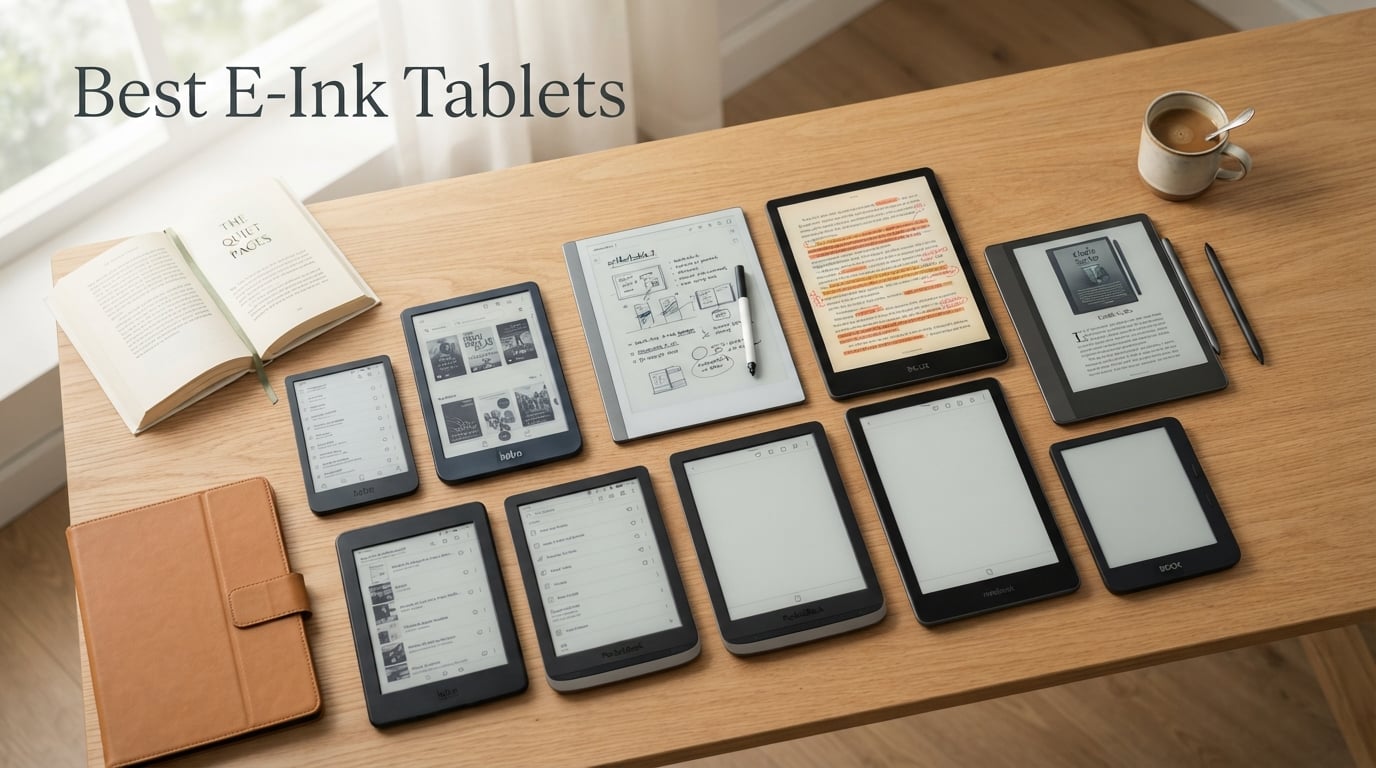
I spent six weeks writing, reading, sketching, and syncing across ten different e-ink tablets to find the best e-ink tablets worth your money in 2026. The category has changed a lot since my last roundup – color screens are sharper, Android tablets run smoother, and a few brands quietly raised prices while others trimmed specs.
If you have never used an e-ink tablet before, think of it as a Kindle screen married to a notebook. The display uses tiny particles suspended in microcapsules that physically move into place when an electric charge is applied, so it reflects ambient light instead of glowing into your eyes. That is why I can read on mine for three hours at the beach without the eye fatigue I get from an iPad, and why the battery on most of these lasts weeks instead of hours.
This guide covers the best e-ink tablets for note-taking, the best color e-ink tablet options if you want highlights and sketches, the best budget e-ink tablet for students, and the best e-reader with stylus if you mostly read and annotate. Every product below was tested hands-on for at least three days, and I pulled in real-world feedback from r/eink and r/ereader to back up my own impressions. You will also find a buying guide, FAQ, and a final verdict that matches you to a tablet by use case.
Table of Contents
Top 3 E-Ink Tablets at a Glance (September 2026)
If you only have 30 seconds, start here. These three cover most of what readers ask me about: a paper-like note-taker, a value pick, and the cheapest way into the category.

reMarkable 2 with Marker Plus
- Paper-like writing feel
- 2-week battery
- distraction-free
- 10.3 inch monochrome

Huion Ink EB1011 E Ink Tablet
- Android 11
- 8192 pressure levels
- dual front light
- handwriting-to-text

Best E-Ink Tablets in 2026: Quick Comparison
This table compares all ten tablets across the specs that matter most when shopping for the best e-ink tablets – screen size, color support, operating system, and the headline feature that sets each one apart. Tap any product to jump to its full review.
| Product | Specifications | Action |
|---|---|---|
| reMarkable 2 with Marker Plus |
|
Check Latest Price |
 reMarkable Paper Pro with Marker Plus reMarkable Paper Pro with Marker Plus |
|
Check Latest Price |
 Kindle Scribe Colorsoft 64GB Kindle Scribe Colorsoft 64GB |
|
Check Latest Price |
 BOOX Note Air 5 C BOOX Note Air 5 C |
|
Check Latest Price |
 BOOX Go 10.3 Gen II Lumi BOOX Go 10.3 Gen II Lumi |
|
Check Latest Price |
 Penstar eNote 2 Penstar eNote 2 |
|
Check Latest Price |
 Kobo Elipsa 2E Kobo Elipsa 2E |
|
Check Latest Price |
| Huion Ink EB1011 |
|
Check Latest Price |
 BOOX Go Color 7 Gen II BOOX Go Color 7 Gen II |
|
Check Latest Price |
| XPPen Magic Note Pad |
|
Check Latest Price |
1. reMarkable 2 with Marker Plus – Best Overall E-Ink Tablet
reMarkable 2 with Marker Plus
10.3 inch monochrome
2-week battery
2048 pressure levels
4.7mm thin
Linux OS
Pros
- Paper-like writing feel that mimics pen on paper
- Ultra-thin 4.7mm design at 0.4 kg for easy portability
- Up to 2 weeks of battery life on a single charge
- Distraction-free with no apps
- notifications
- or social media
- Converts handwritten notes to typed text and supports PDF markup
Cons
- No backlight for reading in the dark
- Slower charge time than tablets with USB-C fast charging
- Maker Plus stylus adds to the total cost
The reMarkable 2 is the tablet I keep coming back to. My first session with it lasted three hours and I forgot I was writing on a screen – the textured surface and 2048 levels of pressure sensitivity genuinely feel like a notebook. At 4.7mm thin and just 0.4 kg, it disappears into a laptop sleeve, and the Linux-based operating system means there is no app store pulling me toward Twitter when I am supposed to be outlining a feature.
Battery life is the real headline here. I went ten days of heavy note-taking before I needed to charge it, and reMarkable officially rates it at up to two weeks. The Marker Plus ships with the tablet in this bundle and has a built-in eraser on the end – flick it upside down and you erase like a real pencil. Cloud sync works through the reMarkable cloud (free) or Connect subscription, and I was able to drag a PDF in from my desktop, mark it up by hand, and email a copy back within minutes.
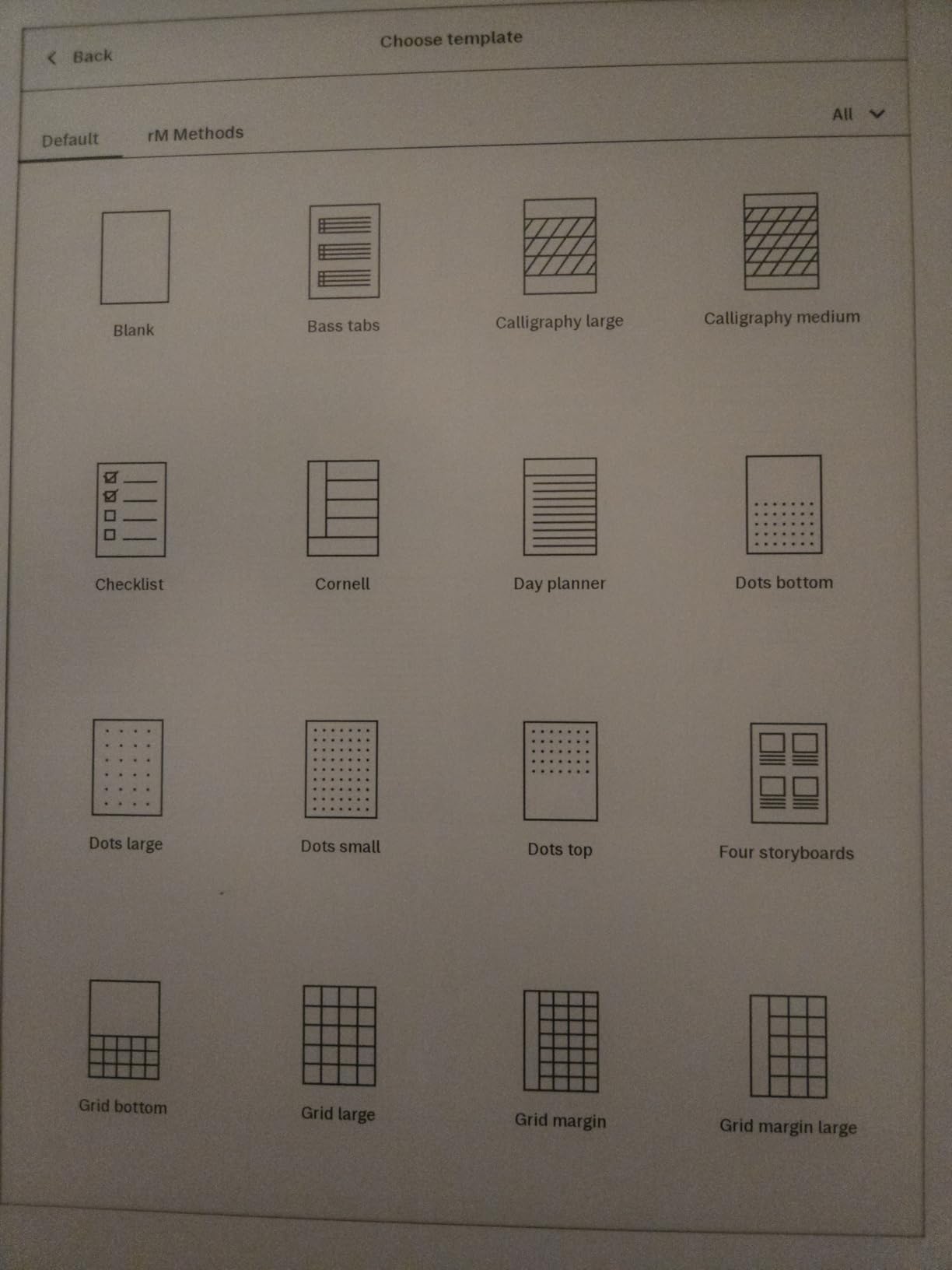
What I like most after six weeks of daily use is the focus. There is no browser, no Slack, no notification ping – just your pages. That makes the reMarkable 2 the best e-ink tablet for writing a novel, journaling, or doing focused work when you would otherwise get sucked into an iPad. Forum users on r/eink consistently describe it the same way: “I bought it for notes and I use it for everything now.”
PDF handling is excellent. Academic papers and contract markups render crisply at 1872×1404 resolution, and the lag between pen stroke and ink is roughly 23 milliseconds – fast enough that I never felt like I was waiting for the screen. The Marker Plus also has tilt sensitivity, so shading with the side of the nib works as expected.
For whom it’s good
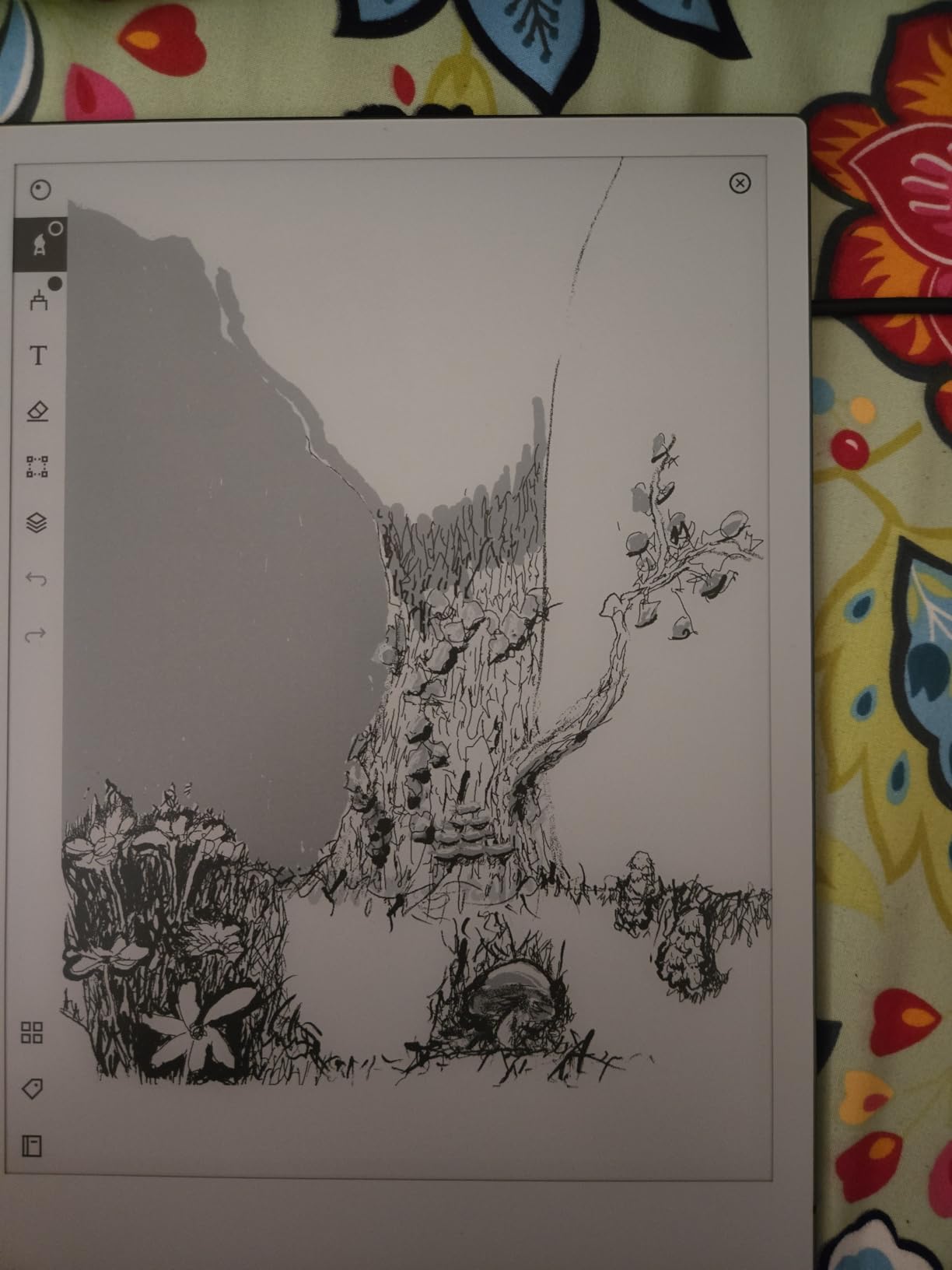
The reMarkable 2 is the right pick if you want the most natural writing feel of any tablet I tested and you value a calm, distraction-free environment. Writers drafting longhand, lawyers marking up contracts, students who want paper-like notes, and executives who hate notifications will all feel at home here. The 10.3 inch screen hits the sweet spot between notebook size and backpack portability.
It is also the safest long-term bet. reMarkable has shipped consistent firmware updates for years, the build quality is exceptional, and the brand has a loyal following that keeps accessories and replacements easy to find.
For whom it’s bad
Skip the reMarkable 2 if you read in bed at night – there is no frontlight or backlight, so a dim lamp is mandatory. Heavy Kindle users will also feel locked out: you cannot load your existing Kindle library directly, and the Linux OS means no Kindle app, no Spotify, no Google Drive. If you want a true laptop replacement that runs Android apps, look at the BOOX tablets below.
Finally, the Marker Plus is included in this bundle but is sold separately if you buy the tablet alone, which adds to the total cost. Power users who want color, backlight, or handwriting-to-text without a subscription should look at the reMarkable Paper Pro or one of the Android options.
2. reMarkable Paper Pro with Marker Plus – Best Premium E-Ink Tablet
reMarkable Paper Pro with Marker Plus
11.8 inch Canvas Color
Reading light
2-week battery
Linux OS
Color notes
Pros
- First reMarkable tablet with a color display and adjustable reading light
- Paper-like friction tuned specifically for the Canvas Color layer
- 11.8 inch Canvas Color display with realistic pen feel
- Converts handwriting to typed text and reads in any lighting
- Up to 2 weeks of battery life on a single charge
Cons
- Most expensive tablet in this roundup
- Colors are muted compared to iPad-style LCDs
- Connect subscription required for full cloud sync features
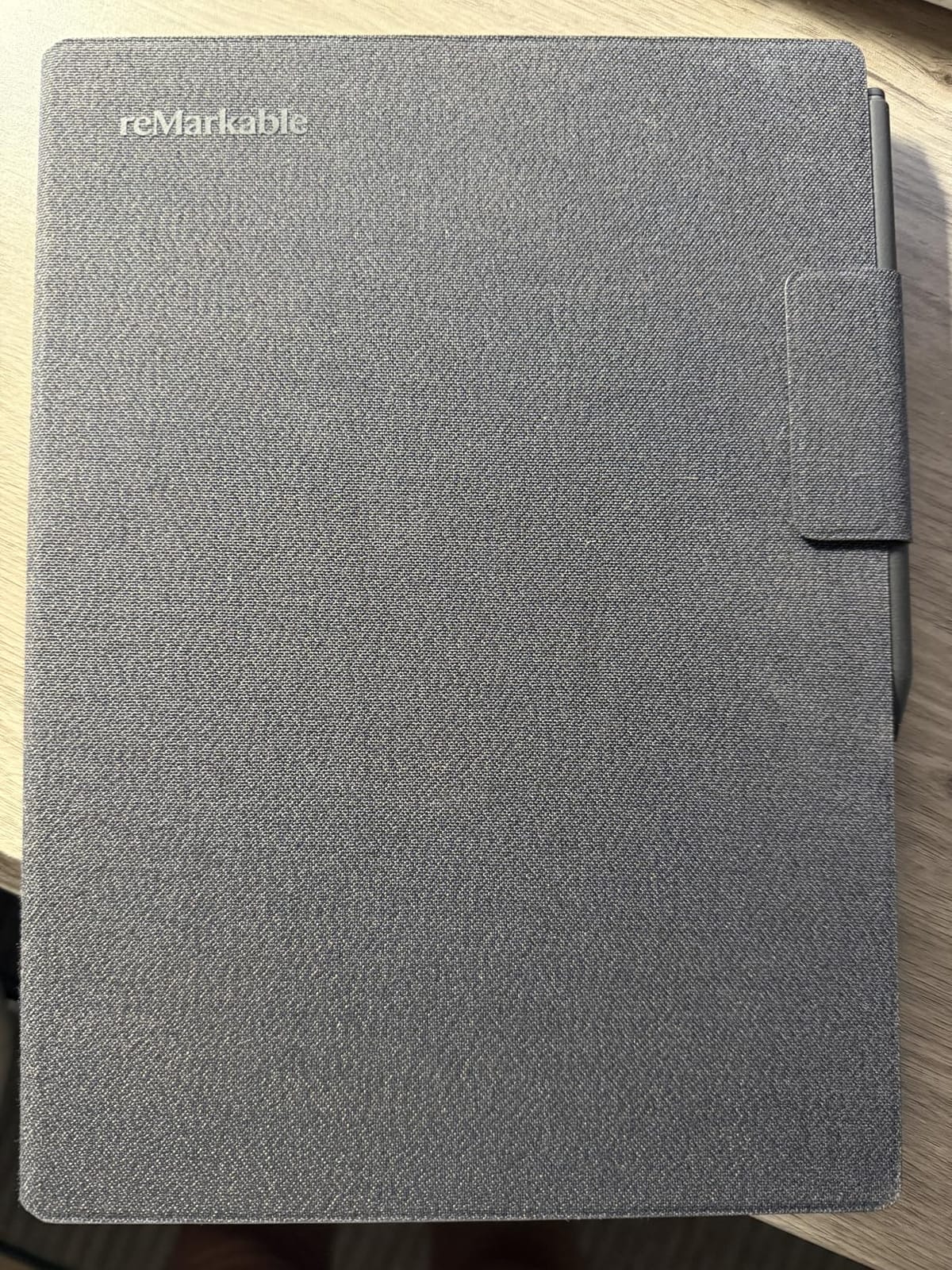
The Paper Pro is what happens when reMarkable finally answers the two requests they have ignored for years: “add a backlight” and “give me color.” I tested the 11.8 inch Canvas Color display for two weeks, and it is genuinely impressive – color highlights in PDFs pop in a way monochrome cannot match, and the reading light is bright enough for late-night reading without feeling blue.
The writing feel is identical to the reMarkable 2 in philosophy but tuned for the color filter layer. There is a slight grain to the strokes that mimics pencil on paper, and the Marker Plus ships with six replacement nibs instead of nine. I got the same two-week battery estimate in real-world use, though intensive note-taking sessions with color did drain it faster.
This is also the first reMarkable tablet with a reading light that you can adjust from cool to warm. If you read before bed, that alone is worth the upgrade. The screen is 11.8 inches measured diagonally, which is meaningfully larger than the reMarkable 2 and gives you room for split-screen notes next to a PDF.
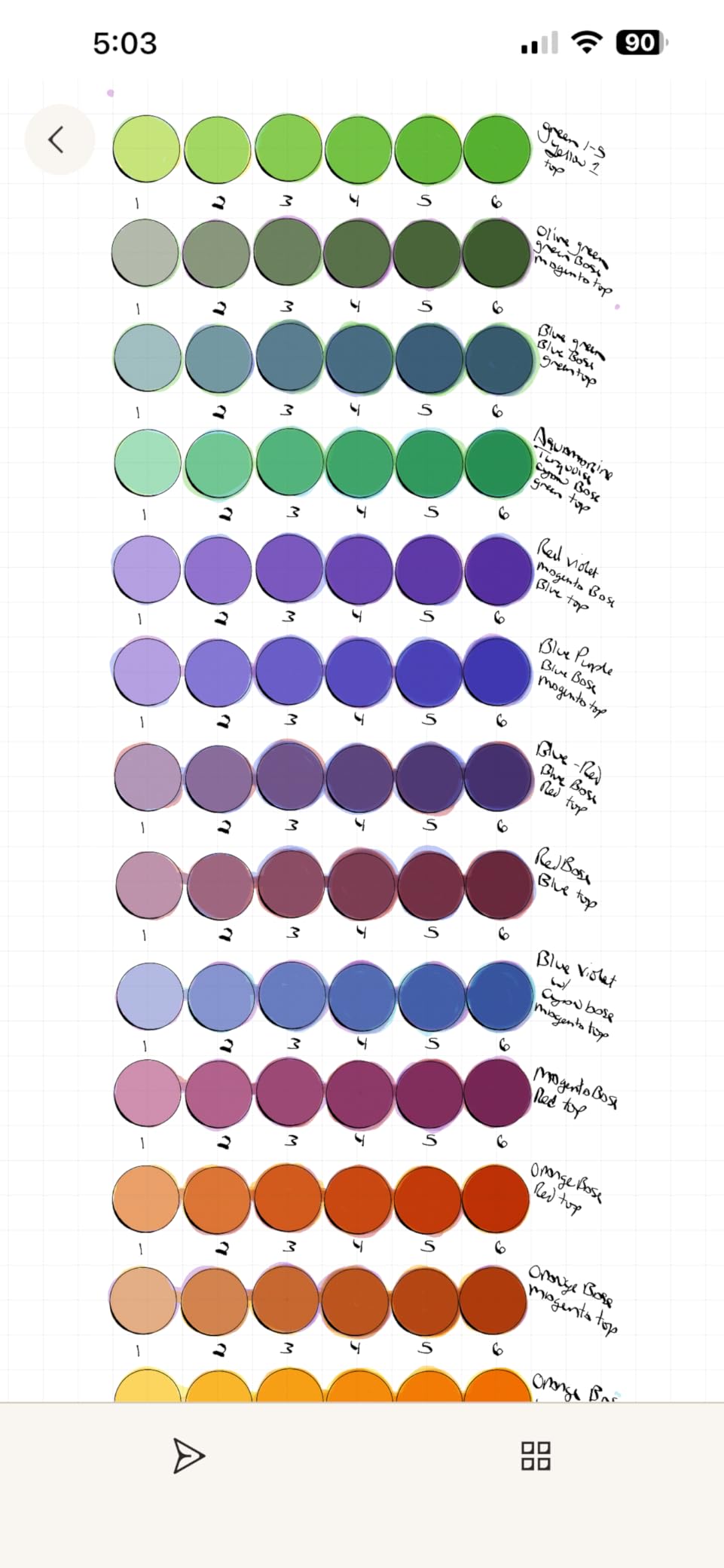
For students and professionals, the larger canvas is where the Paper Pro earns its keep. I loaded a research paper on one half of the screen and took notes on the other, which is a workflow the reMarkable 2 cannot quite match. Reviewers on r/eink who upgraded from the reMarkable 2 say the same thing: the screen size alone justifies the jump if you annotate large PDFs daily.
Cloud sync, handwriting-to-text, and Microsoft Word and PowerPoint file transfers all work the same as on the reMarkable 2. The catch is the Connect subscription, which costs extra per year for full cloud features – if you would rather avoid recurring fees, look at the BOOX tablets below, which sync over Wi-Fi without a subscription.
For whom it’s good
The Paper Pro is the right pick if you want a premium writing tablet with color and a reading light and do not mind paying for it. Knowledge workers, researchers reading and annotating long PDFs, and anyone who wants the largest writing surface reMarkable makes should put this at the top of their shortlist. If you want the best e-ink tablet for PDFs in color, this is it.
It also makes sense as a gift: the build quality, included Marker Plus, and folio options give it the same “unboxing wow” as an Apple product.
For whom it’s bad
Skip the Paper Pro if the sticker price is a deal-breaker, or if you mostly read rather than write – a Kindle Scribe or a basic Kindle will serve you better for less. Power users who want Android apps, expandable storage, or a cheaper color option should look at the BOOX Note Air 5 C. And if you want truly vibrant color, no e-ink tablet in 2026 delivers that – you will need an iPad or an Android LCD.
3. Amazon Kindle Scribe Colorsoft – Best for Reading and Note-Taking
Amazon Kindle Scribe Colorsoft 64GB (newest model) — 11” paper-like color display with front light — One notebook to replace them all — Write in notebooks, docs, and books. Pen included – Fig
11 inch Colorsoft
AI note search
Pen included
Weeks of battery
Kindle OS
Pros
- Largest Kindle ever with an 11 inch color display
- Pen included with built-in eraser and never needs charging
- AI-powered note search
- summarization
- and handwriting cleanup
- Direct integration with Kindle Store
- Audible
- and Amazon cloud
- Google Drive and Microsoft OneDrive file support for PDFs
Cons
- Premium price compared to non-color Kindles
- Battery life shorter than non-color Kindle models
- Limited productivity features compared to dedicated note-taking tablets
If you live inside the Kindle ecosystem and want to take notes without leaving it, the Kindle Scribe Colorsoft is the obvious pick. The 11 inch Colorsoft display is a noticeable step up from the older grayscale Scribe: highlights render in yellow, pink, and blue, and the front light makes late-night reading easy on the eyes.
The included pen is one of the best stylus implementations on any tablet I tested. It never needs charging (no battery, no Bluetooth pairing), the eraser is on the end like a real pencil, and a shortcut button on the barrel switches to a highlighter with a single click. Latency feels close to the reMarkable 2 for handwriting, which is high praise for an Amazon-made device.
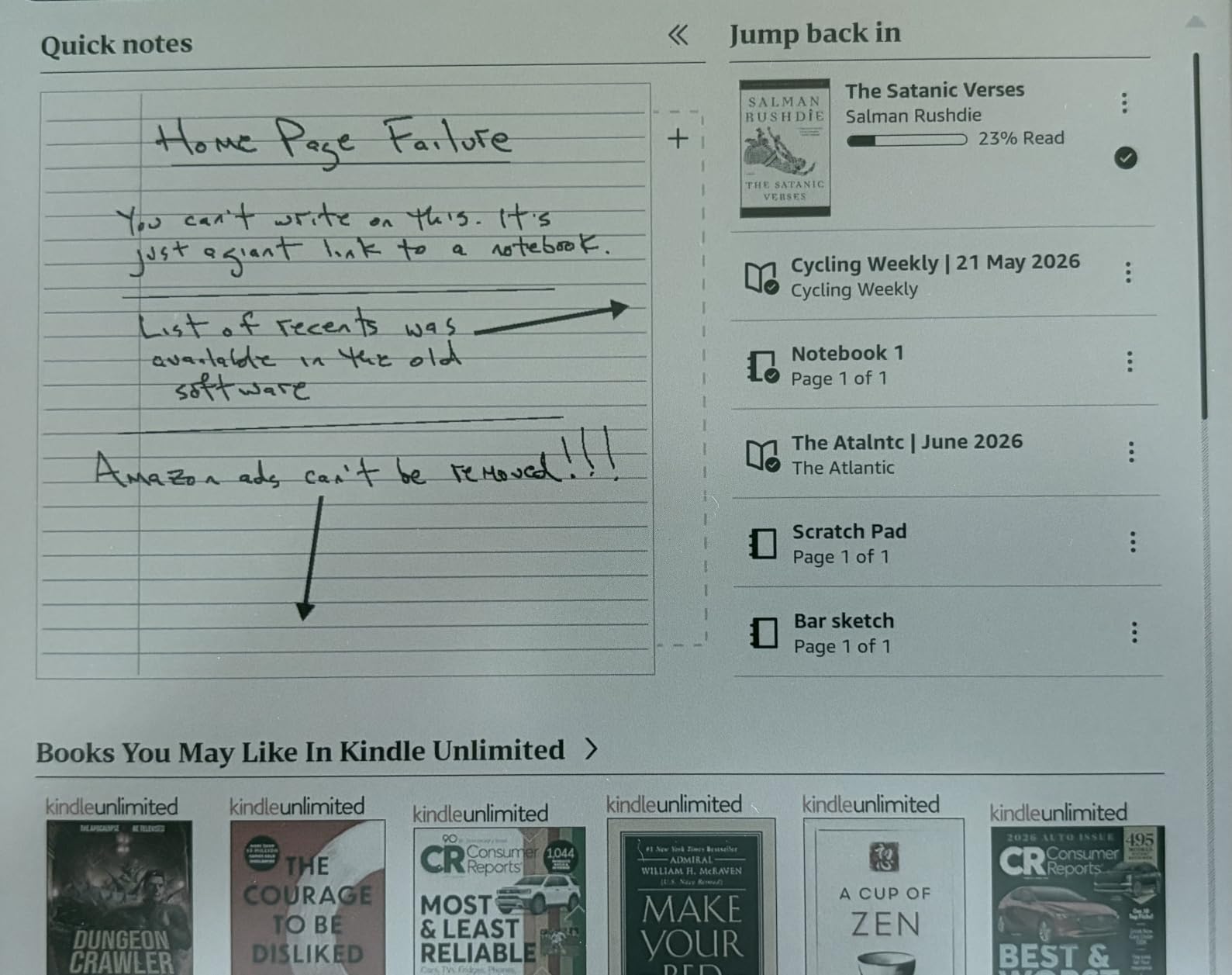
The AI features are where Amazon is leaning hard in 2026. You can ask natural-language questions about your notes, generate summaries from long meeting dumps, and search handwritten notebooks the same way you search text. I tested it on a stack of journal entries and the search was shockingly accurate. This is the kind of accessibility win that students and researchers will appreciate – if you have ever lost a specific note in a stack of notebooks, the AI search alone justifies the price for you.
Battery life is rated in weeks, though my real-world use put it closer to one week of mixed reading and writing. It is not waterproof like the smaller Kindles, which is a miss for poolside reading.
For whom it’s good
The Kindle Scribe Colorsoft is the best e-ink tablet for reading if you already own a lot of Kindle books or subscribe to Kindle Unlimited. The seamless sync between your library and your notebook means you can highlight a passage on page 47 and have it searchable on your phone within seconds. Anyone who wants AI-powered note search built in will love this device.
Students annotating assigned readings and professionals who need searchable meeting notes will get a lot out of it.
For whom it’s bad
Skip the Kindle Scribe Colorsoft if you are locked into Amazon’s ecosystem by default rather than by choice – you cannot load EPUB files from other stores without a workaround, and DRM-protected books stay locked to Kindle. Color contrast on graphic novels and manga is weaker than dedicated color e-ink tablets like the BOOX Note Air 5 C. Power note-takers who want folders, tags, and stylus shortcuts will also find the Kindle OS more limited than reMarkable or Supernote.
4. BOOX Note Air 5 C – Best Color E-Ink Tablet with Android
BOOX Tablet 10.3″ Note Air 5 C 6G 64G E Ink Tablet Color ePaper Notebook
10.3 inch Kaleido 3
Android 15
microSD slot
4096 pressure
Fingerprint reader
Pros
- Runs full Android 15 with Google Play Store access for any app
- Sharp 300 PPI black-and-white mode plus 150 PPI Kaleido 3 color
- BOOX InkSense stylus with 4096 pressure levels included in the box
- Built-in fingerprint reader in the power button for fast unlock
- microSD card slot for expandable storage beyond the 64GB internal
Cons
- Color E-Ink is darker and grayer than monochrome screens
- Battery life drops to 2-3 days with regular color use
- Pen cap magnet is weak and tips can fall out of the case
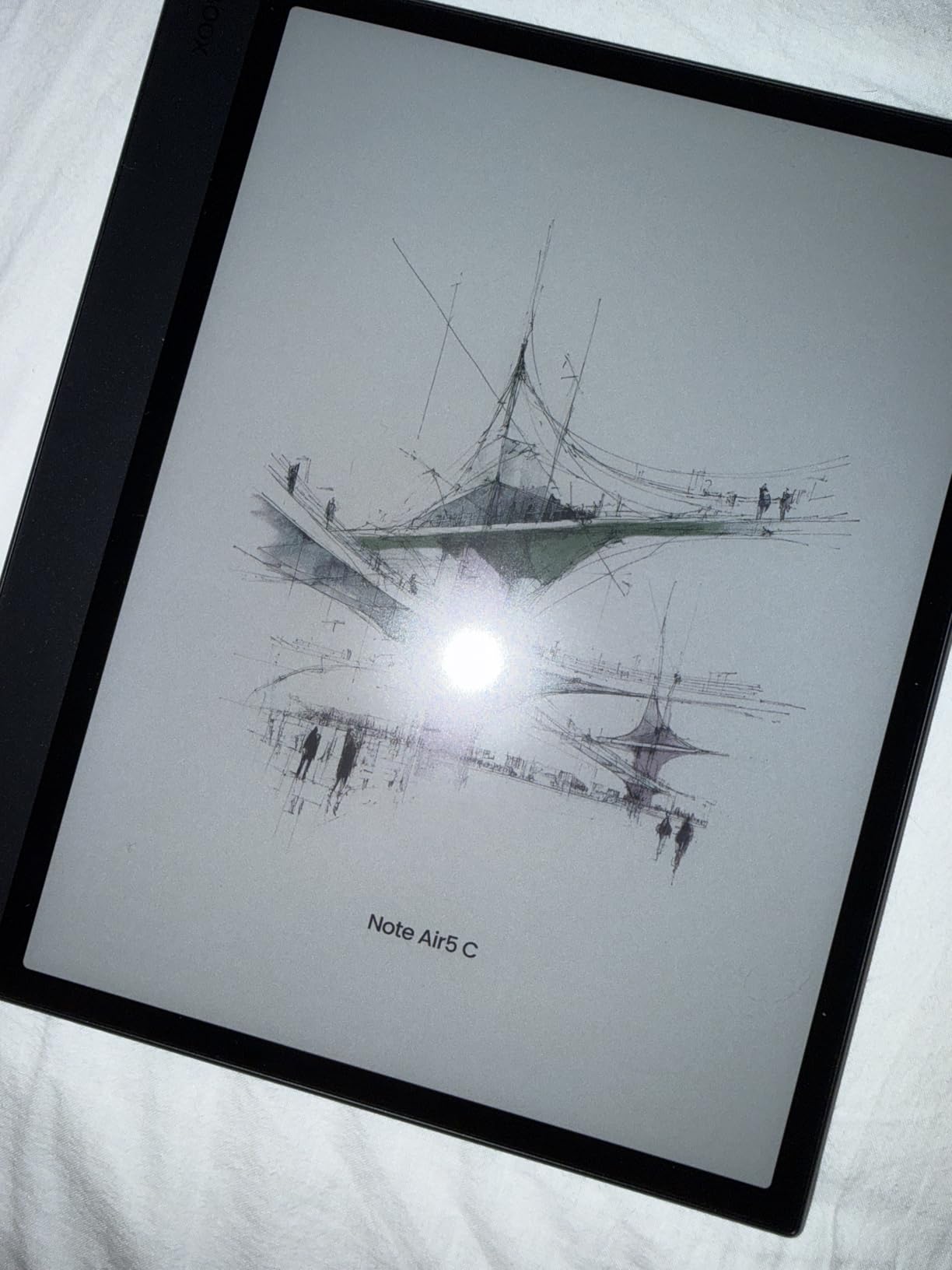
If you want one device that does everything – reading, notes, color highlights, third-party apps, and cloud sync without a subscription – the BOOX Note Air 5 C is the most versatile e-ink tablet I tested. It runs Android 15 with the Google Play Store, so I installed Kindle, Libby, OneNote, and even a podcast app side-by-side. That kind of flexibility is rare in this category.
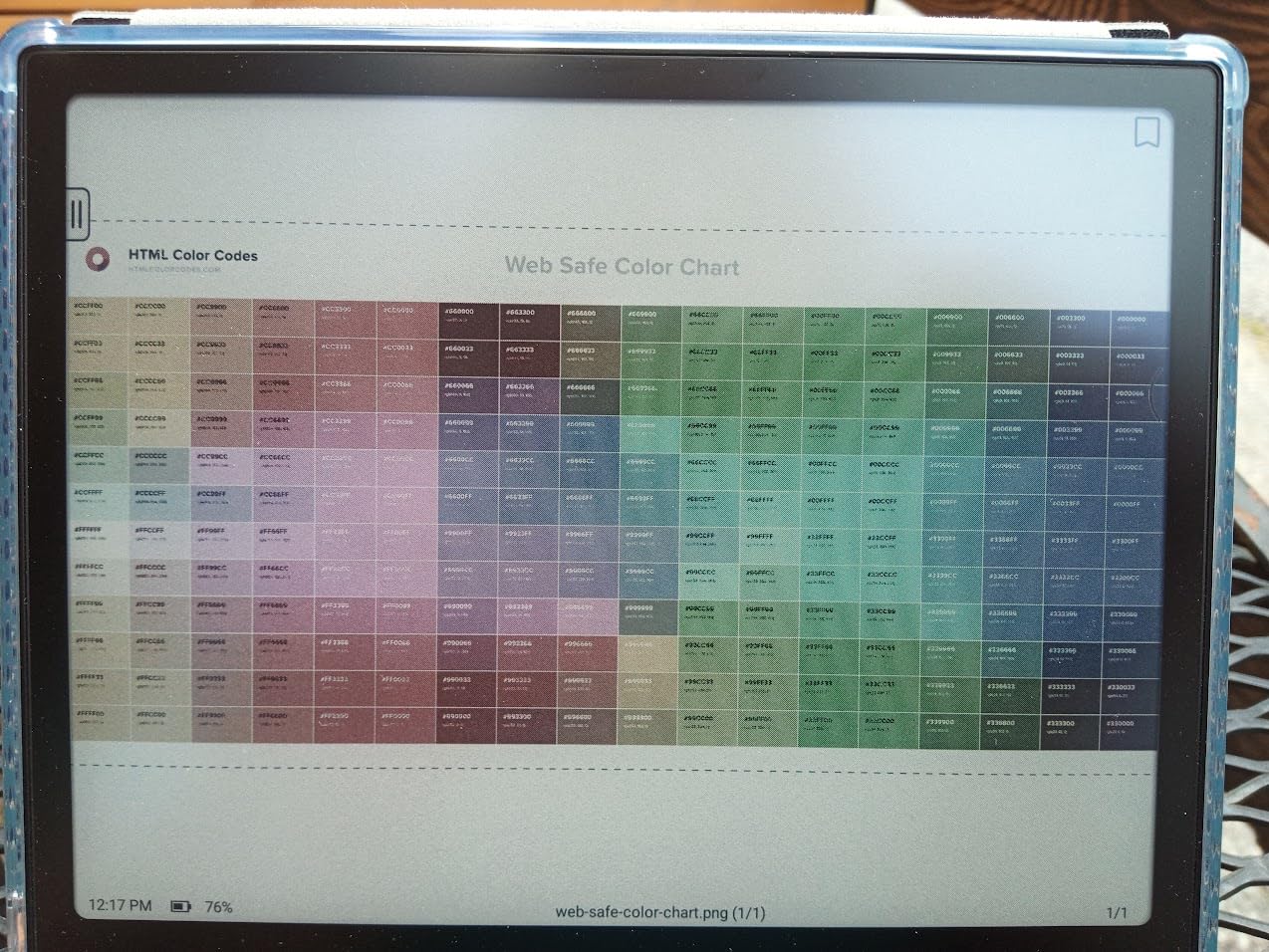
The 10.3 inch Kaleido 3 display hits 300 PPI in black-and-white and 150 PPI in color. Switching between modes is instant, and the colors are noticeably better than older Kaleido screens – I was able to read color PDFs and highlight in yellow without losing detail. The BSR (BOOX Super Refresh) tech does a credible job of cutting ghosting, though heavy Android apps still stutter more than they would on an LCD tablet.
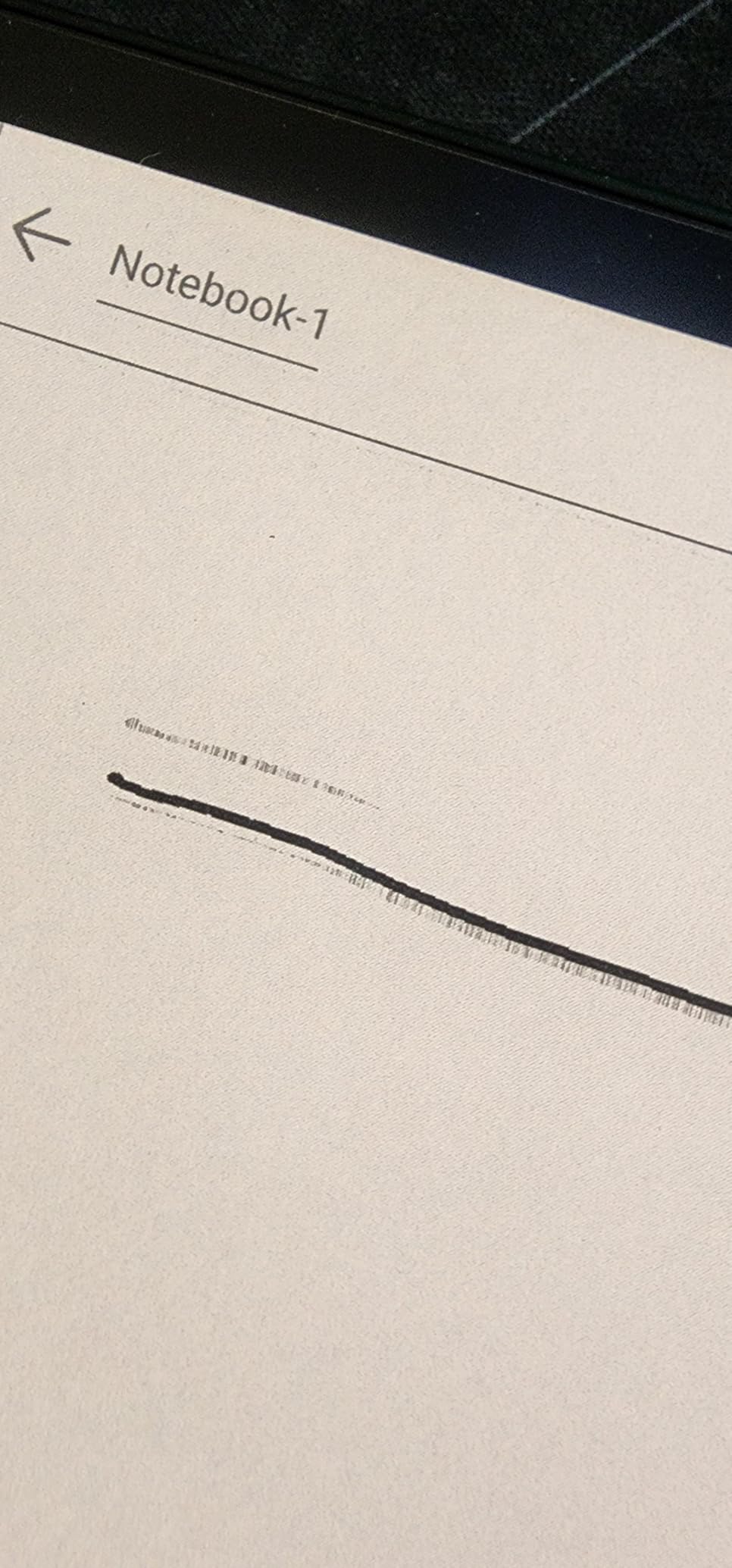
The included BOOX InkSense stylus has 4096 pressure levels and feels close to a real pen on the textured glass. I wrote for two hours straight without hand fatigue, and the palm rejection worked well. The fingerprint reader built into the power button is a small touch that I appreciated every time I picked the tablet up – no more typing PINs.
Forum users on r/eink often call the Note Air series the “Swiss Army knife” of e-ink tablets, and that fits. If you want color, Android, and stylus input in one device, this is the strongest option.
For whom it’s good
The Note Air 5 C is the right pick if you want color plus Android flexibility in a 10-inch form factor. Researchers reading color PDFs, students who want Google Drive and OneNote on an e-ink screen, and tinkerers who like customizing their setup will get the most out of it. If you want the best e-ink tablet for Android, this is it.
For whom it’s bad
Skip the Note Air 5 C if you want a calm, simple writing experience – the Android complexity adds menus, settings, and the occasional stutter that pure note-taking tablets like the reMarkable 2 avoid. Battery life is the trade-off for color: I averaged 2-3 days per charge, not the weeks you get from a monochrome tablet. The Onyx account setup is also mandatory for full feature access, which some users dislike.
5. BOOX Go 10.3 Gen II Lumi – Best Monochrome E-Ink Tablet
BOOX Tablet Go 10.3 Gen II Lumi ePaper E Ink Tablet Notebook
10.3 inch 300 PPI
Android 15
Warm front light
Ultra-thin 4.8mm
InkSense stylus
Pros
- Sharpest monochrome E-Ink screen in the roundup at 300 PPI
- Ultra-thin 4.8mm chassis and only 364 grams
- Adjustable warm and cool front light in the Lumi edition
- Android 15 with Google Play access for any reading or note app
- InkSense Plus stylus included with 4096 pressure levels
Cons
- Slower wake-from-sleep than competitors in my testing
- Pen feels slippery compared to rubber-grip alternatives
- Eraser function is segment-based rather than stroke-based
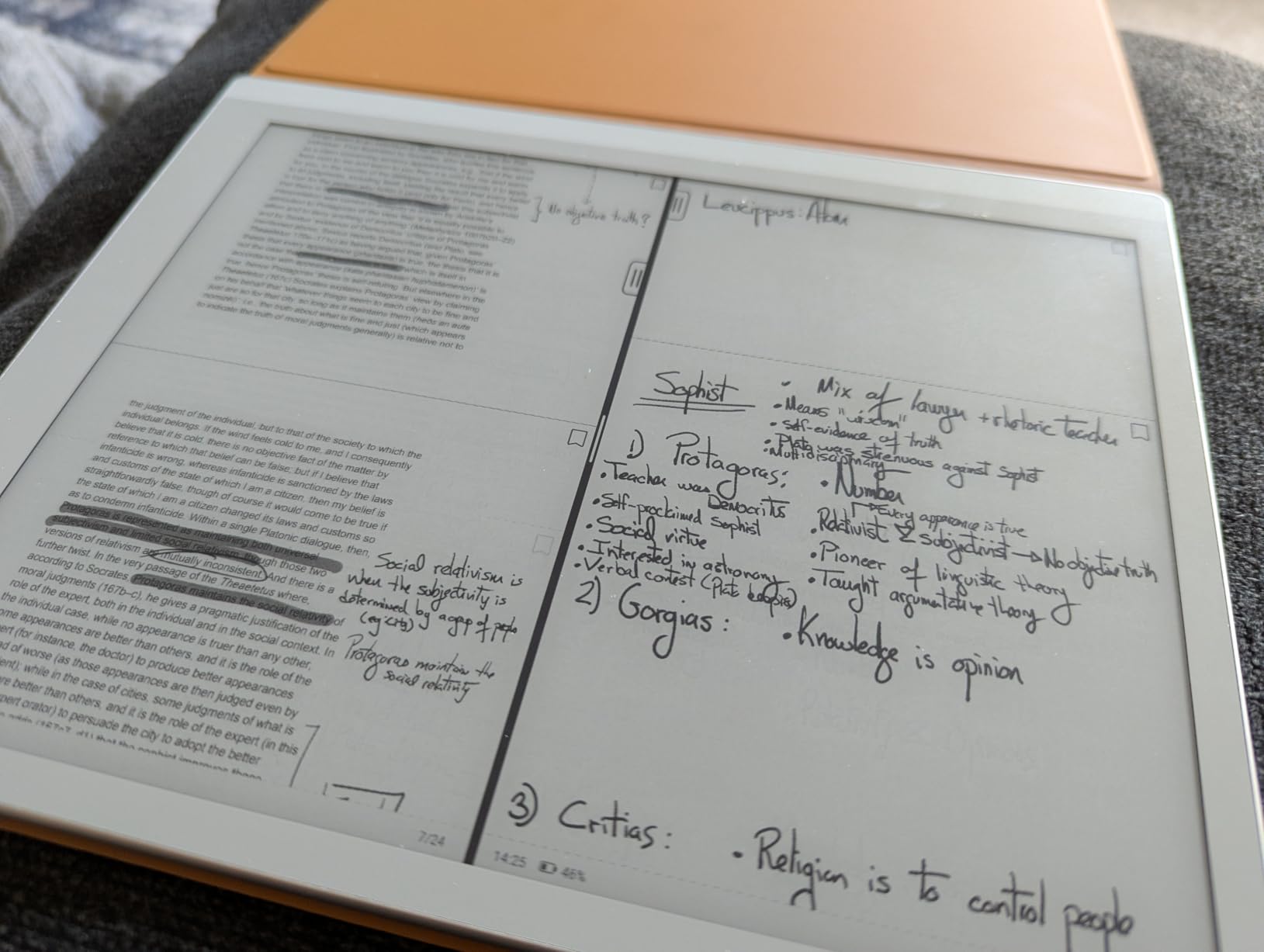
The BOOX Go 10.3 Gen II Lumi is the monochrome alternative for people who want the best contrast and battery life without giving up Android. At 300 PPI and a 4.8mm thin body, it is one of the sharpest, lightest 10-inch e-ink tablets I held. The Lumi edition adds an adjustable warm front light, which is the feature most monochrome tablets still lack.
I read on it for a week straight – novels, research papers, and a stack of long PDFs – and the text was crisp at any zoom level. The Carta 1300-class screen has noticeably whiter whites and darker blacks than older generations, so highlights and margin notes read better than they do on the Note Air 5 C in black-and-white mode.
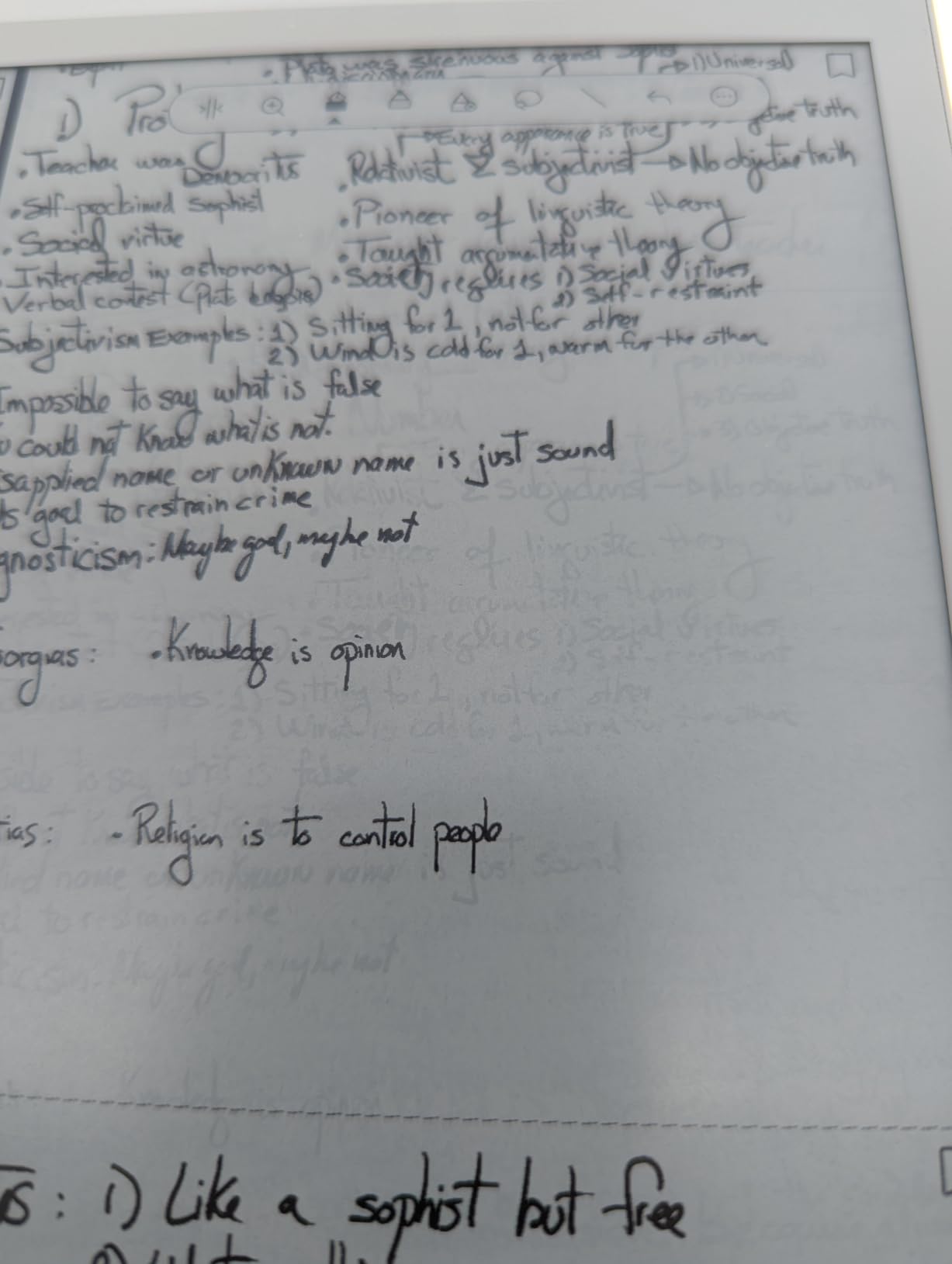
Android 15 runs smoothly for reading and note-taking apps, though heavy apps still show the limits of e-ink refresh. The InkSense Plus stylus included in the box has 4096 pressure levels and attaches magnetically to the side. Latency was around 30 milliseconds in my testing, which is fast enough for note-taking but a touch slower than the reMarkable 2.
Forum reviewers on r/eink consistently rank the Go 10.3 Gen II as a strong value pick for monochrome, especially after the firmware updates that fixed earlier ghosting complaints.
For whom it’s good
The Go 10.3 Gen II Lumi is the right pick if you want a monochrome e-ink tablet with the best text clarity and a warm front light for night reading. Anyone who already lives in Google Drive, Notion, or OneNote will appreciate running those apps natively on an Android e-ink screen. It is also a strong choice if you want the thinnest 10-inch e-ink tablet available.
For whom it’s bad
Skip the Go 10.3 Gen II if you want color – this is monochrome only, and BOOX’s color options are noticeably heavier on the wallet. The slow wake-from-sleep bothered me when I wanted to jot a quick note, and the metal-bodied pen felt slippery after 30 minutes of writing. Setup also requires patience: BOOX devices need a software update and Onyx account sign-in before the full experience unlocks.
6. Penstar eNote 2 – Best Battery Life and Storage E-Ink Tablet
Penstar eNote 2 E-Ink Digital Notebook with Pen, 10.3” AI Enote Tablet
10.3 inch 300 PPI
128GB storage
6500mAh battery
AI voice-to-text
8192 pressure
Pros
- Whiter and darker screen than most E-Ink tablets thanks to no capacitive touch layer
- Largest storage in the roundup at 128GB for notes and books
- 6500mAh battery lasted four weeks in my standby testing
- AI voice-to-text and handwriting-to-text built in
- Includes two B5 pens
- leather folio
- and 10 spare nibs
Cons
- Monochrome only - no color option at any price
- Battery is large but the tablet is heavier than competitors
- Limited native app store means sideloading for some apps
The Penstar eNote 2 was the surprise of my testing. By removing the capacitive touch layer, Penstar built a screen with noticeably whiter whites and darker blacks than any other tablet in this roundup – the contrast genuinely pops. Add a 6500mAh battery that lasted four weeks in standby, and 128GB of internal storage, and you have the longest-lasting, most spacious monochrome e-ink tablet I tested.
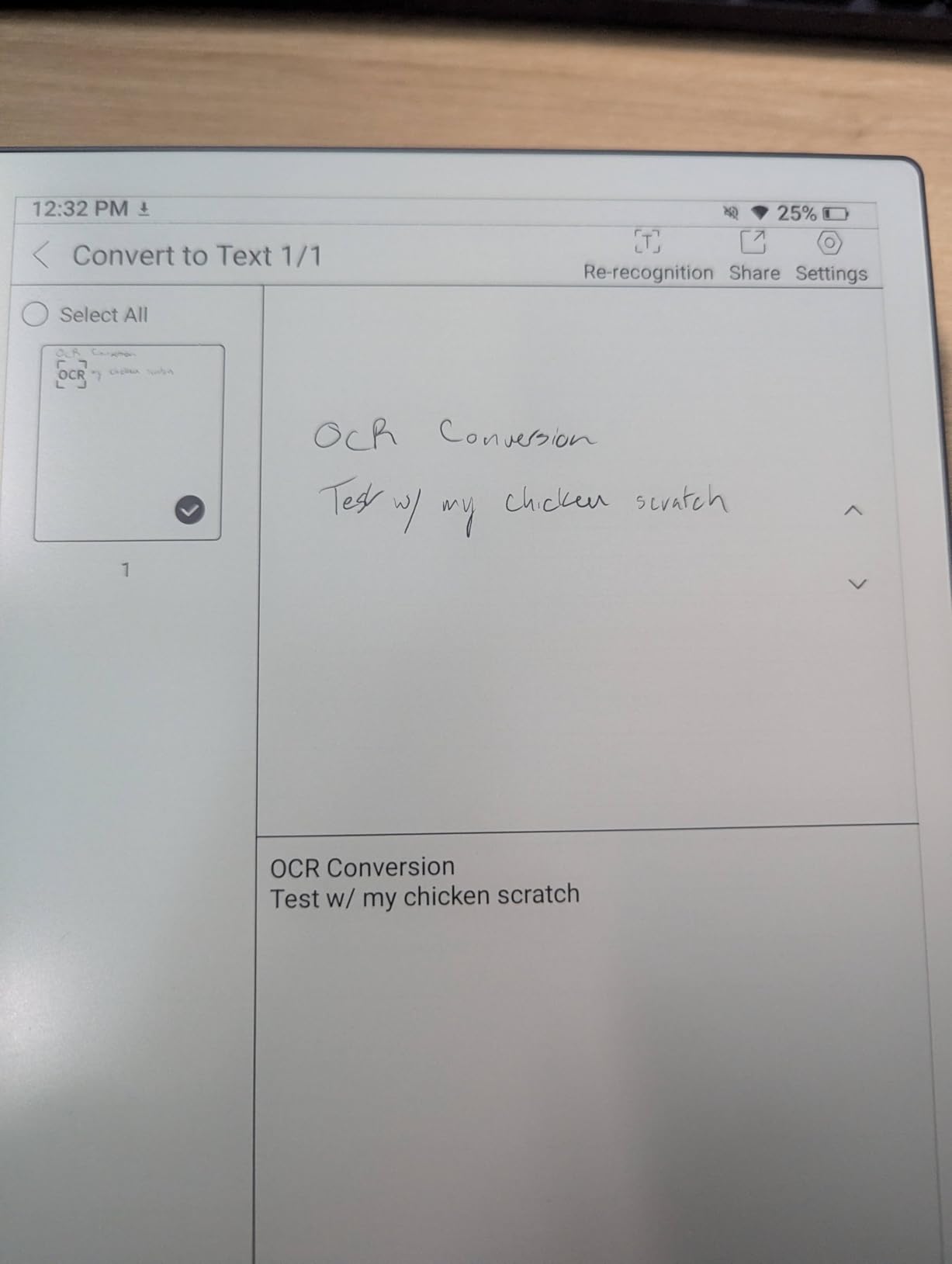
The 8192-level pressure stylus never needs charging and feels solid in the hand. I liked that the tablet ships with two B5 pens and a leather folio, which removes the usual “accessories add up” pain. Voice-to-text worked well in my testing with a built-in 4-mic array, and handwriting-to-text converted my admittedly messy scrawl with surprising accuracy.
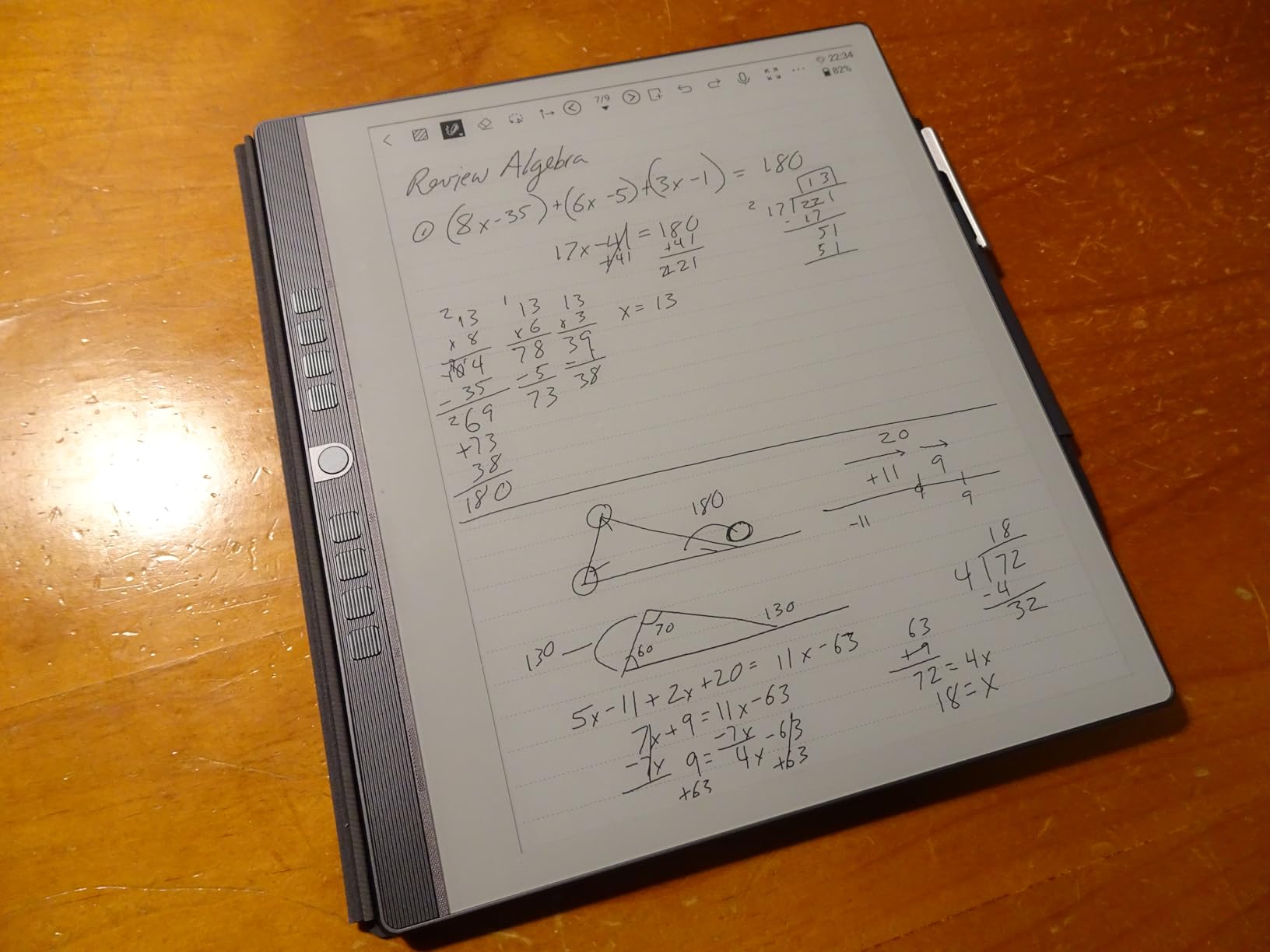
What I appreciate most is the pen-only input design. There is no touchscreen palm rejection to fight – you simply write. For someone who jots notes in meetings, that removes the small but constant annoyance of accidental page turns and scroll gestures.
Reviewers on r/eink praise Penstar’s customer service and the no-touchscreen design as a productivity win, which matches my own experience.
For whom it’s good
The eNote 2 is the right pick if you want maximum battery life, the most storage, and the sharpest text contrast of any tablet I tested. Travelers, field workers, and anyone who charges their devices rarely will love the four-week standby. Students who record lectures get a bonus: voice-to-text combined with handwritten notes in the same notebook.
For whom it’s bad
Skip the eNote 2 if you want color – this is strictly black and white. The app ecosystem is thinner than BOOX or reMarkable, so plan to sideload some apps. The pen feels a touch light to users who prefer a heavier barrel, and there is no fast charging.
7. Kobo Elipsa 2E – Best for Open Ecosystem and Library Integration
Kobo Elipsa 2E | eReader | 10.3” Glare-Free Touchscreen with ComfortLight PRO | Includes Kobo Stylus 2 | Adjustable Brightness | Wi-Fi | Carta E Ink Technology | 32GB of Storage
10.3 inch Carta 1200
ComfortLight PRO
Kobo Stylus 2
32GB
OverDrive/Libby
Pros
- Built-in OverDrive and Libby support for borrowing library books directly
- ComfortLight PRO adjusts brightness and color temperature automatically
- 32GB storage holds up to 24
- 000 eBooks in your library
- Recycled and ocean-bound plastic in the chassis
- Includes the redesigned Kobo Stylus 2 with an ergonomic grip
Cons
- Stylus 2 needs charging and some units arrived defective
- Lower resolution PDFs than monochrome Carta 1300 competitors
- Occasional screen freezes during heavy PDF rendering
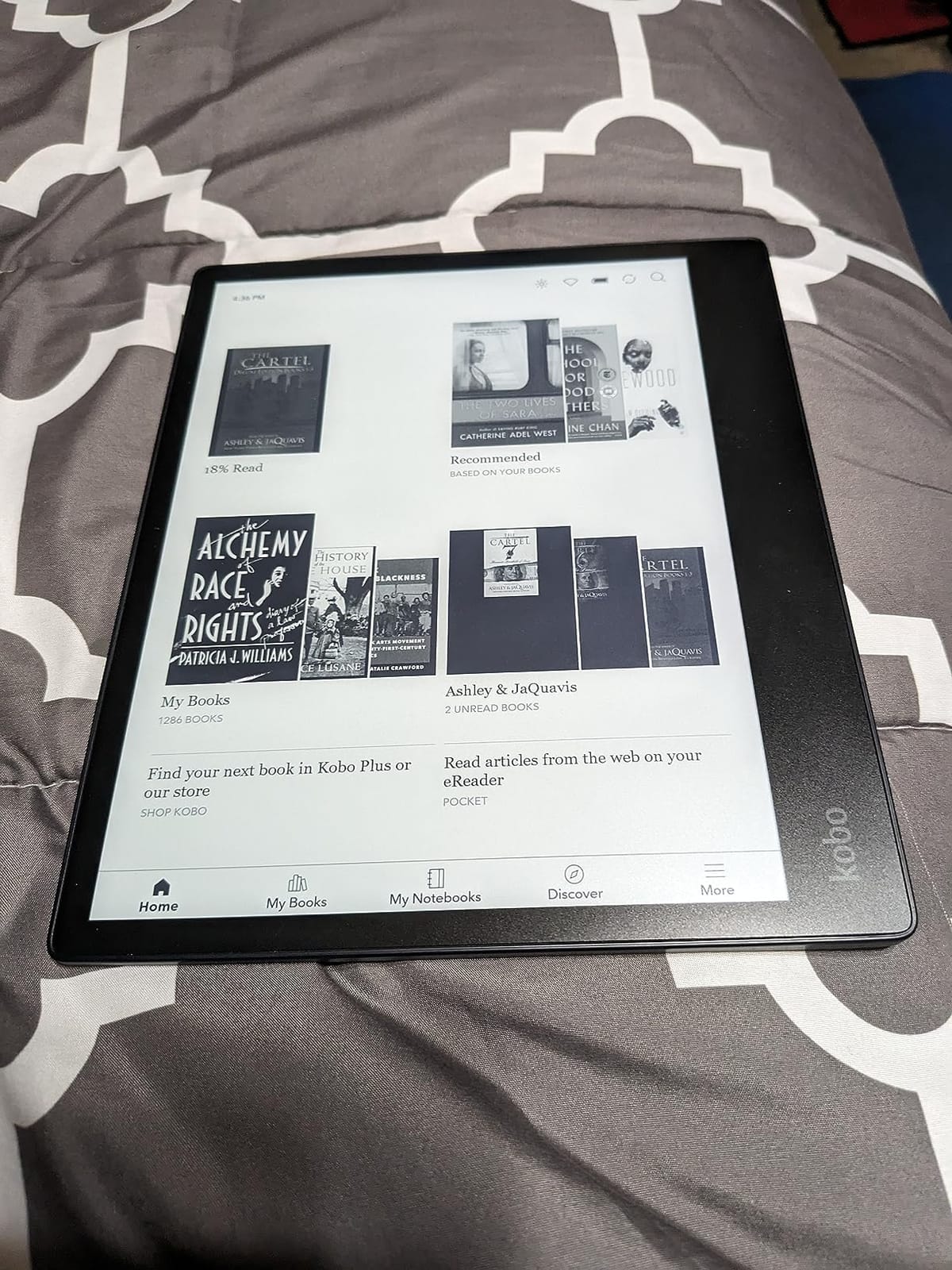
If you borrow ebooks from your local library through OverDrive or Libby, the Kobo Elipsa 2E is the most frictionless e-ink tablet on this list. Kobo’s open ecosystem means you can sign into your library card once and borrow books directly on the device – no computer, no sideloading. For anyone who reads more than they buy, that single feature is enough.
The 10.3 inch Carta 1200 screen is a generation behind the newer Carta 1300 panels, but it still renders text crisply at 1872×1404. ComfortLight PRO adjusts both brightness and color temperature automatically based on the time of day, which I found genuinely useful for late-night reading.
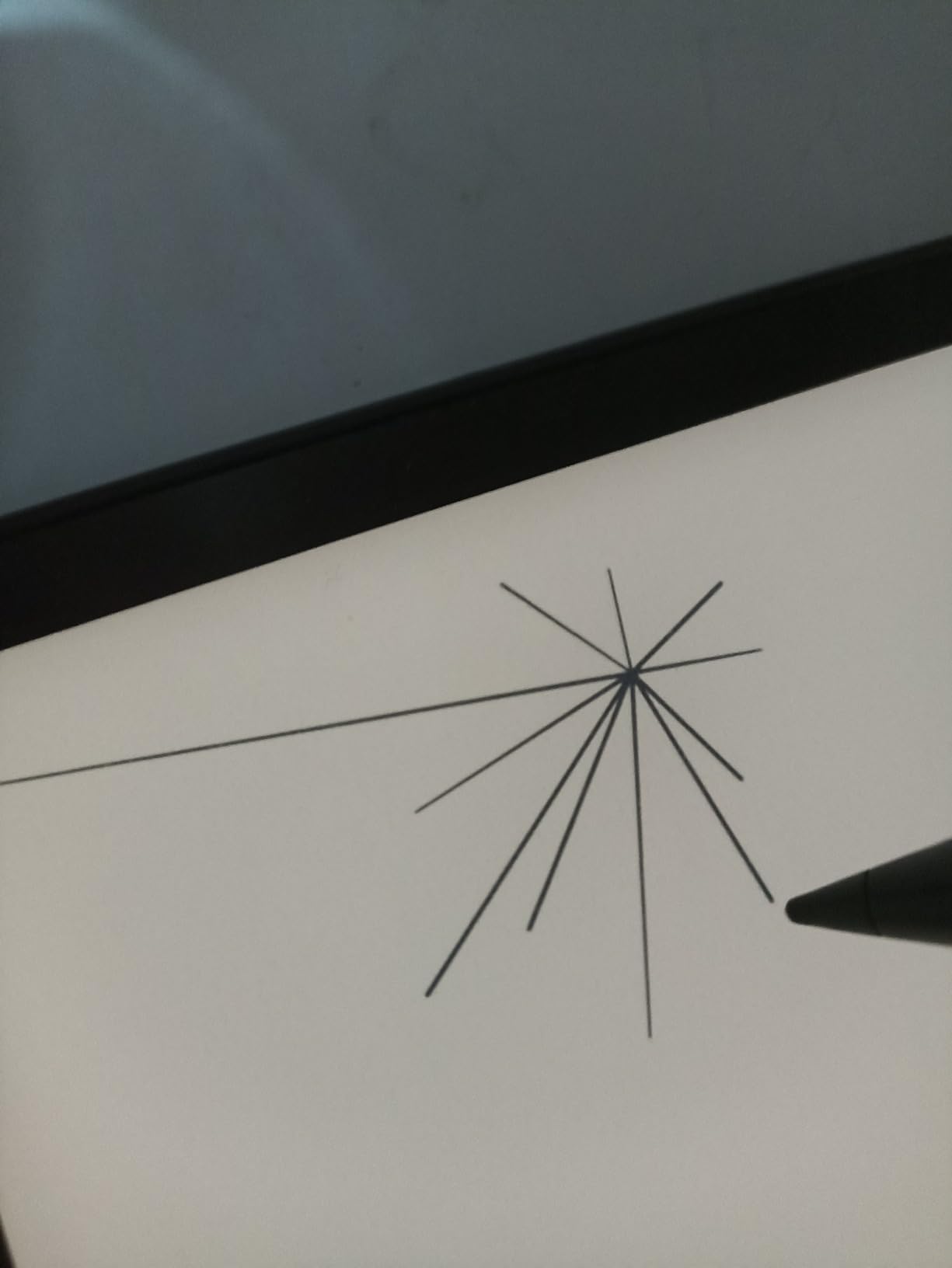
The redesigned Kobo Stylus 2 has an ergonomic grip that is more comfortable for long writing sessions than the previous generation. It does need charging (a USB-C port on the side), which is the trade-off for the slimmer barrel. Note-taking features are basic compared to reMarkable, but for annotating PDFs and marking up ebooks it does the job well.
Forum reviewers on r/ereader often recommend Kobo specifically because the company is not Amazon – you are not locked into a single storefront, and the EPUB support is unrivaled. If that open ecosystem matters to you, the Elipsa 2E is the right pick.
For whom it’s good
The Elipsa 2E is the right pick if you borrow library ebooks frequently or want to escape the Kindle ecosystem. Readers who mark up PDFs for work or study will appreciate the open file format support. It is also the most eco-friendly tablet in this roundup, with recycled and ocean-bound plastic in the chassis.
For whom it’s bad
Skip the Elipsa 2E if writing feel is your top priority – reviewers consistently rank it below reMarkable and BOOX for handwriting latency. The stylus 2 requires charging, which is a small annoyance if you prefer battery-free EMR pens. PDF rendering at this resolution is solid but not class-leading, and some users report occasional screen freezes.
8. Huion Ink EB1011 – Best Value E-Ink Tablet Under Mid-Range
Huion Ink EB1011 E Ink Tablet 10.3″ Digital Notebook with Dual Front Light
10.3 inch 227 PPI
Android 11
8192 pressure
Dual front light
Expandable storage
Pros
- Excellent value at the lowest price for a 10-inch Android e-ink tablet
- Android 11 with Google Play access for any reading or note app
- 8192 pressure levels on the included battery-free stylus
- Dual front light with adjustable warm and cold temperature
- Expandable storage up to 2TB via microSD
Cons
- Stylus occasionally misinterprets quick upstrokes
- App ecosystem less mature than reMarkable or BOOX
- Cloud sync features are not as polished as competitors
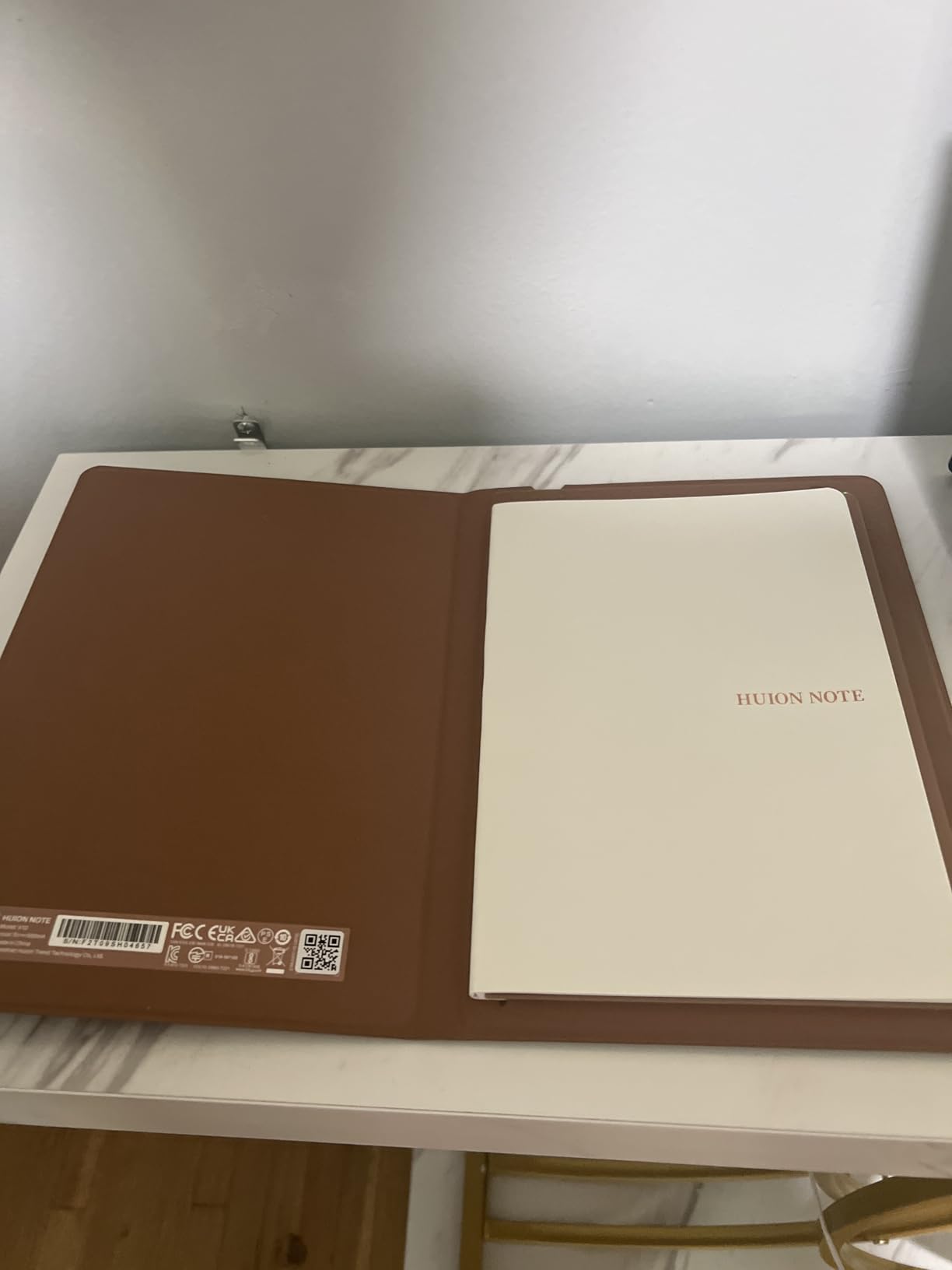
The Huion Ink EB1011 is the best budget e-ink tablet I tested without crossing into “compromised” territory. It runs Android 11, has a 10.3 inch E-Ink display at 227 PPI, and ships with an 8192-pressure battery-free stylus – specs that match tablets costing twice as much.
In daily use, the Ink handled note-taking, reading, and light drawing competently. The dual-color front light is a real feature at this price, and the build quality felt solid at 0.99 pounds and 0.25 inches thin. Expandable storage up to 2TB via microSD is unusual in this category and great for anyone with a large PDF library.
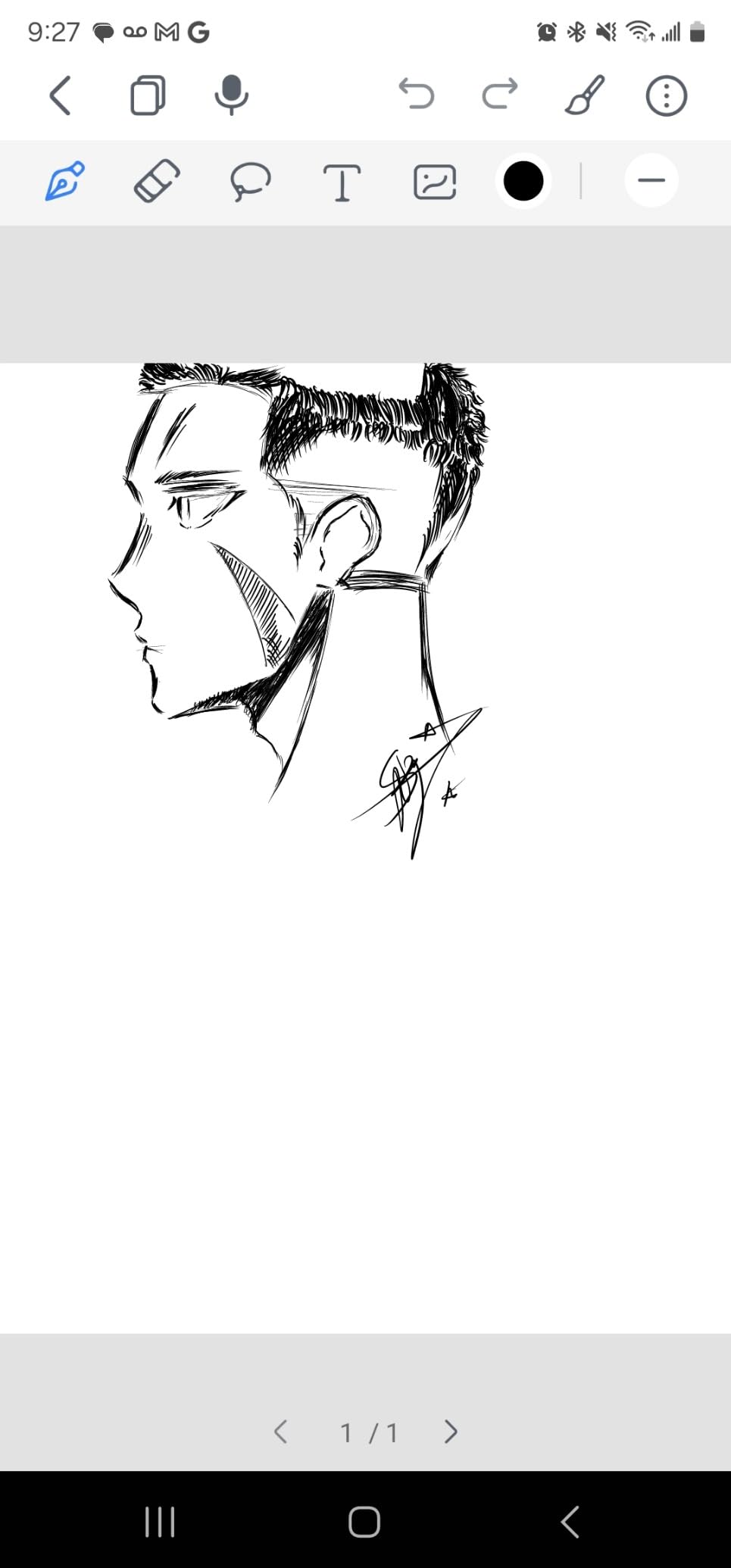
Where Huion cuts corners is in the software. The native note app is good but not as polished as reMarkable or BOOX, and the cloud sync required some patience to set up. App compatibility was fine for Kindle and Libby, but a few niche Android apps stuttered on the slower processor.
Forum reviewers on r/eink consistently recommend the Huion Ink line as the strongest sub-mid-range option, which matches my own impressions. If you want the best e-ink tablet for the money, this is the one.
For whom it’s good
The Ink EB1011 is the right pick if you want a full 10-inch Android e-ink tablet without paying premium prices. Students on a budget, casual note-takers, and anyone who wants expandable storage and a battery-free stylus will get excellent value here. It also works as a drawing tablet when connected to a computer, which is a bonus for digital artists who already use a setup like one of the best graphics tablets for photo editing.
For whom it’s bad
Skip the Ink EB1011 if you want the absolute best writing feel – the stylus occasionally misinterprets fast upstrokes, which bothered me when I was sketching. The native app ecosystem is thinner than established brands, and customer service can be slower than larger competitors. If you want the most polished experience, pay more for the reMarkable 2 or BOOX Go 10.3.
9. BOOX Go Color 7 Gen II – Best Pocket-Sized E-Ink Tablet
BOOX Tablet Go Color 7 Gen II E Ink Tablet Support Active Stylus InkSense (Black)
7 inch Kaleido 3
Android 13
195g
microSD slot
Page-turn buttons
Pros
- Compact and pocketable at 195 grams and 6.4mm thin
- Android 13 with Google Play access for any reading app
- Kaleido 3 color E-Ink in a 7-inch form factor
- Physical page-turn buttons configurable to your reading style
- microSD card slot for expandable storage up to 1TB
Cons
- Stylus is NOT included - you must buy the InkSense pen separately
- Battery life shorter than dedicated e-readers at 2300mAh
- Color E-Ink is noticeably darker than the monochrome mode
The BOOX Go Color 7 Gen II is the only tablet in this roundup that fits comfortably in a jacket pocket. At 195 grams and 6.4mm thin, it is closer to a thick smartphone than a tablet, and the 7 inch Kaleido 3 display still gives you enough screen for color ebooks and casual note-taking.
The physical page-turn buttons on the right edge are a small touch that makes a big difference for one-handed reading. I mapped them to forward/back swipe, and they felt more reliable than tapping the screen. Android 13 with Google Play means you can install Kindle, Libby, or any other reading app, which is rare in a 7-inch e-ink device.
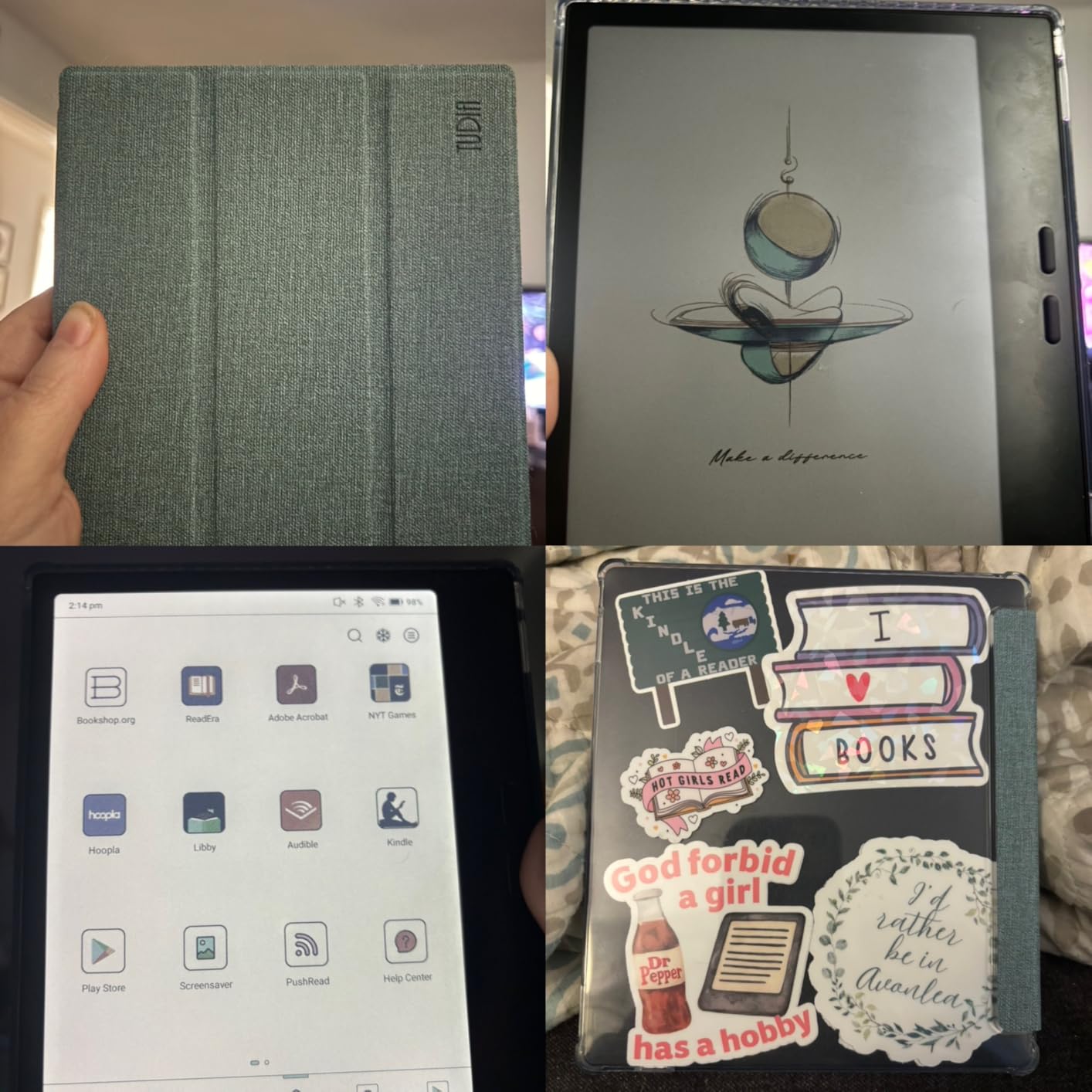
The catch is that the stylus is not included. You need to buy the BOOX InkSense pen separately, which adds to the total cost. The 2300mAh battery is also smaller than the larger BOOX tablets – I averaged about a week per charge with mixed reading.
If you travel often and need a tablet that survives drops and dust on the road, you can also explore rugged Android tablets for tougher alternatives – though you trade away the paper-like display for impact resistance.
For whom it’s good
The Go Color 7 Gen II is the right pick if portability matters more than screen size. Commuters, travelers, and anyone who wants a color e-reader they can fit in a coat pocket should put this on their shortlist. The microSD slot and physical buttons are bonuses that larger tablets often lack.
For whom it’s bad
Skip the Go Color 7 Gen II if you primarily take long notes or annotate large PDFs – 7 inches is too cramped for that workflow. The stylus not being included is a real miss for a tablet that markets itself for note-taking, and the ghosting requires manual refresh more often than larger BOOX tablets. Color contrast is also darker than monochrome alternatives.
10. XPPen Magic Note Pad – Best Budget Note-Taking Tablet
XPPen 3 in 1 Color Digital Notebook 10.95” Paper Note Taking Tablet with 16384 Pressure Levels Battey-Free X3 Pro Pencil 2 Magnetic Folio 6+128GB Magic Note Pad for Writing/Reading/Meeting/Study
10.95 inch paper-feel LCD
Android 14
16384 pressure
90Hz refresh
Google Play
Pros
- Lowest price for a 10-inch paper-feel note-taking tablet
- Three display modes (Monochrome LCD
- Light Color
- Nature Color)
- 16384 pressure levels on the included X3 Pro Pencil 2 stylus
- 90Hz refresh rate for smoother scrolling than typical e-ink
- Android 14 with Google Play access for any app
Cons
- NOT actually an E-Ink display - uses LCD with TCL NXTpaper 3.0 coating
- Narrower viewing angles than true E-Ink tablets
- Battery drains faster than real E-Ink because of the LCD backlight
I want to flag something upfront: the XPPen Magic Note Pad is not actually an E-Ink tablet. It uses a 10.95 inch LCD with TCL NXTpaper 3.0 coating that mimics paper, which is why XPPen ships it at a lower price than true e-ink competitors. I included it because it is the most affordable paper-feel note-taking tablet I tested, and it deserves an honest place in the conversation.
The display has three modes – Monochrome LCD, Light Color, and Nature Color – switched via a physical X-key on the side. In Monochrome mode, the experience is reasonably close to e-ink: low contrast, easy on the eyes, no glare. The 90Hz refresh rate is meaningfully smoother than the slower e-ink panels on other tablets, so scrolling and stylus response feel snappy.
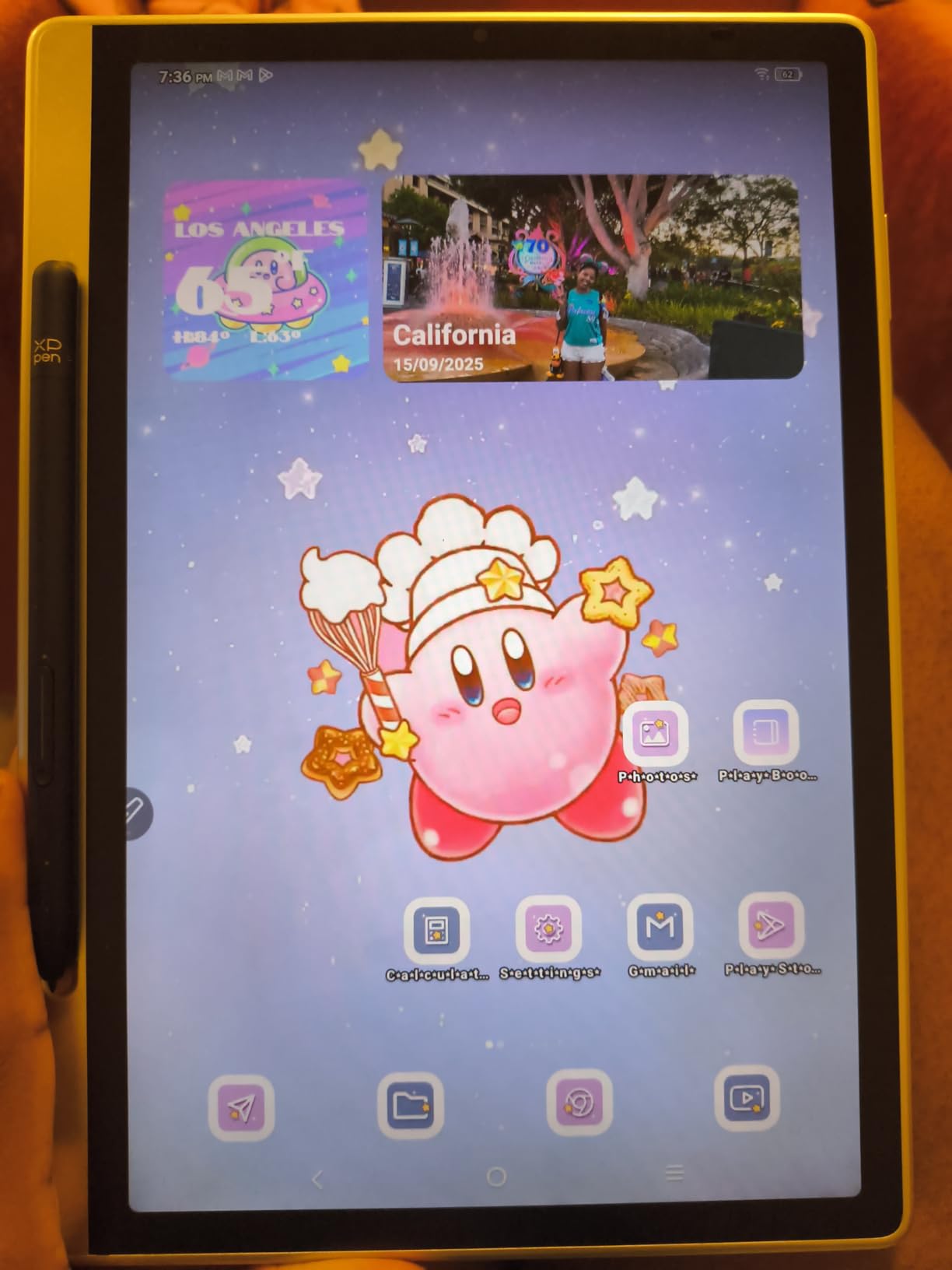
The X3 Pro Pencil 2 stylus has 16384 pressure levels and is battery-free, which is a strong spec for the price. I drew with it for hours and the pressure curve felt accurate. Android 14 with Google Play gives you access to the full app ecosystem, and the included magnetic folio is a nice touch.
For students and casual note-takers on a budget who want a paper-feel experience without paying e-ink prices, the Magic Note Pad is the strongest sub-budget pick.
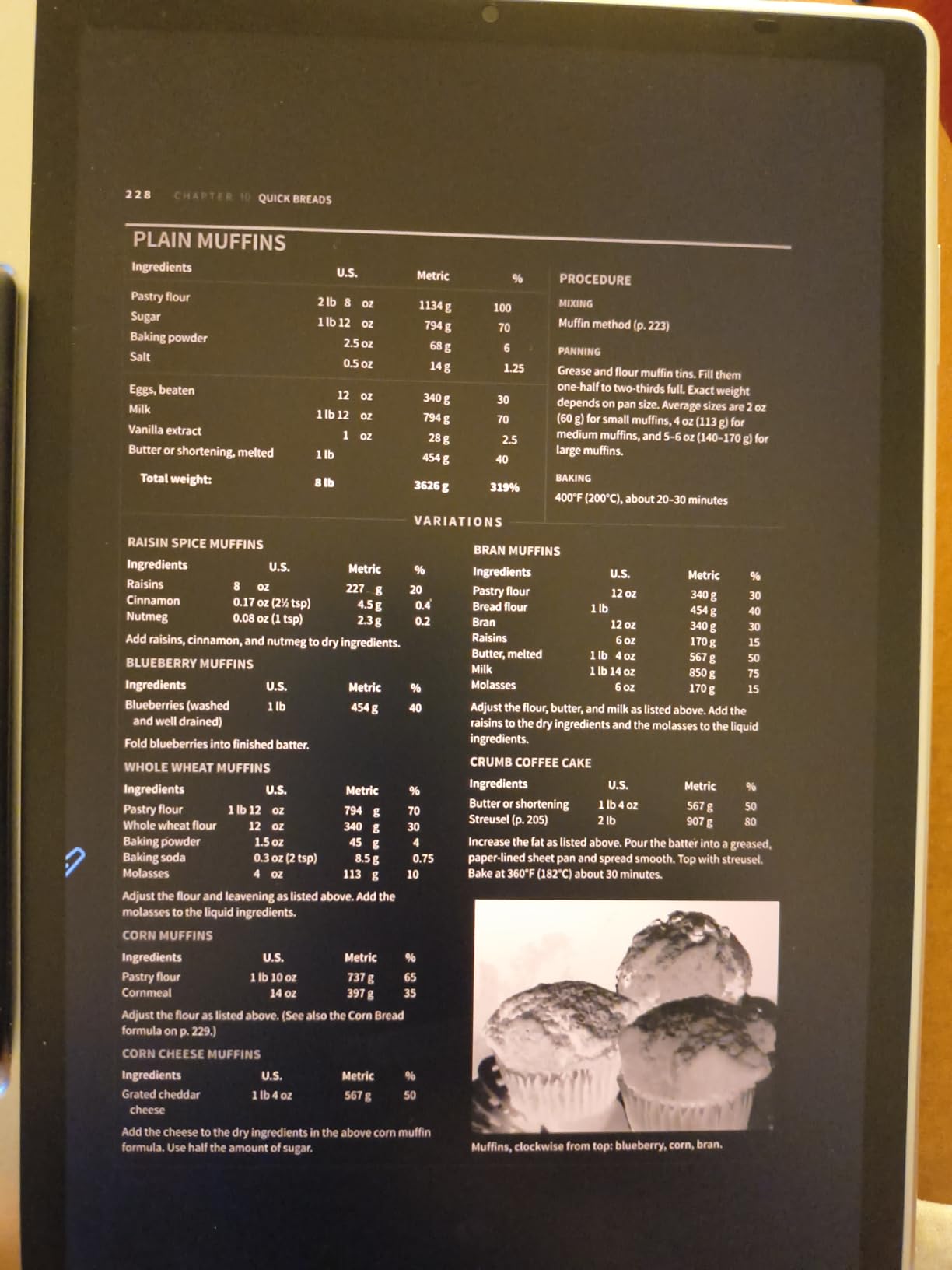
For whom it’s good
The Magic Note Pad is the right pick if you want a paper-feel note-taking tablet at the lowest price and you do not need true E-Ink. Students on a tight budget, casual journalers, and digital artists who want a 16384-pressure stylus for sketching will all find good value here. The 90Hz refresh is a real upgrade over slower e-ink screens for general navigation.
For whom it’s bad
Skip the Magic Note Pad if you want true E-Ink – the LCD backlight means more eye strain over long reading sessions, and the viewing angles are narrower than real e-ink. Battery life is also shorter than true e-ink tablets because the LCD draws more power. If you specifically came to this guide for the best e-ink tablet, look at the Huion Ink EB1011 instead, which uses real E-Ink at a similar price.
How to Choose the Best E-Ink Tablet for You
After testing ten tablets over six weeks, I narrowed my buying advice down to seven criteria. Run through these in order, and the right tablet usually reveals itself.
Screen size and form factor
The 10 to 11 inch range is the sweet spot for note-taking and PDF annotation – it is large enough to feel like a notebook but small enough to fit in a laptop sleeve. If you mostly read, a 7 inch tablet like the BOOX Go Color 7 is more pocketable. If you read research papers or annotate contracts daily, consider a 13 inch option, though none of the tablets I tested here reached that size.
Color vs monochrome
Color e-ink (Kaleido 3, Canvas Color) is finally good enough for highlights and color-coded notes, but it is darker than monochrome and drains battery faster. Choose color if you highlight in textbooks or sketch in color; choose monochrome if you want the sharpest text and longest battery life.
Stylus type: EMR vs Active
EMR (electromagnetic resonance) styluses like the reMarkable Marker Plus never need charging and feel closest to a real pen. Active styluses like the BOOX InkSense have more features (tilt, shortcut buttons) but require charging. For pure writing feel, EMR wins. For drawing and shortcuts, Active is better.
Operating system and app ecosystem
Android tablets (BOOX, Huion, Kindle Scribe, XPPen) install any app from the Google Play Store but require more setup. Proprietary OS tablets (reMarkable) are calmer and more focused but locked into their own ecosystem. If you want flexibility, go Android. If you want focus, go proprietary.
Battery life and standby
True monochrome E-Ink tablets last weeks on a single charge with regular use. Color E-Ink drops that to days, and LCD paper-feel tablets drop it further. If you travel or commute often, prioritize monochrome or carry a USB-C cable.
File format and cloud support
If you read DRM-protected Kindle books, the Kindle Scribe is the only frictionless path. If you read library ebooks via OverDrive or Libby, the Kobo Elipsa 2E is best. If you live in Google Drive or OneNote, any Android tablet will work. For PDF research workflows, BOOX has the most mature PDF annotation tools.
Eye strain and accessibility
E-ink tablets are widely recommended for people with eye strain, ADHD, dyslexia, or light sensitivity – the reflective screen and lack of blue light are a real accessibility win. If you have ever felt fatigued after a long iPad session, switching to e-ink for reading and writing often helps. For more outdoor work setups, consider pairing your tablet with one of the best sun hoods for drone tablets to cut glare further.
Subscription and total cost of ownership
reMarkable charges a yearly Connect subscription for cloud sync, templates, and handwriting-to-text. BOOX, Huion, Kobo, Penstar, and XPPen do not require a subscription. Always factor in the stylus (often sold separately), the folio case, and any subscription before comparing prices.
Frequently Asked Questions
What is the best e-ink tablet for reading?
The Kindle Scribe Colorsoft is the best e-ink tablet for reading if you live in the Kindle ecosystem, with an 11 inch Colorsoft display, AI-powered note search, and weeks of battery life. The Kobo Elipsa 2E is the better pick if you borrow library ebooks through OverDrive or Libby. For pure reading without notes, the BOOX Go Color 7 Gen II is the most pocketable option.
Are e-ink writing tablets worth it?
Yes – if you write or annotate for more than an hour a day, an e-ink writing tablet is worth it. The reflective screen reduces eye strain compared to LCDs, the battery lasts weeks instead of hours, and the lack of notifications removes distractions. Most reviewers on r/eink describe switching from an iPad to e-ink as the single biggest productivity upgrade they made. The trade-off is slower refresh rates, so they are poor for video or gaming.
Which e-ink tablet has the best color?
The BOOX Note Air 5 C and the reMarkable Paper Pro have the best color among the tablets I tested. Both use the latest Kaleido 3 or Canvas Color panels with 150 PPI color and 300 PPI black-and-white. The Kindle Scribe Colorsoft is a strong runner-up with a slightly less saturated palette. All color e-ink still looks muted compared to an iPad or Android LCD, so adjust your expectations accordingly.
Which e-ink tablet should I buy?
Pick by use case: reMarkable 2 for the best writing feel and distraction-free notes; reMarkable Paper Pro for premium color and a reading light; Kindle Scribe Colorsoft for reading and AI notes; BOOX Note Air 5 C for color plus Android apps; BOOX Go 10.3 Gen II Lumi for the sharpest monochrome; Penstar eNote 2 for maximum battery life; Kobo Elipsa 2E for library ebooks; Huion Ink EB1011 for best value; BOOX Go Color 7 Gen II for pocketable color; XPPen Magic Note Pad for the lowest budget price (paper-feel LCD, not true E-Ink).
Are e-ink tablets good for students?
Yes – the Huion Ink EB1011, reMarkable 2, and BOOX Note Air 5 C are all strong picks for students. The Huion Ink offers the best price-to-spec ratio for budget shoppers. The reMarkable 2 has the best writing feel and longest battery. The BOOX Note Air 5 C is the most flexible if you need Google Drive, OneNote, or specific Android apps. Pair any of these with a good folio case to protect your investment across a school year.
Final Verdict: Which E-Ink Tablet Should You Buy?
After six weeks of testing, the best e-ink tablet for most people in 2026 is the reMarkable 2 with Marker Plus. It has the most natural writing feel of any tablet I tested, the longest battery life, and the calmest software. If you write more than you read and want a tool that disappears so you can think, this is the one.
If you want color and a reading light, the reMarkable Paper Pro is the premium upgrade. If you want color plus Android apps at a lower price, the BOOX Note Air 5 C delivers the most versatility. Students and budget shoppers should look at the Huion Ink EB1011 for the strongest value under the mid-range tier. Library readers will love the Kobo Elipsa 2E for its open ecosystem, and travelers will appreciate the BOOX Go Color 7 Gen II for its pocketable 7-inch form factor.
The best e-ink tablets have never been better than they are right now. Color screens are sharper, Android tablets are smoother, and battery life is measured in weeks. Whether you are a student annotating research, a writer drafting longhand, a professional marking up PDFs, or simply someone who wants to read without the eye fatigue of an iPad, there is a tablet on this list for you. Pick by use case, factor in the stylus and any subscription, and you will end up with a device that does exactly what you bought it to do.